Overview
Teletubbies: Horror 3D — PS1-style First-Person Horror Game
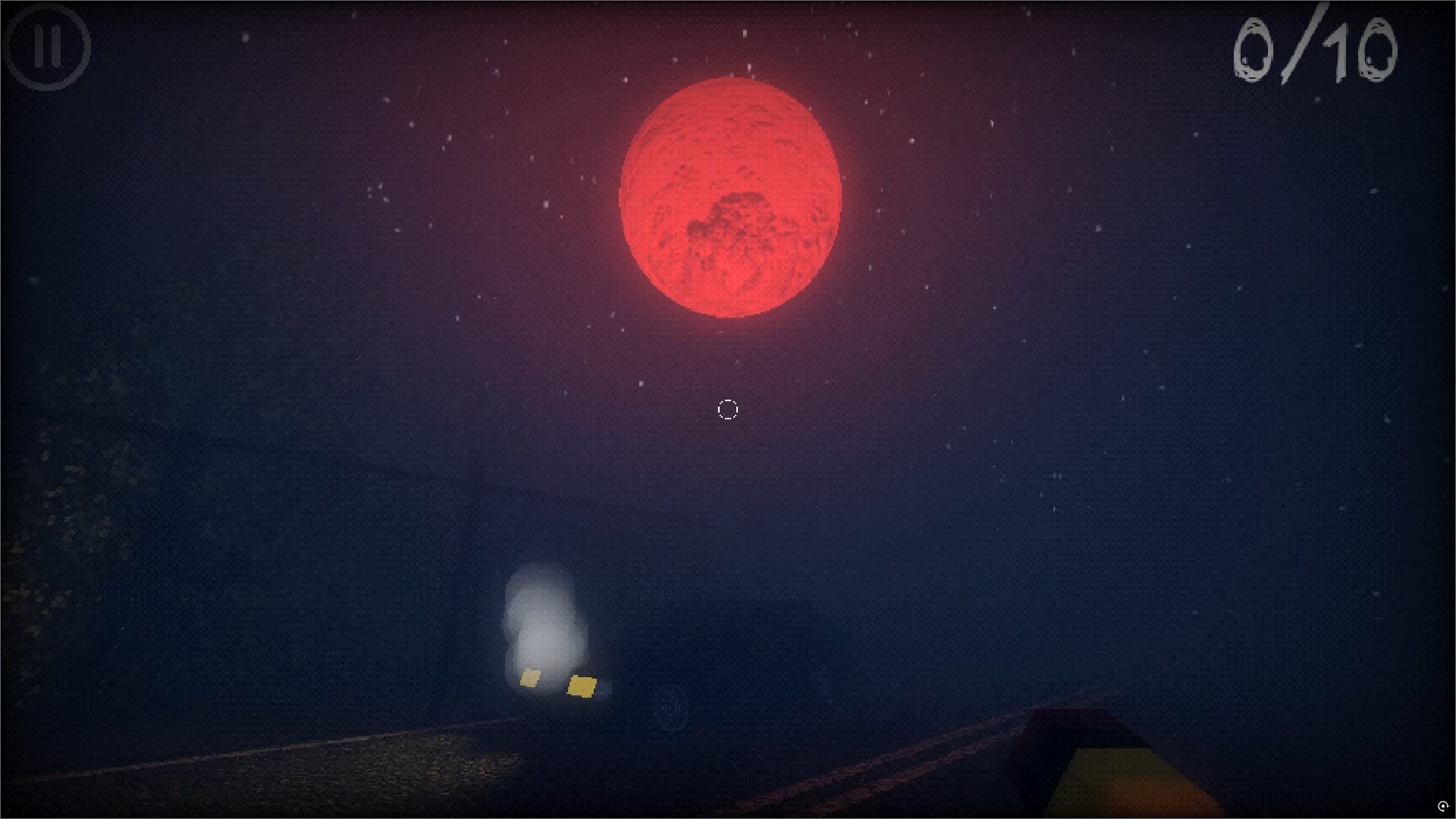
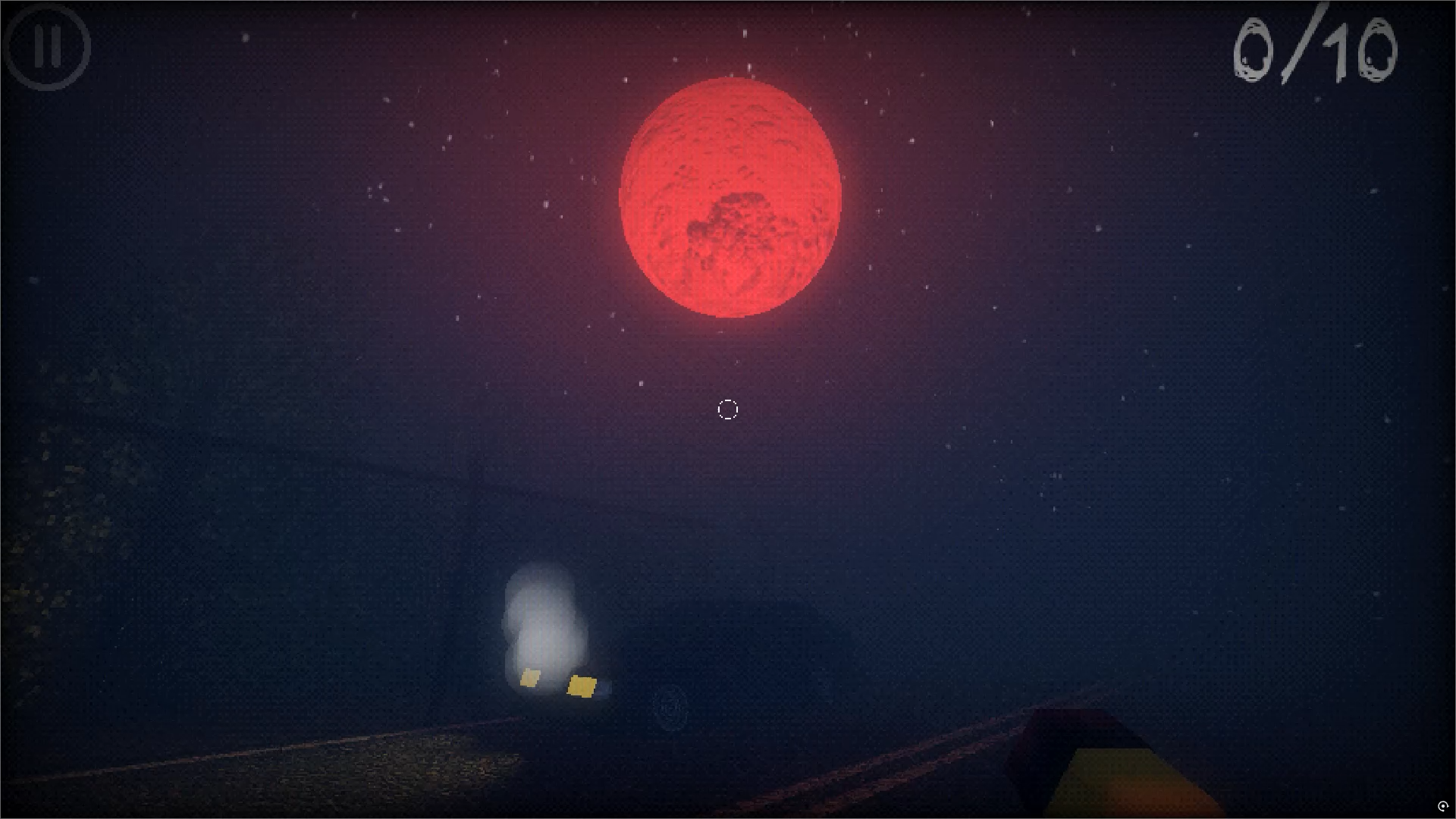
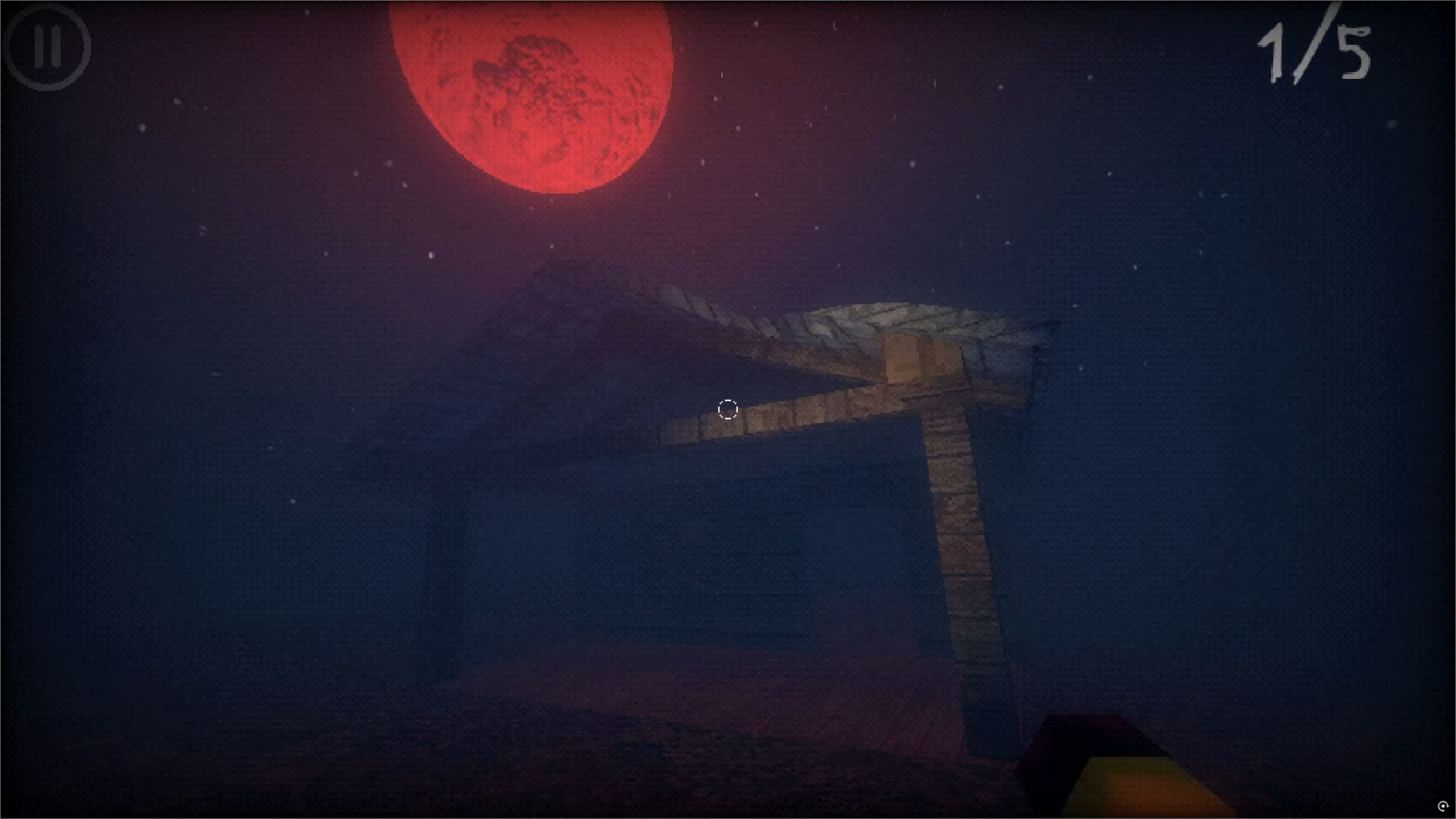
You were driving home late at night, taking a shortcut along an unfamiliar road. The moon hung unnaturally low, glowing with an ominous red light. Suddenly — a dull thud. You hit something. With trembling hands, you open the door and step outside to see what you struck. But there's nothing on the asphalt. No blood, no traces. Only silence and that crimson moon, now looming like a giant eye watching your every move.
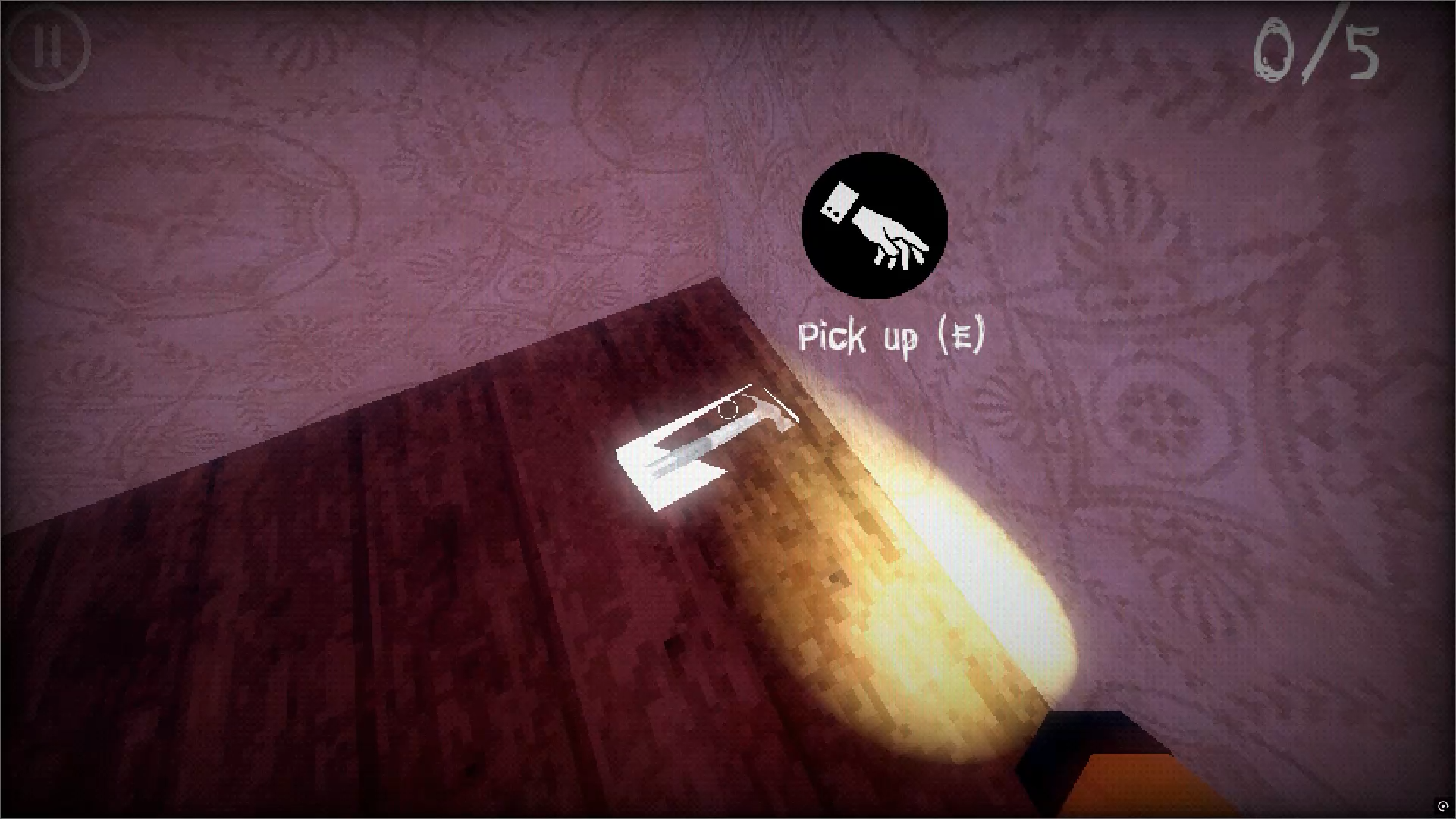
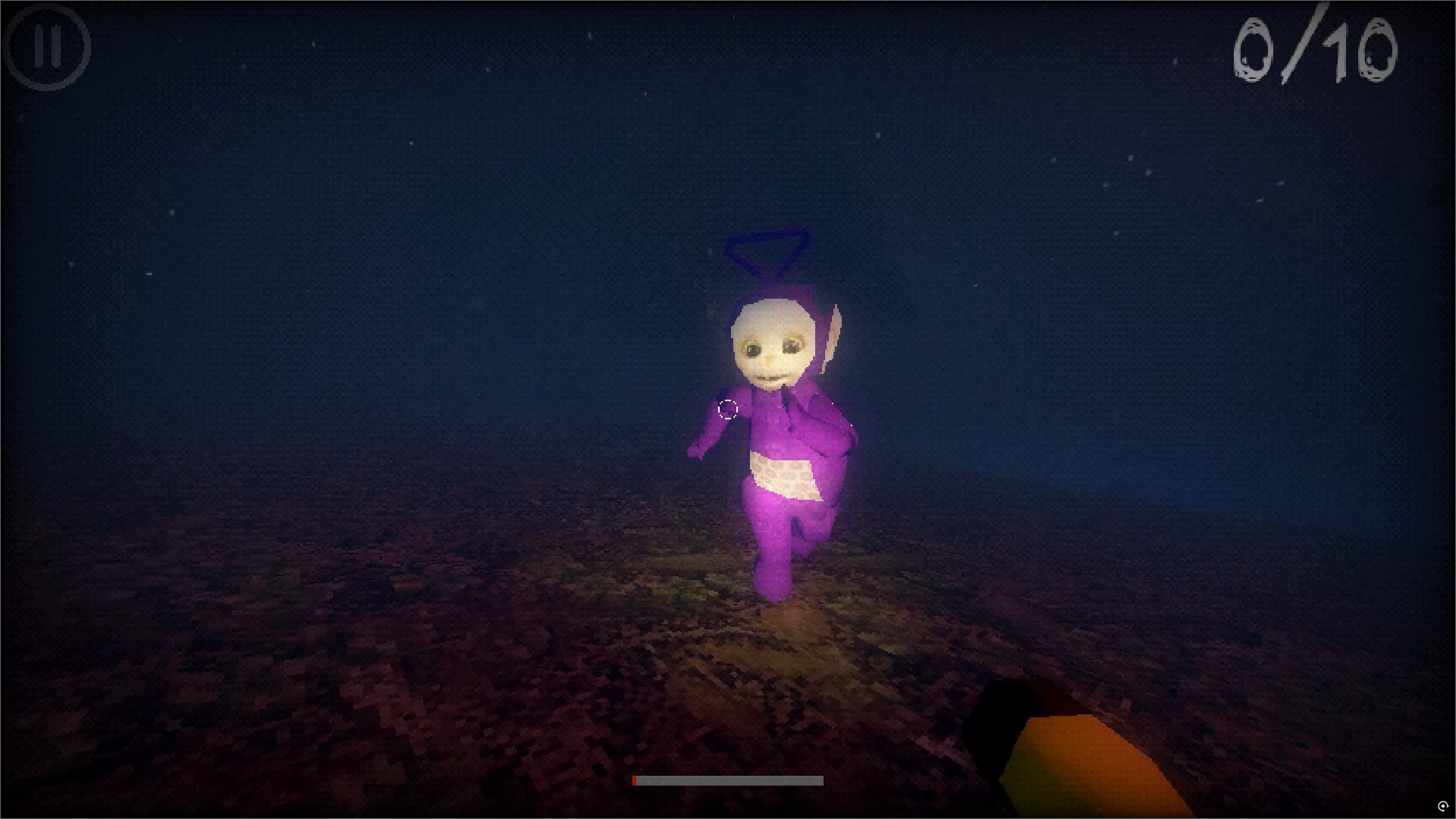
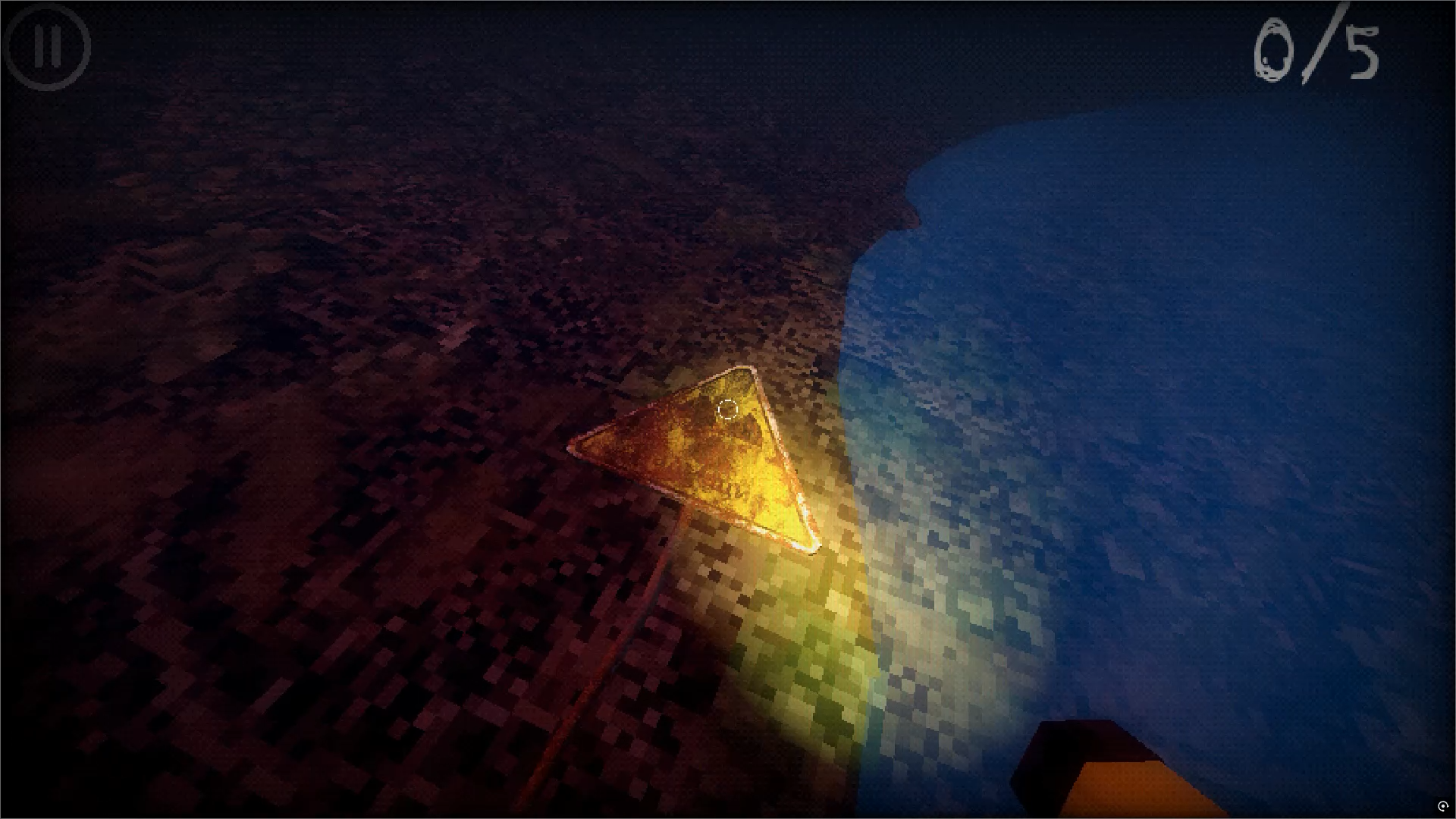
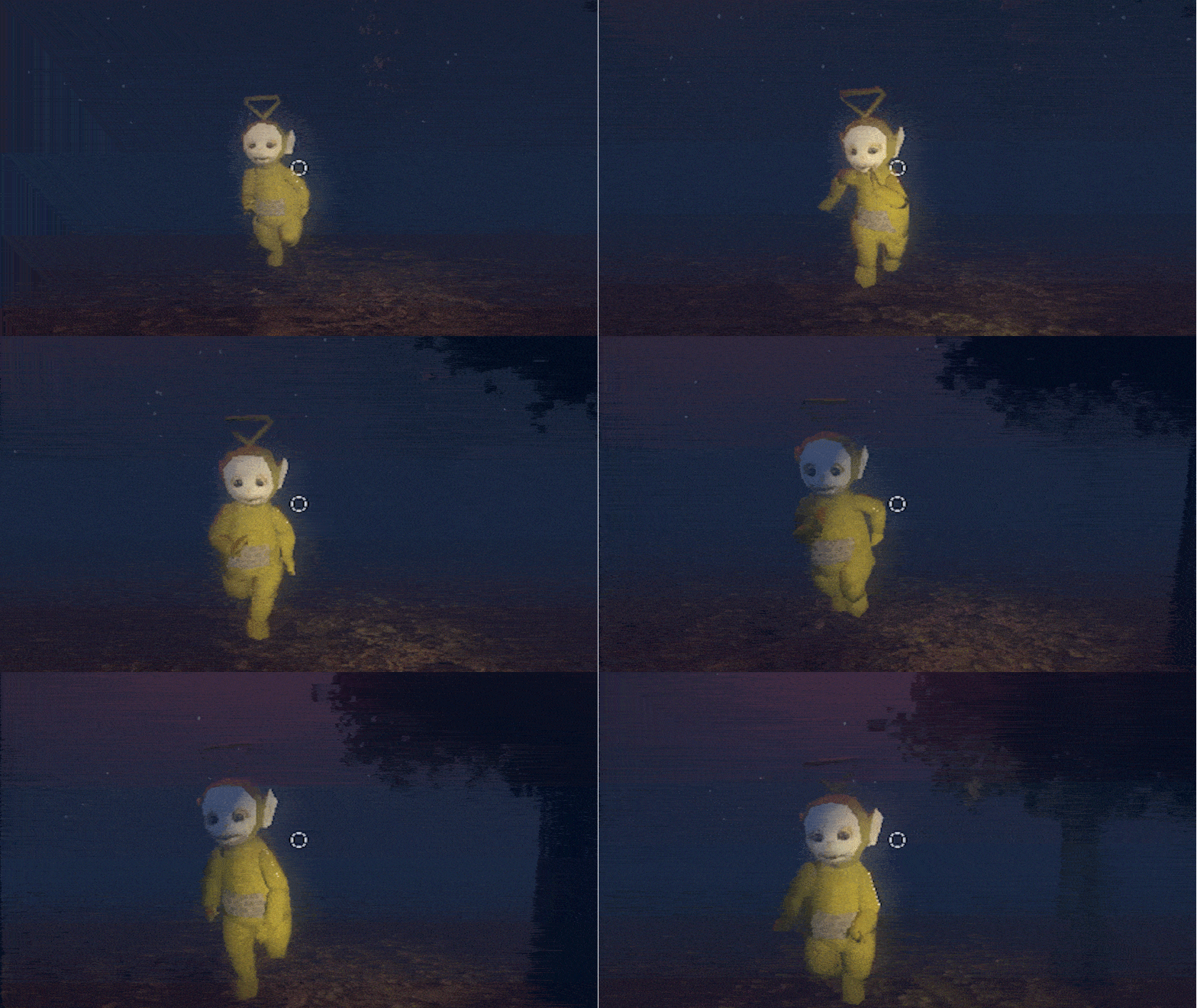
You get back in the car, trying to calm yourself, but the engine won't start. And when you look up — you realize you're somewhere you shouldn't be. A forest surrounds you. From the darkness, footsteps approach.
To escape, you must gather all the necessary items and repair the car. But every move you make draws the attention of the inhabitants of this nightmare place. Can you uncover what truly happened here and drive away before the red moon consumes you for good?
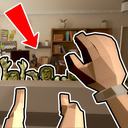
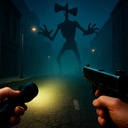
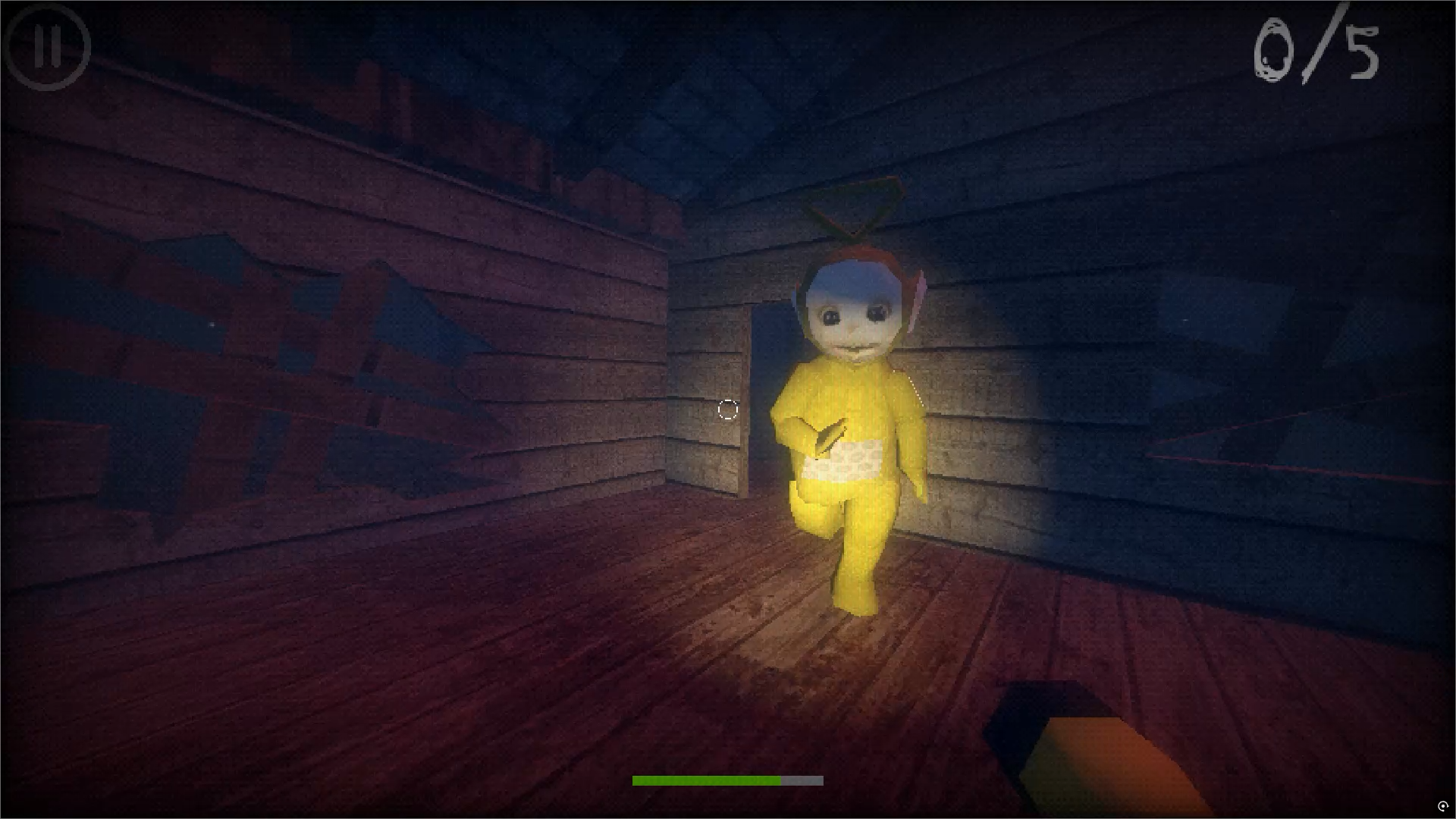
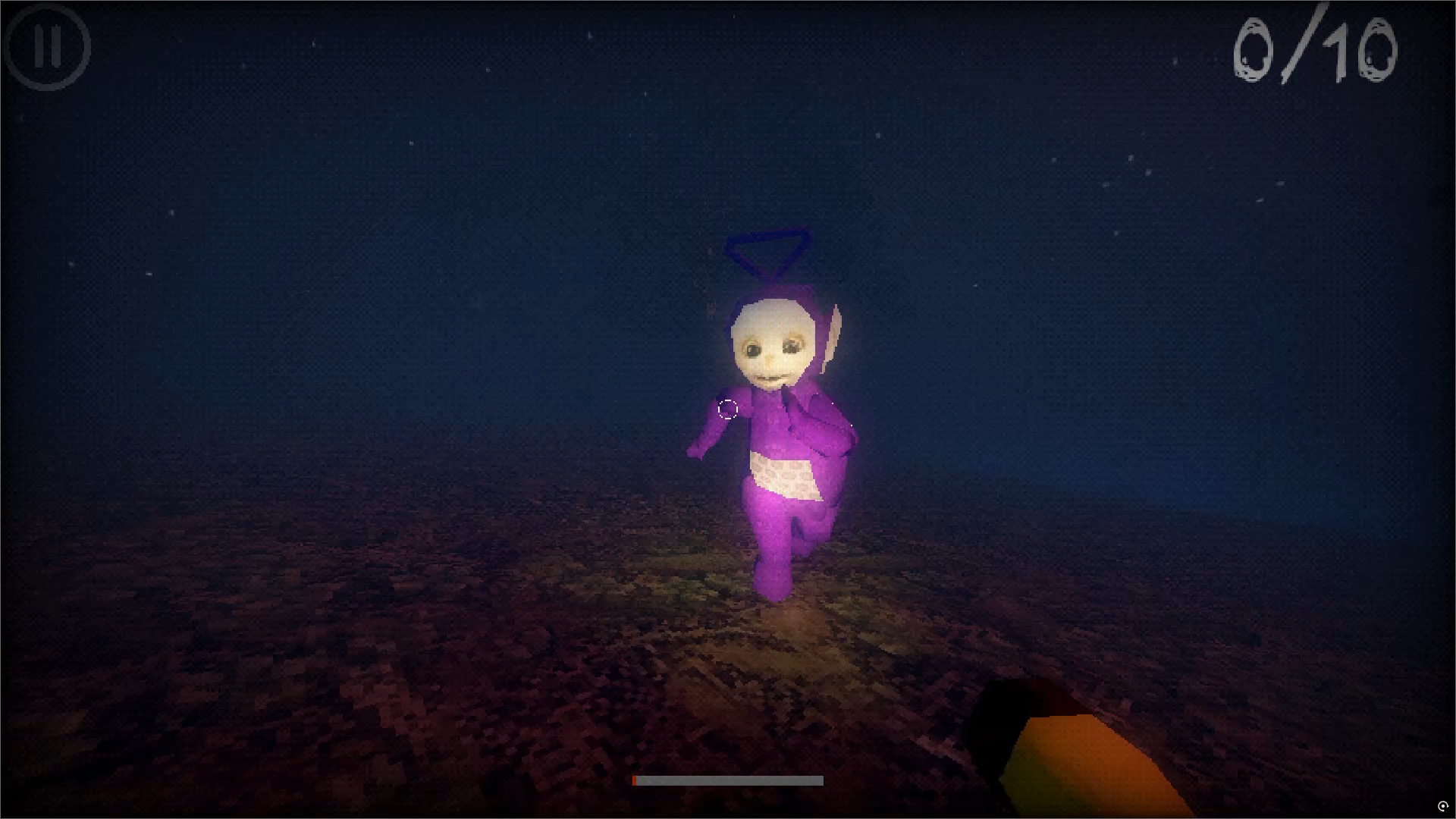
Videos and screenshots
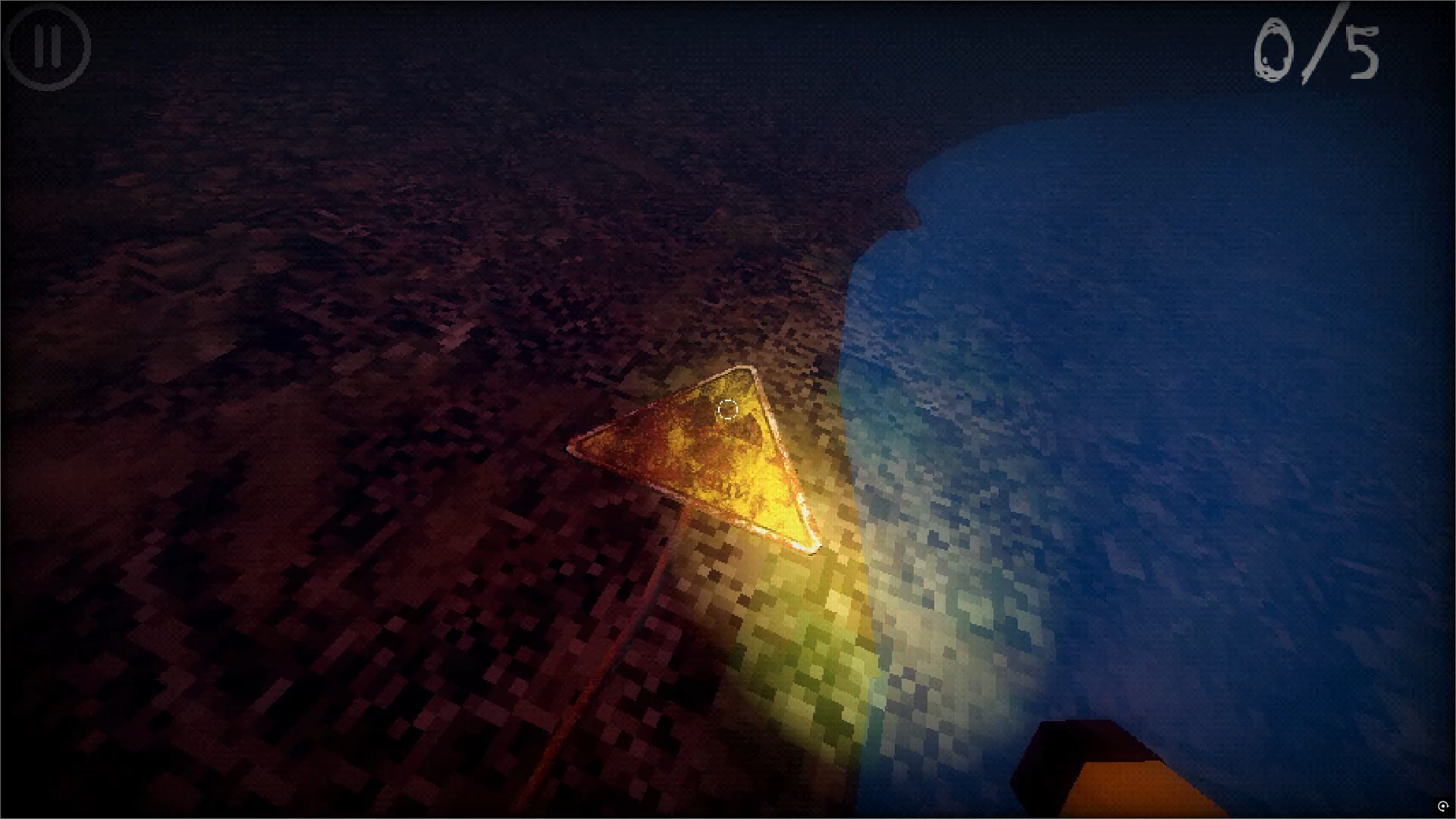
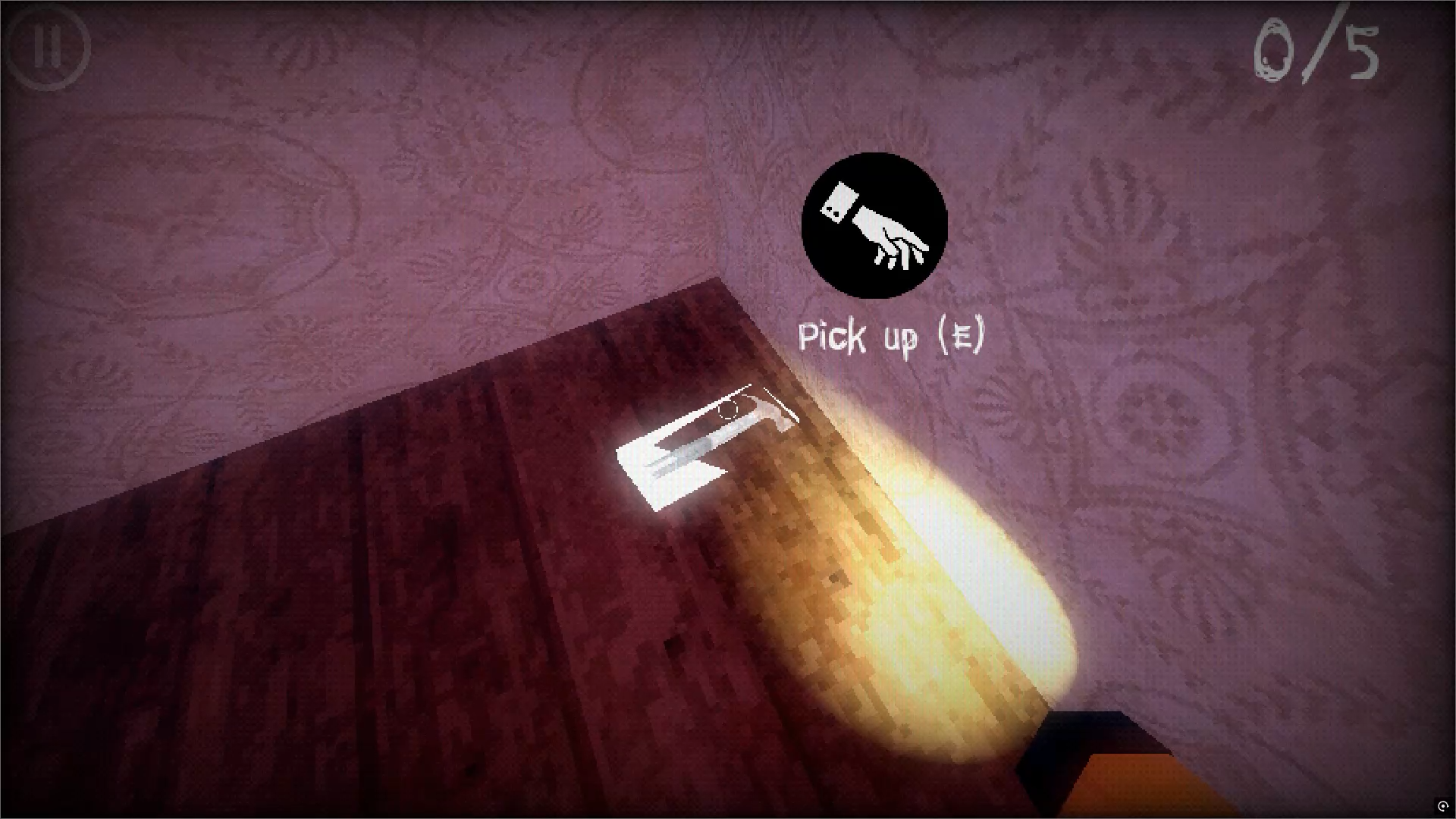
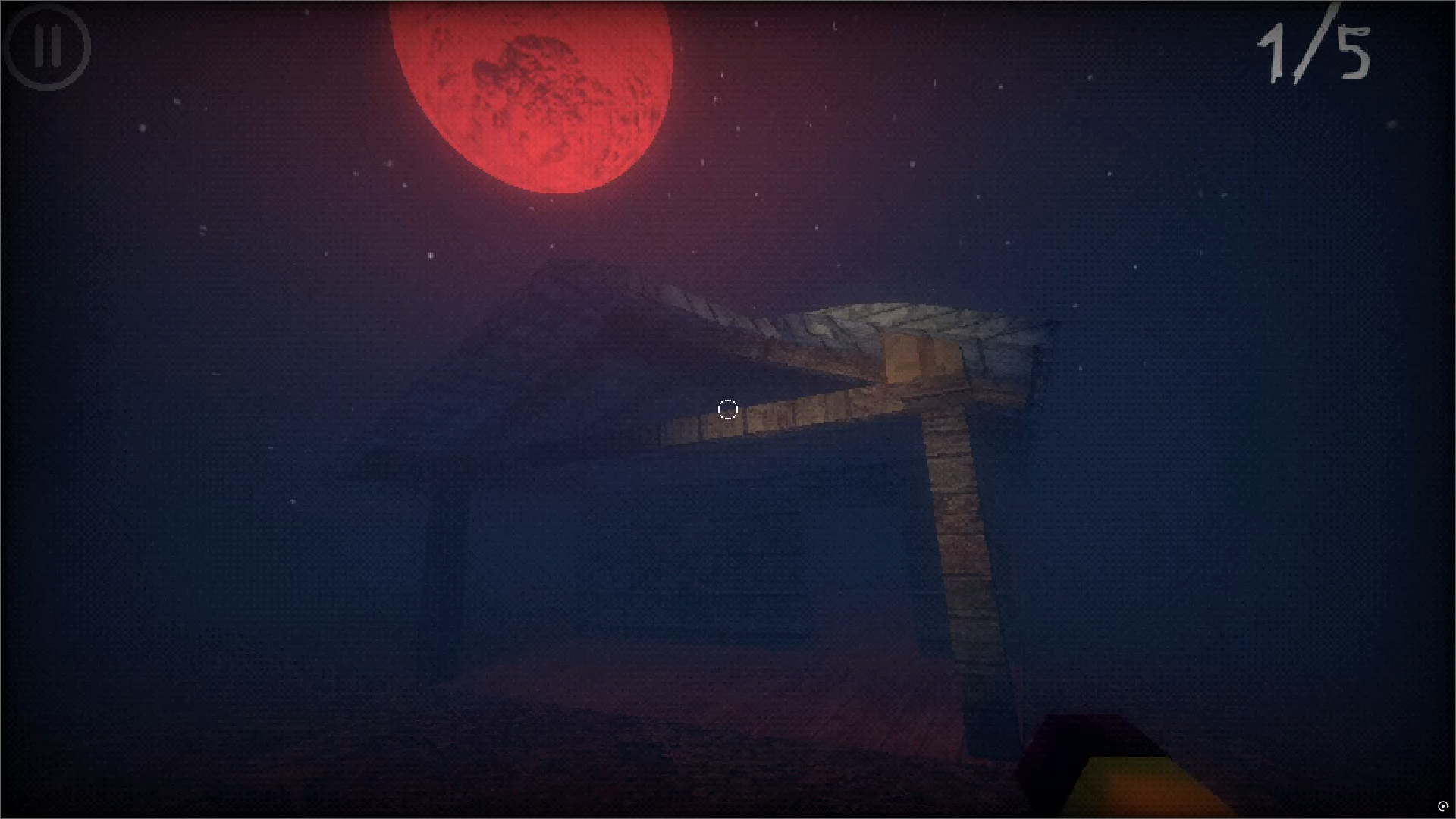
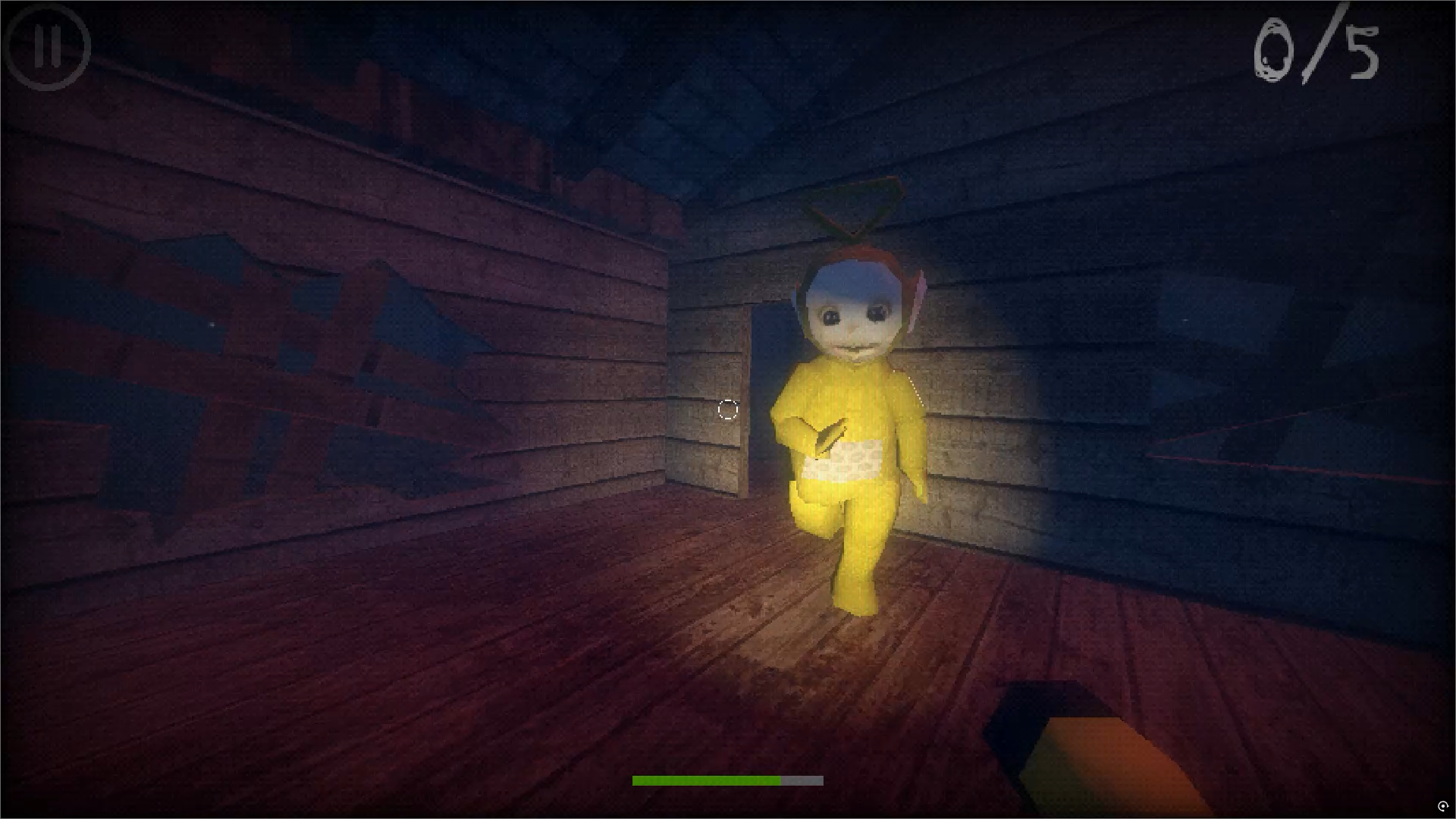
14,323 players online
How to play
-
Open the game
Press Play now and the game opens on its own screen.
-
Follow the in-game instructions
The controls and goals are shown inside the game as you play.
-
Use the game menu
The floating button over the game reloads it, saves it to your favourites, or takes you back out.