Overview
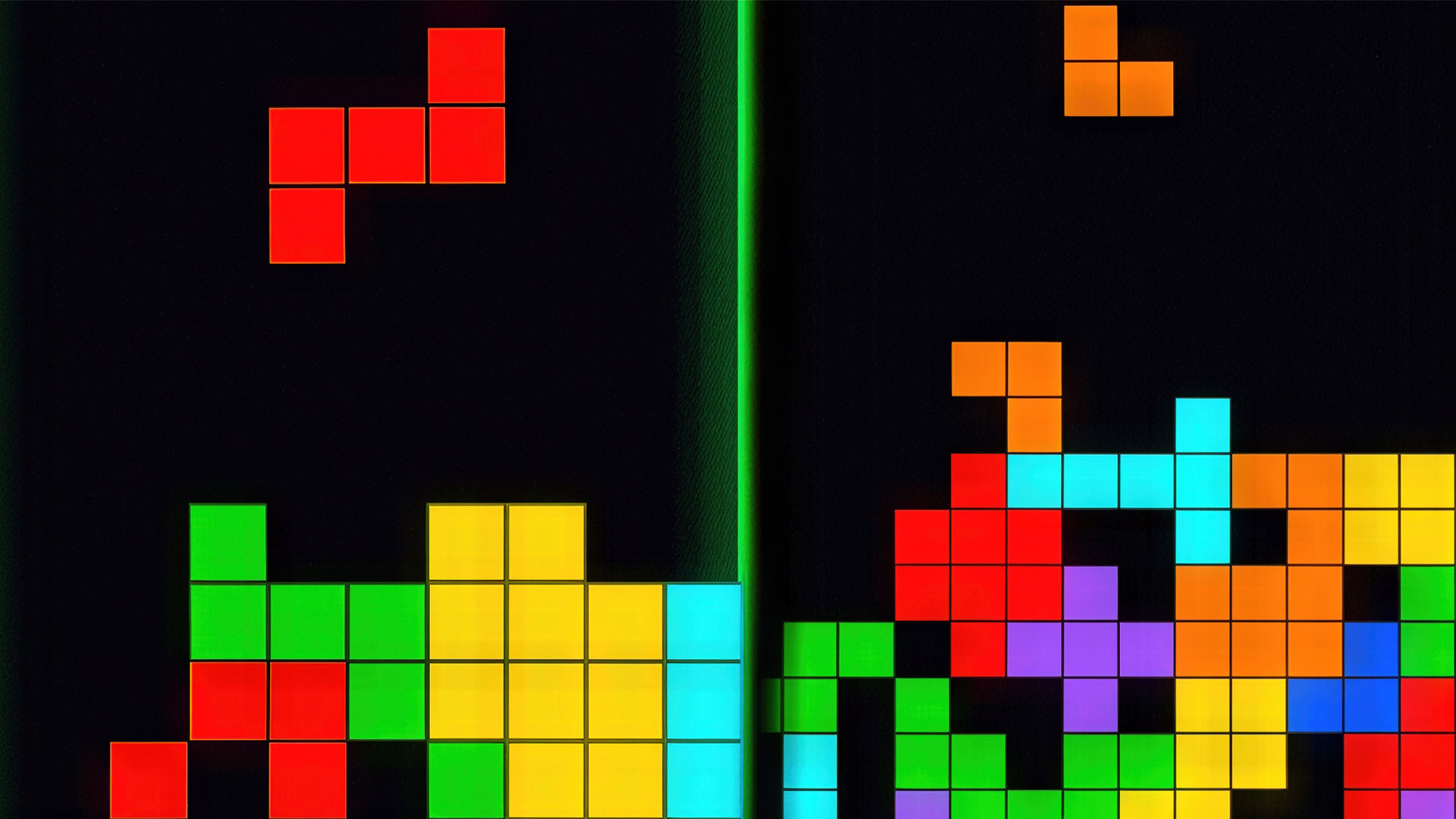
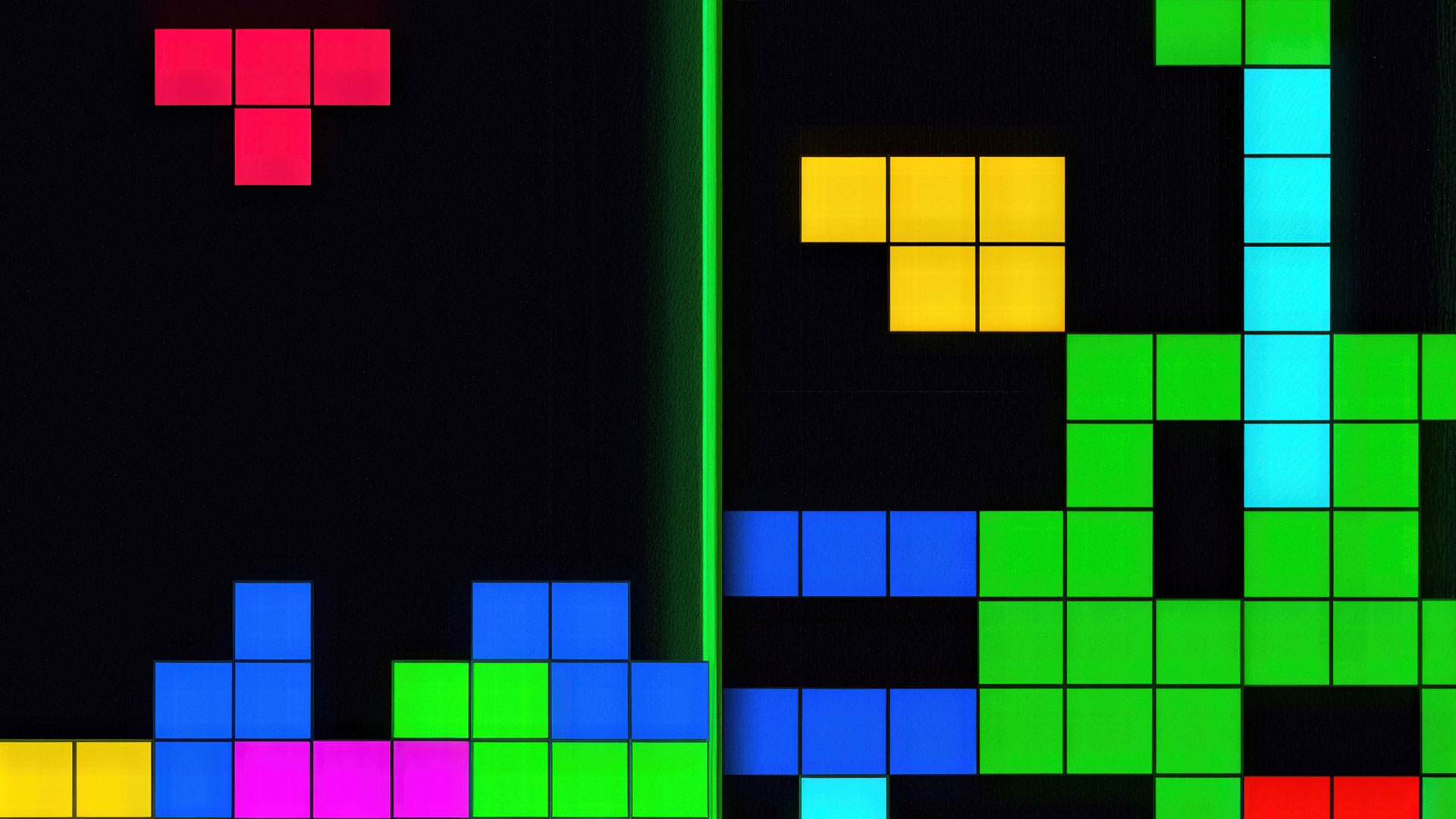
Welcome to «Tetra Dark», an ultra—stylish neon reinterpretation of the iconic arcade game, created specifically for fans of dark themes and comfortable play at any time of the day!
Thanks to the deep graphite design and soft backlight, your eyes won't get tired even during long night sessions. The same classic, time-tested gameplay awaits you: control falling figures, explode horizontal lines and clear the field! 🚀
The game is perfectly adapted to any device. Flip your smartphone the way you want — vertically or horizontally — our unique arcade gamepad will instantly adjust to the screen! 🎯
🏆 Level up, beat personal bests and put your name on the global leaderboard! Become the king of blocks right now! 👑
Videos and screenshots
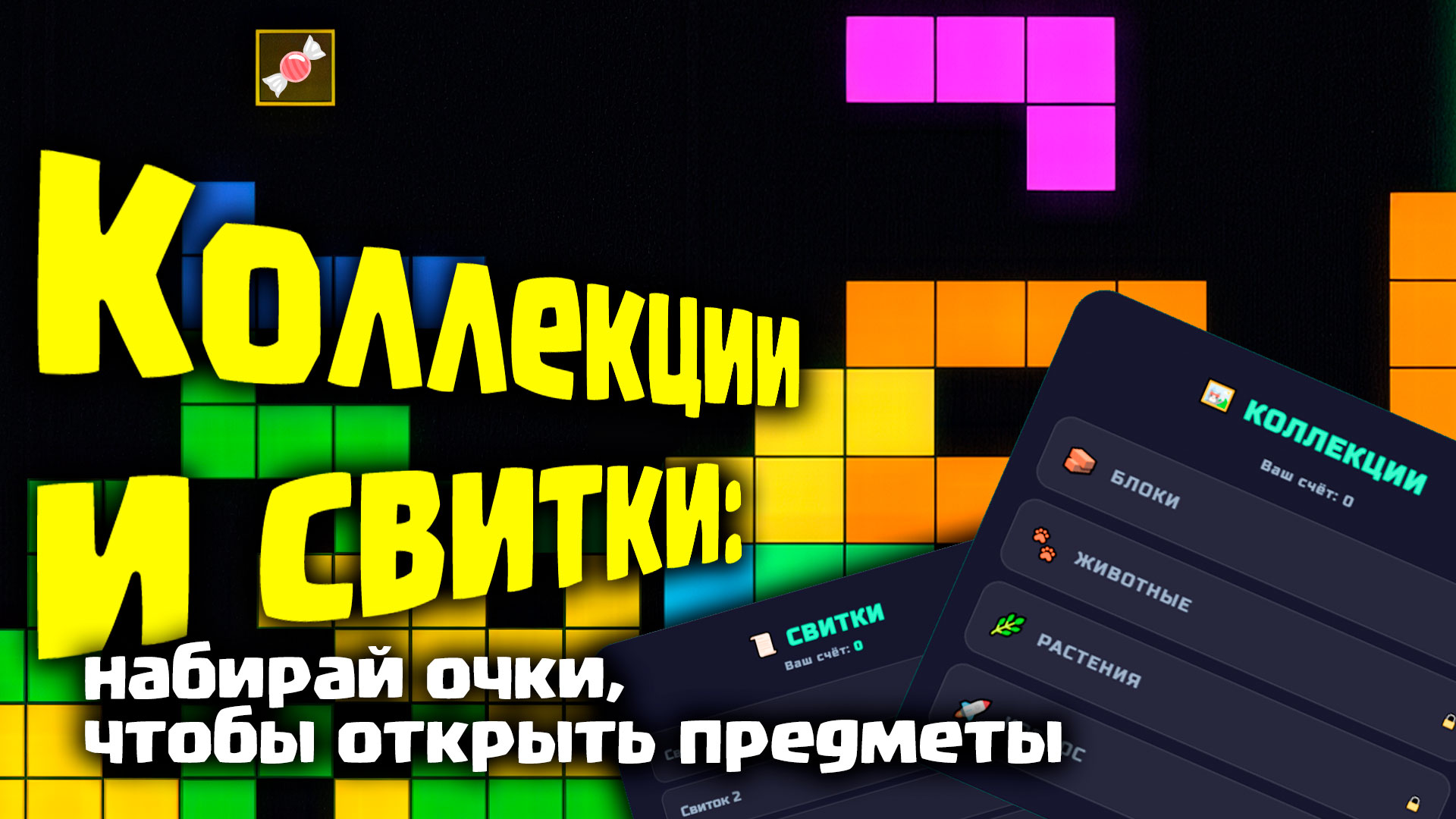
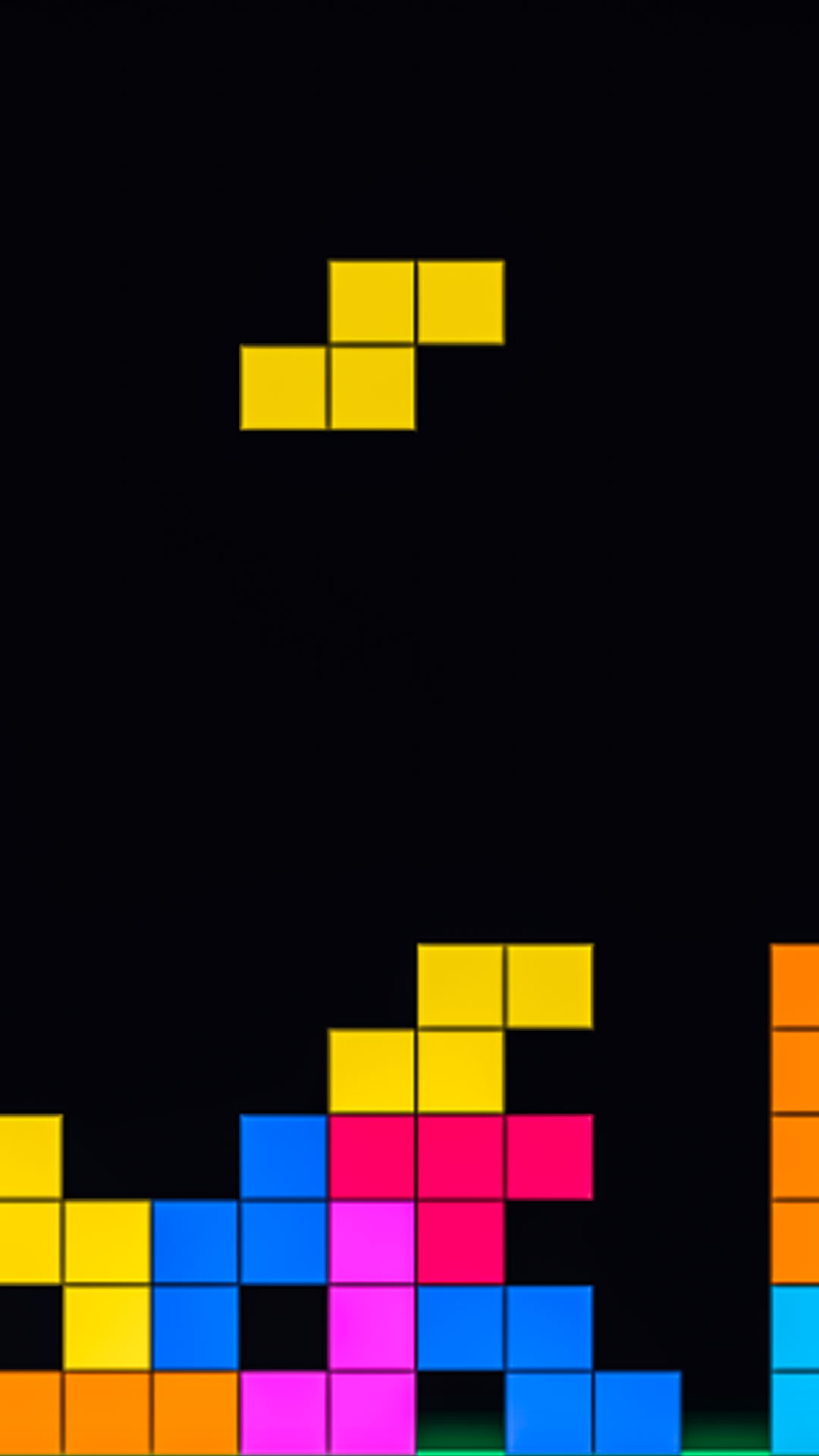
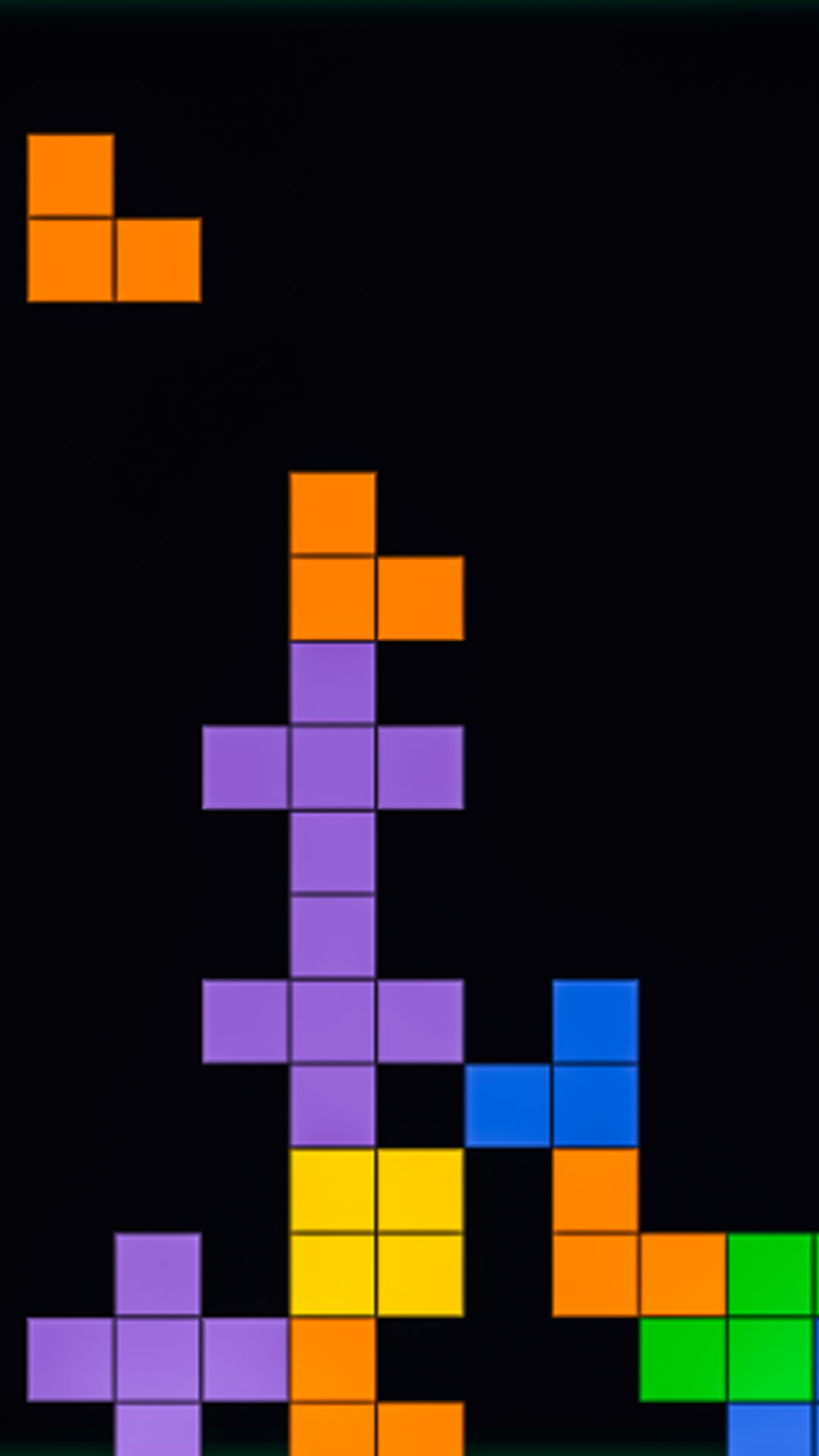
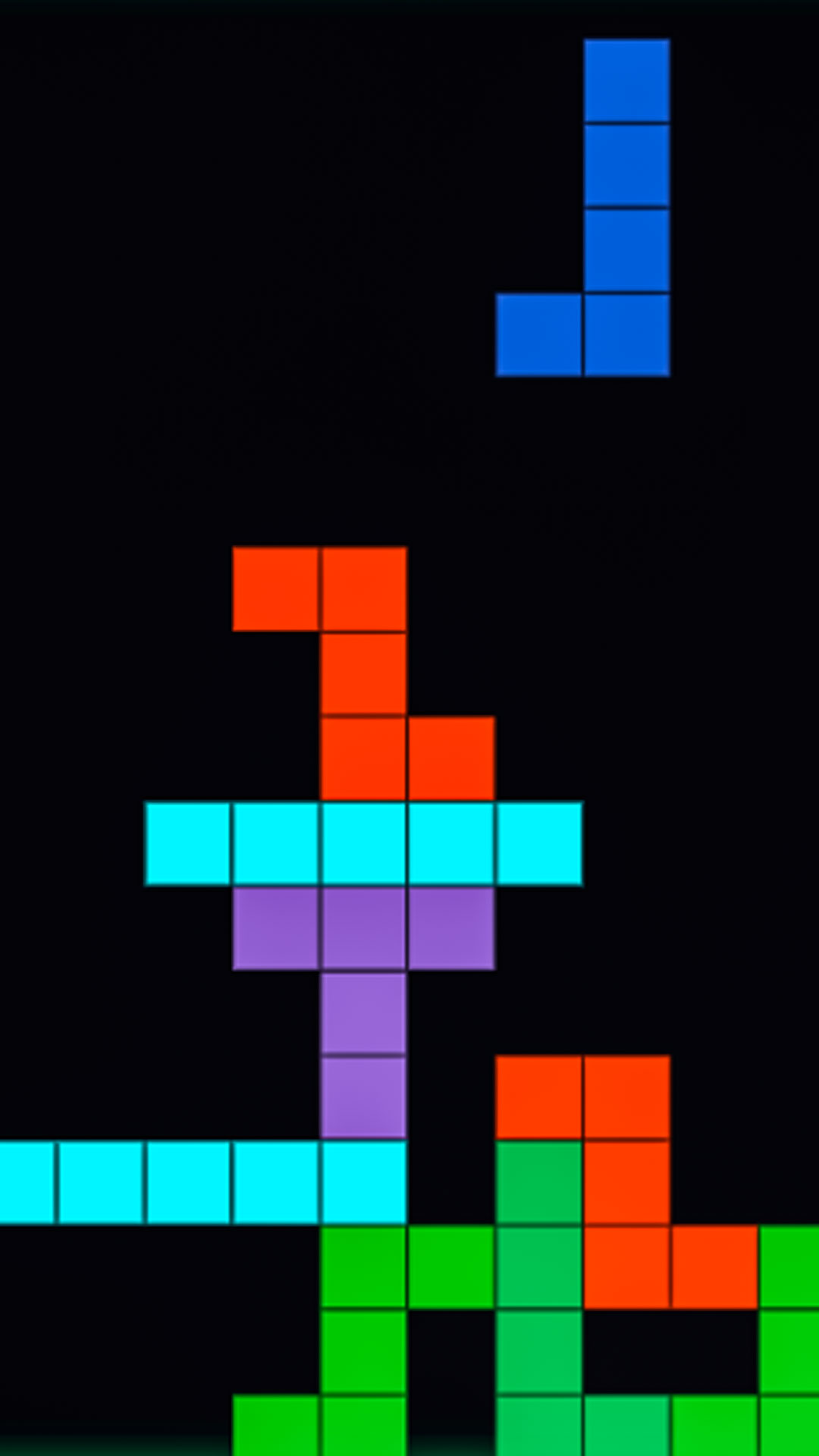
14,152 players online
How to play
-
Open the game
Press Play now and the game opens on its own screen.
-
Follow the in-game instructions
The controls and goals are shown inside the game as you play.
-
Use the game menu
The floating button over the game reloads it, saves it to your favourites, or takes you back out.