Overview
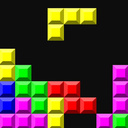
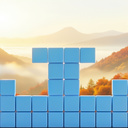
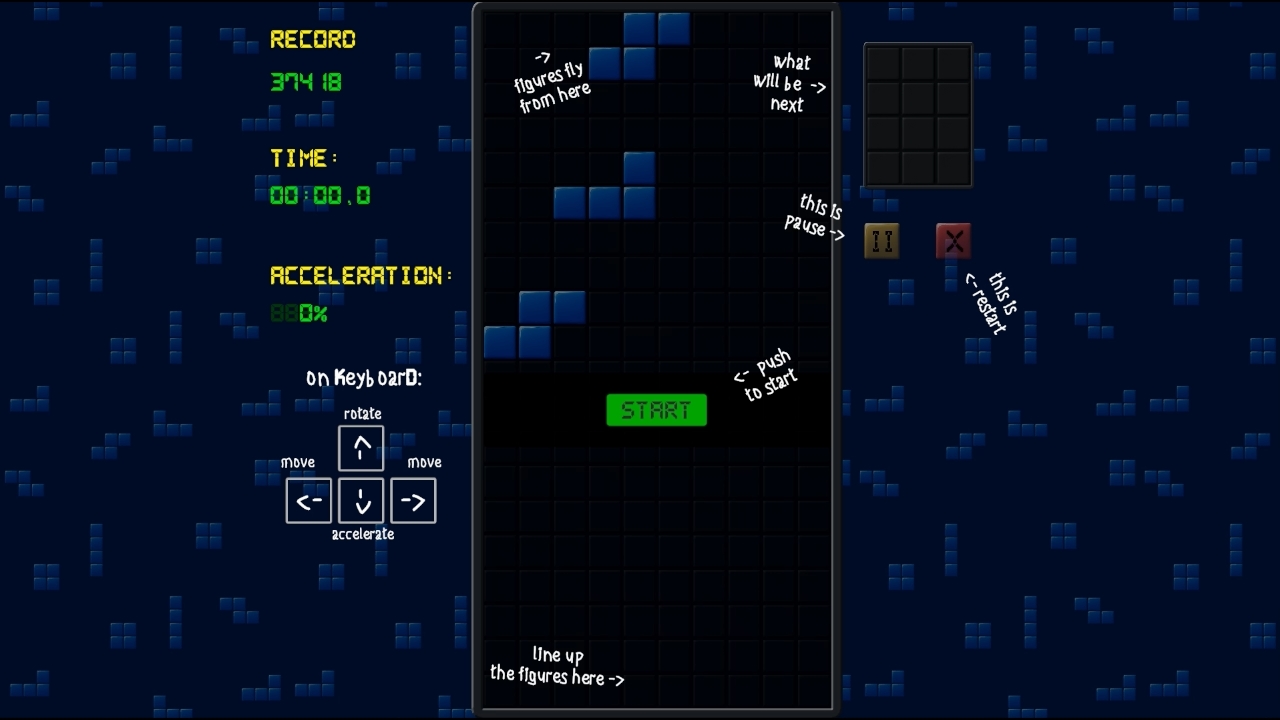
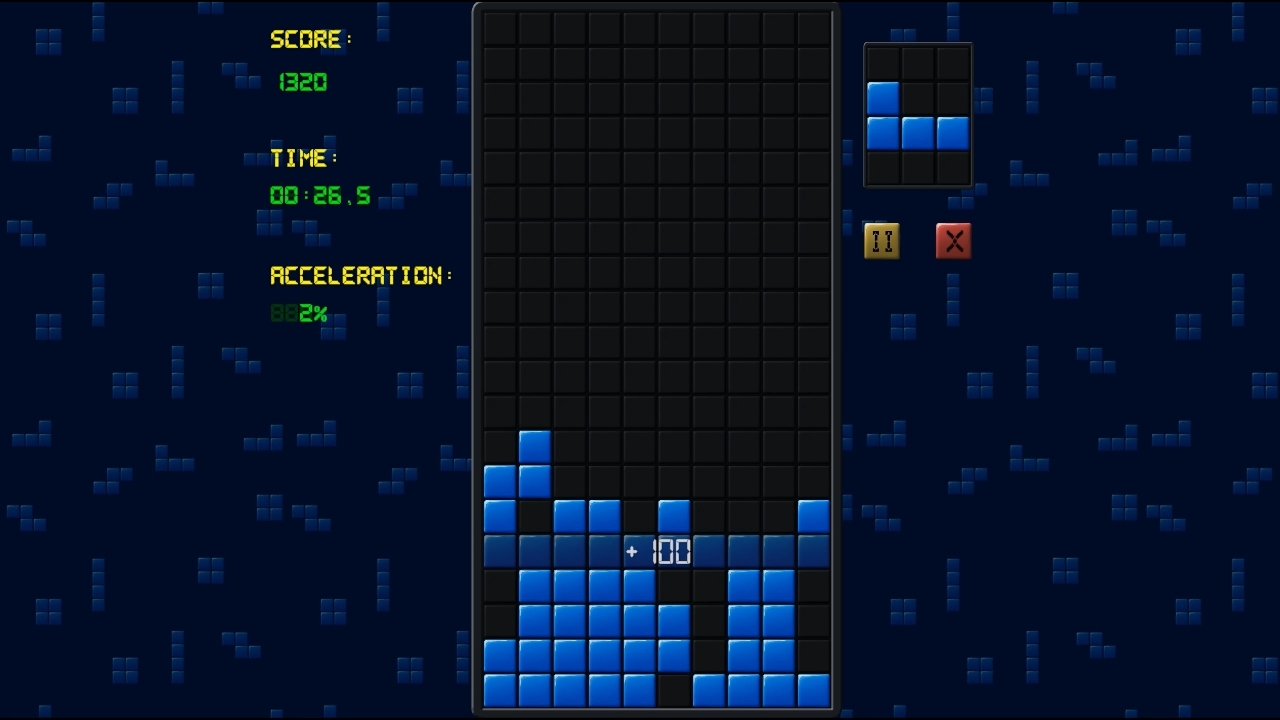
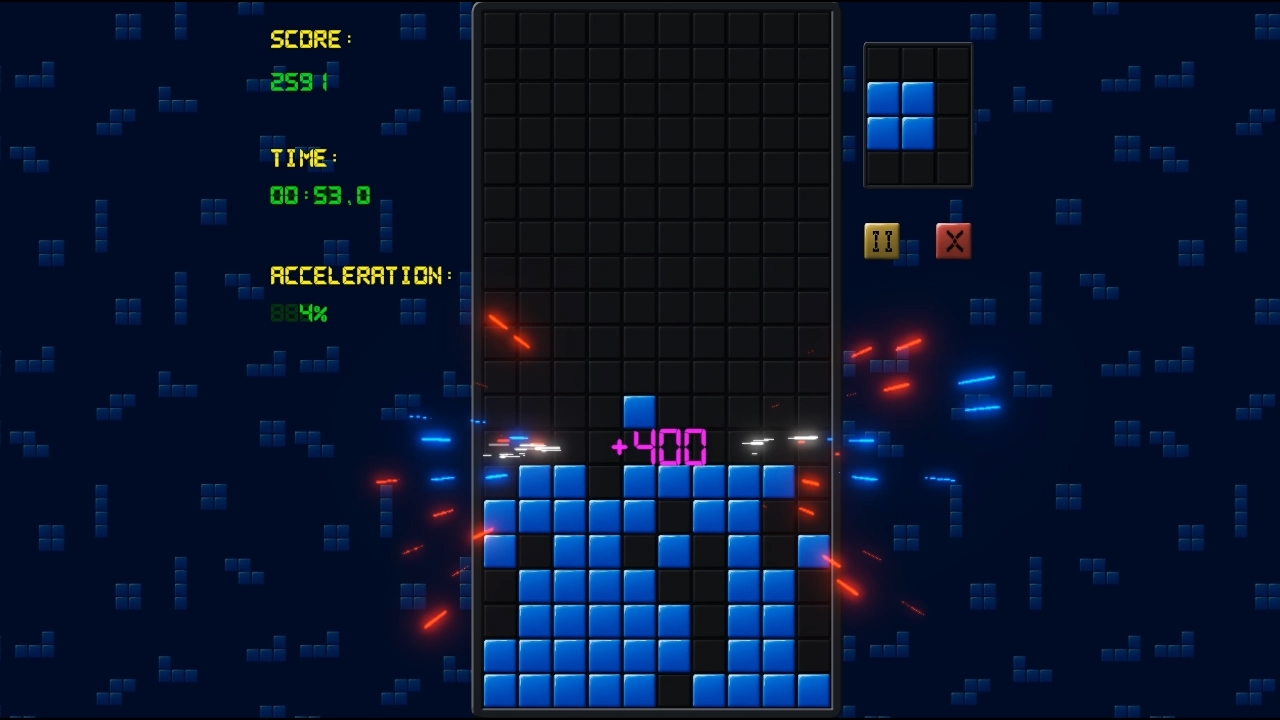
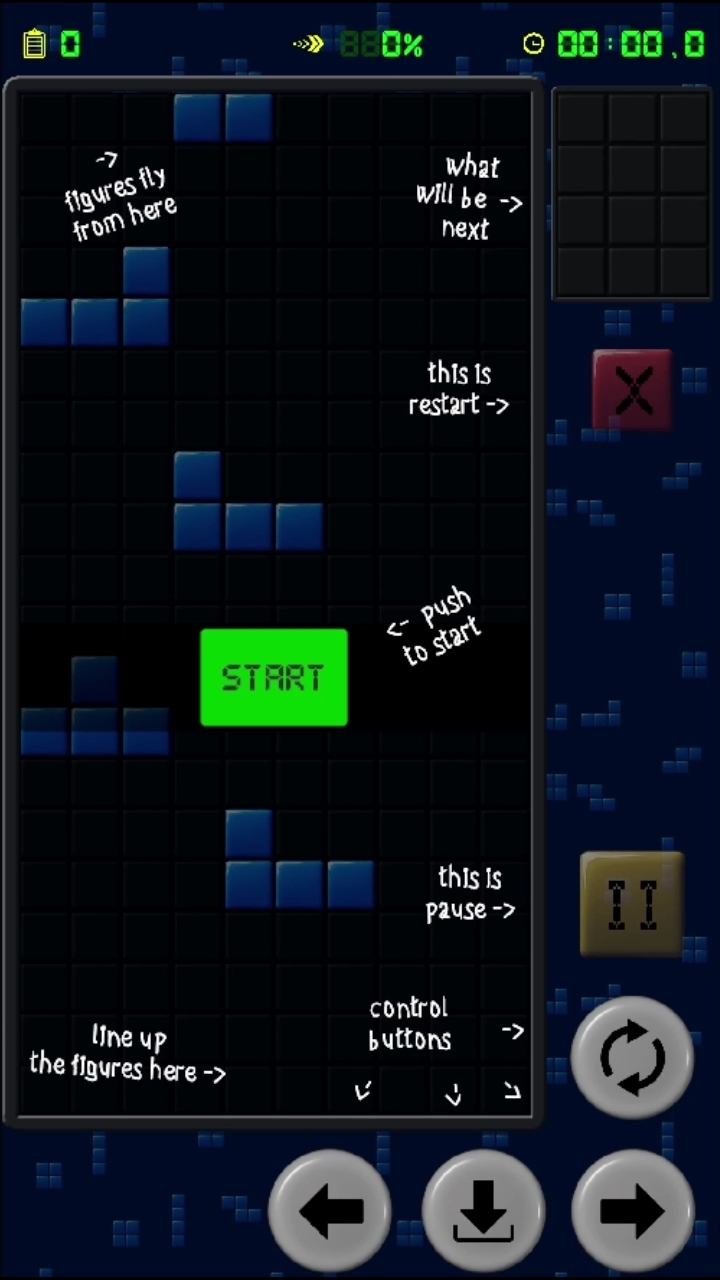
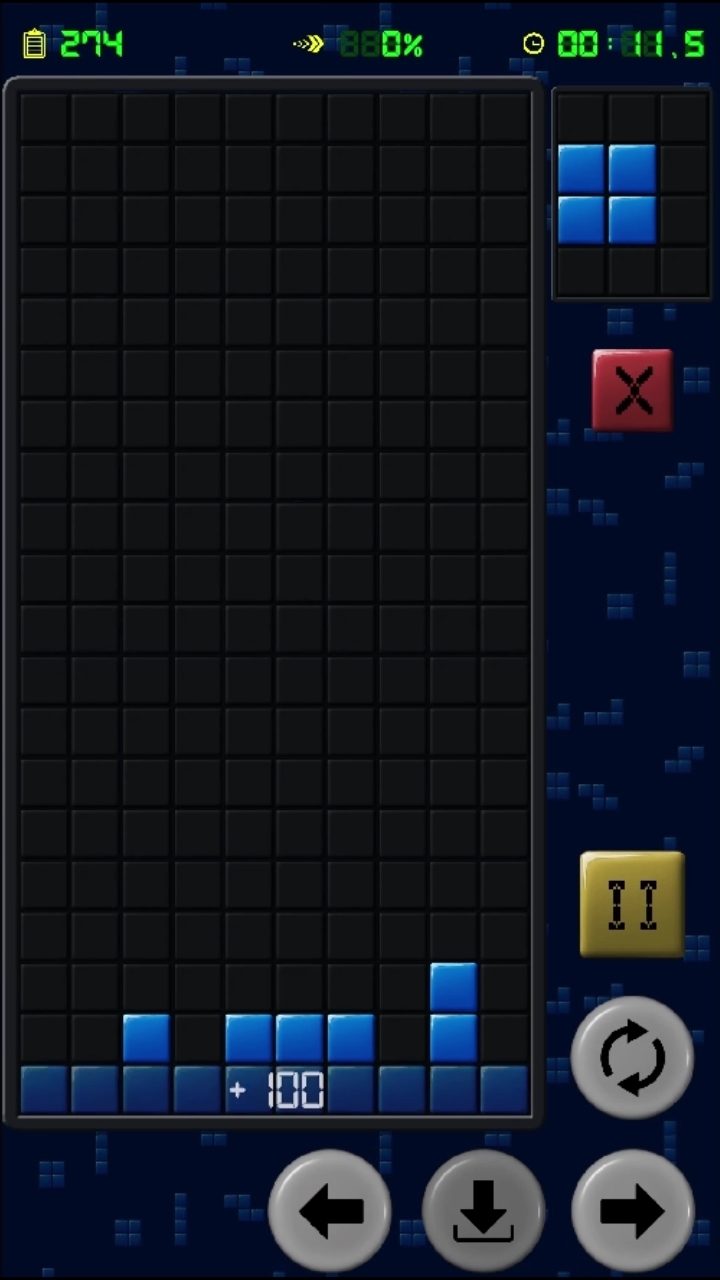
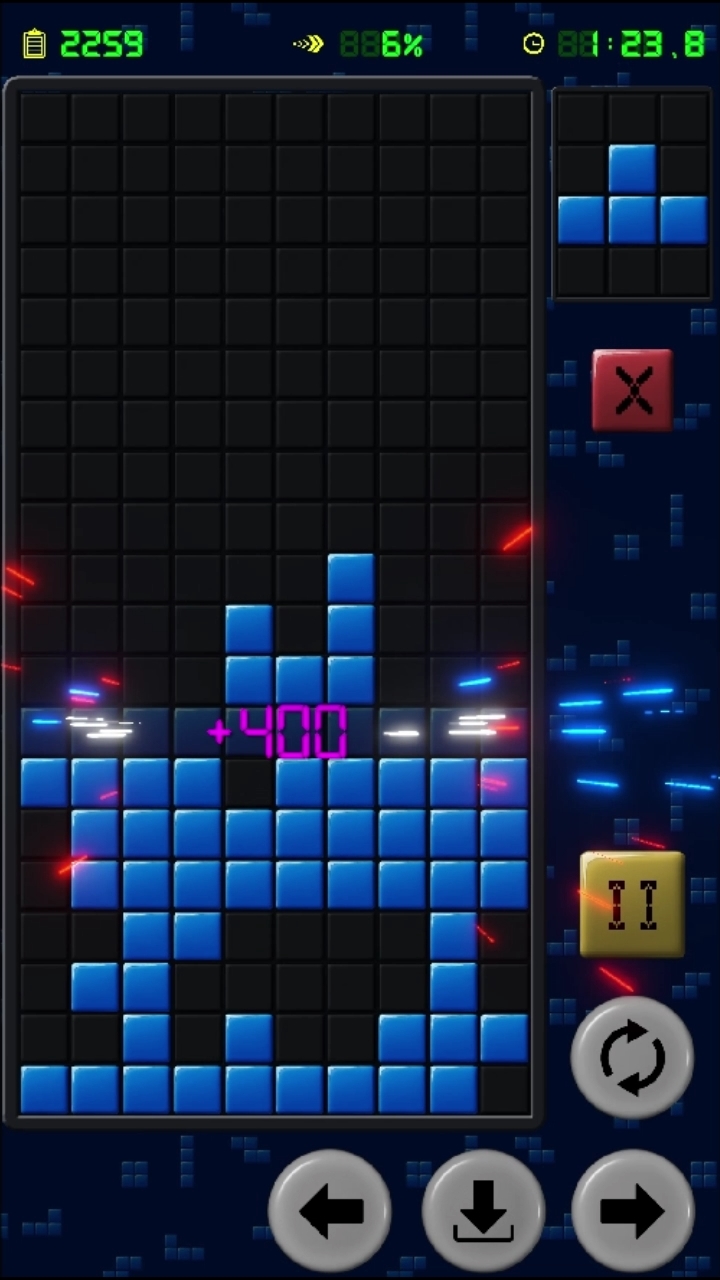
A classic variation of the famous Tetris game. Elements made up of four squares, called tetrominoes, fall from top to bottom. There are seven types in total. The player can move the pieces left and right, as well as rotate them. If you form a solid horizontal row with no gaps, it disappears. The falling speed increases over time (maximum speed - 100%). If the pieces fill the field all the way to the top, the game ends.
You get 100 points for each completed row. If you clear multiple rows at once, you earn bonus points with x2, x3, and x4 multipliers. Once 100% acceleration is reached, additional points begin to accrue continuously. You can also get extra points by accelerating the piece’s fall — just press the Down arrow key on your keyboard.
Videos and screenshots
11,479 players online
How to play
-
Open the game
Press Play now and the game opens on its own screen.
-
Follow the in-game instructions
The controls and goals are shown inside the game as you play.
-
Use the game menu
The floating button over the game reloads it, saves it to your favourites, or takes you back out.