Skip to content
KG
The Most Expensive Glass Bridge | League

The Most Expensive Glass Bridge | League

27K plays 3.9 out of 5

Overview

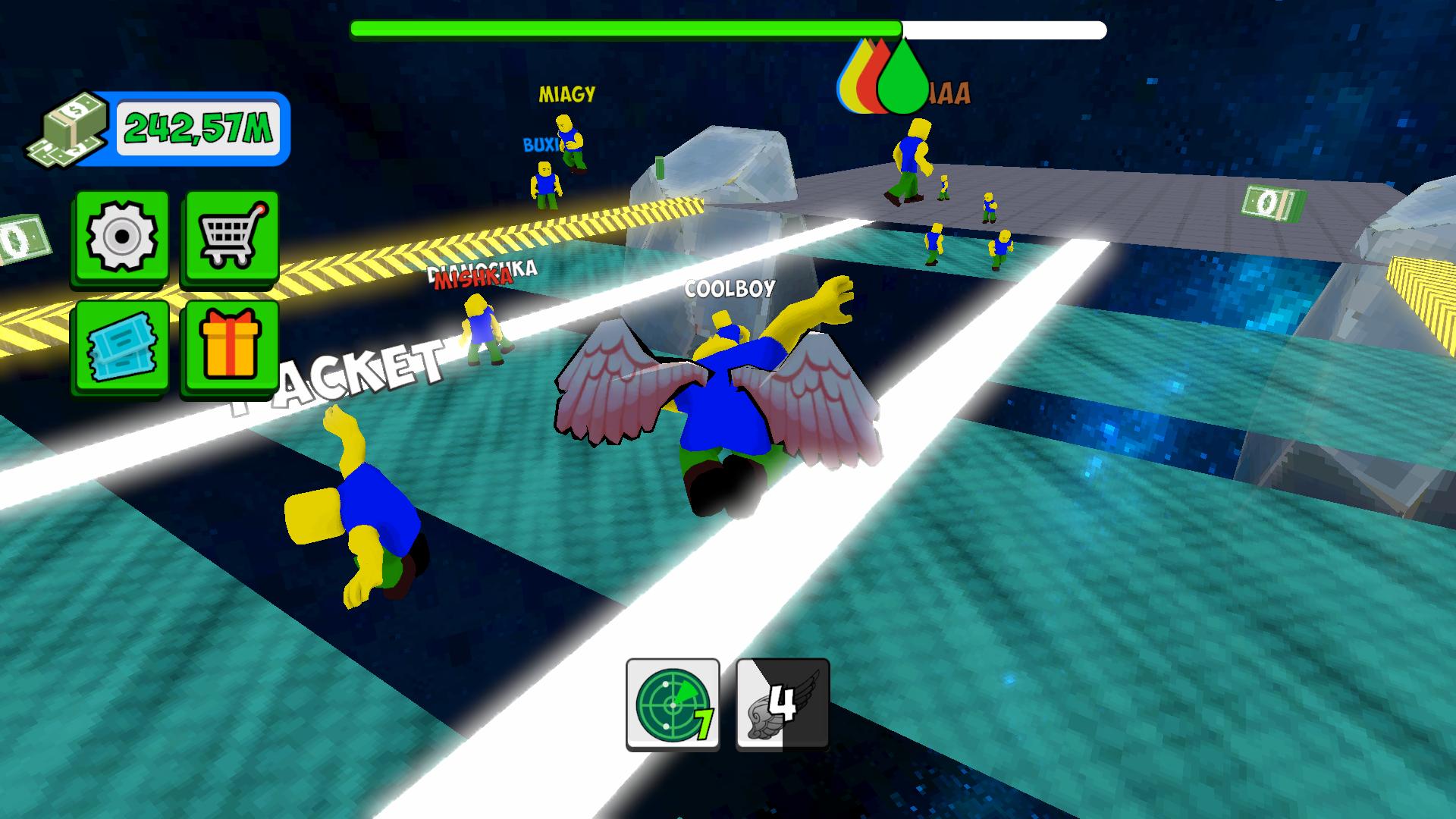
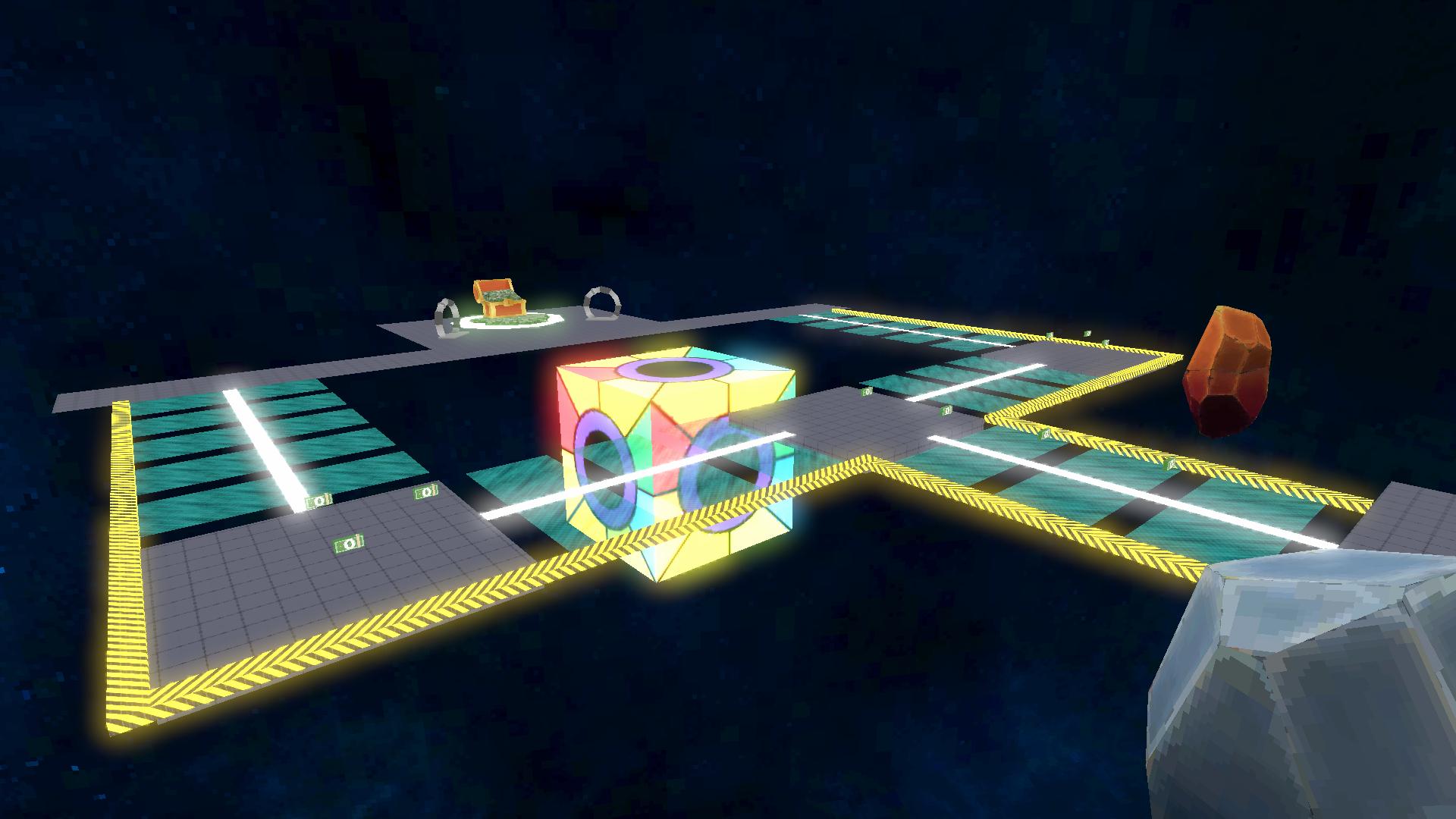
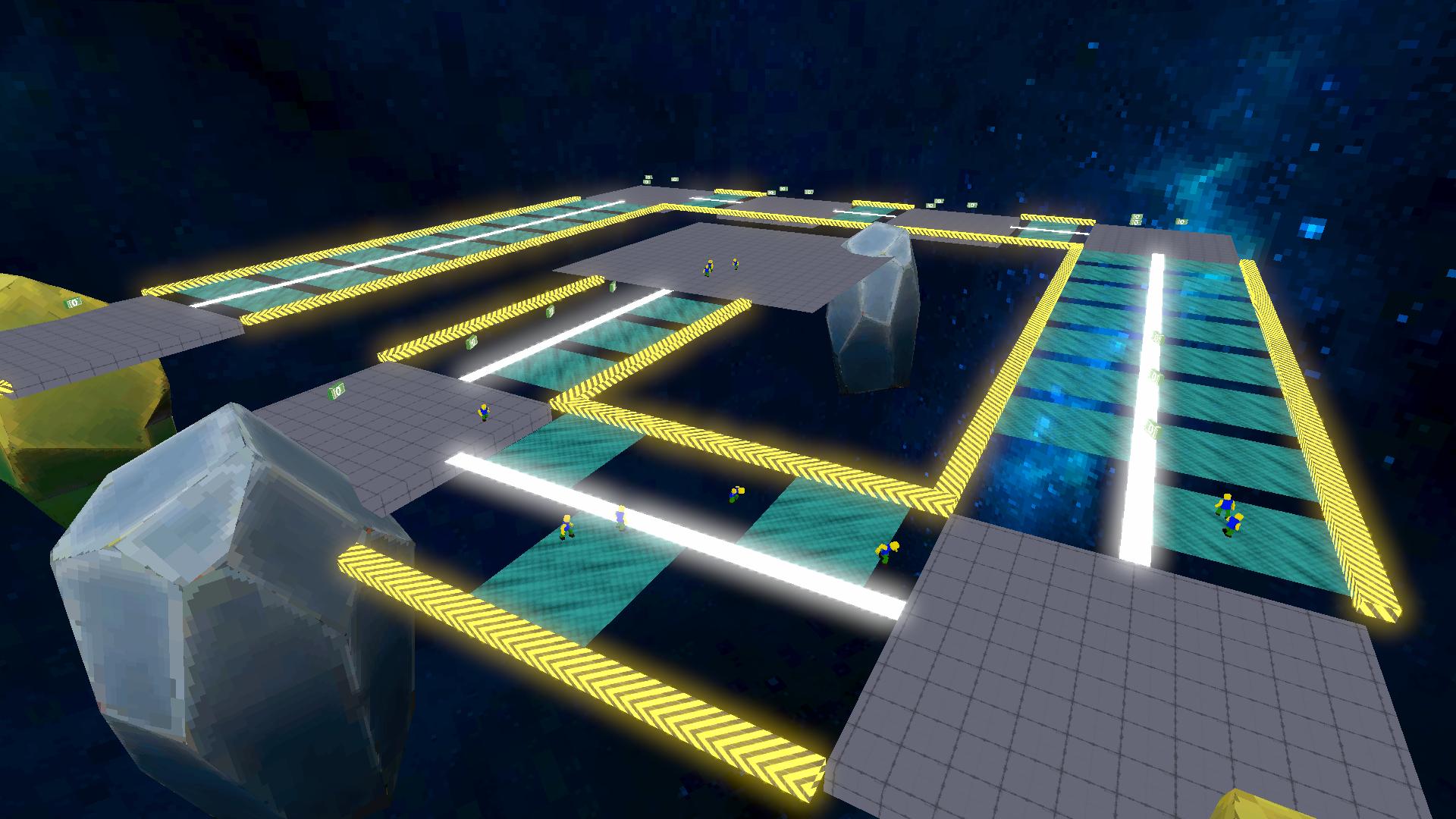
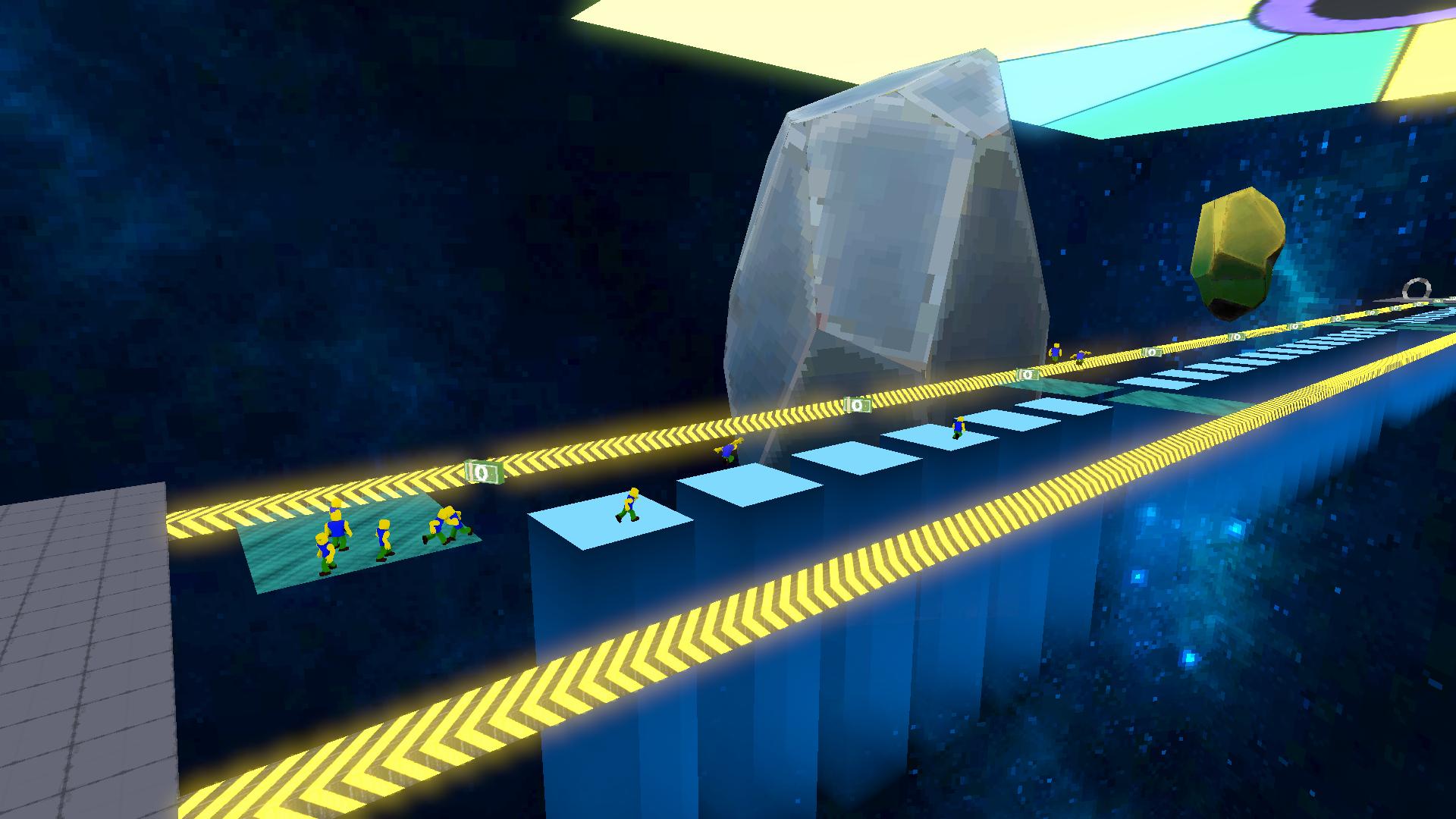
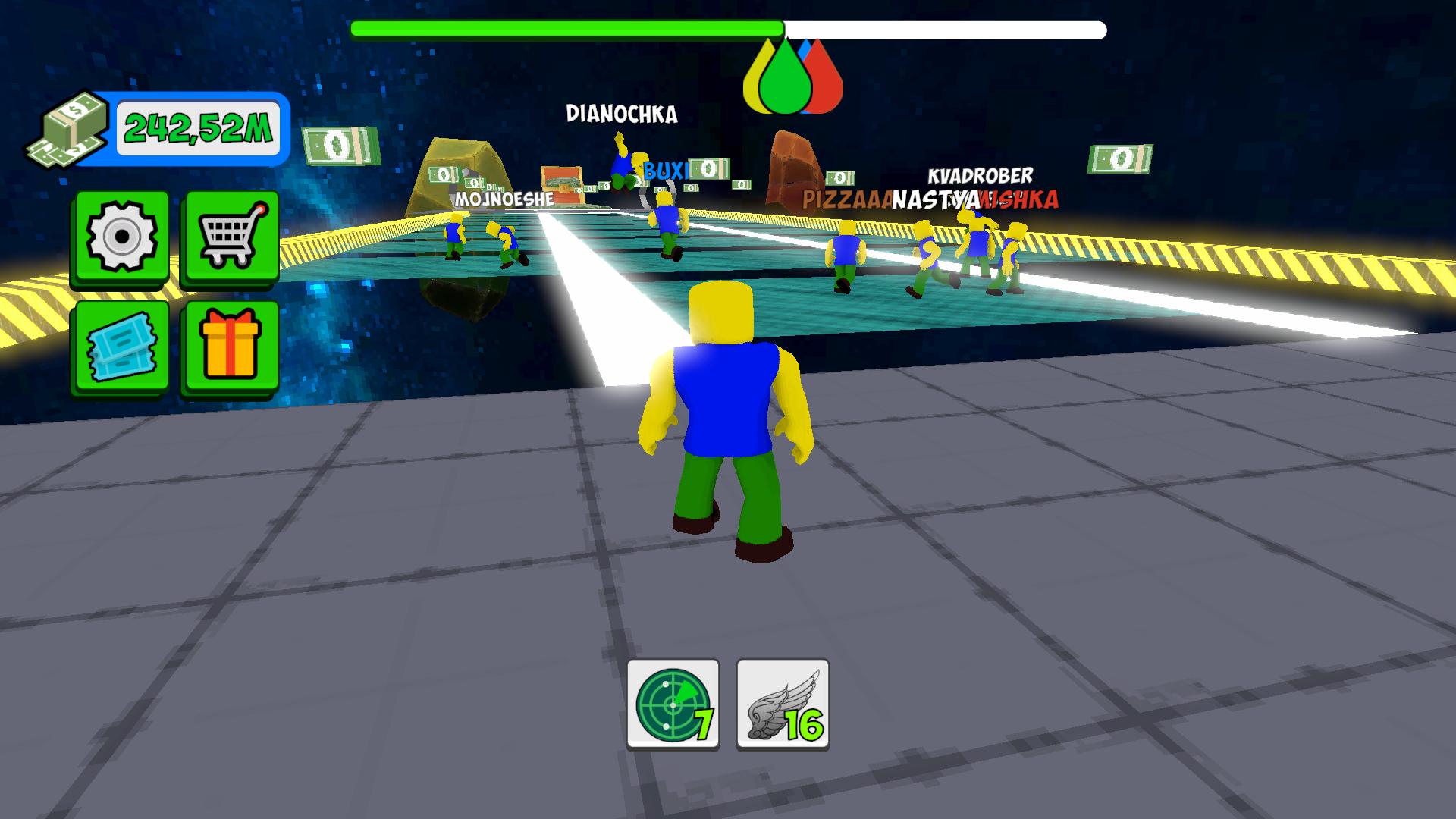
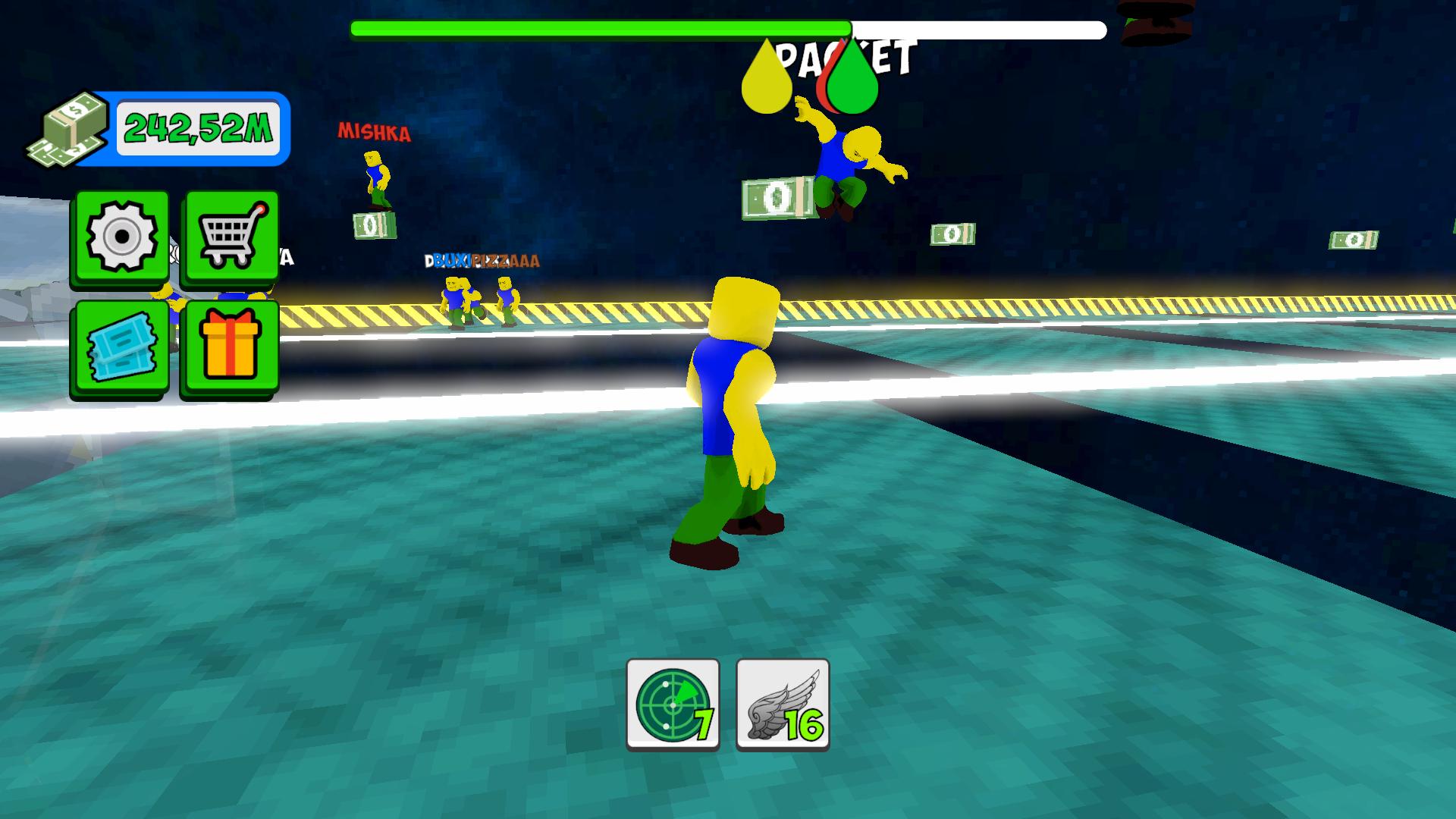
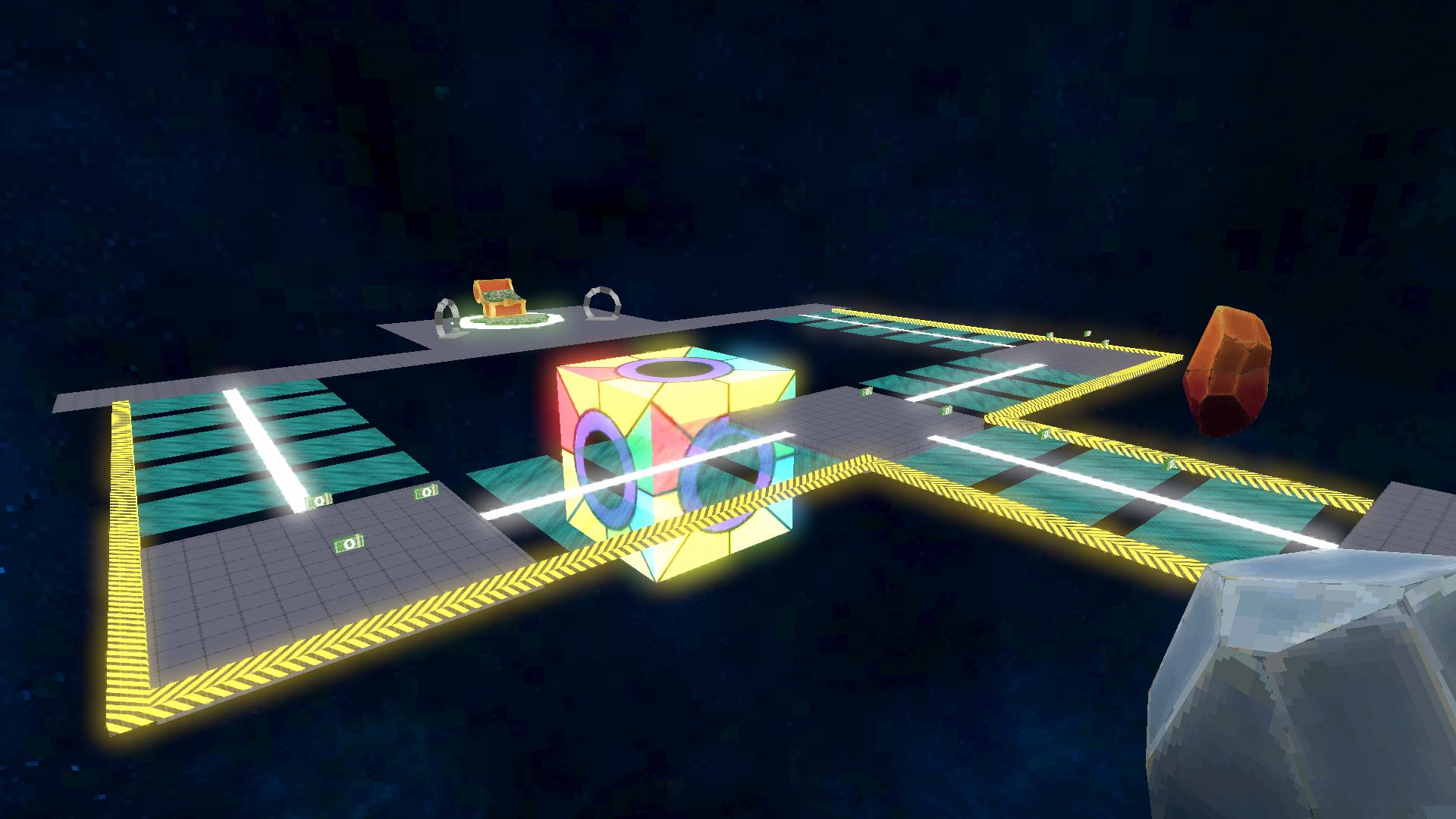
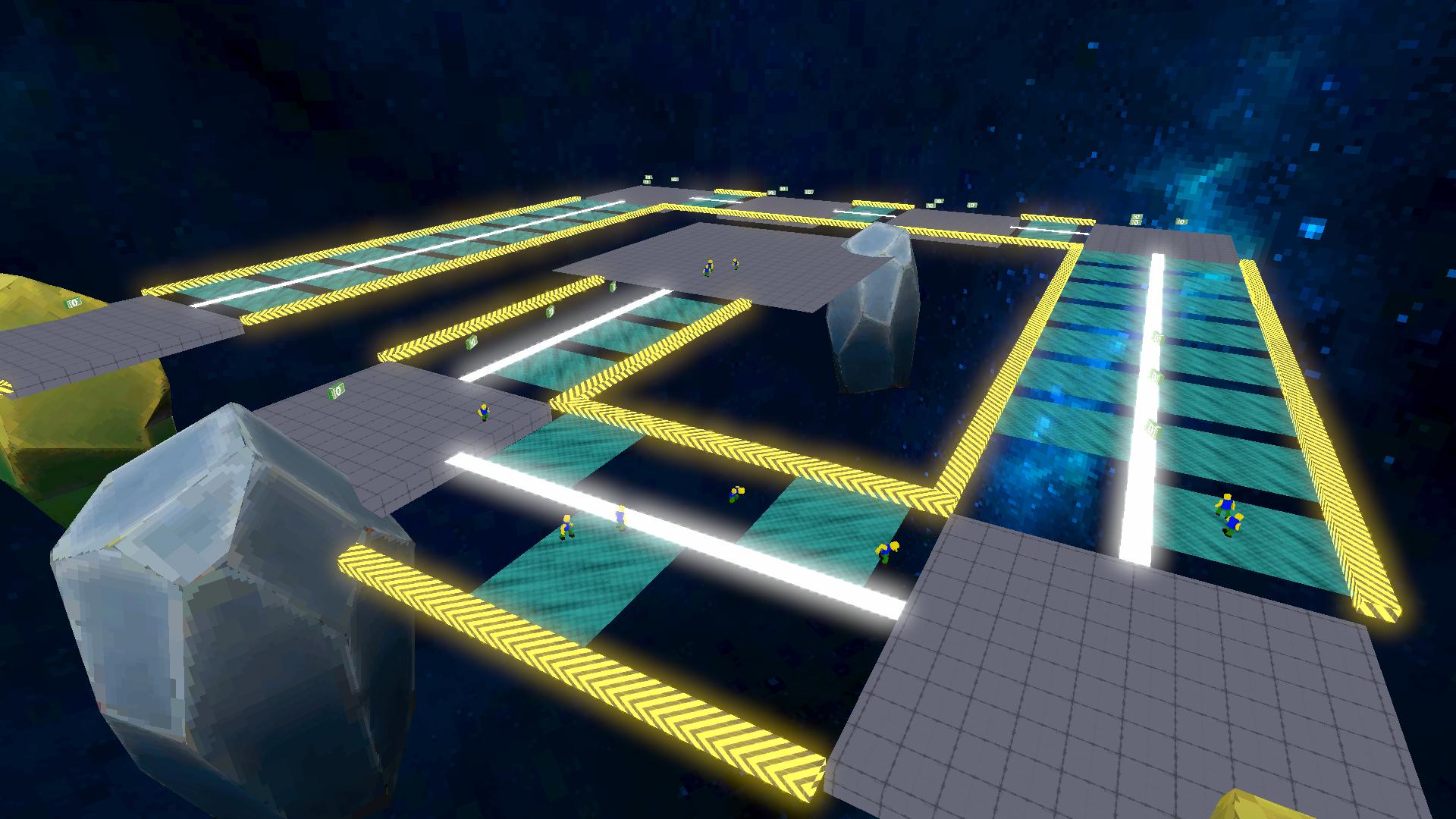
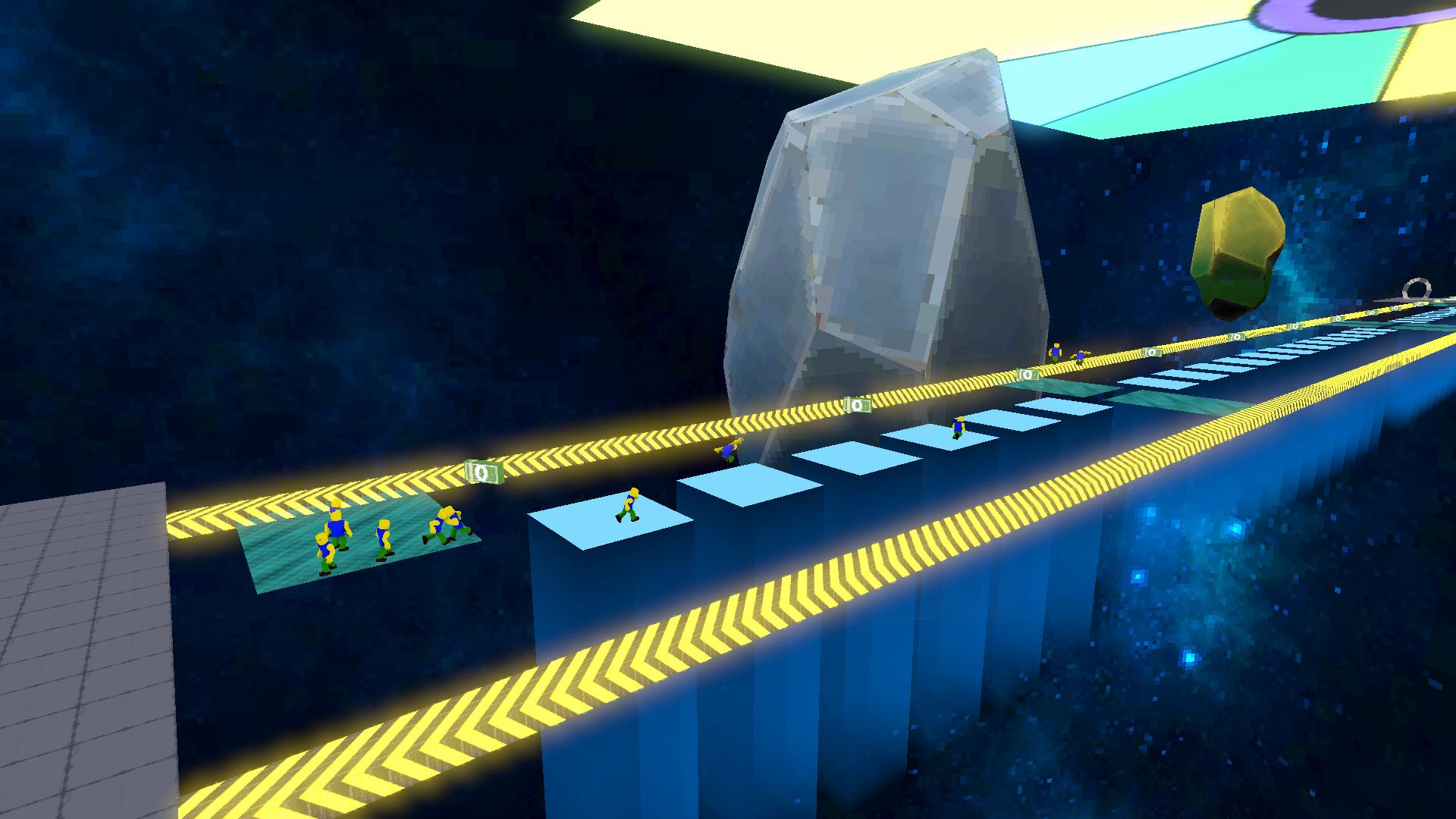
A glass bridge that not everyone can walk over. The bravest gathered to go through this dangerous path and get the long-awaited cash prize. The game is waiting for you: • 😎 Rivals. • 🌍 More than 20 unique locations! • 📆 Daily rewards. • 🎁 Gifts! • 🏆 Leaderboards! • 🎰 A wheel of fortune with different rewards for every day! • ✨ Spacious space!

Videos and screenshots
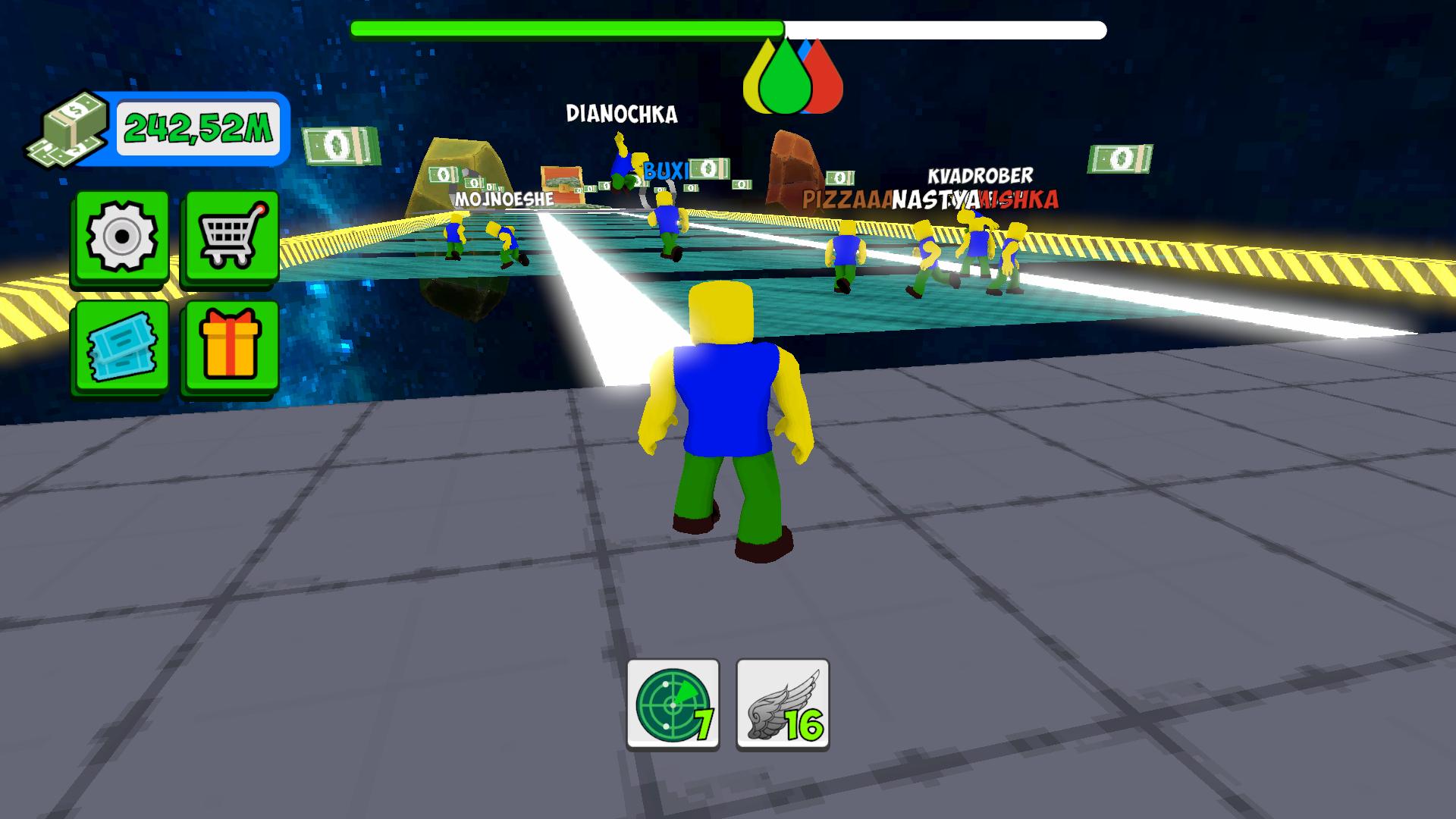
  • The Most Expensive Glass Bridge | League screenshot 1
  • The Most Expensive Glass Bridge | League screenshot 2
  • The Most Expensive Glass Bridge | League screenshot 3
  • The Most Expensive Glass Bridge | League screenshot 4
  • The Most Expensive Glass Bridge | League screenshot 5
  • The Most Expensive Glass Bridge | League screenshot 6
  • The Most Expensive Glass Bridge | League screenshot 7
  • The Most Expensive Glass Bridge | League screenshot 8
  • The Most Expensive Glass Bridge | League screenshot 9
  • The Most Expensive Glass Bridge | League screenshot 10
  • The Most Expensive Glass Bridge | League screenshot 11
  • The Most Expensive Glass Bridge | League screenshot 12
Play Now

13,069 players online

How to play

  1. Open the game

    Press Play now and the game opens on its own screen.

  2. Follow the in-game instructions

    The controls and goals are shown inside the game as you play.

  3. Use the game menu

    The floating button over the game reloads it, saves it to your favourites, or takes you back out.
Game instructions

1. Overcome obstacles with glasses. 🎲 2. Get rewards and upgrade items. 💸 4. Reach the very last level! 🎉 3. Take the TOP 1 in all the leaderboards! 🥇 Descriptions of the items can be found in the store! It is recommended to visit the store or the wheel of fortune, there may be something that will help you a lot. 😎 Management: 💻 Computers 💻 : • "WASD" – Running. • "Space bar" is A Jump. • "Computer mouse" – Camera control. • "Right mouse button" (RMB) - Hold down to control the camera. 📱 Mobile device 📱: • Swipe your finger on the left side of the screen to run. • Swipe on the right side of the screen to rotate the camera. • The button on the right side of the screen is Jump.

More games

More games