Overview
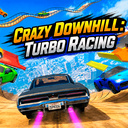
TRD is a time attack racing game where speed, precision, and car control matter most.
Victory belongs to the driver who truly feels the car and chooses the perfect racing line.
Race through career mode tracks, earn medals, and improve your personal bests. Every run is a fight for the fastest time.
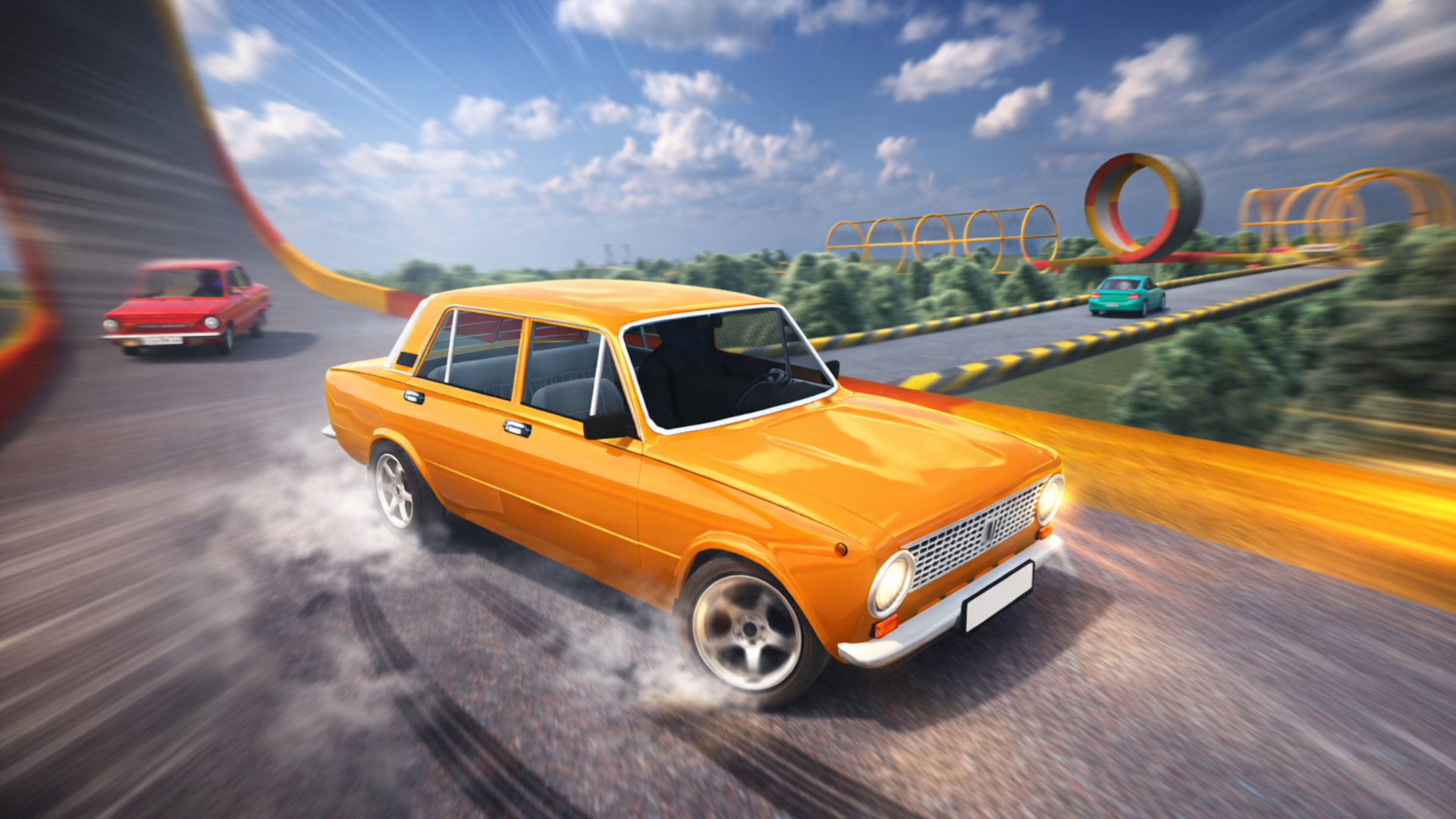
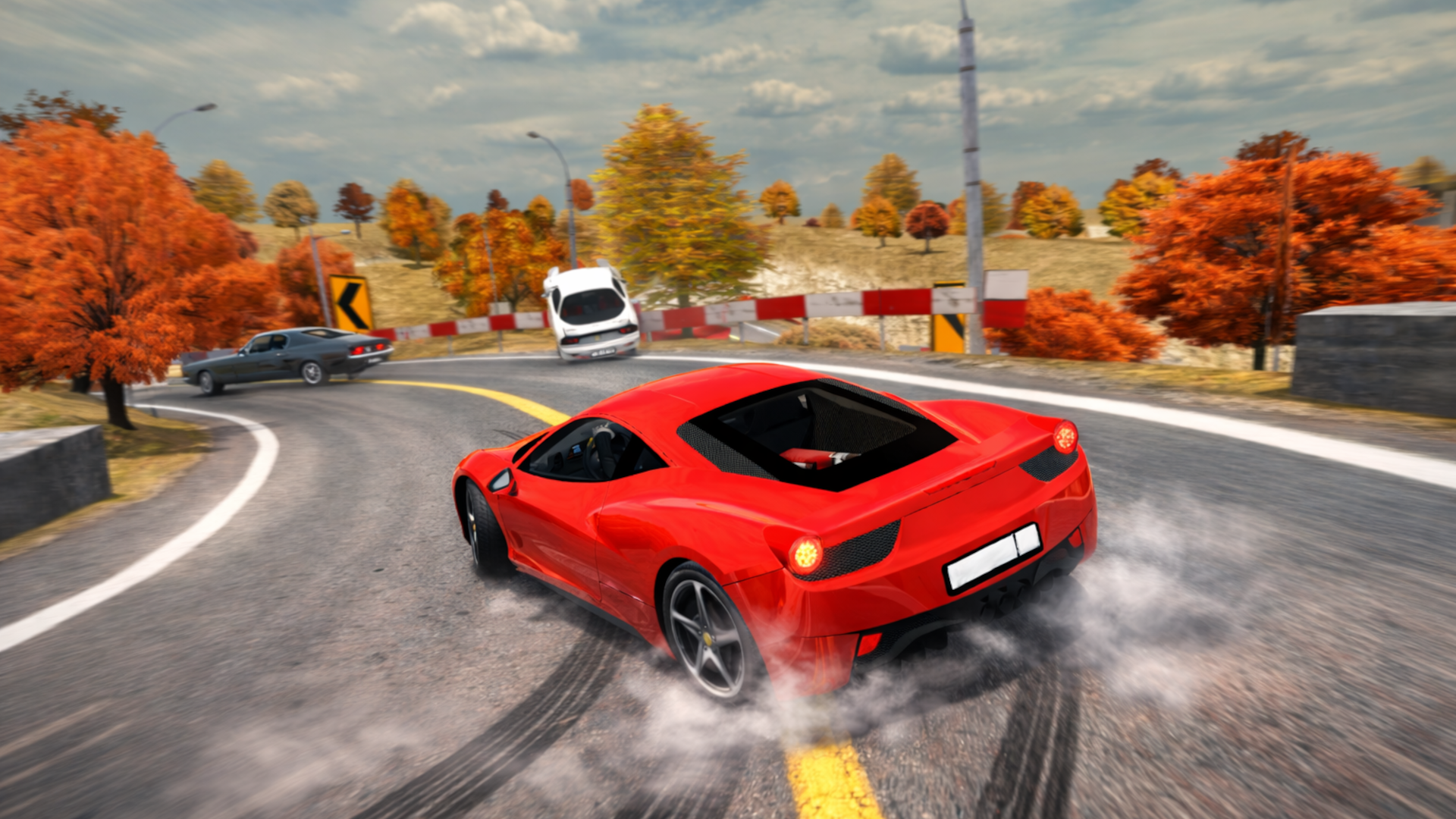
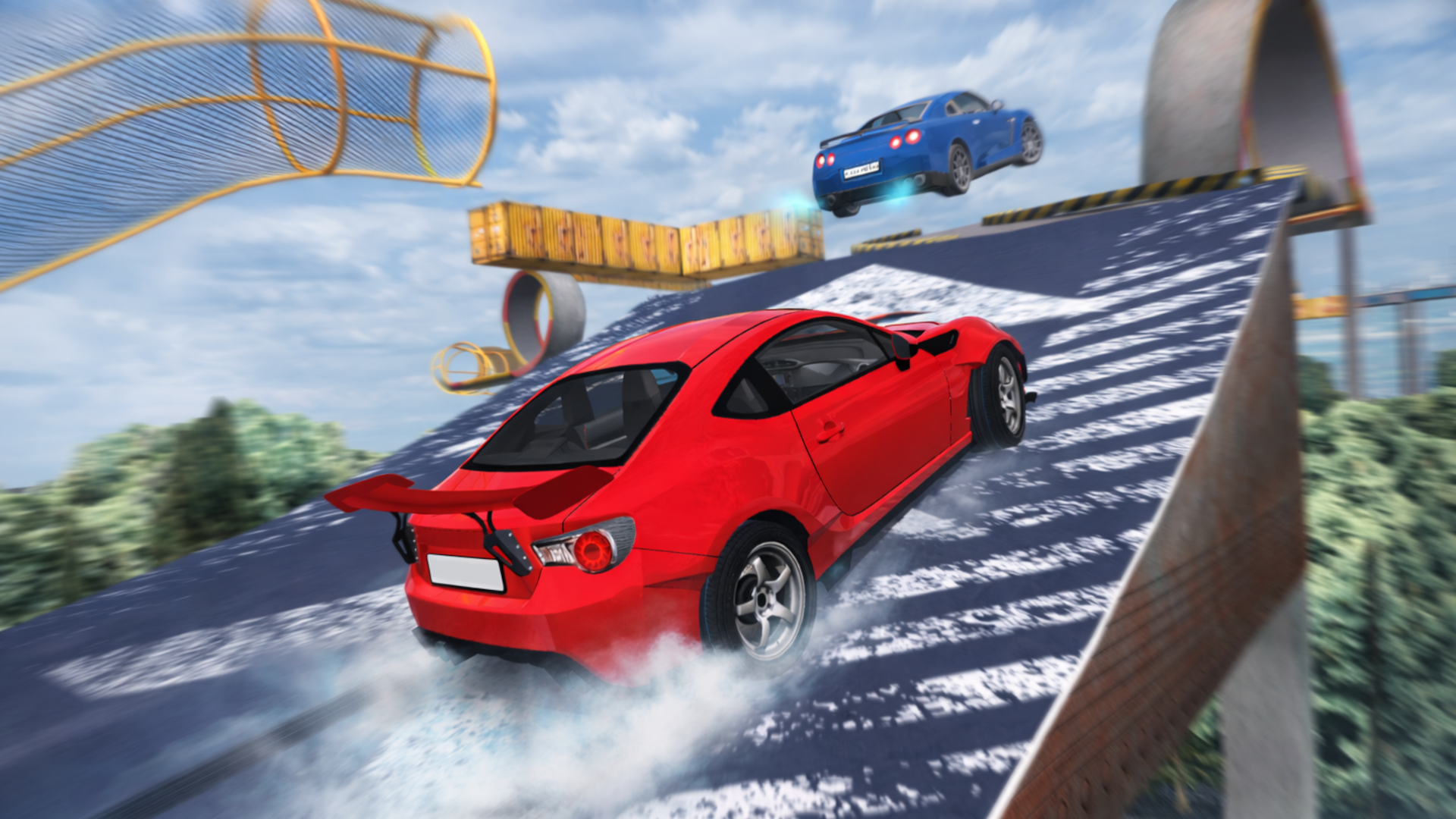
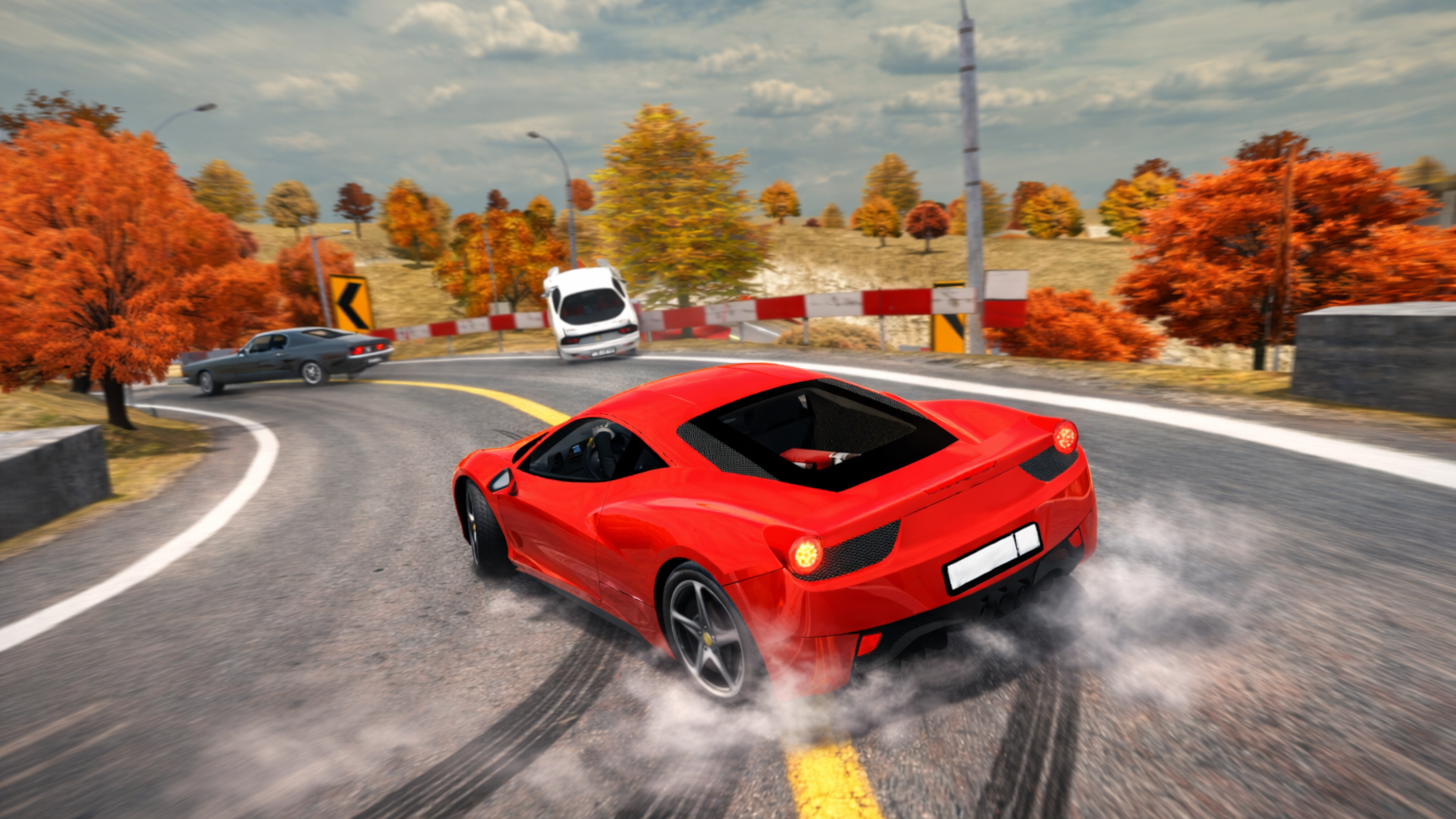
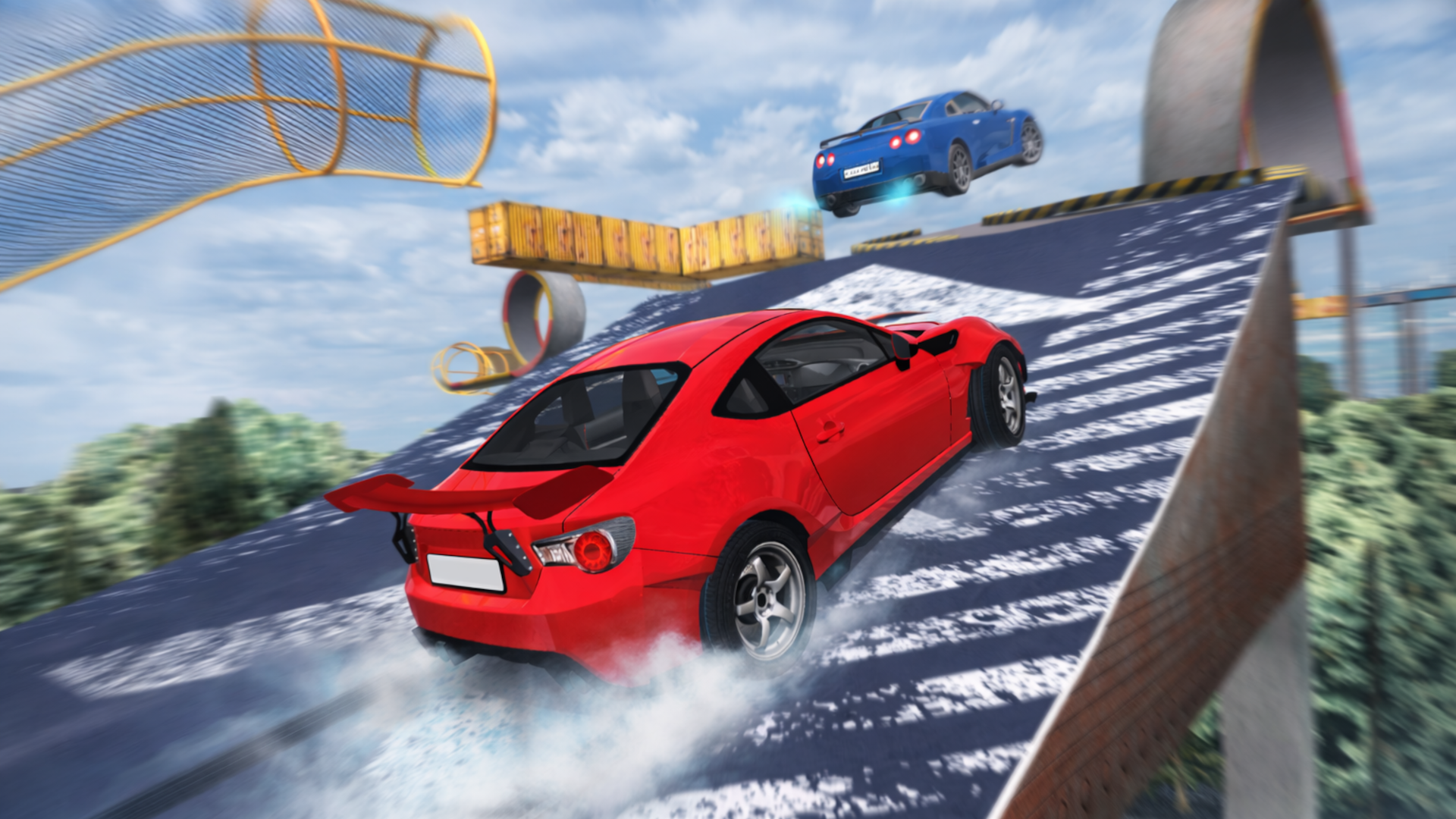
Time Attack Racing: TRD - tracks feature high speeds, sharp turns, jumps, elevation changes, loops, and challenging technical sections.
Test your skills in the random track mode, where the layout changes every time. A perfect way to improve your reaction and adaptability.
Build your own tracks from modular pieces, save them, and jump straight into the race. Experiment with design and difficulty.
Key Features:
- Time attack racing — over 100 career tracks
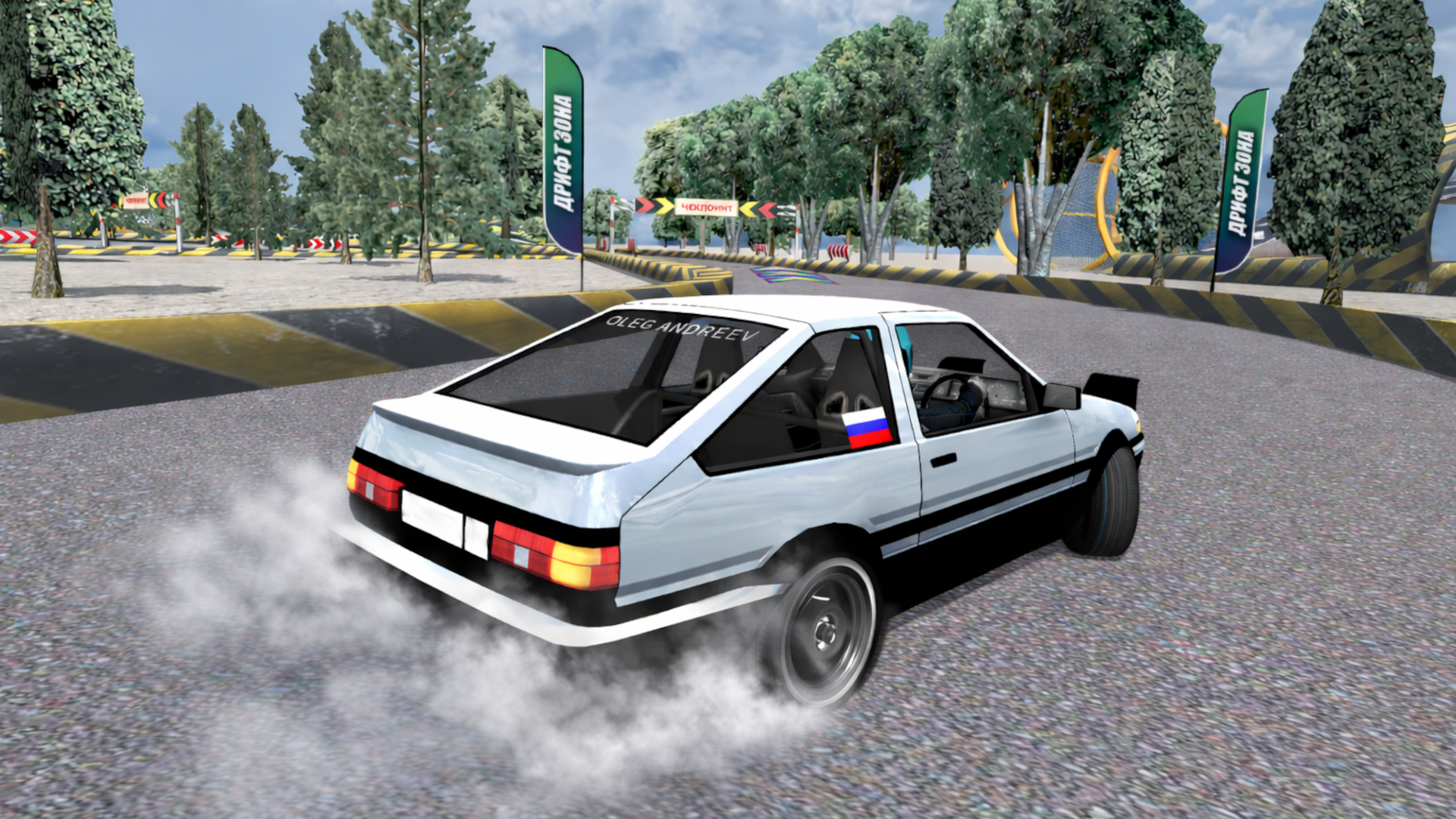
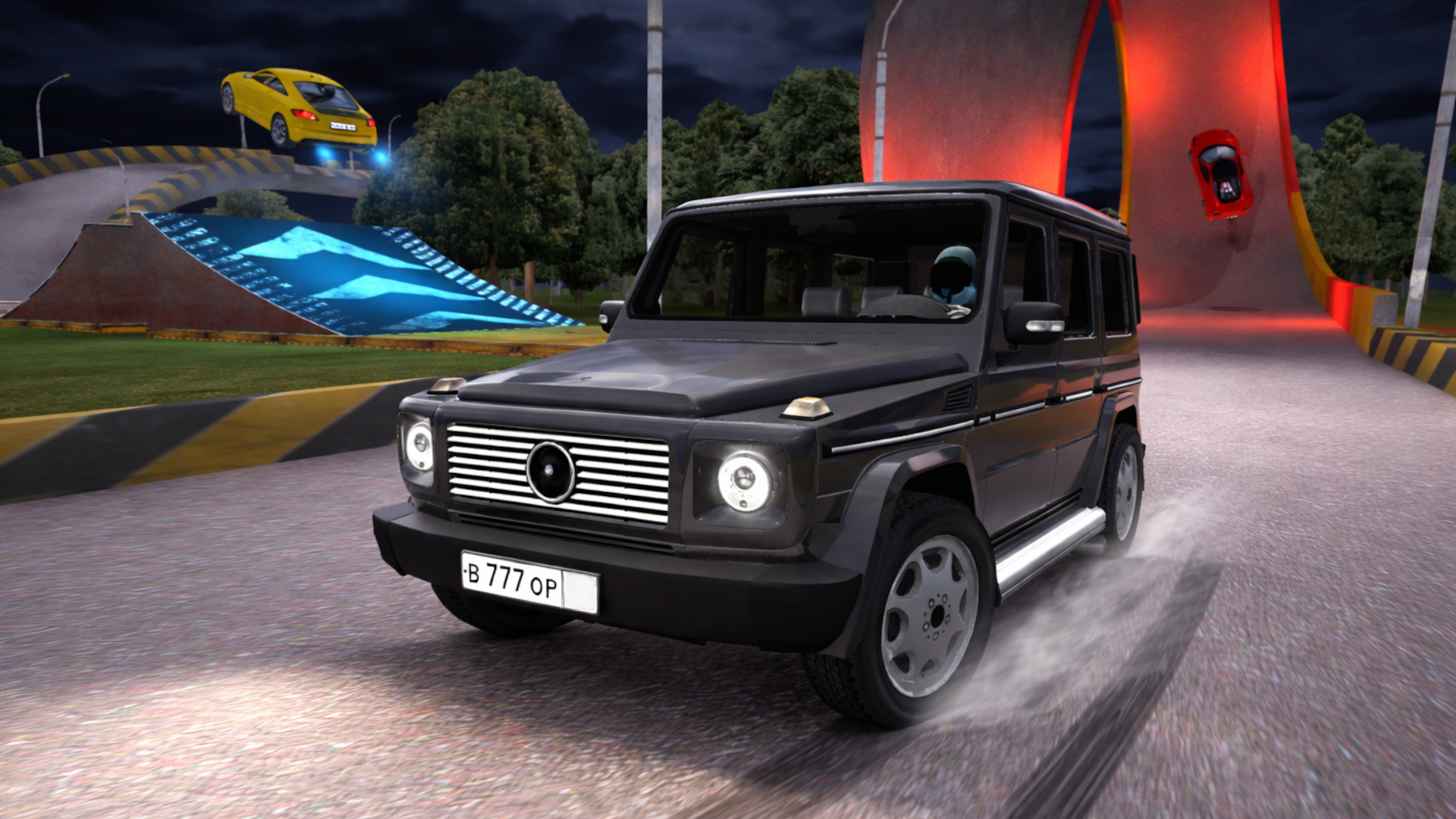
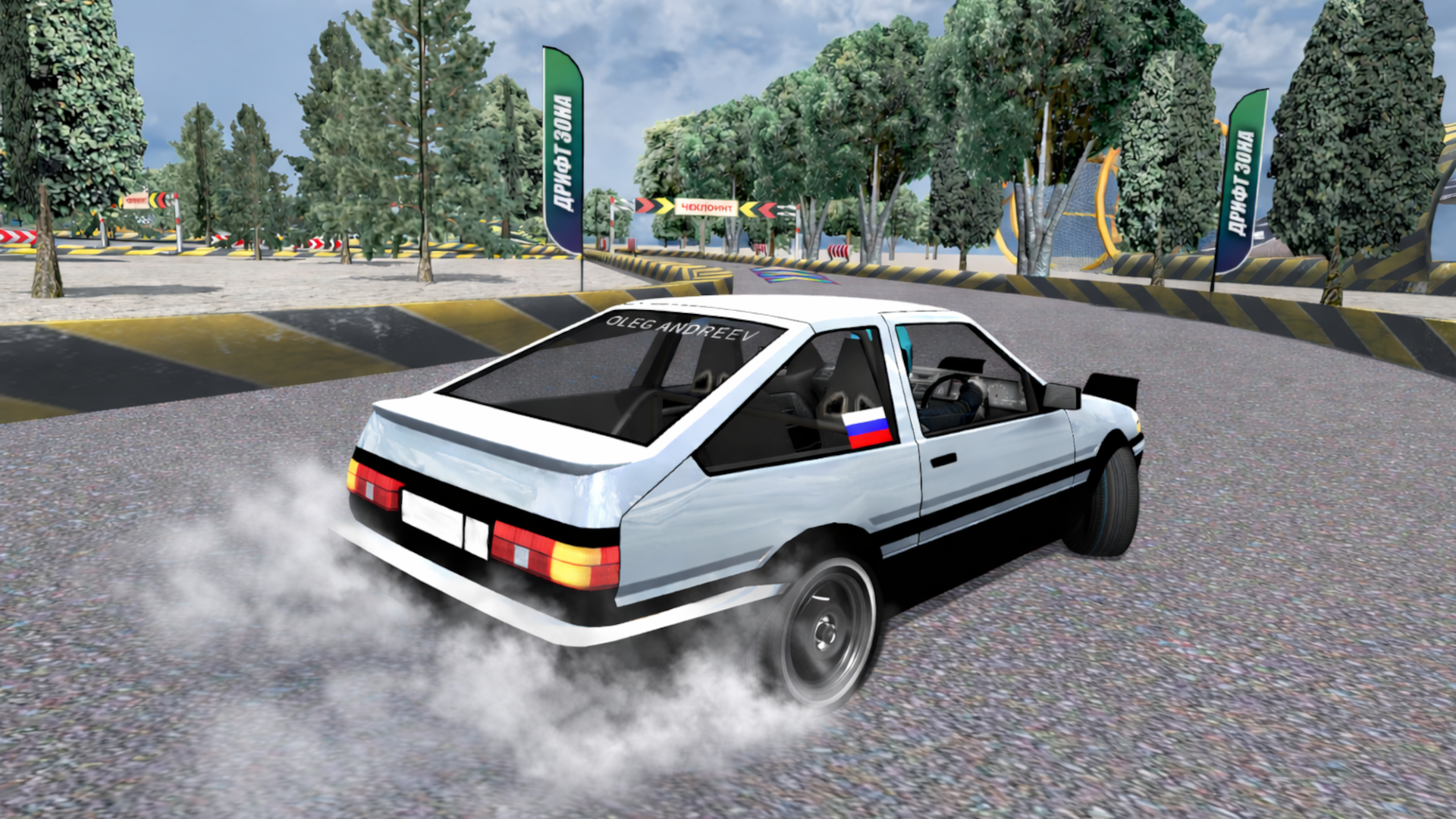
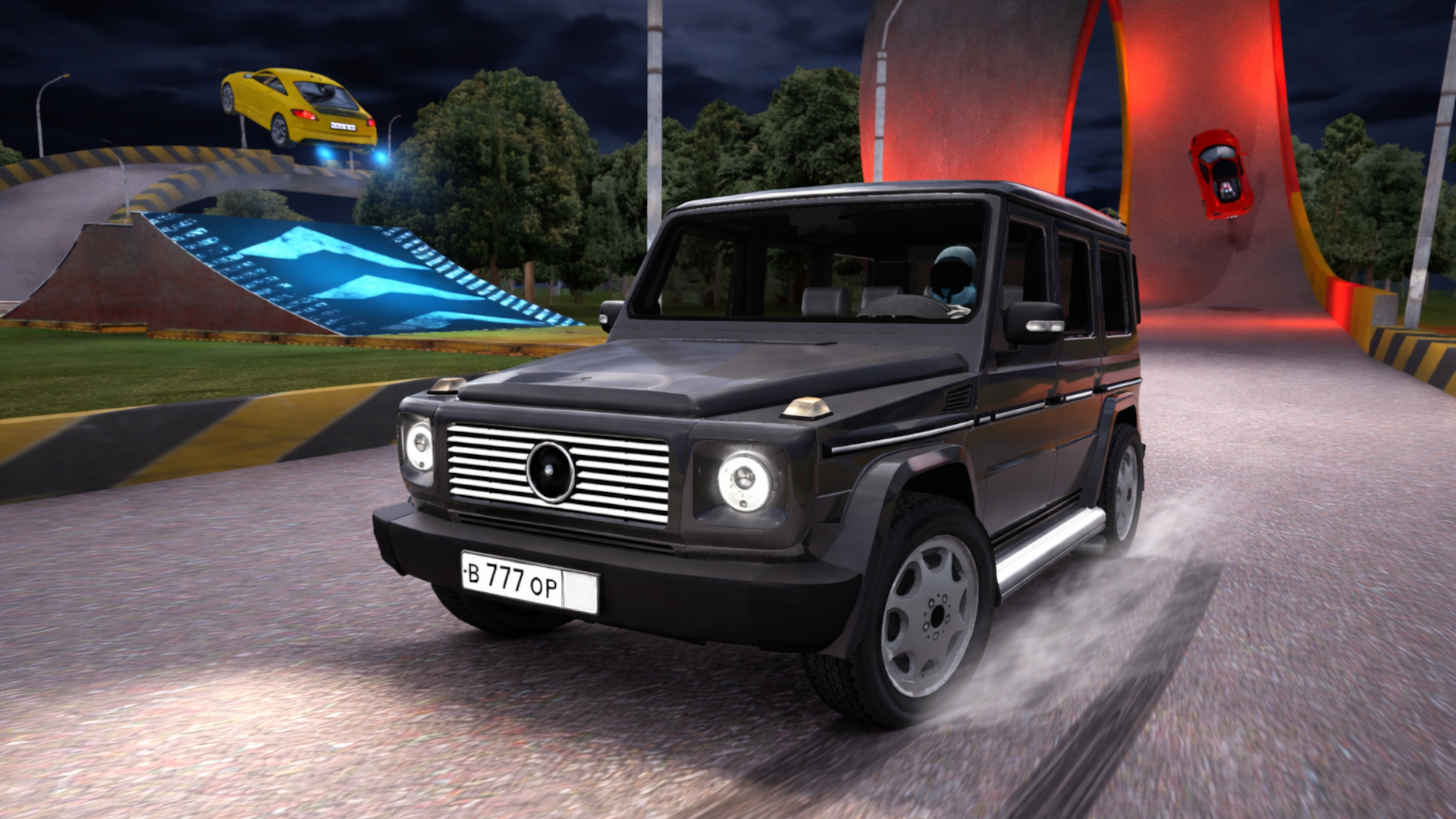
- More than 20 detailed cars
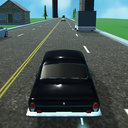
- Realistic vehicle physics
- Career mode with medal progression
- Random runs, track builder, and free drive
- Clean and polished visuals
TRD is all about speed, flow and the pursuit of the perfect time.
Videos and screenshots

14,545 players online
How to play
-
Open the game
Press Play now and the game opens on its own screen.
-
Follow the in-game instructions
The controls and goals are shown inside the game as you play.
-
Use the game menu
The floating button over the game reloads it, saves it to your favourites, or takes you back out.