Skip to content
KG
Toca Boca Phone Creation Editor

Toca Boca Phone Creation Editor

30K plays 4.7 out of 5

Overview

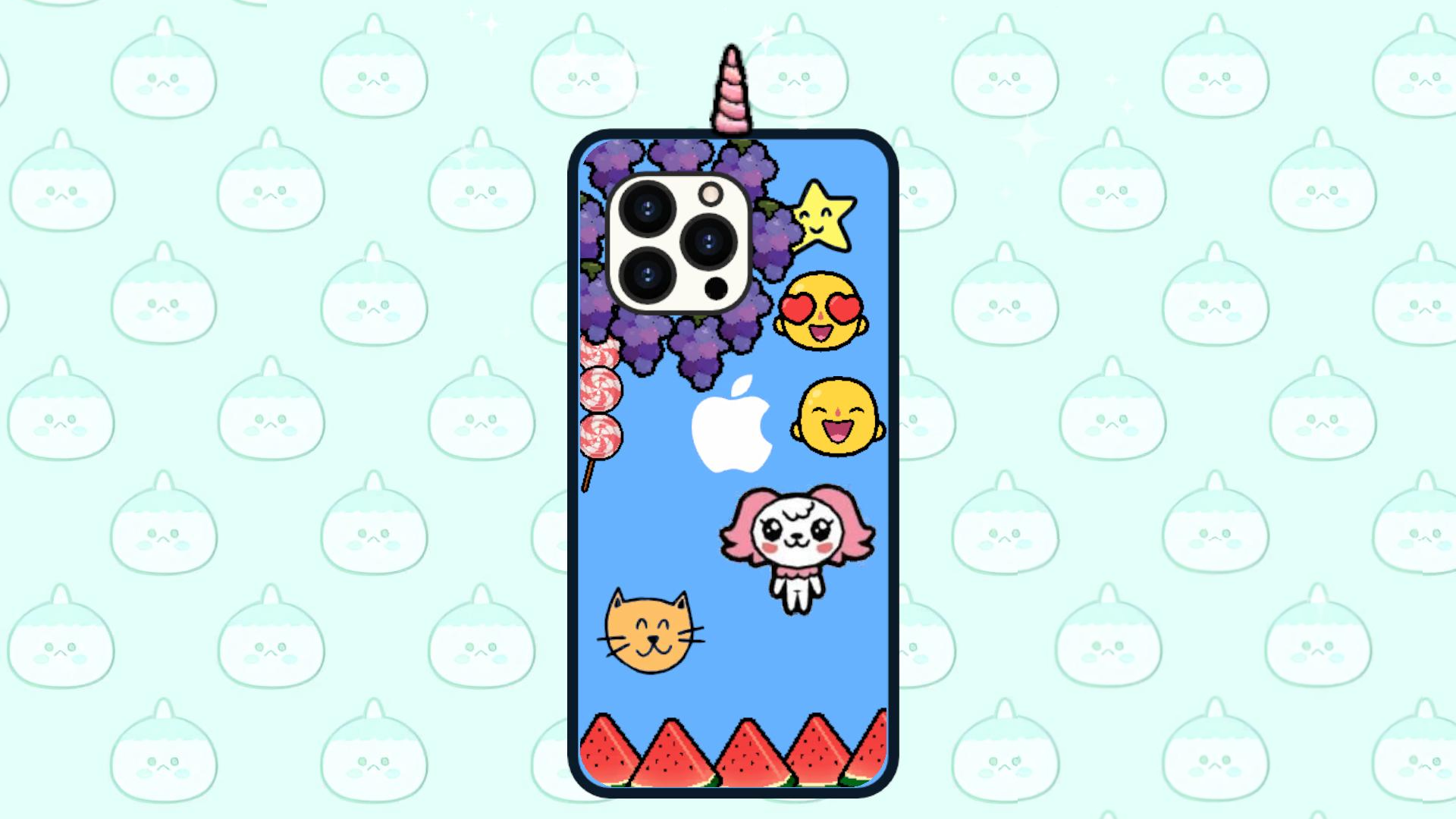
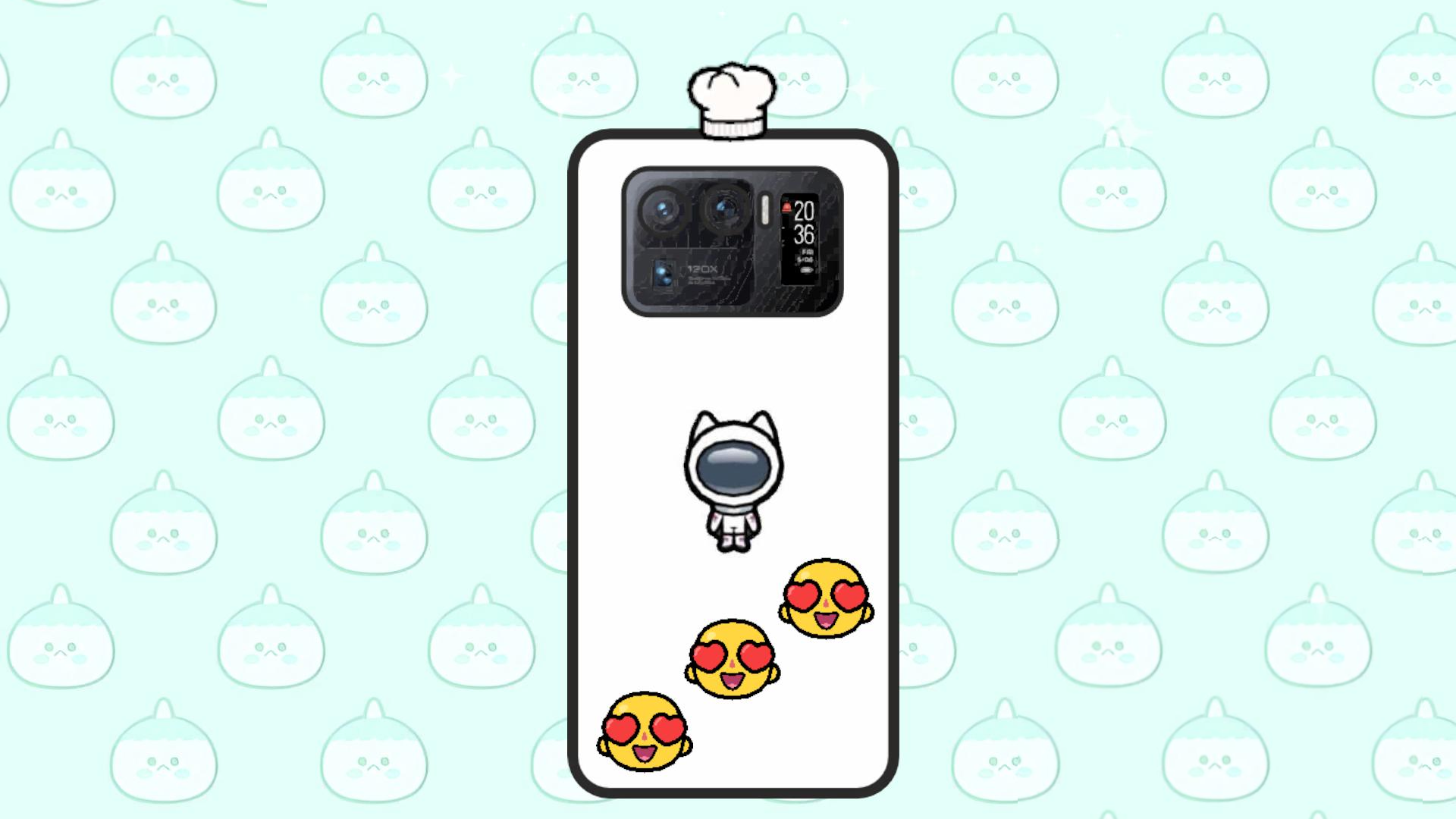
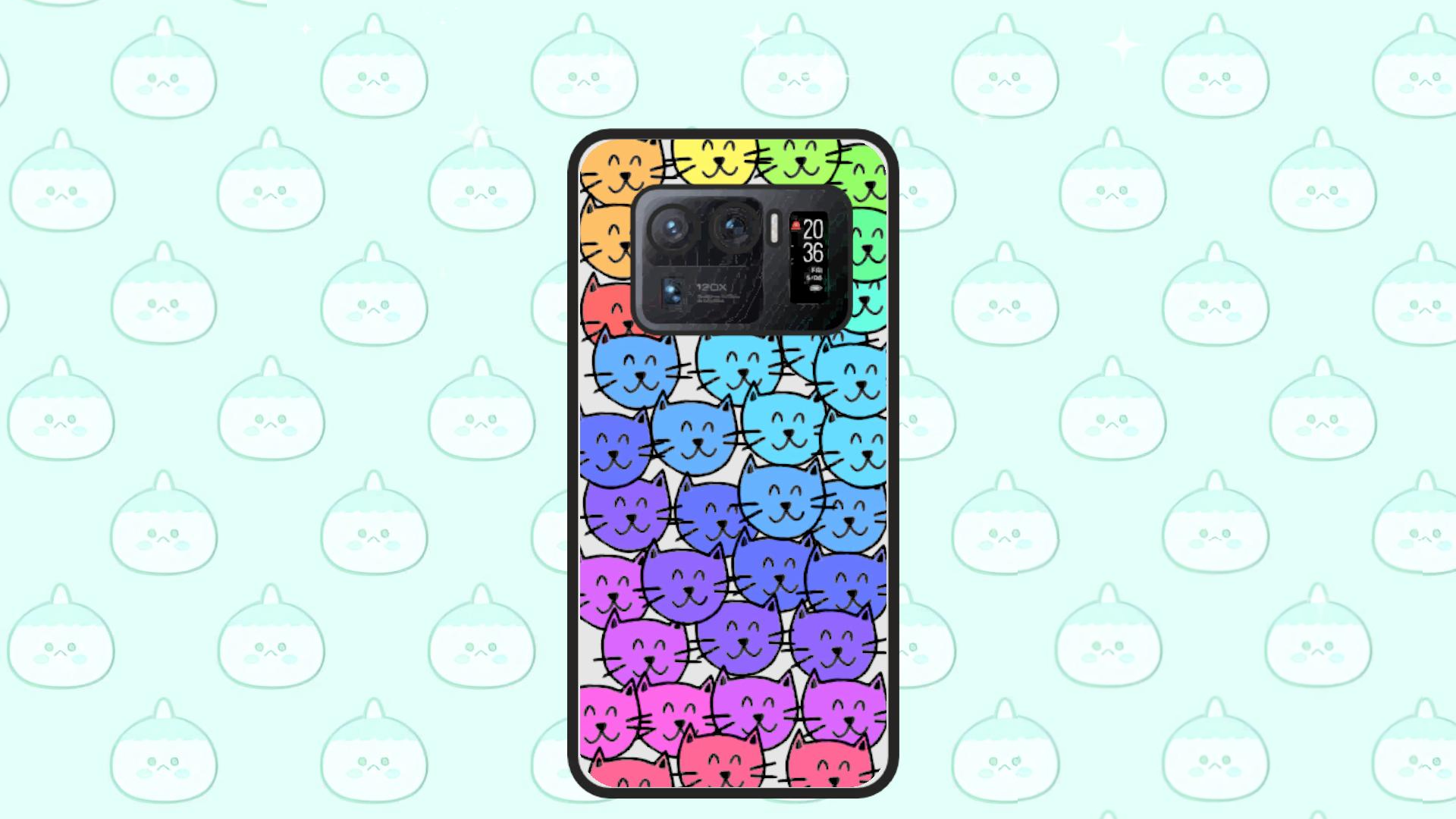
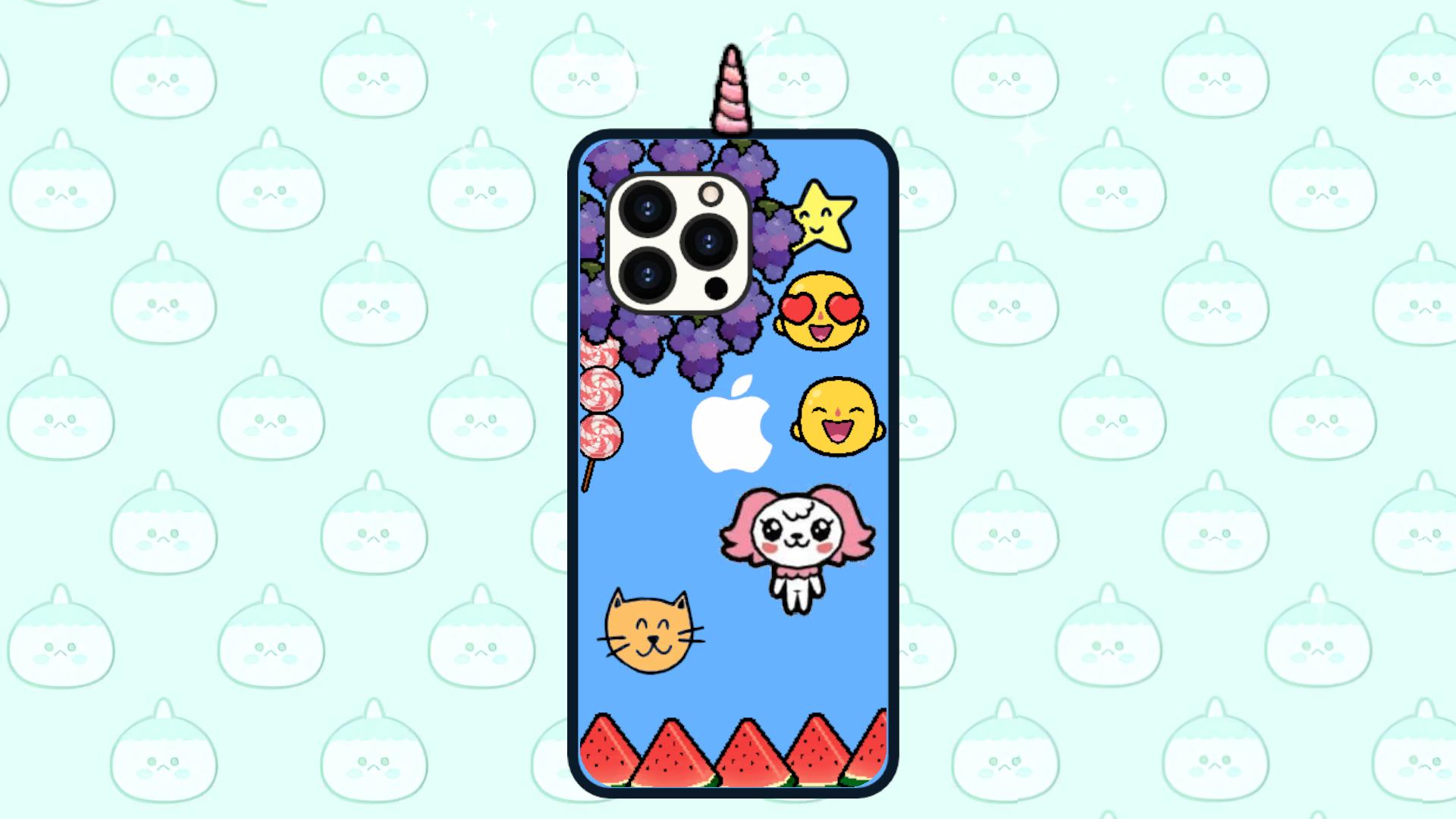
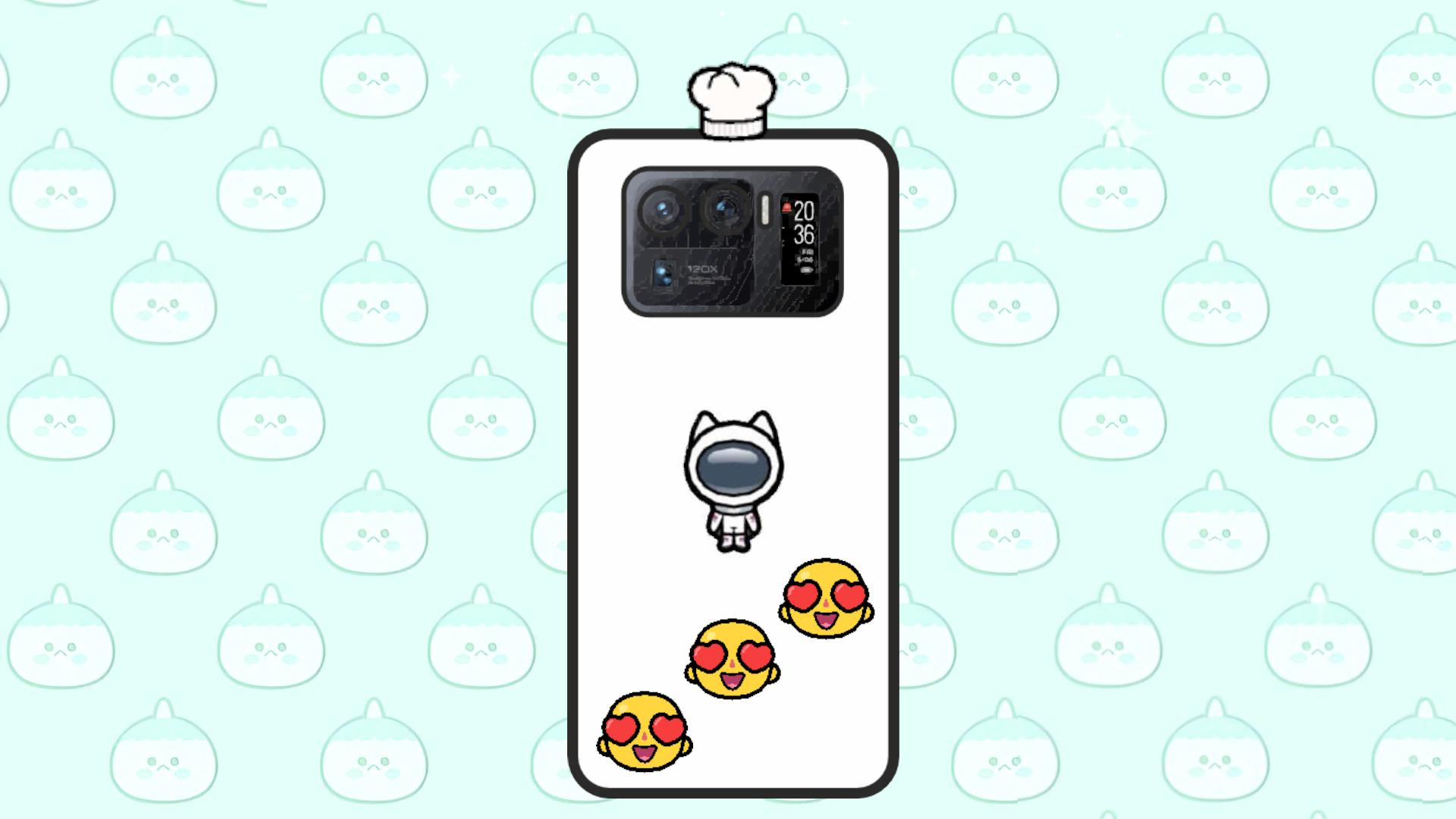
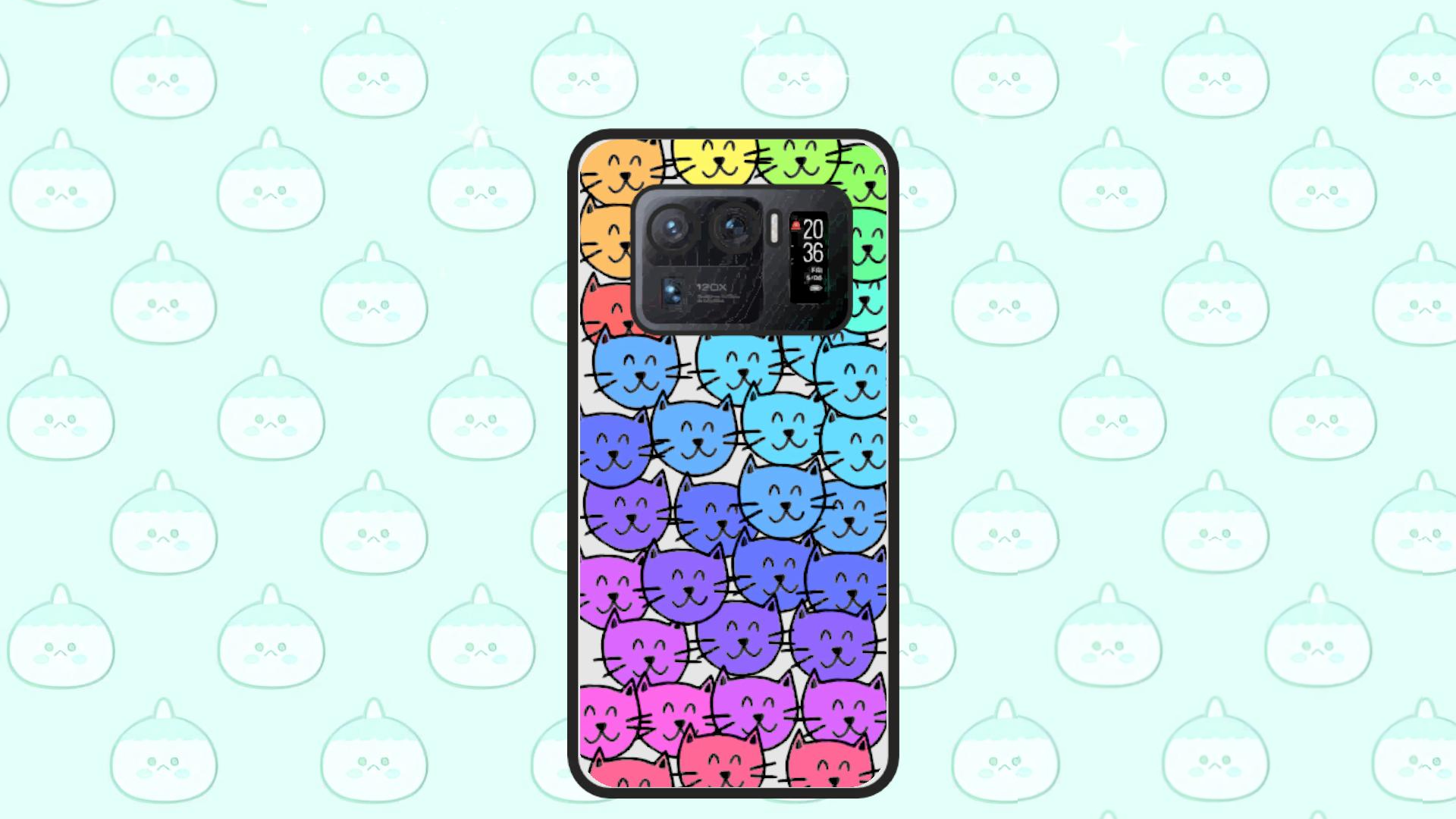
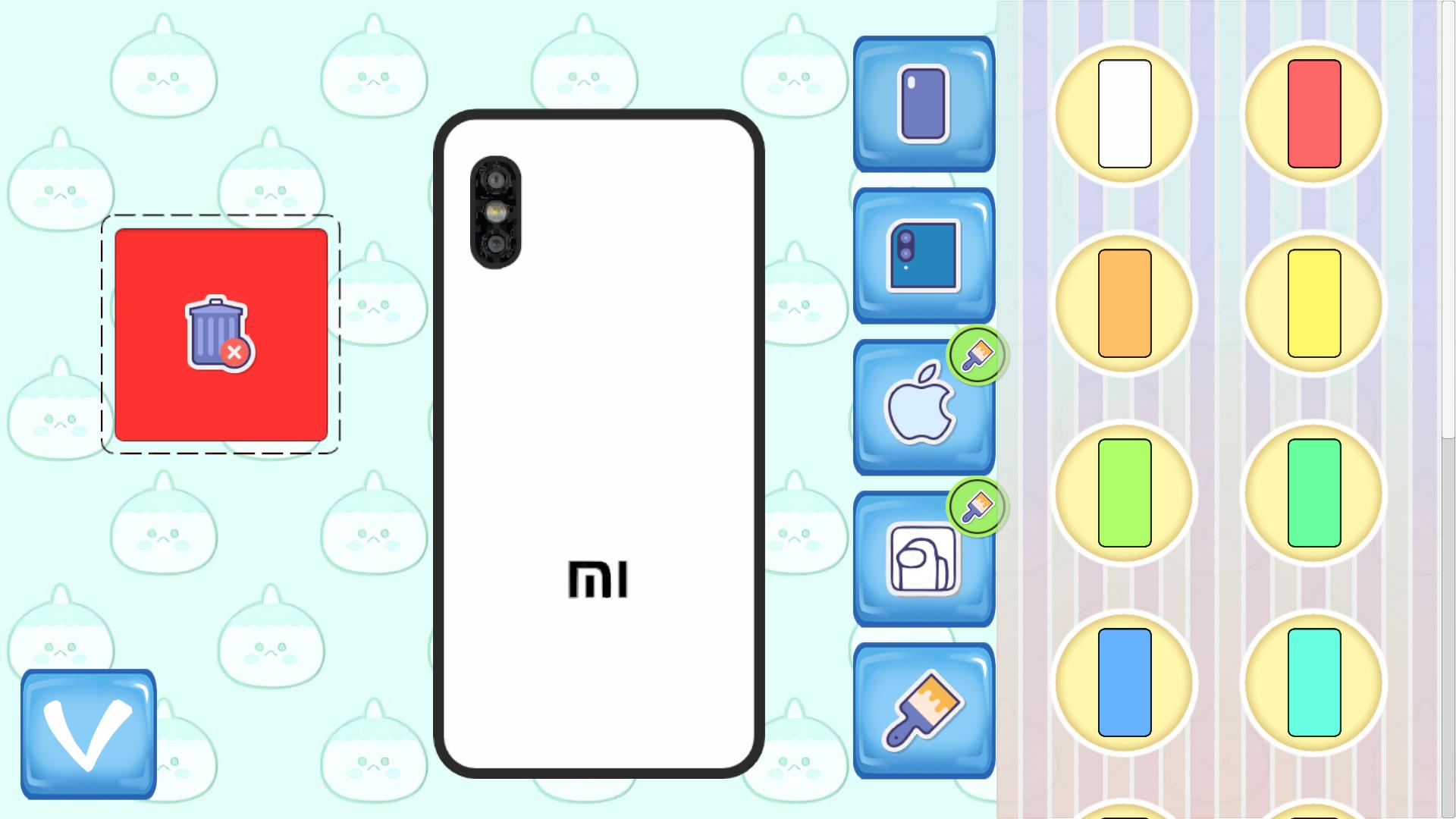
Get ready to plunge into the fascinating world of style and creativity! In this game you will become the main designer of your own smartphone! What awaits you: 1) A wide range of colors from delicate pink to bold black. Choose the one that suits your mood! 2) Your phone is not only stylish, but also professional! Choose a camera that reflects your personality! 3) Choose a logo that will make your smartphone stand out from the rest! 4) A variety of stickers for decoration! Choose and color them according to your taste! 5) Add crumples, emojis, stars and more! Now your own unique phone is ready to use! Show everyone your style and originality in the new editor "Toсa Boсa Phone Creation Editor"!

Videos and screenshots
  • Toca Boca Phone Creation Editor screenshot 1
  • Toca Boca Phone Creation Editor screenshot 2
  • Toca Boca Phone Creation Editor screenshot 3
  • Toca Boca Phone Creation Editor screenshot 4
  • Toca Boca Phone Creation Editor screenshot 5
  • Toca Boca Phone Creation Editor screenshot 6
  • Toca Boca Phone Creation Editor screenshot 7
  • Toca Boca Phone Creation Editor screenshot 8
  • Toca Boca Phone Creation Editor screenshot 9
  • Toca Boca Phone Creation Editor screenshot 10
  • Toca Boca Phone Creation Editor screenshot 11
  • Toca Boca Phone Creation Editor screenshot 12
Play Now

13,401 players online

How to play

  1. Open the game

    Press Play now and the game opens on its own screen.

  2. Follow the in-game instructions

    The controls and goals are shown inside the game as you play.

  3. Use the game menu

    The floating button over the game reloads it, saves it to your favourites, or takes you back out.

Game instructions

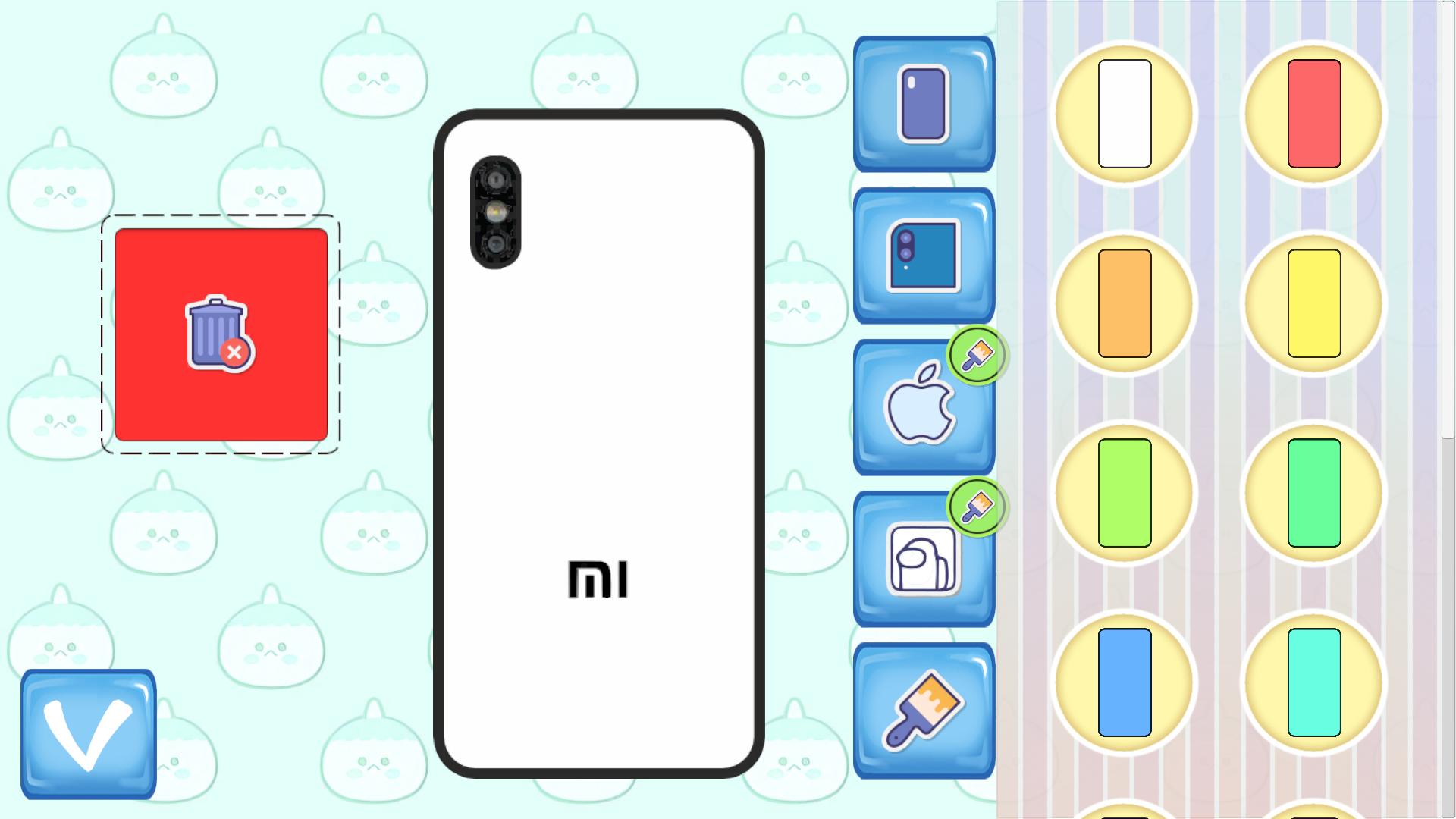
Create your own phone by easily switching between tabs. The interface is simple and intuitive. On the tabs with the brush icon you will find items that can be colored. There are also individual items that can be colored. To change the color of an item, first select a color from the coloring tab (with the brush icon), then click on the item on your phone. If the item can be colored, it will change color. Extra items can be dragged into the red zone - they will be deleted.

More games

More games