Skip to content
KG
Toca World: The City of Creativity

Toca World: The City of Creativity

966 plays 4.9 out of 5

Overview

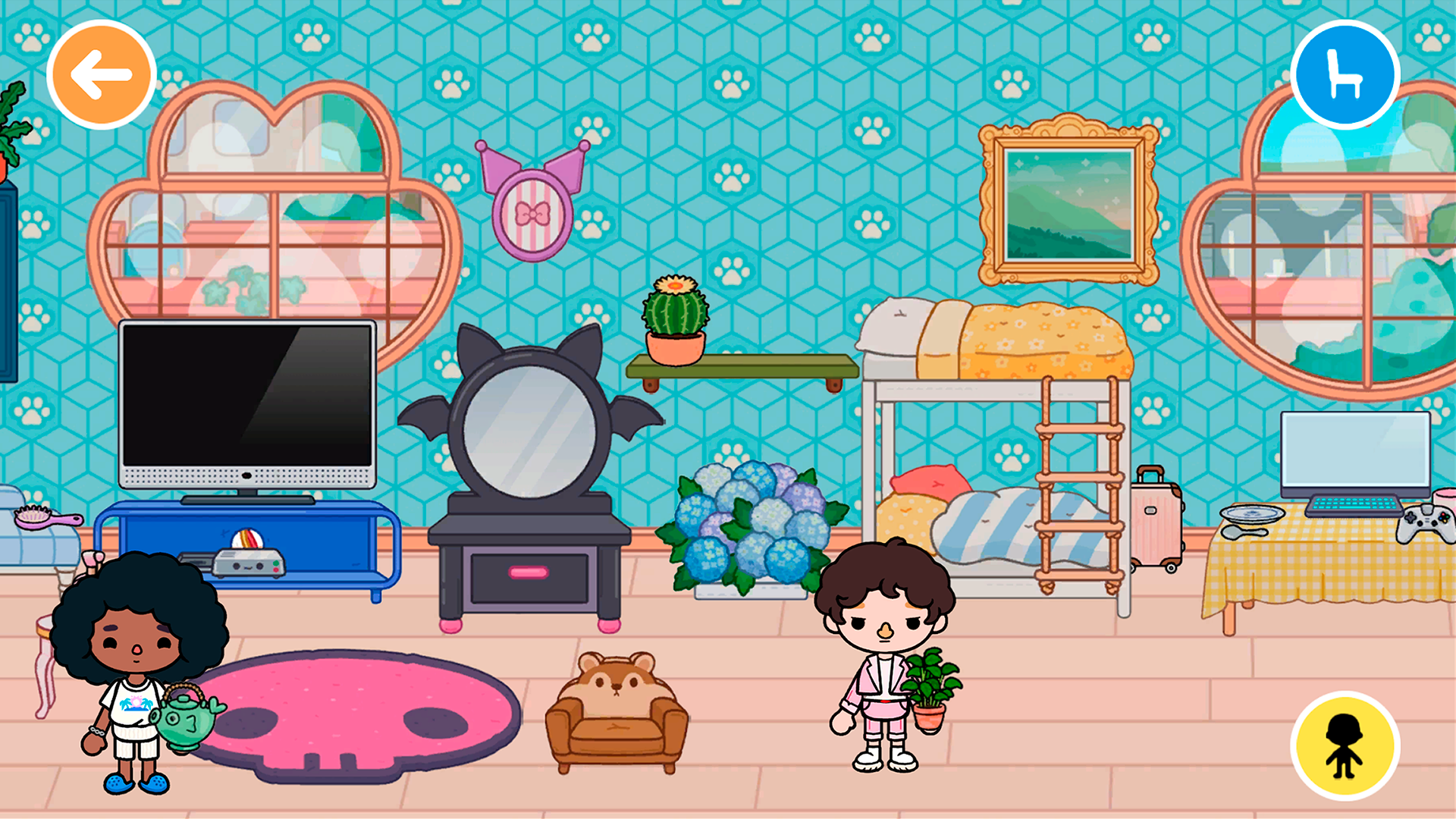
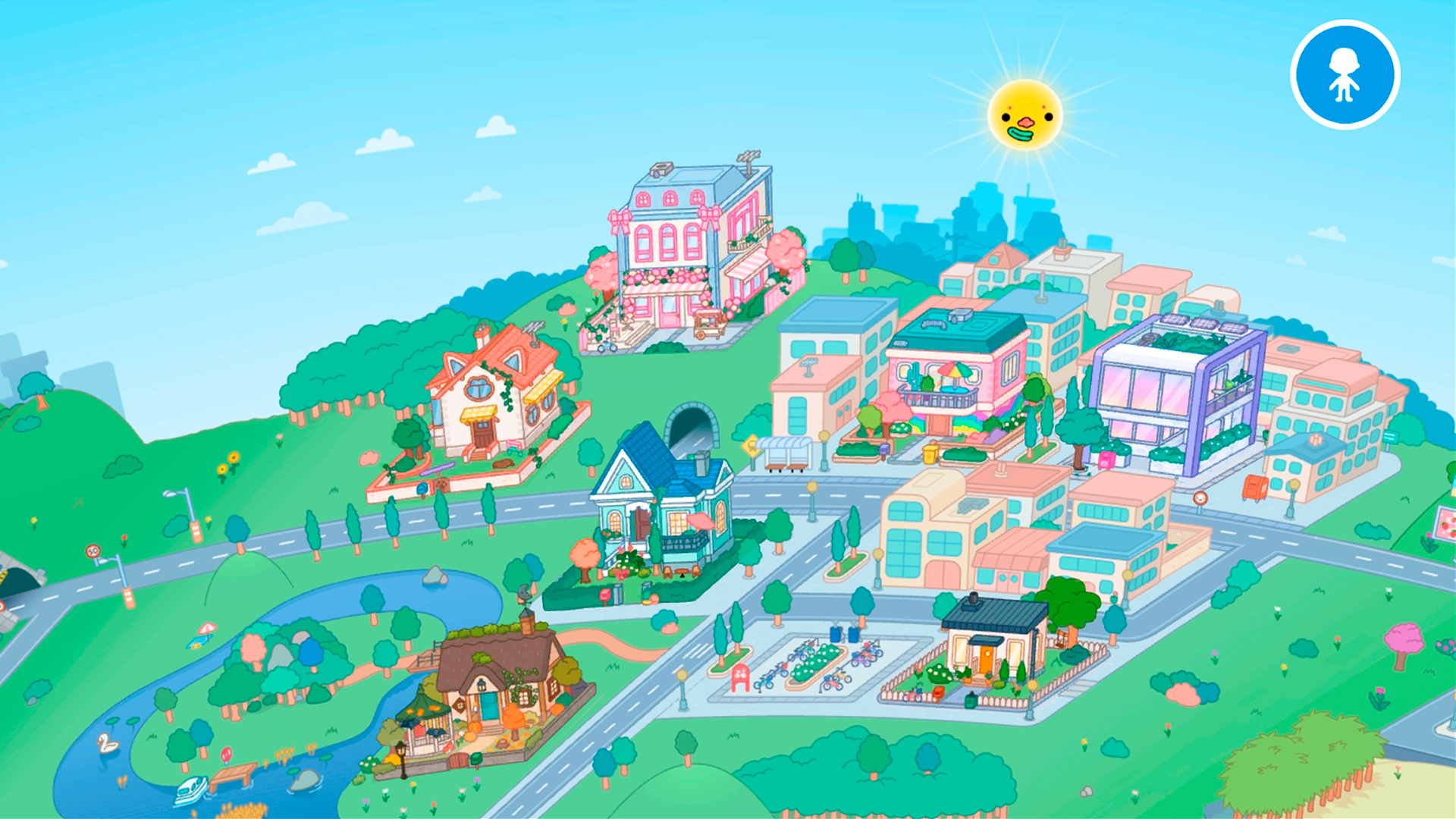
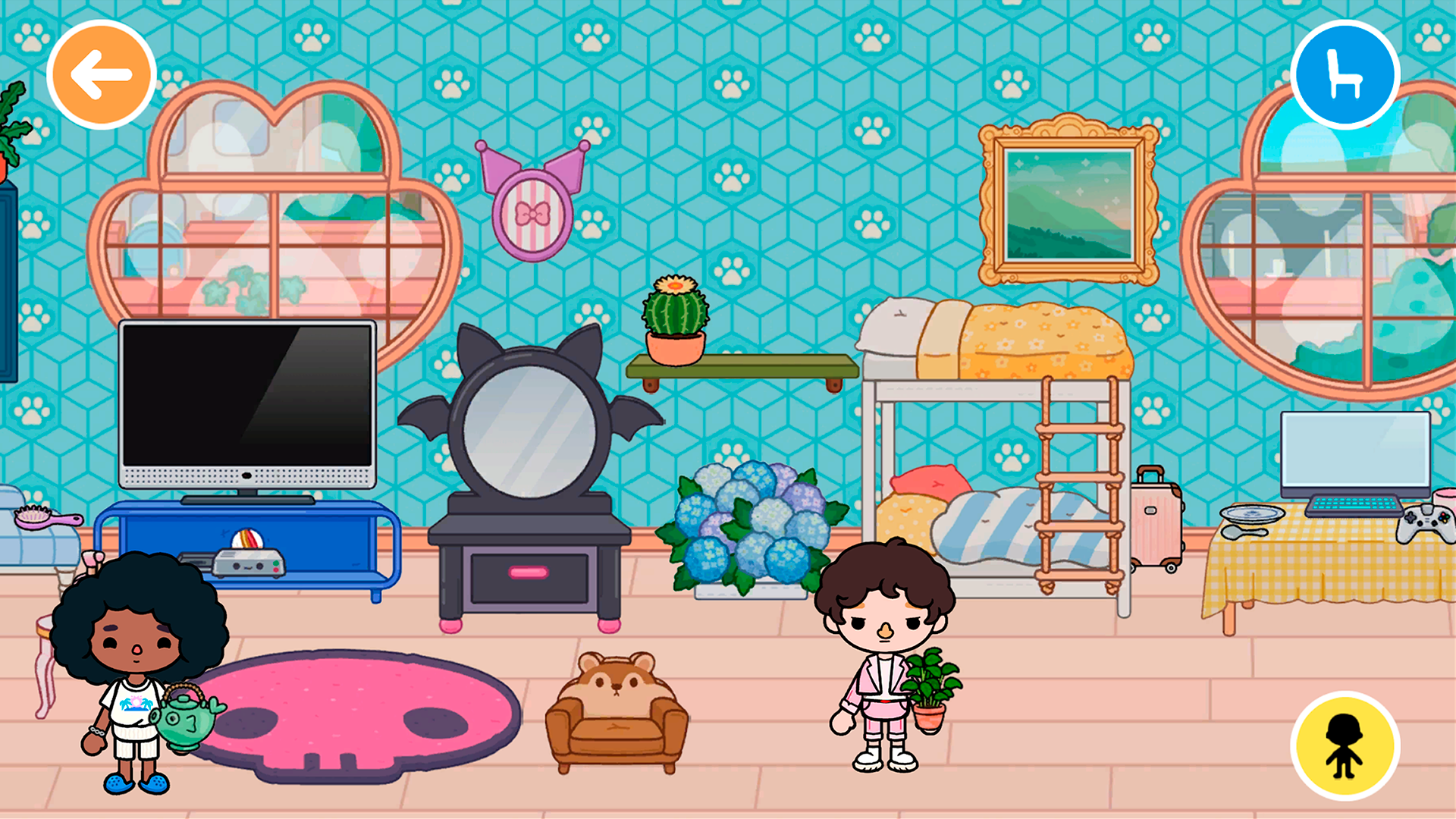
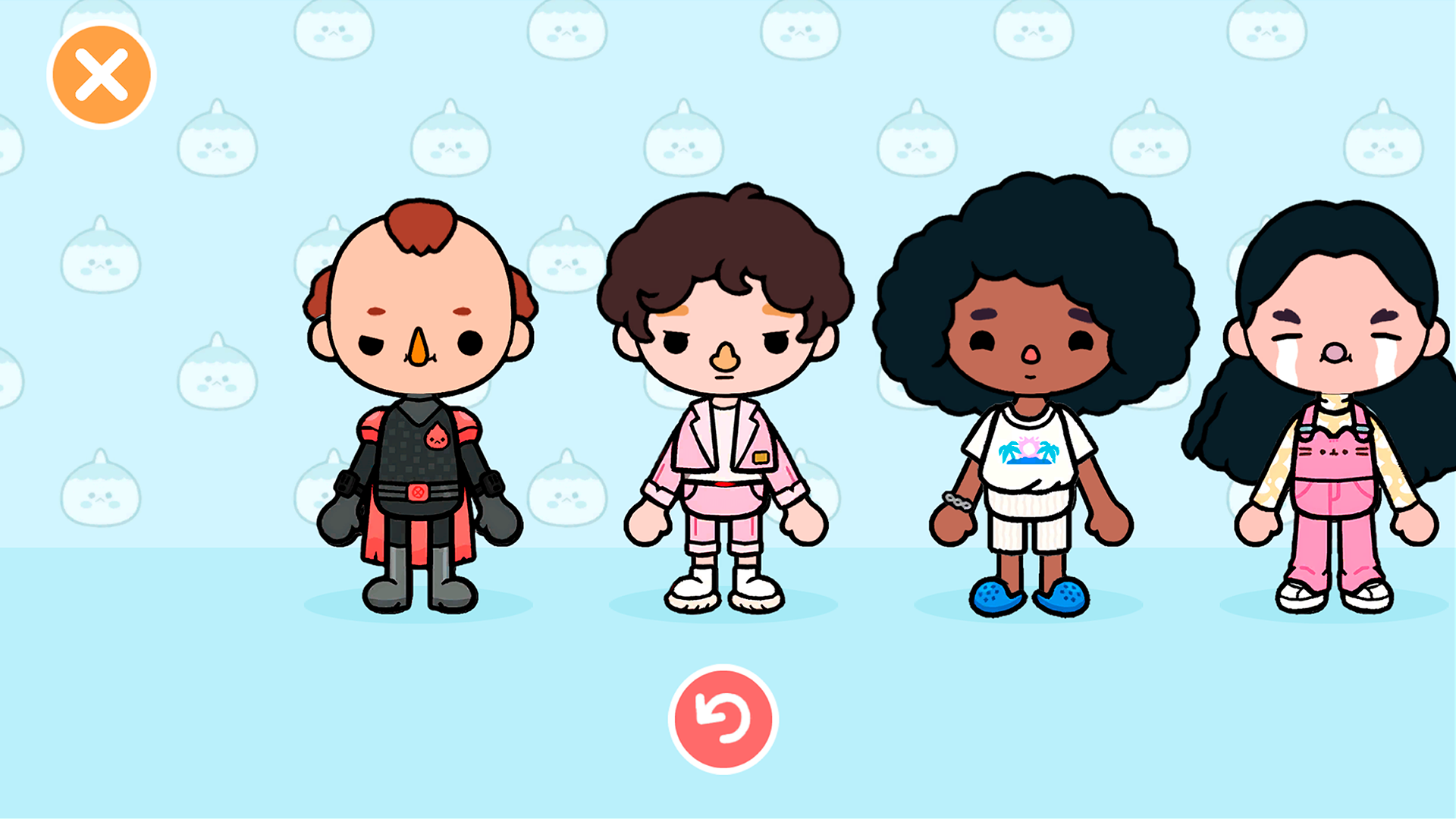
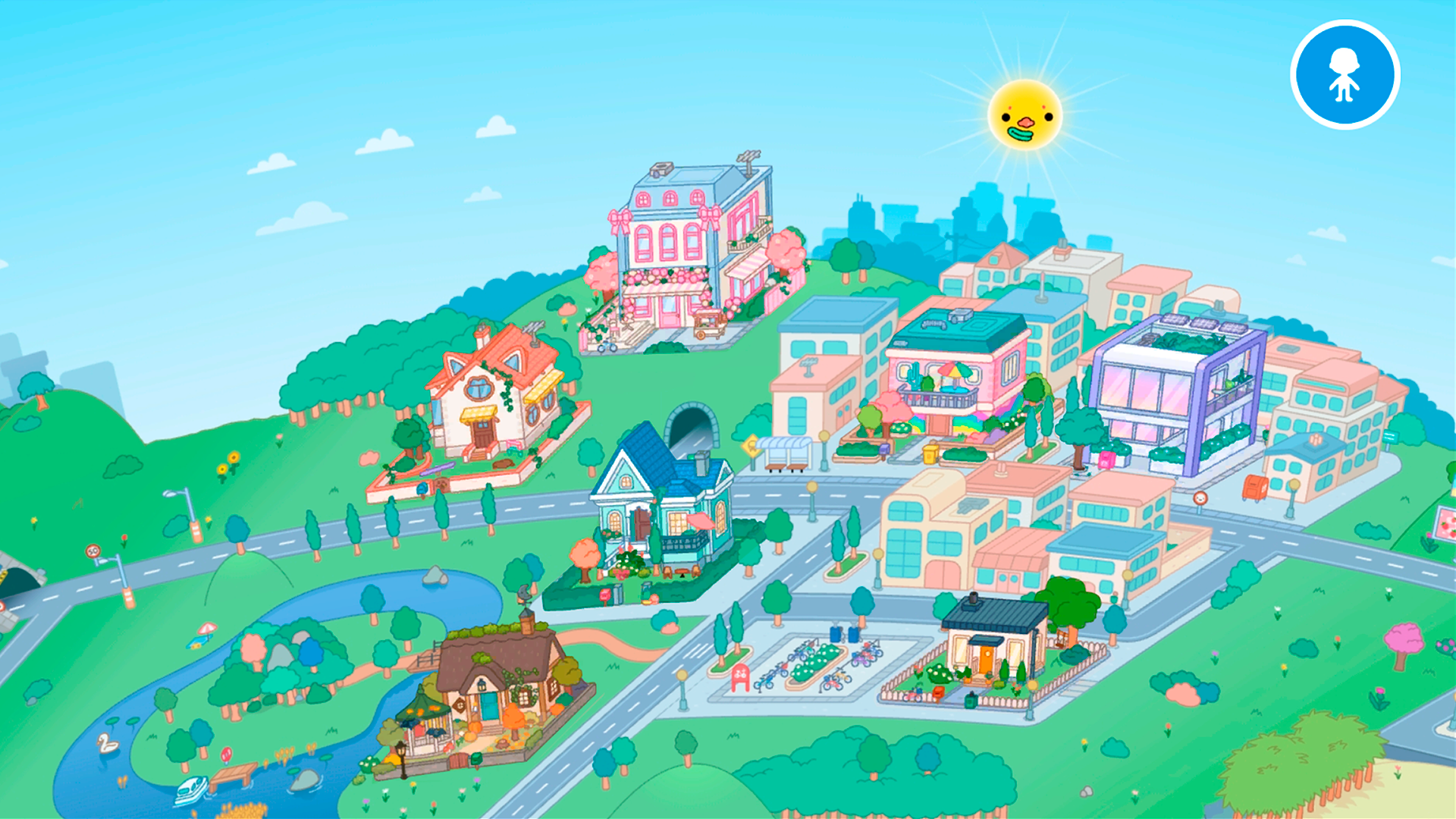
Immerse yourself in the fascinating world of Toca World: The City of Creativity, where you can become a real designer of houses and a fashionable stylist for your characters! Creating a house design will open up a real field for you to create. A lot of interior items will give you the opportunity to show yourself, create the right atmosphere and get your own unique decorations. A variety of customization tools allows you to create unique characters that can be played in personally decorated homes. This will allow you to let your imagination run wild, or create characters similar to yourself and your friends!

Videos and screenshots
  • Toca World: The City of Creativity screenshot 1
  • Toca World: The City of Creativity screenshot 2
  • Toca World: The City of Creativity screenshot 3
  • Toca World: The City of Creativity screenshot 4
  • Toca World: The City of Creativity screenshot 5
  • Toca World: The City of Creativity screenshot 6
  • Toca World: The City of Creativity screenshot 7
  • Toca World: The City of Creativity screenshot 8
  • Toca World: The City of Creativity screenshot 9
  • Toca World: The City of Creativity screenshot 10
  • Toca World: The City of Creativity screenshot 11
  • Toca World: The City of Creativity screenshot 12
Play Now

10,573 players online

How to play

  1. Open the game

    Press Play now and the game opens on its own screen.

  2. Follow the in-game instructions

    The controls and goals are shown inside the game as you play.

  3. Use the game menu

    The floating button over the game reloads it, saves it to your favourites, or takes you back out.

Game instructions

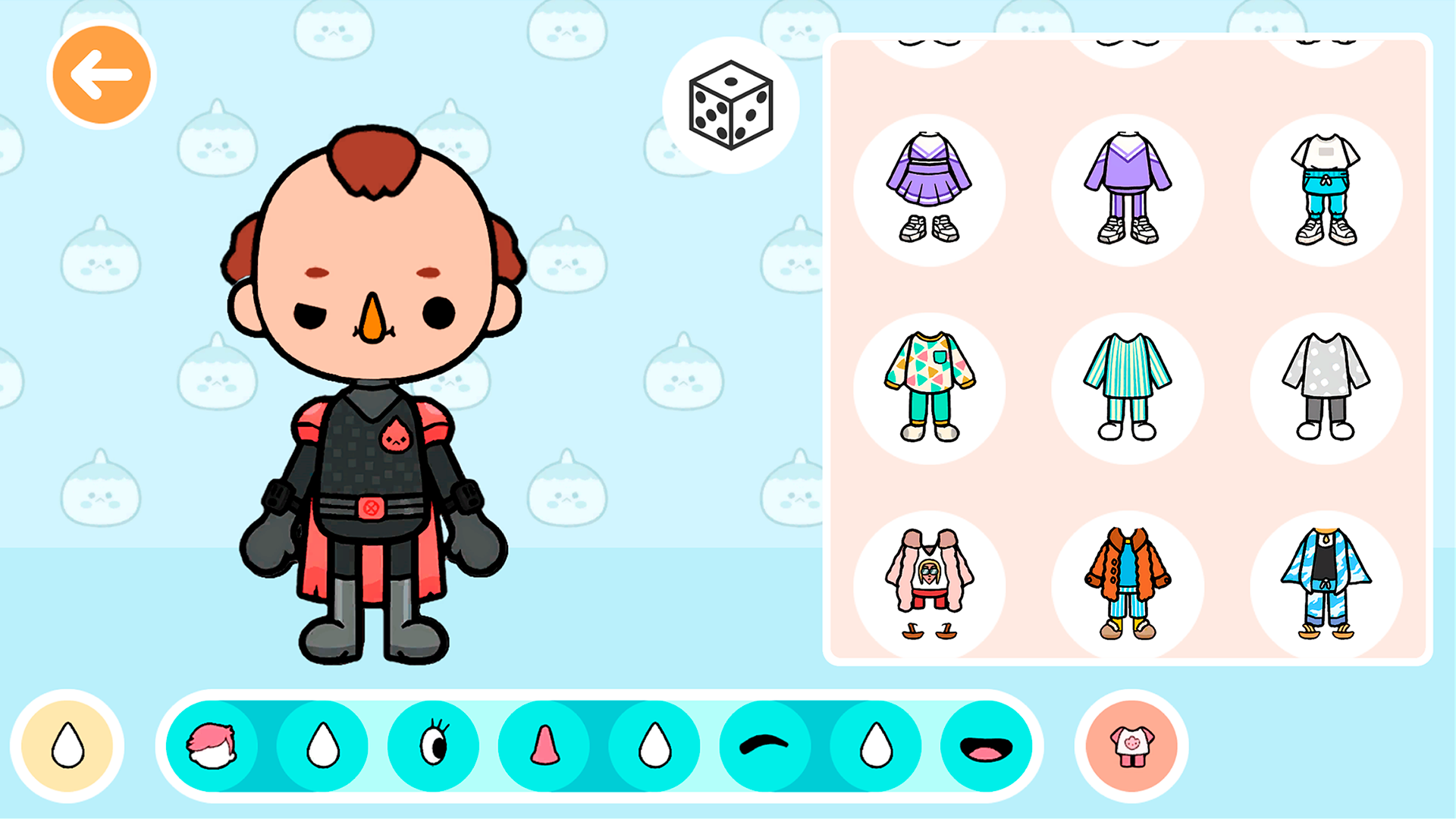
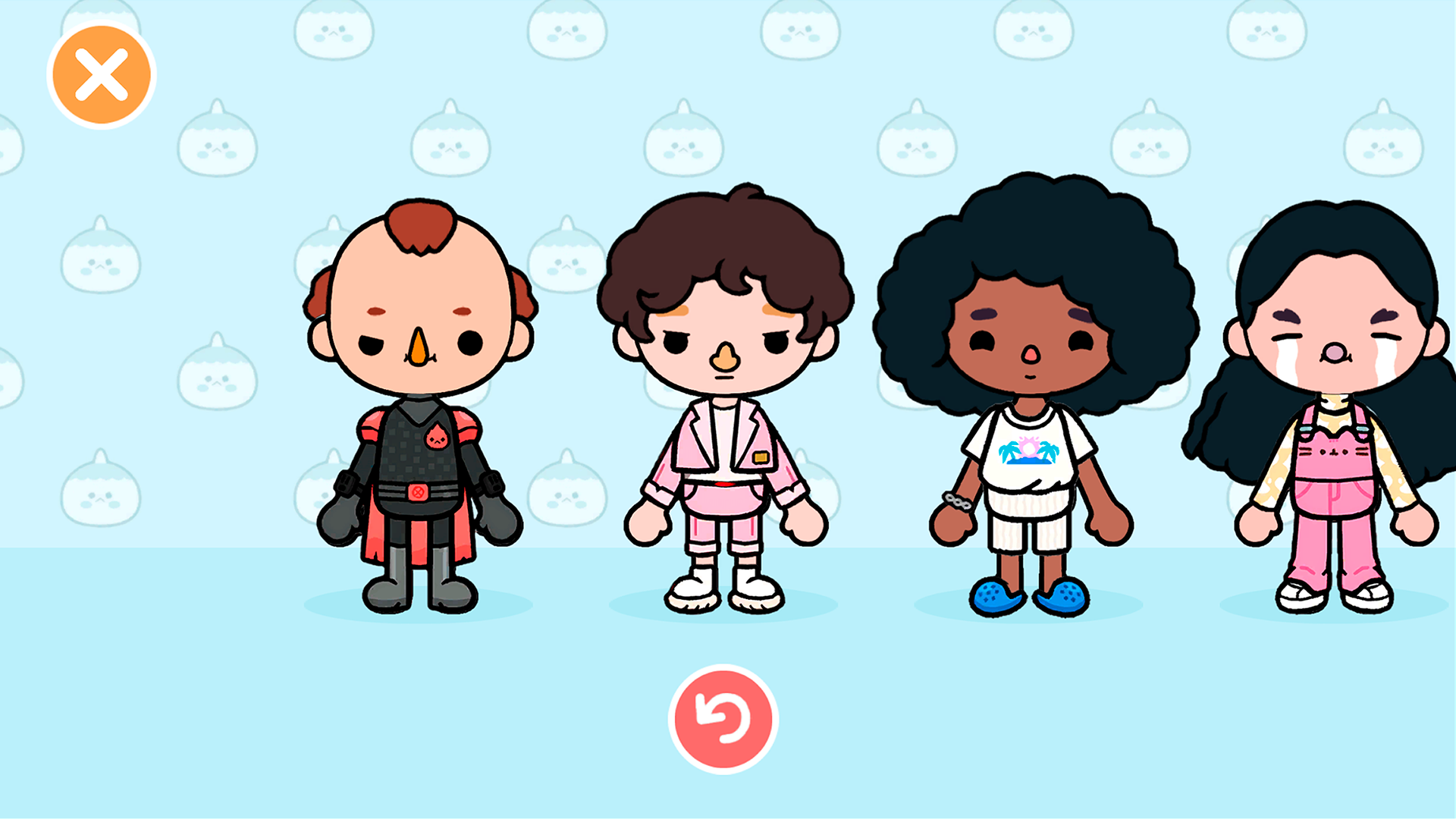
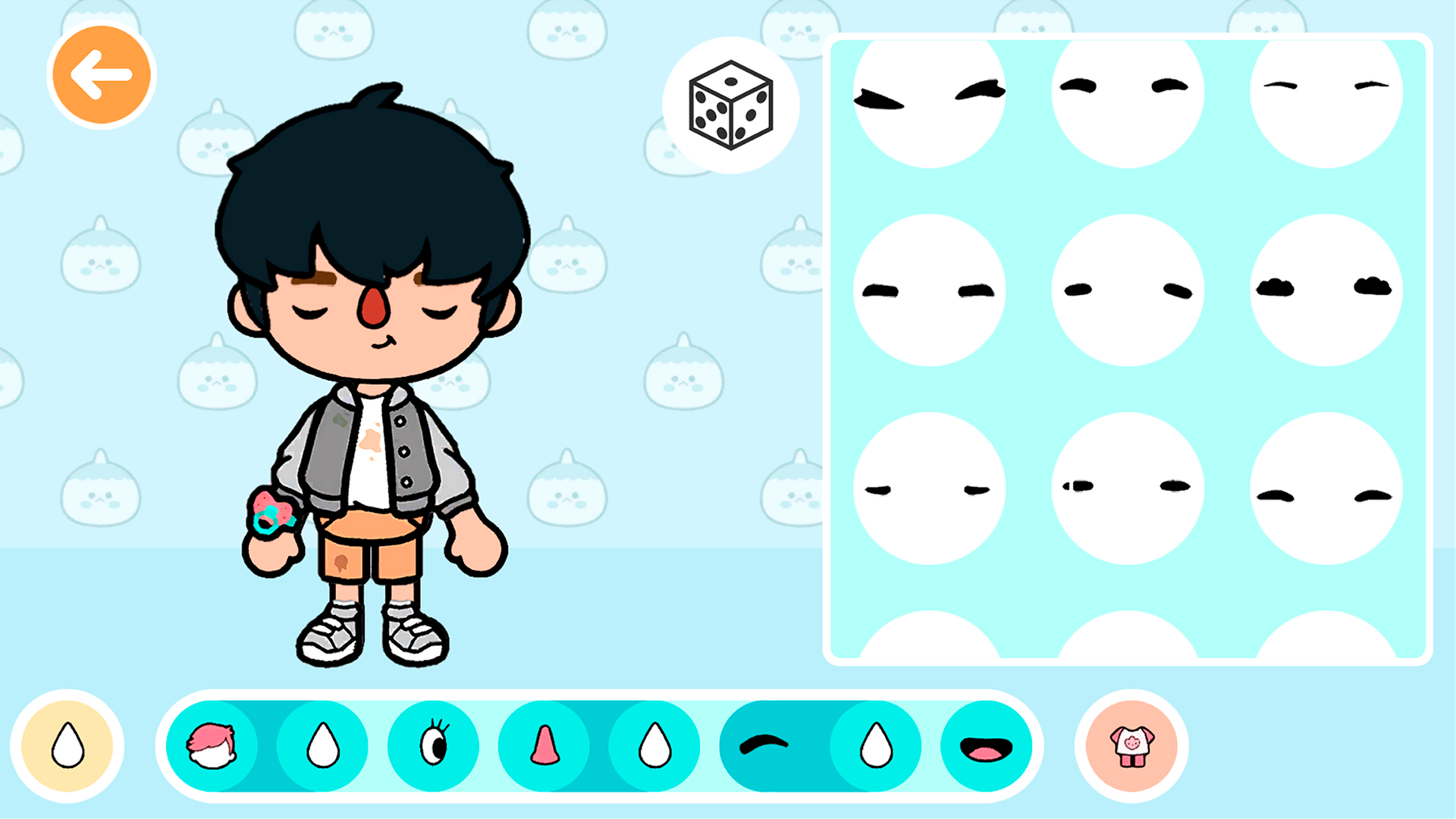
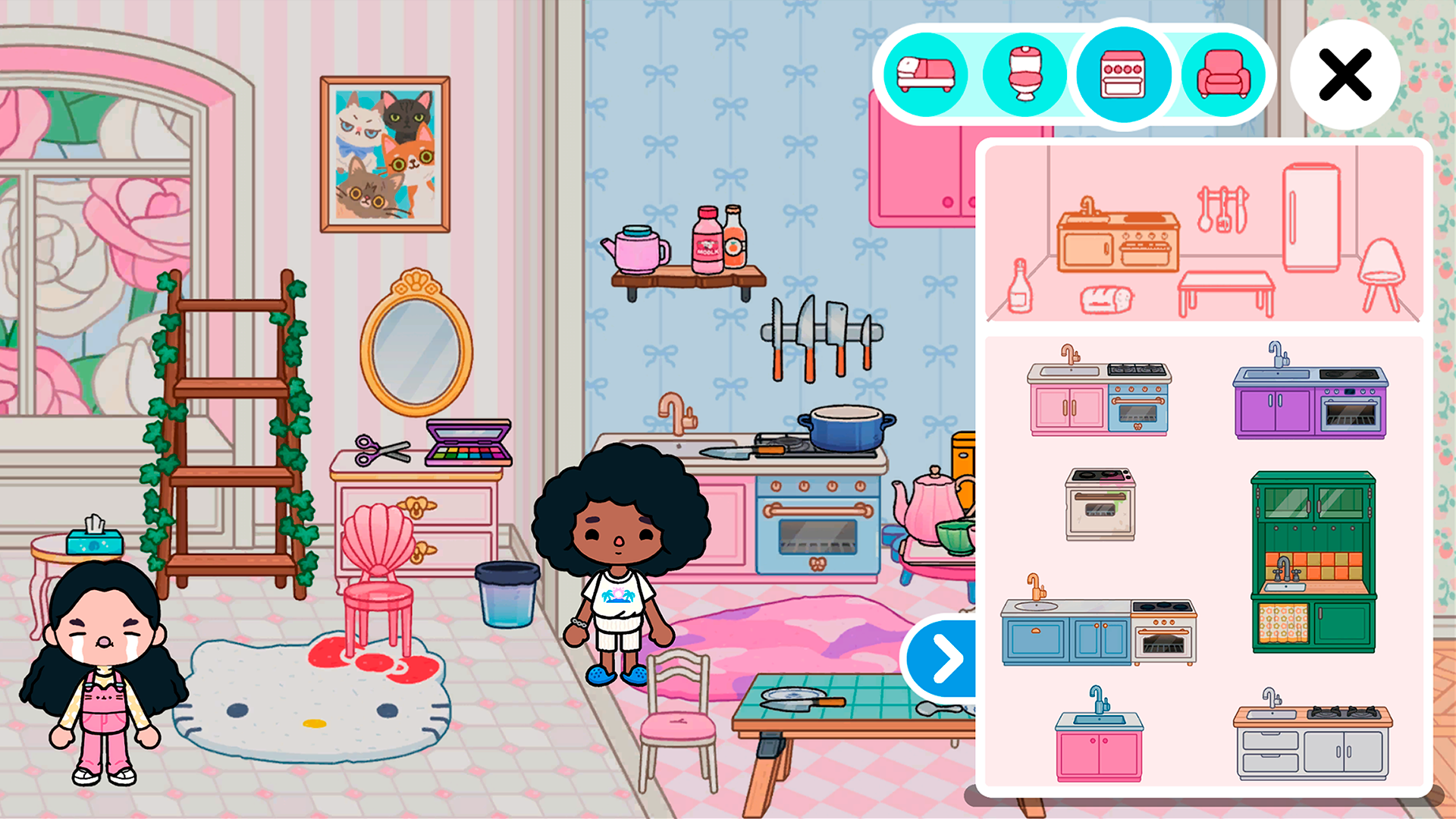
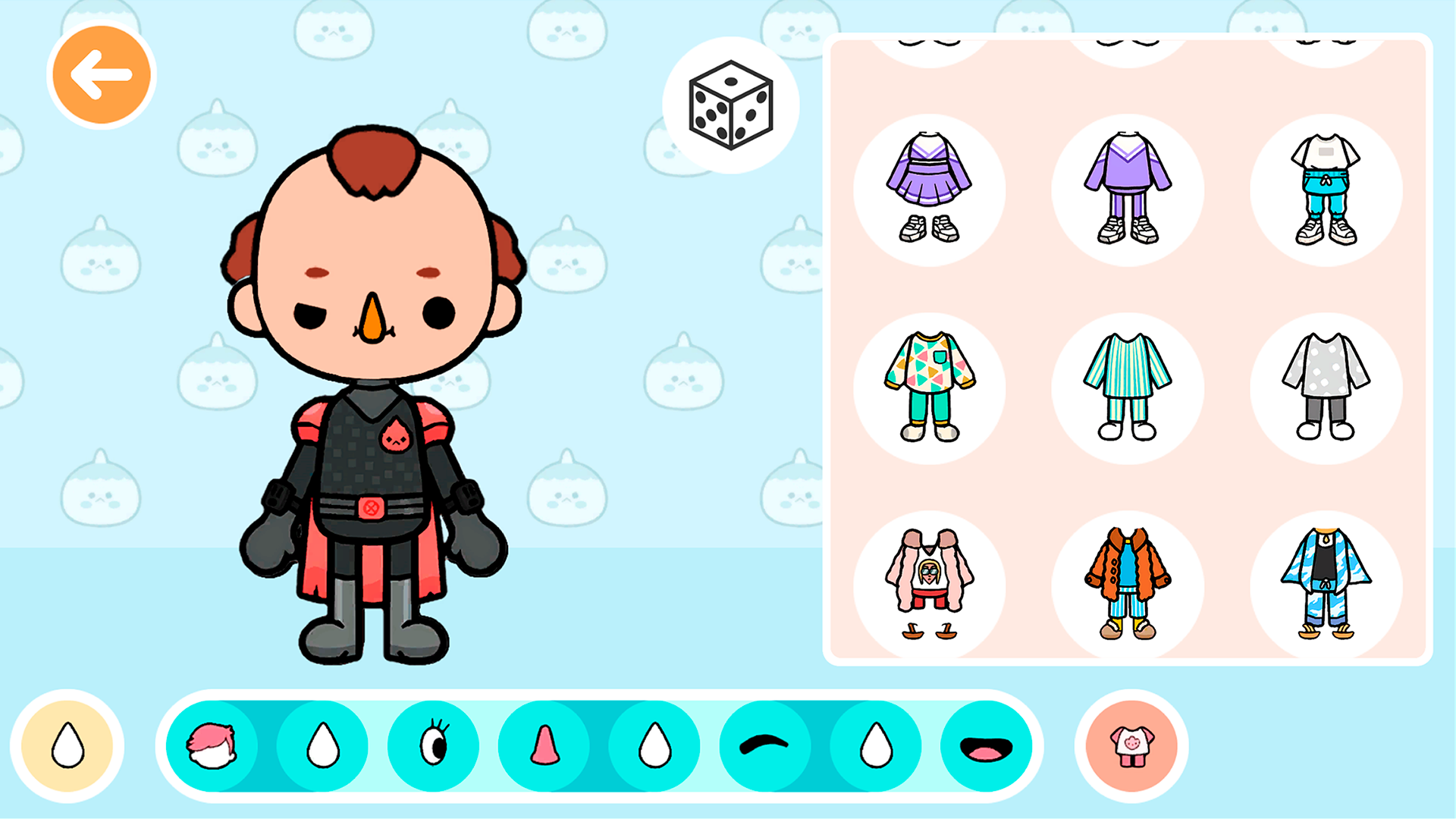
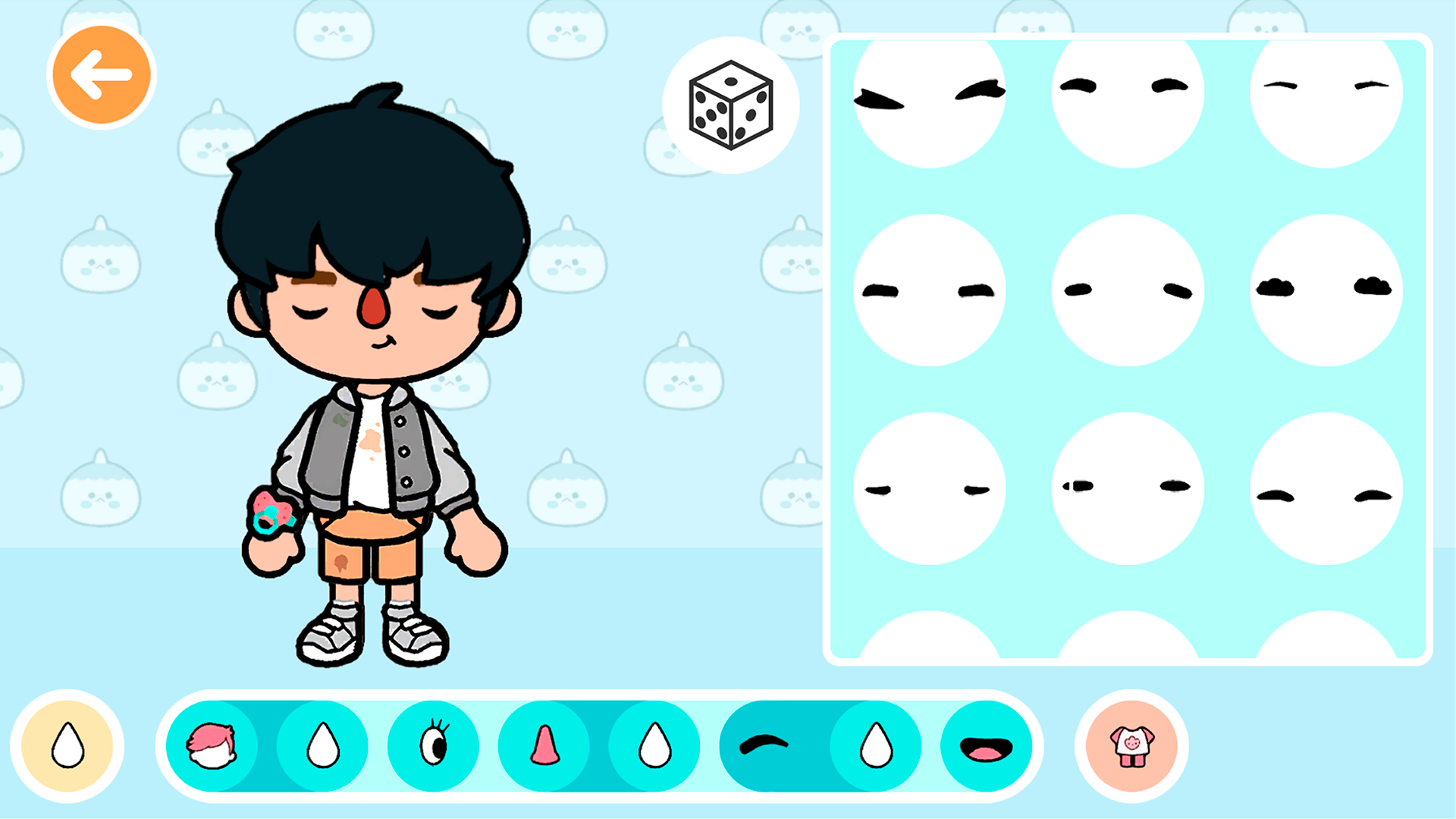
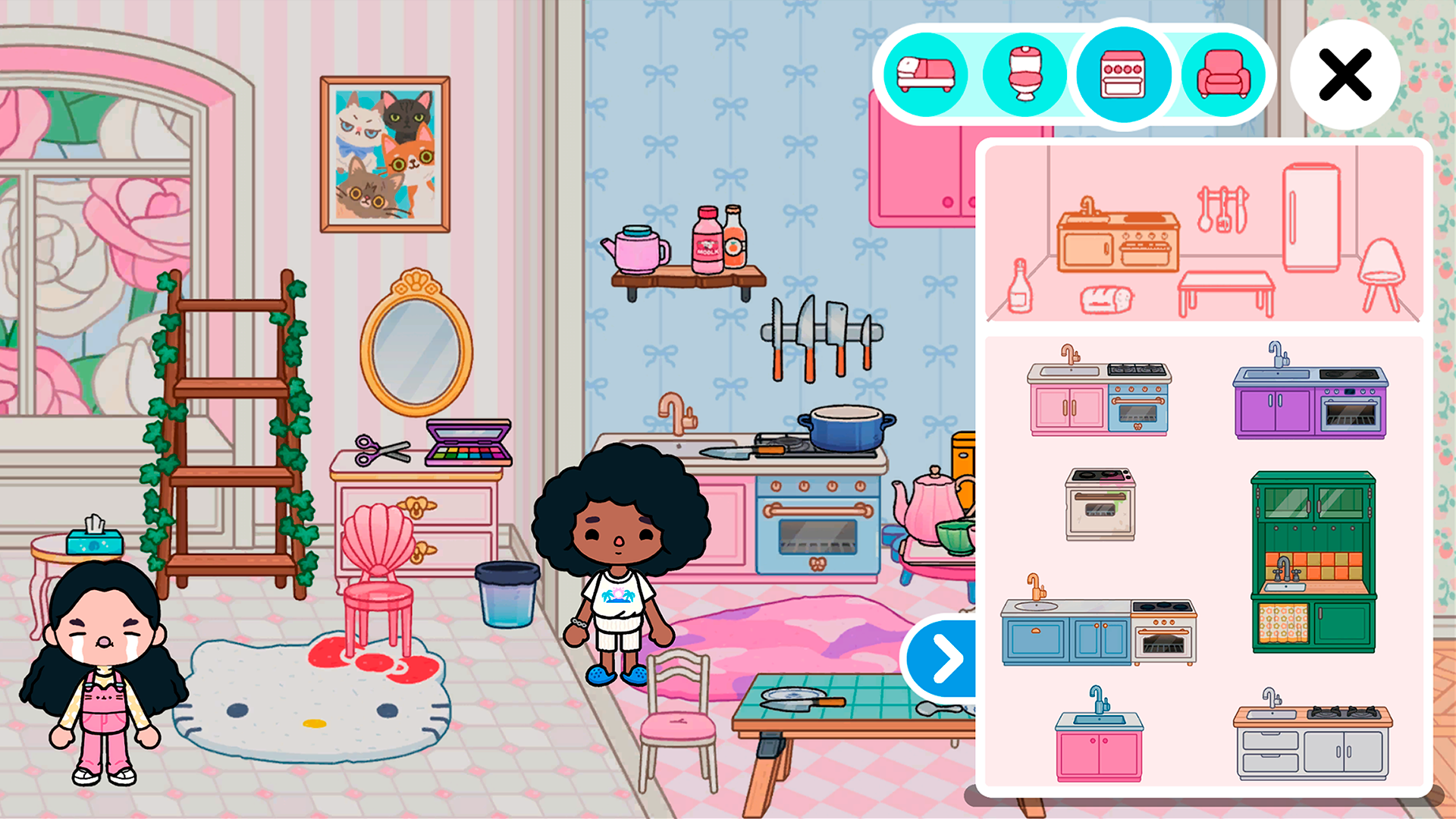
You can place furniture around the house by dragging it from the furniture selection menu with your finger or mouse pointer by clicking the left mouse button. The furniture section can be selected in the upper-right corner of the screen by clicking on one of the round buttons, and the furniture subsection can be selected by clicking on the desired type of furniture at the top of the main furniture menu. To place your characters, you need to open the character menu by clicking on the button at the bottom right of the screen. From the menu that opens, you can drag characters into the house with your finger or mouse cursor. If there are no characters in the menu, then they need to be created. To create characters, go to the characters menu from the main menu by clicking on the button in the upper-right corner. You can create a character by selecting his appearance features and clothes by clicking on the options you like in the menu on the right.

More games

More games