Overview
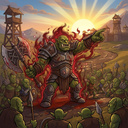
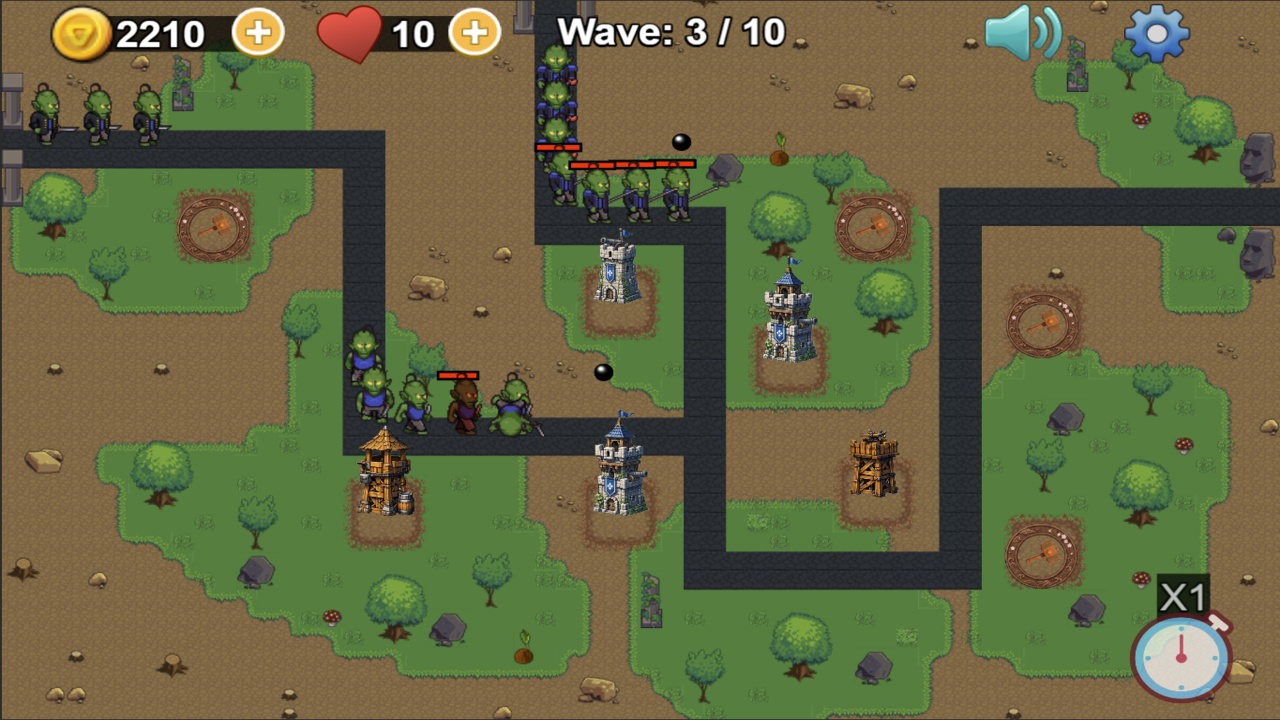
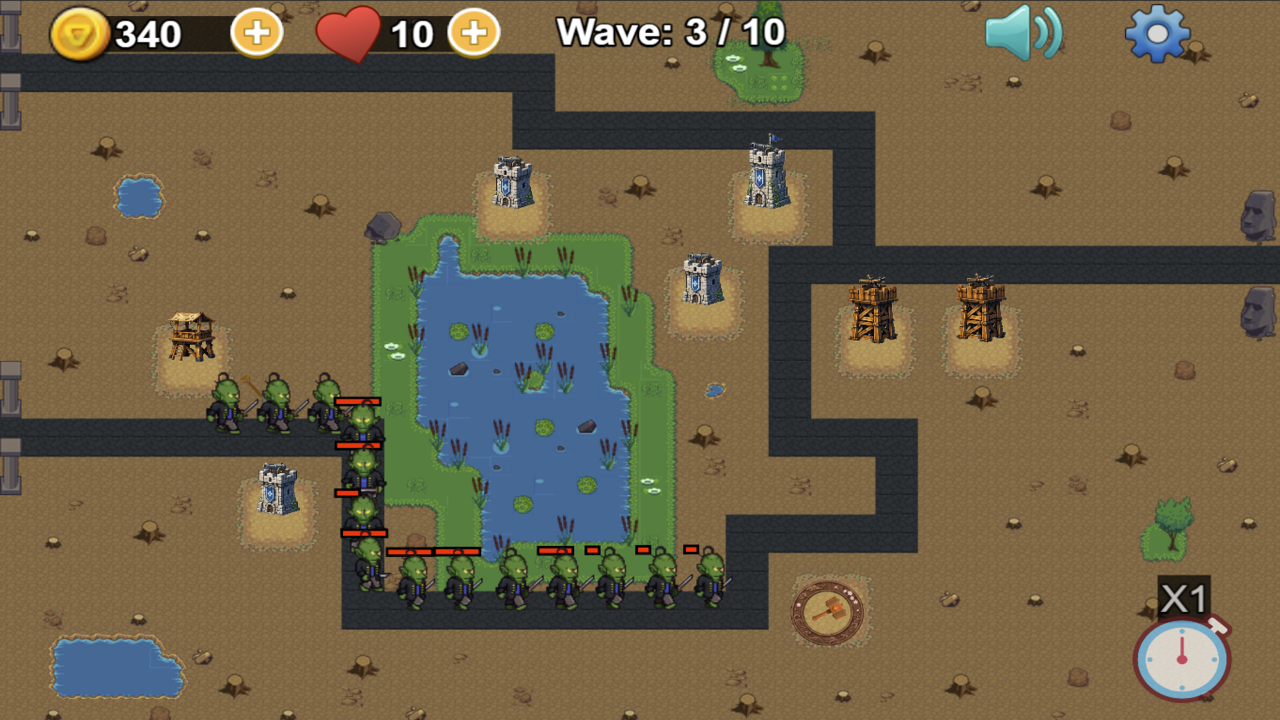
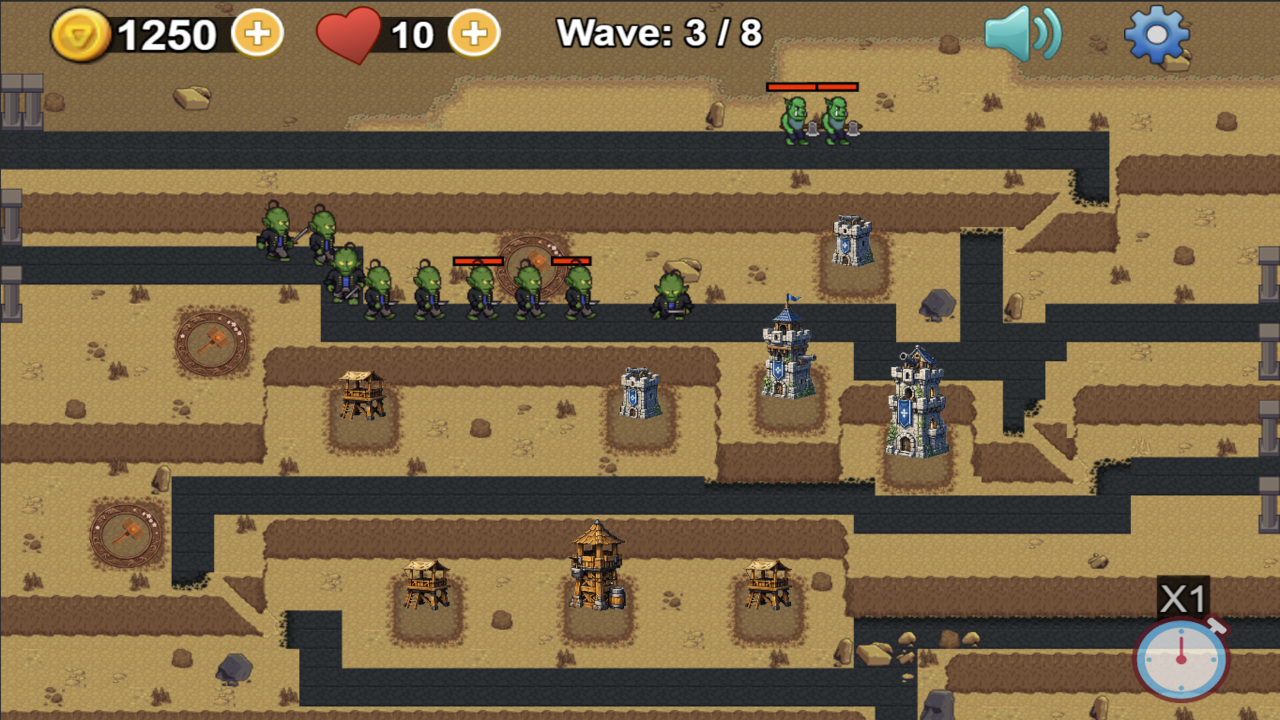
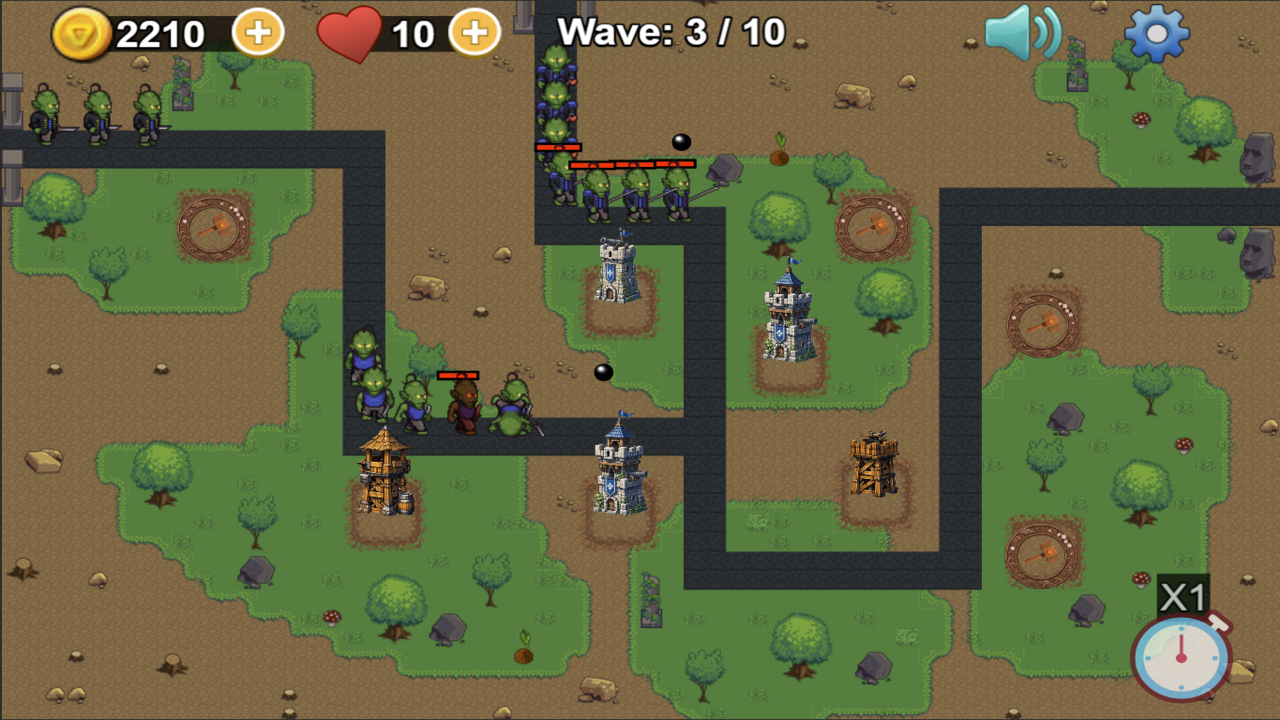
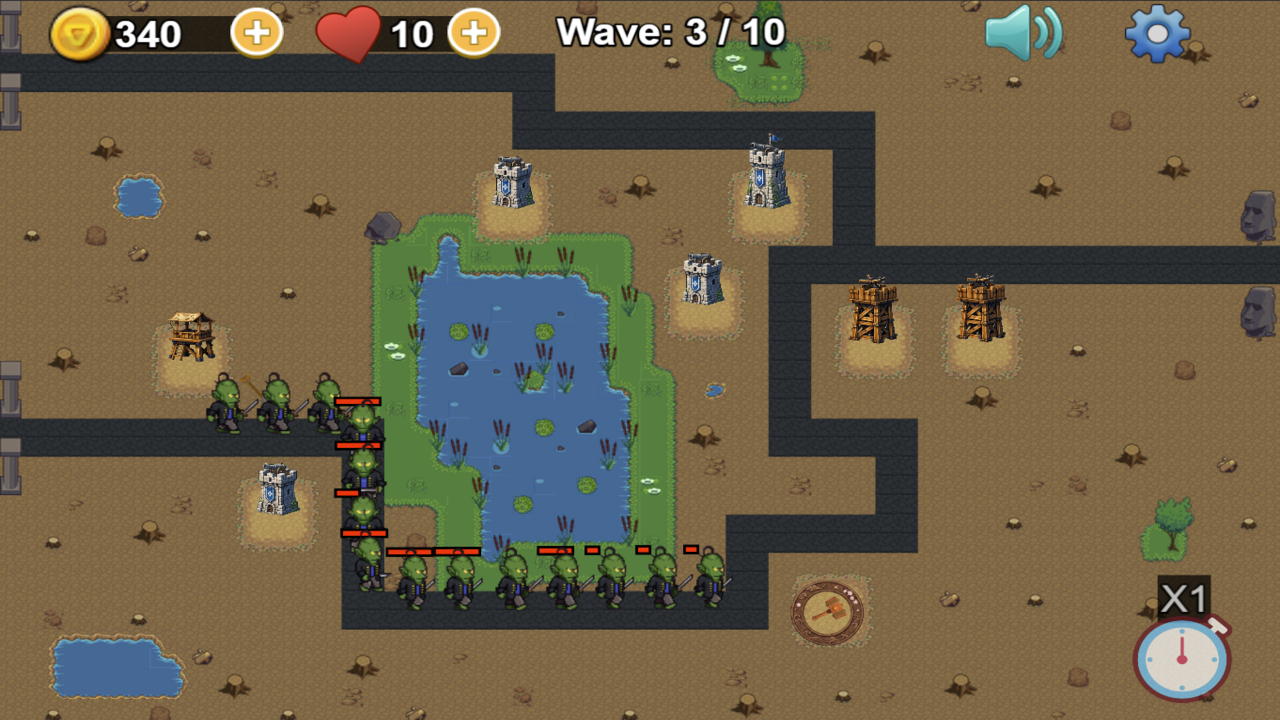
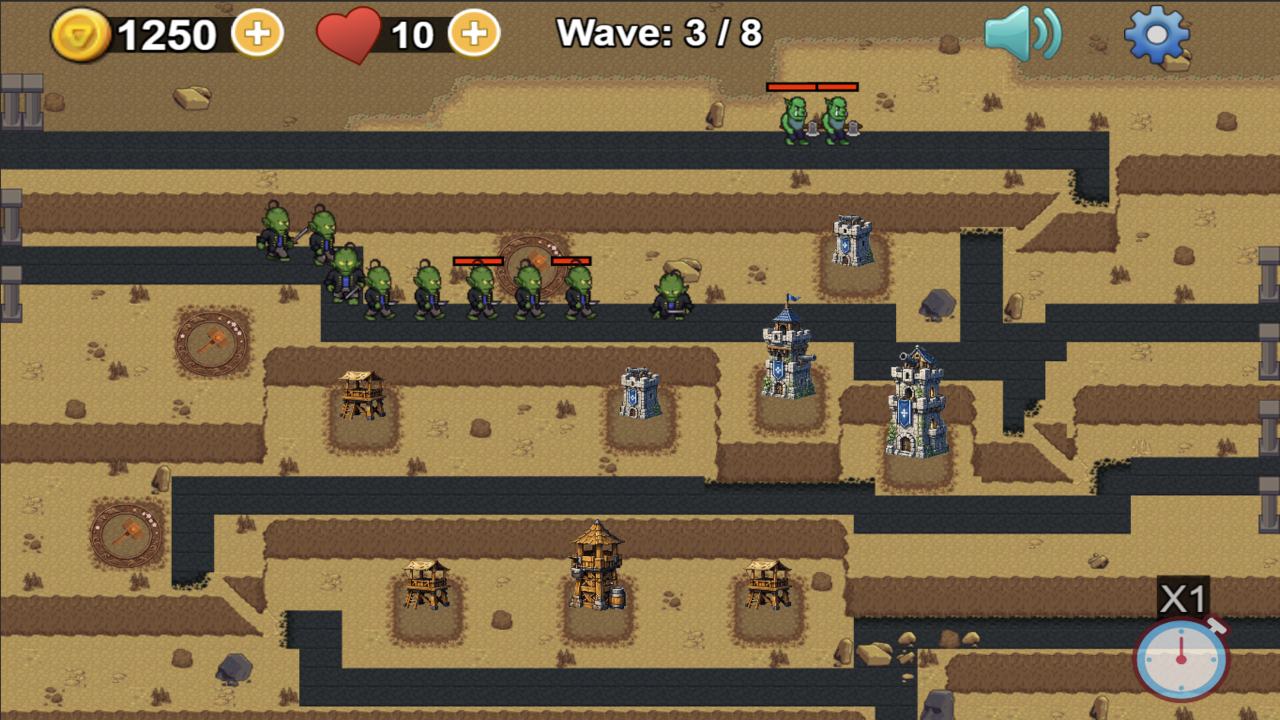
Immerse yourself in a classic tactical tower defense strategy! Hordes of monsters are invading your lands: fast goblins, fierce orcs, skeletons, and powerful bosses. Your task is to hold back the enemy onslaught and defend the frontier.
You have two defensive structures at your disposal:
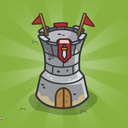
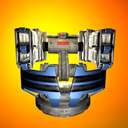
• Wooden Archer Tower: delivers rapid, precise single-target fire over long distances.
• Stone Cannon Tower: inflicts splash damage over an area.
Game Features:
• Full Upgrades: upgrade each tower up to level 4 to enhance its attributes.
• Flexible Tactics: sell towers for gold to rebuild your defenses on the fly.
• Auto-Save: the game automatically saves your coins, lives, and completed levels.
• Smooth Controls: gameplay is fully adapted for smartphone touchscreens and PC mice.
Develop your unique tactics and protect the lands from the enemy invasion!
Videos and screenshots
13,311 players online
How to play
-
Open the game
Press Play now and the game opens on its own screen.
-
Follow the in-game instructions
The controls and goals are shown inside the game as you play.
-
Use the game menu
The floating button over the game reloads it, saves it to your favourites, or takes you back out.