Skip to content
KG
Toybox: Pixel World Sandbox

Toybox: Pixel World Sandbox

1K plays 4.8 out of 5

Overview

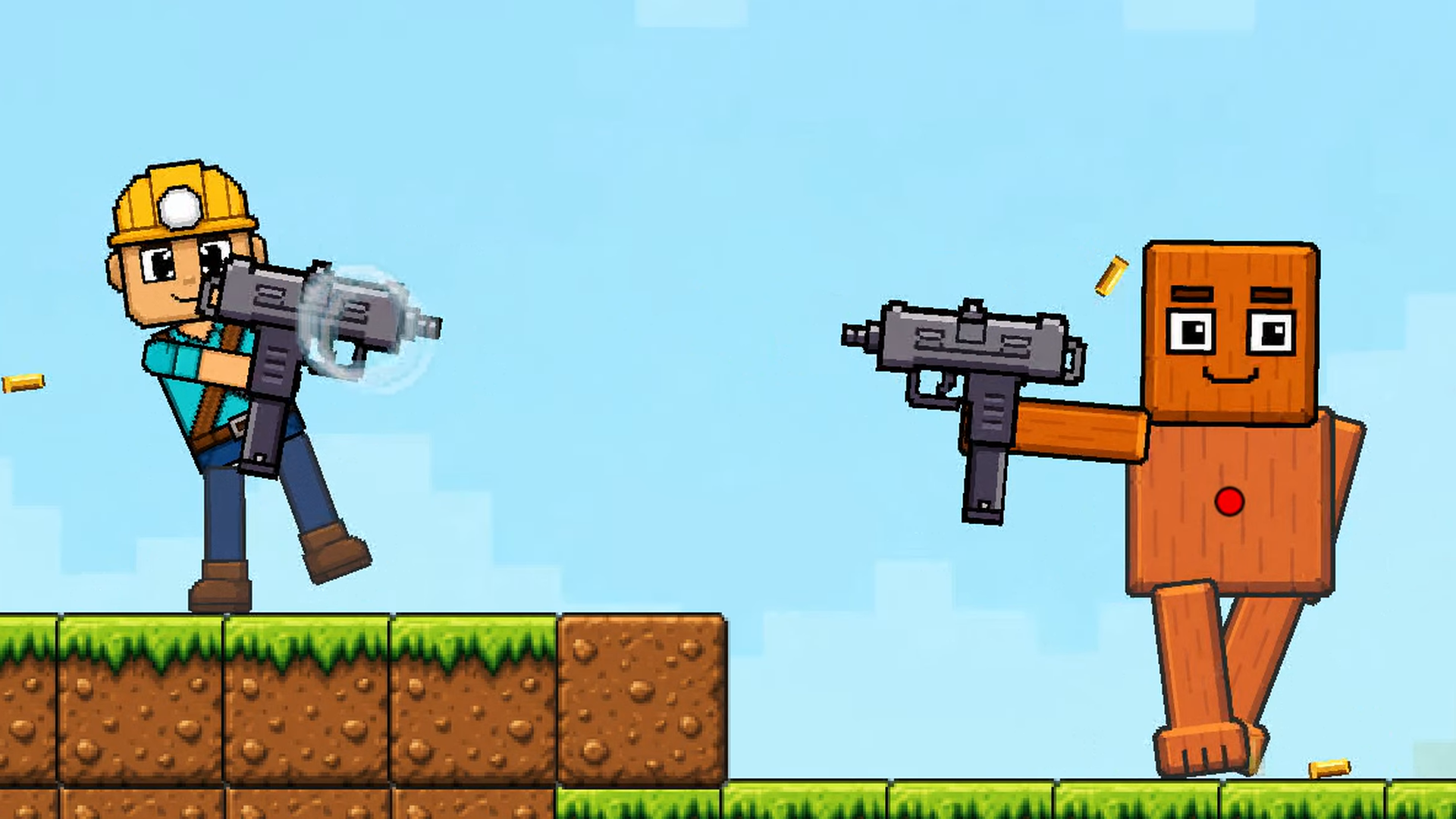
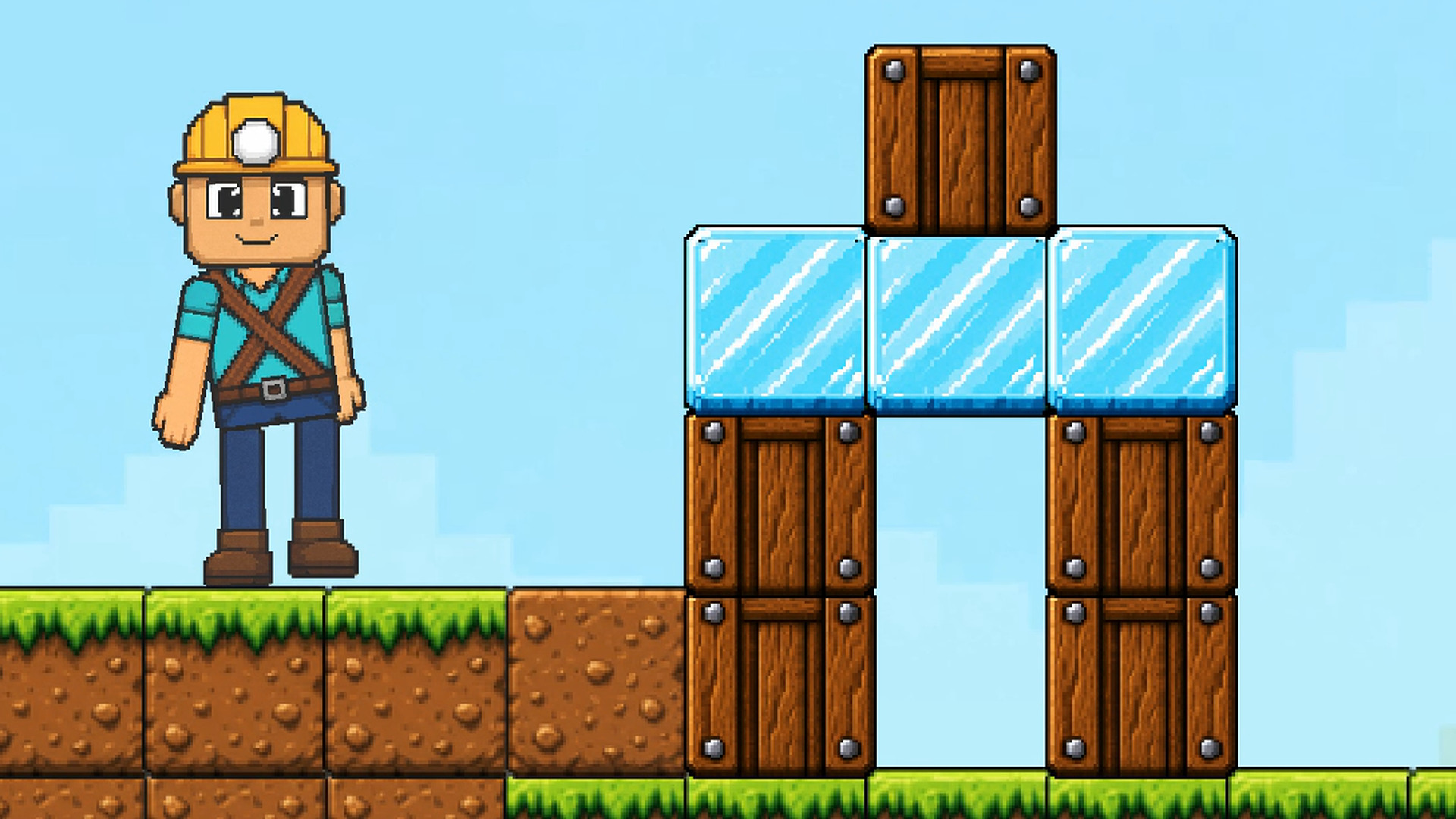
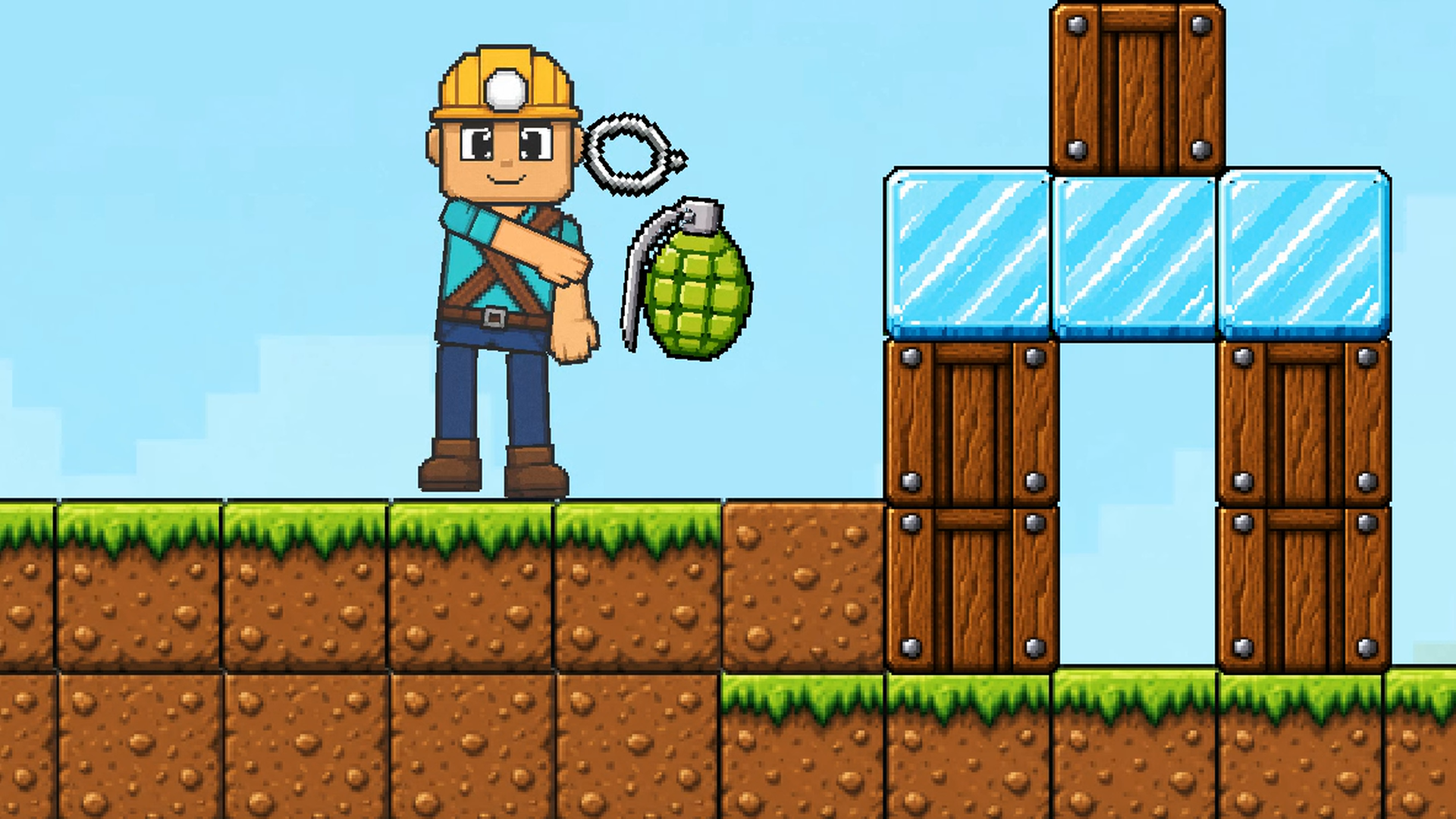
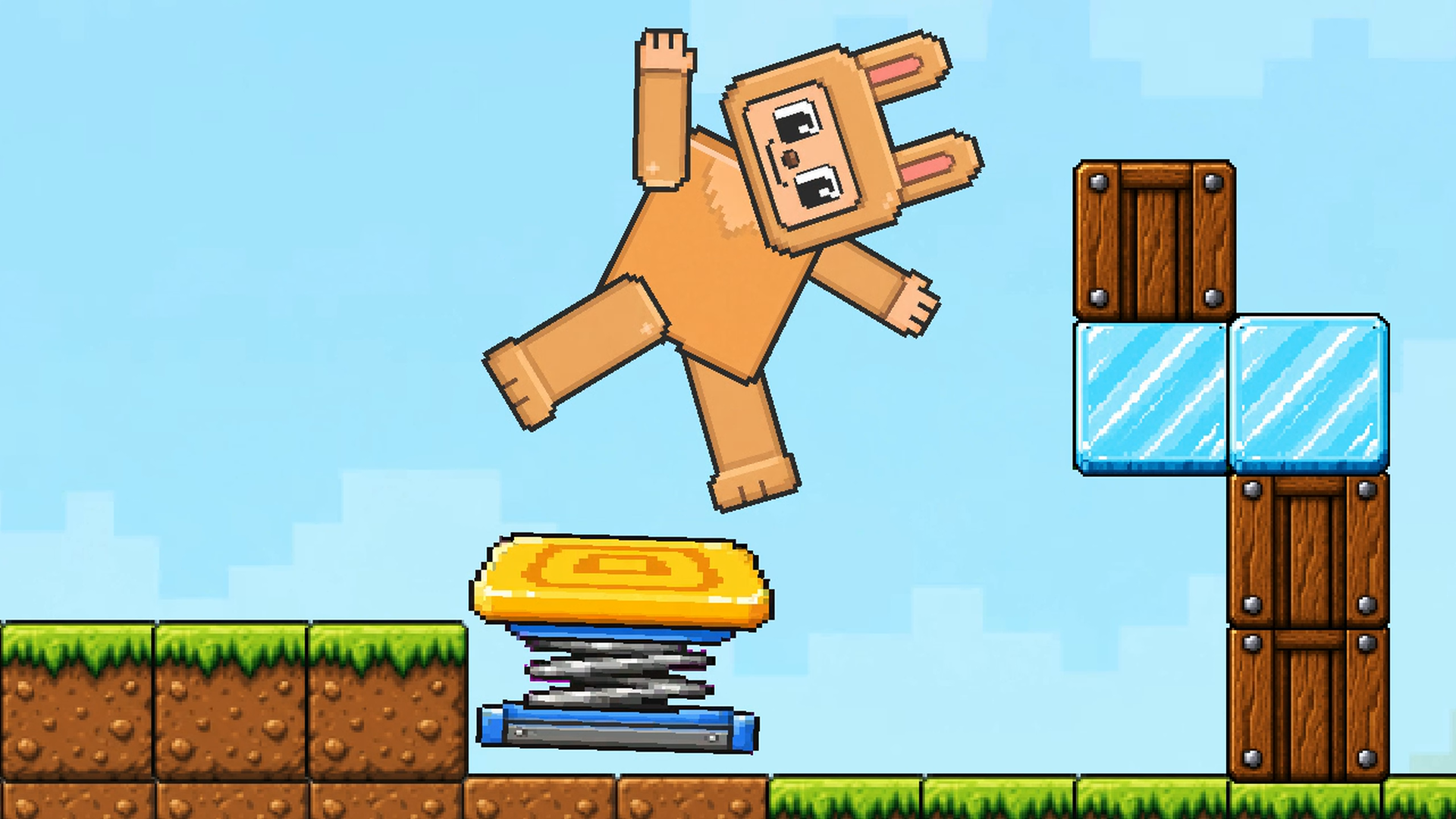
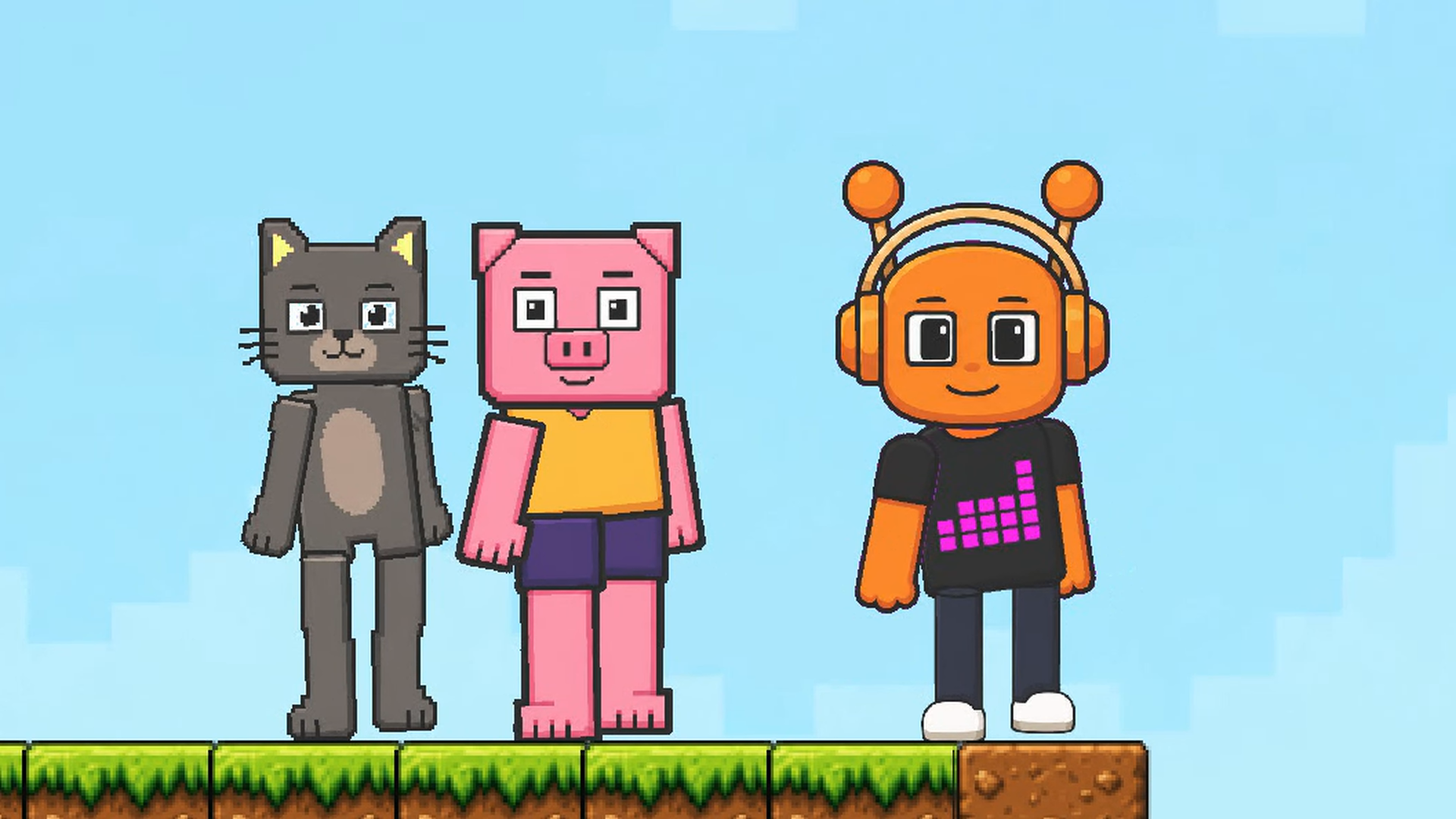
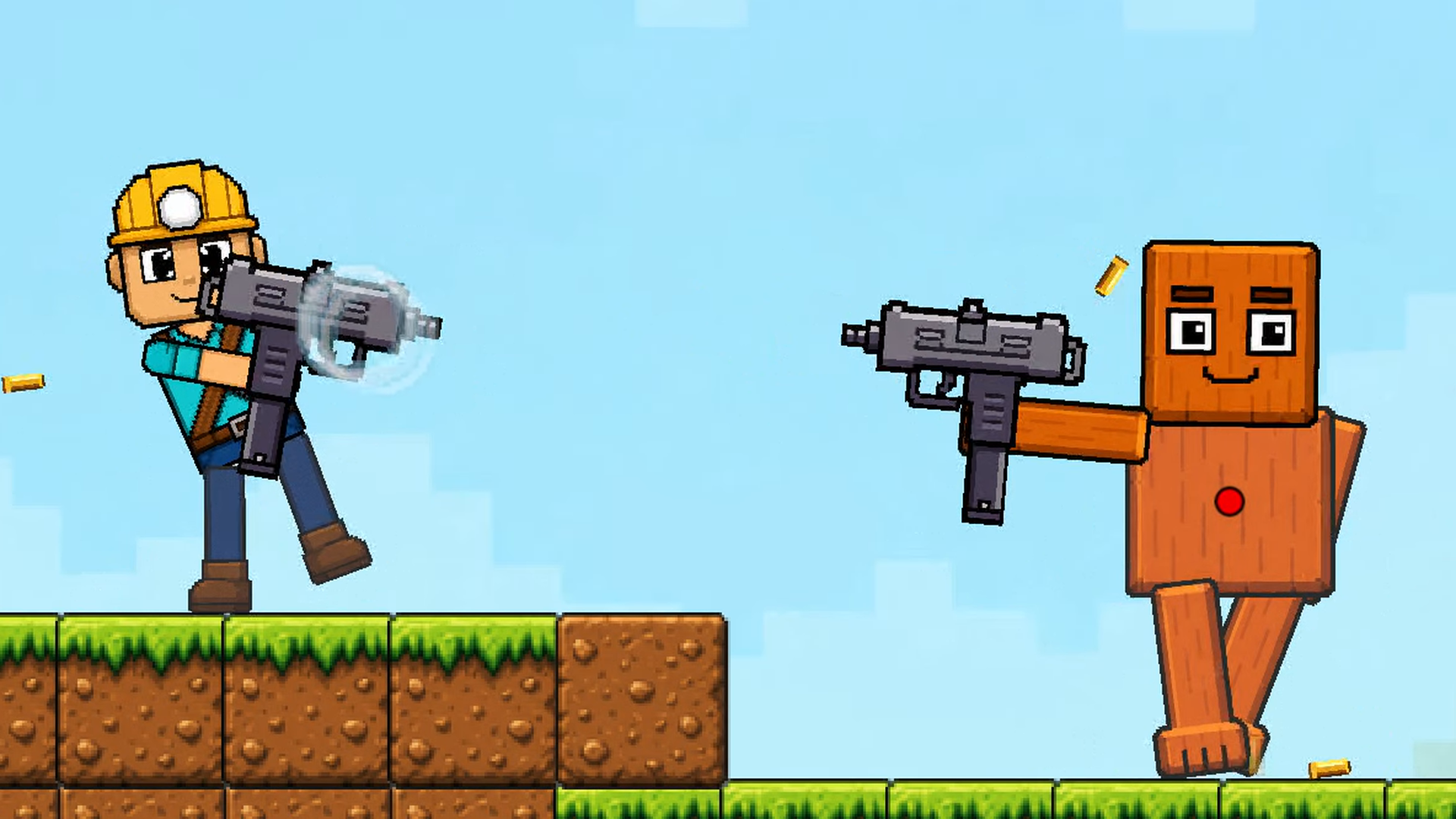
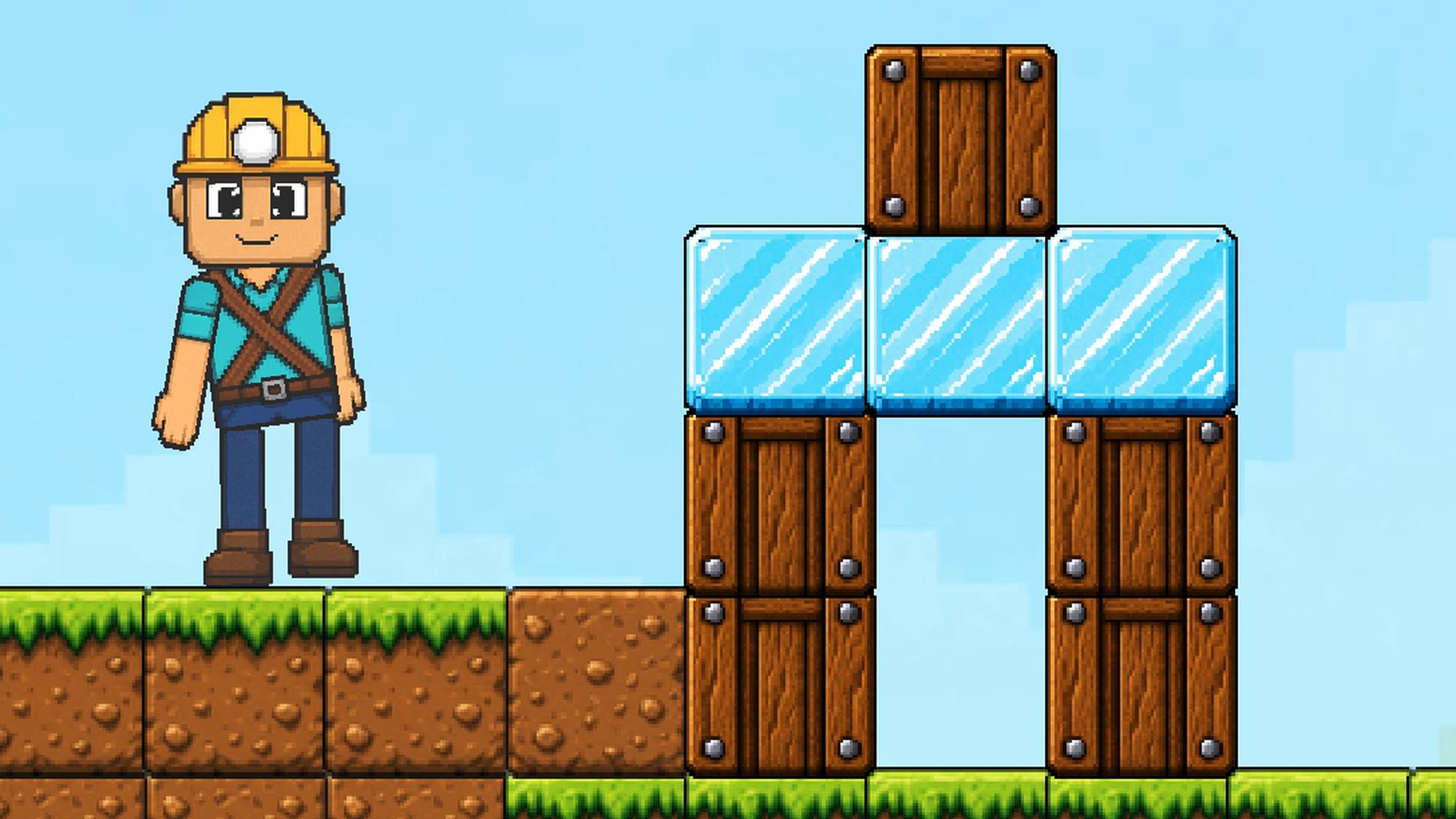
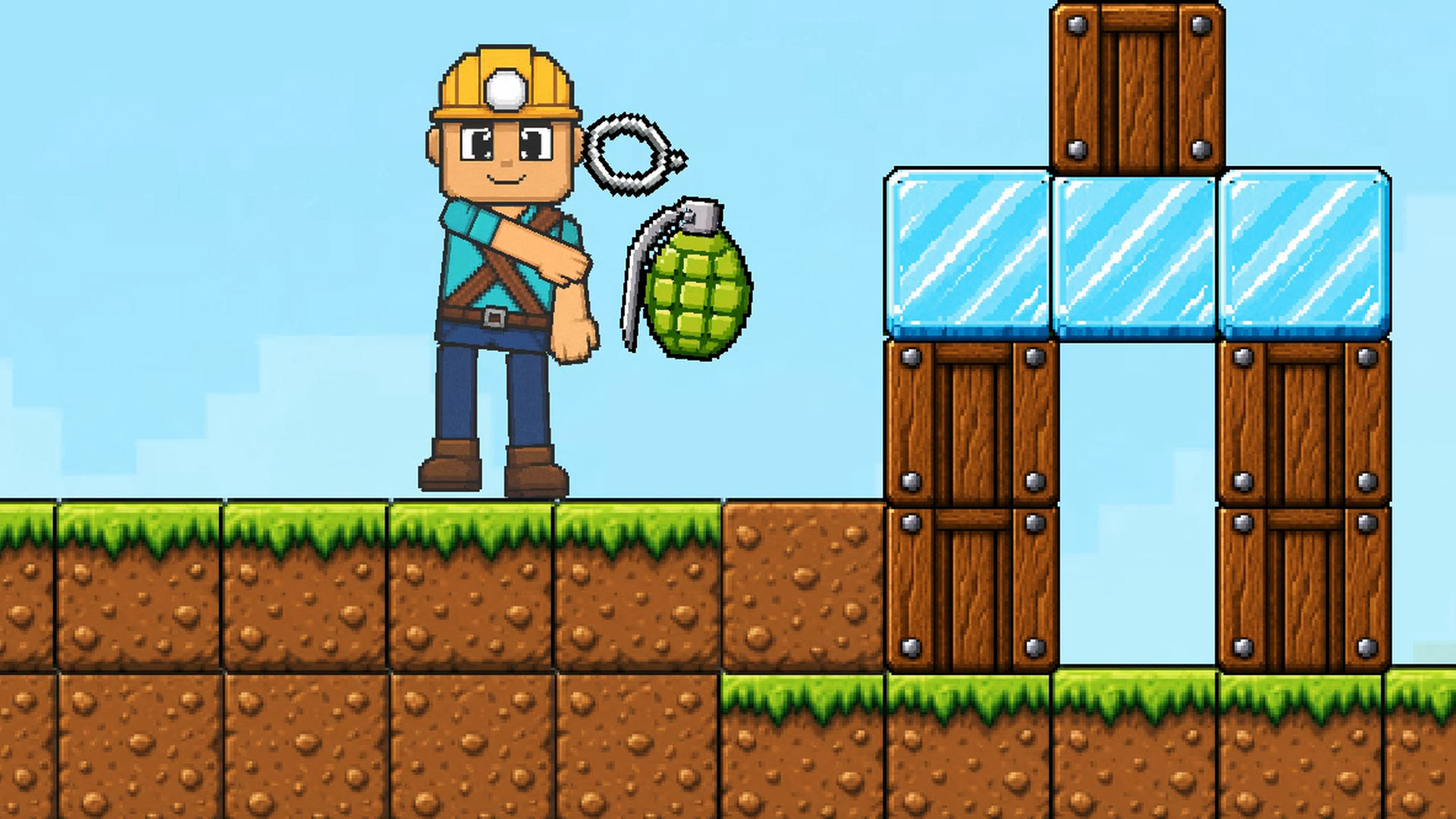
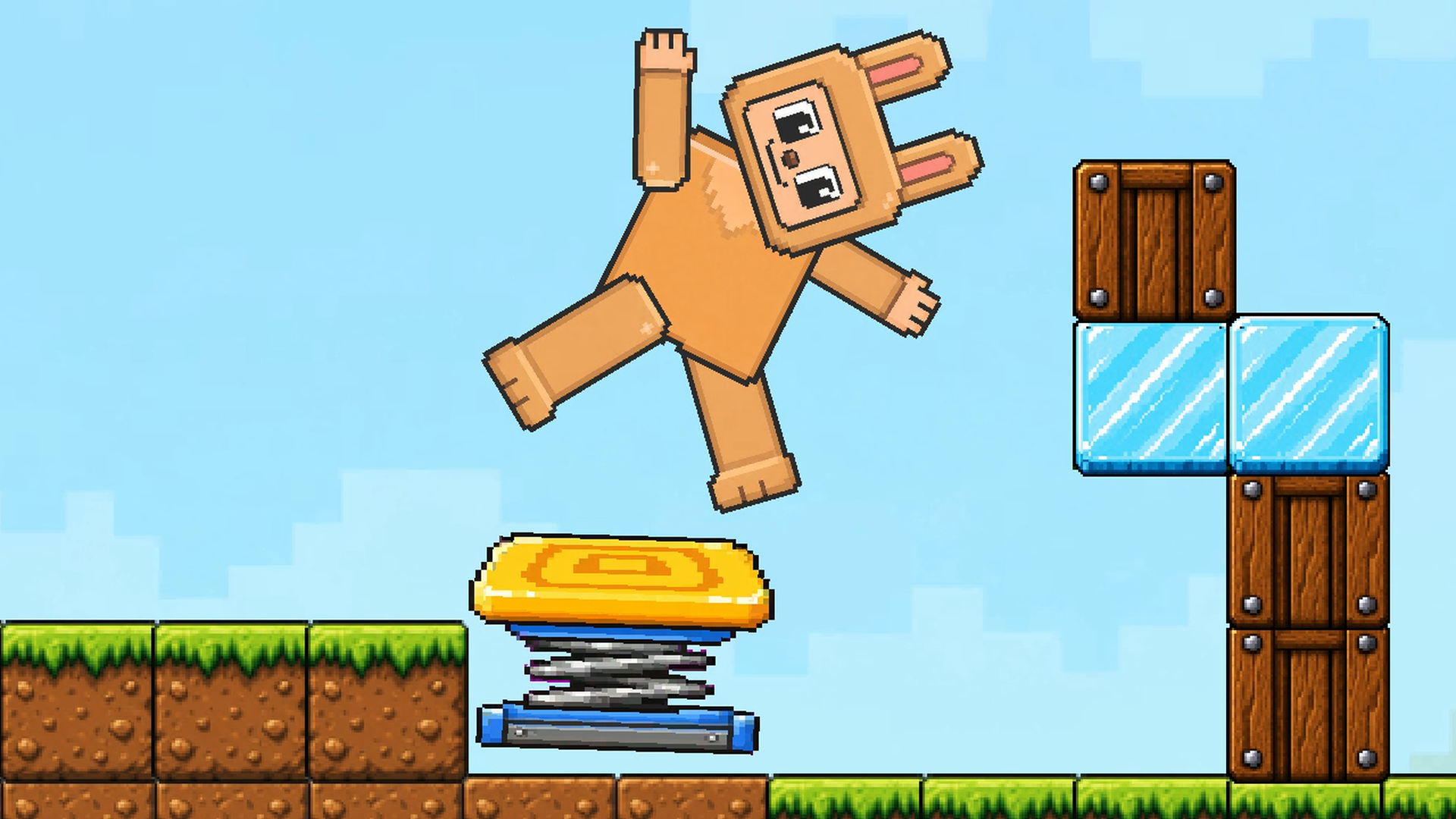
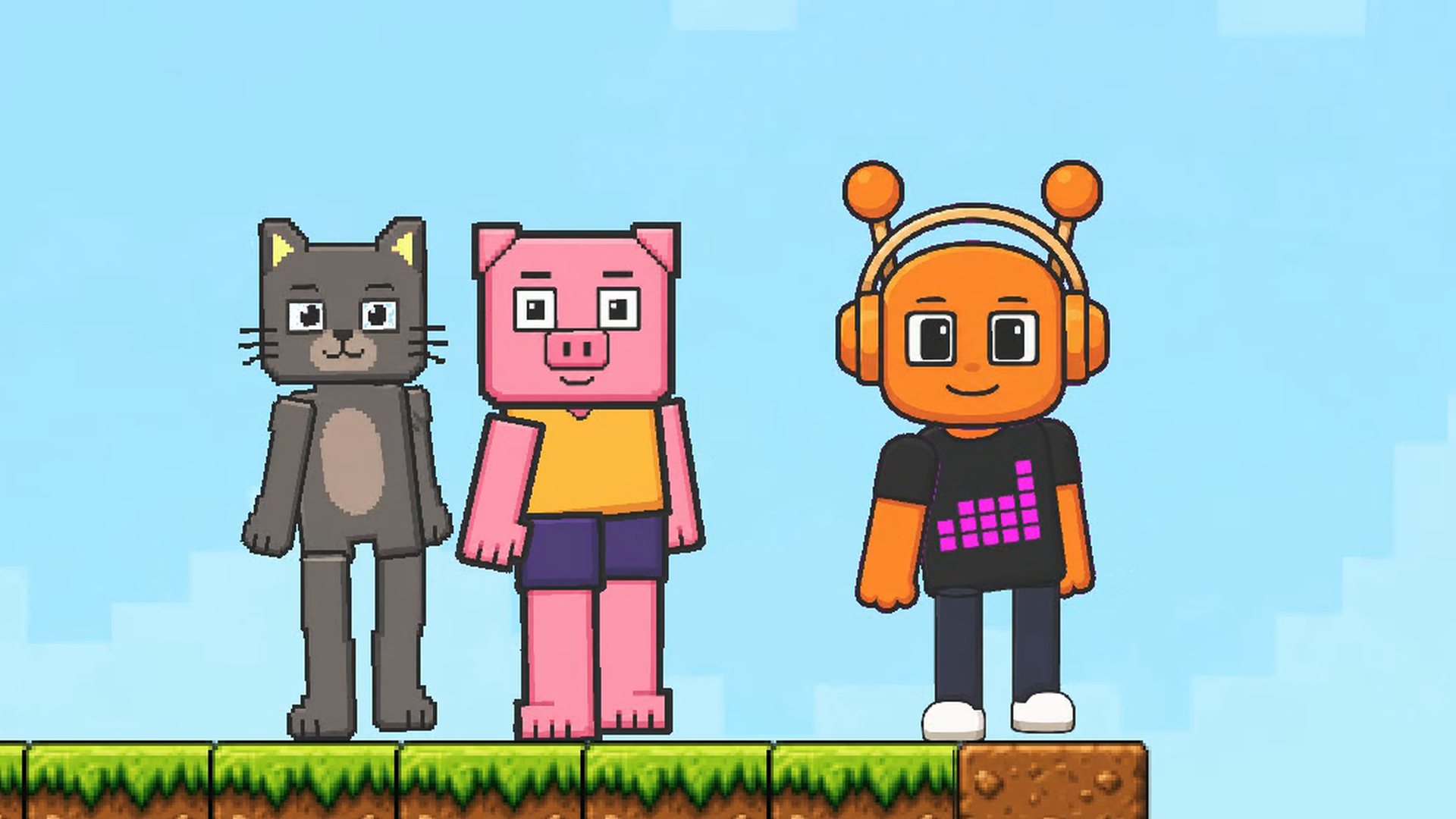
Build a pixel world, fill it with ragdoll characters, and see what happens! Toybox: Pixel World Sandbox is a 2D physics sandbox where you create your own fun. Place blocks, spawn cats, rabbits, pigs and other characters, experiment with weapons and objects, and set up red-versus-green team battles. Take control of a character or watch your creations react to physics. Gather wood and crystals to craft new equipment, then rebuild and try a different idea. No fixed missions or single way to win: your next experiment is the goal.

Videos and screenshots
  • Toybox: Pixel World Sandbox screenshot 1
  • Toybox: Pixel World Sandbox screenshot 2
  • Toybox: Pixel World Sandbox screenshot 3
  • Toybox: Pixel World Sandbox screenshot 4
  • Toybox: Pixel World Sandbox screenshot 5
  • Toybox: Pixel World Sandbox screenshot 6
  • Toybox: Pixel World Sandbox screenshot 7
  • Toybox: Pixel World Sandbox screenshot 8
  • Toybox: Pixel World Sandbox screenshot 9
  • Toybox: Pixel World Sandbox screenshot 10
Play Now

11,935 players online

How to play

  1. Open the game

    Press Play now and the game opens on its own screen.

  2. Follow the in-game instructions

    The controls and goals are shown inside the game as you play.

  3. Use the game menu

    The floating button over the game reloads it, saves it to your favourites, or takes you back out.

Game instructions

Open the character-and-blocks menu, choose a category and an item, then click or tap an empty spot to place it. Build structures, add characters and equipment. The crossed-swords button switches bot battles on or off. Use the hammer menu to craft equipment from collected resources. Desktop: use the mouse to place and drag objects. Drag empty space to move the camera; use the mouse wheel or + / - to zoom. Press the character-control button and select a character: A / D or Left / Right to move, W to jump, Space or right mouse button to attack, G to drop the held item. Mobile: tap menus and the world to place items, drag to interact, and use the on-screen movement, jump and action buttons when controlling a character. Use + / - to zoom. Build, experiment and create your own challenges.

More games

More games