Overview
Untangle 3D — an addictive anti-stress logic puzzle for the whole family: fun for kids and adults alike!
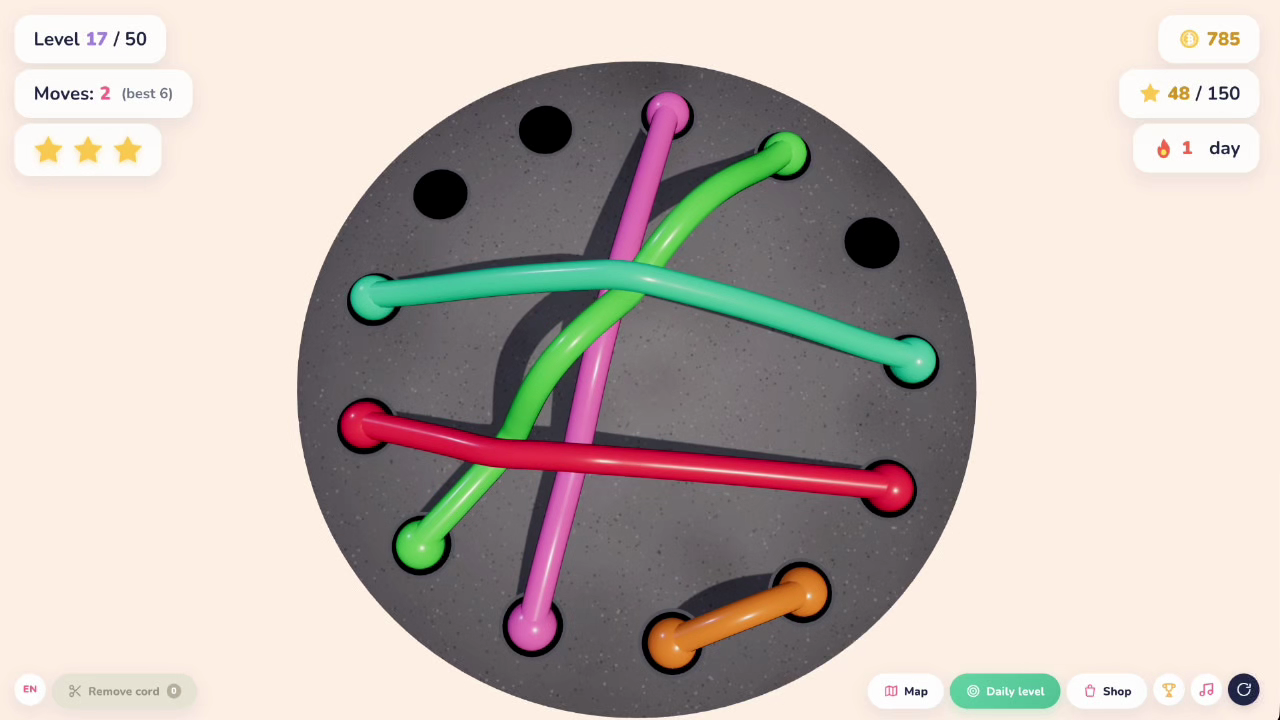
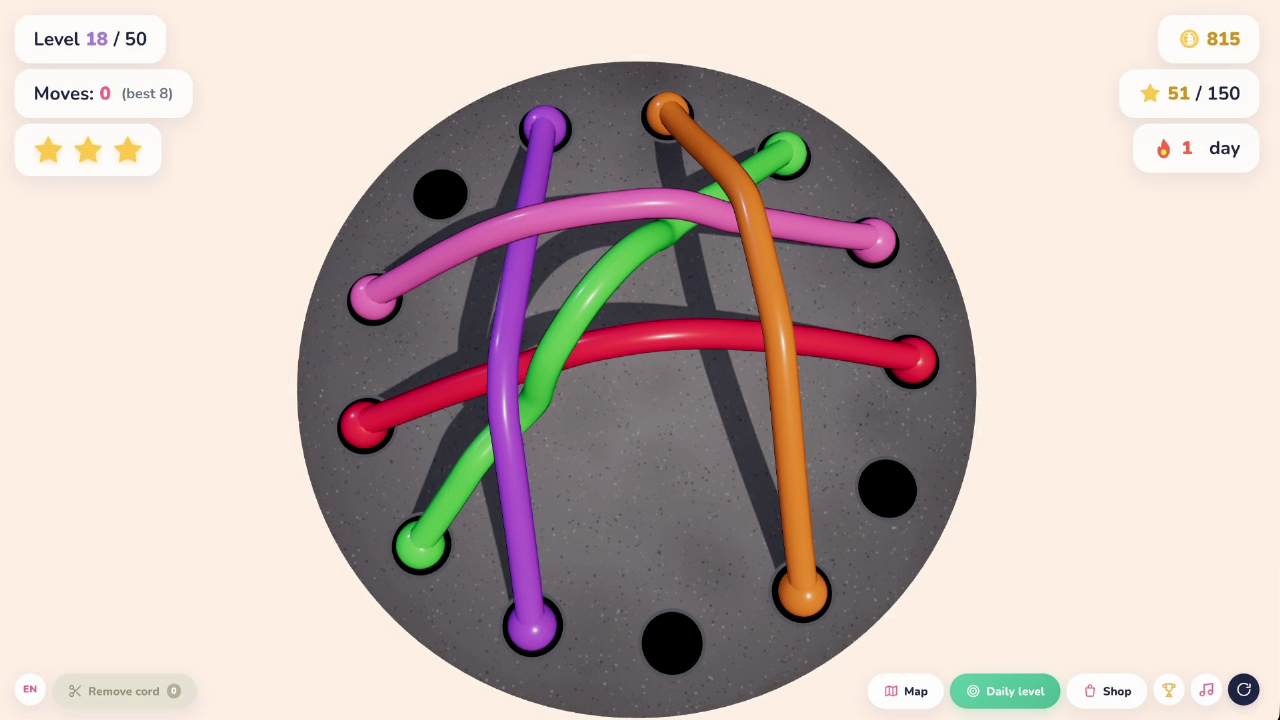
You're given a board with colorful tangled cords. Drag the cord ends into empty holes so that no cord crosses another — and the level is complete!
Simple rules and satisfying physics hook you from the very first minute: the perfect way to relax, get lost in the game, and kill time productively.
What's inside:
50 levels across 5 chapters — from easy to genuinely tricky.
Daily Level — a brand new challenge every day!
Stars for clean runs: complete levels in the fewest moves and collect 3 stars.
Skin Shop — 14 vibrant themes to unlock with coins.
Achievements and daily login rewards, plus exclusive skins for login streaks.
"Remove Cord" bonus for when you get stuck.
Train your logic, focus, and spatial thinking. Play for free — right in your browser, no download needed, on mobile or desktop!
Videos and screenshots
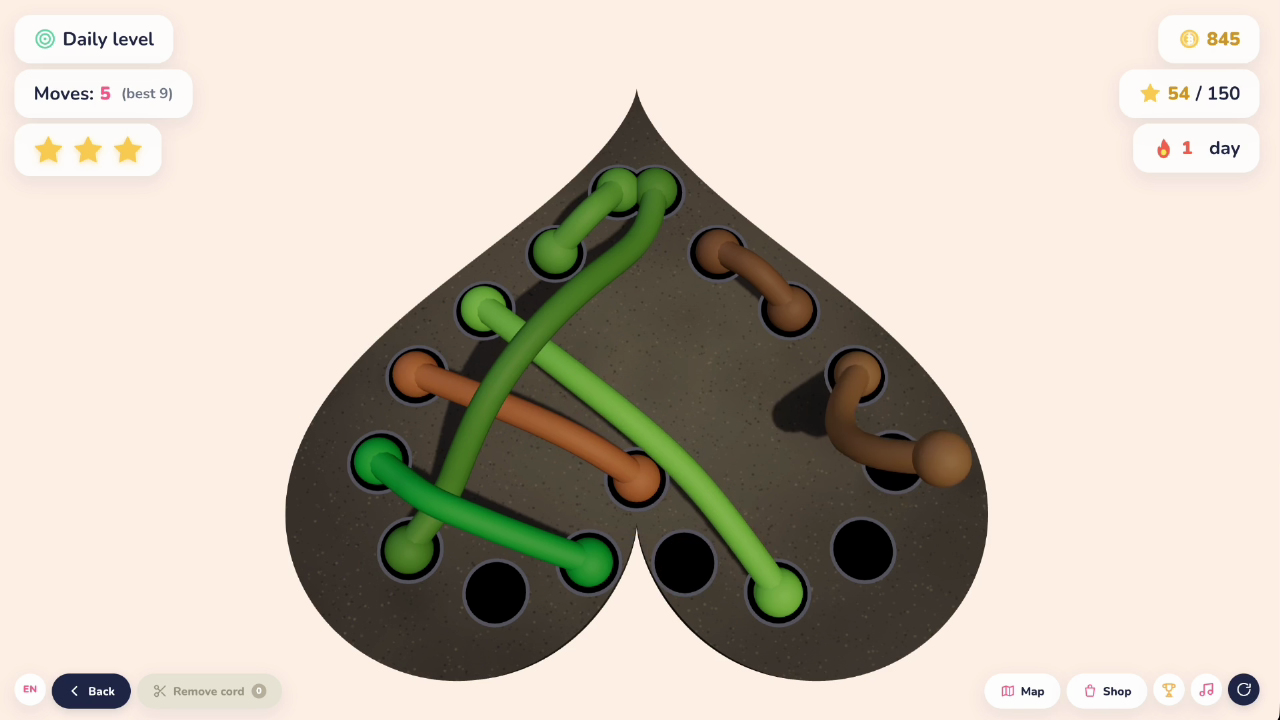
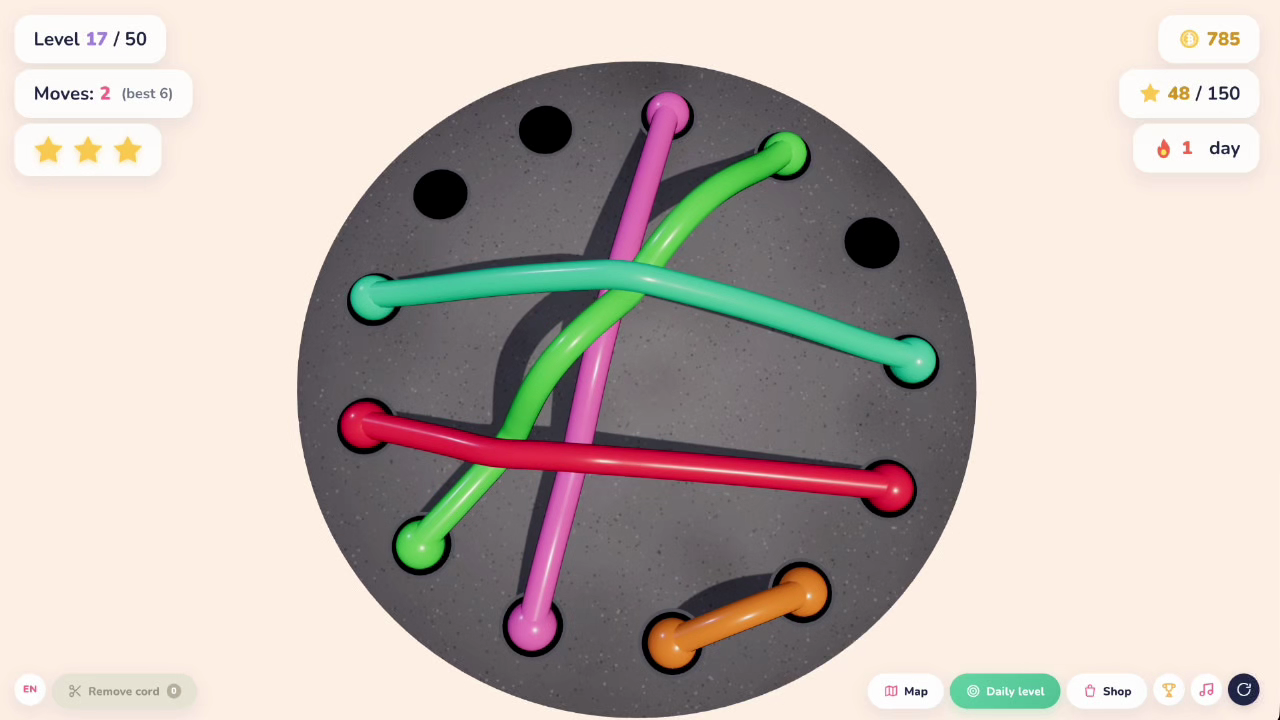
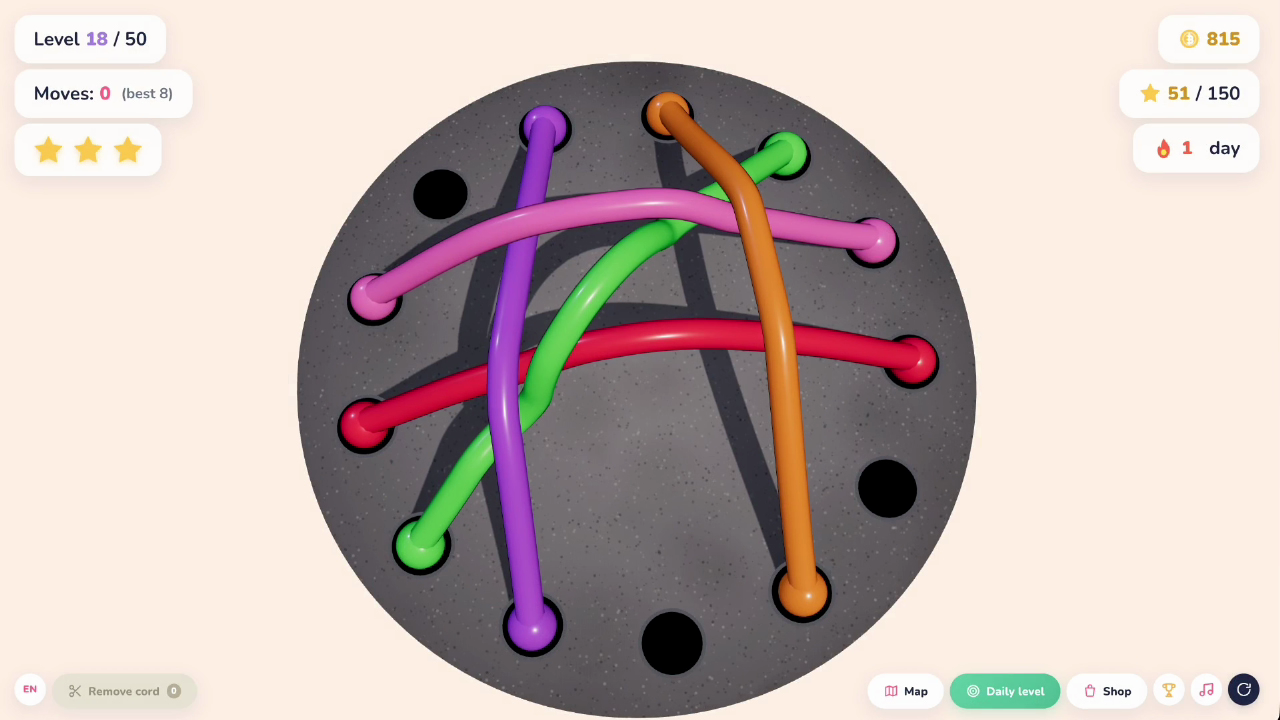
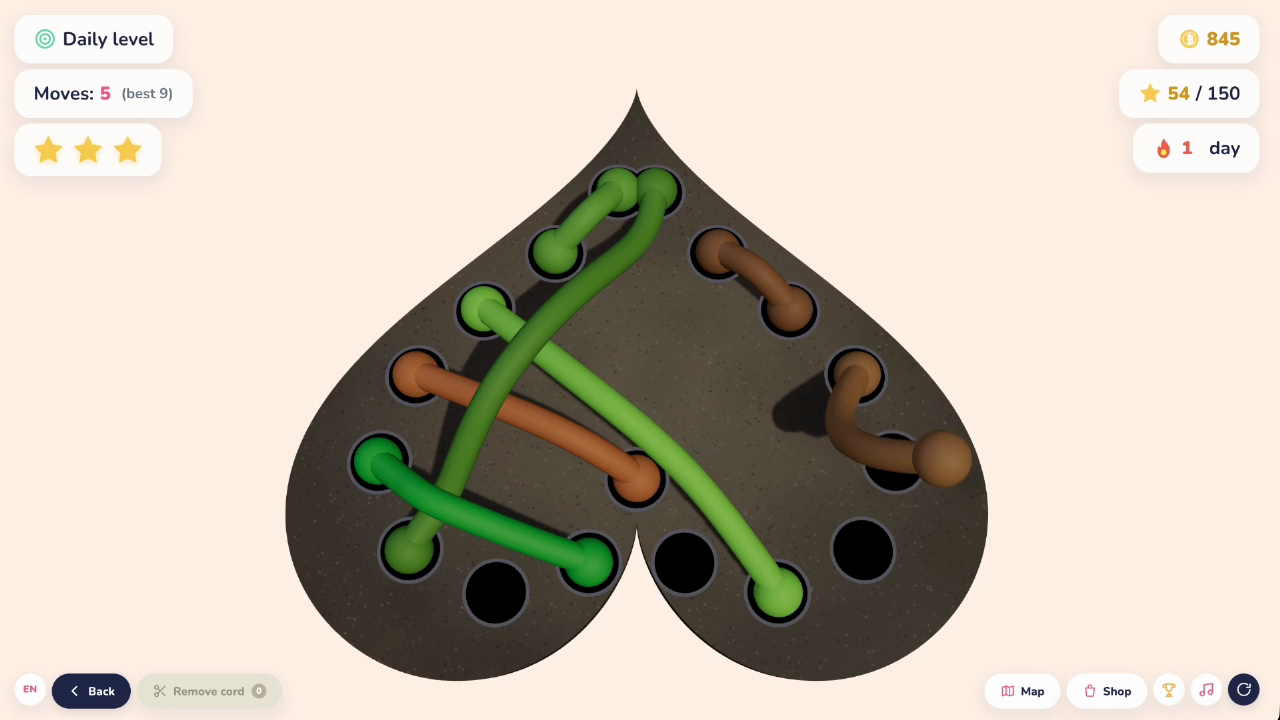
12,301 players online
How to play
-
Open the game
Press Play now and the game opens on its own screen.
-
Follow the in-game instructions
The controls and goals are shown inside the game as you play.
-
Use the game menu
The floating button over the game reloads it, saves it to your favourites, or takes you back out.