Skip to content
KG
Villager simulator

Villager simulator

526K plays 4.7 out of 5

Overview

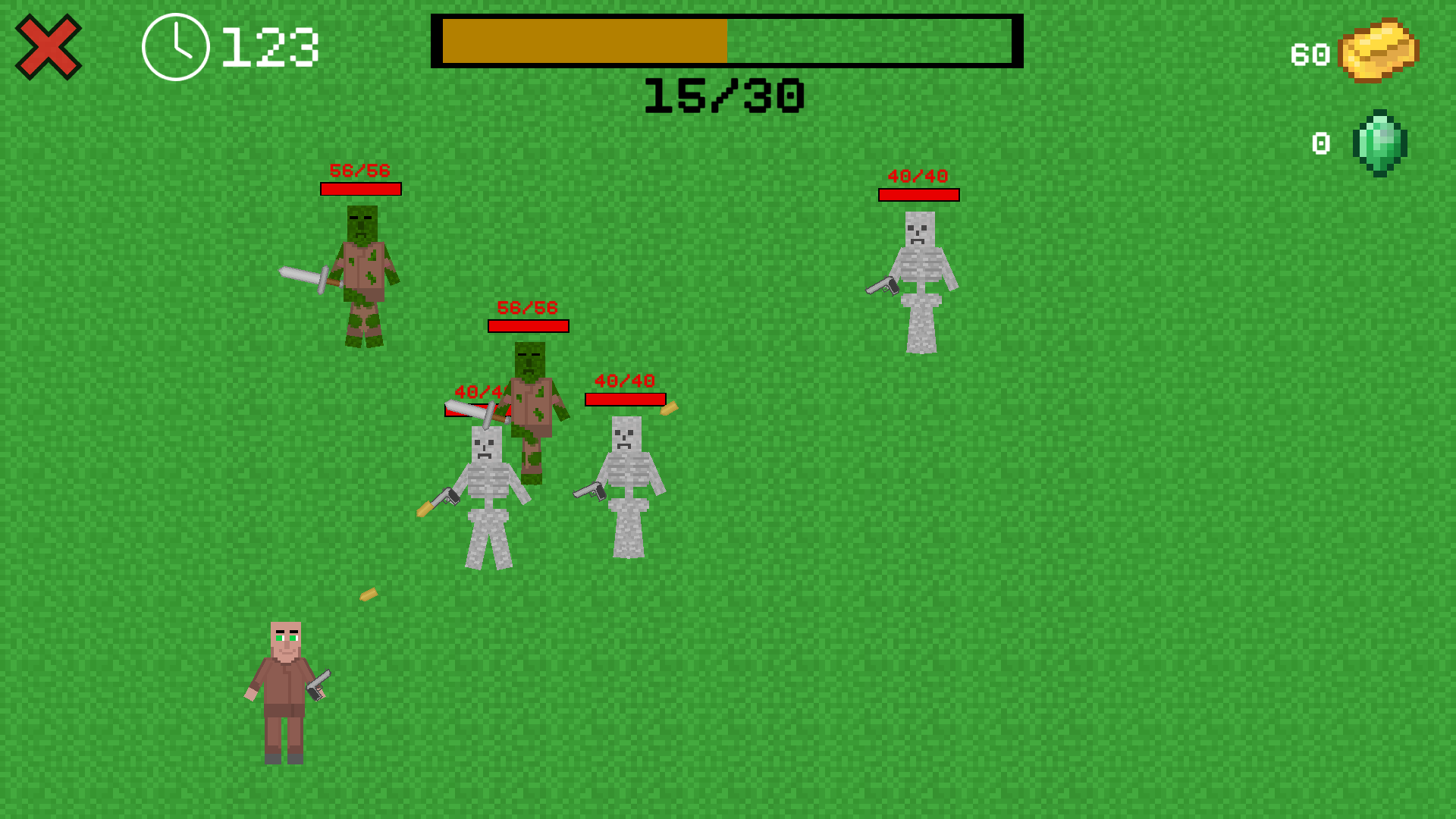
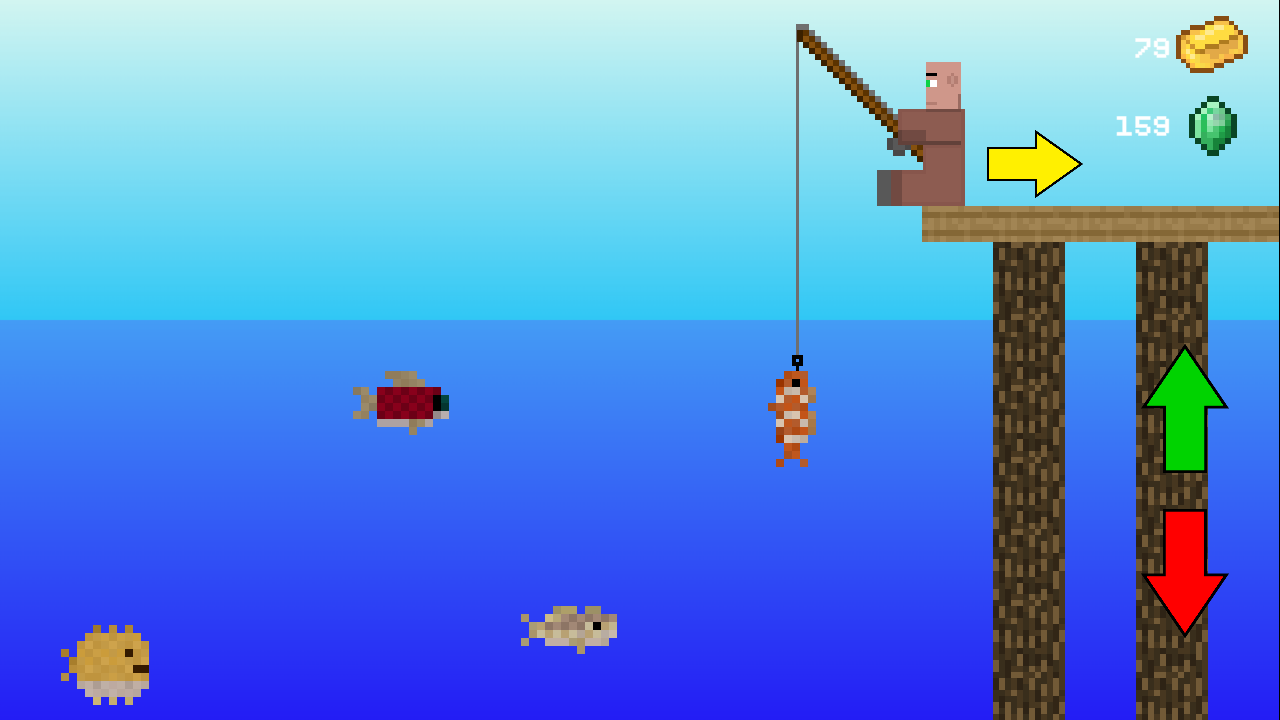
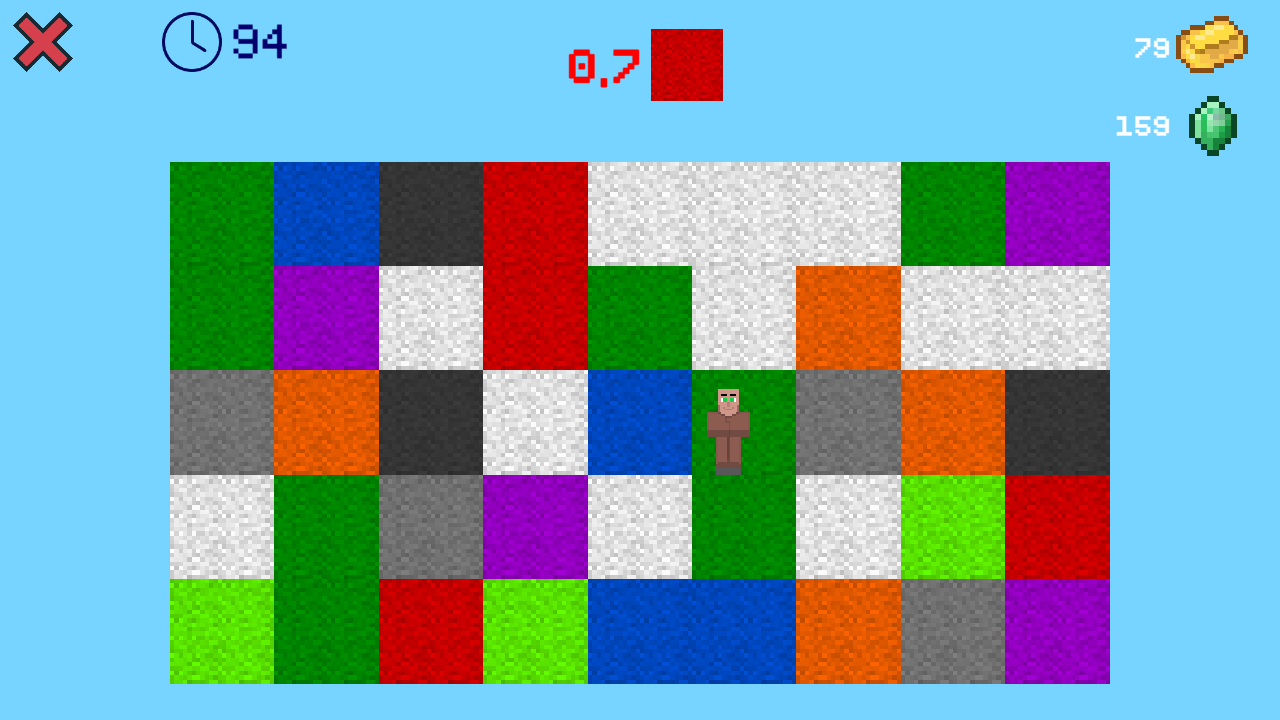
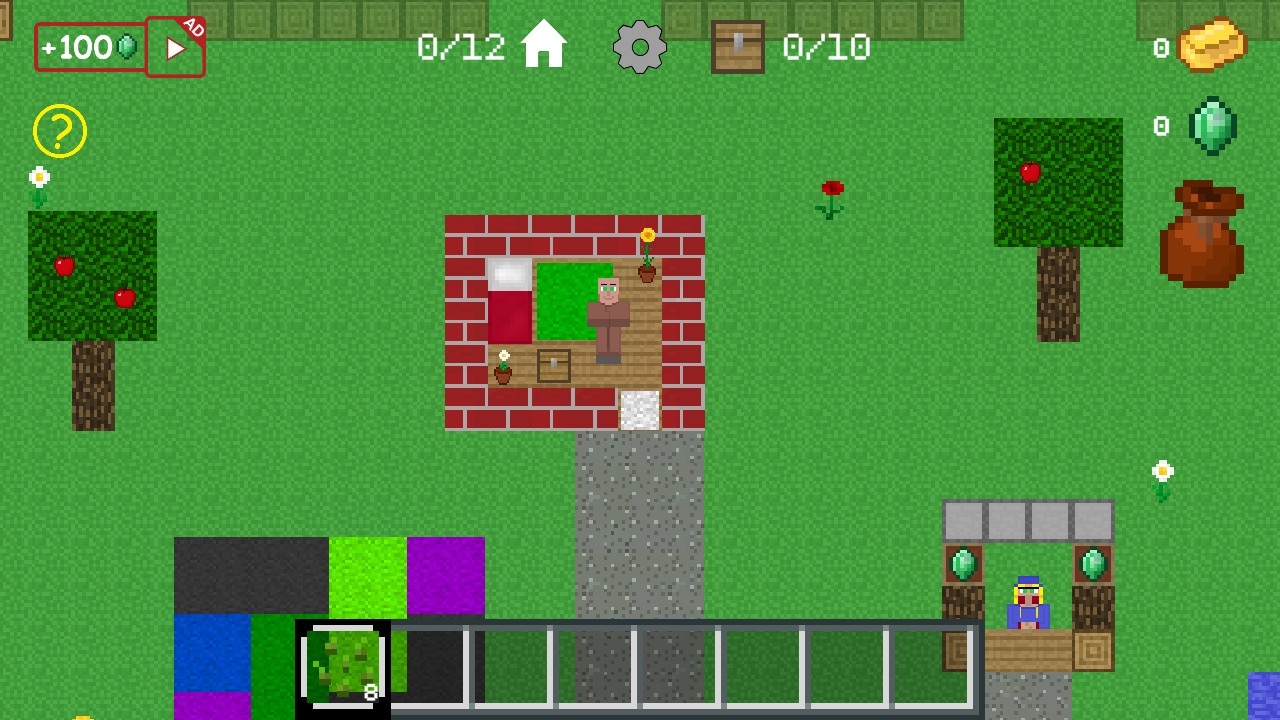
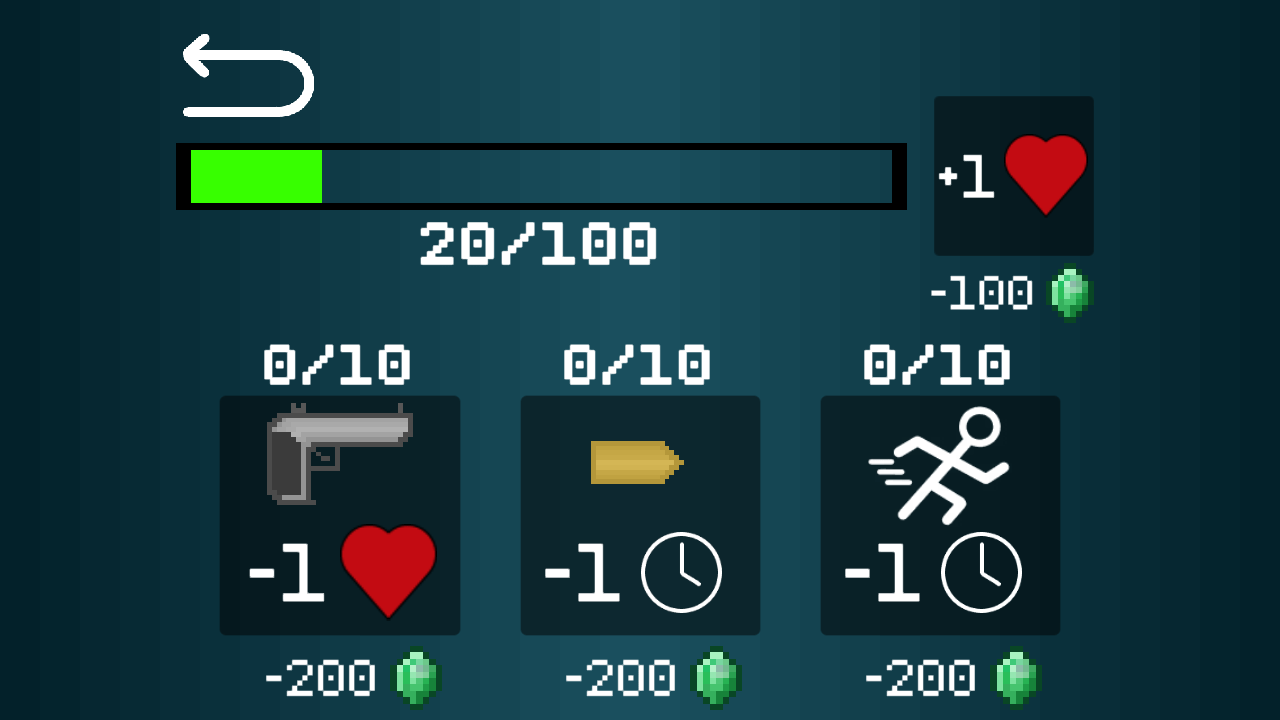
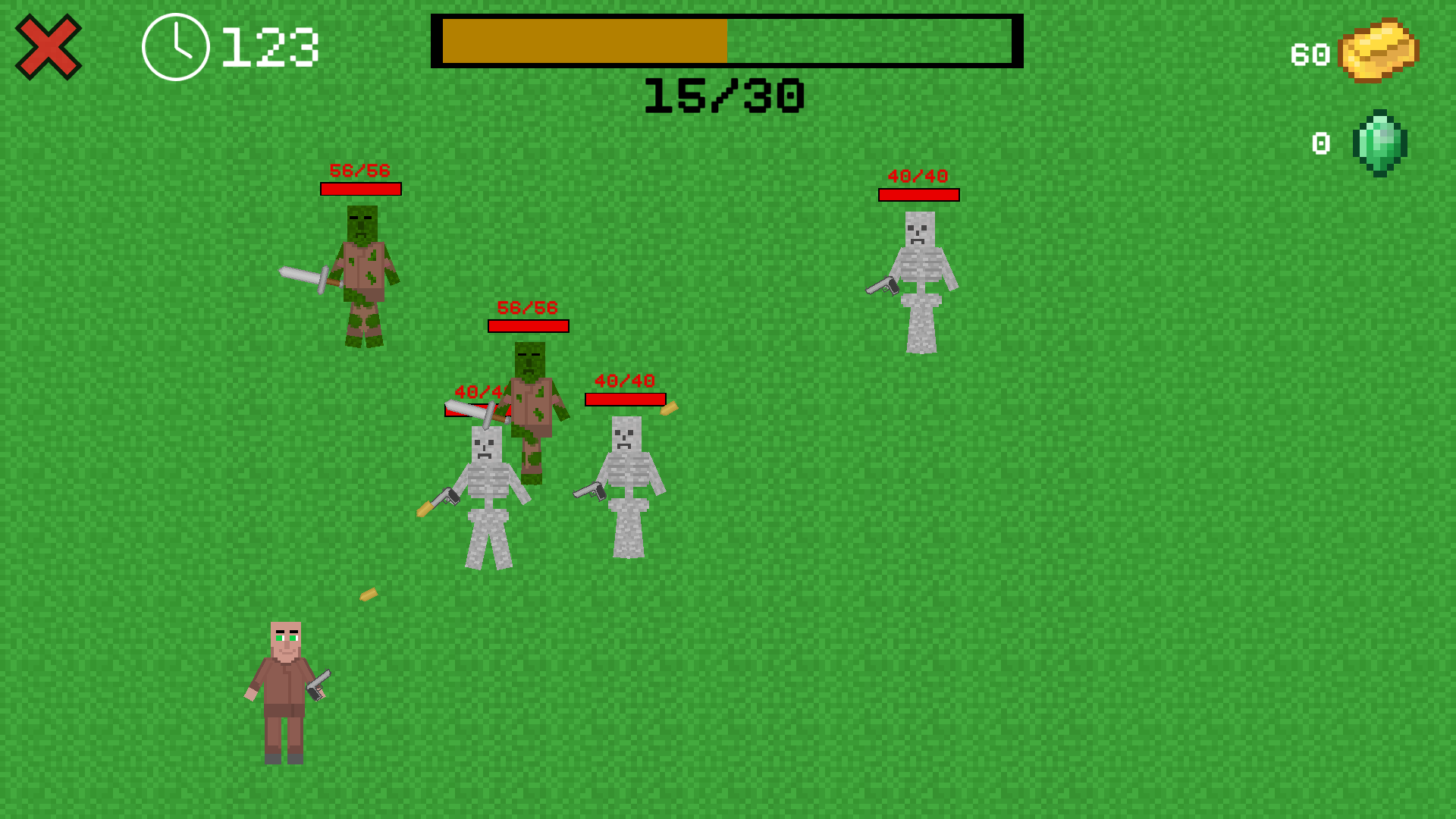
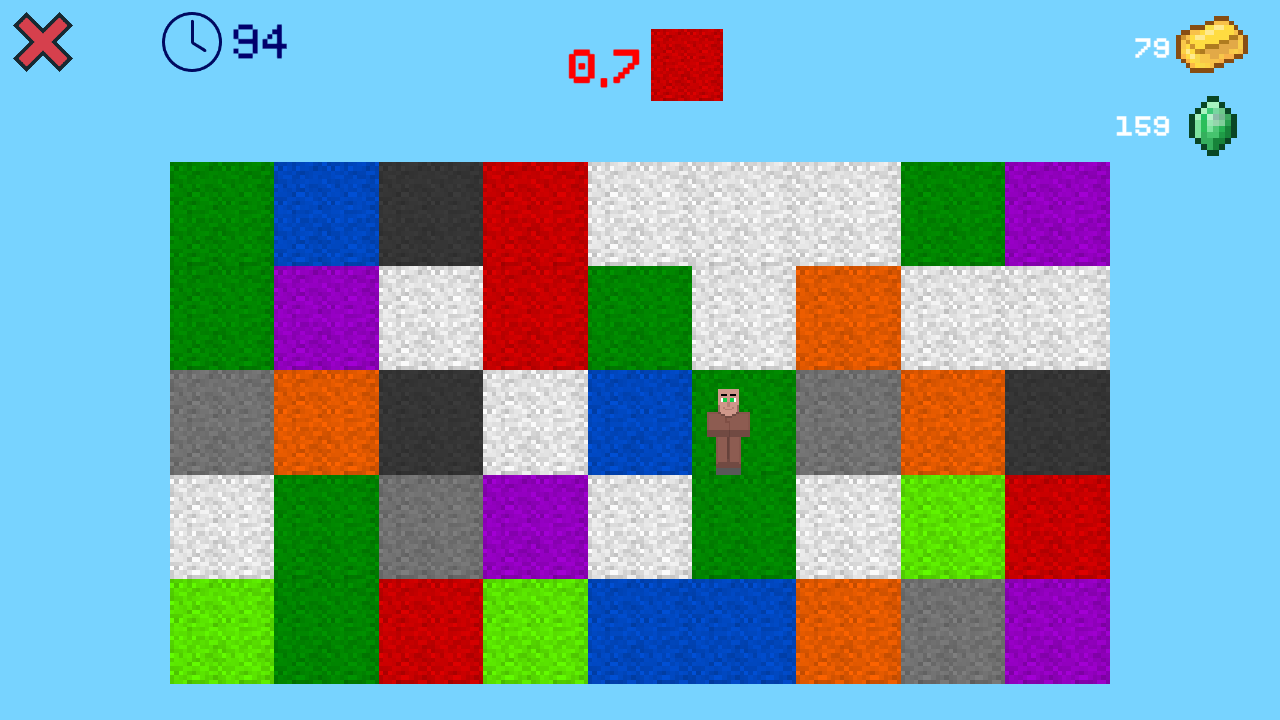
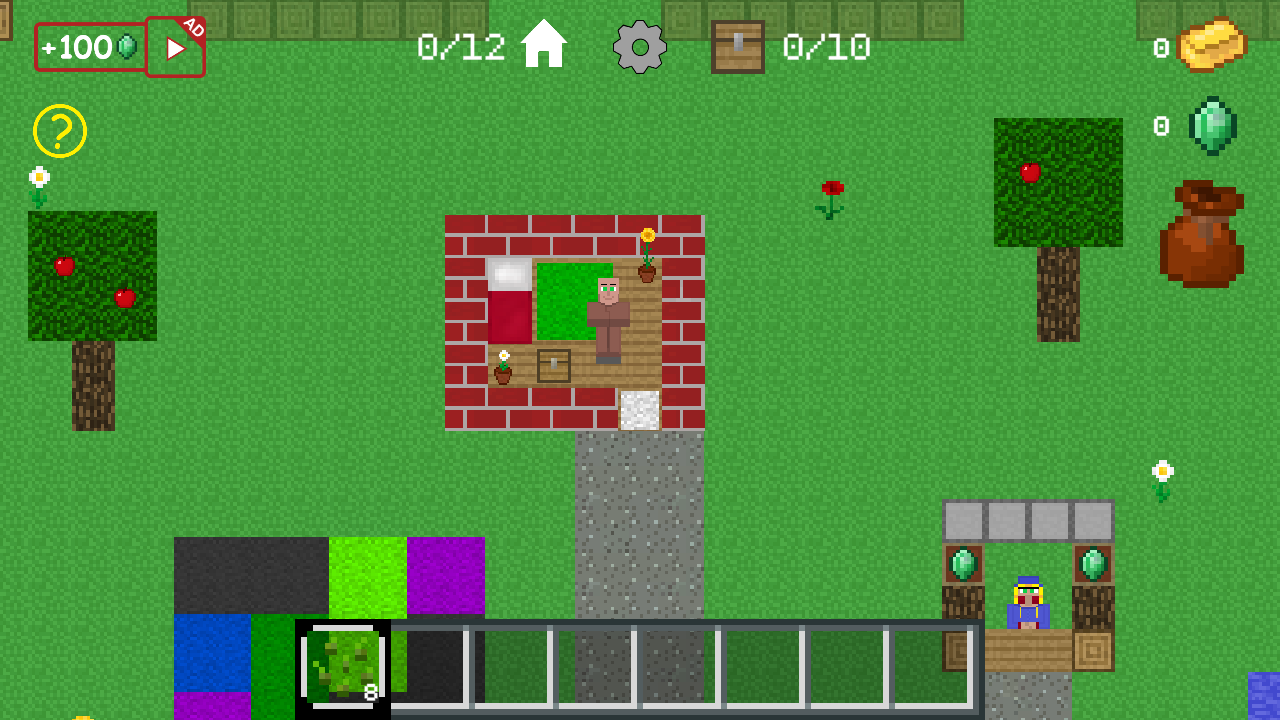
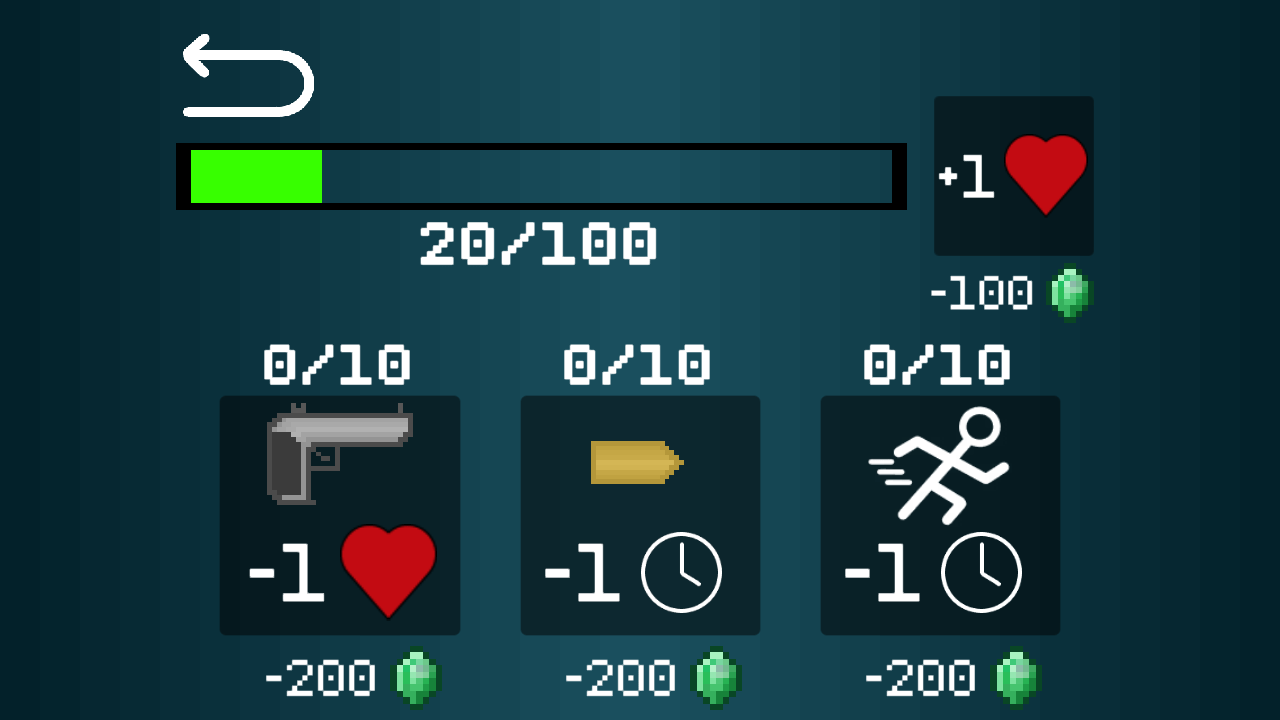
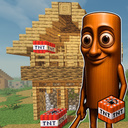
— Feel like a real villager! Do farming and fishing. Upgrade your equipment and protect the village from evil mobs in this shooter. Complete all levels in the "Stand on the right color" mini-game. Earn gold and buy houses so that other residents will return to the village. Attention! This content is not official and is not supported by Mojang.

Videos and screenshots
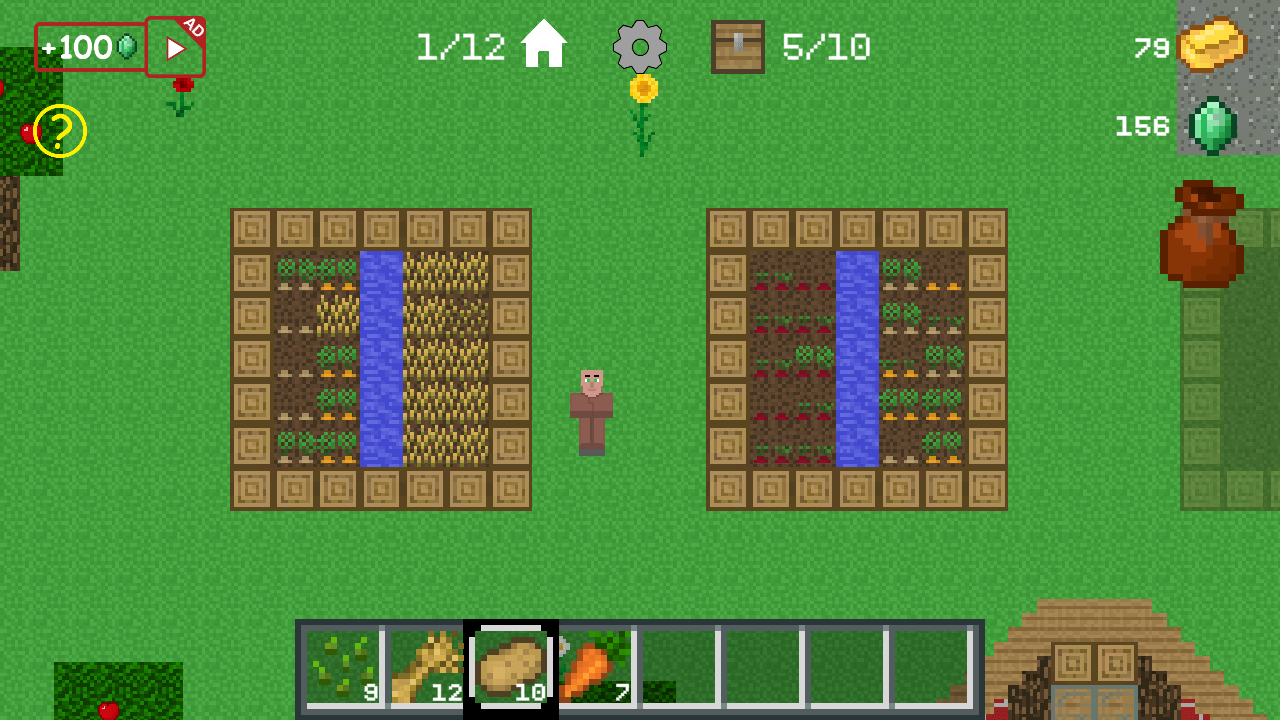
  • Villager simulator screenshot 1
  • Villager simulator screenshot 2
  • Villager simulator screenshot 3
  • Villager simulator screenshot 4
  • Villager simulator screenshot 5
  • Villager simulator screenshot 6
  • Villager simulator screenshot 7
  • Villager simulator screenshot 8
  • Villager simulator screenshot 9
  • Villager simulator screenshot 10
  • Villager simulator screenshot 11
  • Villager simulator screenshot 12
  • Villager simulator screenshot 13
  • Villager simulator screenshot 14
Play Now

13,651 players online

How to play

  1. Open the game

    Press Play now and the game opens on its own screen.

  2. Follow the in-game instructions

    The controls and goals are shown inside the game as you play.

  3. Use the game menu

    The floating button over the game reloads it, saves it to your favourites, or takes you back out.
Game instructions

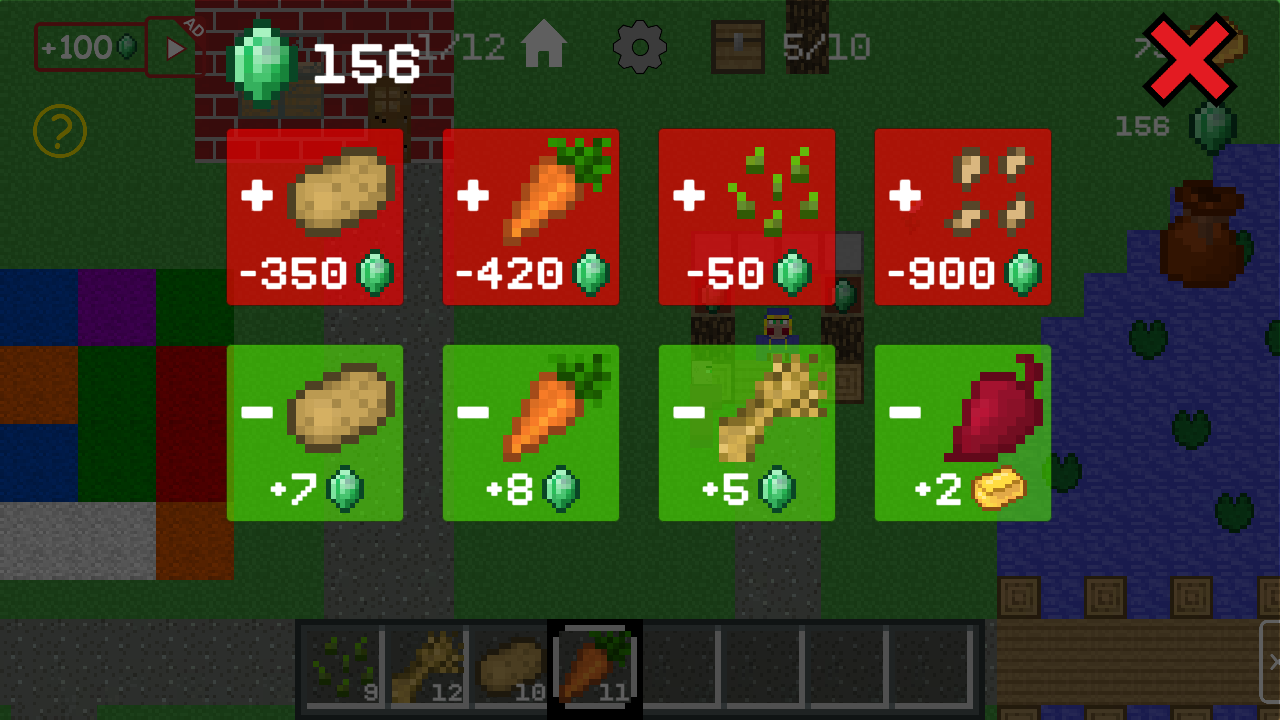
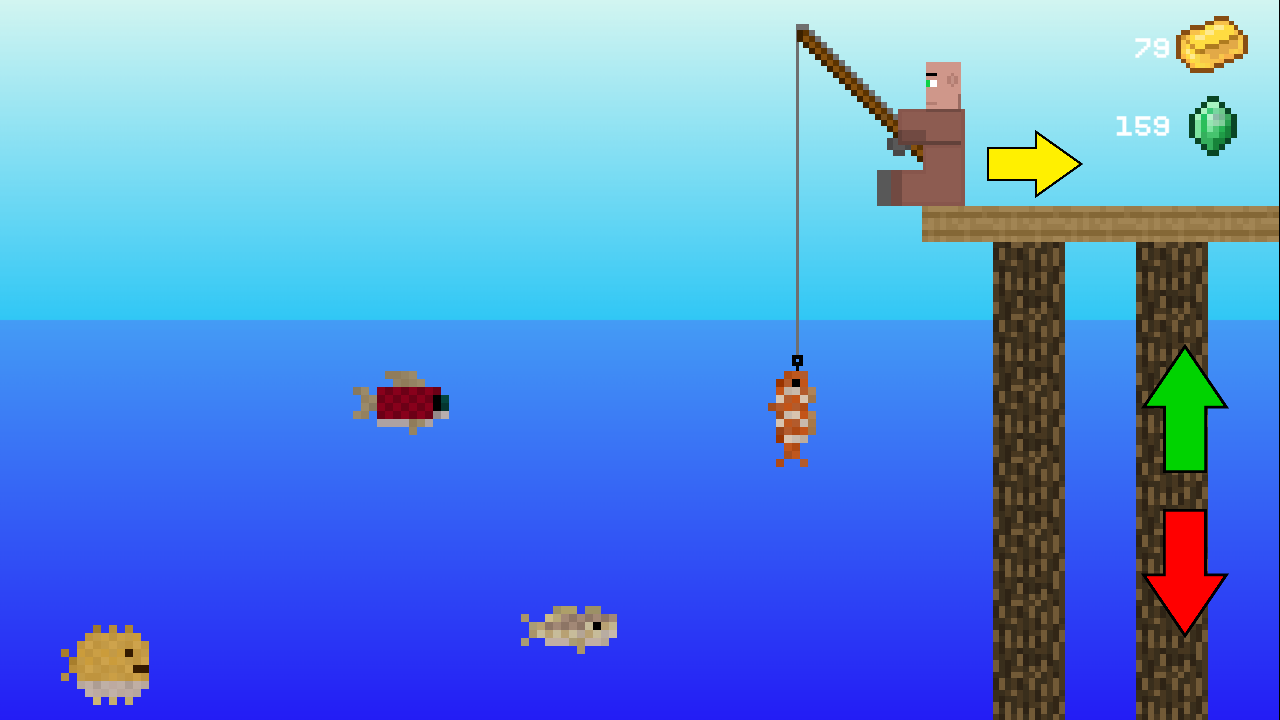
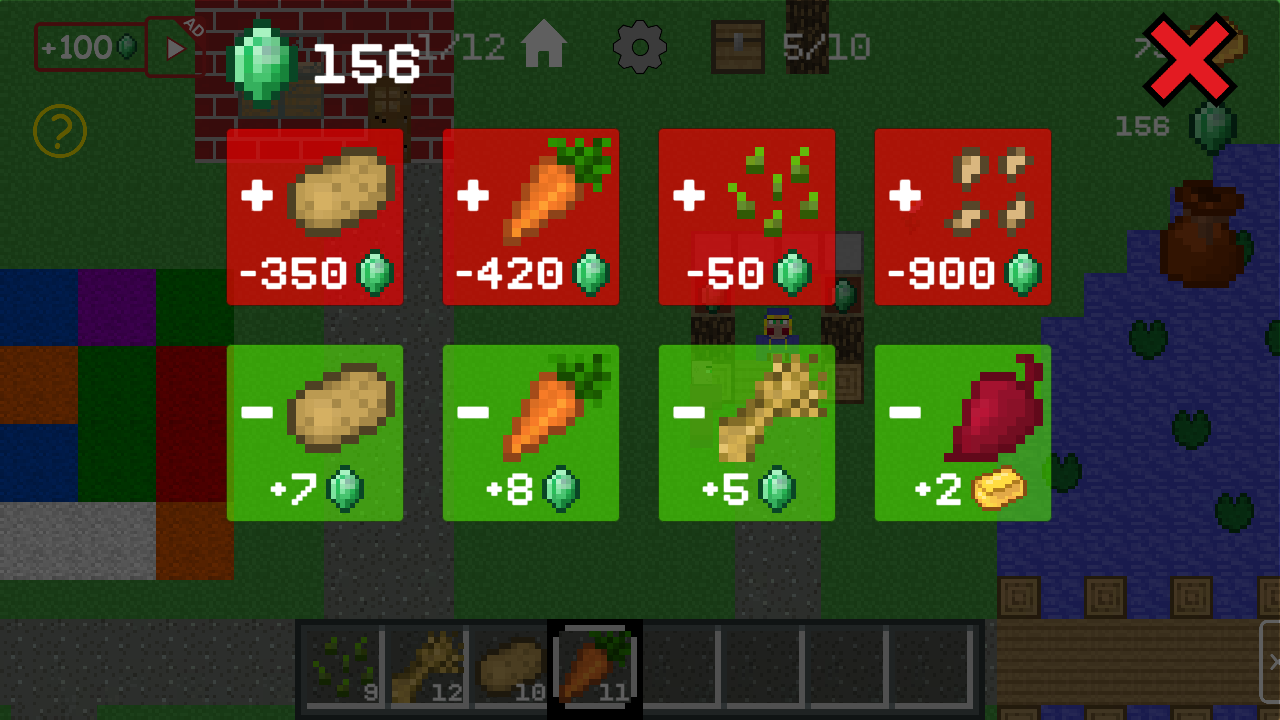
— Walk: PC - WASD; Mobile version - green joystick. — Shooting in a shooter: PC - point the mouse in the right direction and click; Mobile version - tilt the red joystick in the desired direction. — Farming: select the seeds you need and click on the bed to plant them, then collect the grown vegetables. Seeds are bought from a merchant, and you can also sell grown vegetables to him. — Fishing: each fish gives a different reward. You should not catch puffer fish - it is poisonous and a fine of 2 emeralds is given for it. Tropical fish are rare and reward gold. — To open the mini-game, you need to go to the desired place or click on it. Details can be found by clicking on the yellow button with a question mark in the upper left corner of the screen.

More games

More games