Skip to content
KG
Who Will Win? Create A Battle!

Who Will Win? Create A Battle!

1K plays 4.1 out of 5

Overview

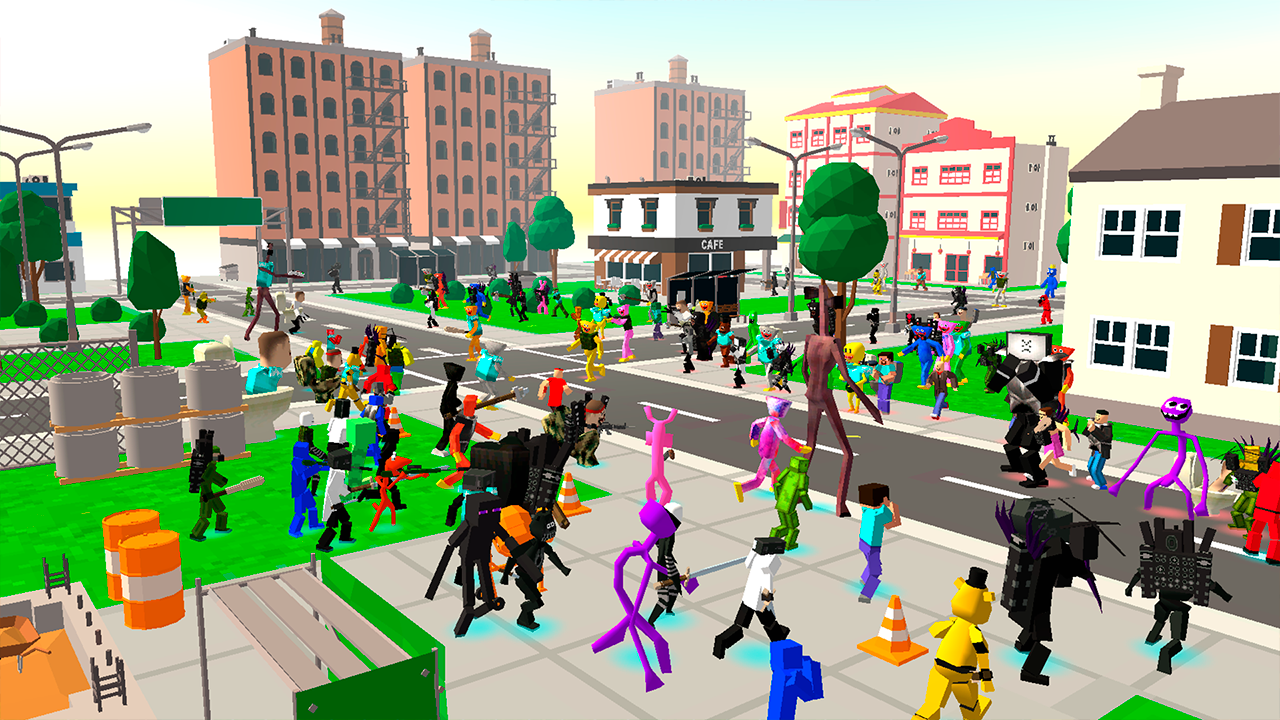
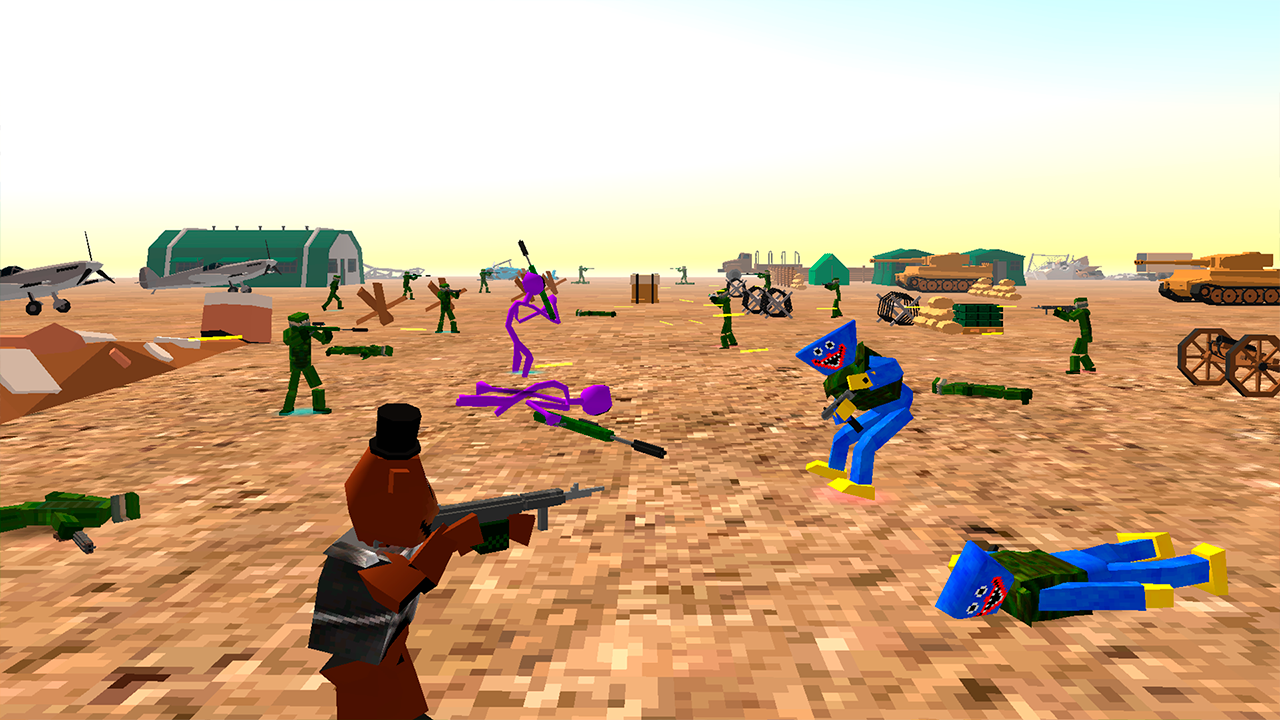
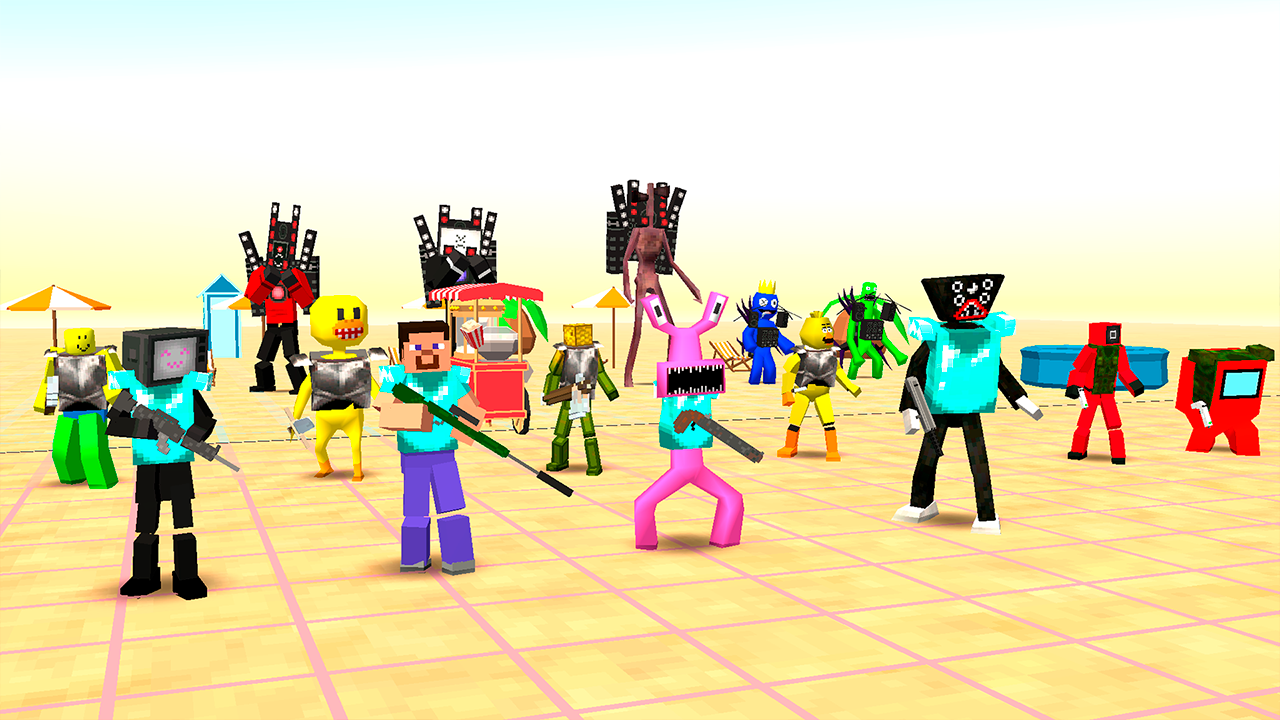
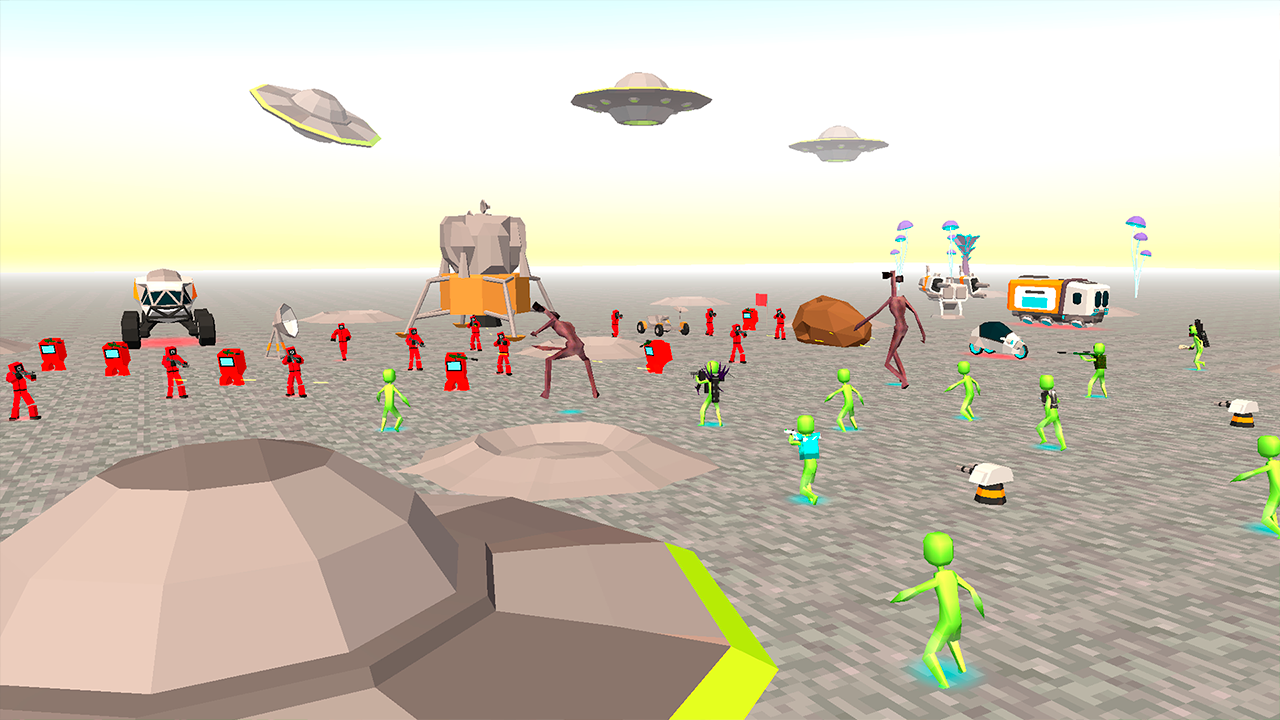
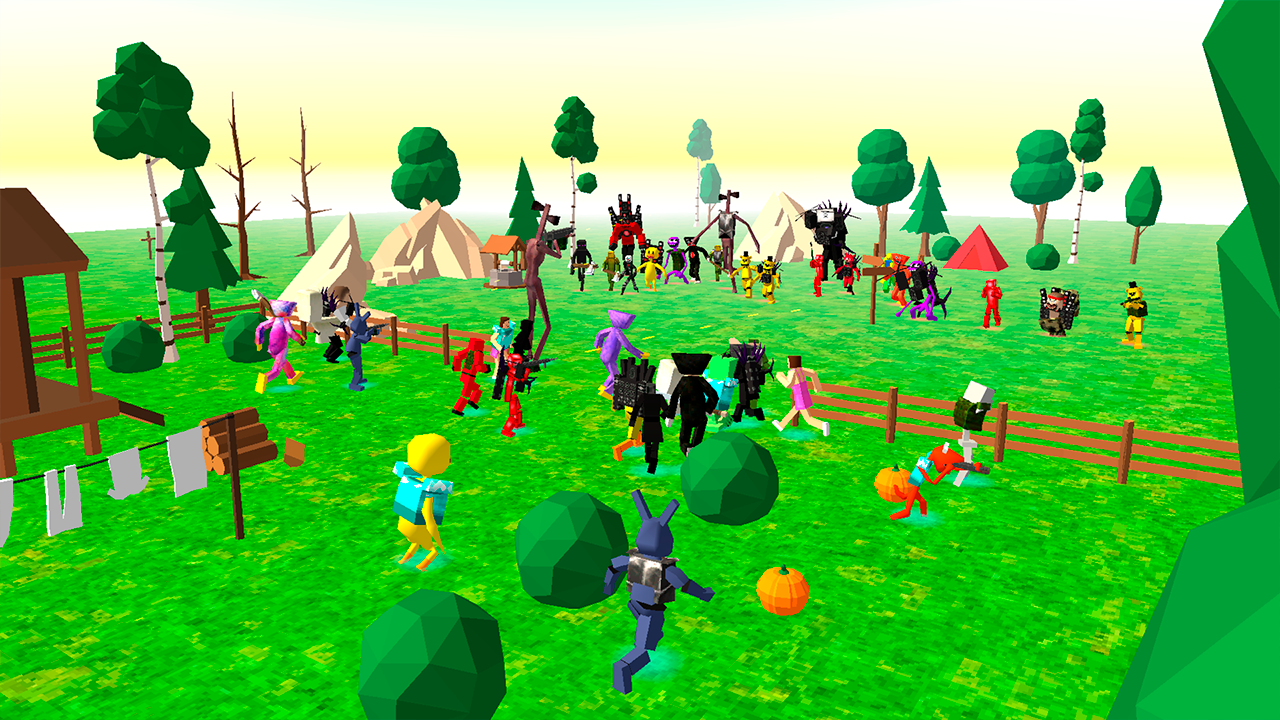
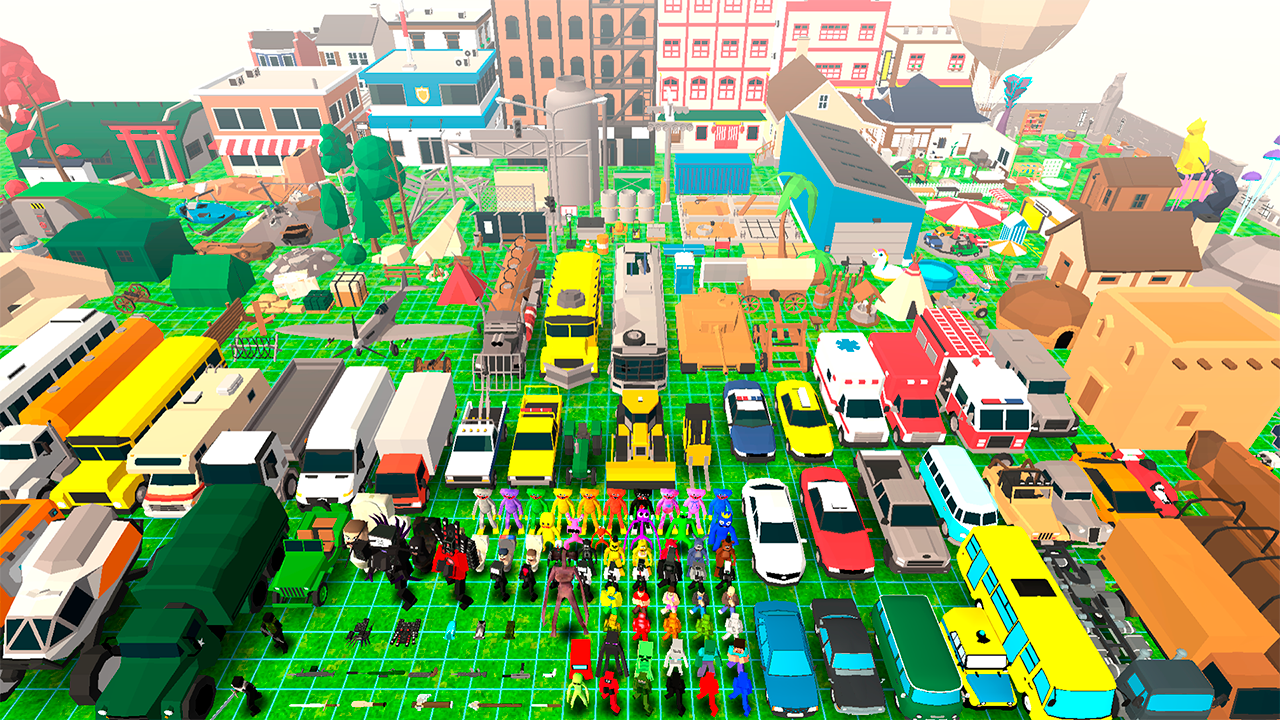
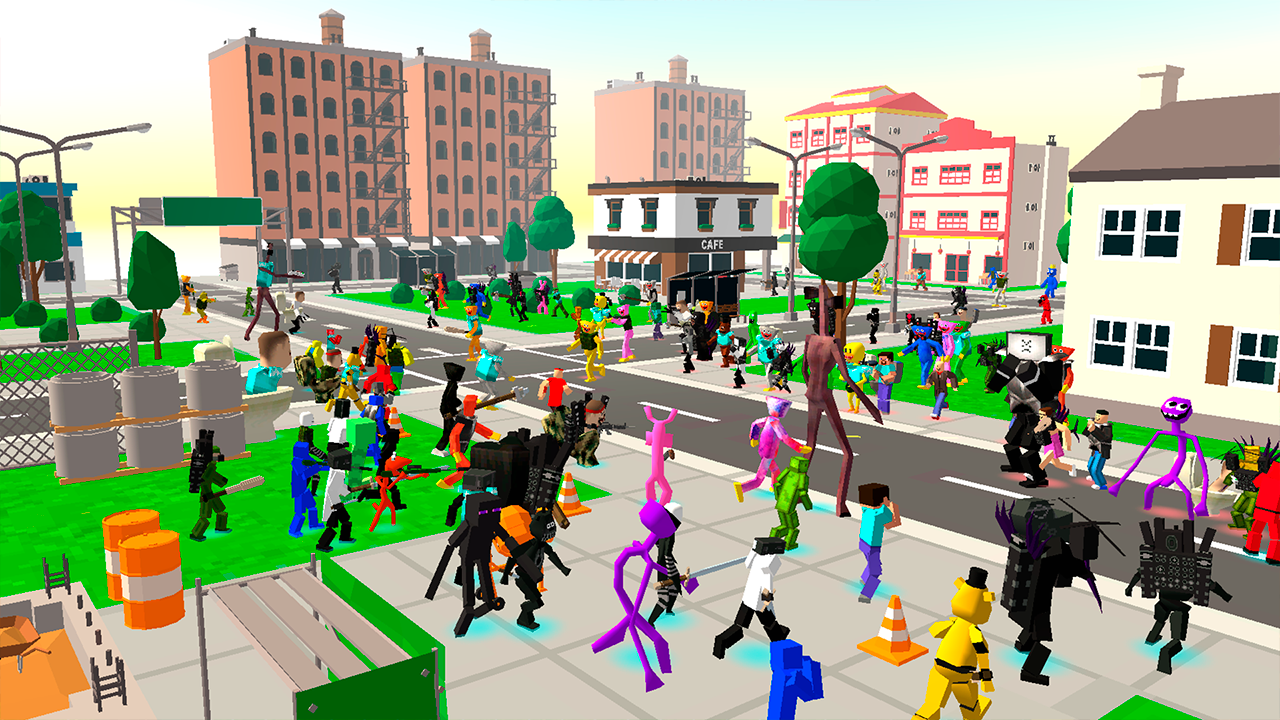
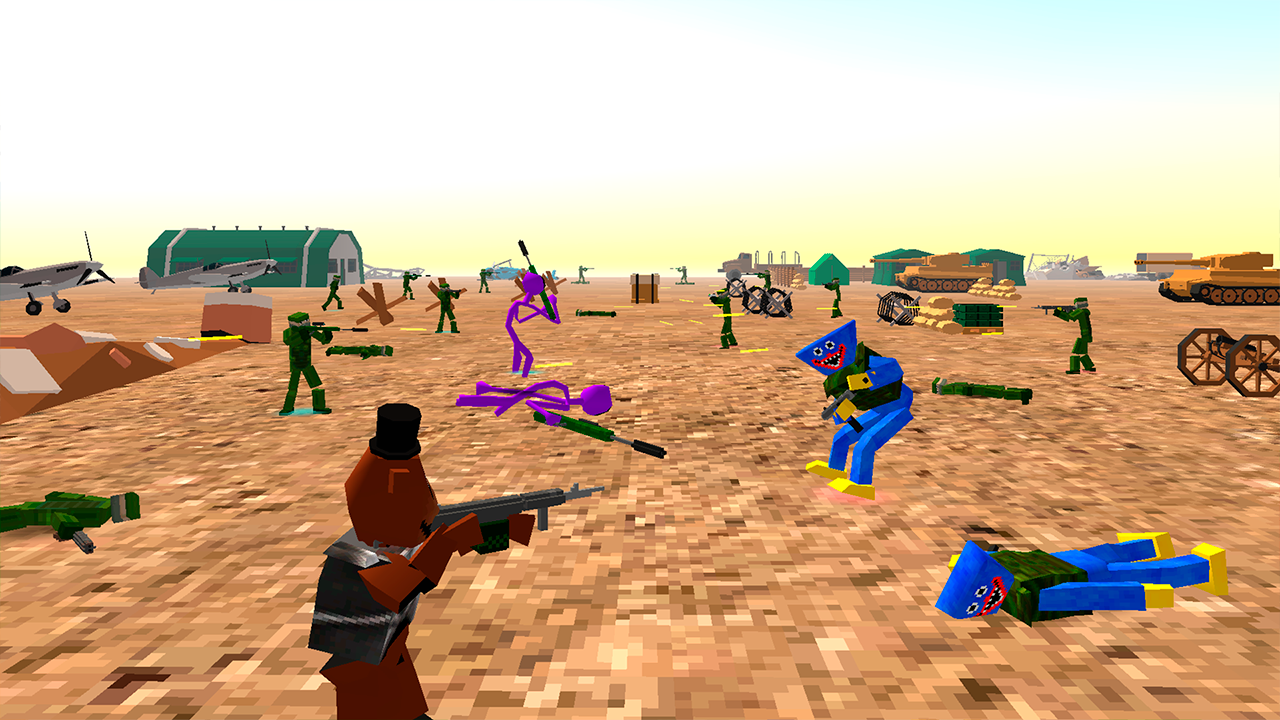
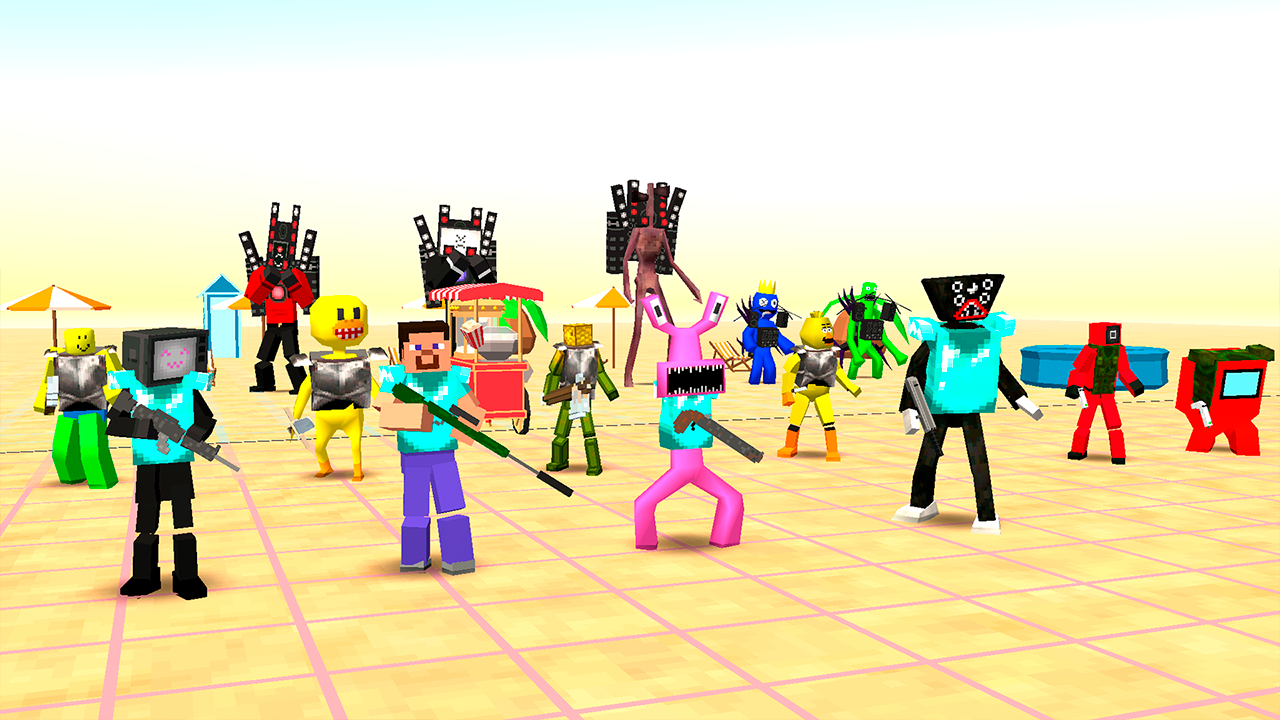
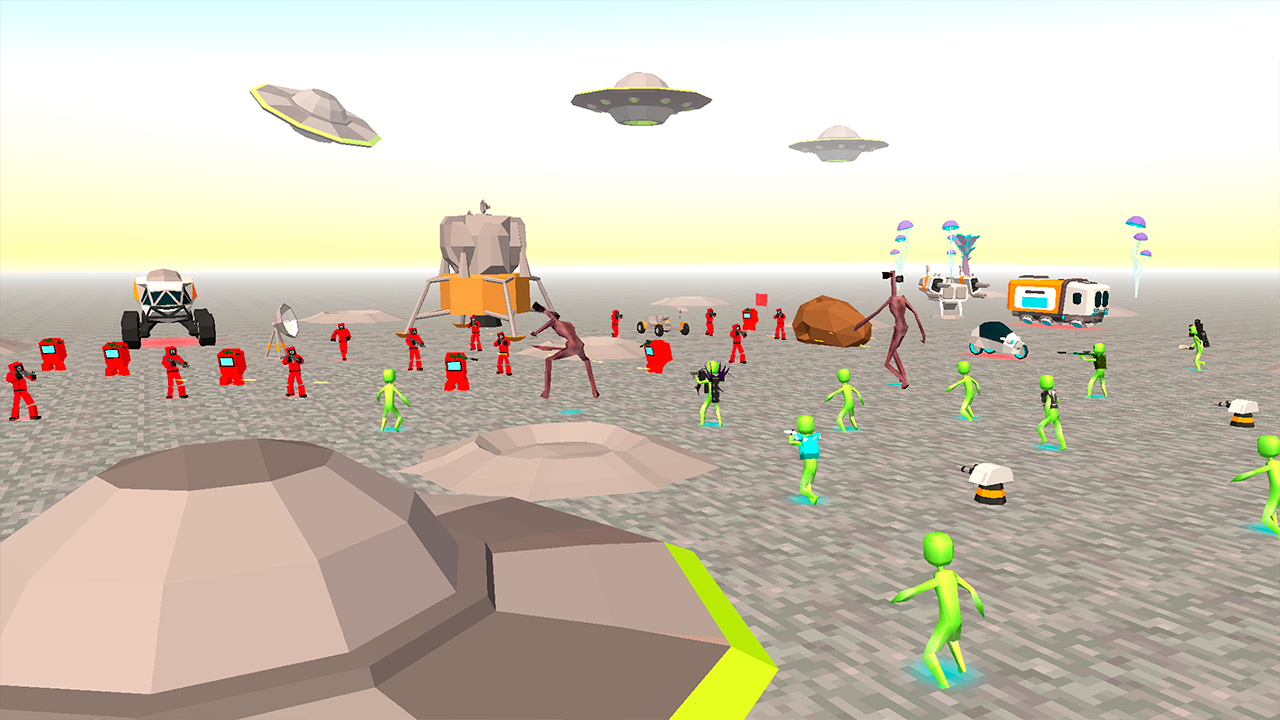
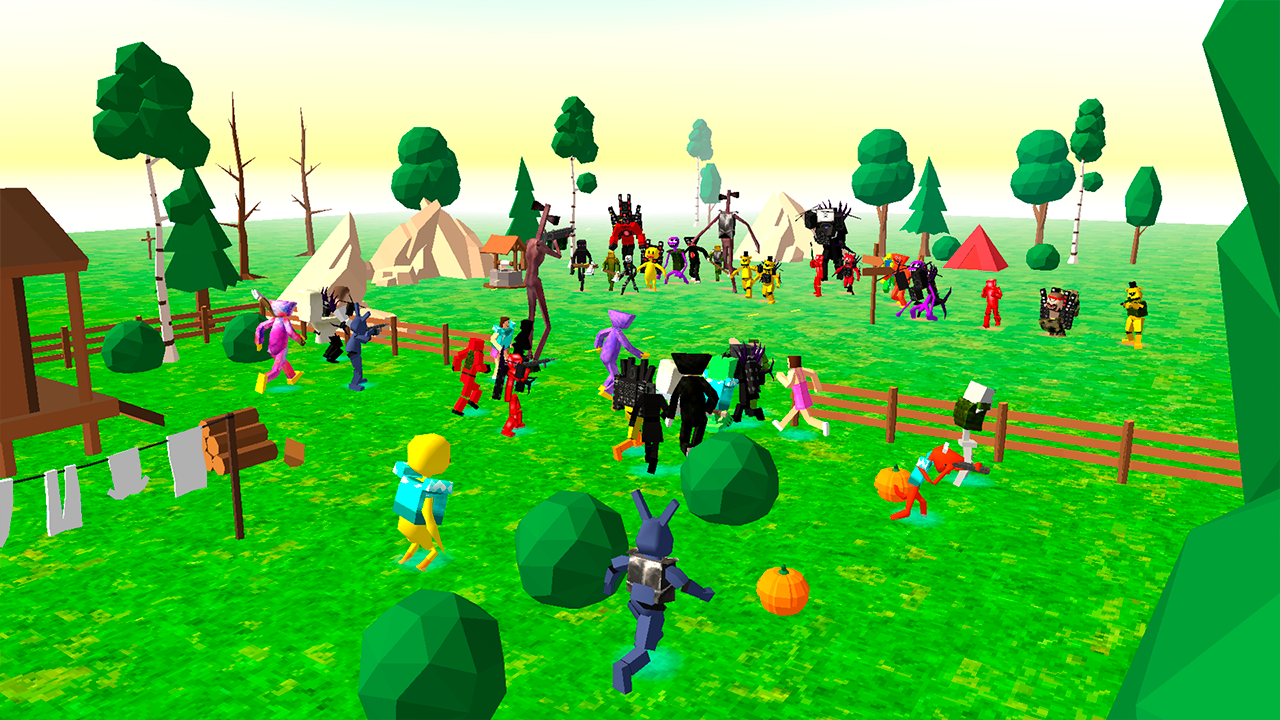
🏹 Create a battle and watch who wins! 🔨 Build your own card or use a ready-made one. There are more than 300 objects in the game! 💥 A huge number of characters, vehicles, various weapons and armor in order to create the most spectacular battle!

Videos and screenshots
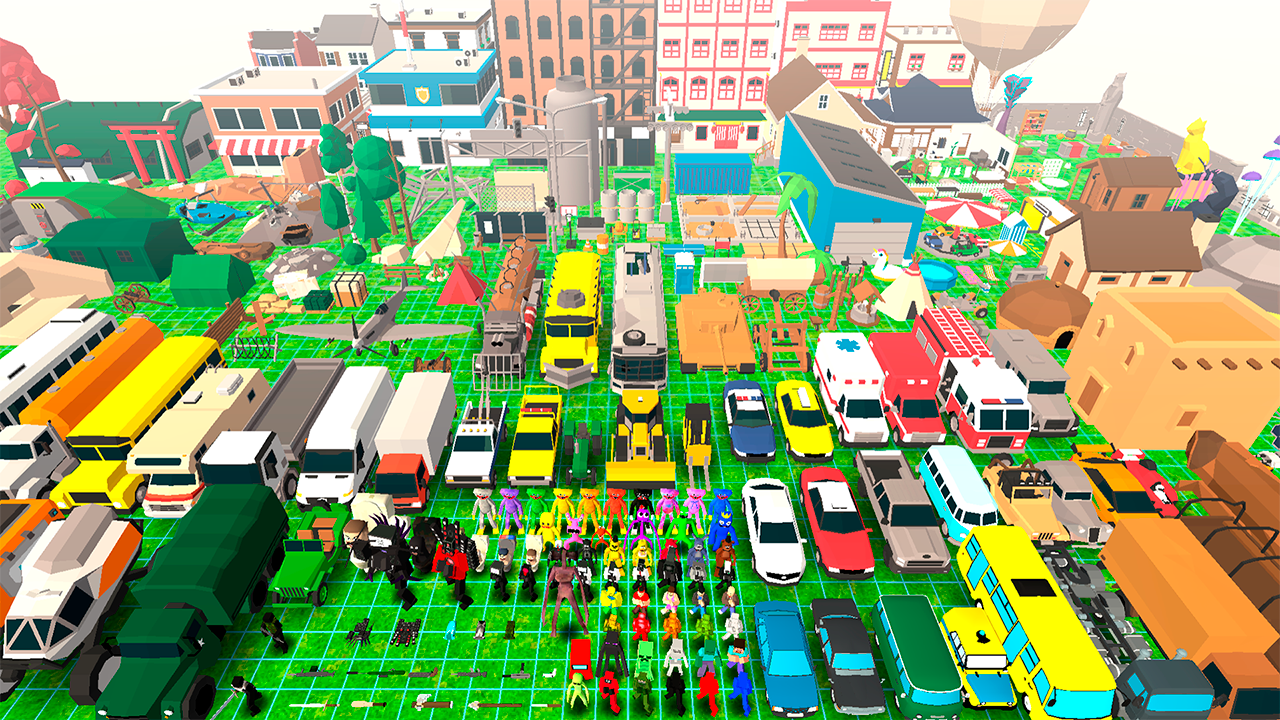
  • Who Will Win? Create A Battle! screenshot 1
  • Who Will Win? Create A Battle! screenshot 2
  • Who Will Win? Create A Battle! screenshot 3
  • Who Will Win? Create A Battle! screenshot 4
  • Who Will Win? Create A Battle! screenshot 5
  • Who Will Win? Create A Battle! screenshot 6
  • Who Will Win? Create A Battle! screenshot 7
  • Who Will Win? Create A Battle! screenshot 8
  • Who Will Win? Create A Battle! screenshot 9
  • Who Will Win? Create A Battle! screenshot 10
  • Who Will Win? Create A Battle! screenshot 11
  • Who Will Win? Create A Battle! screenshot 12
  • Who Will Win? Create A Battle! screenshot 13
  • Who Will Win? Create A Battle! screenshot 14
Play Now

11,412 players online

How to play

  1. Open the game

    Press Play now and the game opens on its own screen.

  2. Follow the in-game instructions

    The controls and goals are shown inside the game as you play.

  3. Use the game menu

    The floating button over the game reloads it, saves it to your favourites, or takes you back out.
Game instructions

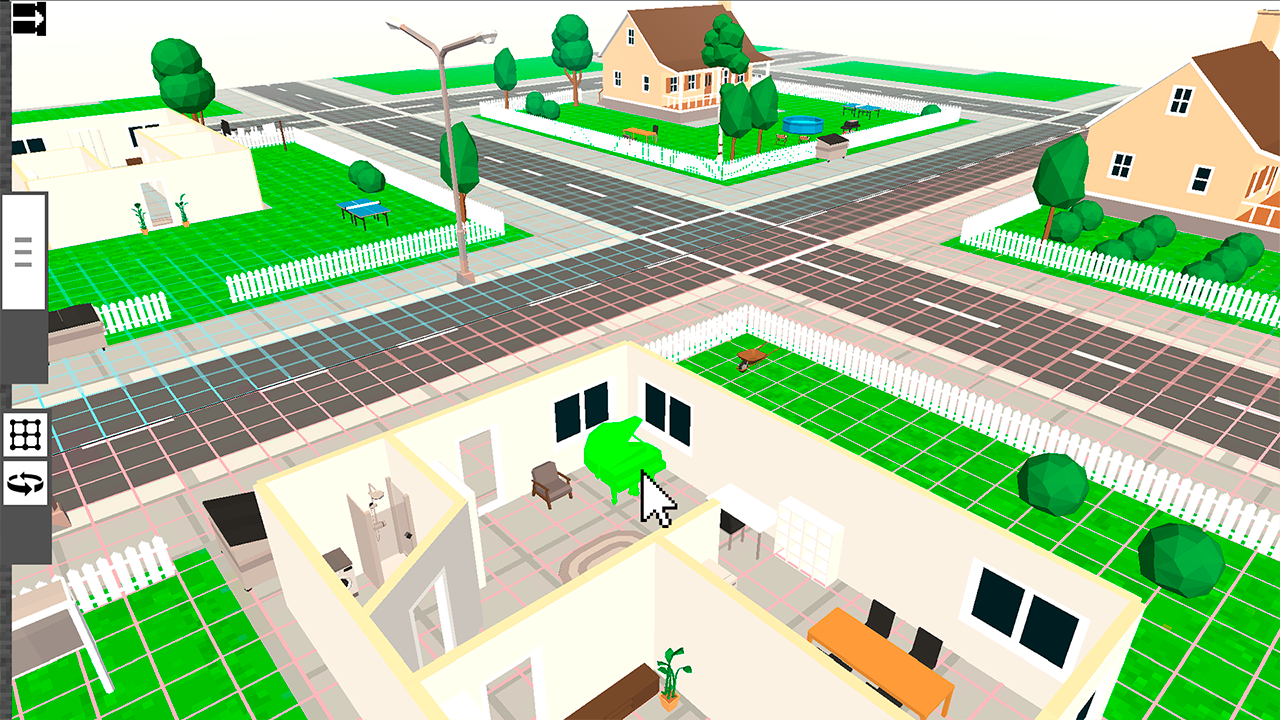
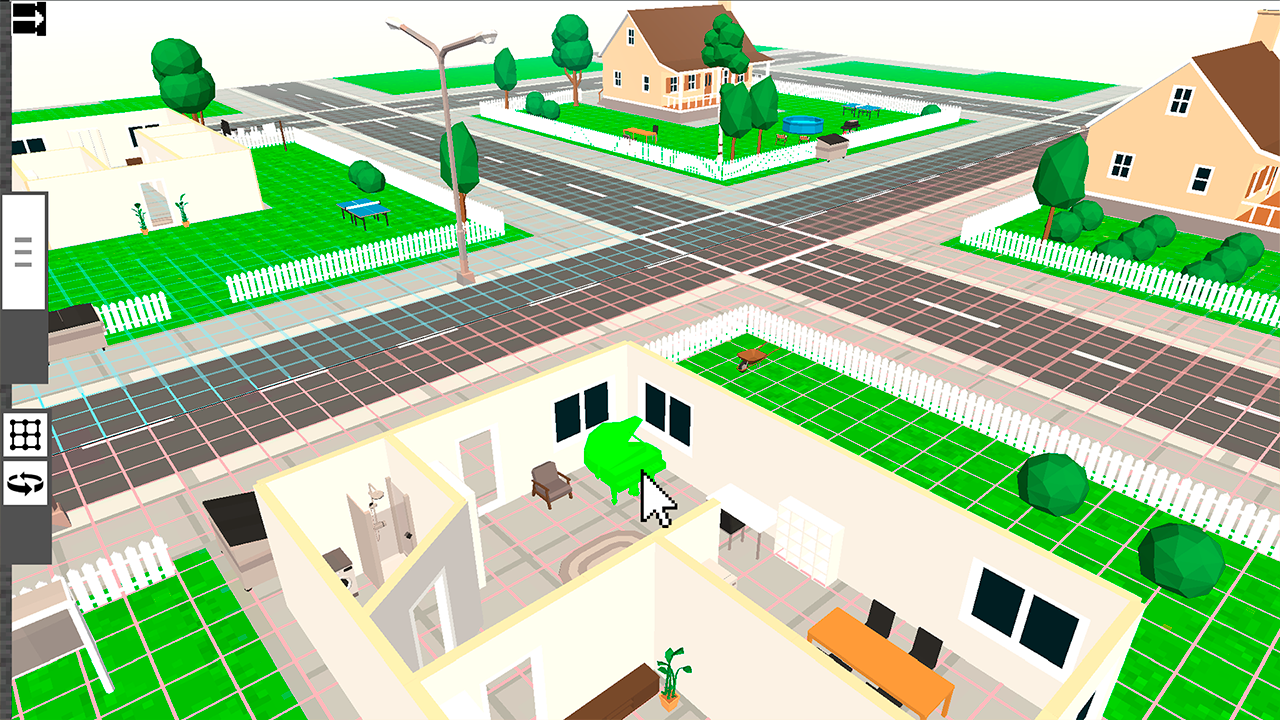
Arrange the objects you like (objects of protection or decoration, transport, characters). Equip the characters with weapons and armor if desired. Start the fight and watch who wins. At the end of the battle, a reward will be given for which you can unlock new items. Desktop controls: • To rotate the camera, hold down the right mouse button. • To move the camera, hold down the middle mouse button. • Use the mouse wheel to zoom in on the camera. • To place an object, left-click or hold to continuously create objects. • Click on an object in the scene to delete it. Management on mobile devices: • Rotate the camera by tapping on the screen with one finger. • Move the camera with two taps on the screen. • Use the slider in the lower right corner to zoom in on the camera. • To place an object, tap on the screen or hold for continuous creation of objects. • Tap on an object on the scene to delete it.

More games

More games