Skip to content
KG
Winter Mine Blocks

Winter Mine Blocks

5K plays 4.3 out of 5

Overview

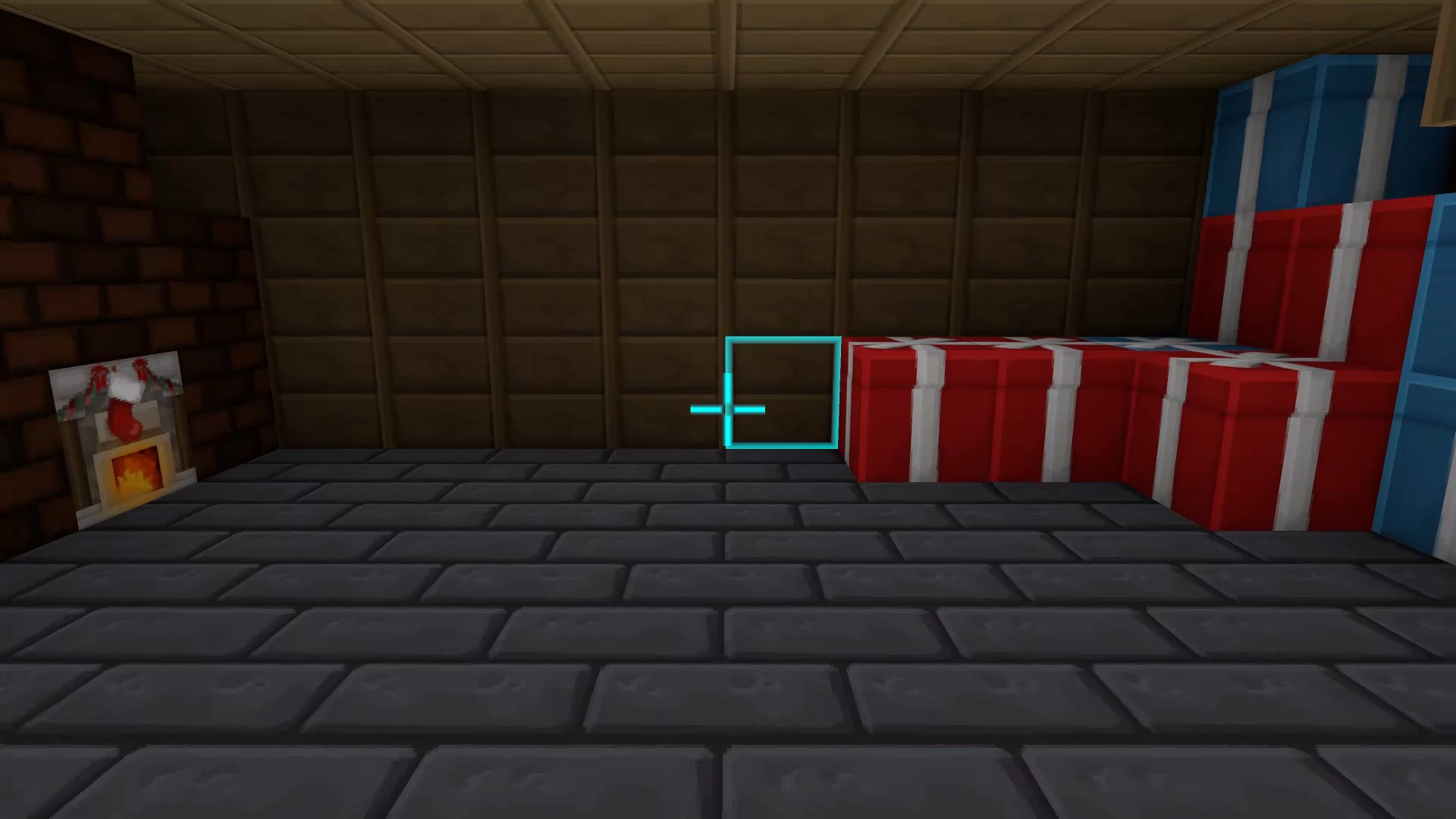
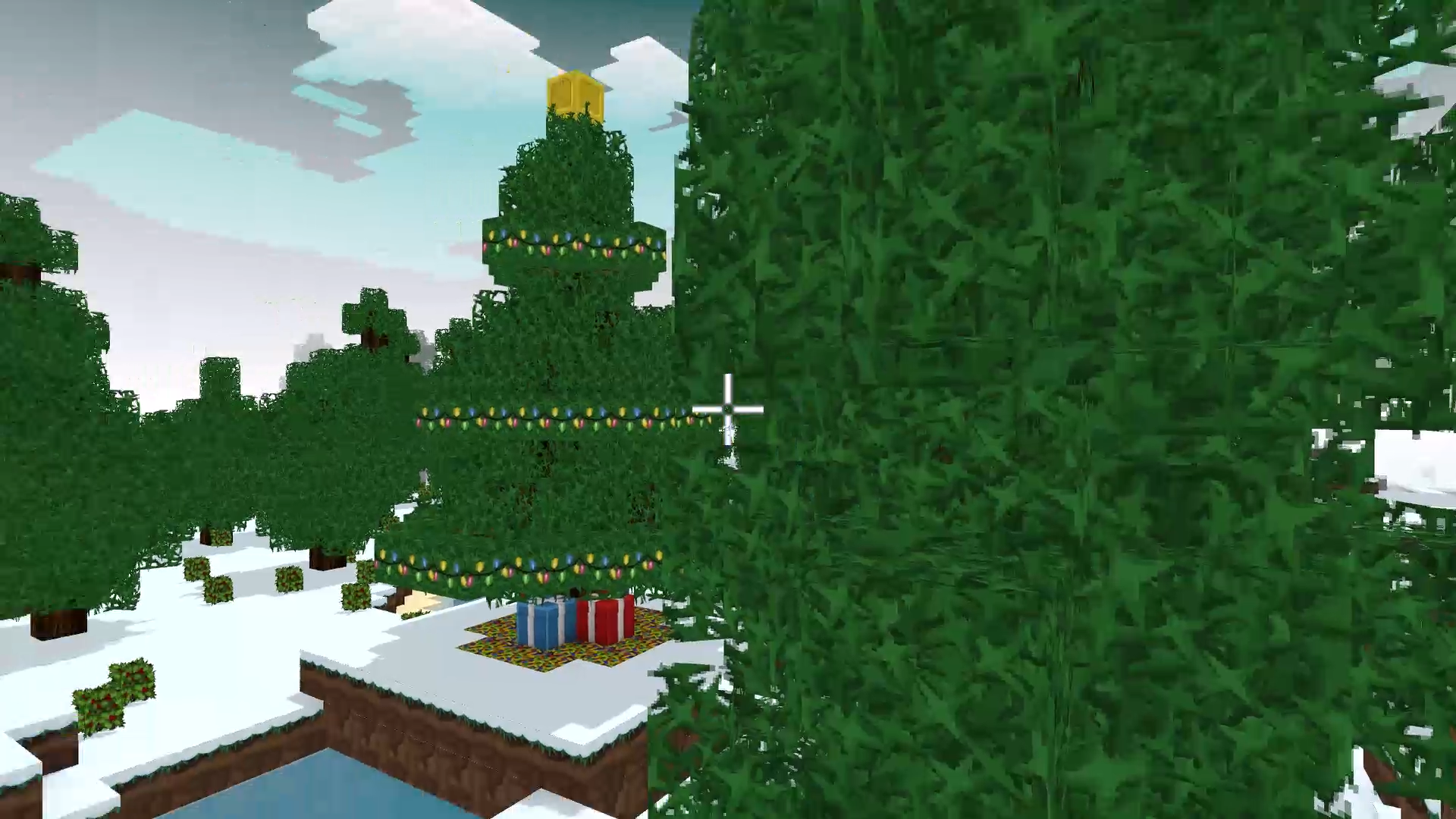
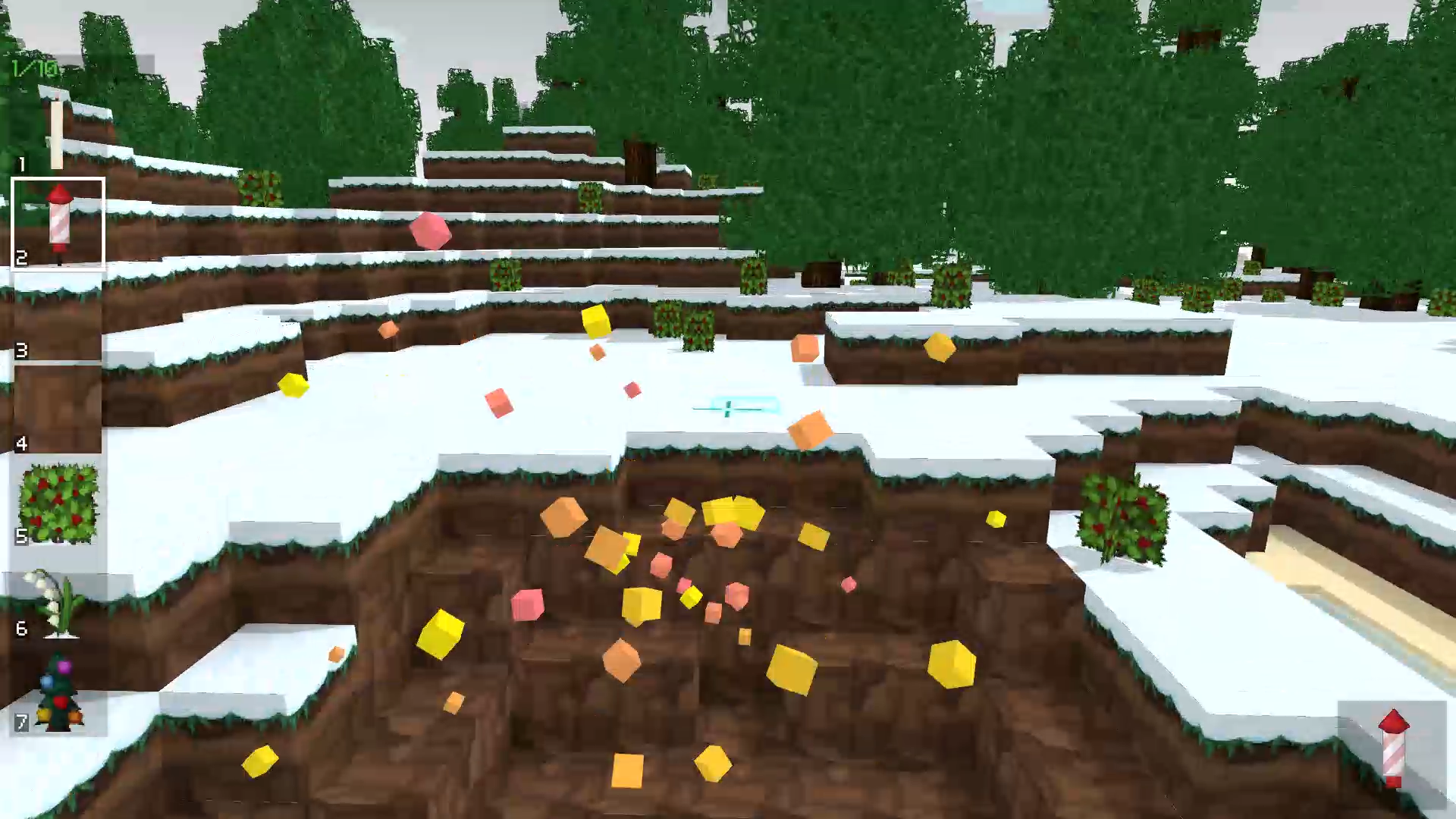
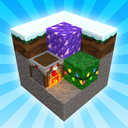
"Winter Mine Blocks" is an exciting construction and design game with a winter and New Year's theme. Create unique winter buildings using a variety of blocks and decor elements. Immerse yourself in a magical world where the whole landscape is covered with snow and enjoy the atmosphere of winter magic. Develop your building and design skills by creating fabulous ice palaces, cozy houses and huge Christmas trees.

Videos and screenshots
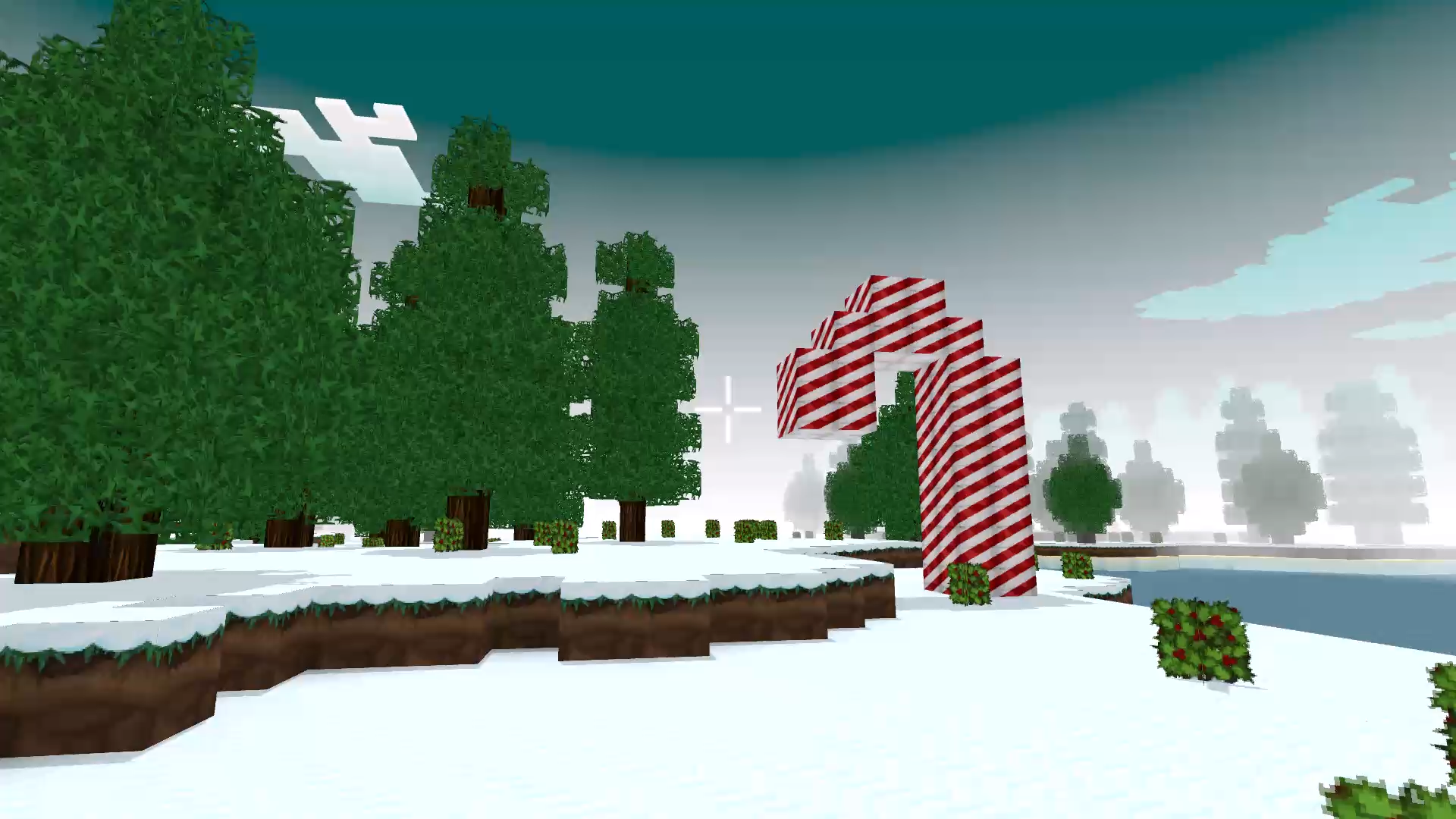
  • Winter Mine Blocks screenshot 1
  • Winter Mine Blocks screenshot 2
  • Winter Mine Blocks screenshot 3
  • Winter Mine Blocks screenshot 4
  • Winter Mine Blocks screenshot 5
Play Now

13,707 players online

How to play

  1. Open the game

    Press Play now and the game opens on its own screen.

  2. Follow the in-game instructions

    The controls and goals are shown inside the game as you play.

  3. Use the game menu

    The floating button over the game reloads it, saves it to your favourites, or takes you back out.

Game instructions

- Use keys W, A, S, D to move the player. Use the mouse to look around and change the direction of view. - To flip through pages of items forward, use the E key. To go backwards through the pages, use the Q key. - The numbers on the keyboard will help you select an item on the item page. Press the corresponding number to select the desired item. - The Tab key allows you to close the selection of items. - If you want to activate the flight mode, press the F key. - For faster movement, use the Shift key. - To jump, press the Space key. - The left mouse button allows you to break a block, and the right mouse button puts a block. - Press the G key to open the door. - Press the L button to turn on the lights around the player. - Press the C button to crouch. - Press the P button to open a menu with buttons for creating a new world, saving, and loading.

More games

More games