Overview
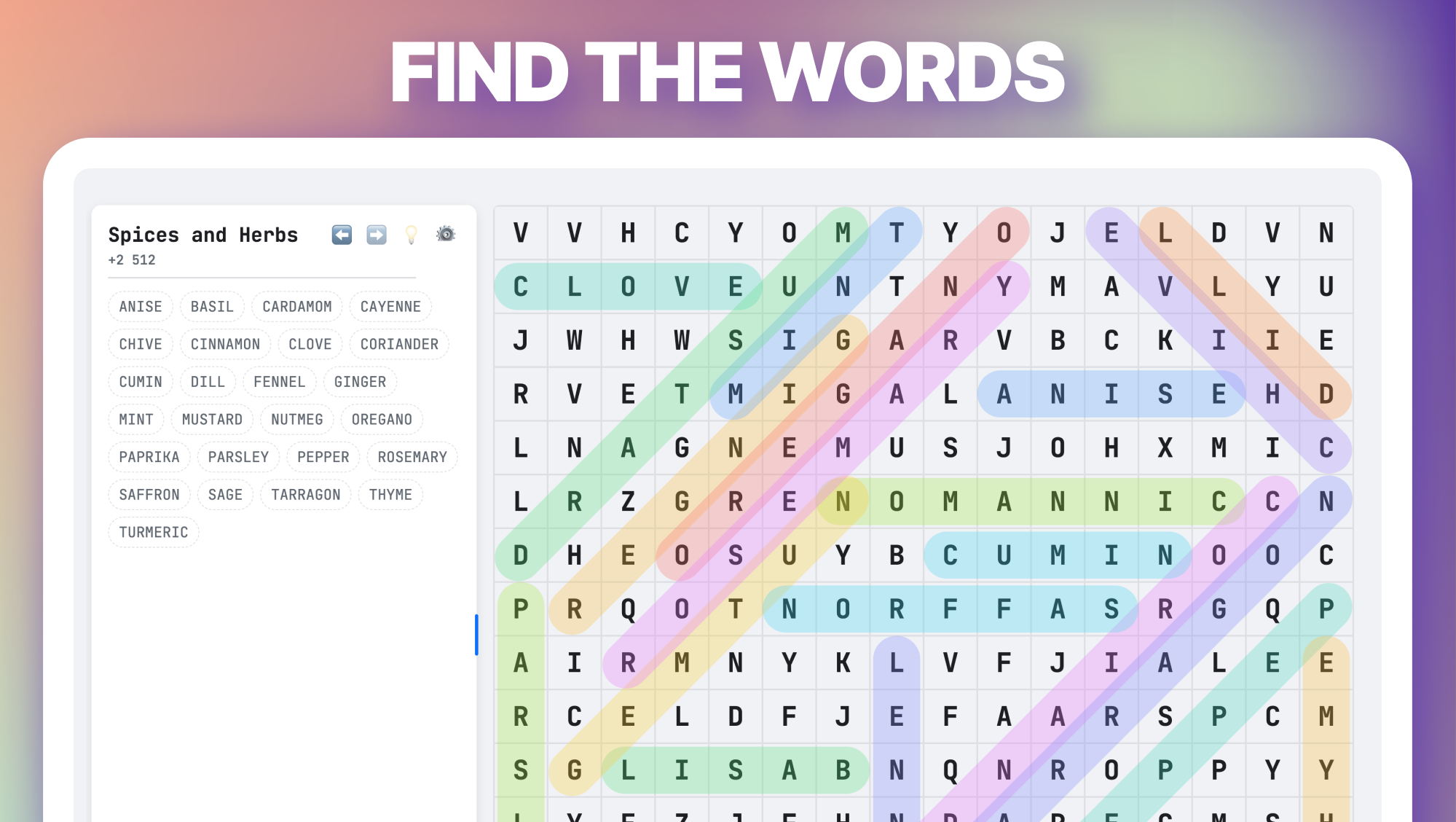
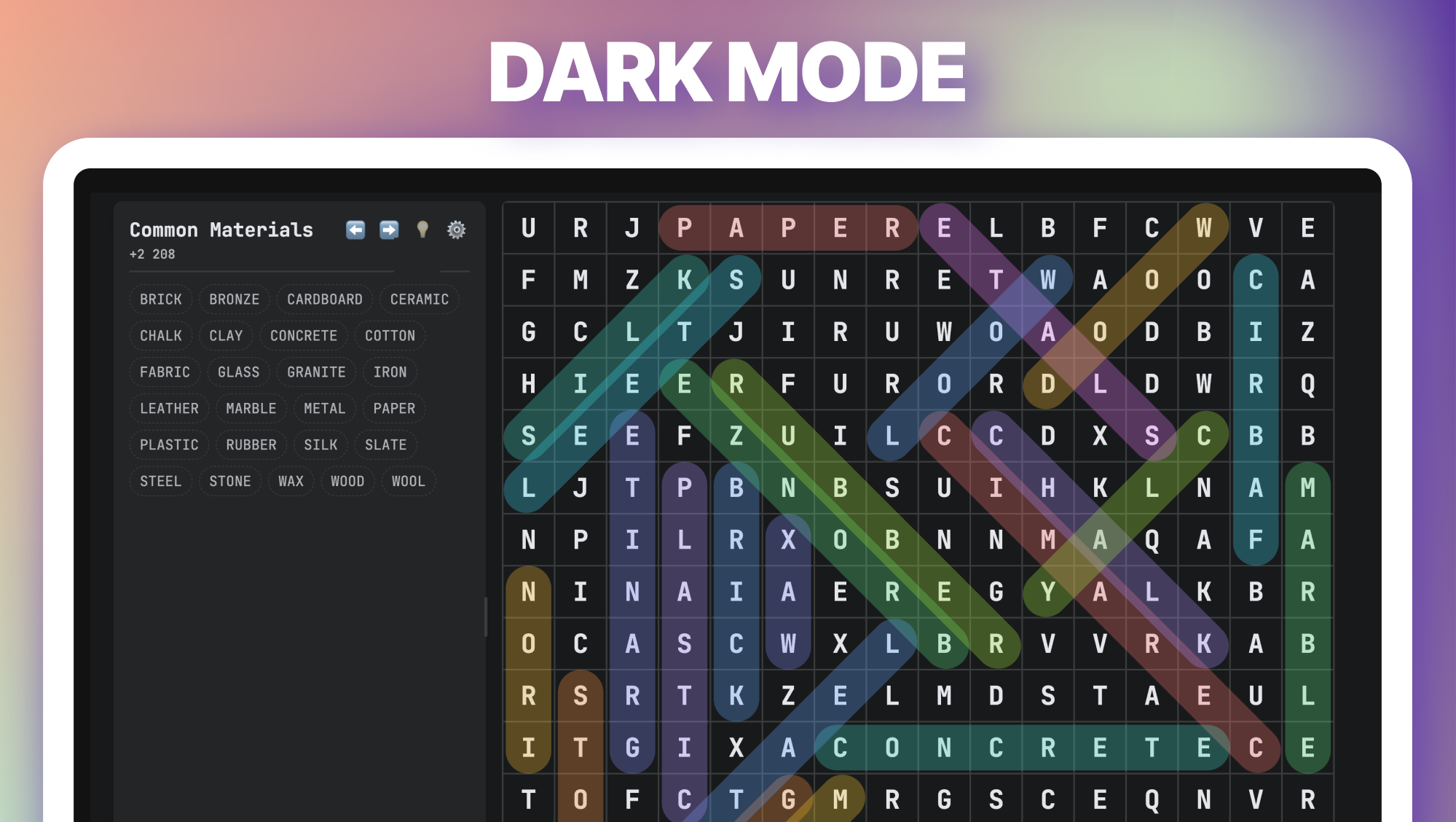
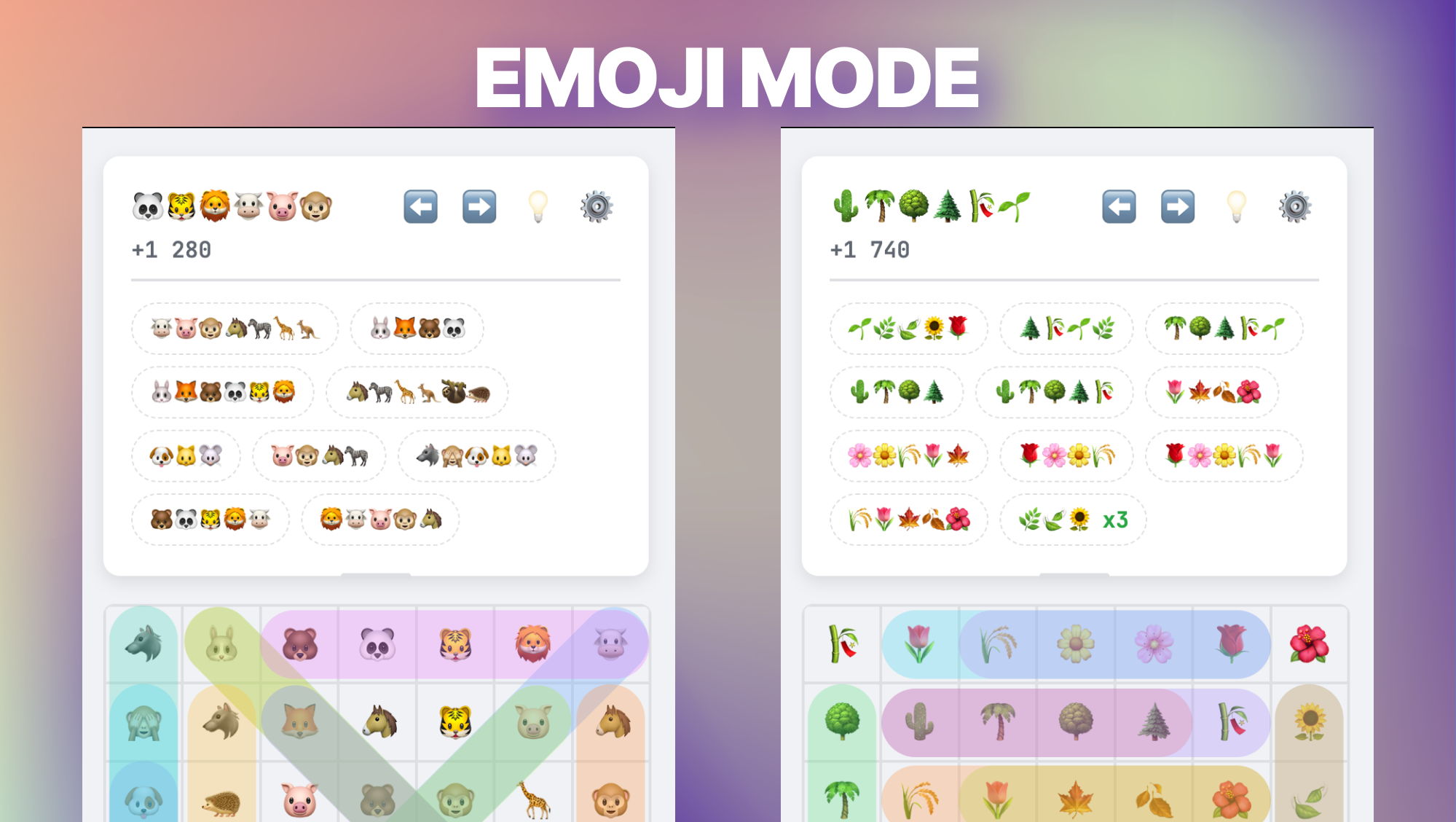
Word Search Game is a classic word search game with a modern design and many interesting features. Immerse yourself in the world of letters and find all the hidden words on a variety of topics, from science and nature to fantasy and cooking.
Key Features:
- Dozens of levels in Russian and English.
- Intuitive controls: Just swipe your finger or mouse over the letters.
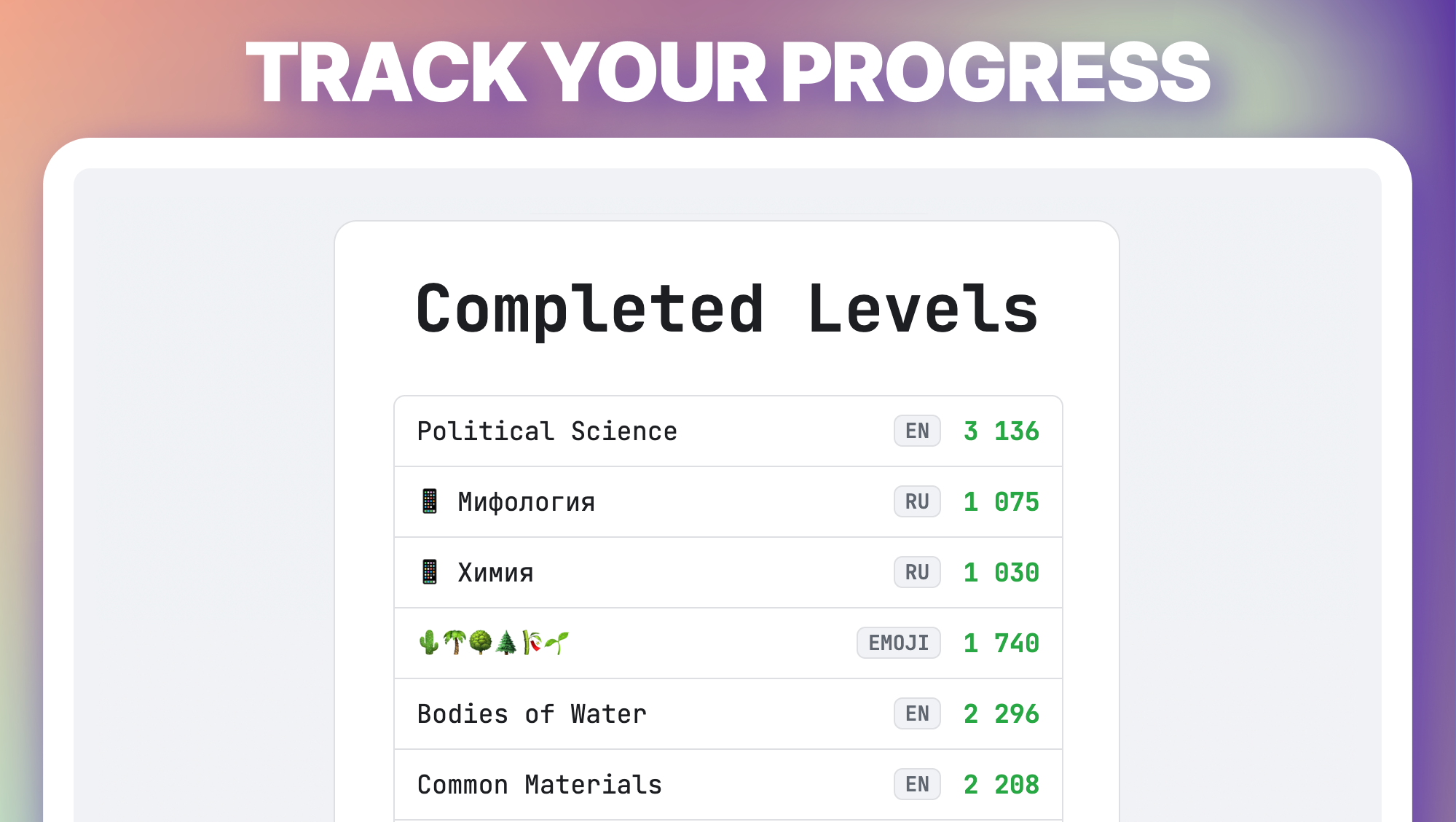
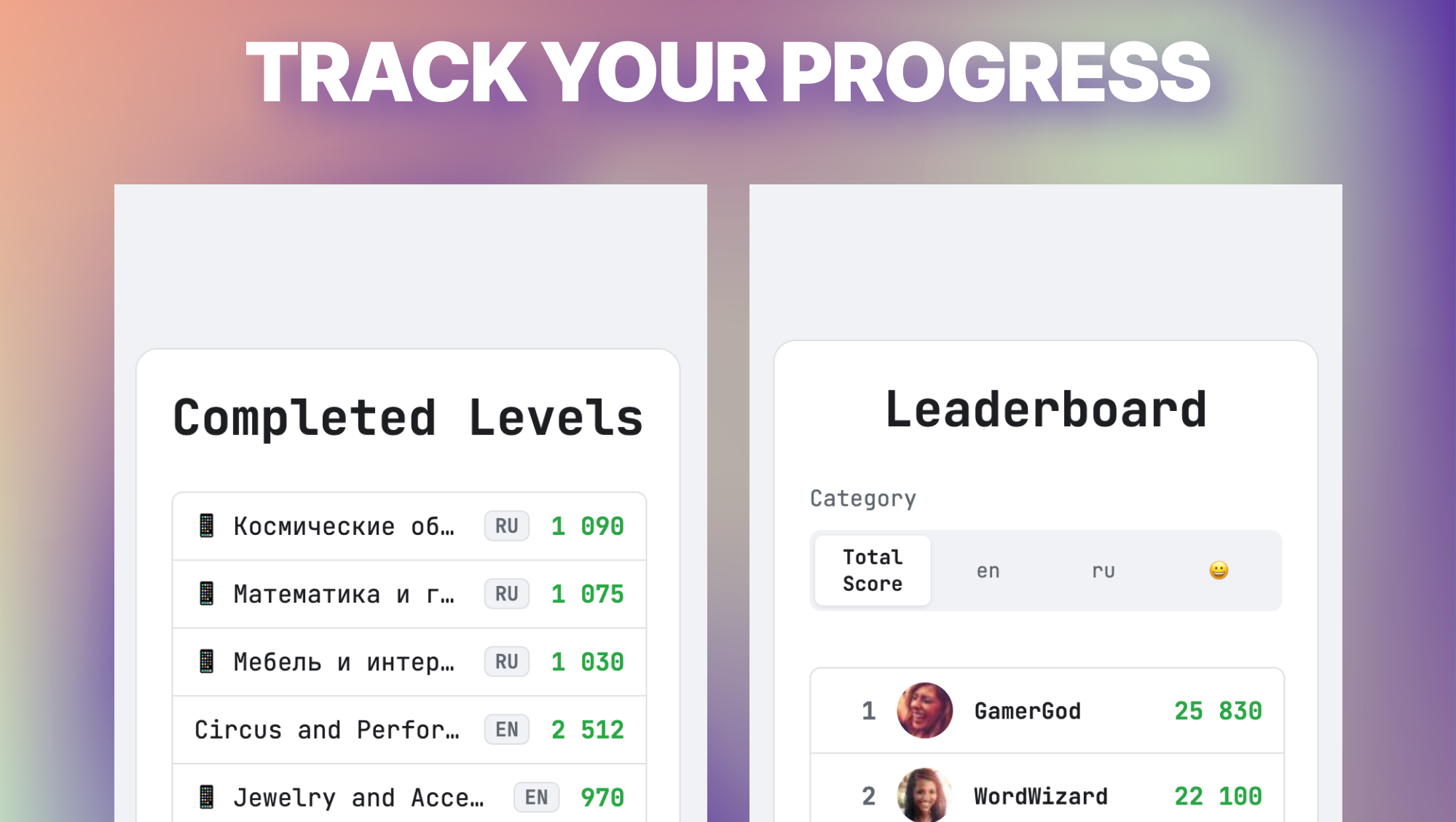
- Compete with players from all over the world on the global leaderboard!
- Are you stuck? Use the hints to find the first letter or even the whole word.
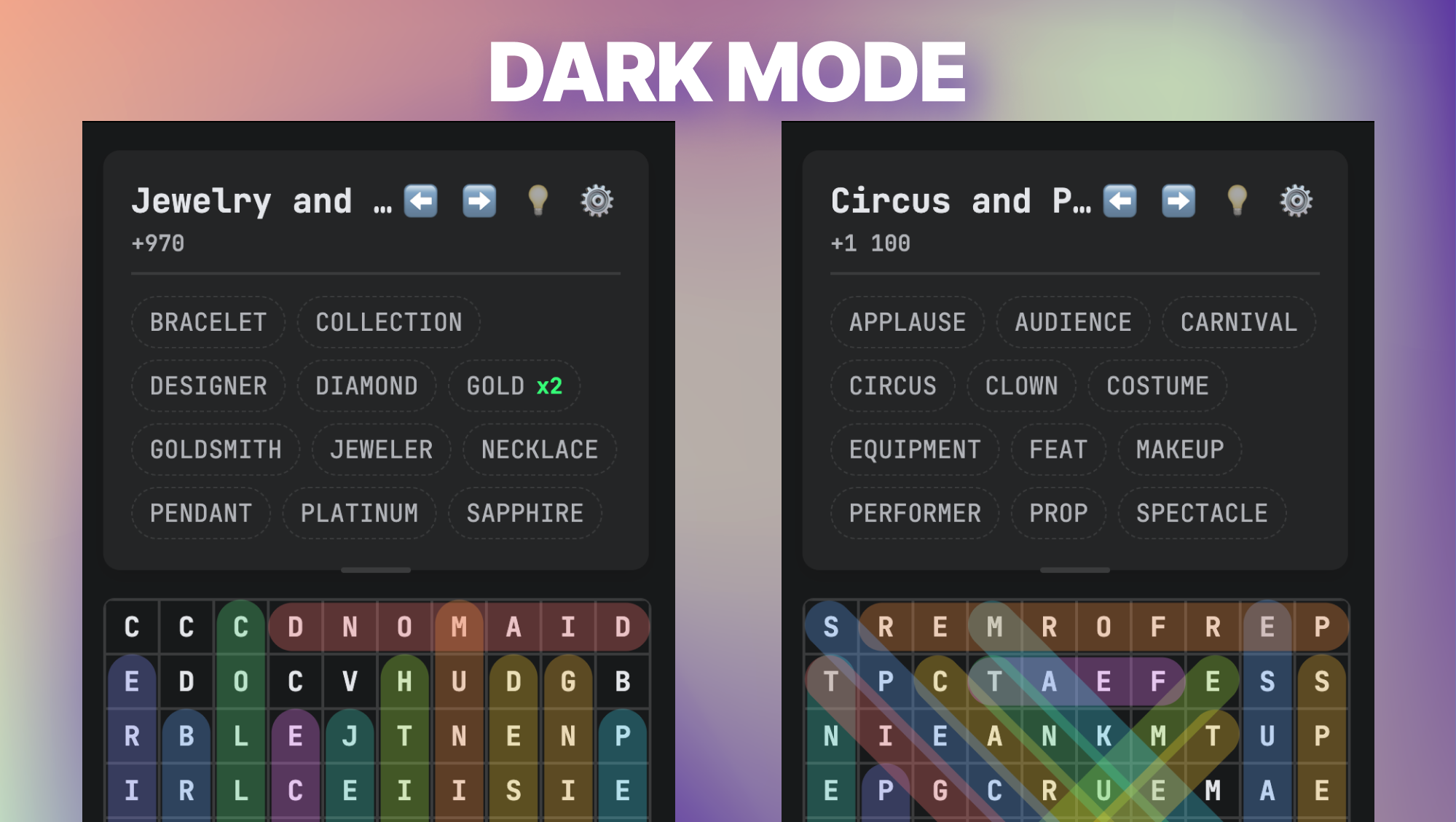
- Customizable interface: choose a light or dark theme, adjust the layout of the elements for maximum comfort.
- The ability to play with the keyboard.
Test your attentiveness and vocabulary. Can you find all the words and become the champion?
Videos and screenshots


14,530 players online
How to play
-
Open the game
Press Play now and the game opens on its own screen.
-
Follow the in-game instructions
The controls and goals are shown inside the game as you play.
-
Use the game menu
The floating button over the game reloads it, saves it to your favourites, or takes you back out.