Overview
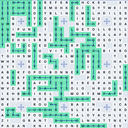
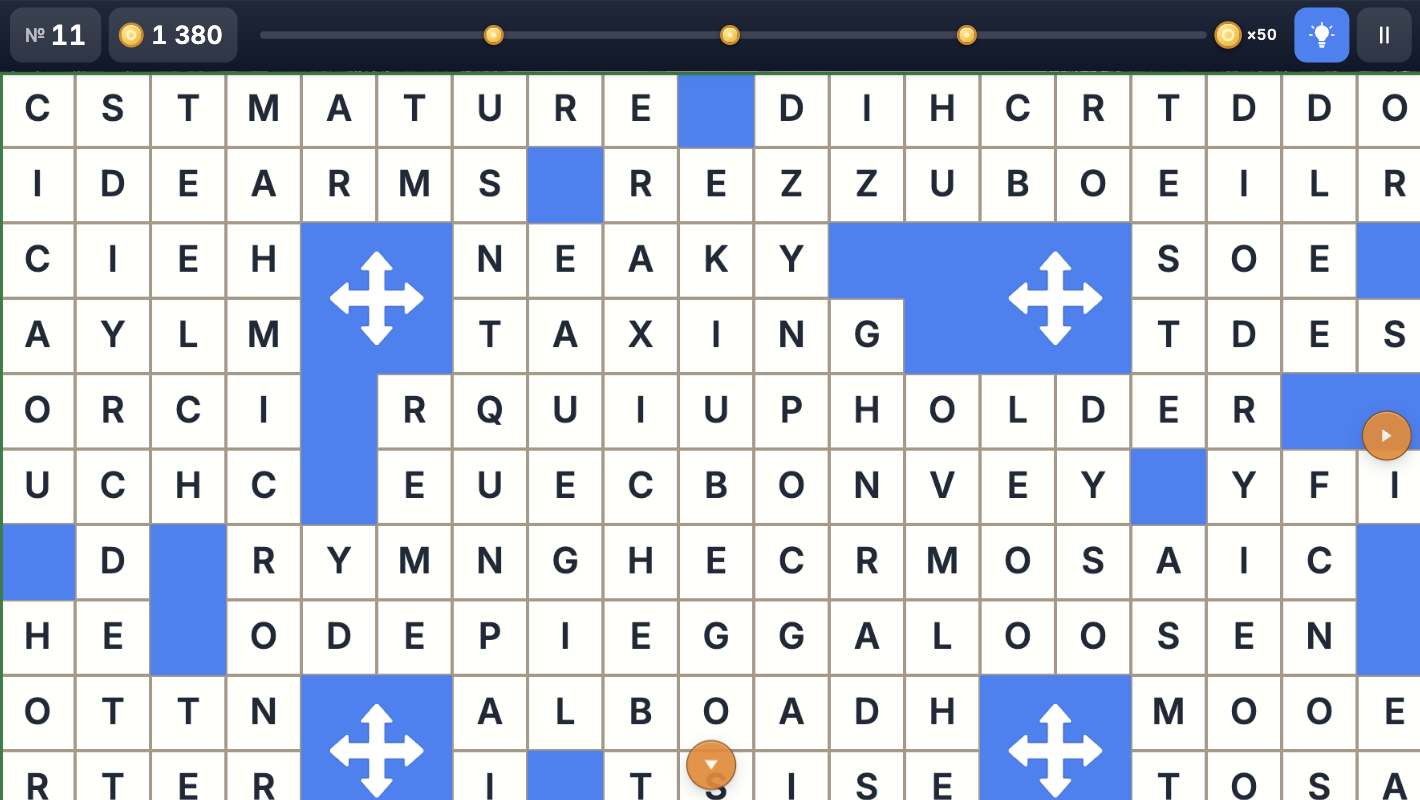
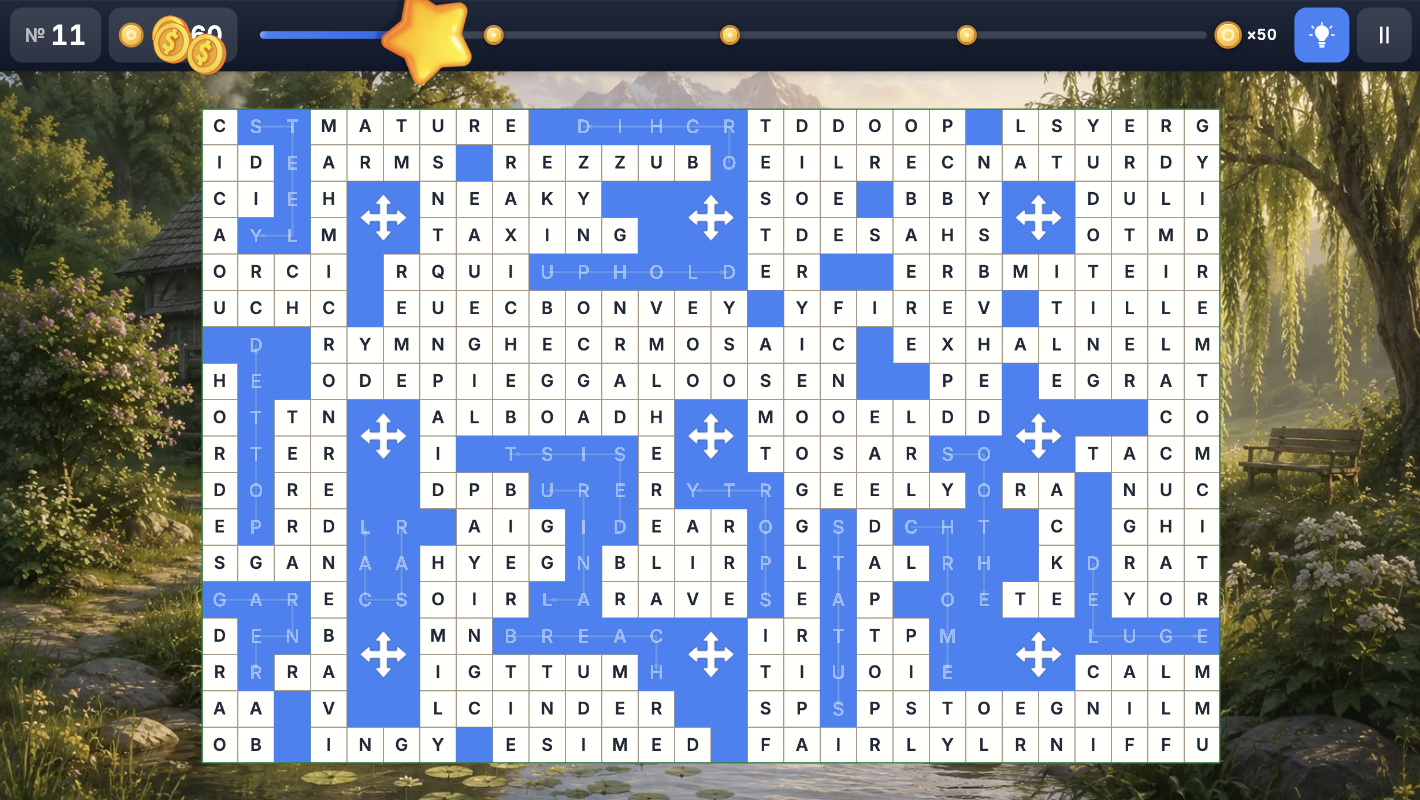
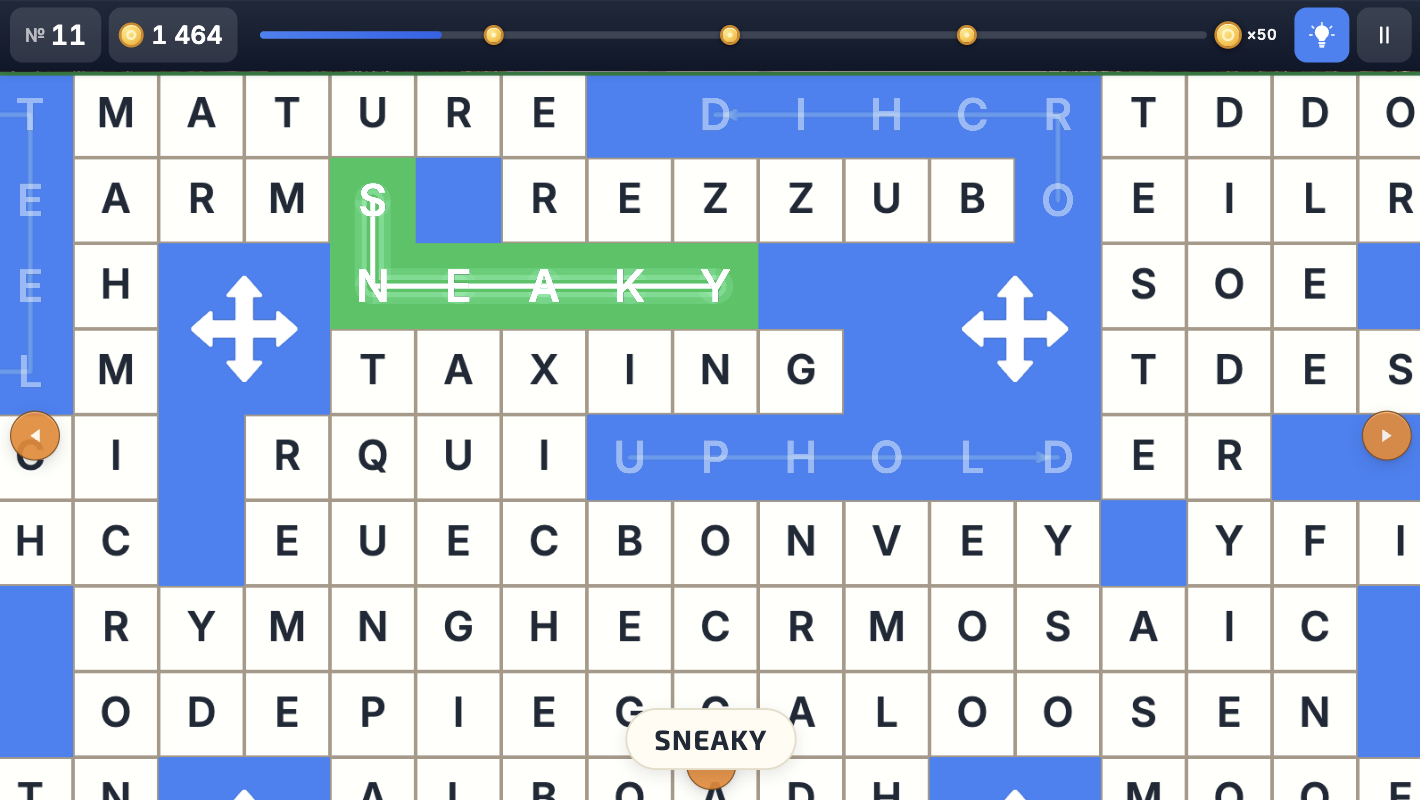
World Of Fillwords is a calm and engaging word puzzle where you swipe to connect neighboring letters and find hidden words on a large board.
Play at your own pace: no timer, no pressure, and no complicated rules. Just discover word after word, collect bonuses, and progress through increasingly interesting levels.
What awaits you
• Hundreds of levels with gradually increasing difficulty
• Simple swipe controls
• A large letter board with many hidden words
• Hints for coins when a word is hard to find
• Automatic progress saving
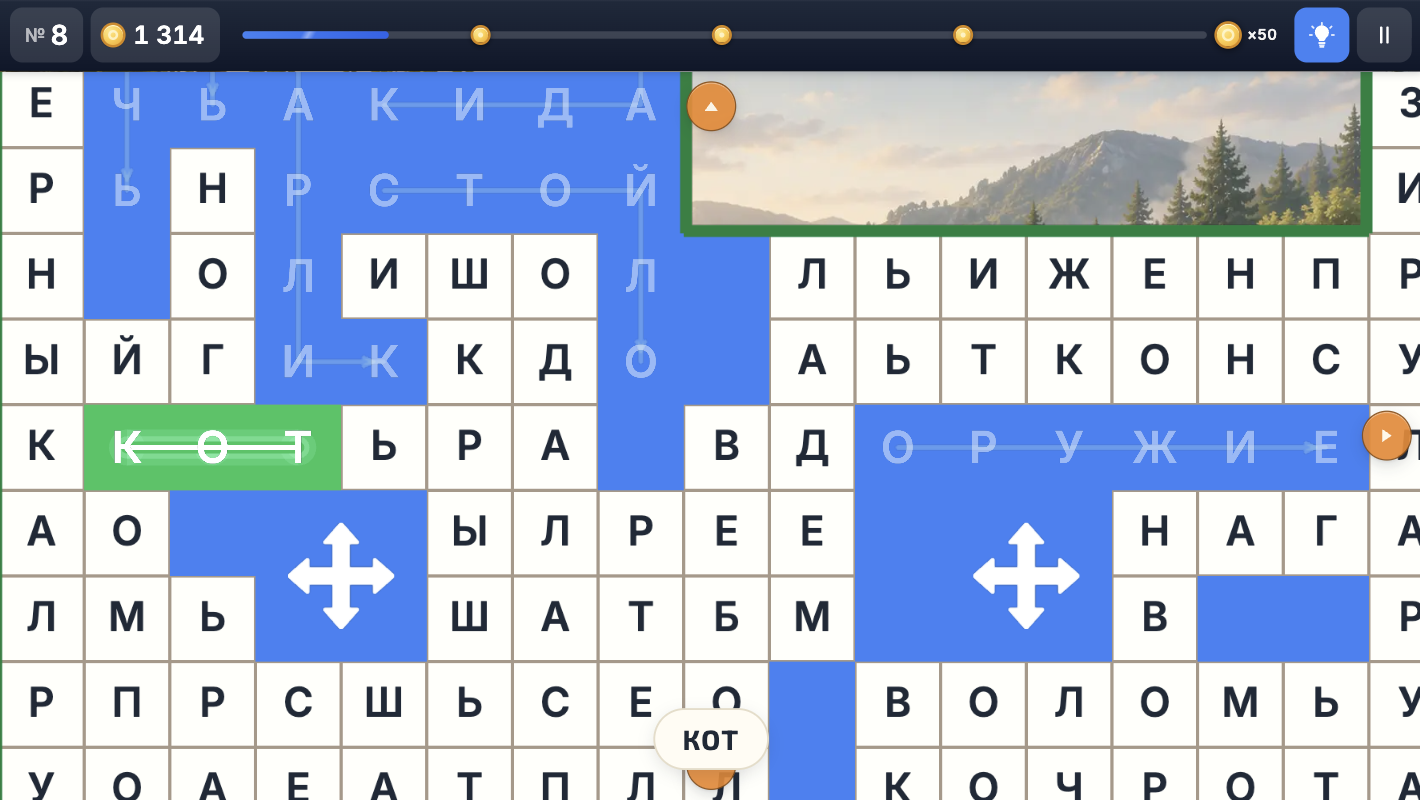
• Support for 8 languages
Bonus words give you coins and help fill the progress bar. The more carefully you explore the board, the more rewards you can collect.
World Of Fillwords is perfect for everyone who enjoys word games, fillwords, crosswords, word search, and brain-training puzzles.
Videos and screenshots
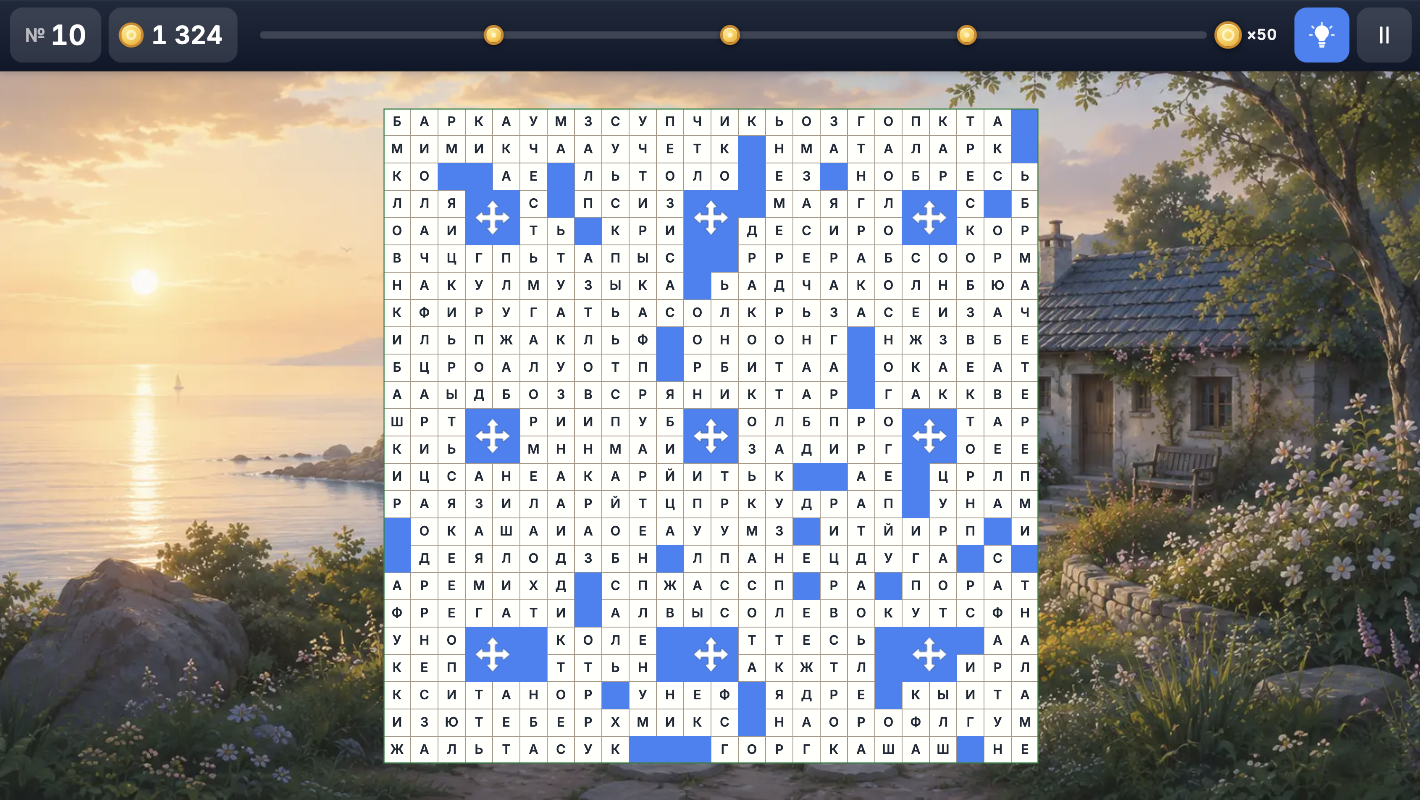
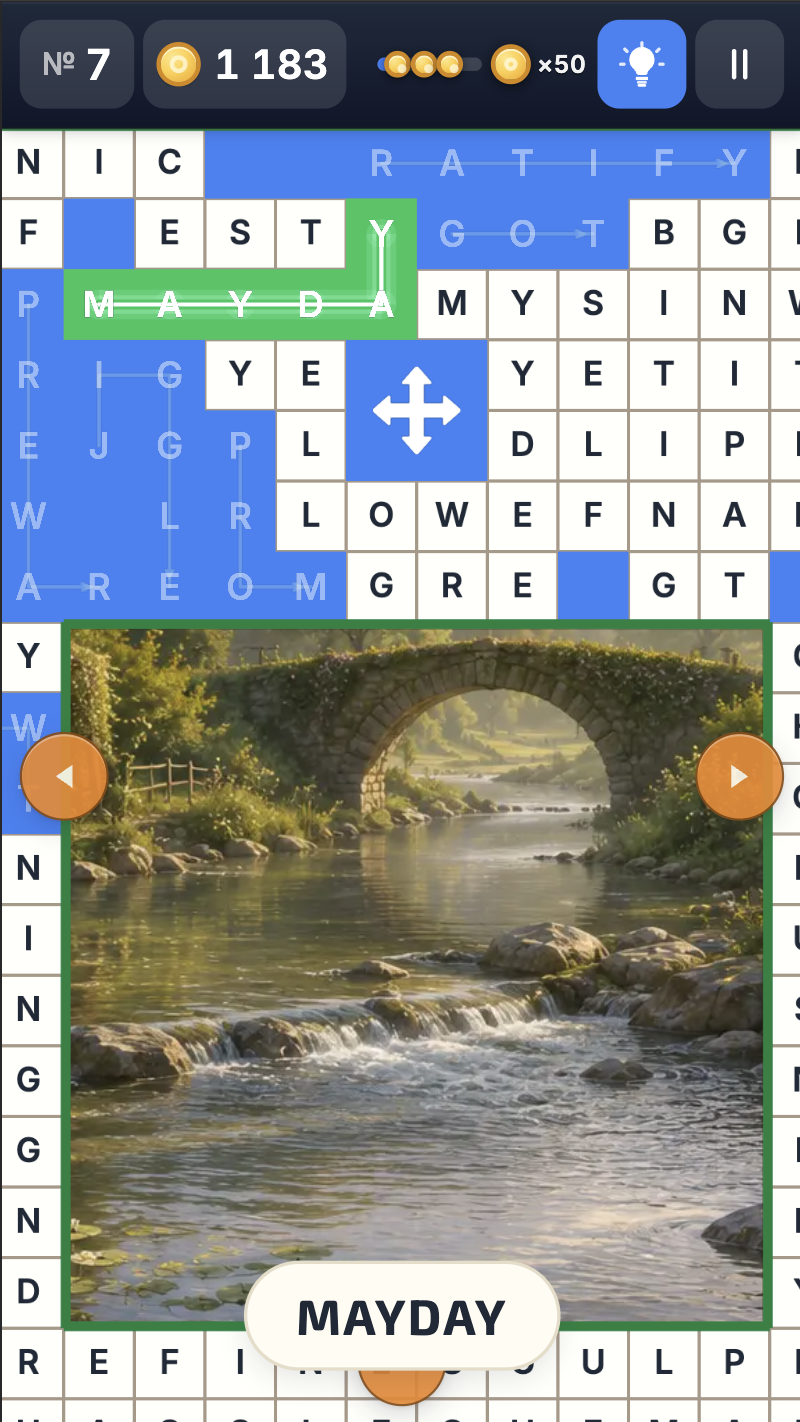
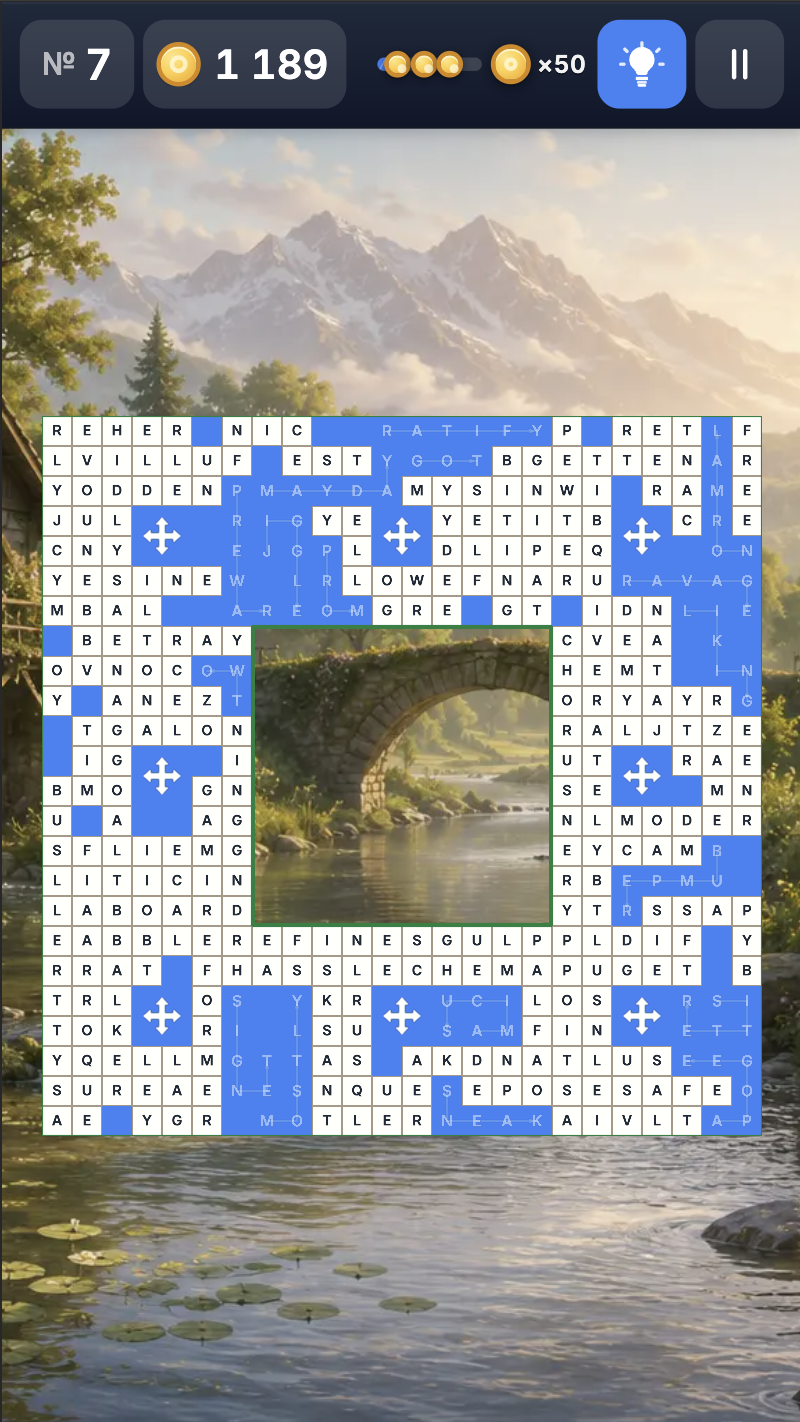
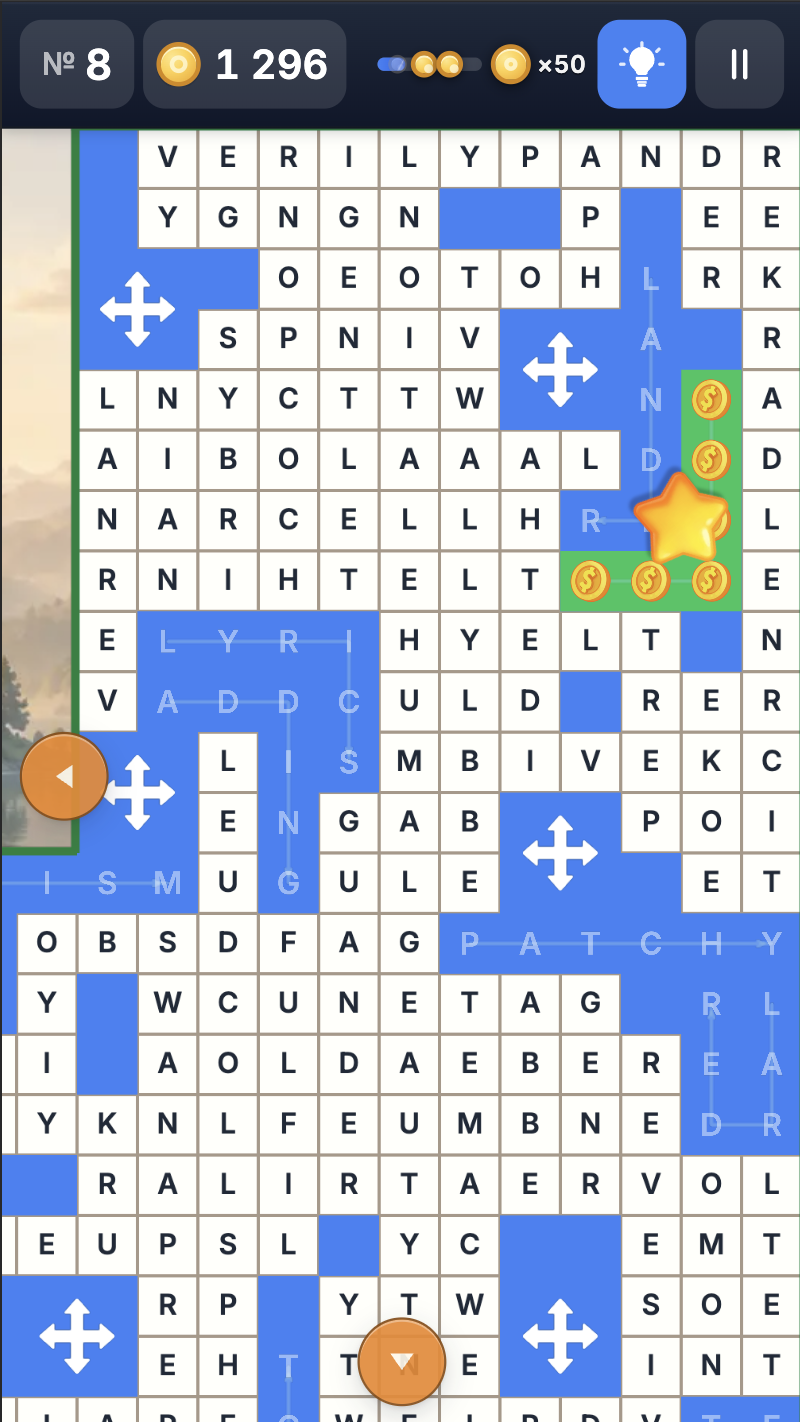
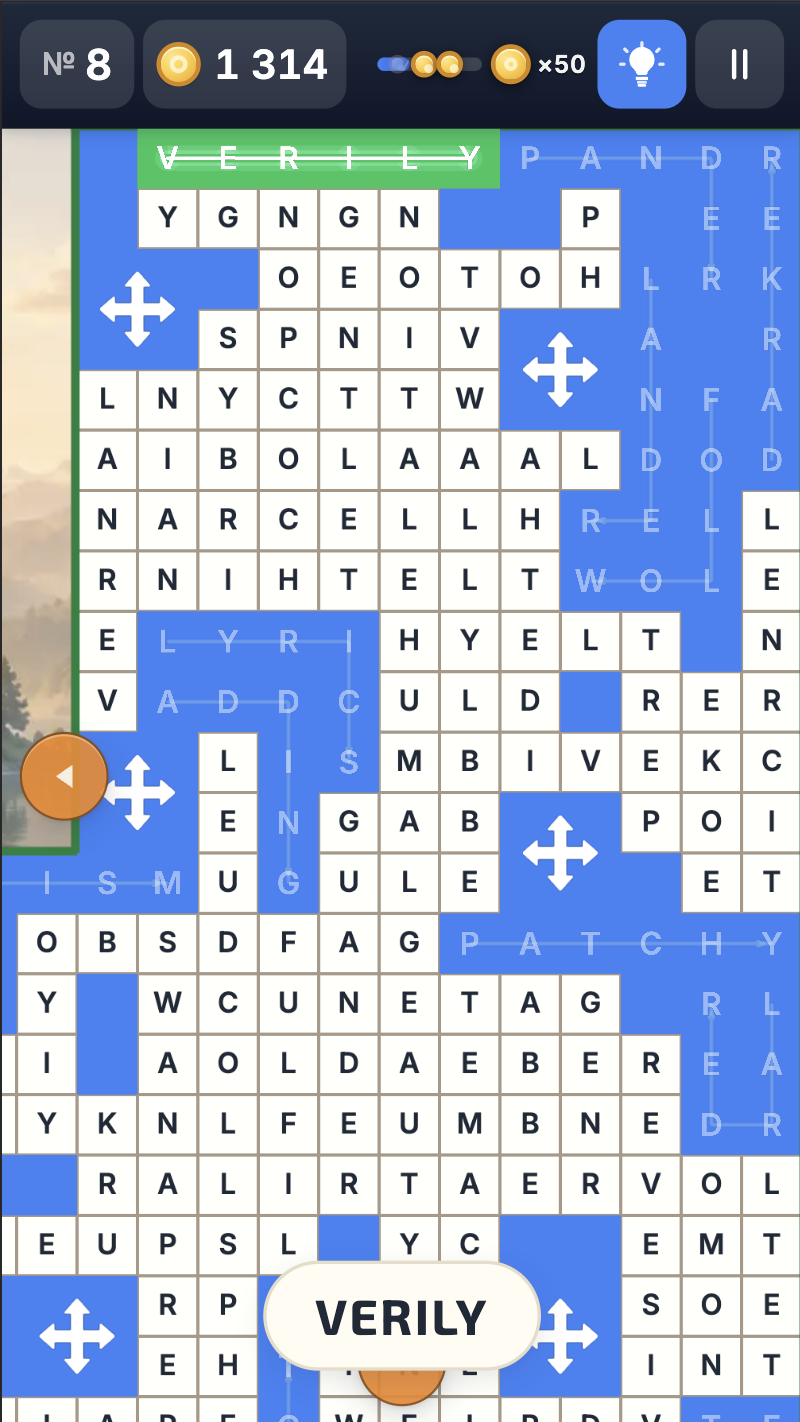
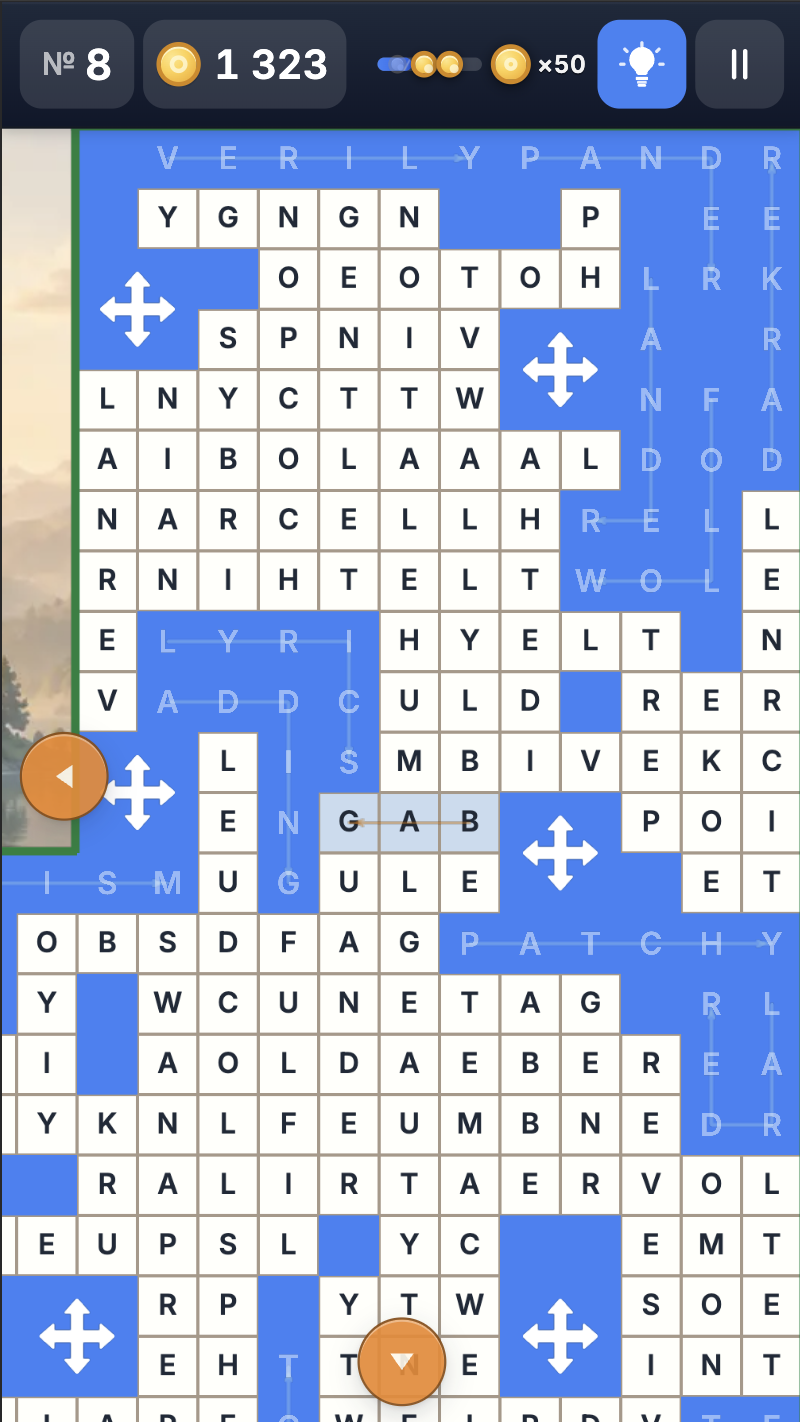
11,765 players online
How to play
-
Open the game
Press Play now and the game opens on its own screen.
-
Follow the in-game instructions
The controls and goals are shown inside the game as you play.
-
Use the game menu
The floating button over the game reloads it, saves it to your favourites, or takes you back out.