Skip to content
KG
World Z Defense

World Z Defense

2K plays 4.3 out of 5

Overview

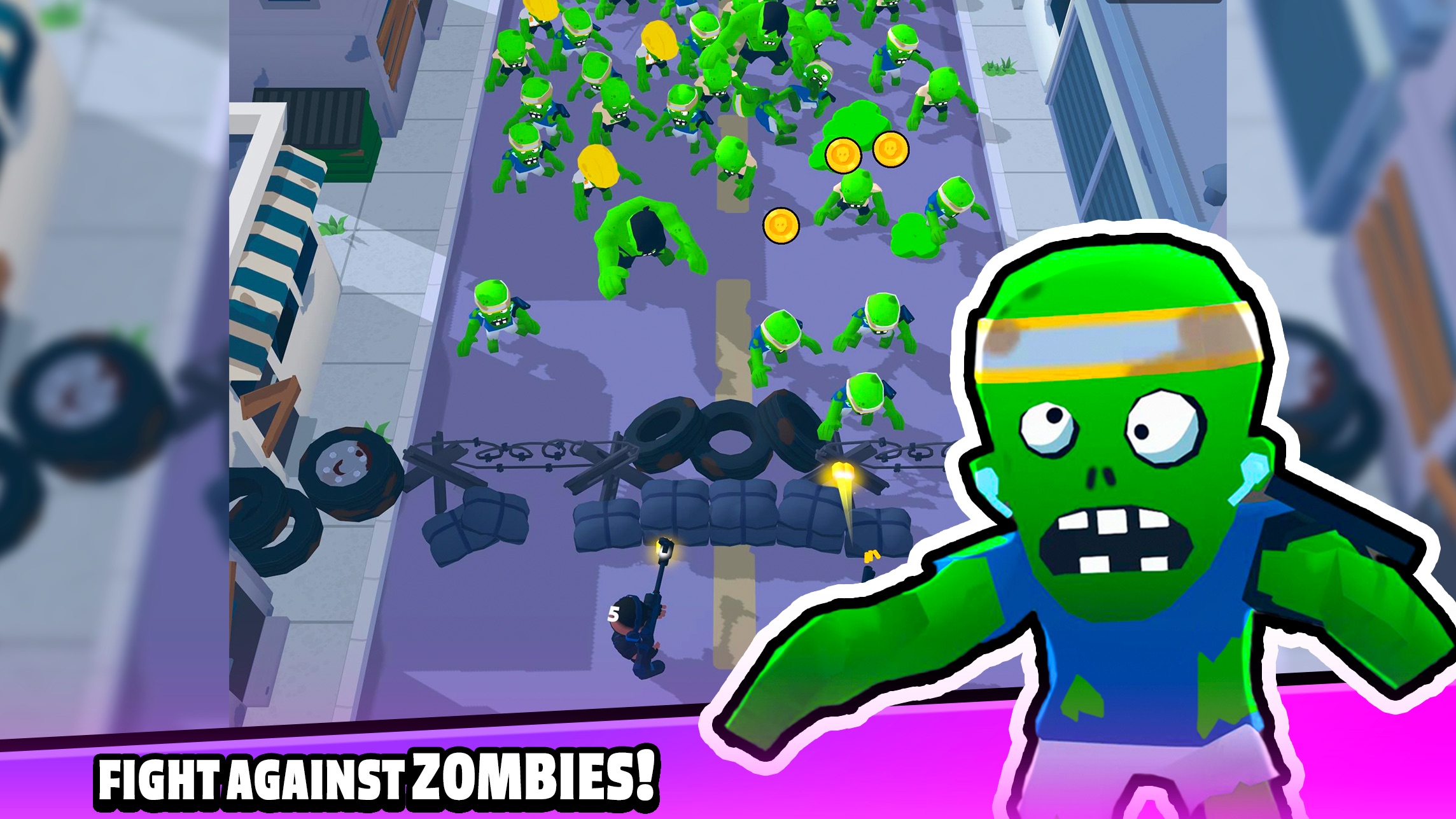
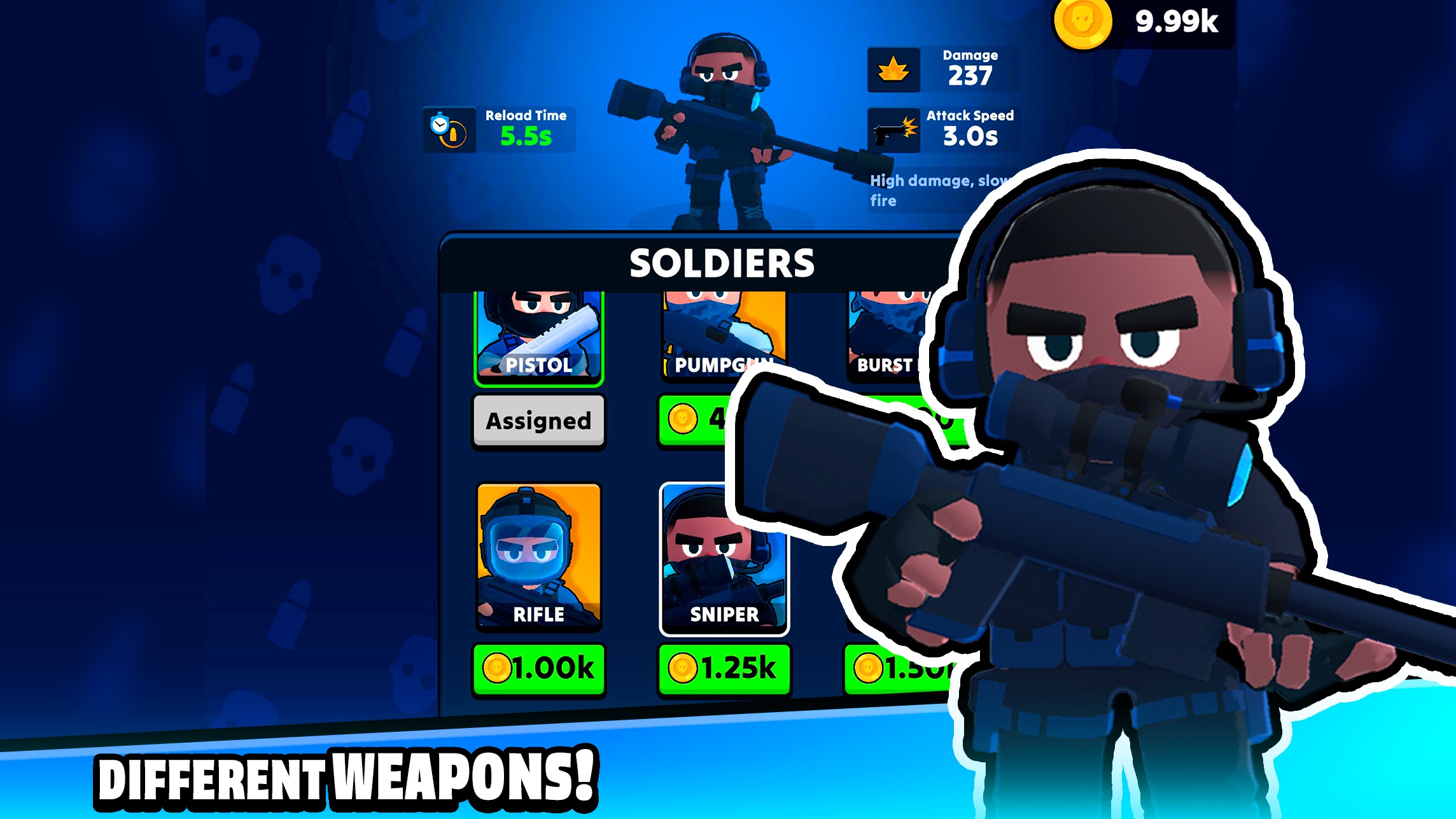
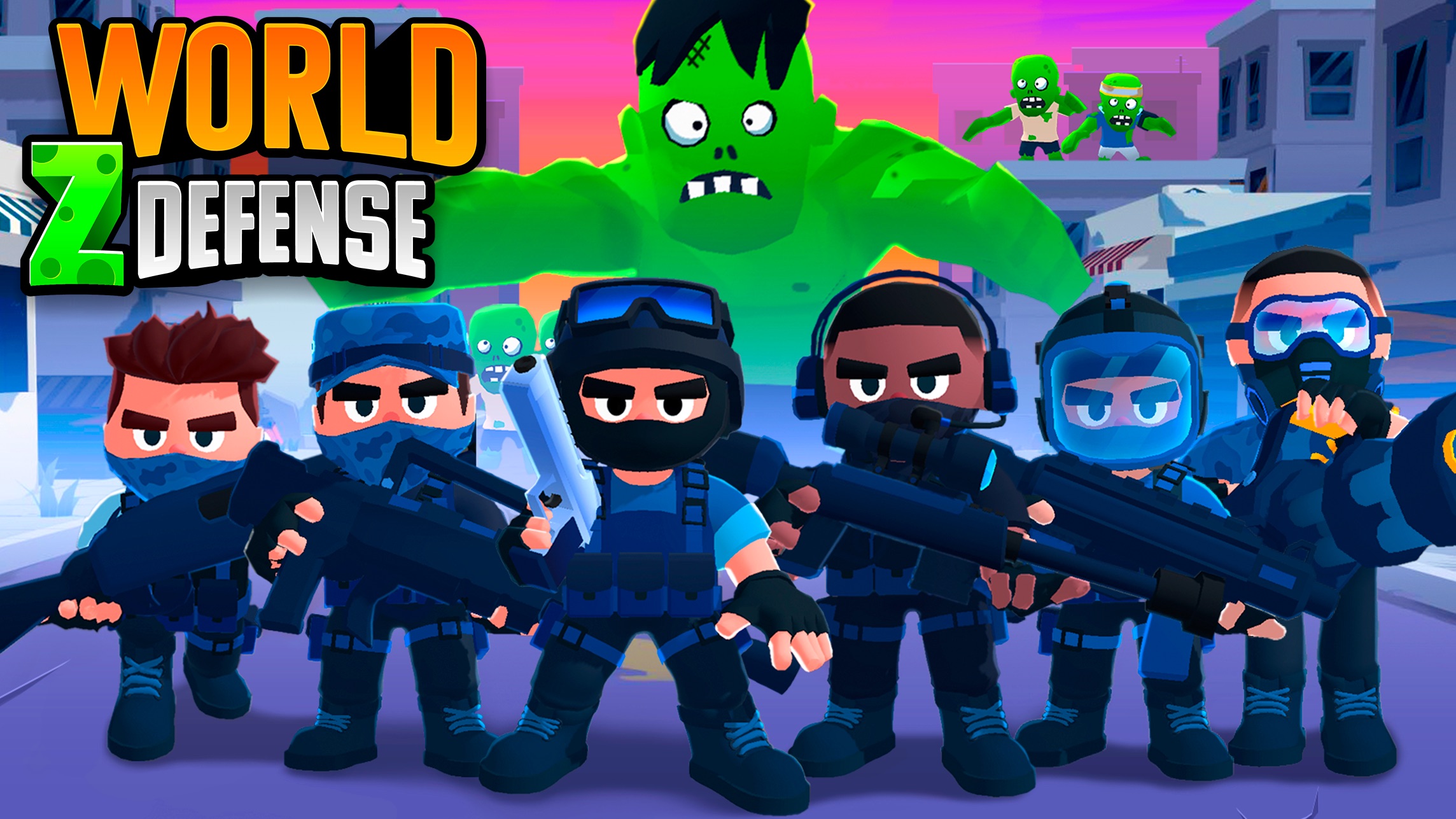
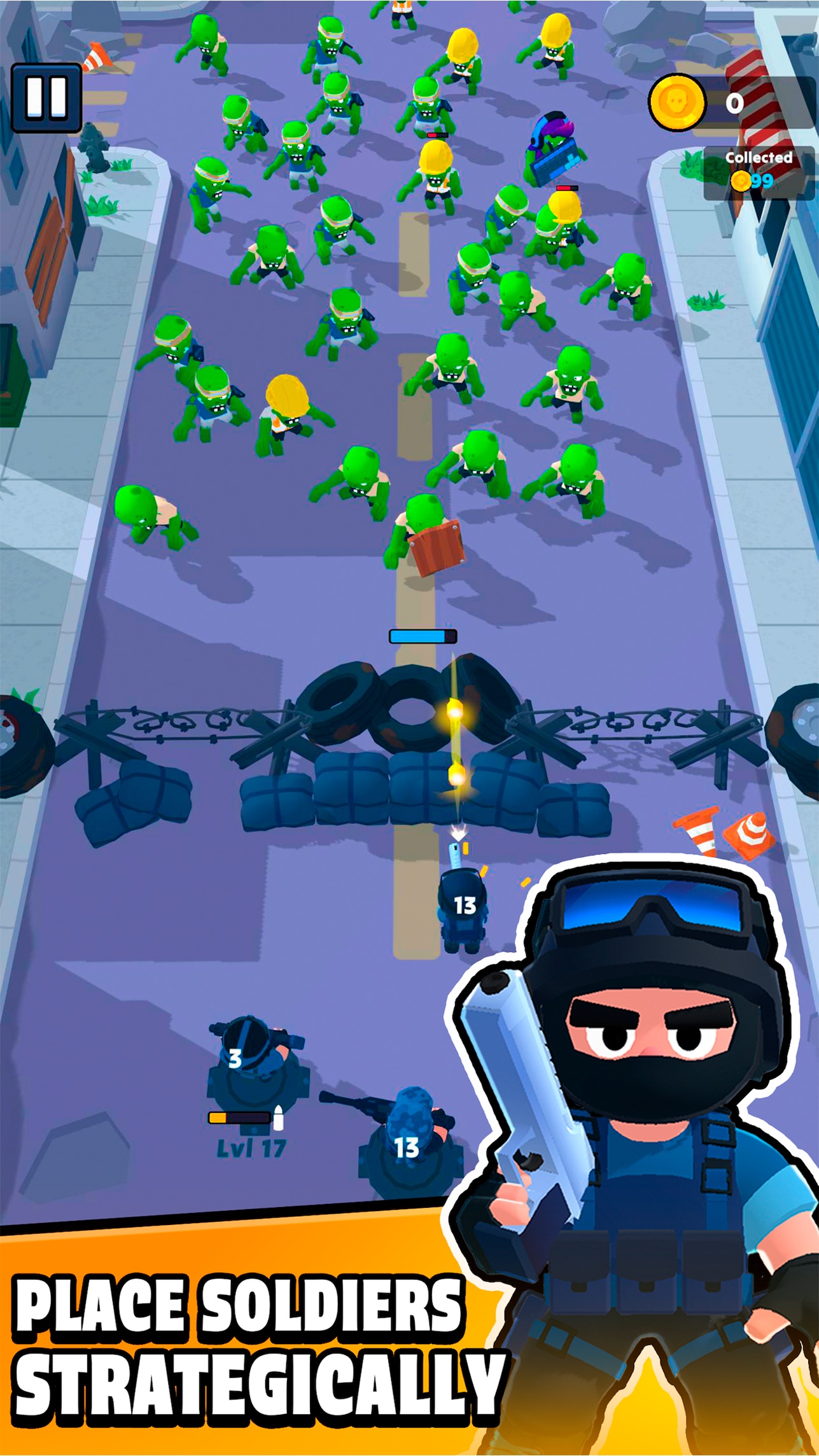
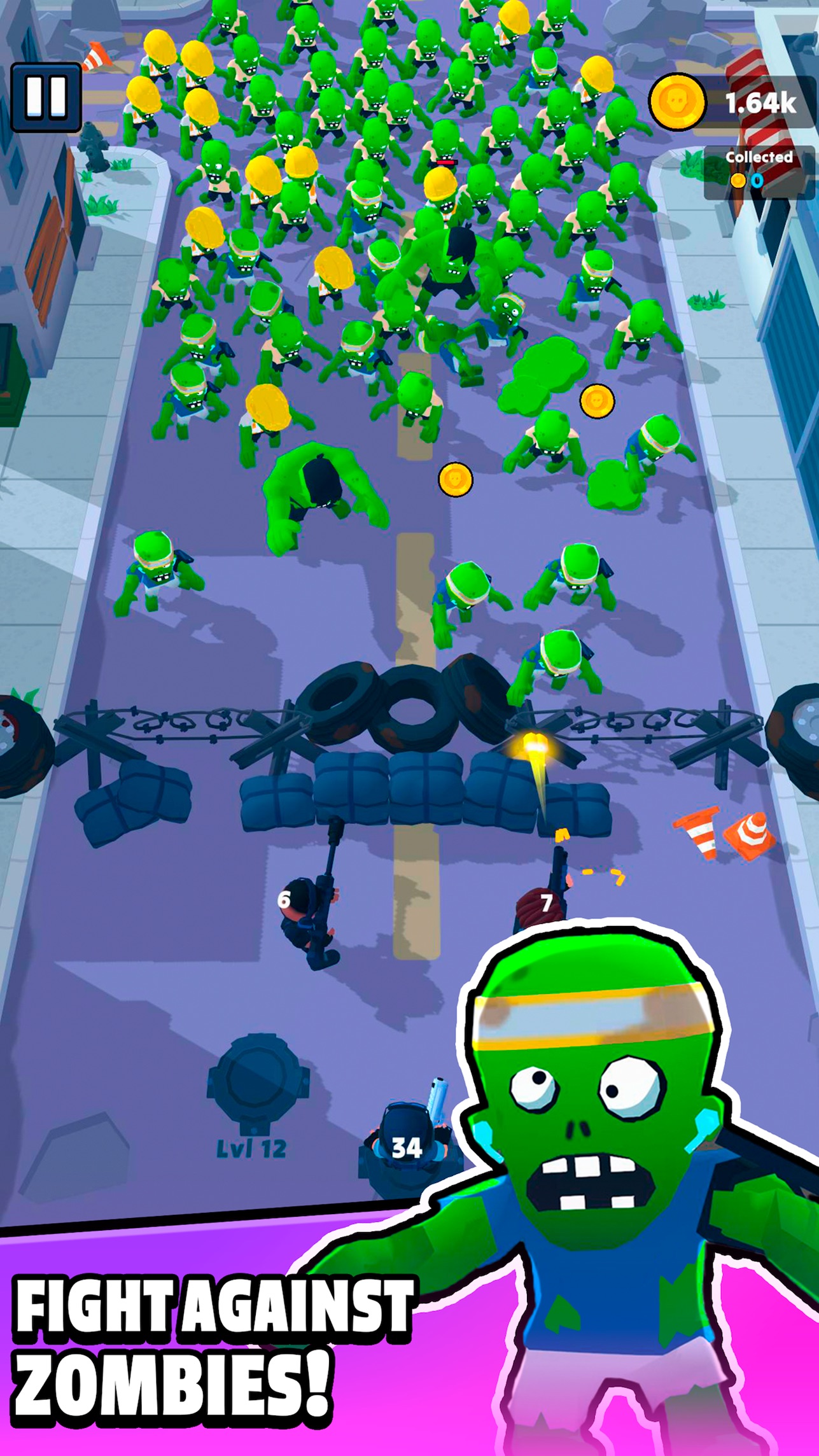
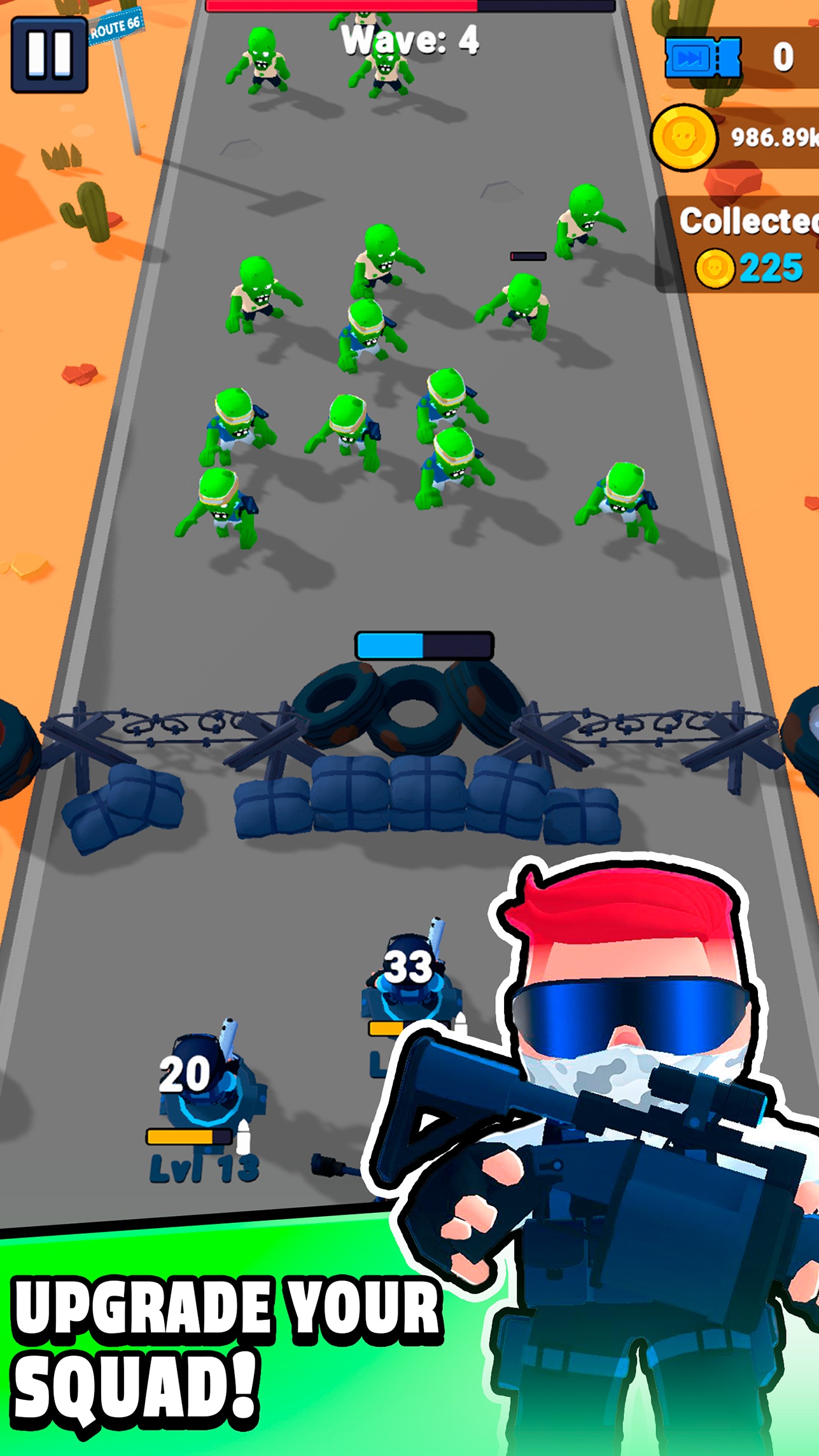
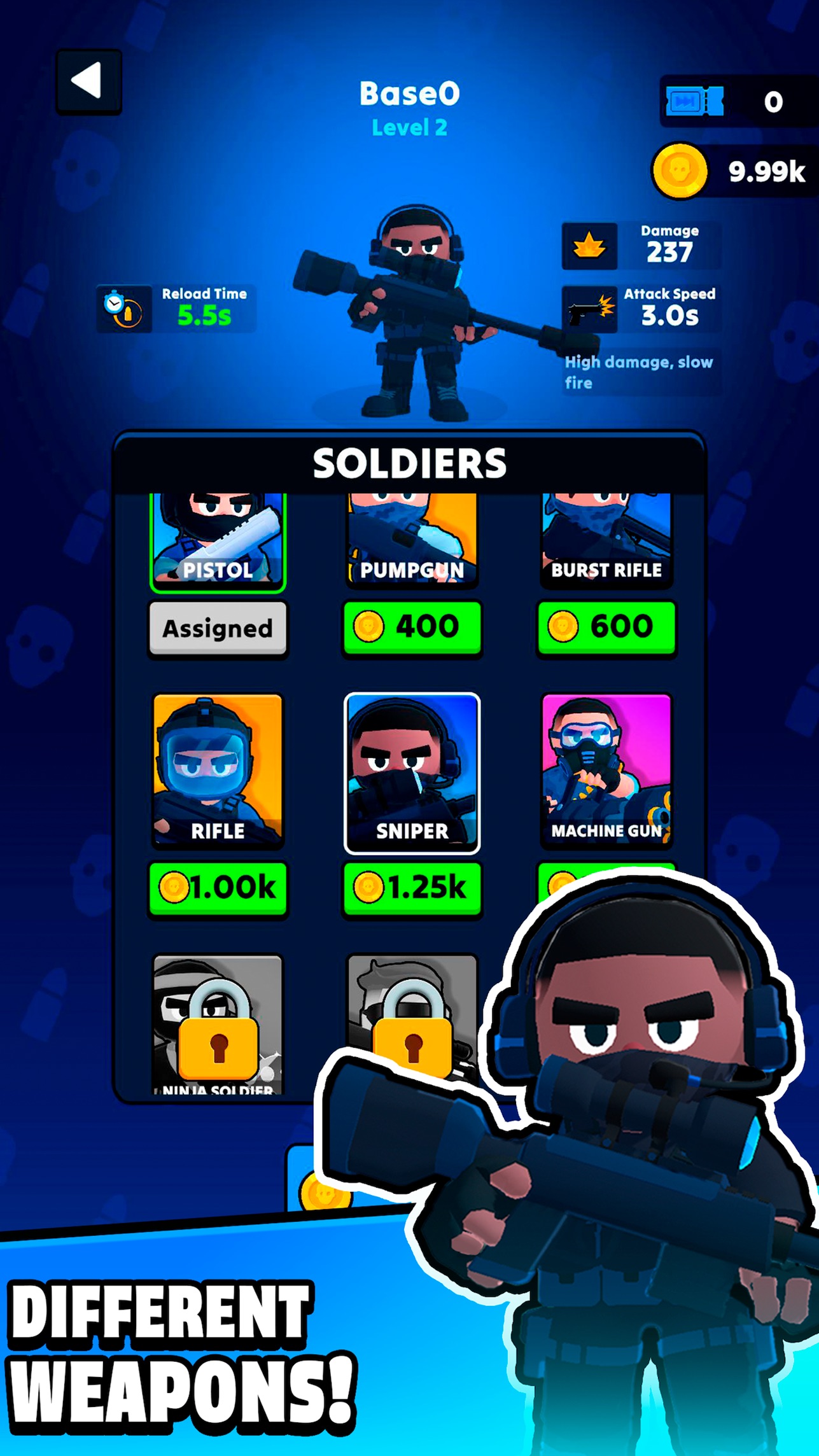
World Z Defense is an action-packed tower-defense shooter set in a zombie apocalypse. Your mission: protect cities around the globe by deploying soldiers armed with diverse weapons—each with unique damage, fire-rate, and reload stats. Navigate a world map, start at an ammo base to reload and plan your next stand, then click-drag to position your fighter and lock your firing direction. Bullets fly until you return to base. Earn rewards to upgrade your arsenal and abilities as waves of undead grow faster and stronger. Halt the breach—or humanity falls.

Videos and screenshots
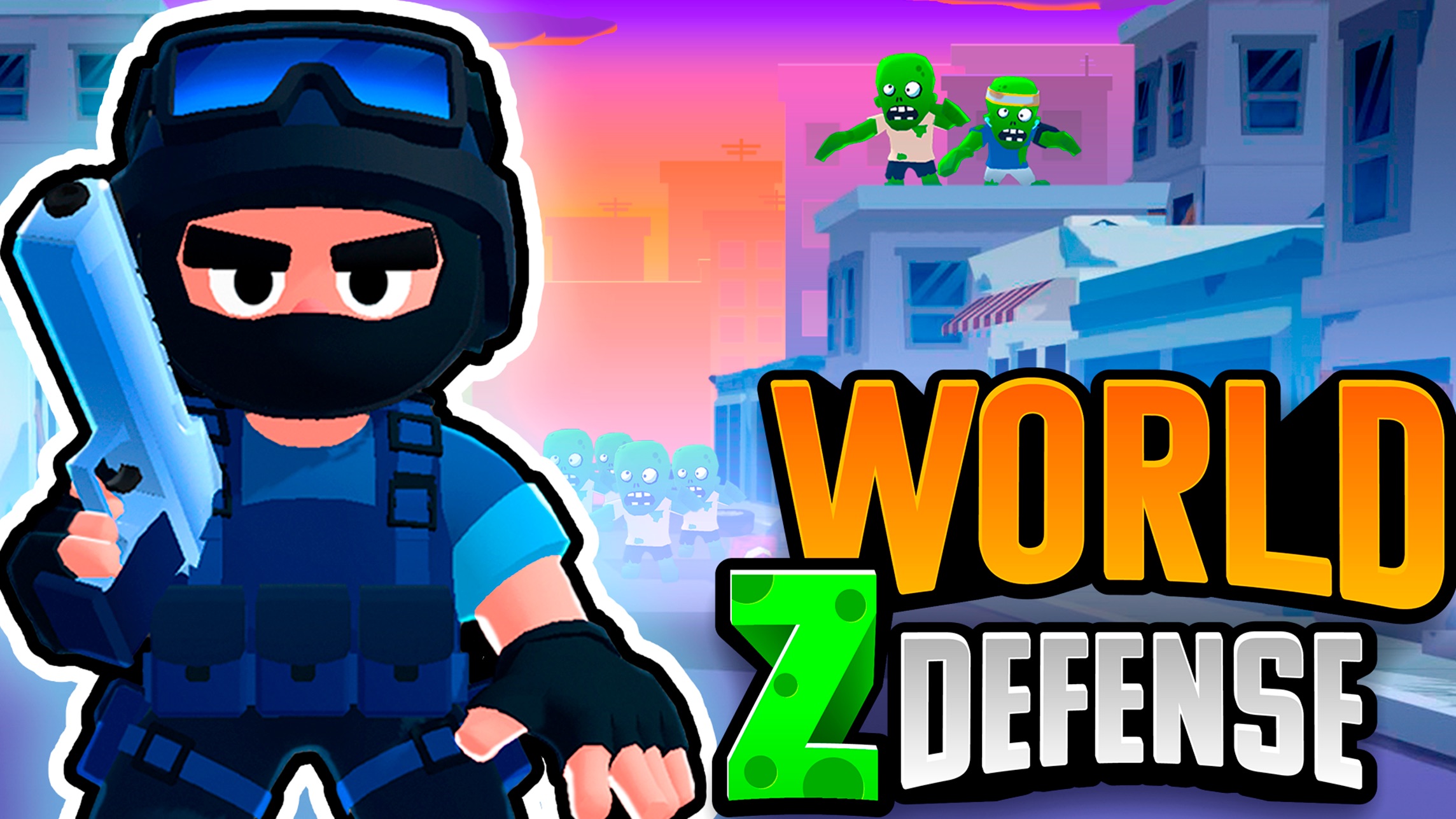
  • World Z Defense screenshot 1
  • World Z Defense screenshot 2
  • World Z Defense screenshot 3
  • World Z Defense screenshot 4
  • World Z Defense screenshot 5
  • World Z Defense screenshot 6
  • World Z Defense screenshot 7
  • World Z Defense screenshot 8
  • World Z Defense screenshot 9
Play Now

10,408 players online

How to play

  1. Open the game

    Press Play now and the game opens on its own screen.

  2. Follow the in-game instructions

    The controls and goals are shown inside the game as you play.

  3. Use the game menu

    The floating button over the game reloads it, saves it to your favourites, or takes you back out.

Game instructions

Use the left mouse button to select and drop Soldiers and interact with in-game UI. 1. Start at Ammo Base: Recharge your ammunition and plan your defense. 2. Place Your Fighter: Click, drag, and drop to aim at incoming zombies. Once placed, your firing direction locks until you return to base. 3. Automatic Fire: Bullets keep flying in your chosen direction; 4. Upgrade: Earn coins and rewards to boost damage, reload speed, and fire rate—vital as hordes intensify. 5. Global Map: Clear stages across different regions. Each new city brings tougher zombies and fresh strategic challenges. 6. Game Over: If zombies breach your defenses, the mission ends. Plan wisely and adapt quickly!

More games

More games