Skip to content
KG
Block Craft 3D

Block Craft 3D

1K plays 4.4 out of 5

Overview

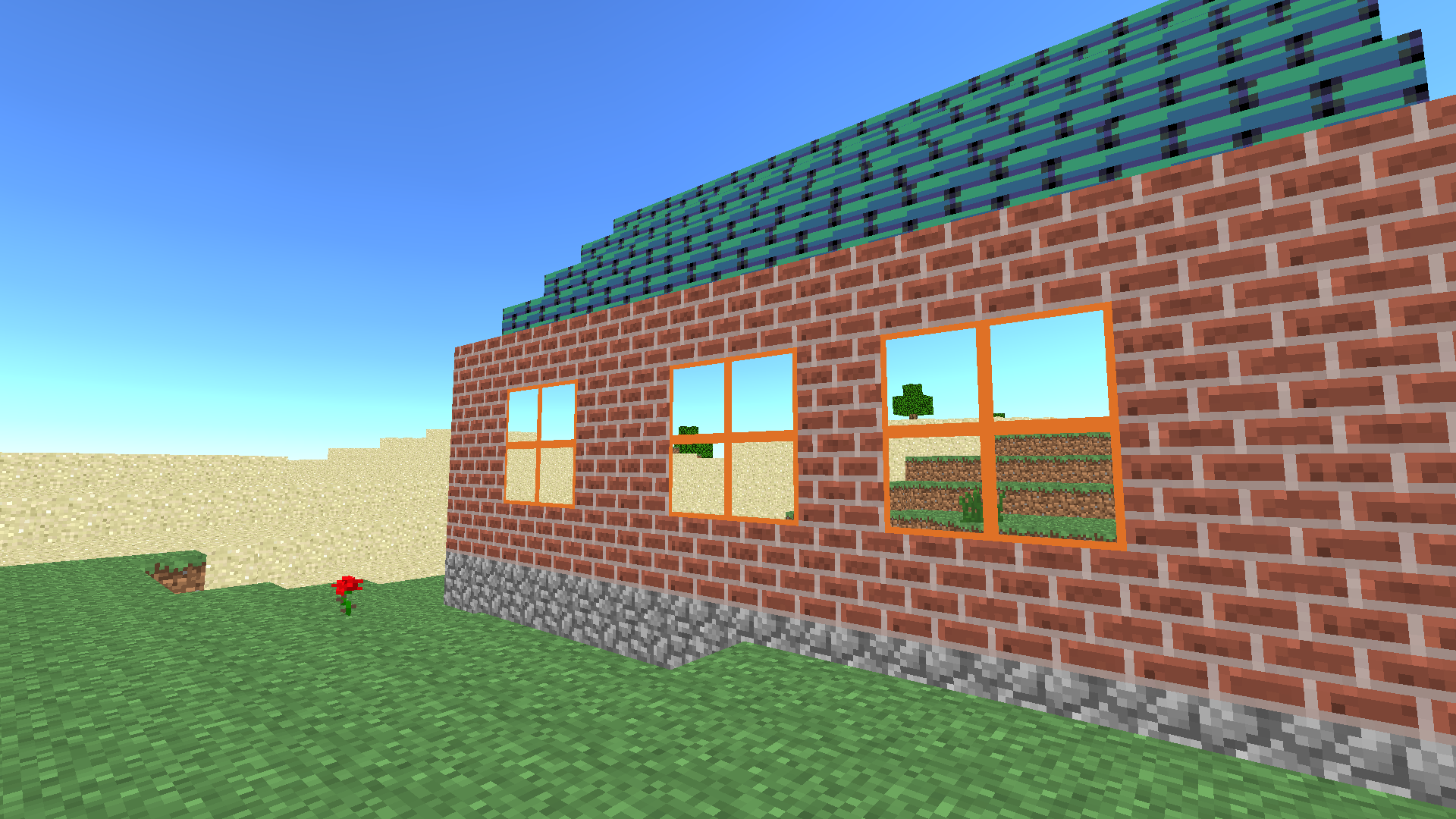
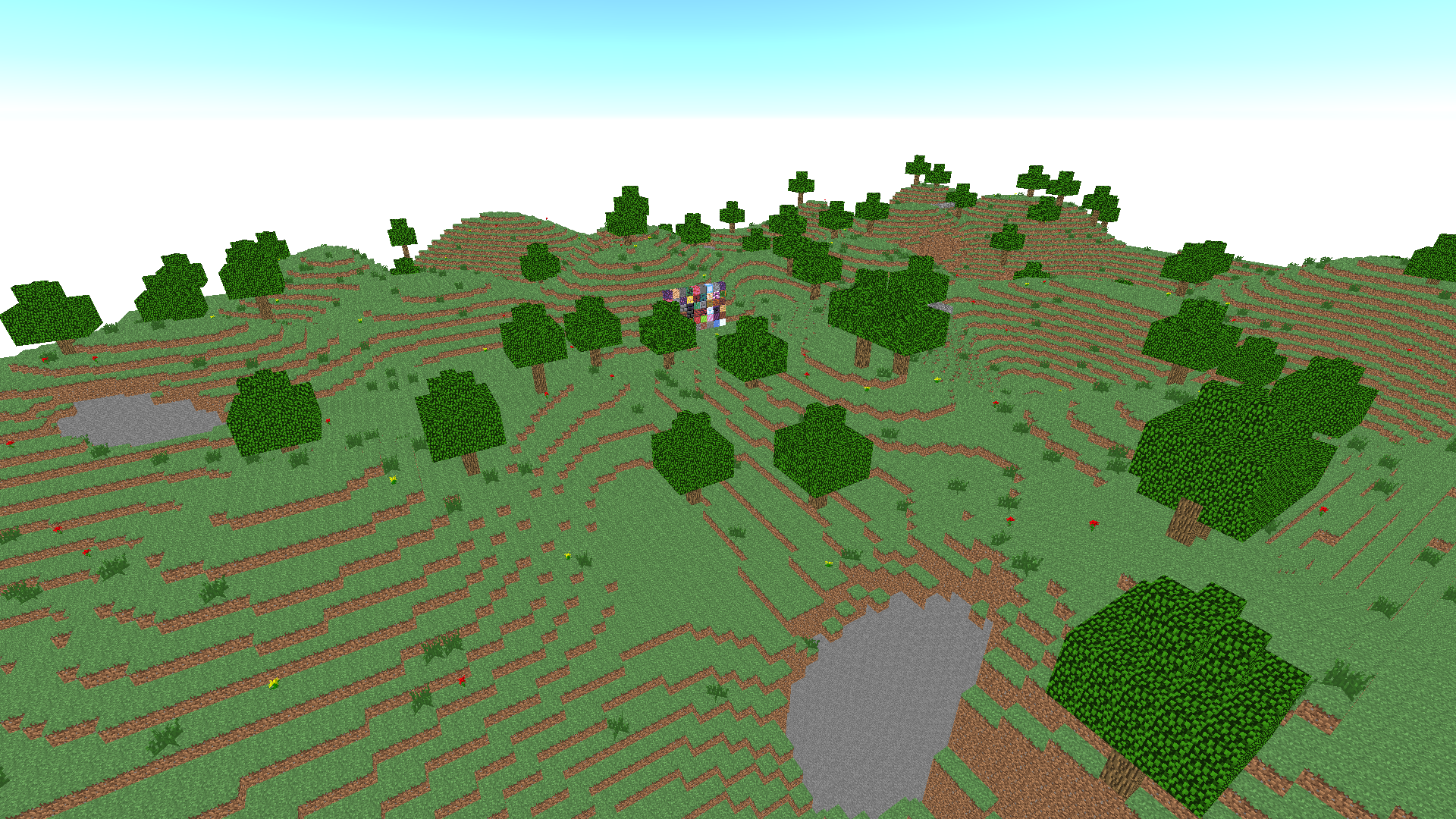
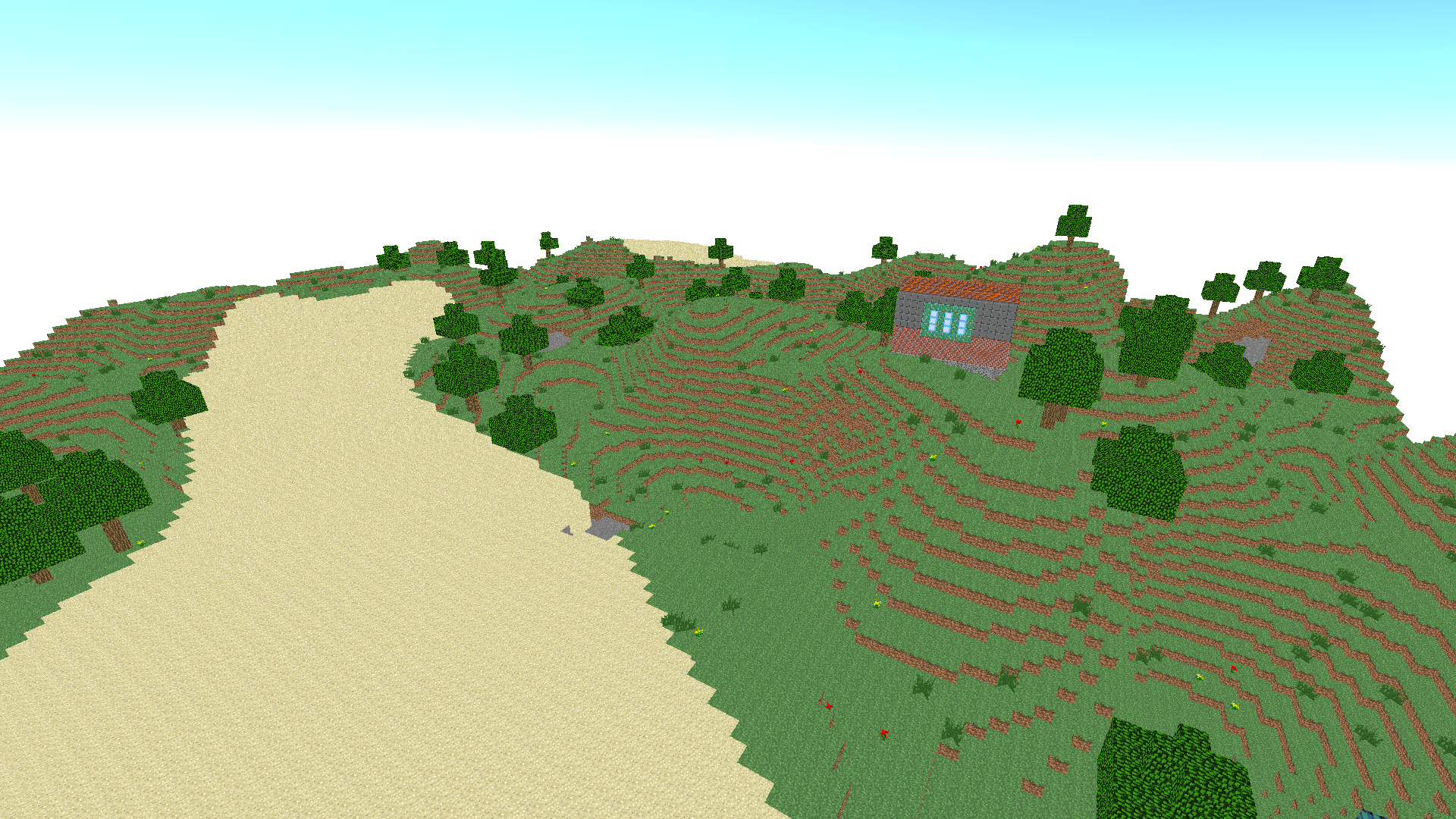
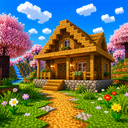
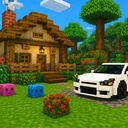
Immerse yourself in the fascinating world of construction, where your architectural dreams become reality! Inspired by Minecraft, this game allows you to create houses and buildings from many different blocks. Choose from a wide range of blocks of various shapes, colors and textures to create unique buildings, from cozy cottages to grandiose skyscrapers. The game offers an intuitive interface and simple tools that will help you realize the most daring ideas without unnecessary effort. Discover endless possibilities for creativity and become a real construction master in this virtual world where every block is a step towards your ideal building.

Videos and screenshots
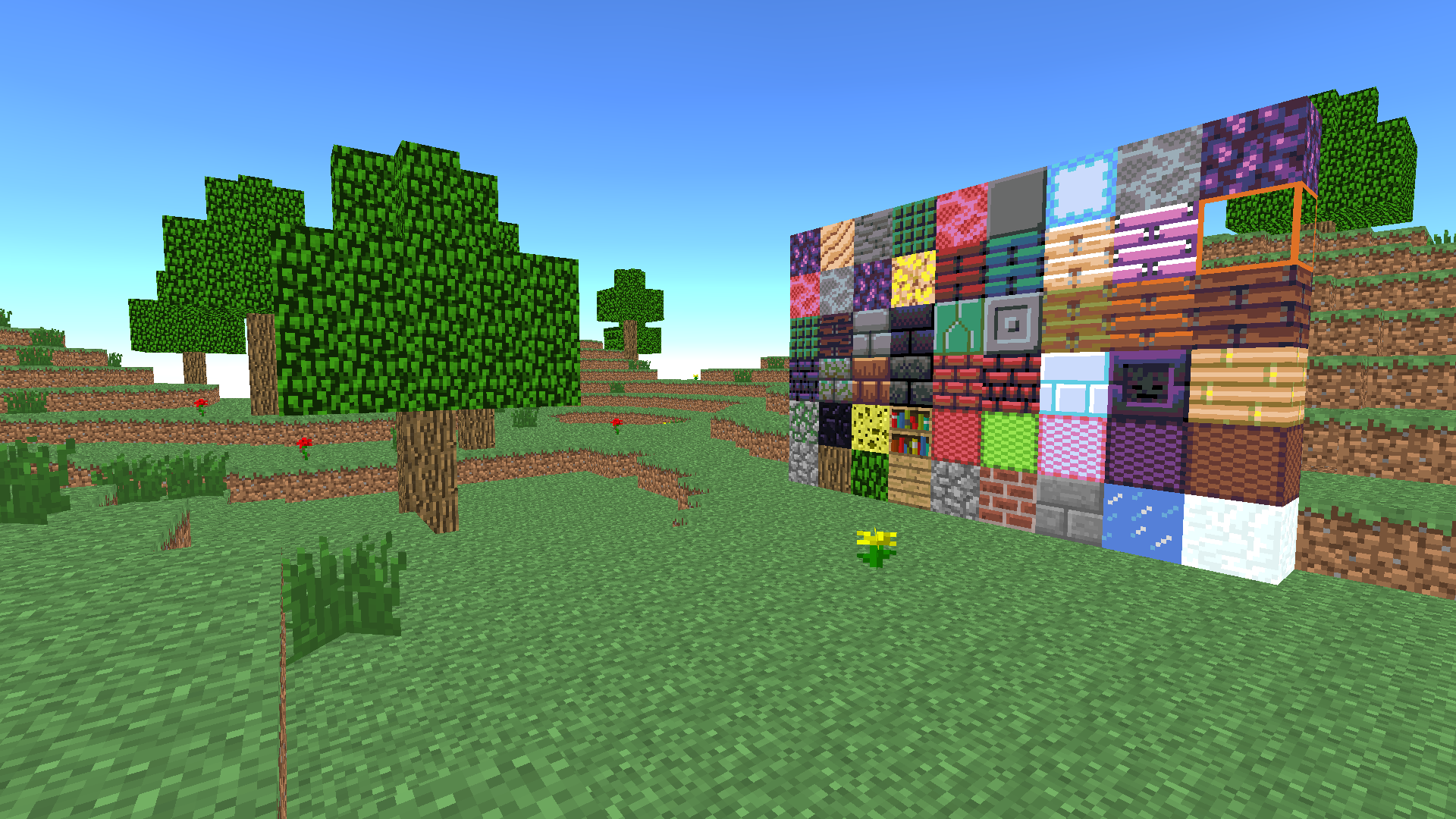
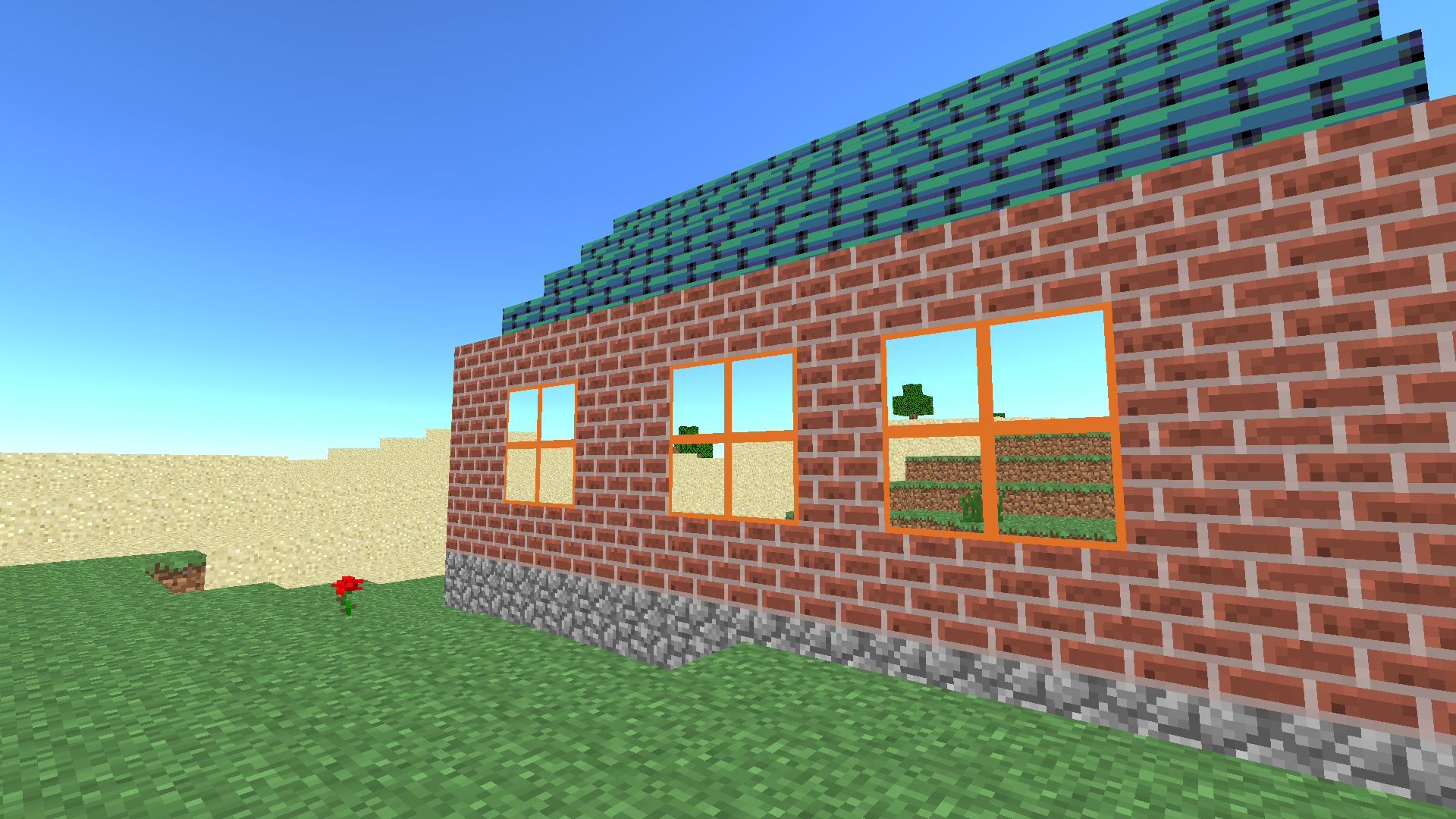
  • Block Craft 3D screenshot 1
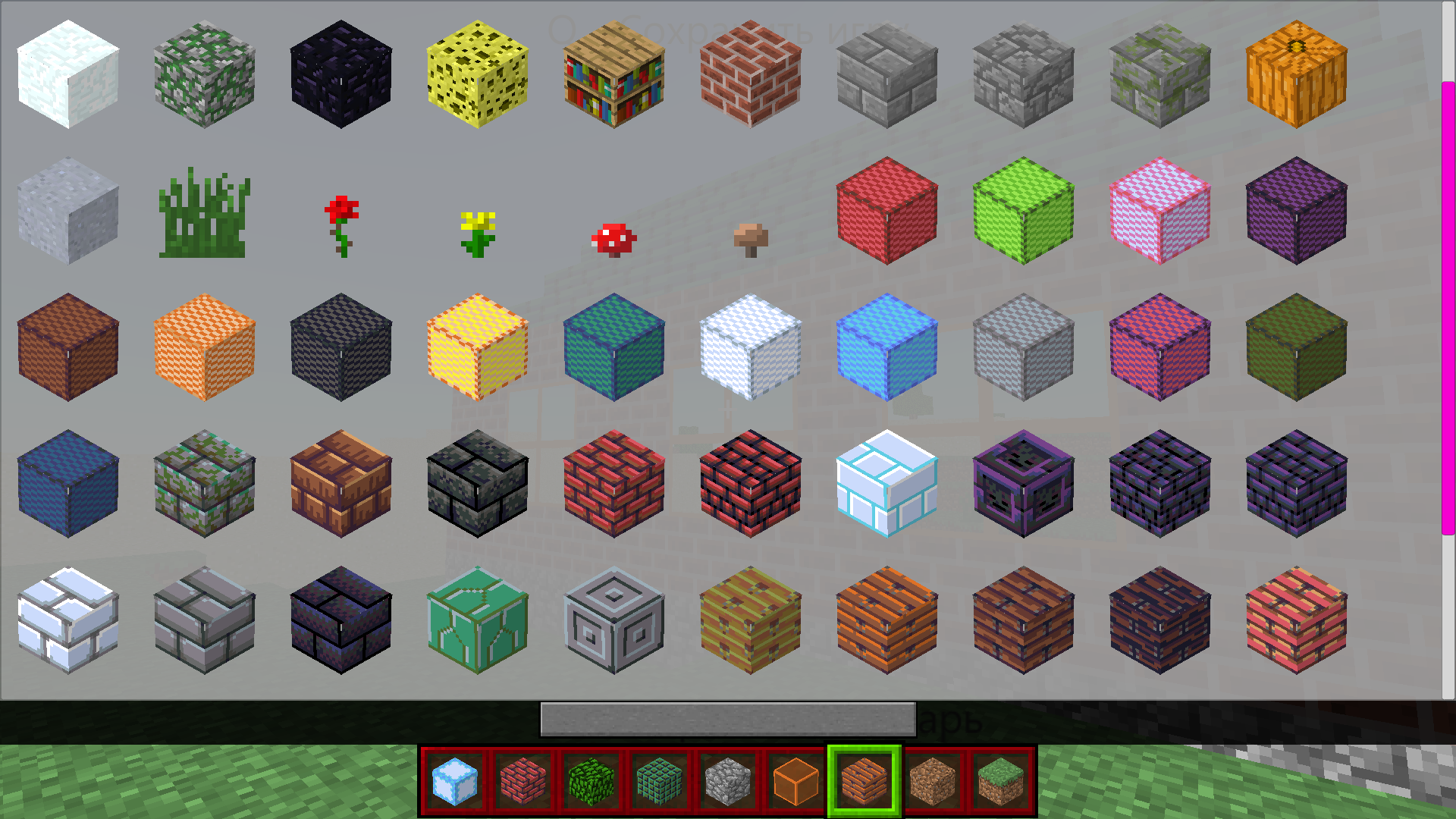
  • Block Craft 3D screenshot 2
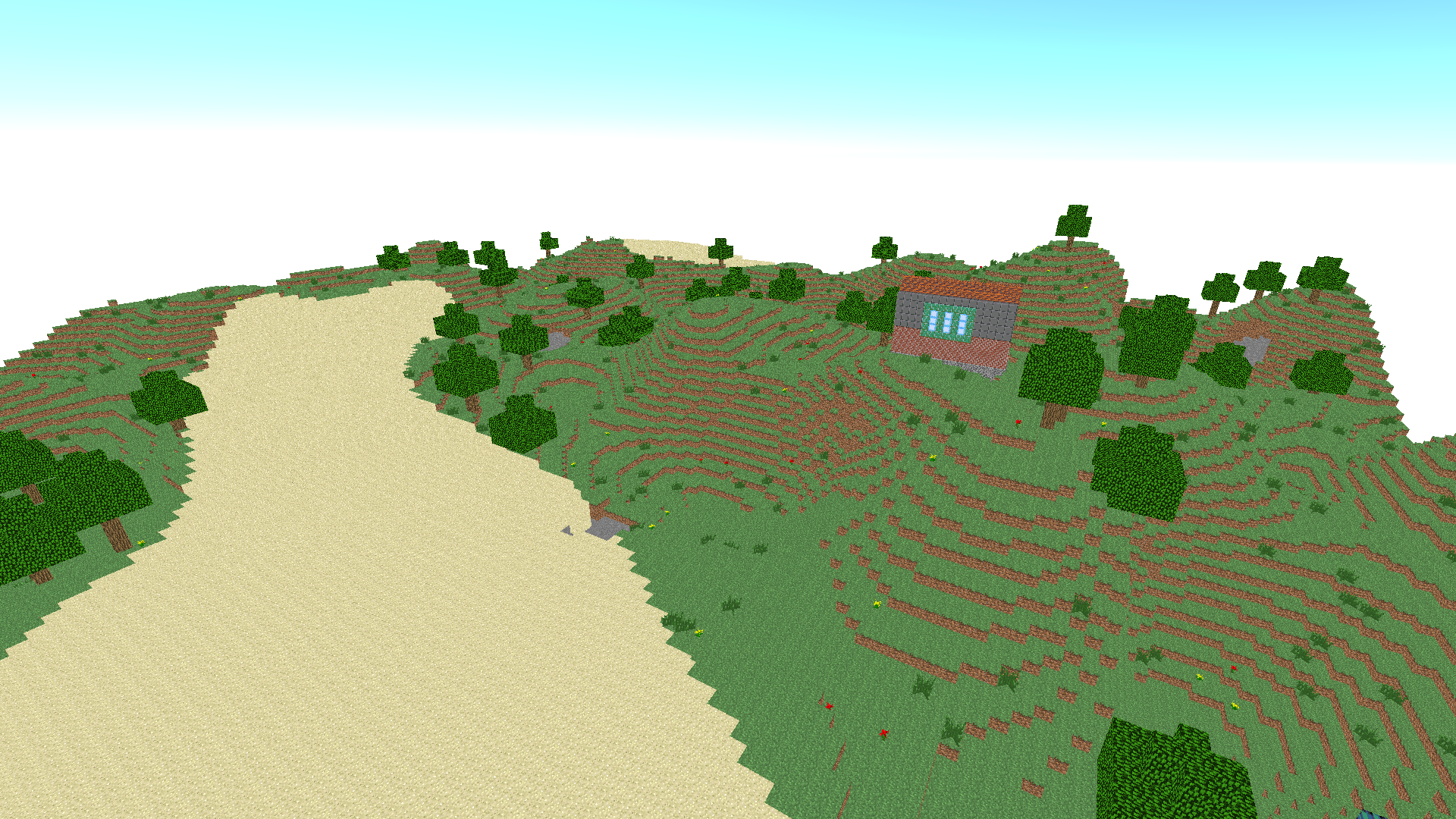
  • Block Craft 3D screenshot 3
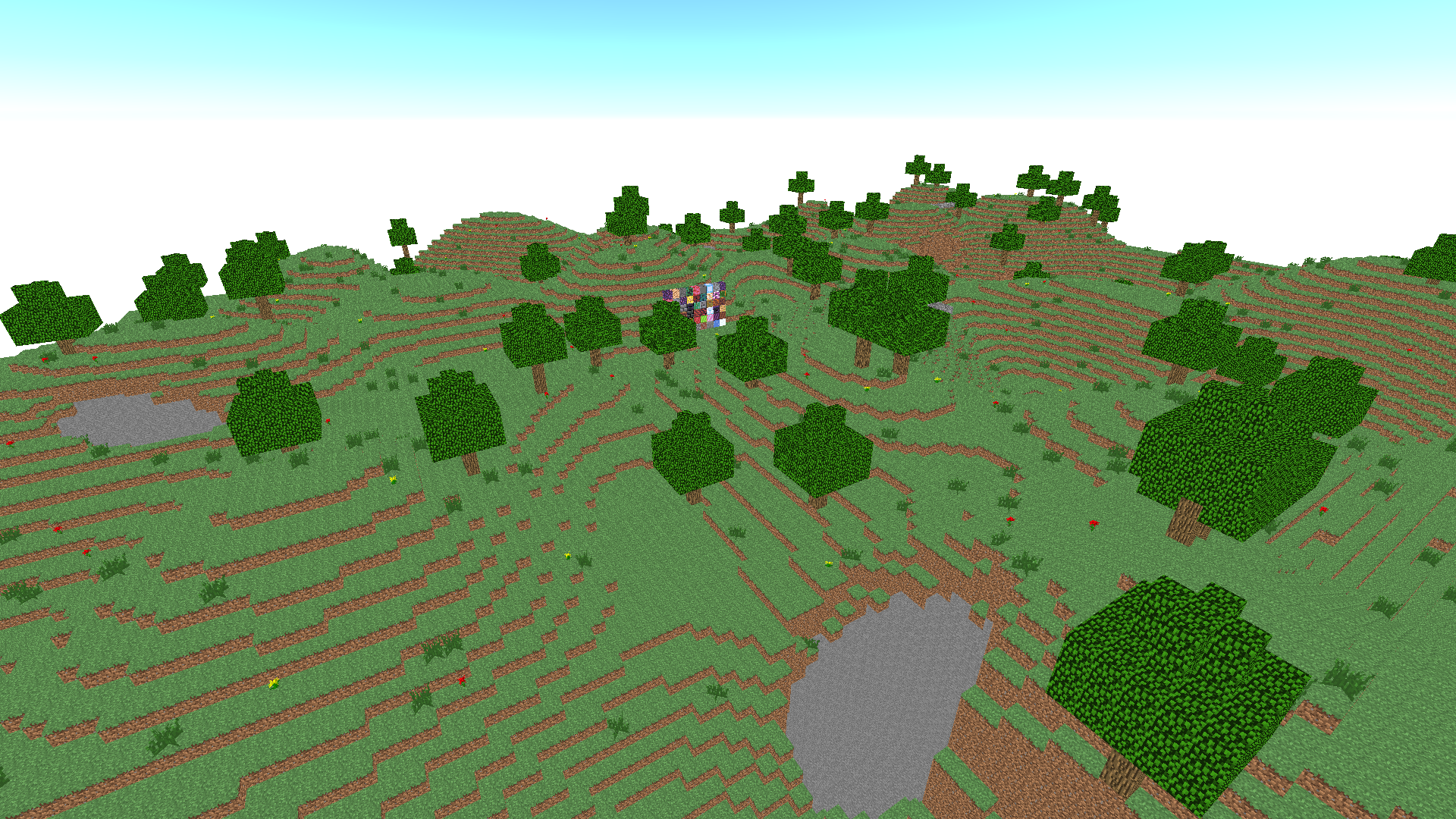
  • Block Craft 3D screenshot 4
  • Block Craft 3D screenshot 5
  • Block Craft 3D screenshot 6
  • Block Craft 3D screenshot 7
  • Block Craft 3D screenshot 8
  • Block Craft 3D screenshot 9
  • Block Craft 3D screenshot 10
Play Now

14,209 players online

How to play

  1. Open the game

    Press Play now and the game opens on its own screen.

  2. Follow the in-game instructions

    The controls and goals are shown inside the game as you play.

  3. Use the game menu

    The floating button over the game reloads it, saves it to your favourites, or takes you back out.
Game instructions

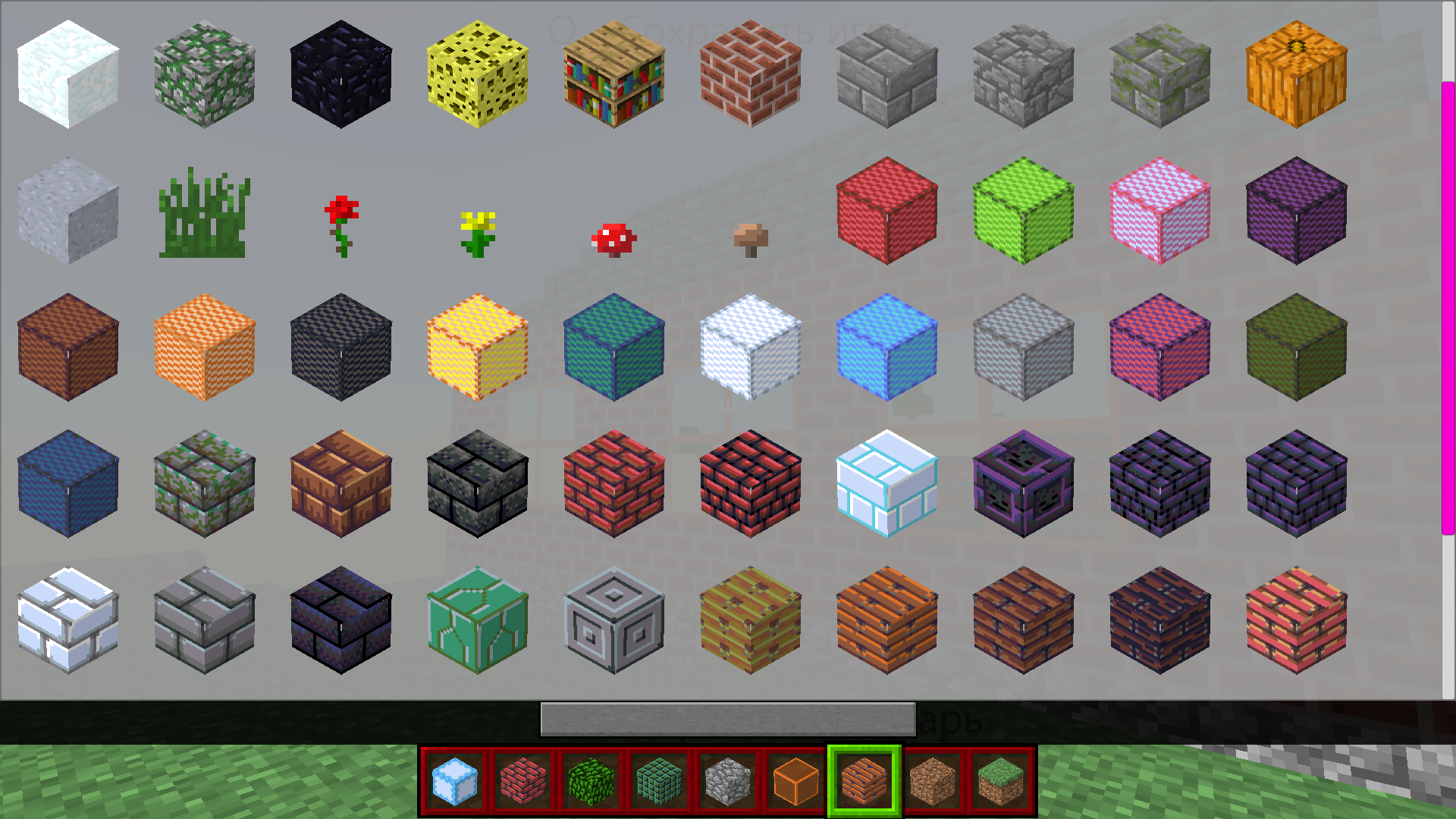
PC management: Character Management - WASD Space Jump Flight Mode - F (On/Off) Fly up - Space bar (when flight mode is on) Fly down- Shift (when flight mode is on) Open Inventory - E Save the map - Q Break the block - left mouse button Put a block - right mouse button Change the current mouse wheel block Control on the phone: Character control - arrow buttons in the lower left corner Jump - down arrow button in the lower right corner Flight mode - a button with wings in the upper right corner Fly up/down - arrow buttons in the lower right corner (when flight mode is on) To open the inventory, click on the panel with the blocks at the bottom in the center To save the map, click on the button with the file at the top in the center To turn on the mode to place blocks, click on the button with the cube in the upper left corner Break the block by tapping on the screen Put a block - tap on the screen (if the block mode is enabled) Change the current block -yellow arrow buttons

More games

More games