Skip to content
KG
Mine - Online

Mine - Online

5K plays 4.6 out of 5

Overview

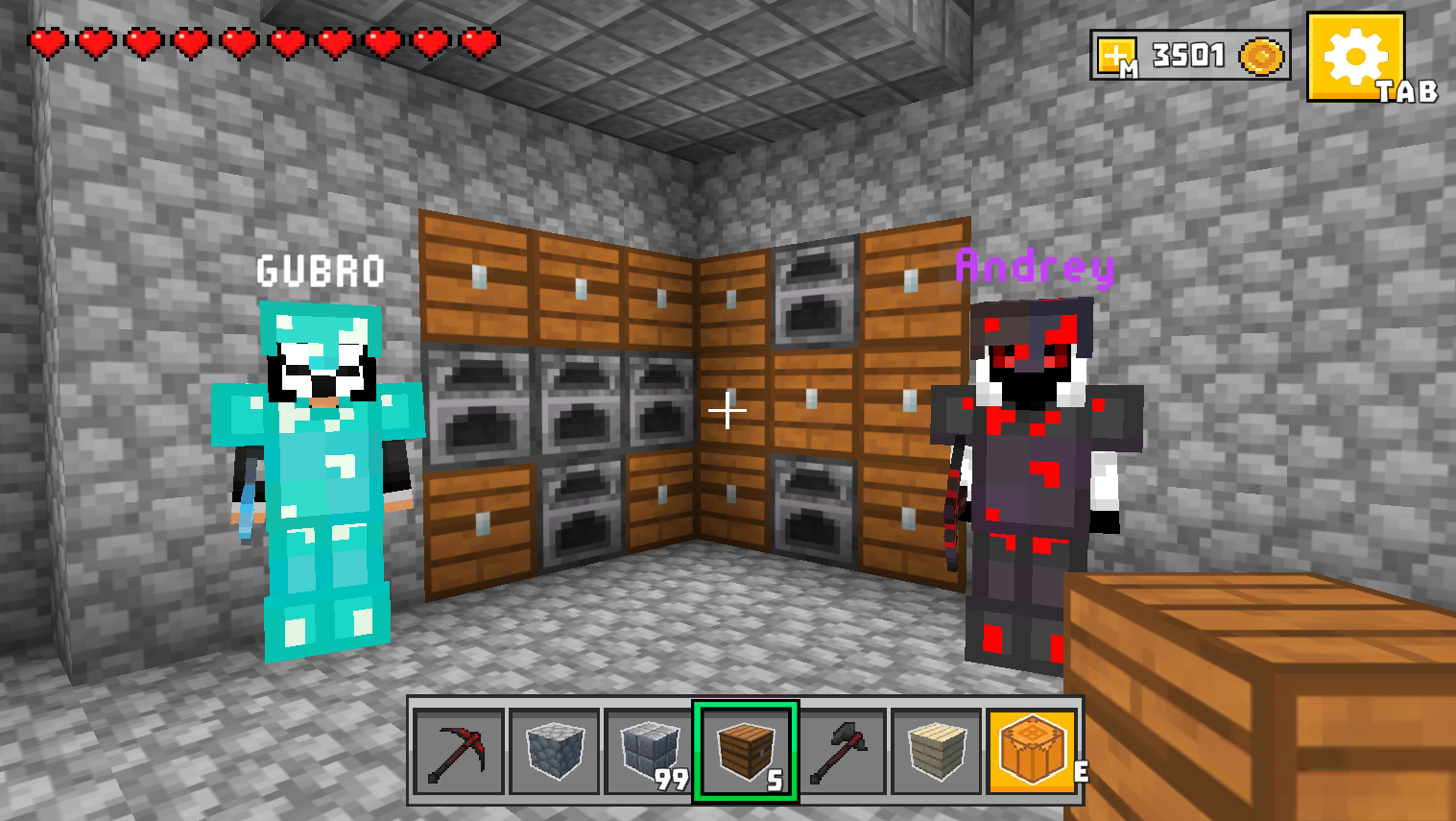
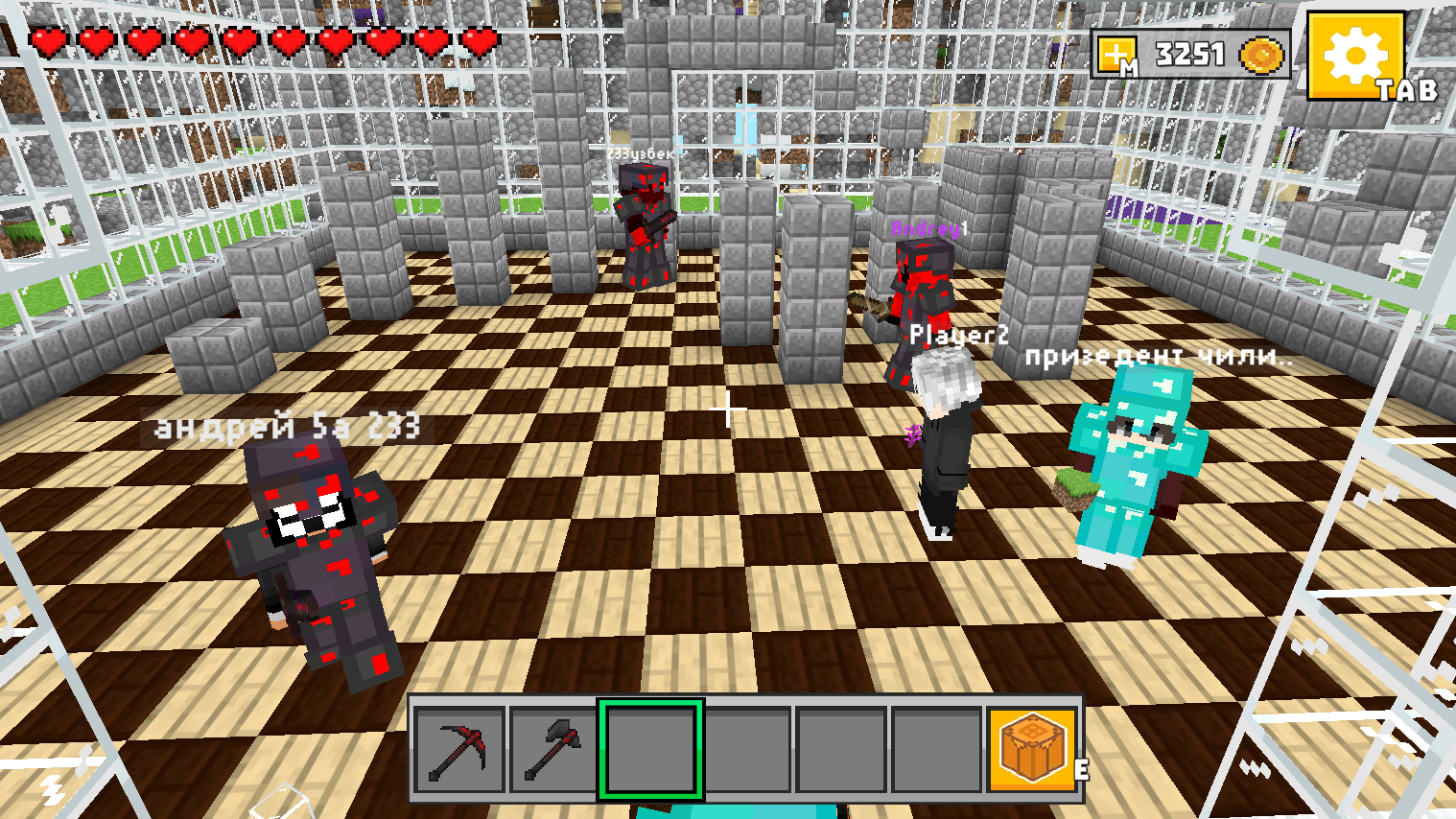
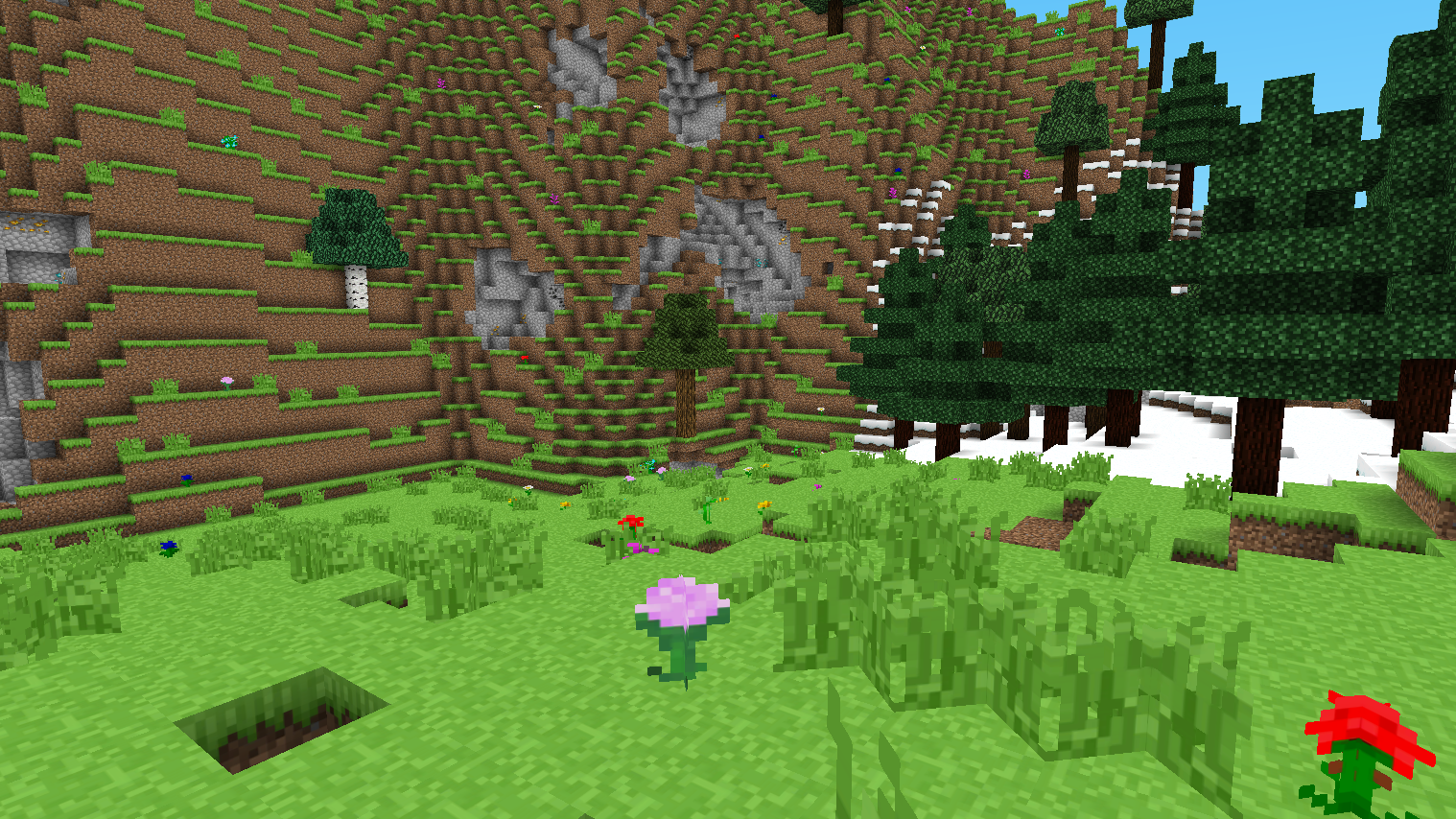
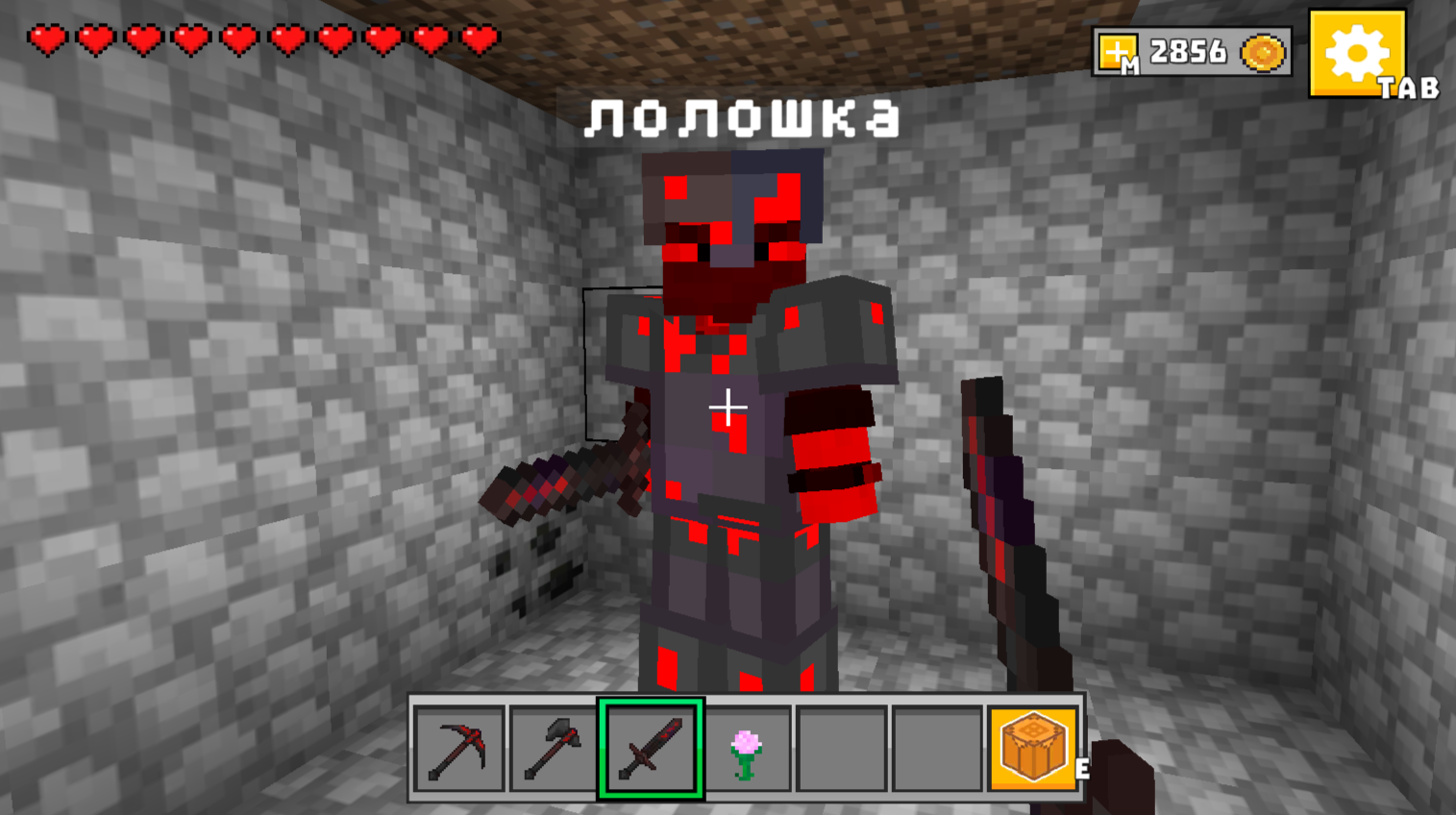
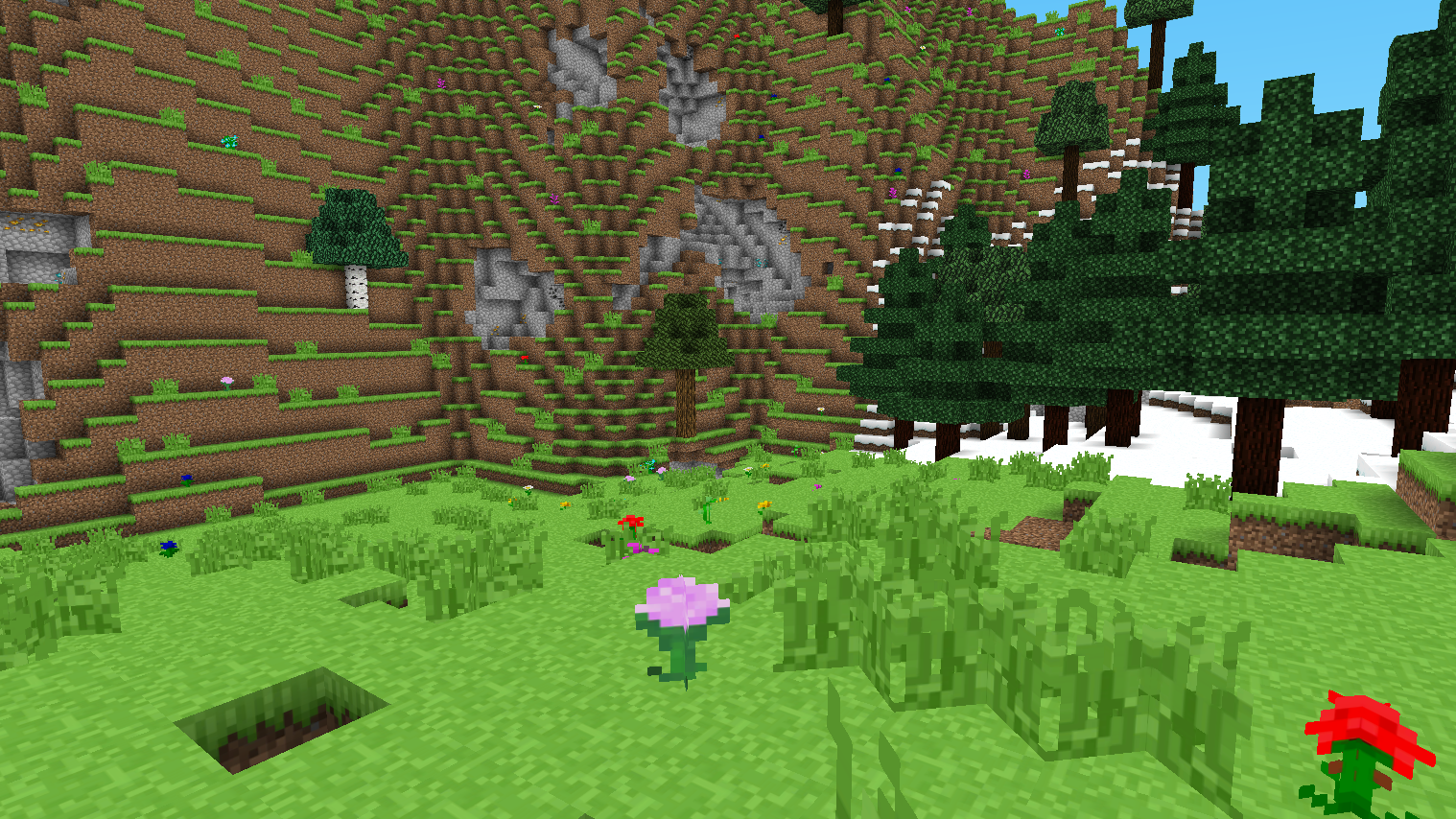
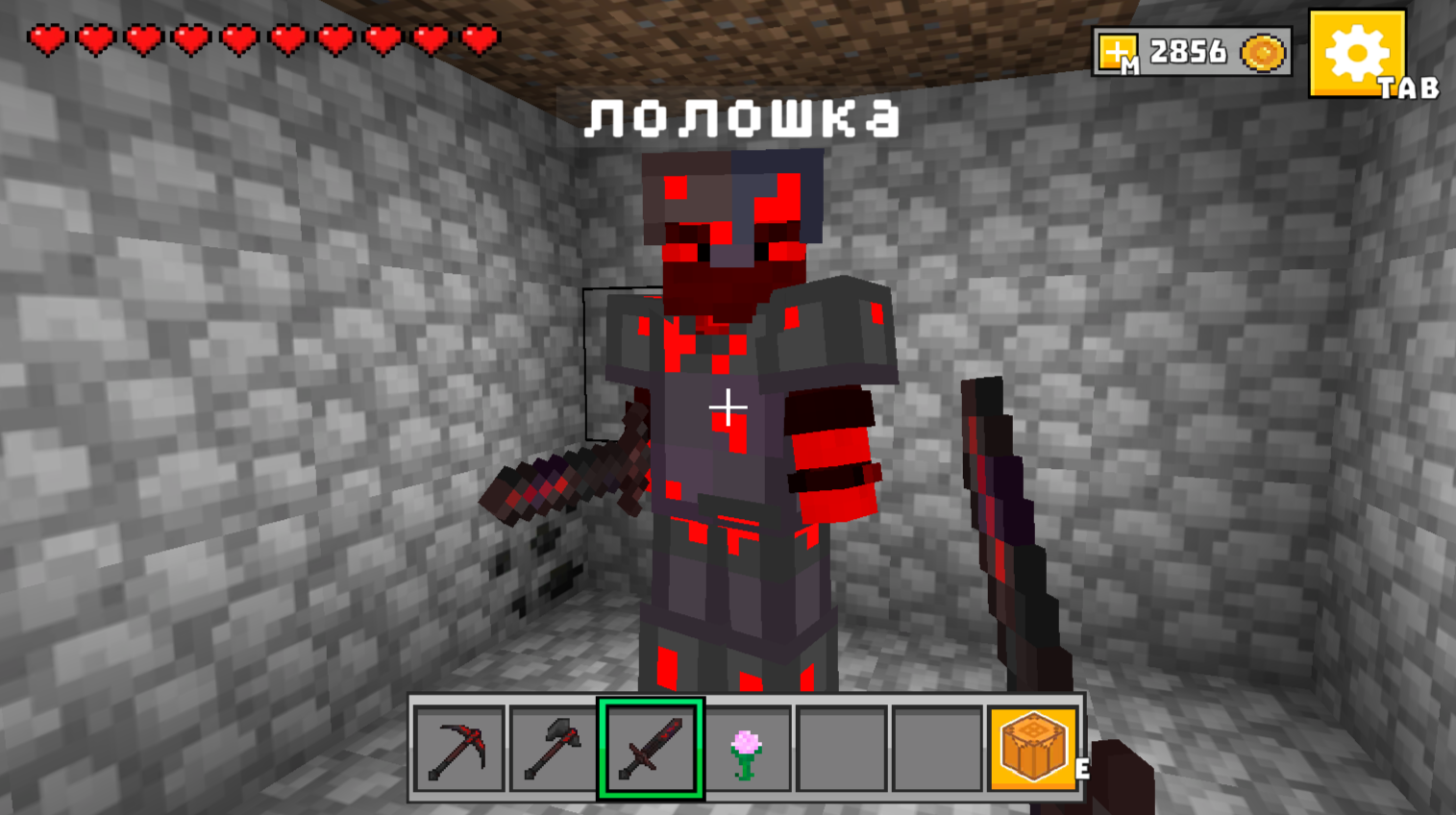
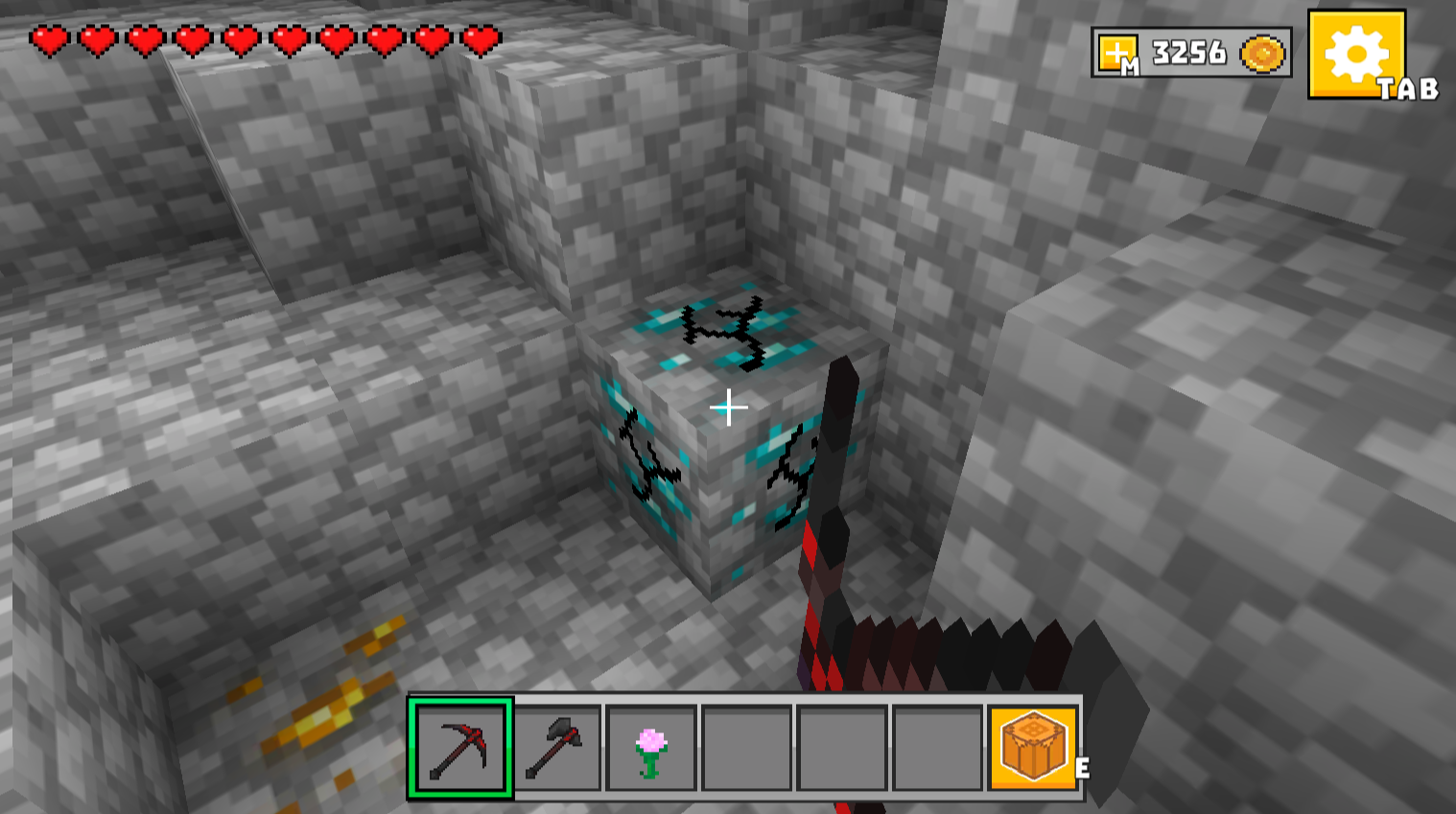
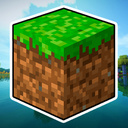
Welcome to "Mine - Online"! Enter the exciting cubic 3D world where everything depends on your imagination! Dig blocks, make mines, build houses and castles from cubes, create tools and weapons, explore uncharted territories. The main thing is to play with friends! Team up, build huge cities, make underground tunnels, create secret bases or compete to see who will build the coolest structure faster. The world of Mine Online is open to creativity and fun experiments. The game is inspired by Minecraft and Roblox, so it will be easy for you to get used to it, but it has its own unique features and tasks that make each session different from the previous one. Do you want to become a master builder, miner or explorer? Here you can be anyone! Dive into adventures, call your friends and create your world right now!

Videos and screenshots
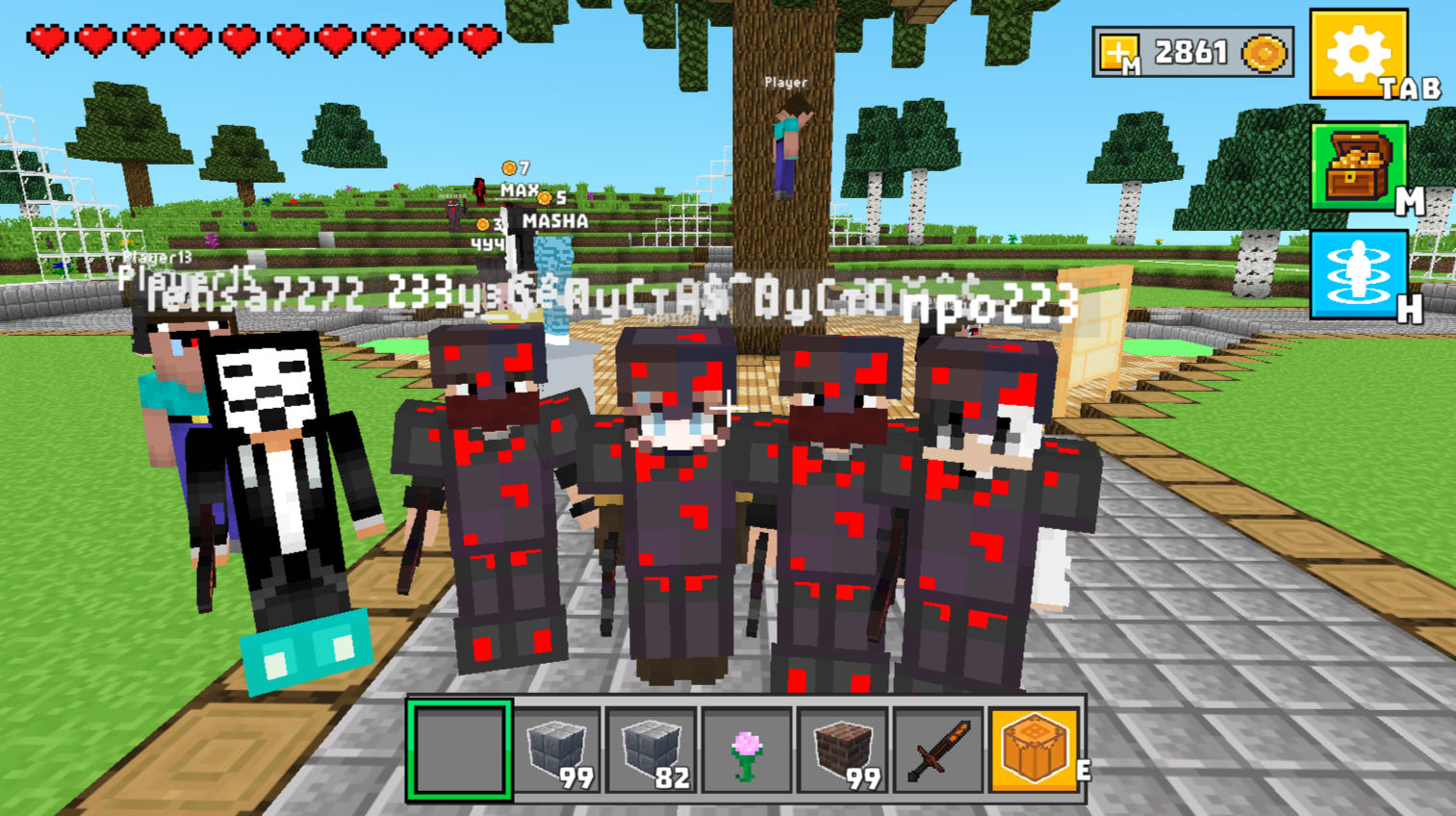
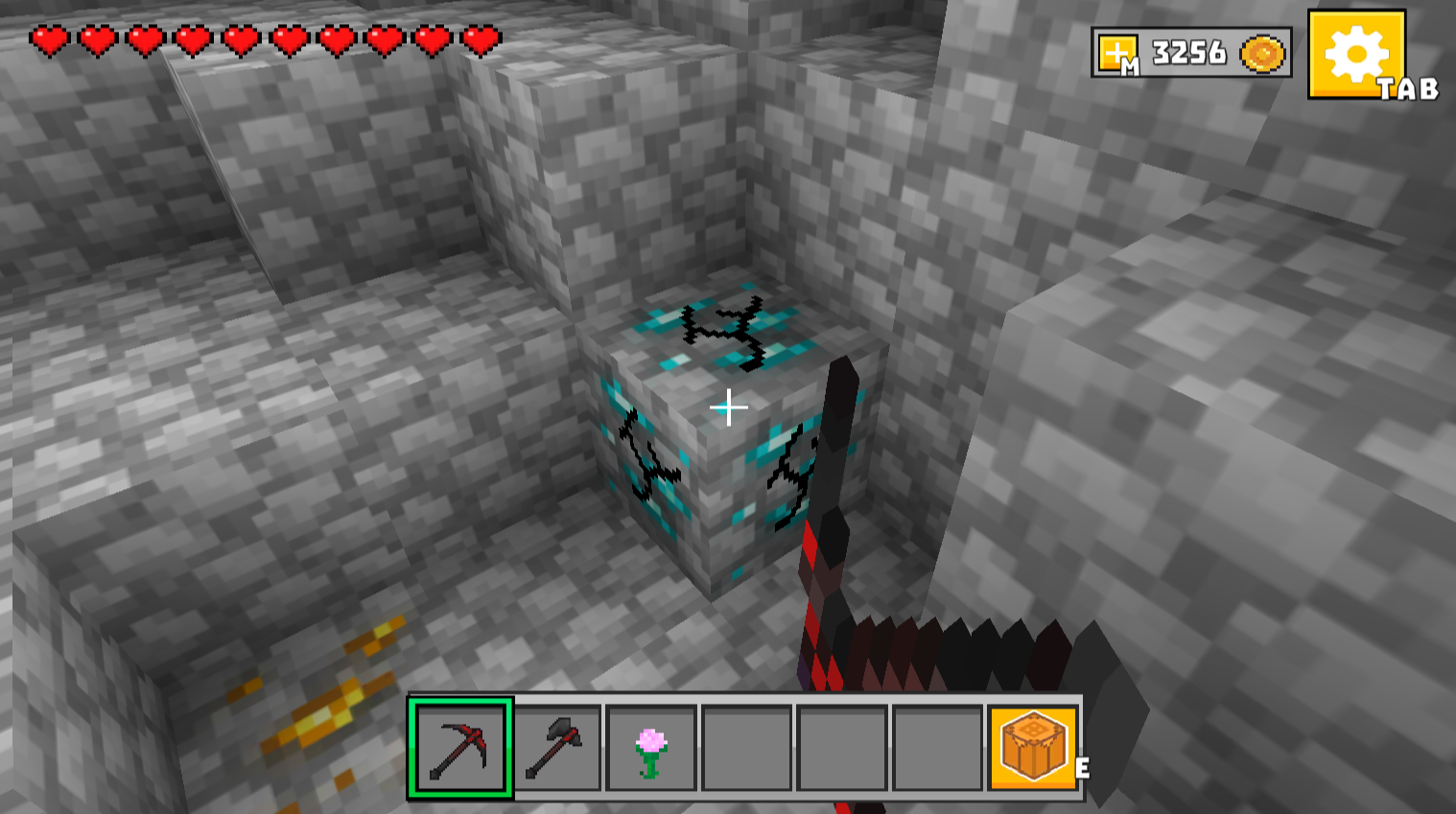
  • Mine - Online screenshot 1
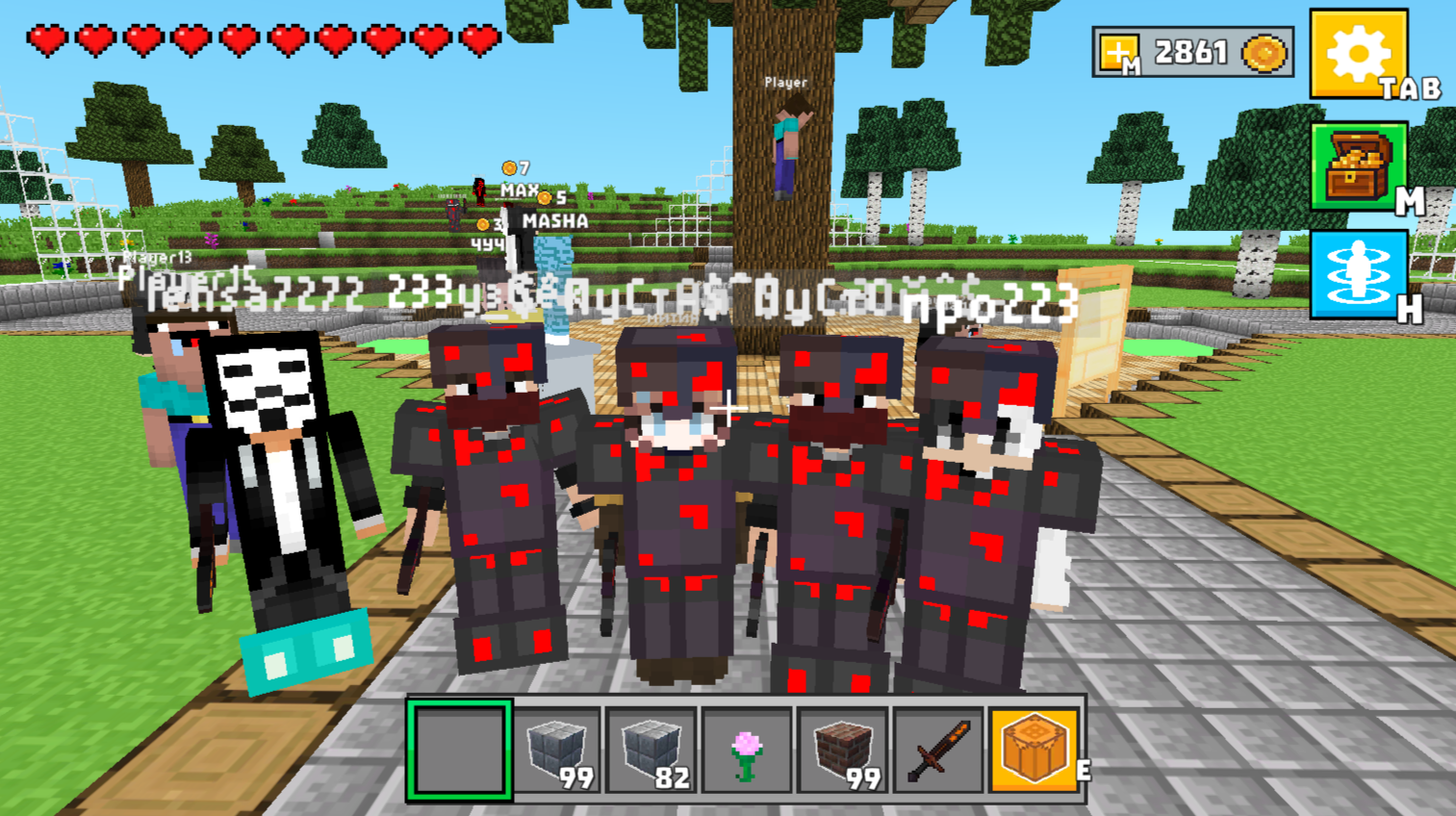
  • Mine - Online screenshot 2
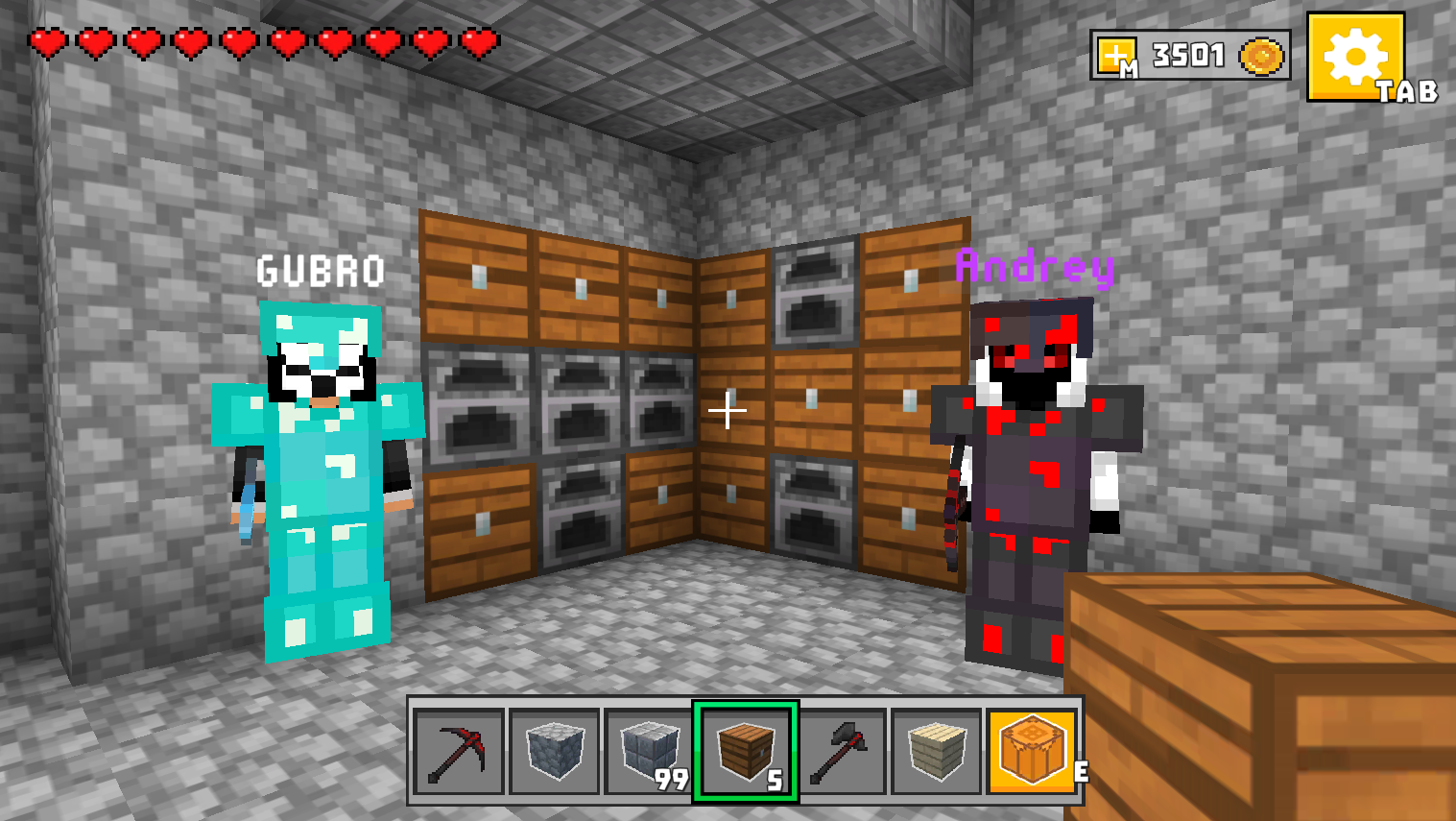
  • Mine - Online screenshot 3
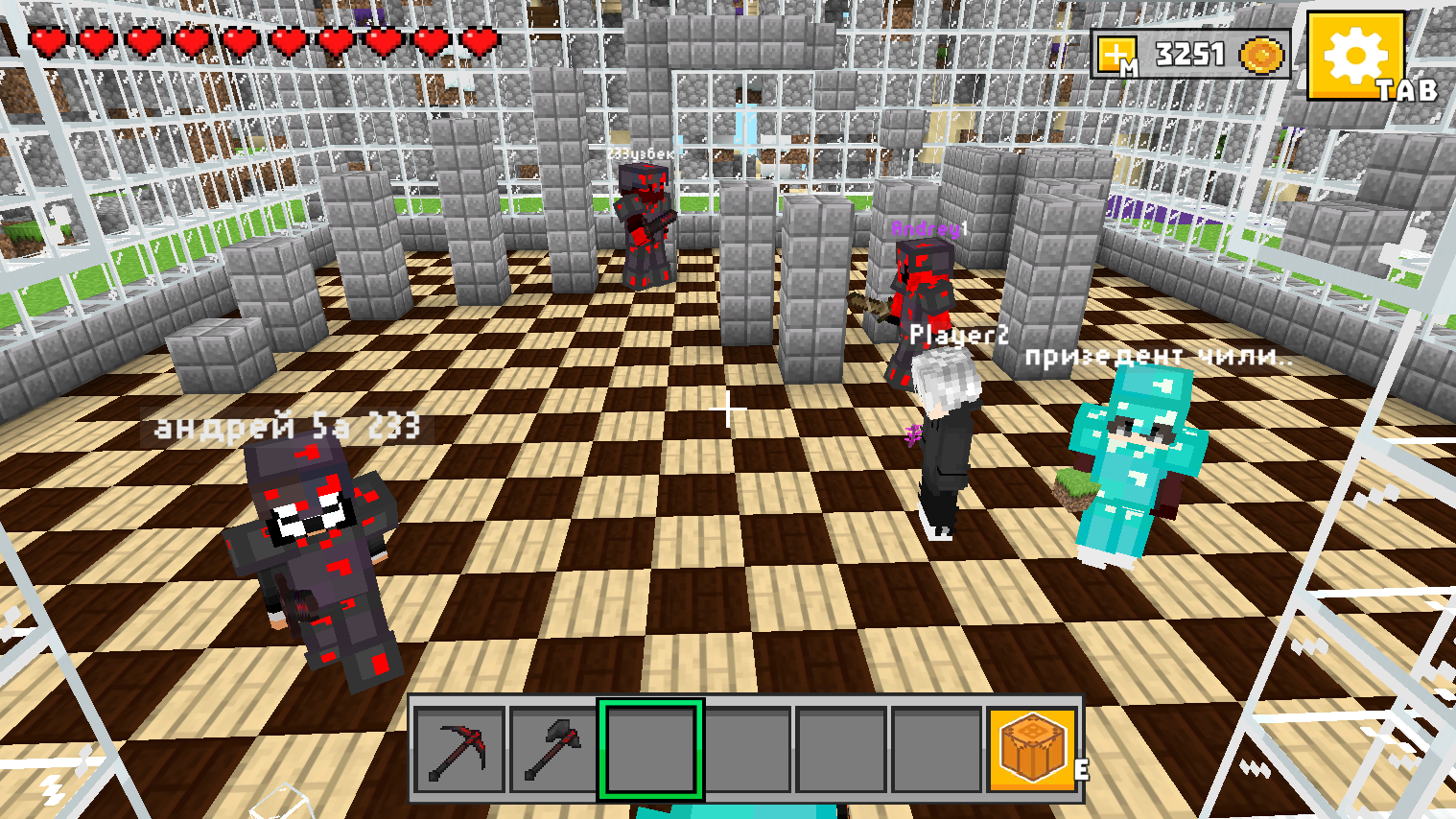
  • Mine - Online screenshot 4
  • Mine - Online screenshot 5
  • Mine - Online screenshot 6
  • Mine - Online screenshot 7
  • Mine - Online screenshot 8
  • Mine - Online screenshot 9
  • Mine - Online screenshot 10
  • Mine - Online screenshot 11
  • Mine - Online screenshot 12
Play Now

14,013 players online

How to play

  1. Open the game

    Press Play now and the game opens on its own screen.

  2. Follow the in-game instructions

    The controls and goals are shown inside the game as you play.

  3. Use the game menu

    The floating button over the game reloads it, saves it to your favourites, or takes you back out.

Game instructions

Controls: 🖥️ Desktop: WASD - walk SHIFT - run Space bar - jump E - open craft M - shop H - teleport window T - open chat TAB - open the settings window/ pause Left mouse button - sword strike Right mouse button - place a block Turn the mouse wheel to move through the inventory 1,2,3,4,5,6 - moving through inventory 📱 Smartphone: Swipe on the left side of the screen to move Swipe on the right side of the screen - screen rotation Click on the sword icon to strike Click on the up arrow icon to jump Click on the icon with your index finger up to place a block Click on the gear icon to open the game menu. Click on the workbench icon to open the craft Clicking on the inventory cell at the bottom of the screen will select an item.

More games

More games