Skip to content
KG
BlockCraft

BlockCraft

434K plays 4.1 out of 5

Overview

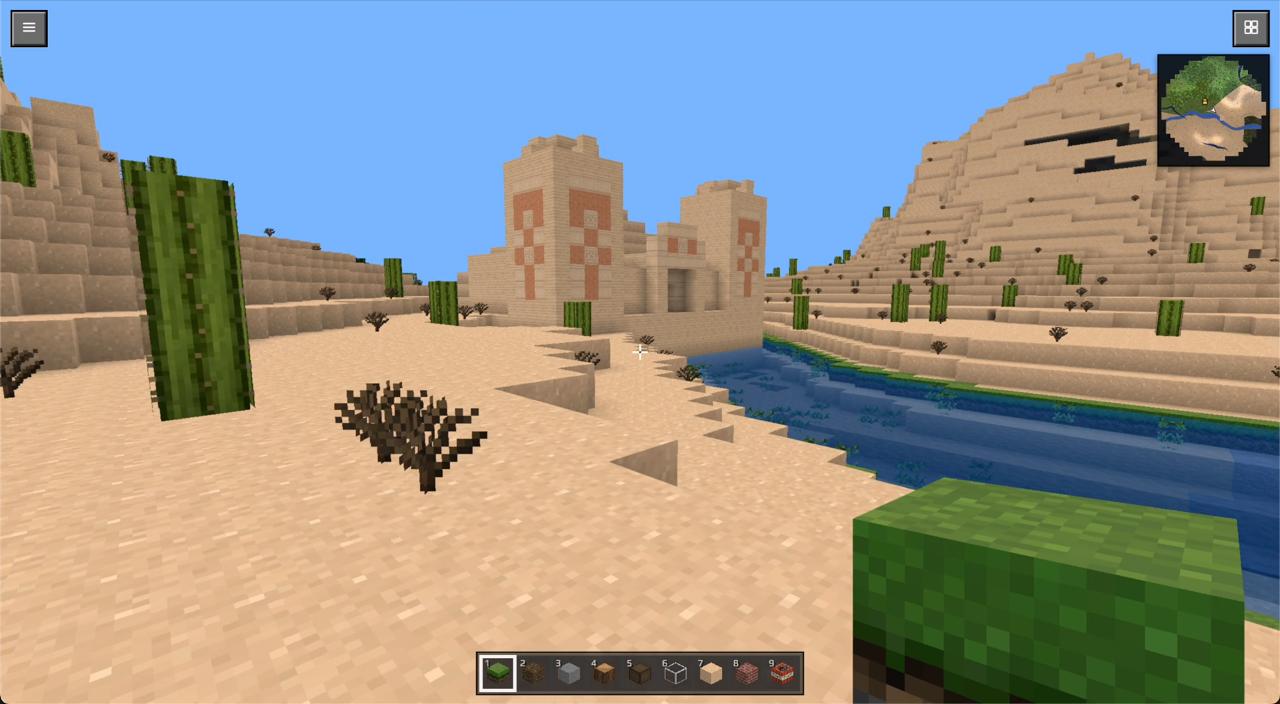
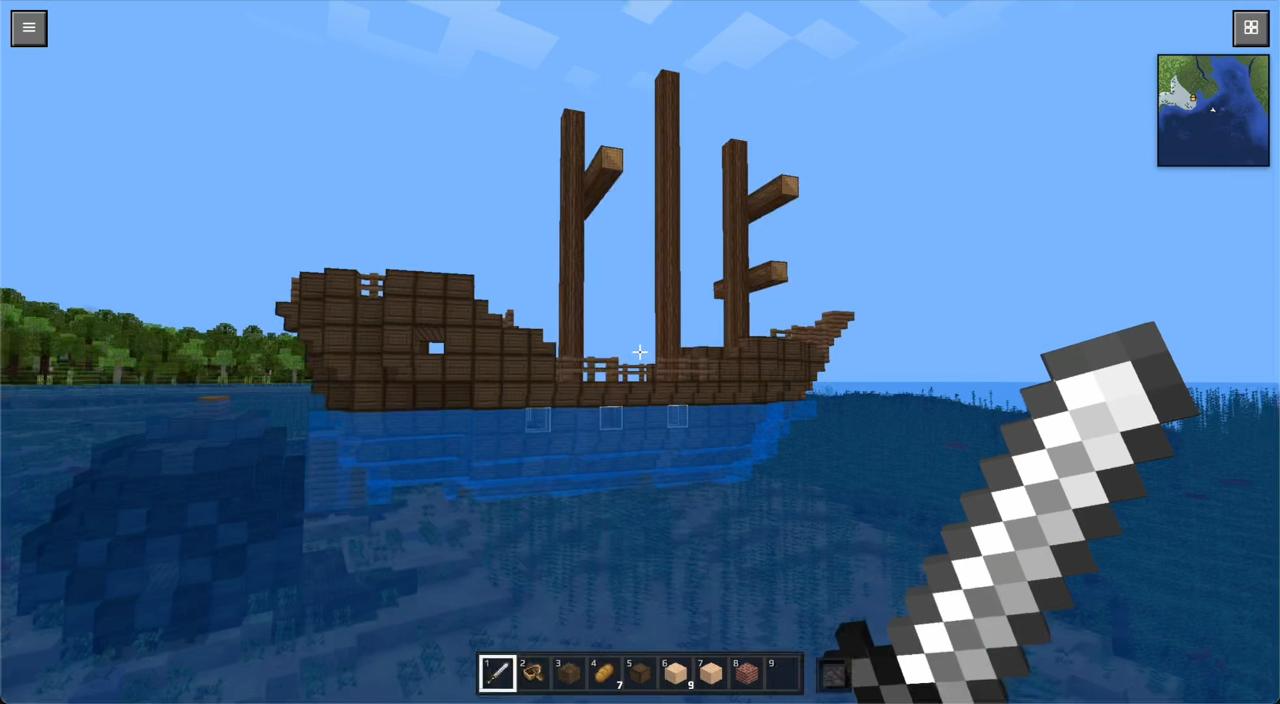
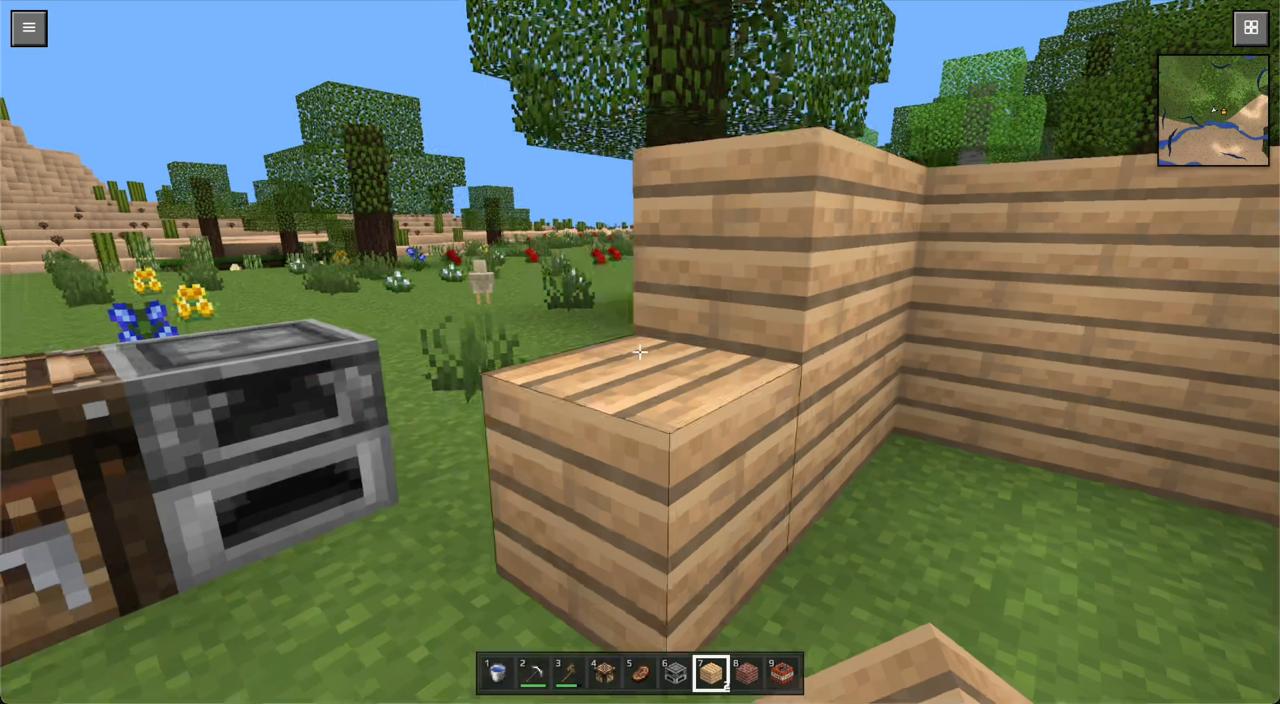
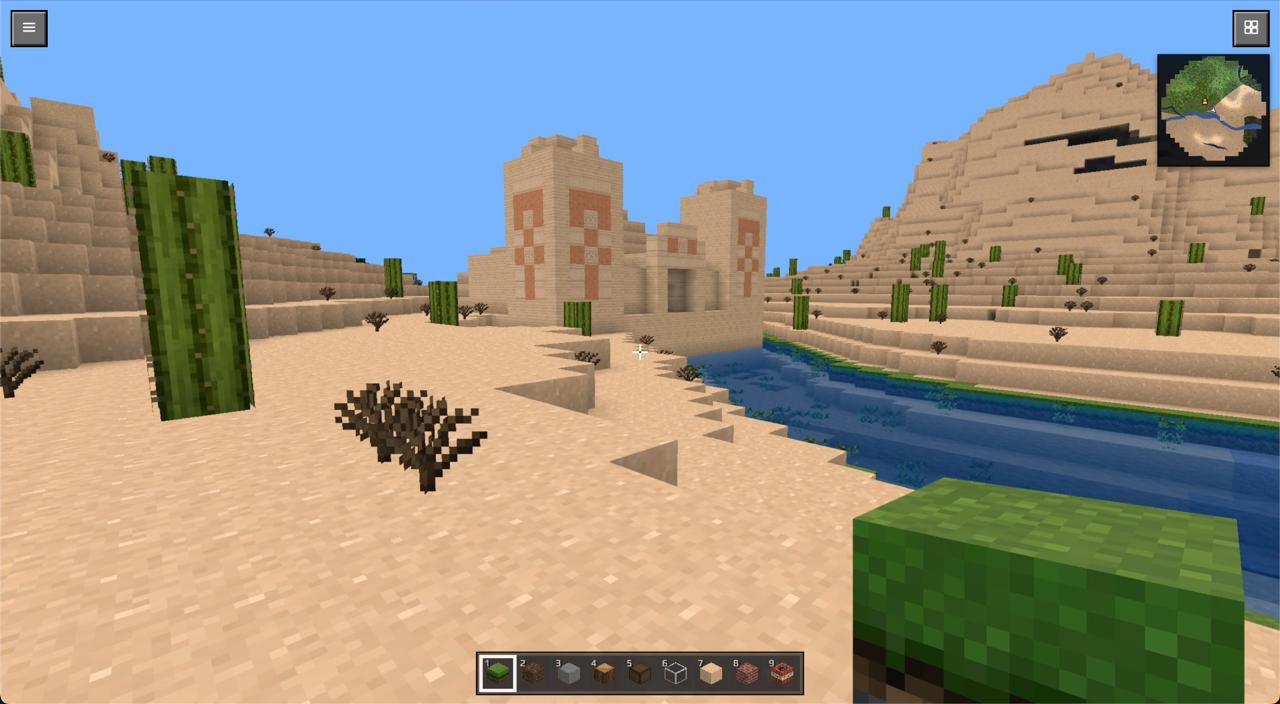
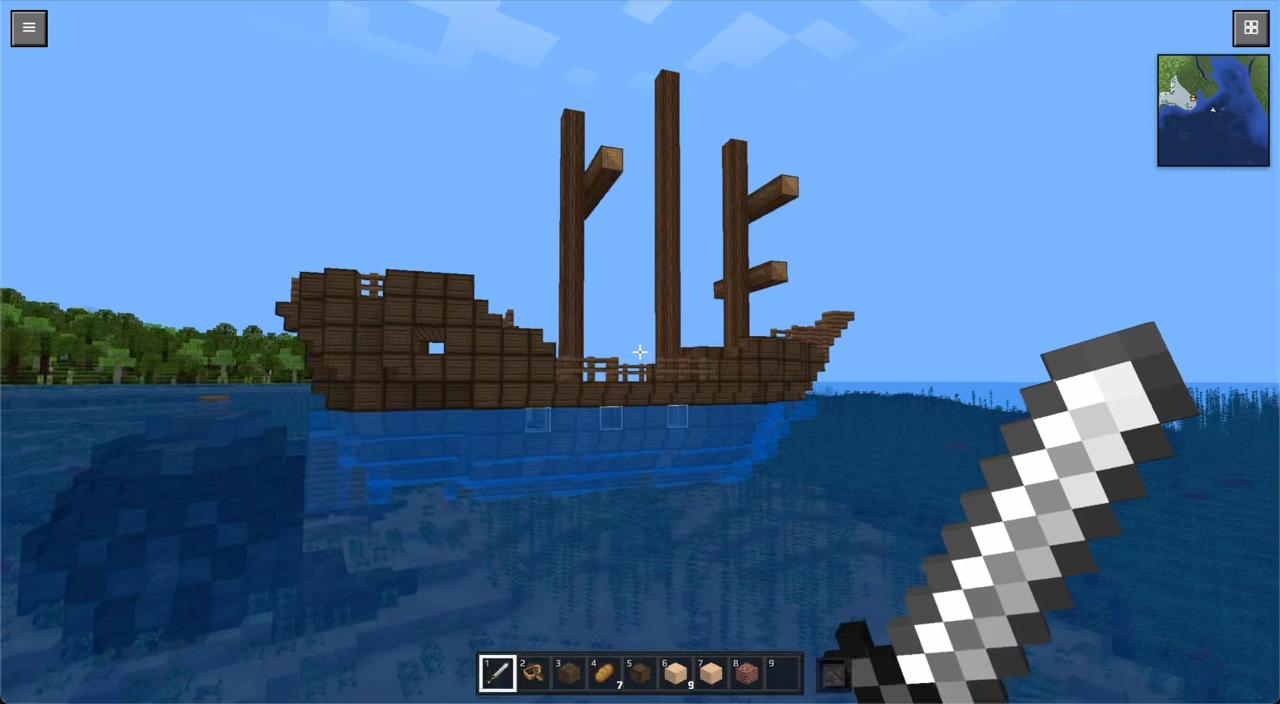
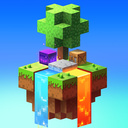
BlockCraft is a voxel sandbox right in your browser. The huge world is made of blocks, and you can break and place them however you like: dig mines, build houses and castles, bridge rivers. The world is genuinely big and varied — more than twenty biomes: oak and birch forests, cactus deserts, snowy mountains, jungles, swamps, acacia savannas and striped badlands. Ores hide underground where the deep mines get dark — glowstone comes in handy — and at night the world comes alive in its own way. The game features flowing water, TNT with chain explosions, a day-night cycle, flying and sprinting. No installation, no registration — just jump in and play for free on your phone or computer.

Videos and screenshots
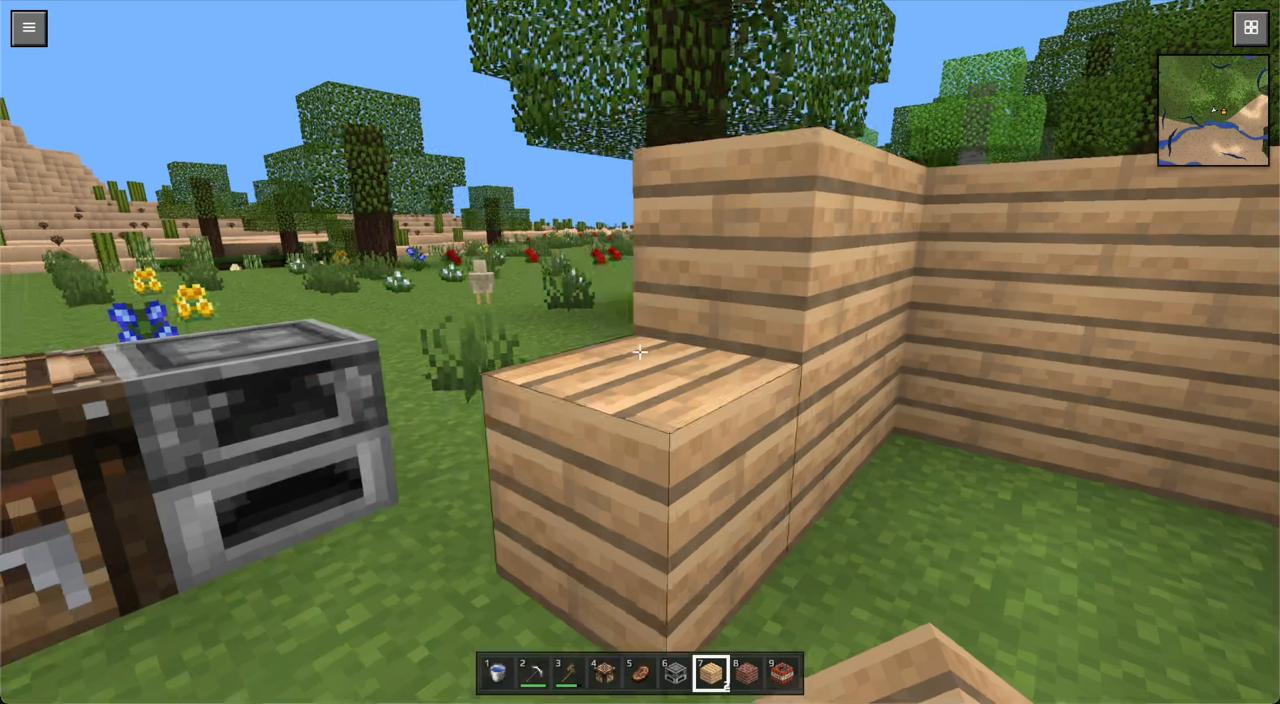
  • BlockCraft screenshot 1
  • BlockCraft screenshot 2
  • BlockCraft screenshot 3
  • BlockCraft screenshot 4
  • BlockCraft screenshot 5
  • BlockCraft screenshot 6
  • BlockCraft screenshot 7
  • BlockCraft screenshot 8
Play Now

11,379 players online

How to play

  1. Open the game

    Press Play now and the game opens on its own screen.

  2. Follow the in-game instructions

    The controls and goals are shown inside the game as you play.

  3. Use the game menu

    The floating button over the game reloads it, saves it to your favourites, or takes you back out.
Game instructions

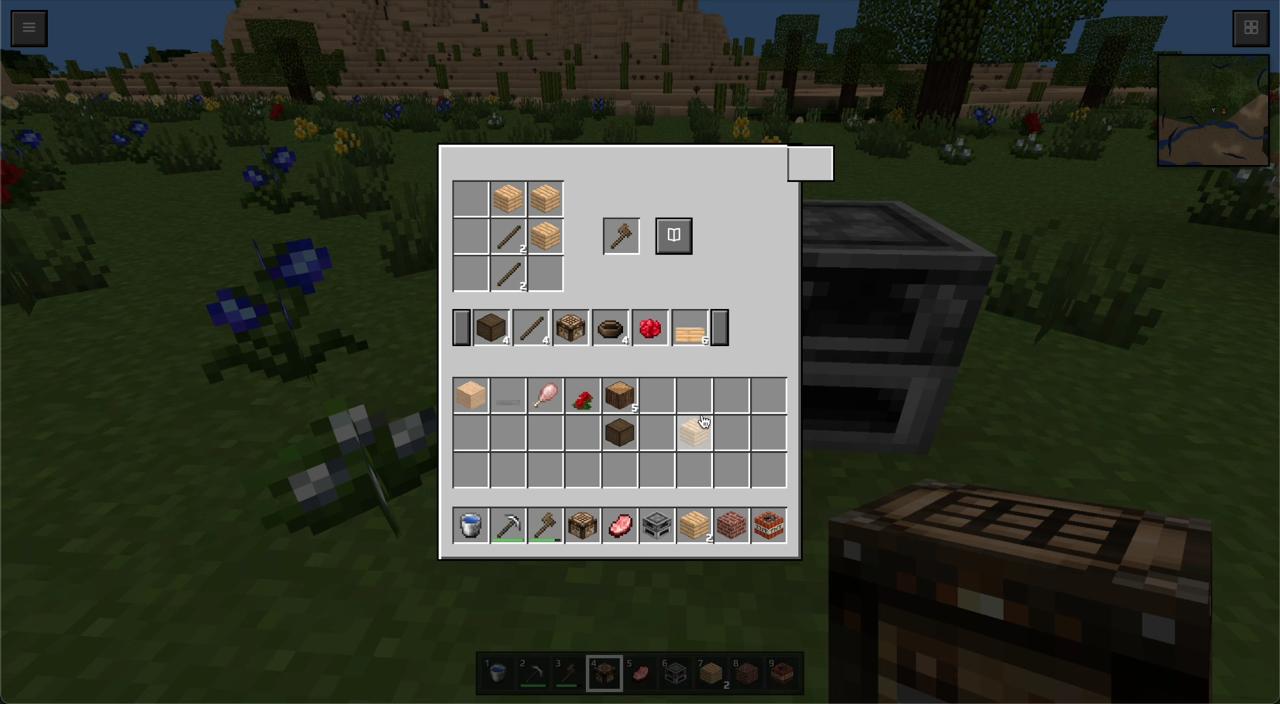
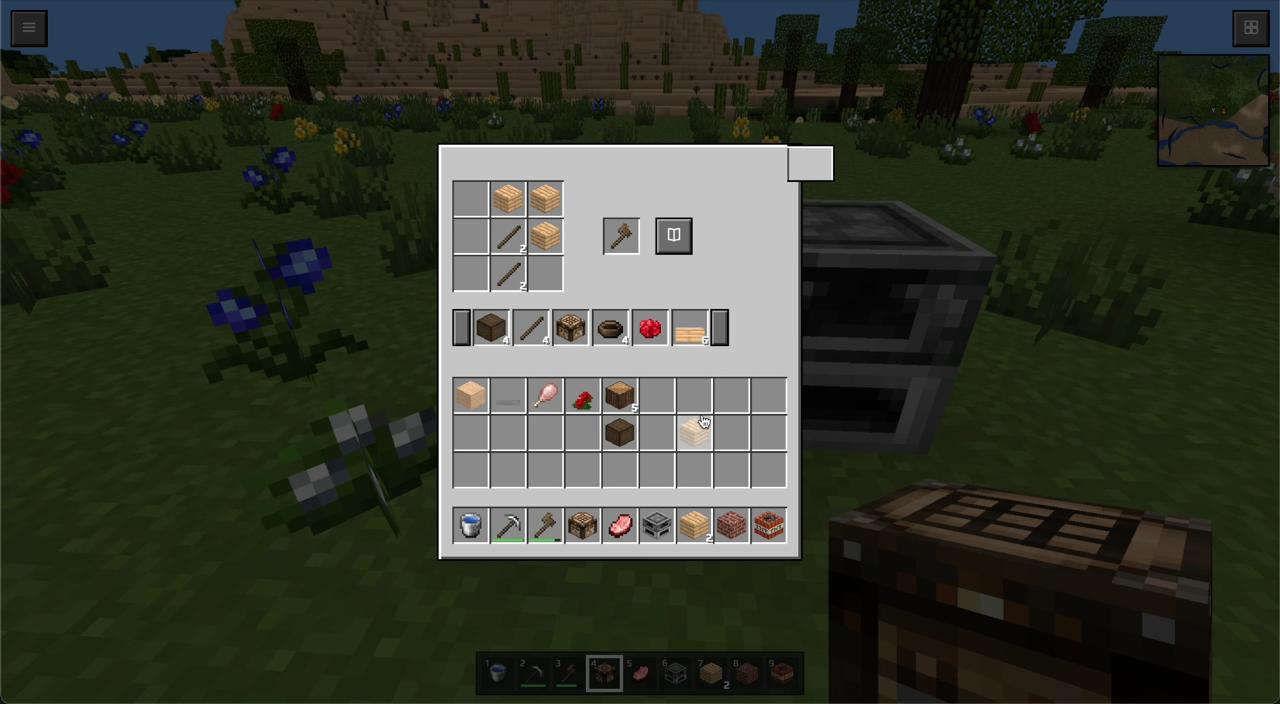
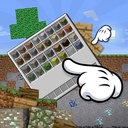
On a phone: Move — joystick on the left side of the screen. Look around — drag your finger across the screen. Place a block — a quick tap on the world. Break a block — press and hold your finger on the block; keep holding and slide to break blocks in a row. Jump — the round button on the right. Double-tap it to toggle flying (a descend button appears next to it). The block in your hand is shown in the bottom-right corner. The grid button at the top right opens the inventory to pick a block; the hotbar is at the bottom. On a computer: Move — WASD, look around — mouse. Left mouse button — break a block, right button — place one. Space — jump, double-tap — fly. E — inventory, number keys 1–9 or the mouse wheel — select a block.

More games

More games