Skip to content
KG
Geometry MOD 5: Create a Playground map!

Geometry MOD 5: Create a Playground map!

6K plays 4.2 out of 5

Overview

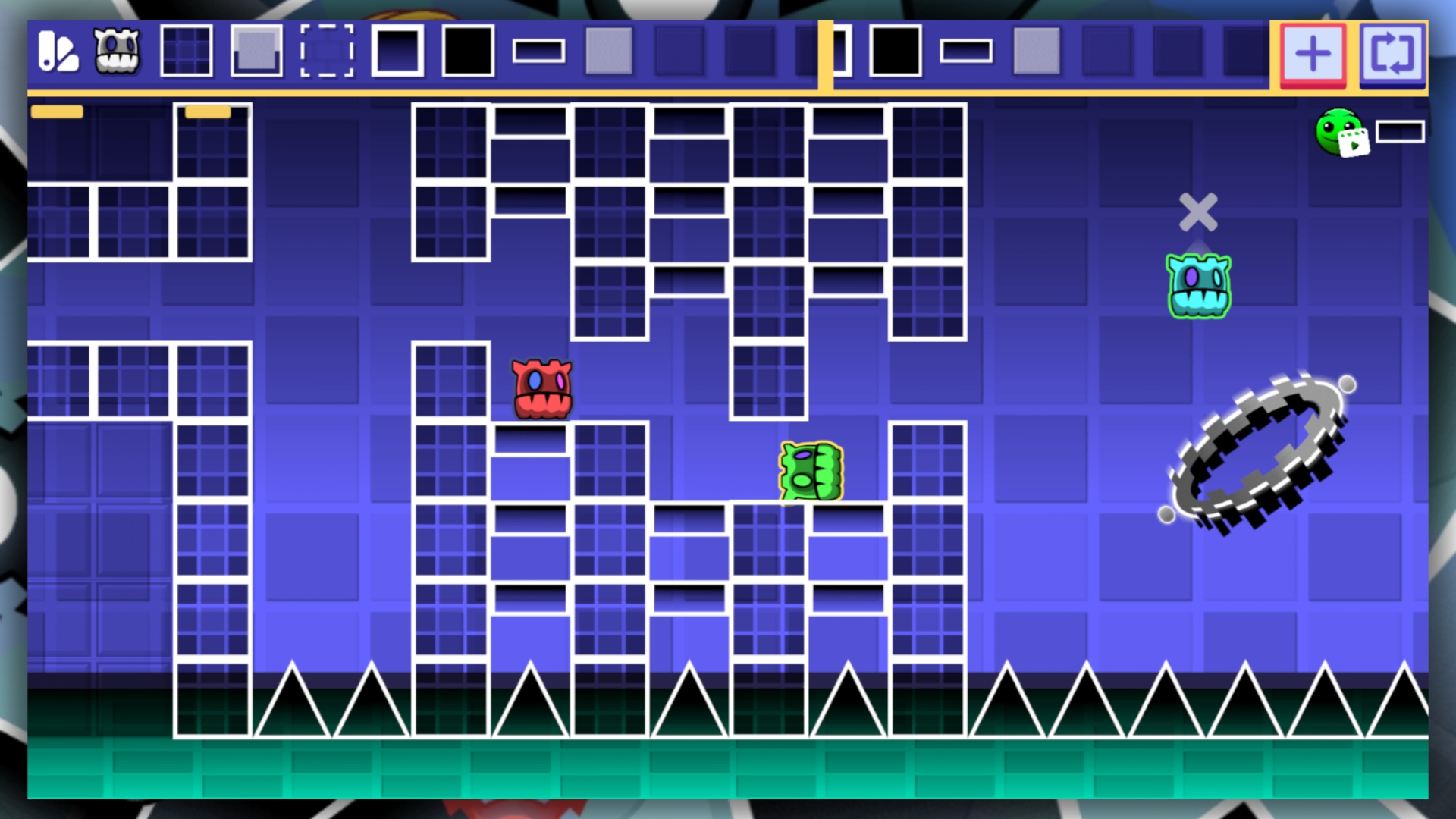
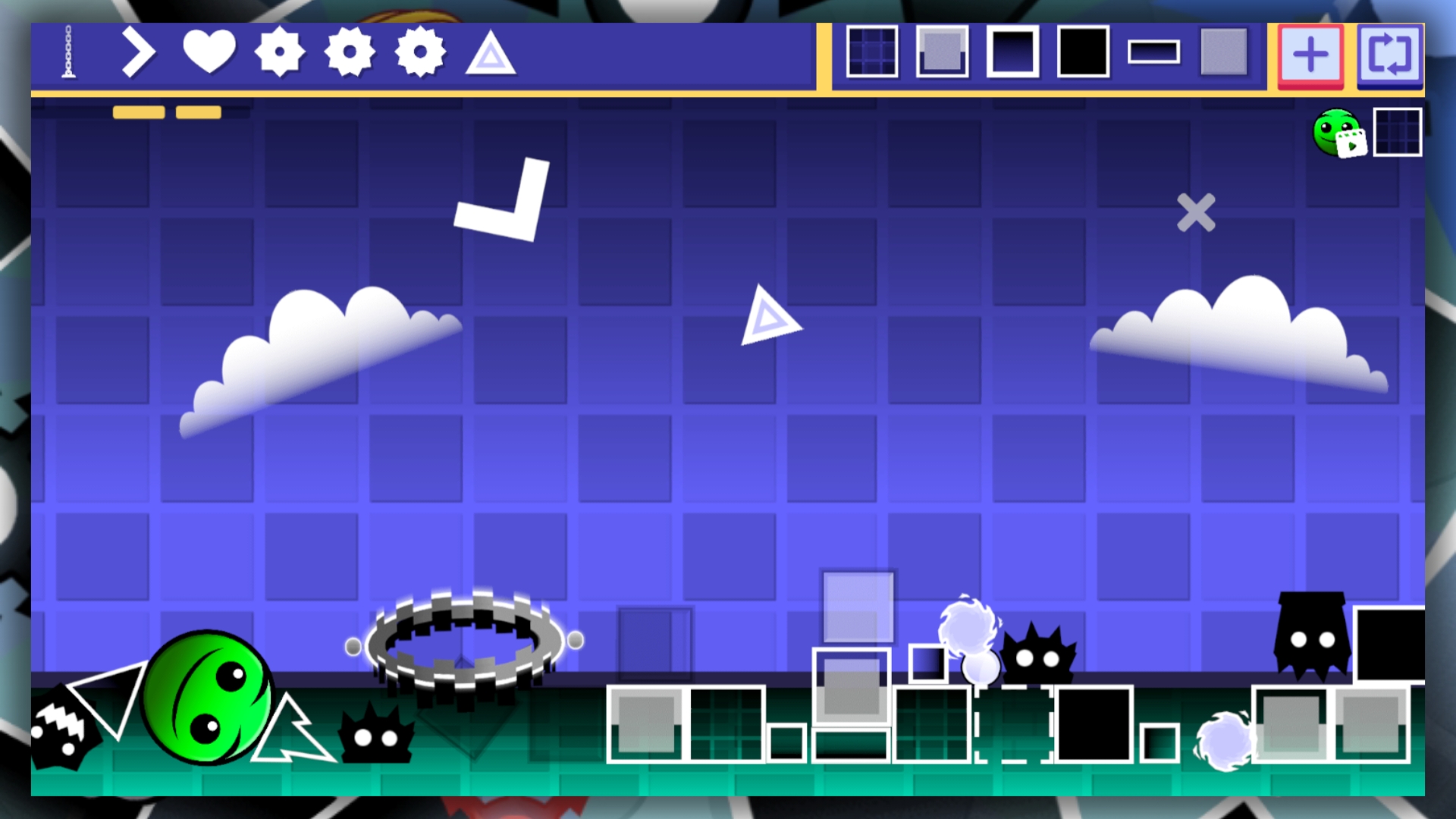
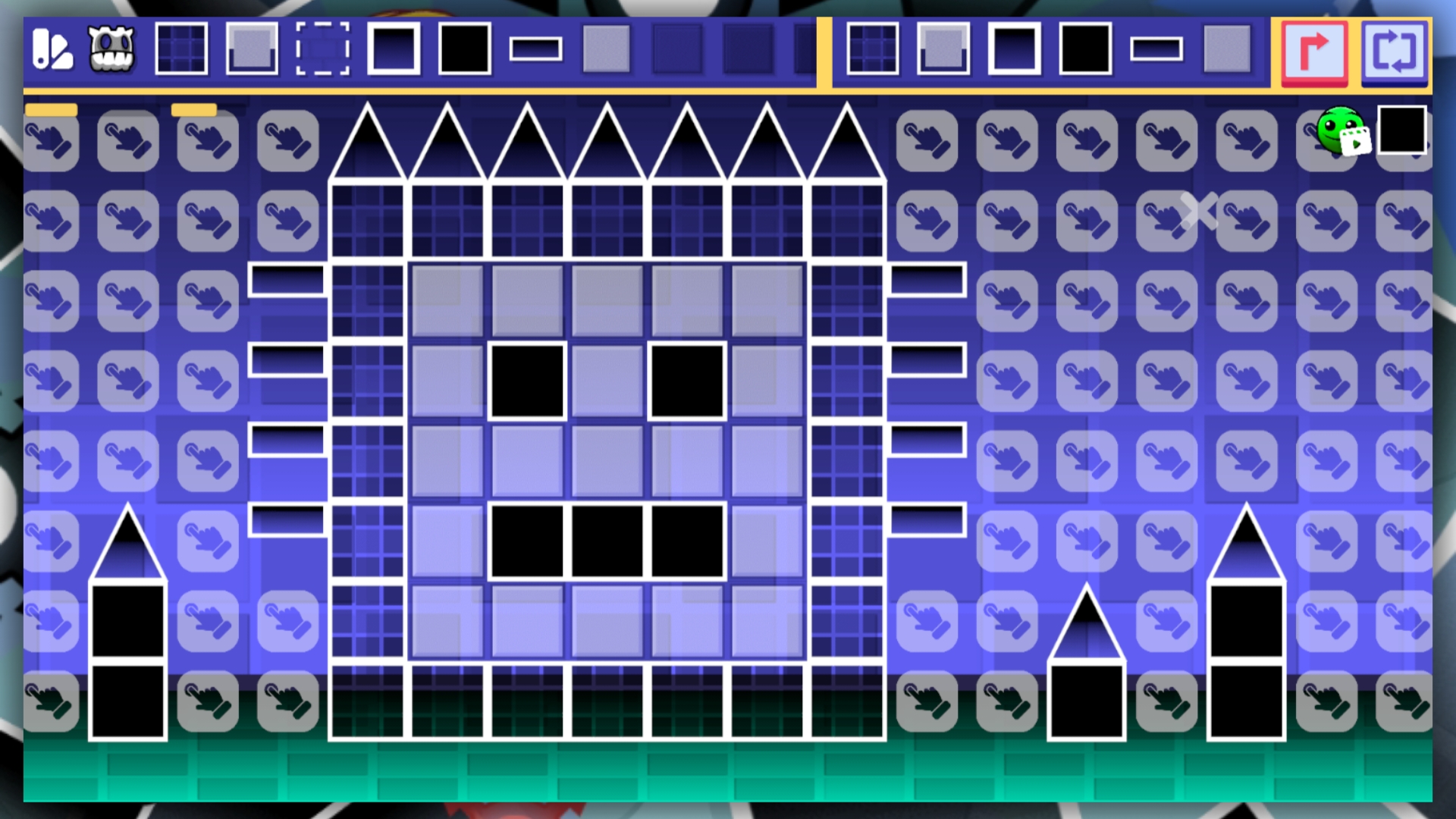
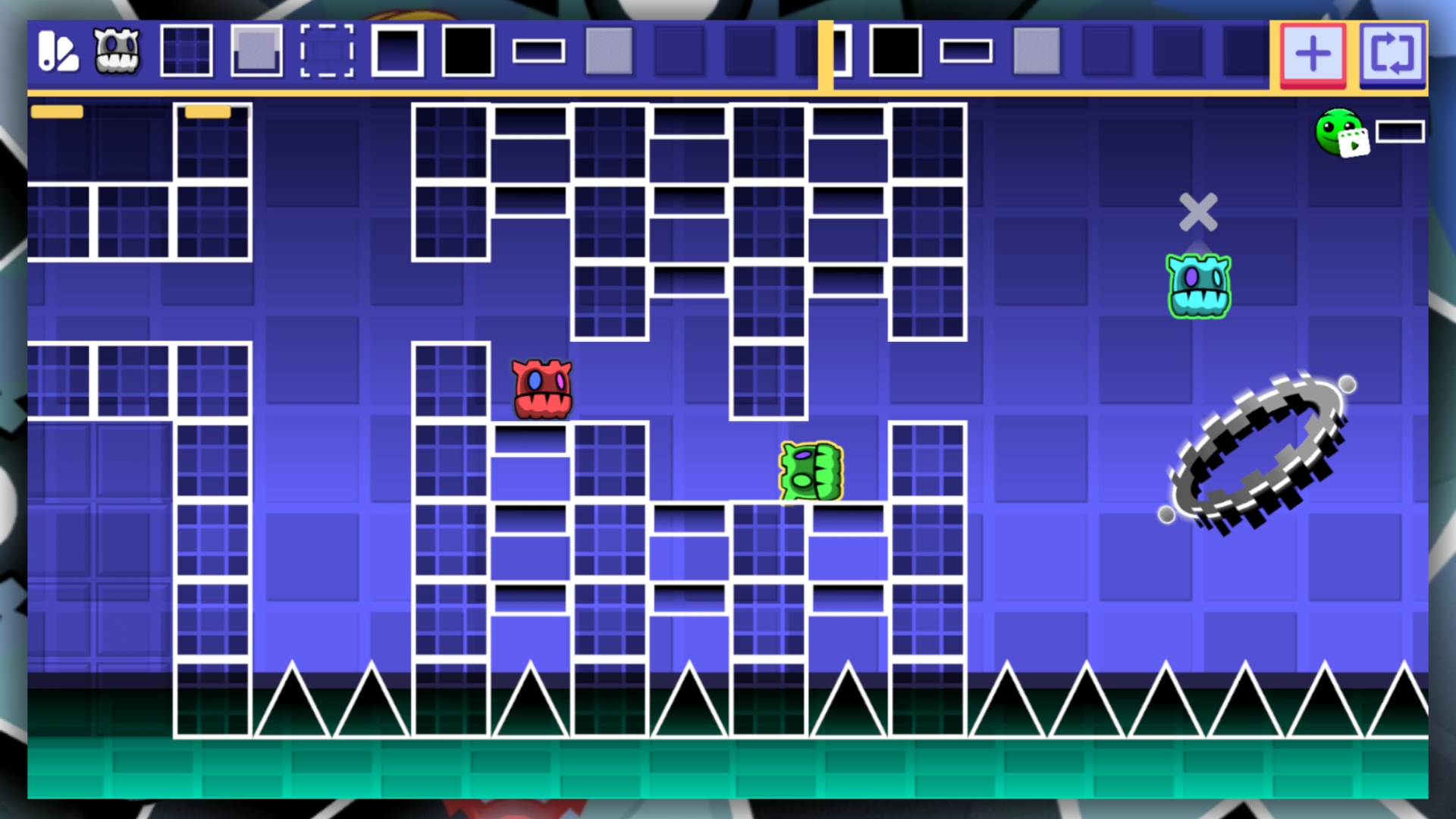
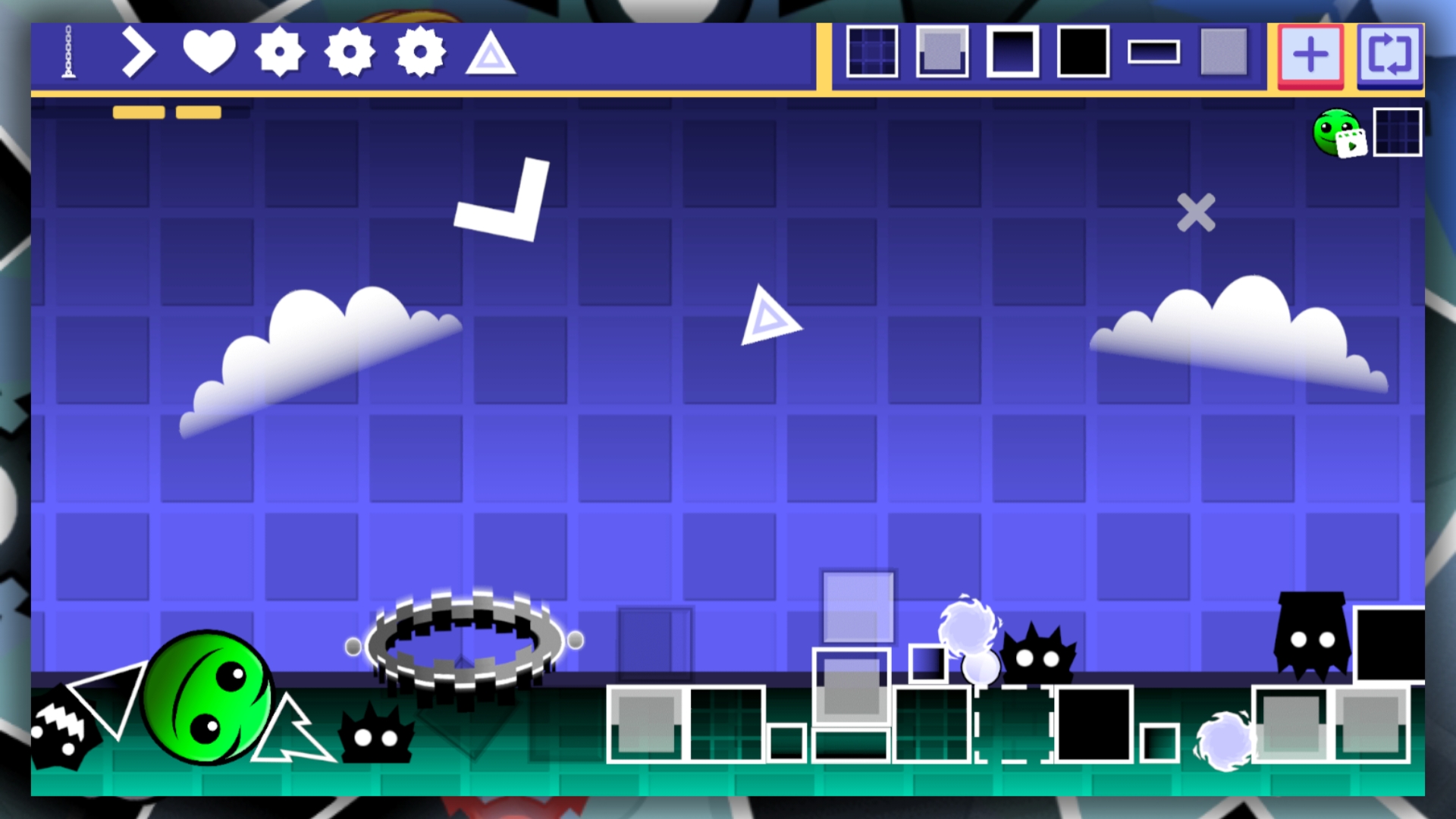
Build a variety of structures in the world of geometric Playground! The game offers a wide variety of blocks and traps that you can use to create the map of your dreams! Create various challenge maps and try to complete them without destroying your cube. The game has static and physical blocks that you can use to build a map. Try to take first place in the leaderboard and prove to everyone that you are the best map builder!

Videos and screenshots
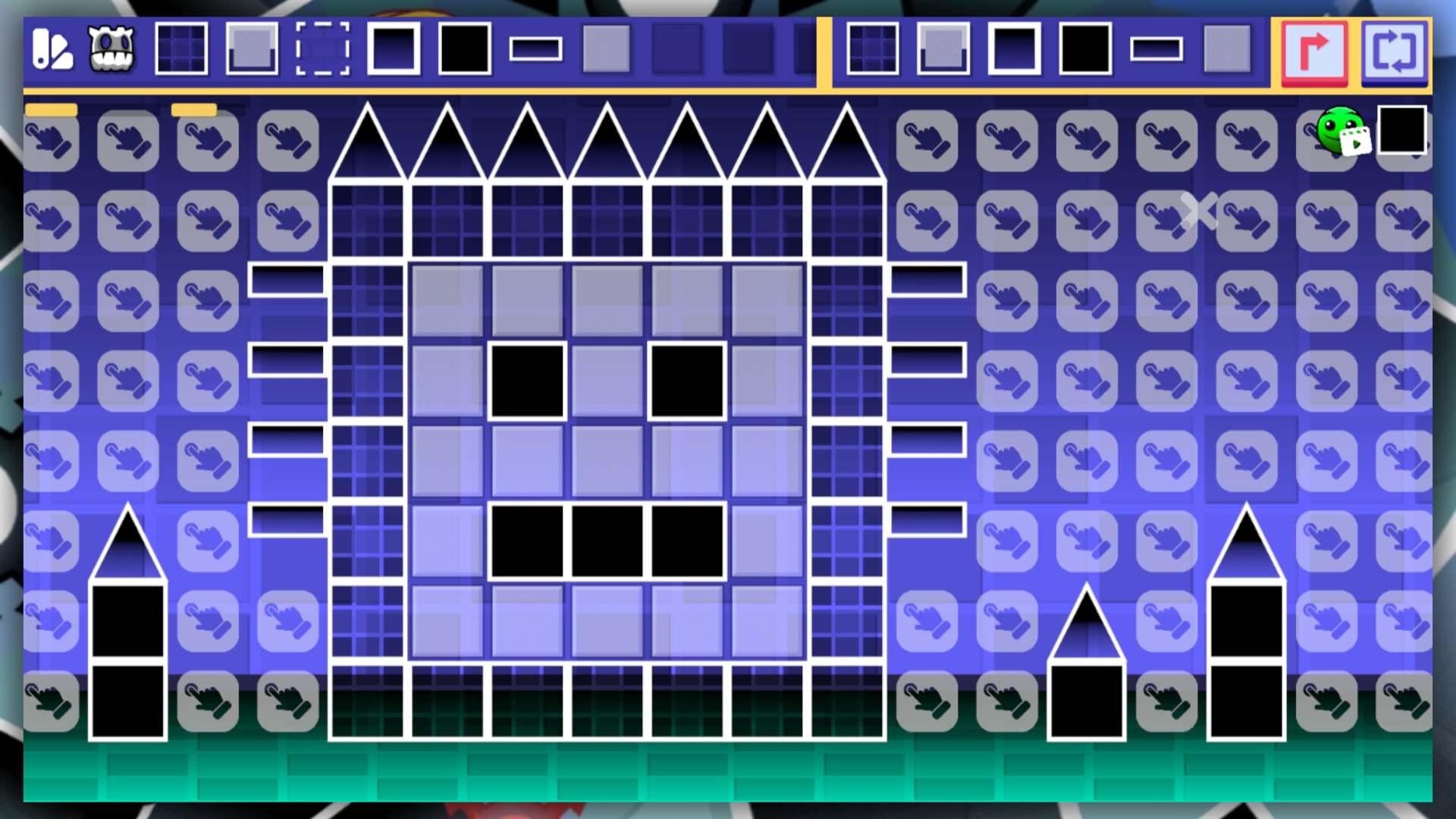
  • Geometry MOD 5: Create a Playground map! screenshot 1
  • Geometry MOD 5: Create a Playground map! screenshot 2
  • Geometry MOD 5: Create a Playground map! screenshot 3
  • Geometry MOD 5: Create a Playground map! screenshot 4
  • Geometry MOD 5: Create a Playground map! screenshot 5
  • Geometry MOD 5: Create a Playground map! screenshot 6
Play Now

14,448 players online

How to play

  1. Open the game

    Press Play now and the game opens on its own screen.

  2. Follow the in-game instructions

    The controls and goals are shown inside the game as you play.

  3. Use the game menu

    The floating button over the game reloads it, saves it to your favourites, or takes you back out.
Game instructions

First, select the block you want to place and click on it. This will open a grid where you can place blocks. The game also features physical objects that you can place, which will add more variety to your map. There is no save function in the game, so if you exit it, your progress will be lost forever. There are also various traps in the game that can destroy your cube. Moving physical objects is very simple: just hold them down and move them around the playing field!

More games

More games