Skip to content
KG
BMW City Checkers

BMW City Checkers

146K plays 3.6 out of 5

Overview

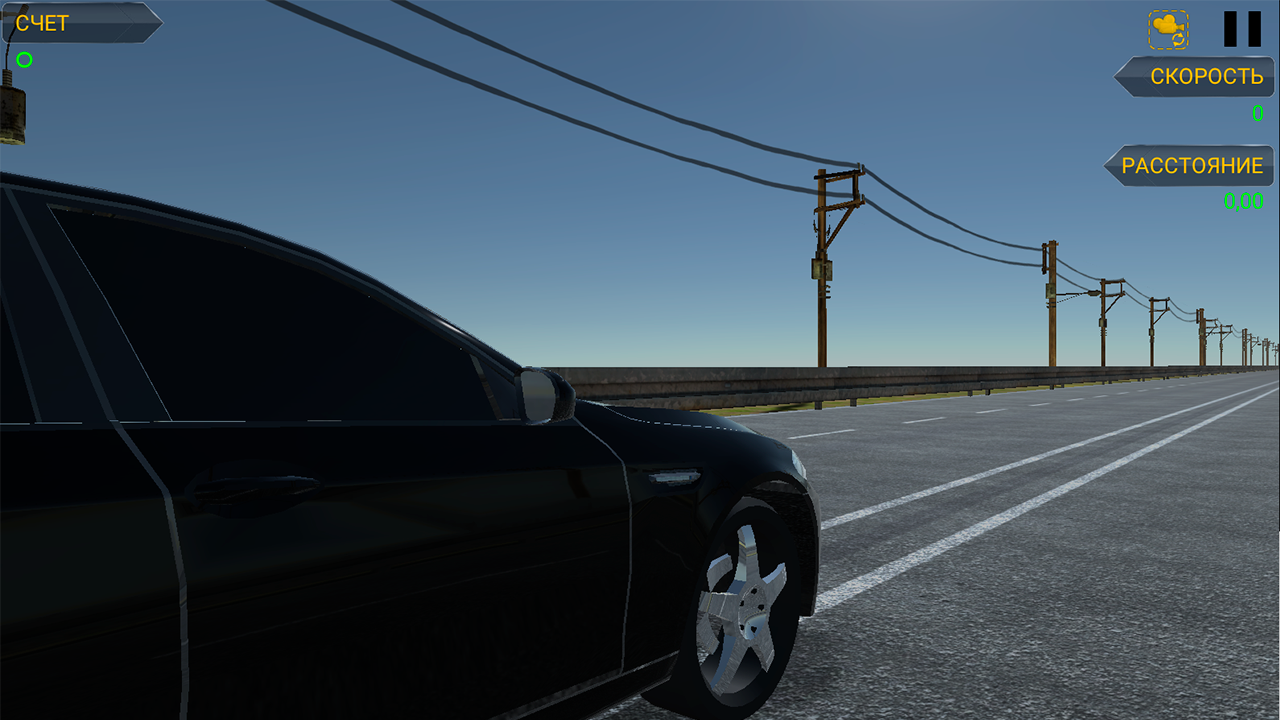
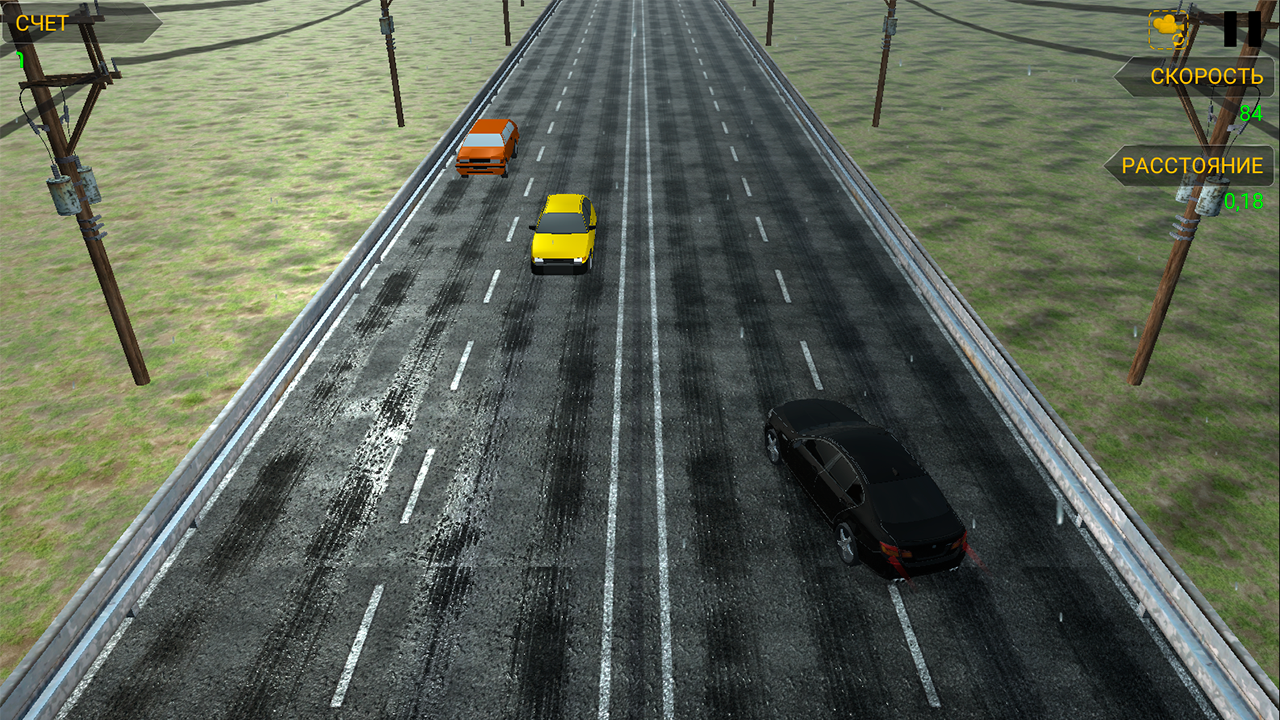
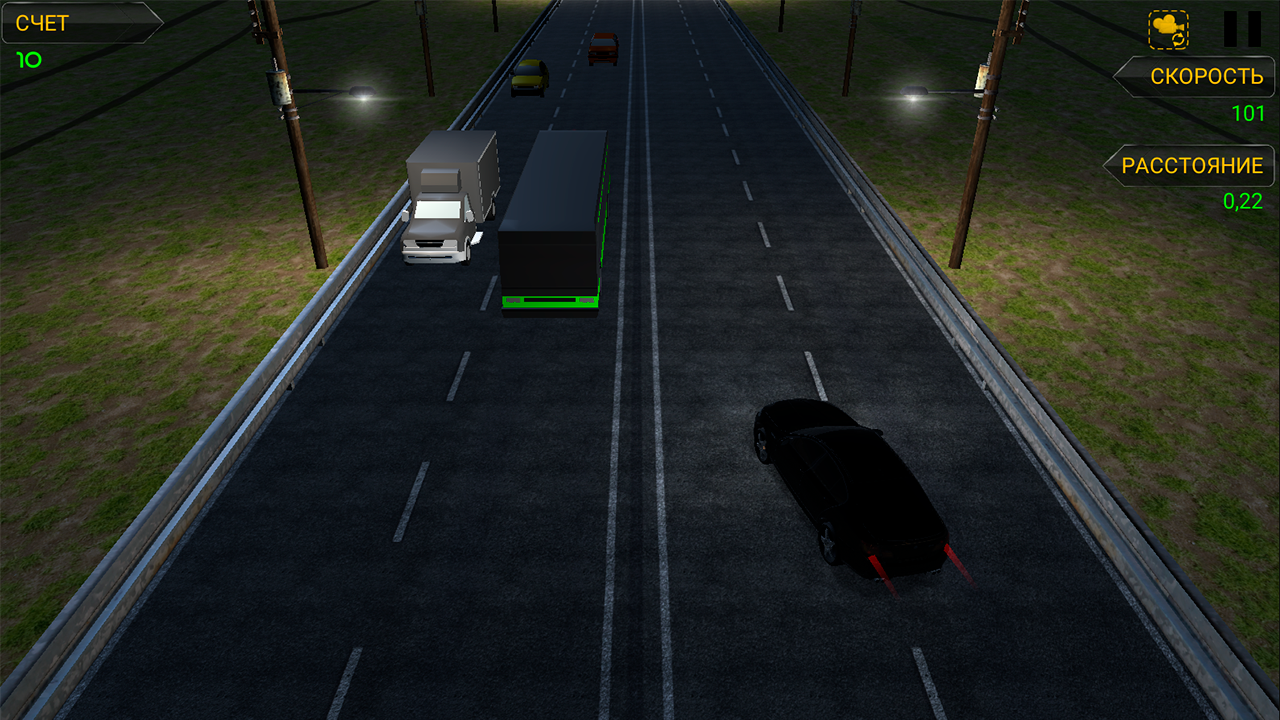
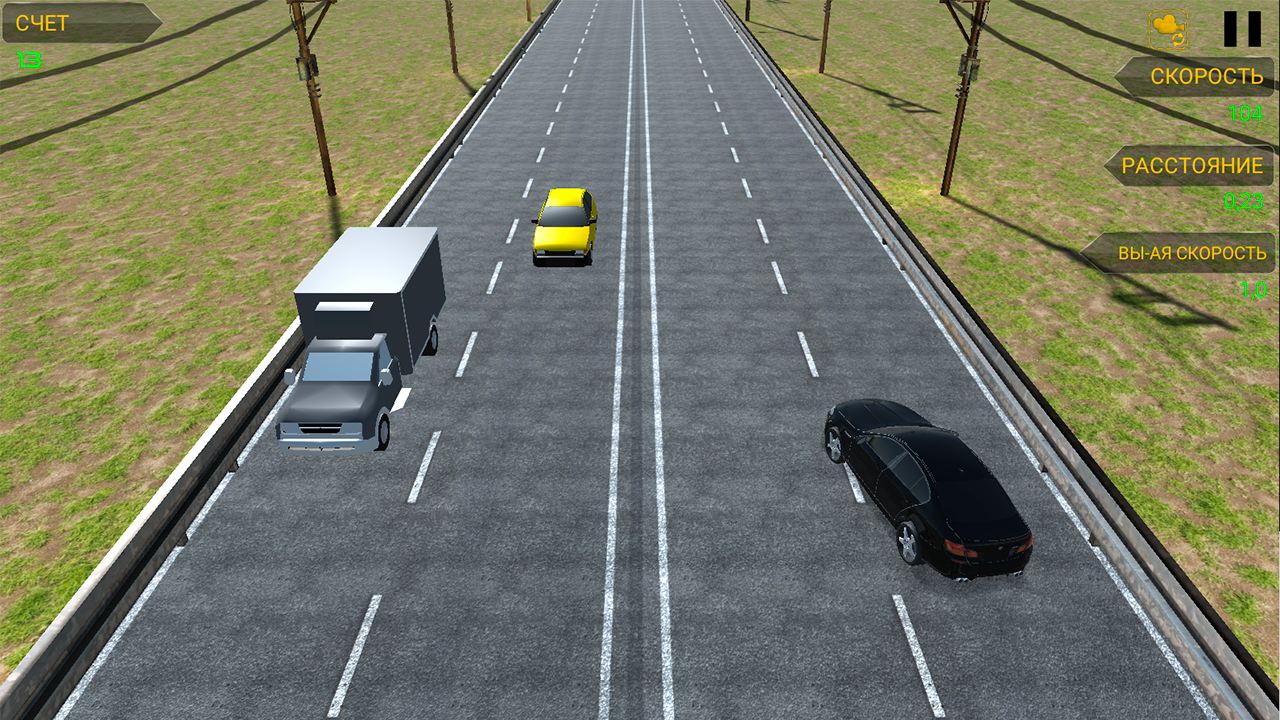
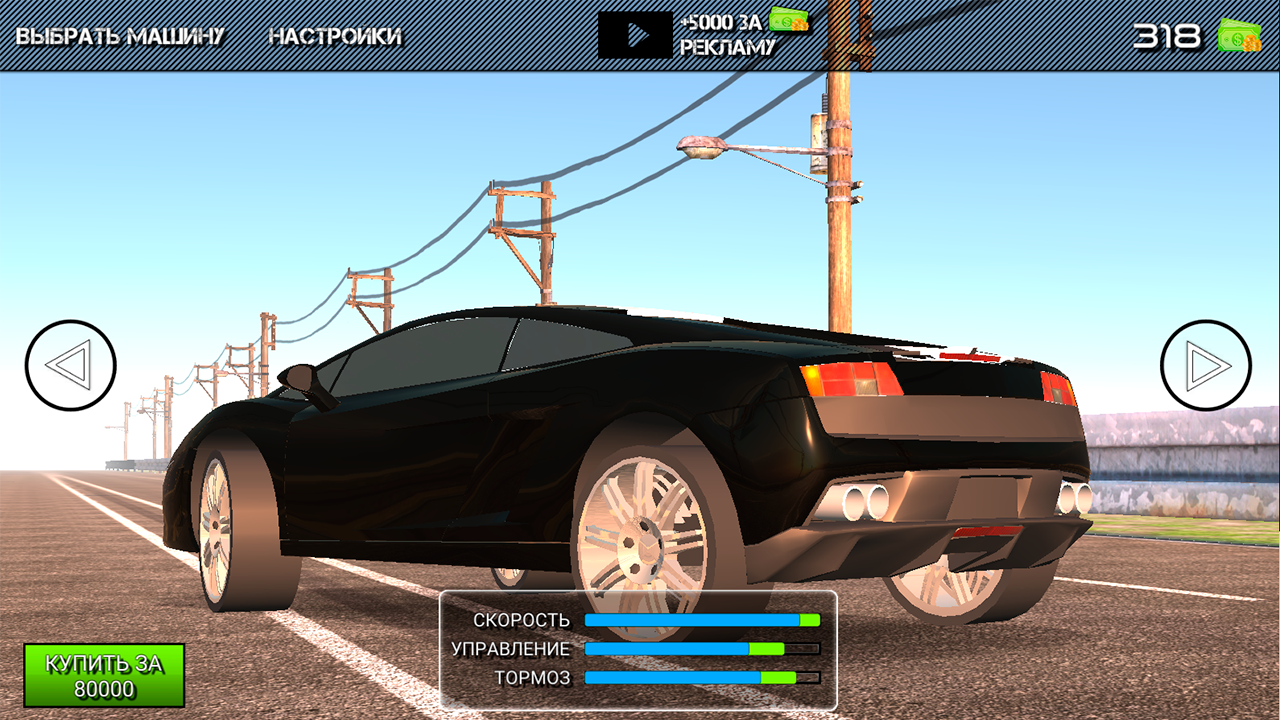
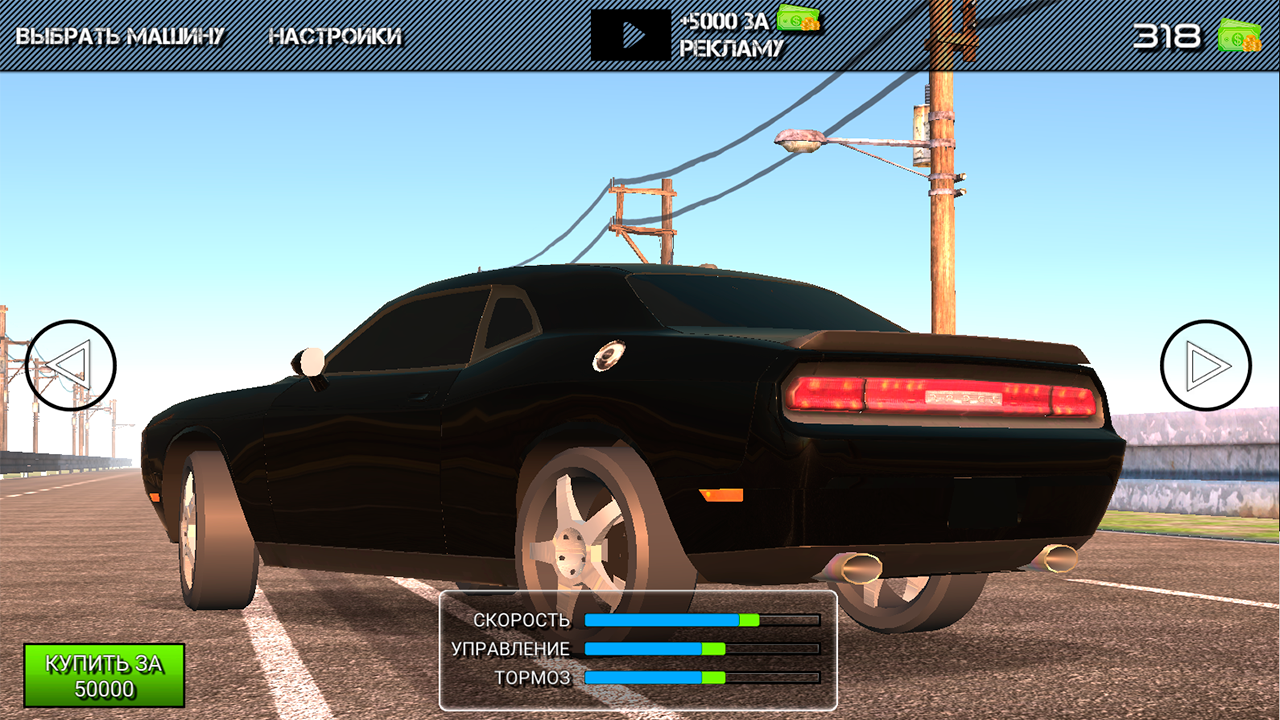
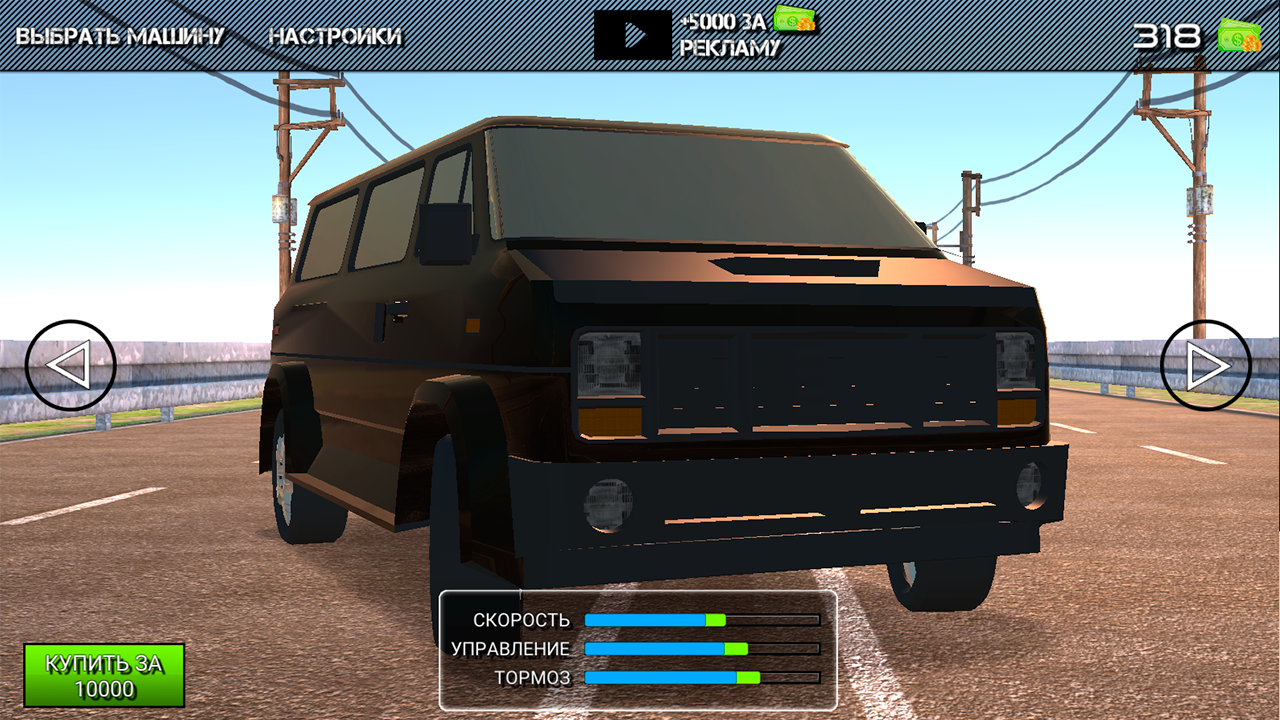
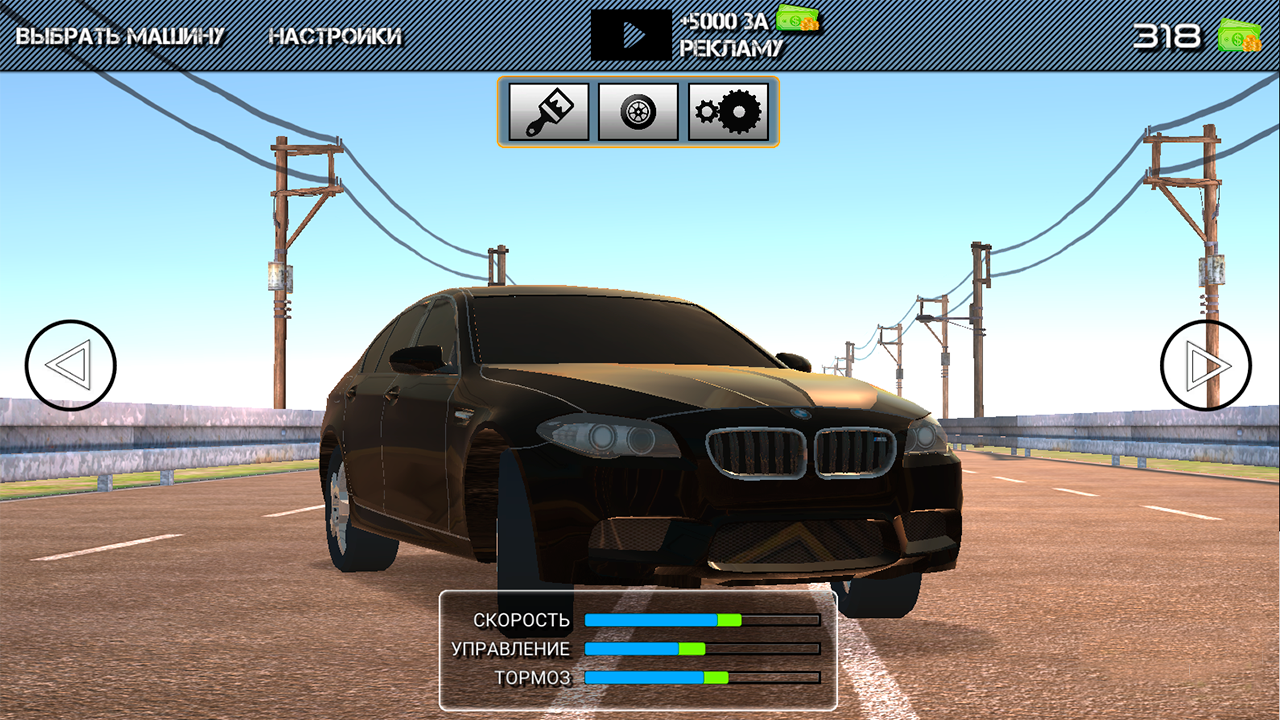
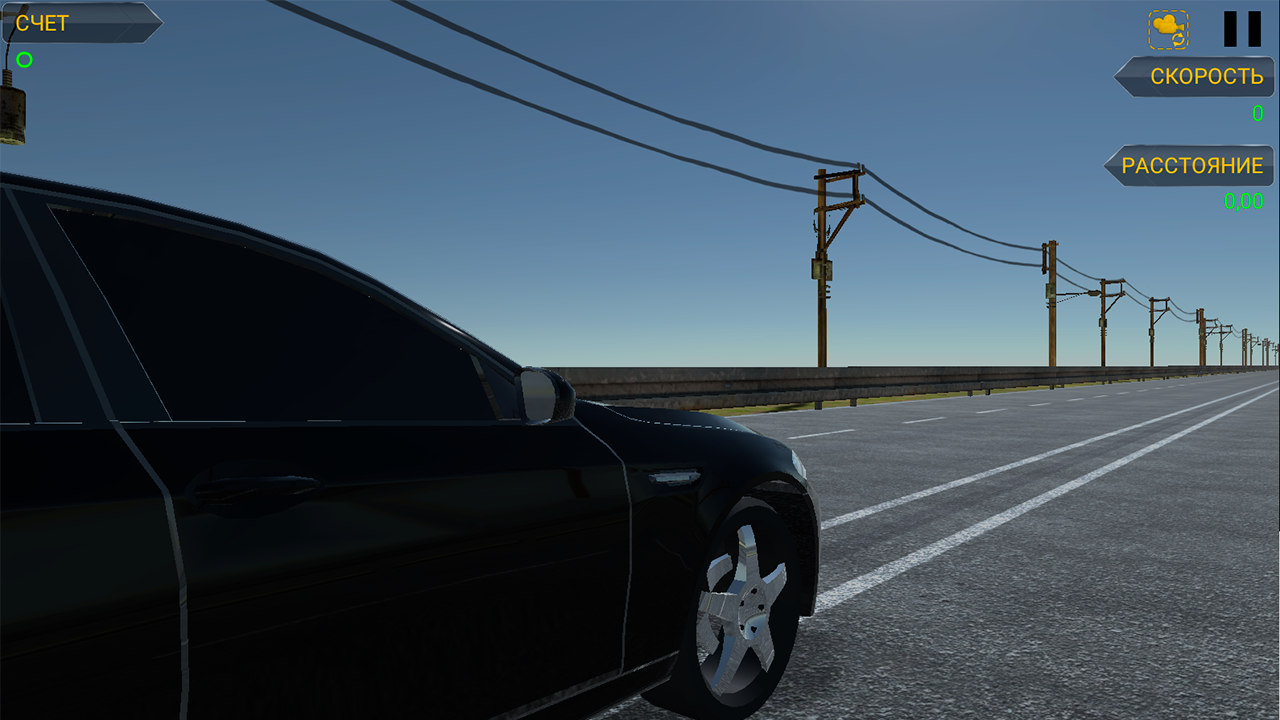
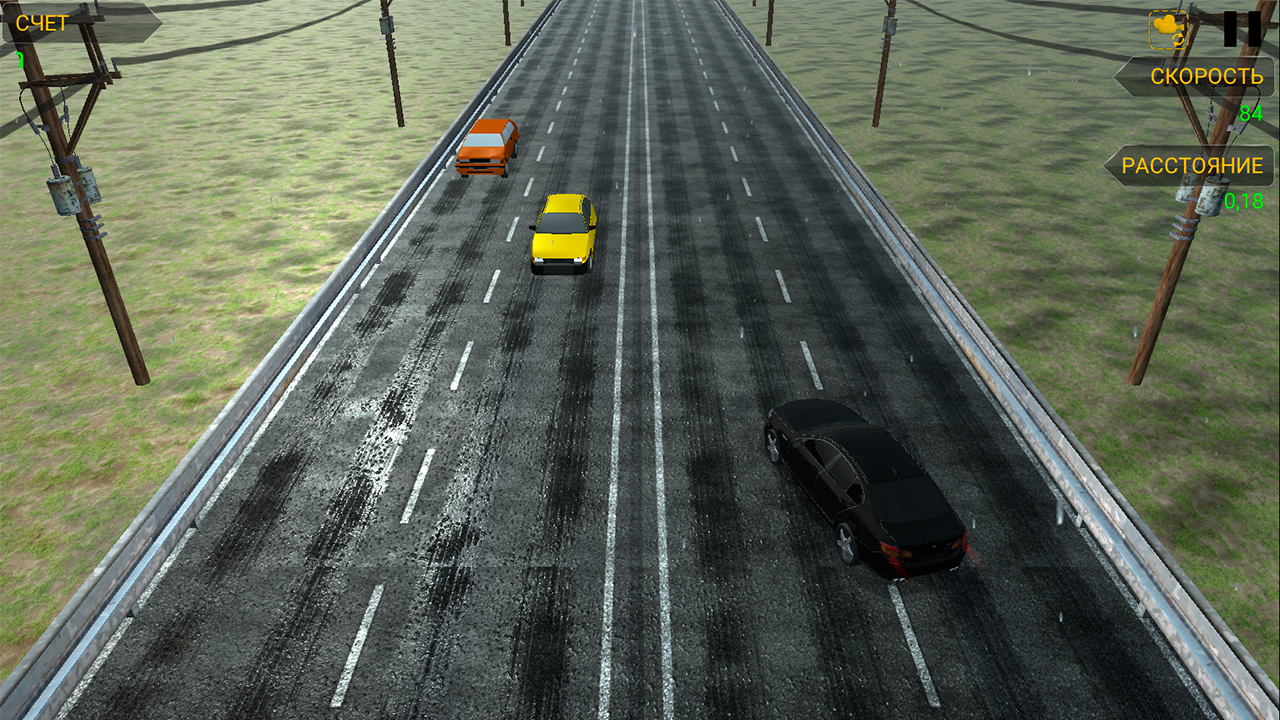
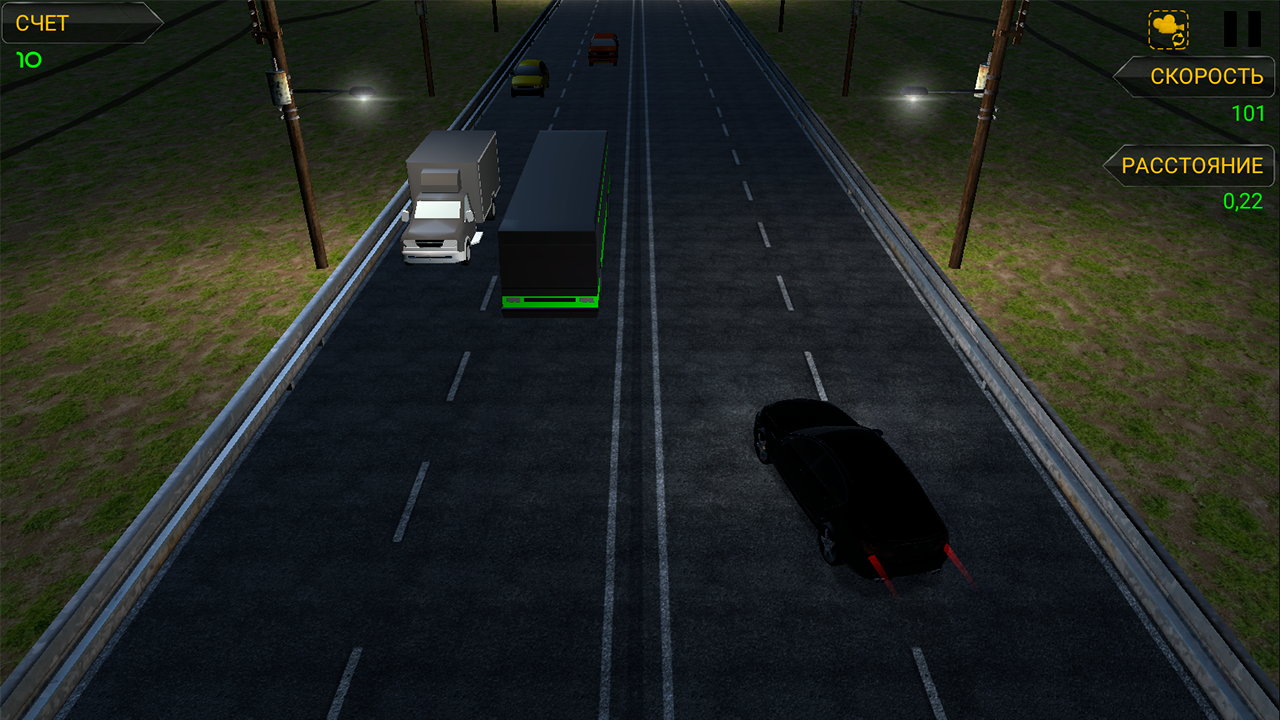
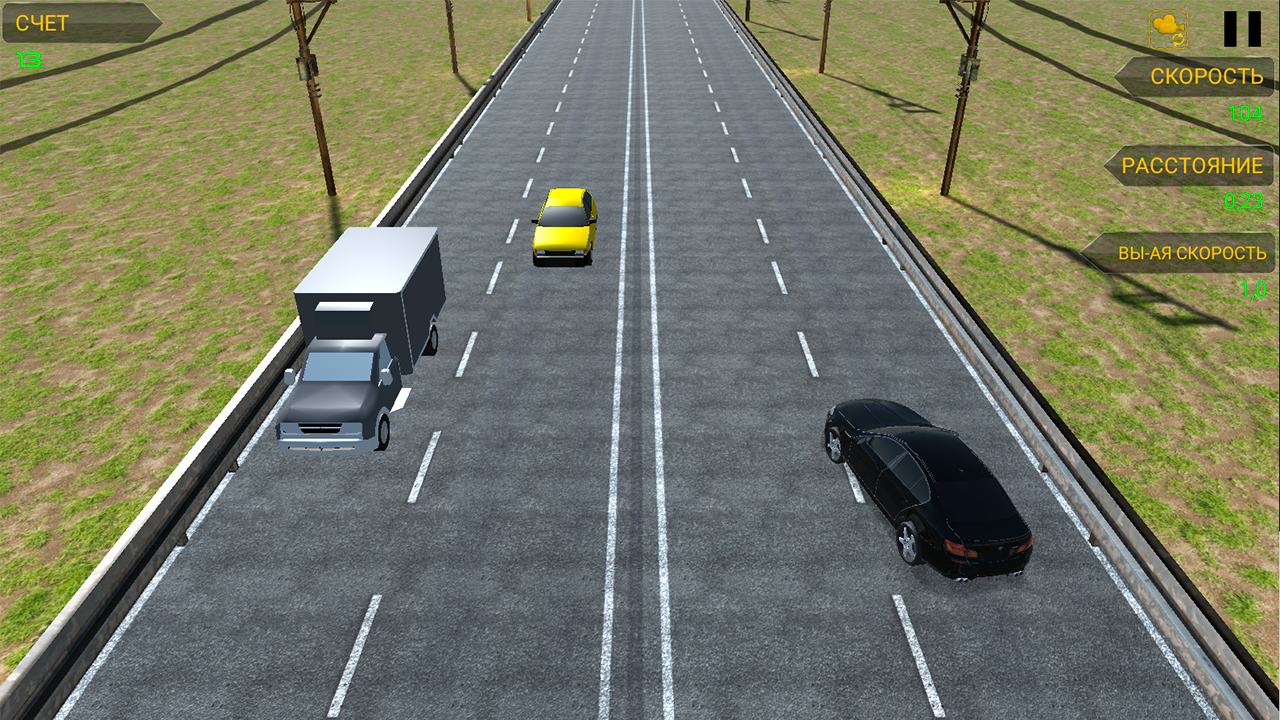
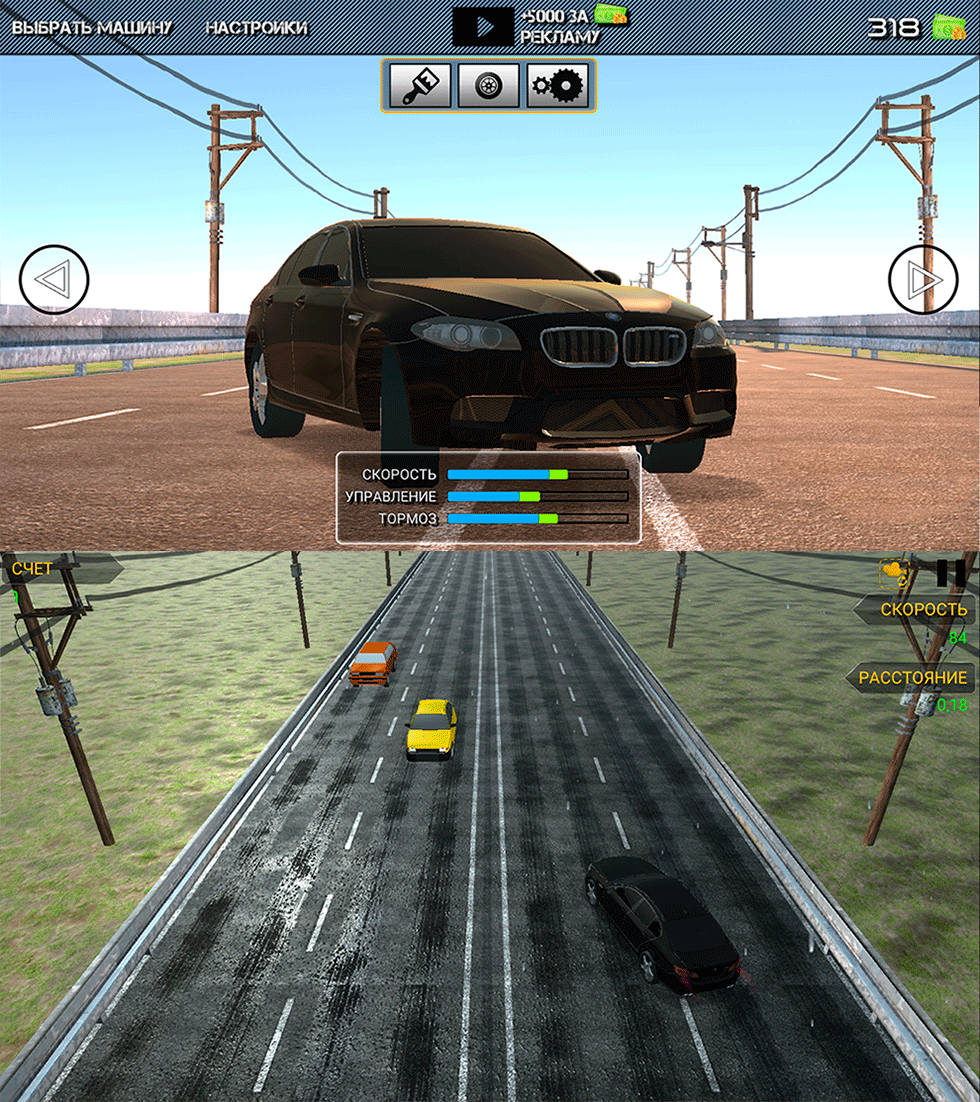
Drive on the highway, upgrade your car and buy new ones. Go ahead and take a leading position. Take a fresh look at endless racing! KEY FEATURES - Stunning 3D graphics - Smooth realistic controls - Different cars to choose from - Multiple game modes - Basic customization, including painting and wheels GAMEPLAY - Control tilt and touch - Tap the gas button to accelerate - Tap the brake button to slow down HINTS - The faster you drive, the more points you get - You can earn extra points and cash for dangerous overtaking at speeds over 100 km/h. - Steer in the opposite lane in two-way traffic mode and get extra points

Videos and screenshots
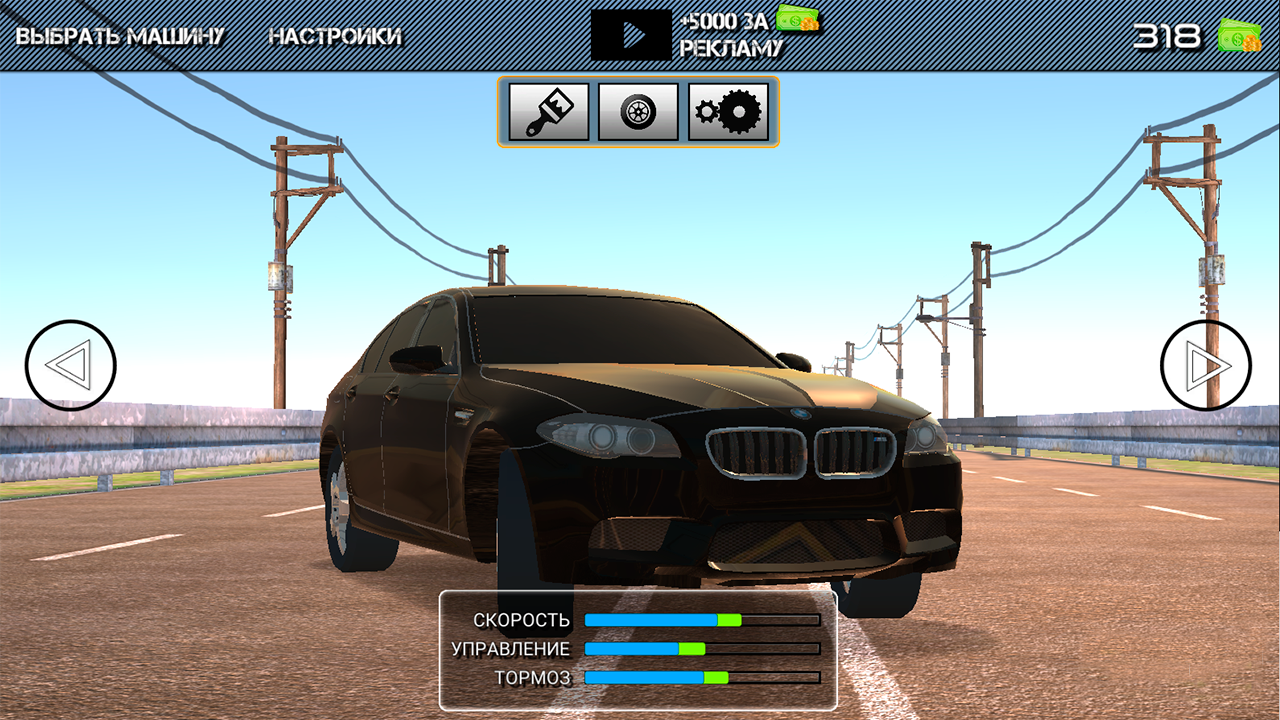
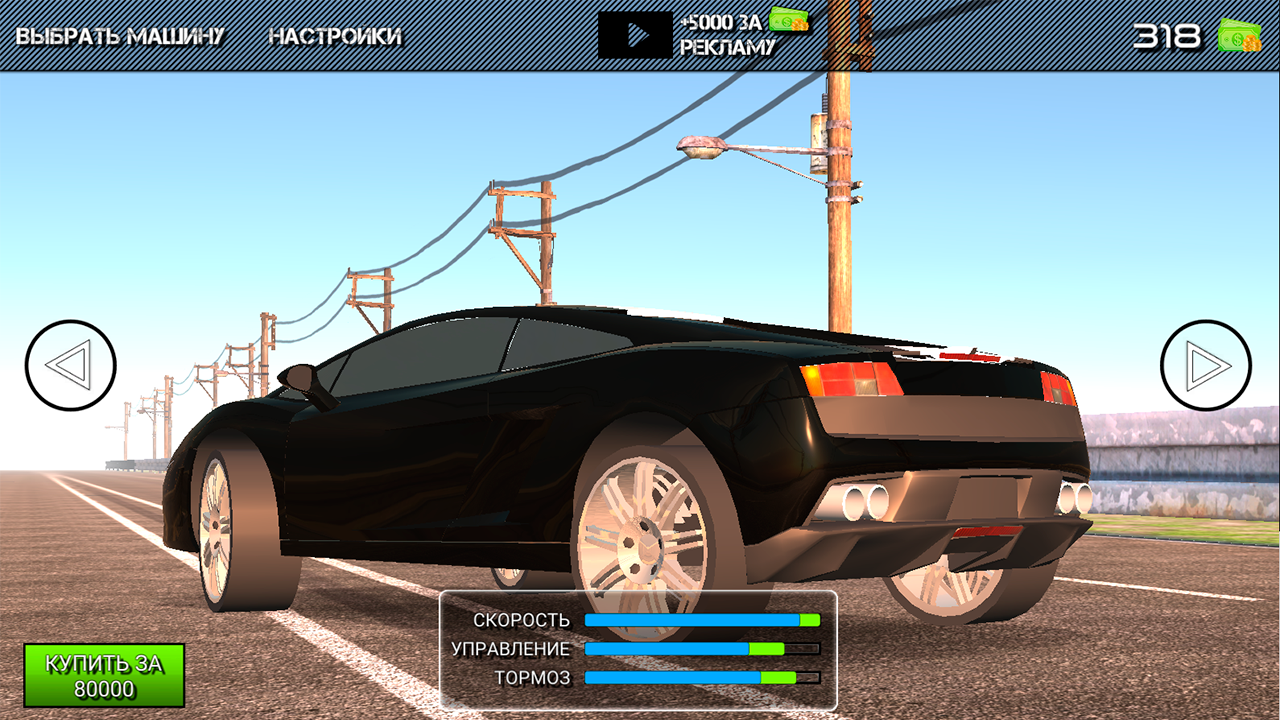
  • BMW City Checkers screenshot 1
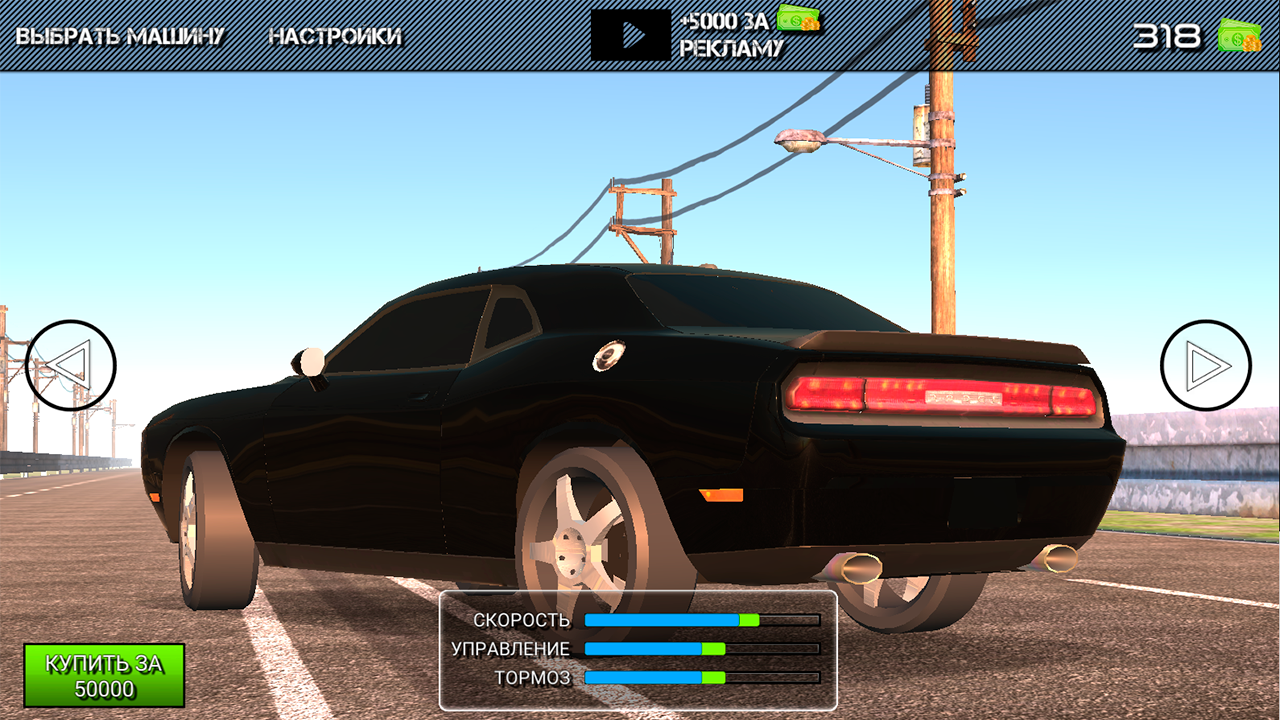
  • BMW City Checkers screenshot 2
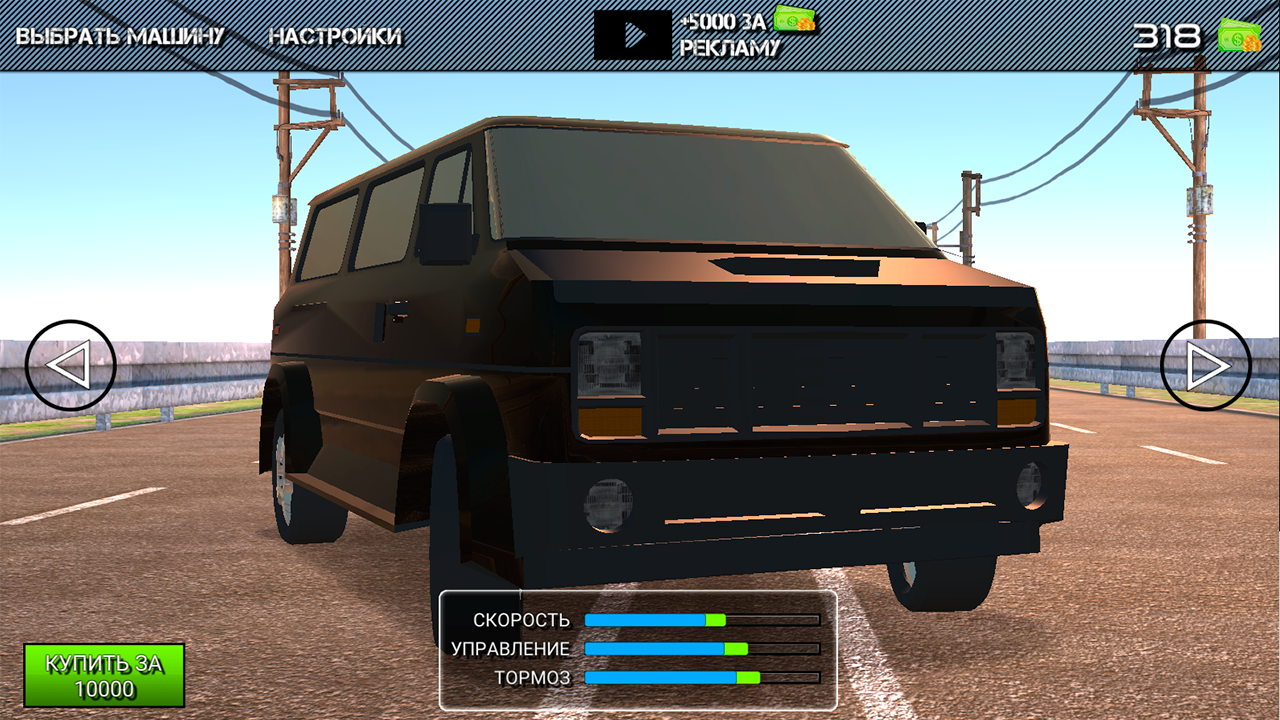
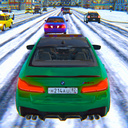
  • BMW City Checkers screenshot 3
  • BMW City Checkers screenshot 4
  • BMW City Checkers screenshot 5
  • BMW City Checkers screenshot 6
  • BMW City Checkers screenshot 7
  • BMW City Checkers screenshot 8
  • BMW City Checkers screenshot 9
  • BMW City Checkers screenshot 10
  • BMW City Checkers screenshot 11
  • BMW City Checkers screenshot 12
  • BMW City Checkers screenshot 13
  • BMW City Checkers screenshot 14
  • BMW City Checkers screenshot 15
  • BMW City Checkers screenshot 16
  • BMW City Checkers screenshot 17
  • BMW City Checkers screenshot 18
  • BMW City Checkers screenshot 19
  • BMW City Checkers screenshot 20
  • BMW City Checkers screenshot 21
  • BMW City Checkers screenshot 22
  • BMW City Checkers screenshot 23
  • BMW City Checkers screenshot 24
  • BMW City Checkers screenshot 25
  • BMW City Checkers screenshot 26
  • BMW City Checkers screenshot 27
  • BMW City Checkers screenshot 28
  • BMW City Checkers screenshot 29
  • BMW City Checkers screenshot 30
  • BMW City Checkers screenshot 31
  • BMW City Checkers screenshot 32
  • BMW City Checkers screenshot 33
Play Now

11,384 players online

How to play

  1. Open the game

    Press Play now and the game opens on its own screen.

  2. Follow the in-game instructions

    The controls and goals are shown inside the game as you play.

  3. Use the game menu

    The floating button over the game reloads it, saves it to your favourites, or takes you back out.

Game instructions

1. Select a car. 2. Click on the "Play" button. 3. Select the mode. PC control: WASD - auto control, space bar - brake, Q - left turn signal, E - right turn signal, Z - both turn signals, F - nitro, left Shift - gear shift up, left Ctrl - gear shift down, i - turn off/turn on the engine, L - high beam, G - signal, C - camera change.

More games

More games