Skip to content
KG
Vehicle Crash Test

Vehicle Crash Test

6K plays 4.1 out of 5

Overview

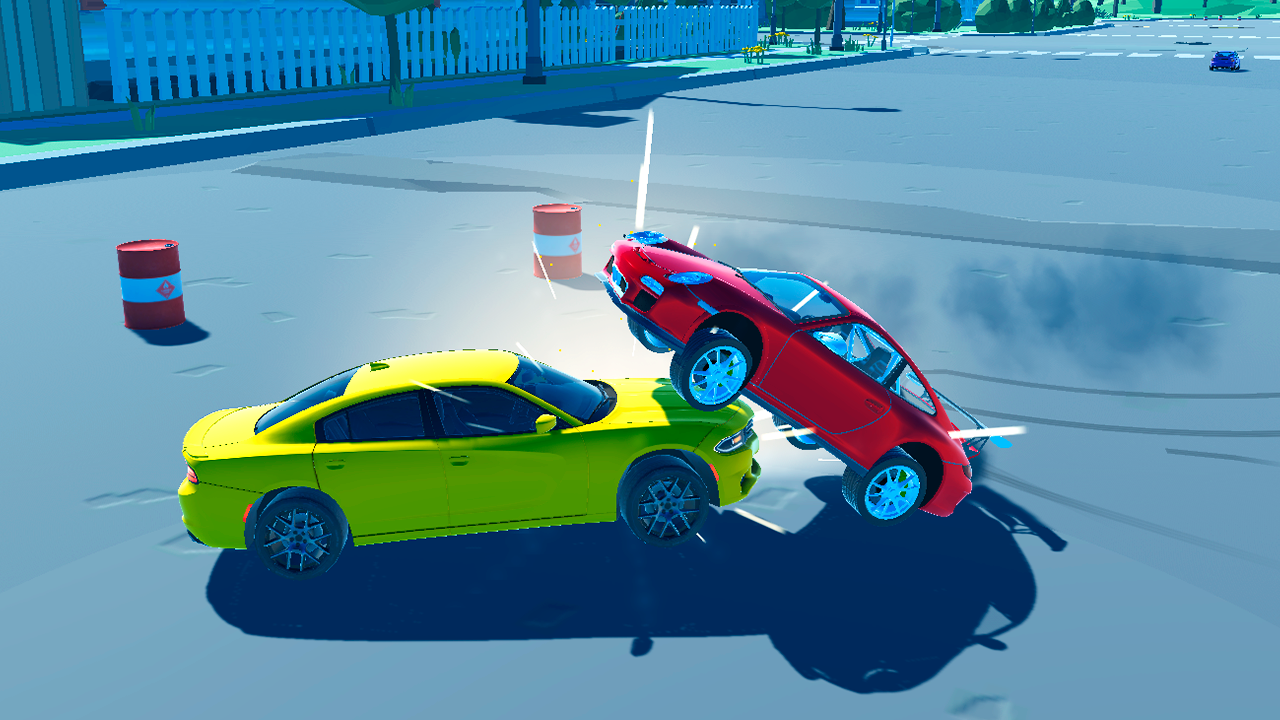
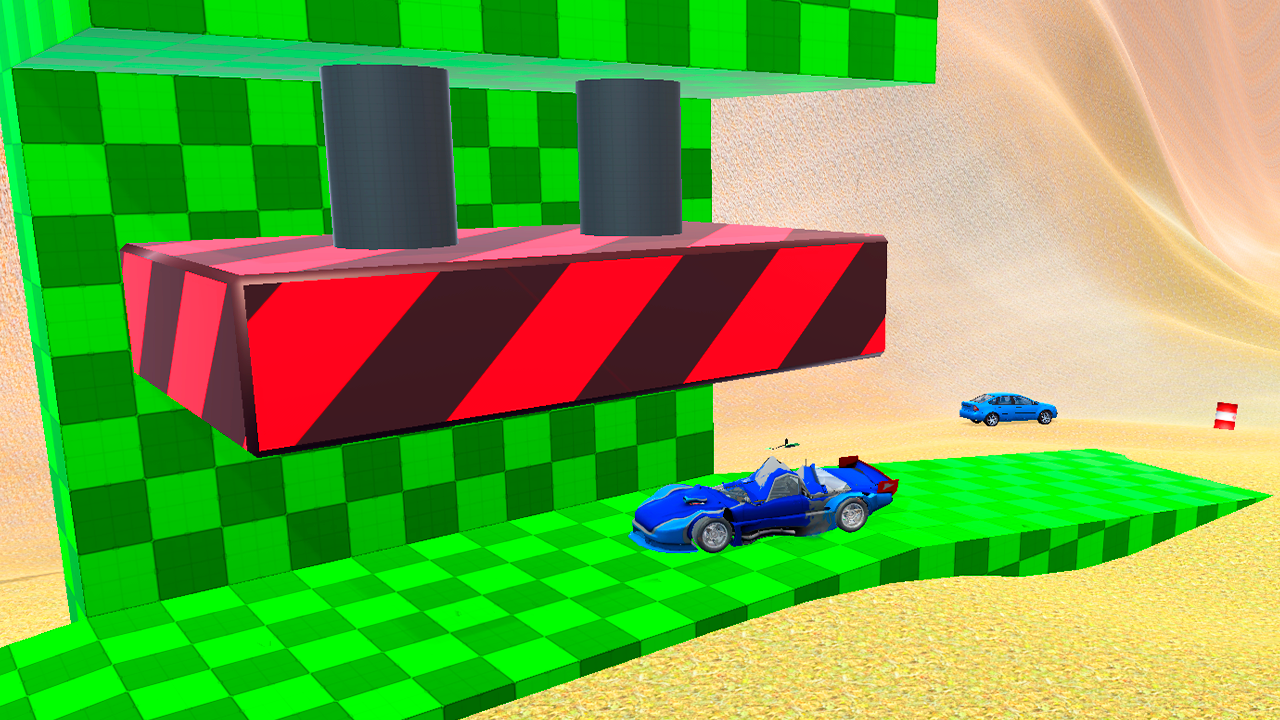
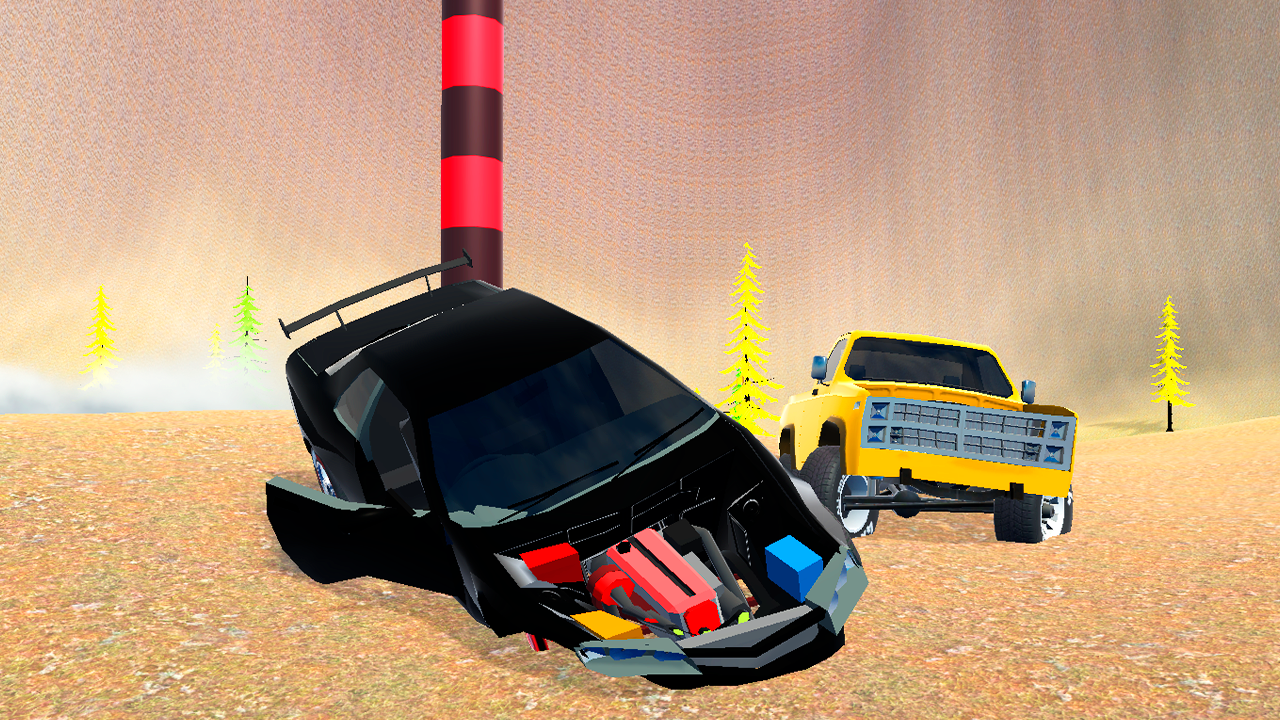
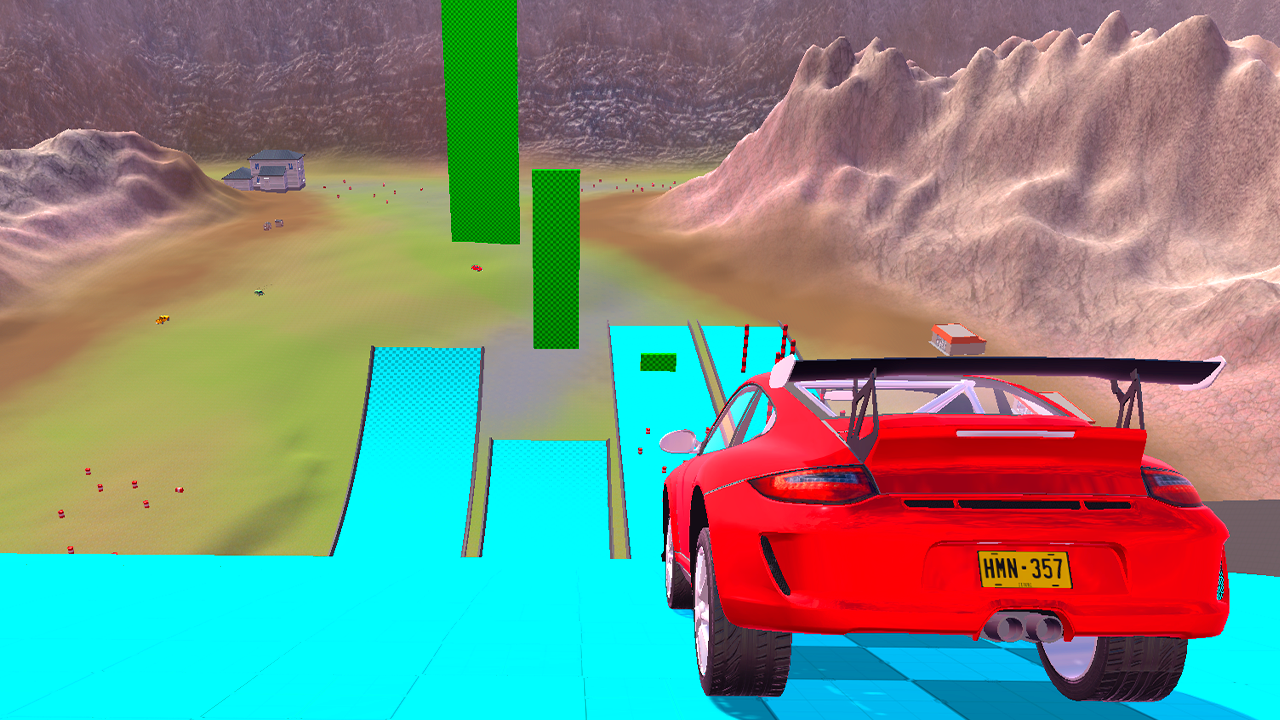
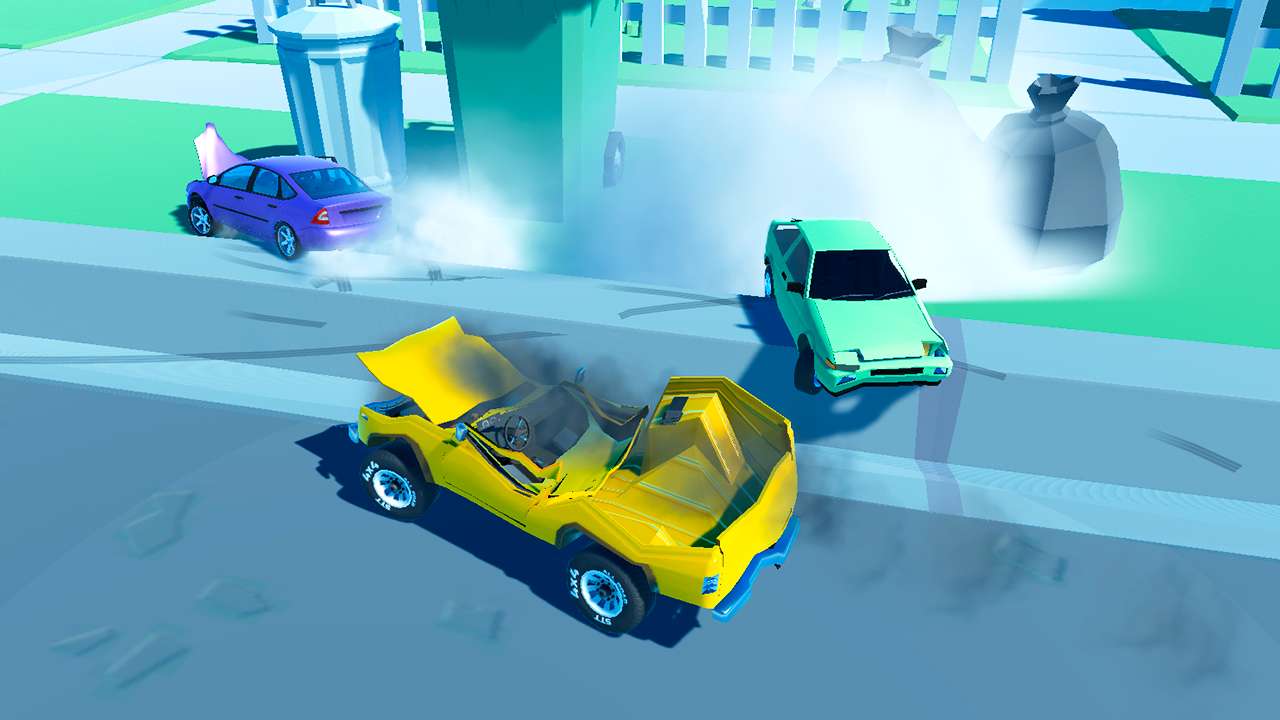
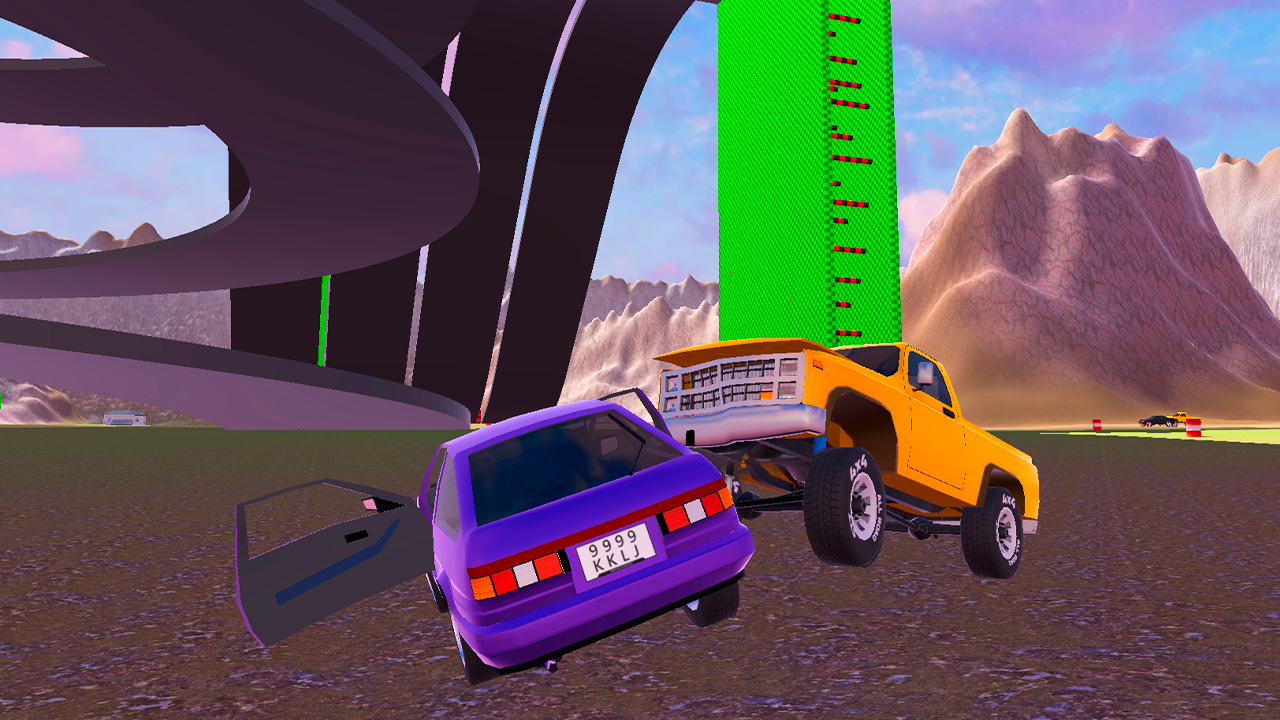
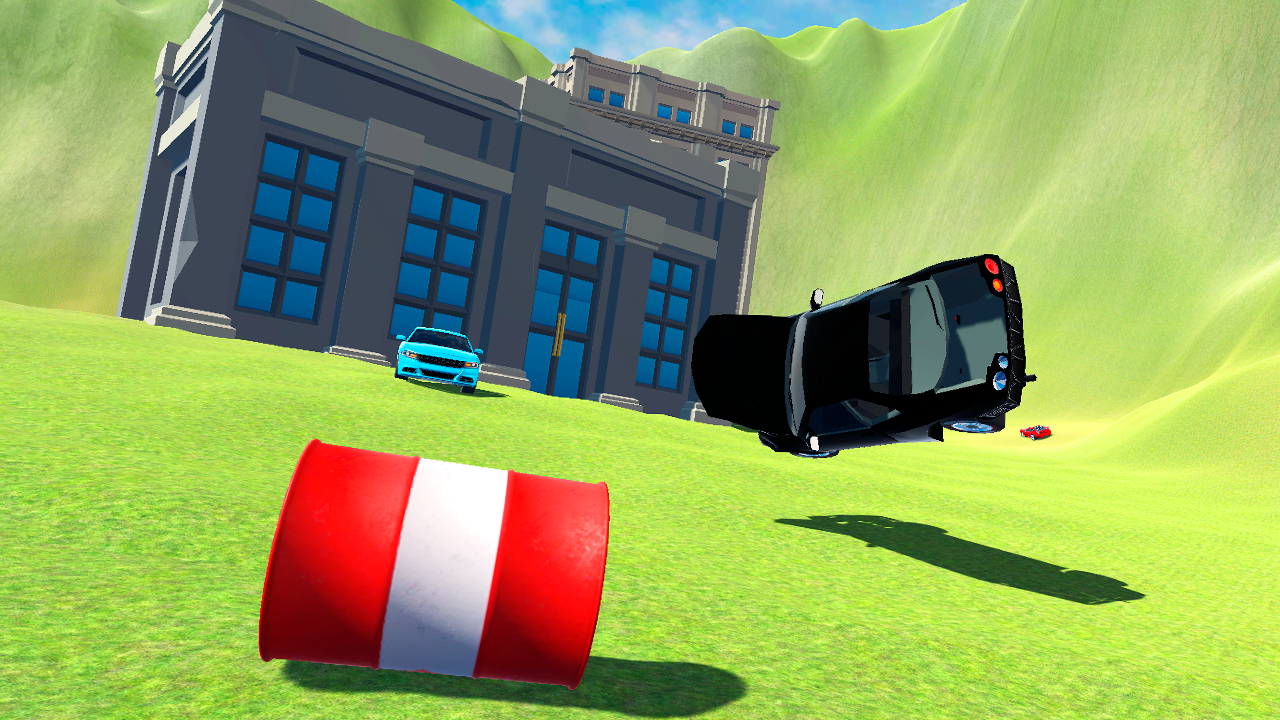
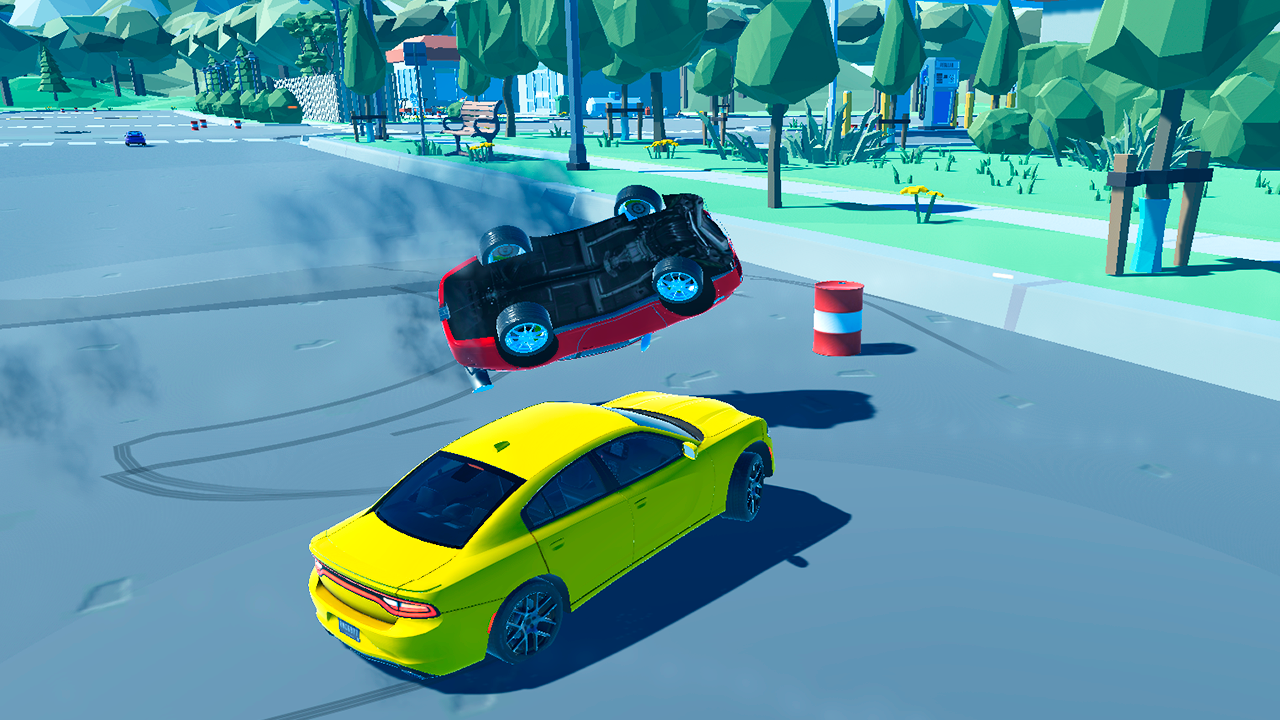
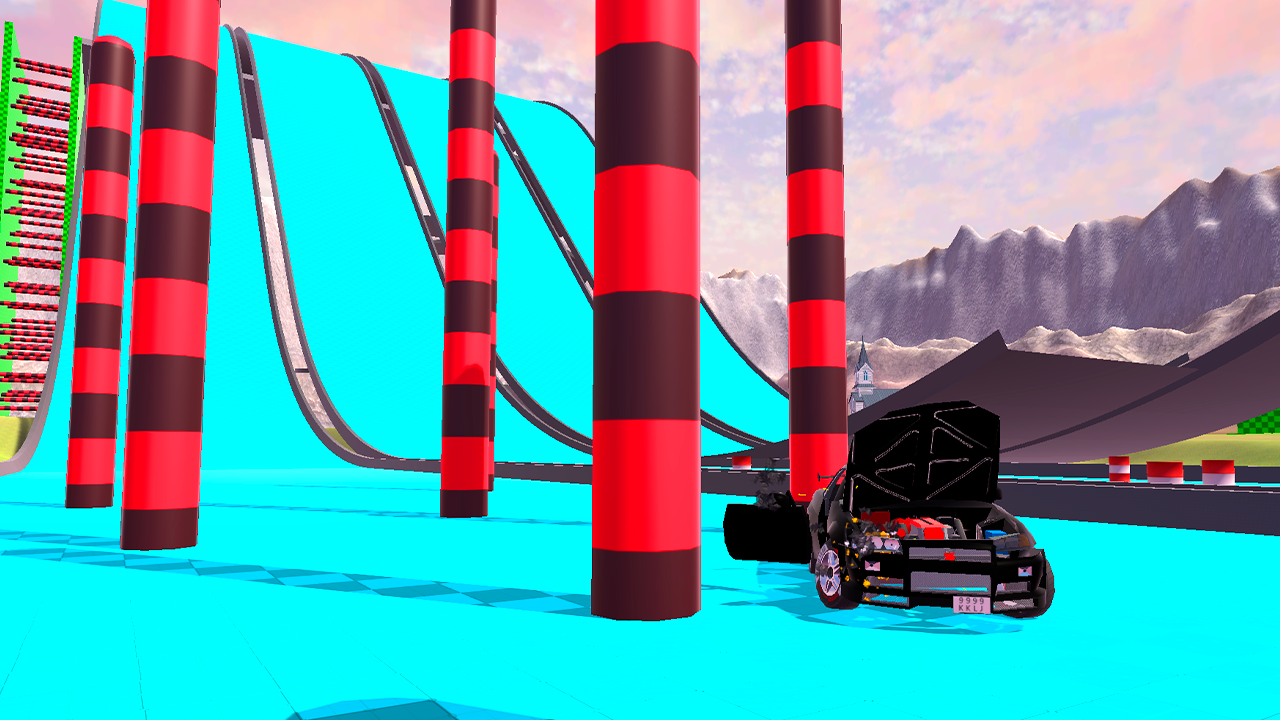
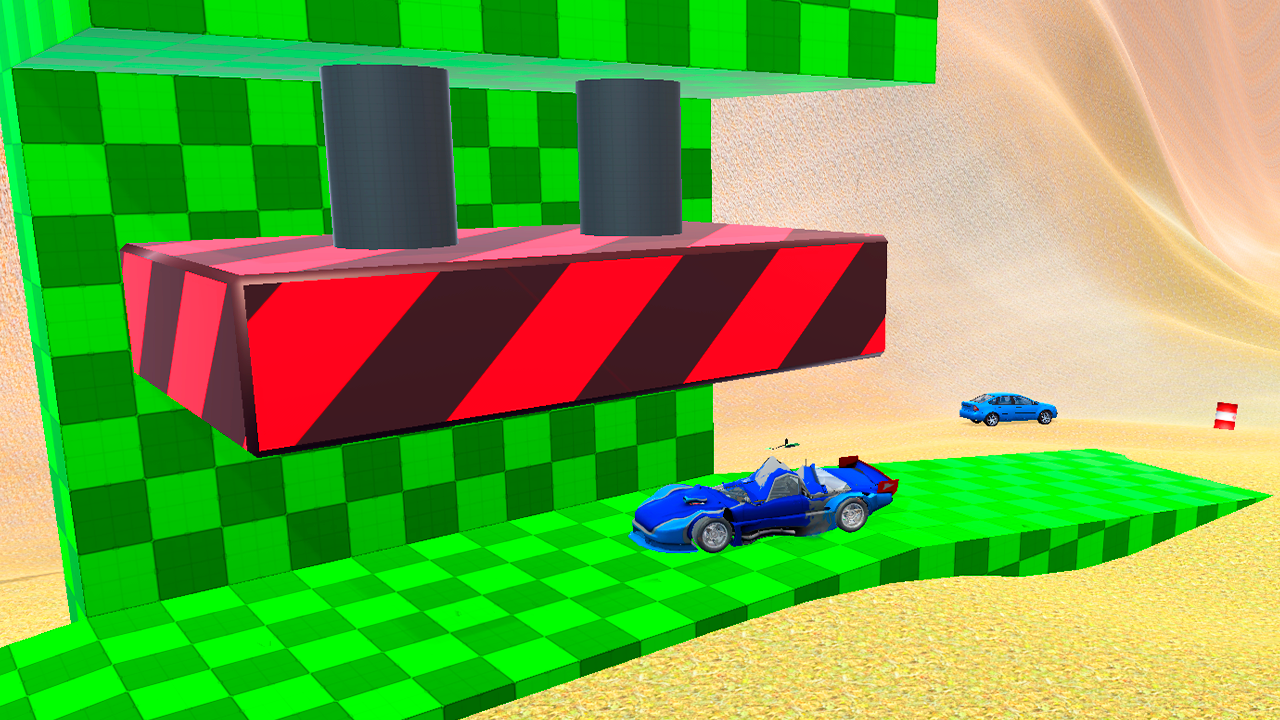
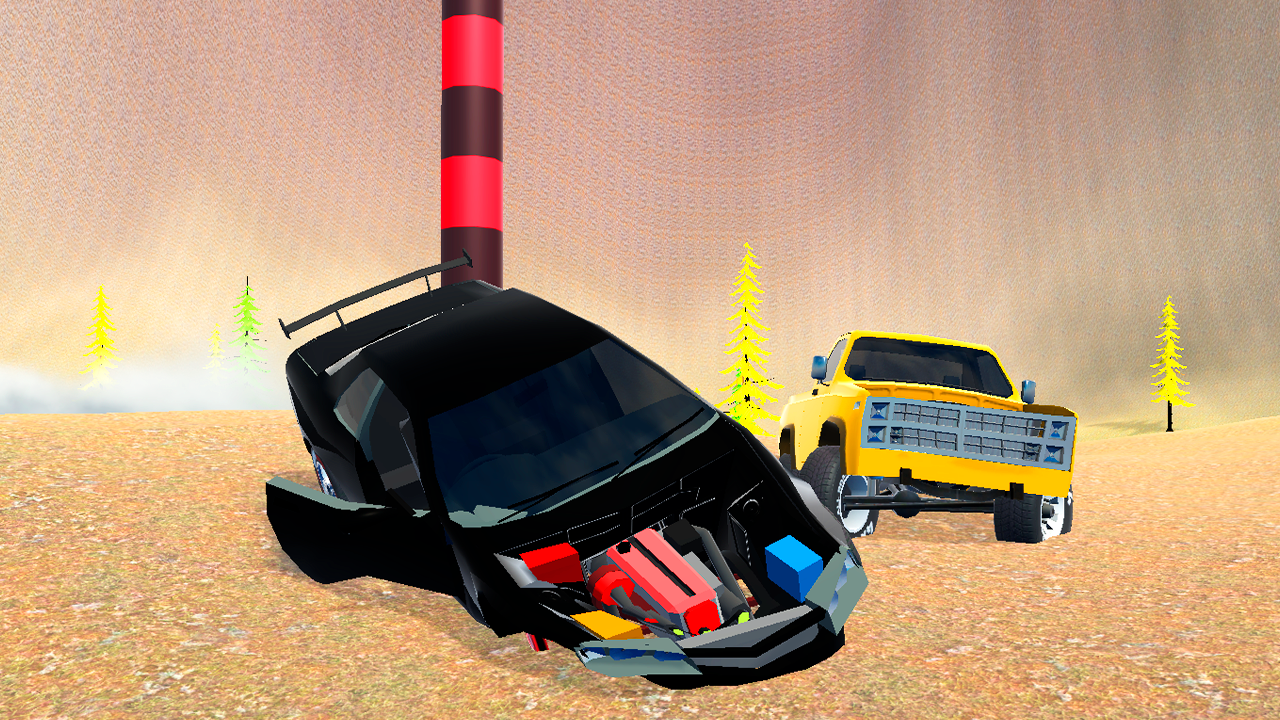
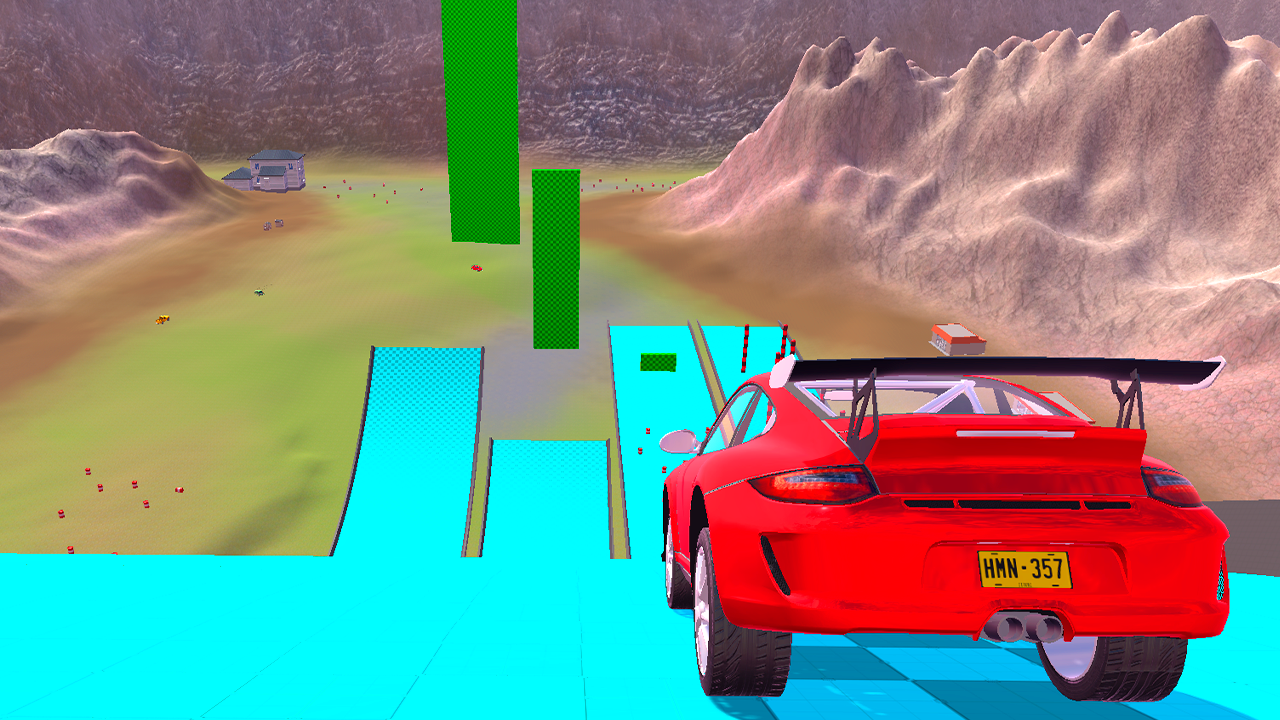
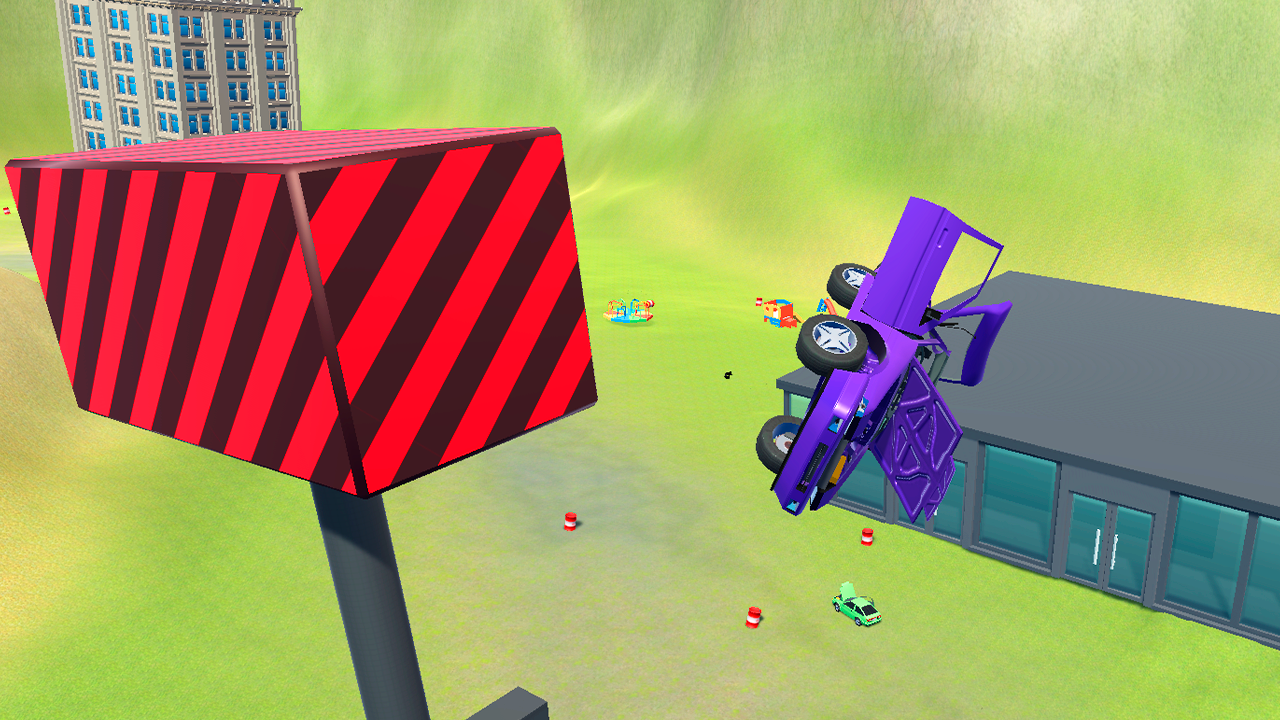
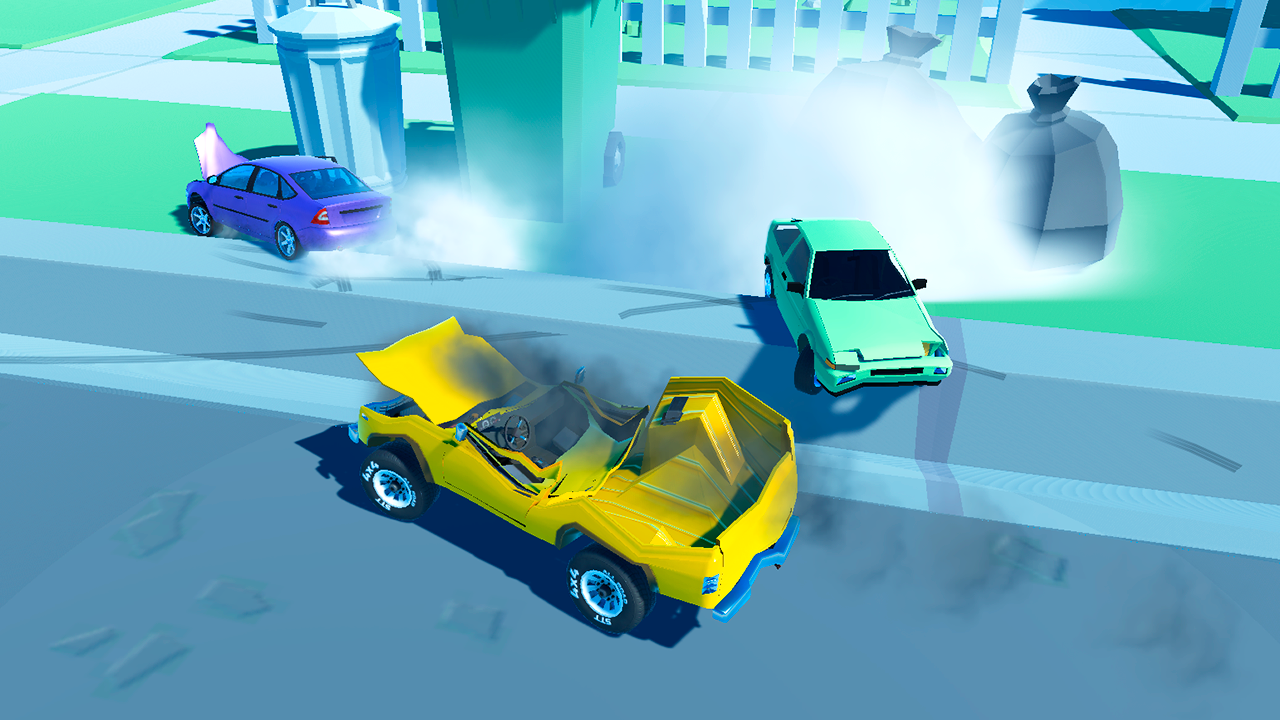
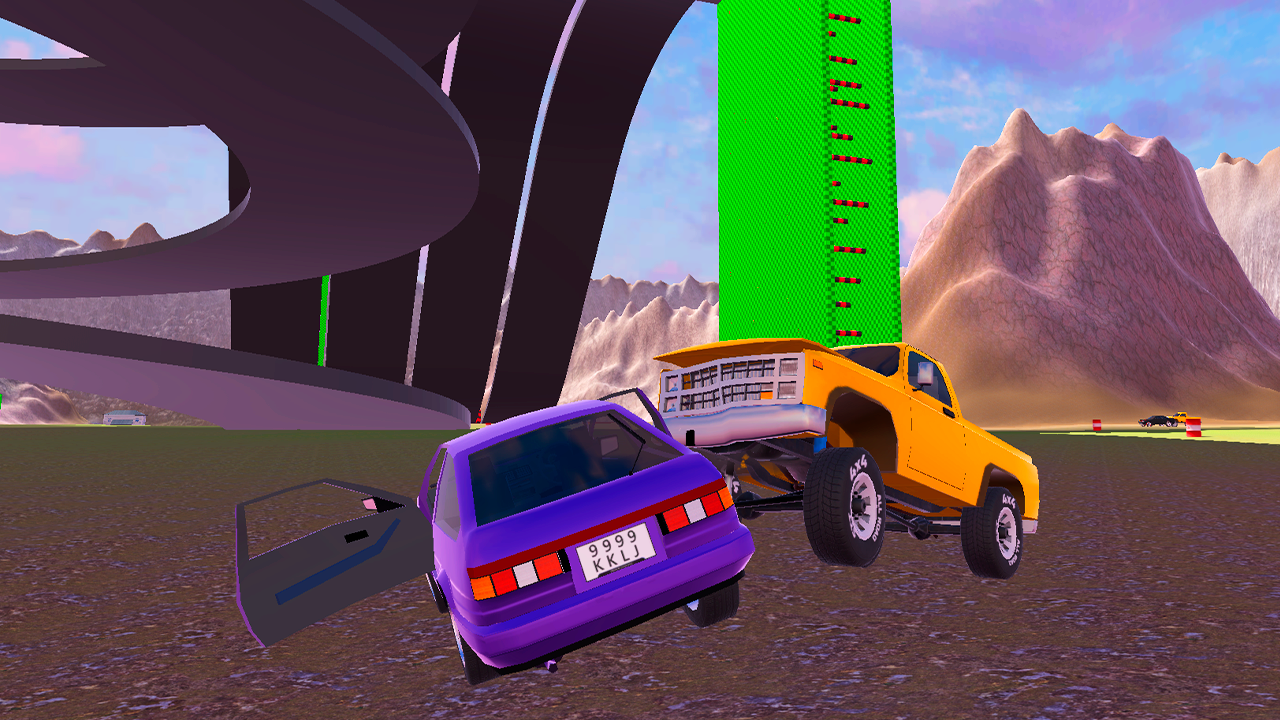
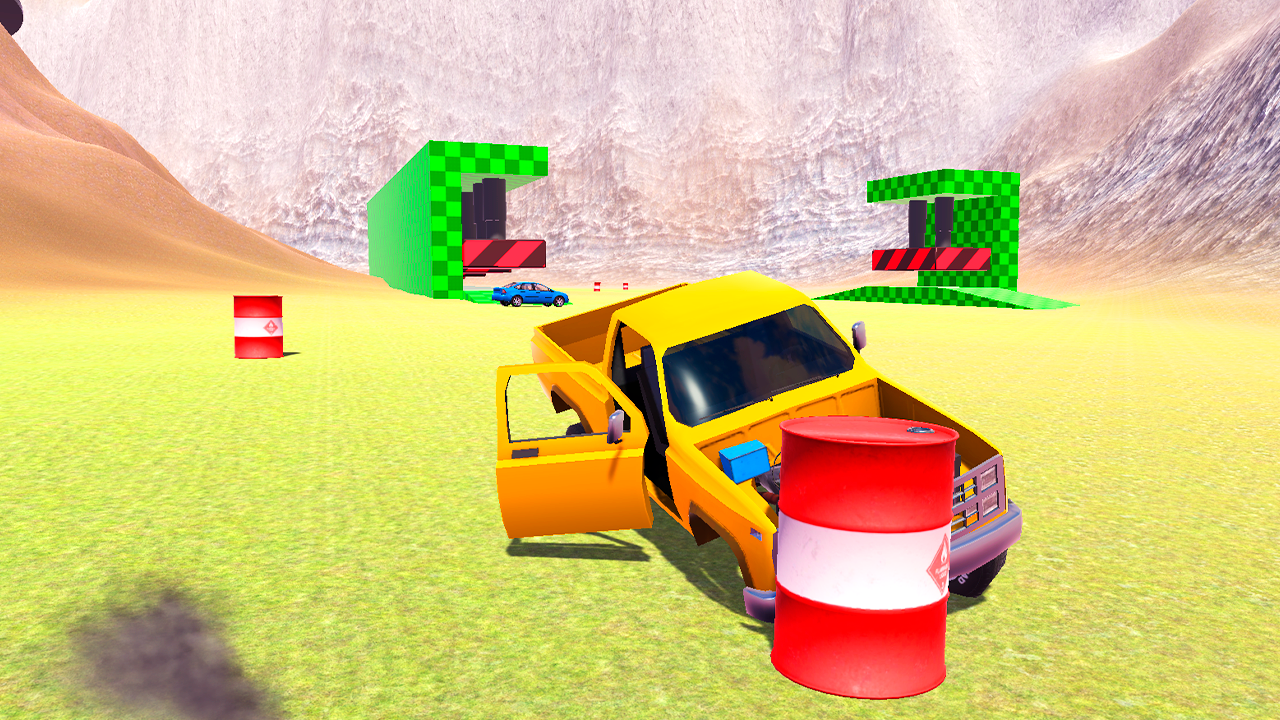
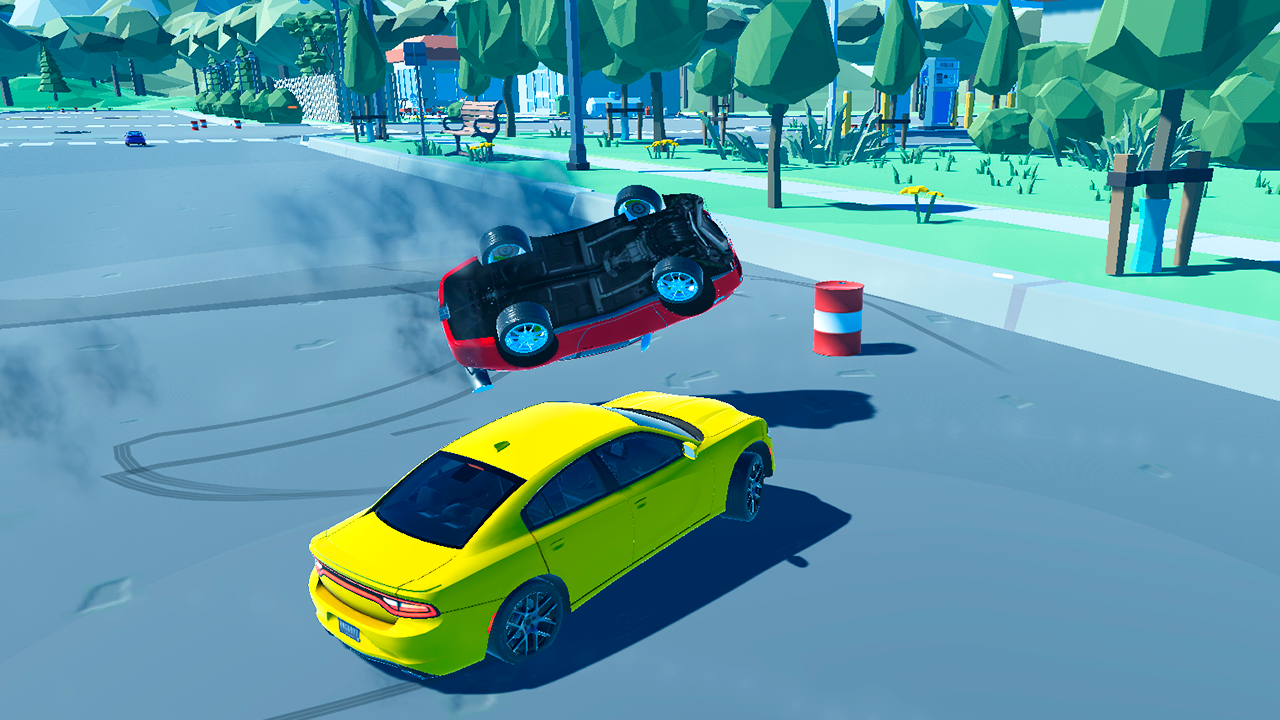
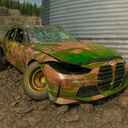
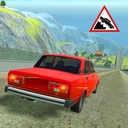
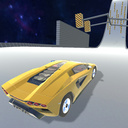
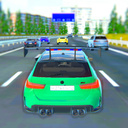
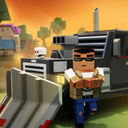
This is an exciting and realistic car destruction simulator in which you can test the strength of a variety of car models by crash testing on four unique maps. In this game, you can experiment with gravity, use many different in-game items such as barrels, bombs, hammers and more to max out the car and create epic crashes. The game has realistic physics, impressive 3D graphics and addictive gameplay. You will be able to experience all the emotions of colliding with various obstacles, and also see how cars are destroyed and parts fall off, just like in real life. You will be able to enjoy stunning 3D graphics that create the feeling of being on the training ground. Moreover, here you can choose from four different maps, each of which has its own characteristics and difficulties. This is a game with a world of destruction and fun that will allow you to realize your wildest crash test fantasies.

Videos and screenshots
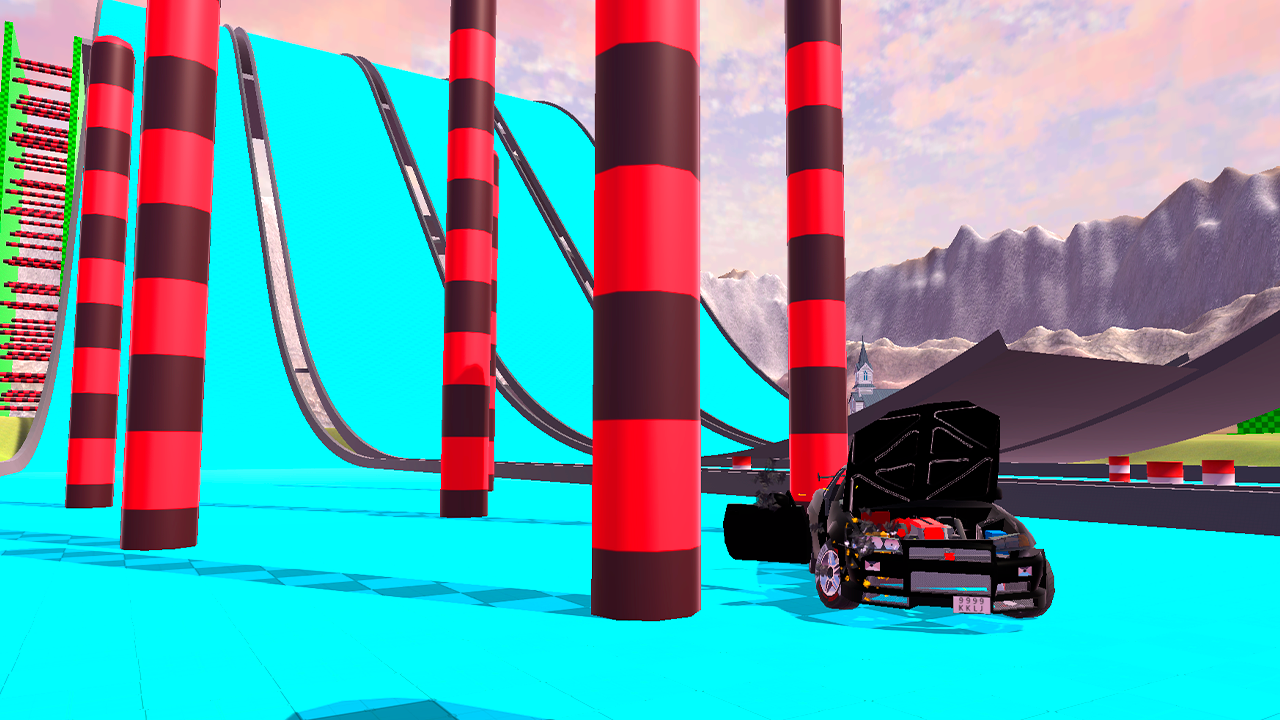
  • Vehicle Crash Test screenshot 1
  • Vehicle Crash Test screenshot 2
  • Vehicle Crash Test screenshot 3
  • Vehicle Crash Test screenshot 4
  • Vehicle Crash Test screenshot 5
  • Vehicle Crash Test screenshot 6
  • Vehicle Crash Test screenshot 7
  • Vehicle Crash Test screenshot 8
  • Vehicle Crash Test screenshot 9
  • Vehicle Crash Test screenshot 10
  • Vehicle Crash Test screenshot 11
  • Vehicle Crash Test screenshot 12
  • Vehicle Crash Test screenshot 13
  • Vehicle Crash Test screenshot 14
  • Vehicle Crash Test screenshot 15
  • Vehicle Crash Test screenshot 16
  • Vehicle Crash Test screenshot 17
  • Vehicle Crash Test screenshot 18
  • Vehicle Crash Test screenshot 19
  • Vehicle Crash Test screenshot 20
Play Now

11,973 players online

How to play

  1. Open the game

    Press Play now and the game opens on its own screen.

  2. Follow the in-game instructions

    The controls and goals are shown inside the game as you play.

  3. Use the game menu

    The floating button over the game reloads it, saves it to your favourites, or takes you back out.
Game instructions

To start the game you need to press "START", then select a level. To switch from one map to another, you need to press pause and then press the “TO MENU” button. Gravity can be changed by moving the slider in the pause menu. PC Control: TAB - pause L. shift - acceleration R - turn the car over N - change car C - change camera position F2 - machine recovery WASD - vehicle control Space - handbrake For mobile: use the buttons on the screen to control the machine. Button P - turn the car over Button C - next car Camera button - change camera position Nitro button - nitro Arrows - turn the car Big pedal - gas Small pedal - brake Pause button - pause

More games

More games