Overview
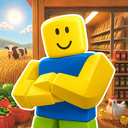
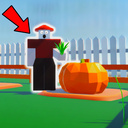
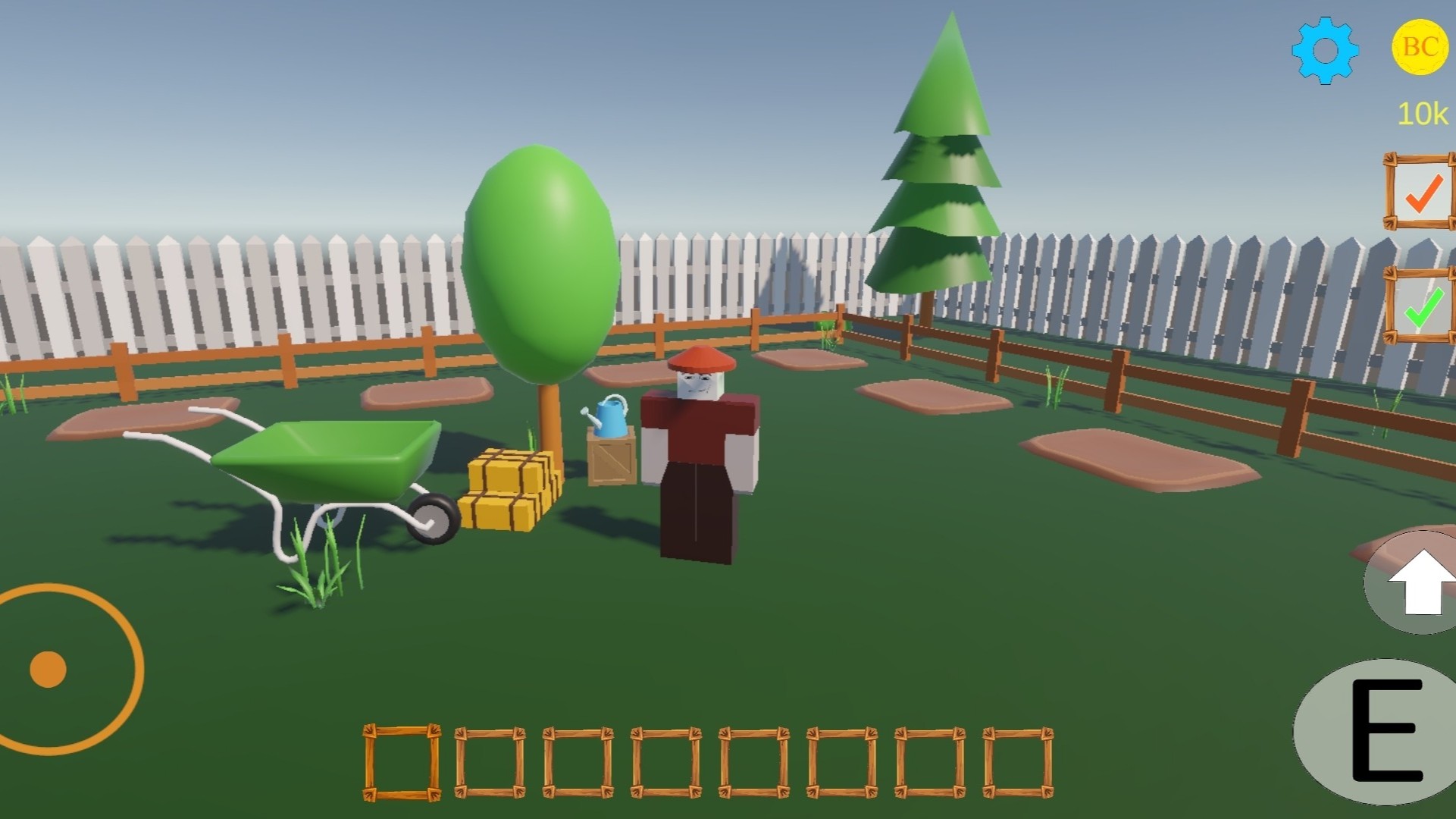
Bobby's Farm is a cozy and fun farming simulator where you help Bobby build and develop his own farm. Plant plants, take care of animals, earn coins and unlock new features in this peaceful yet exciting adventure!
Farming and Plants
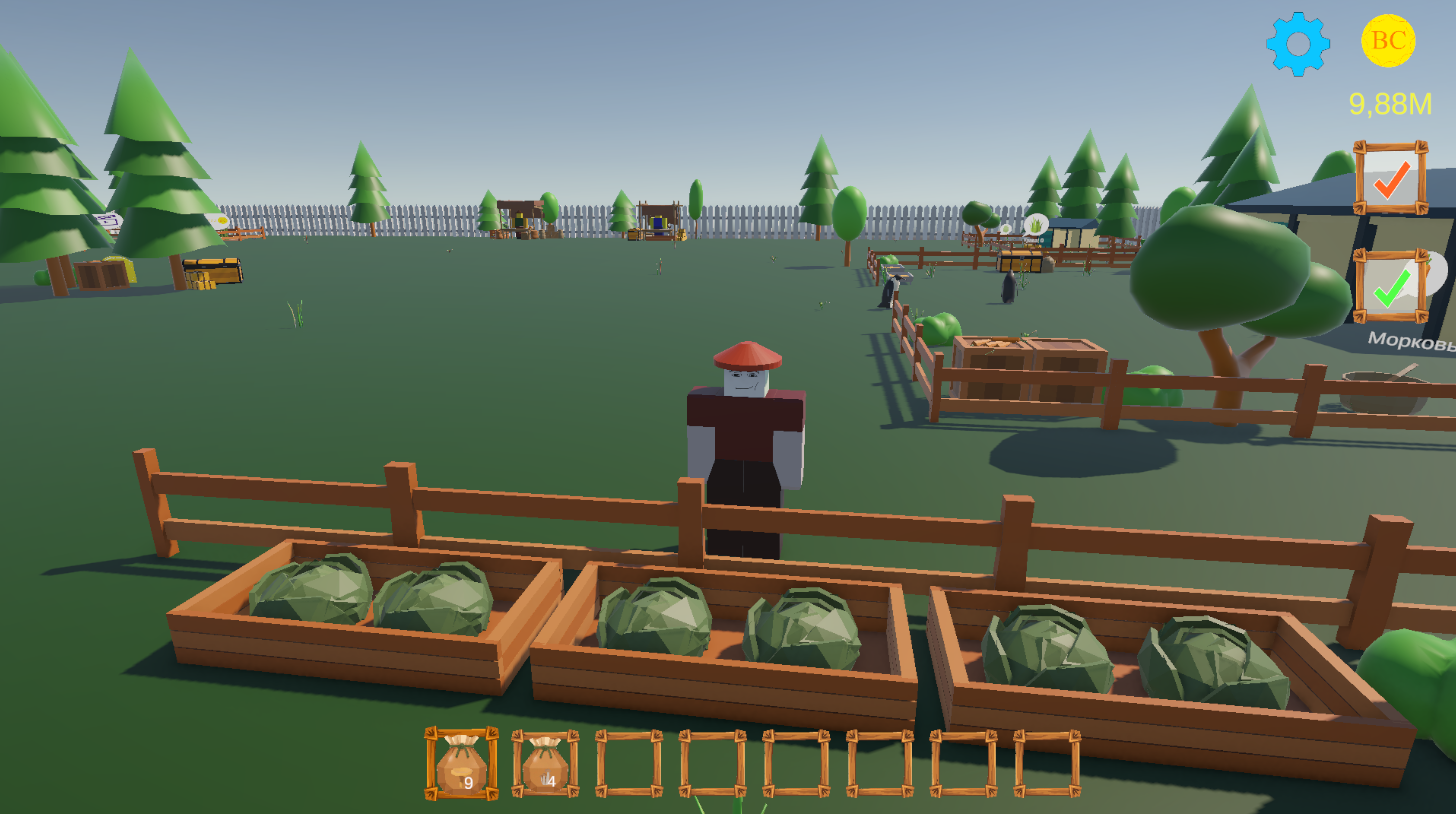
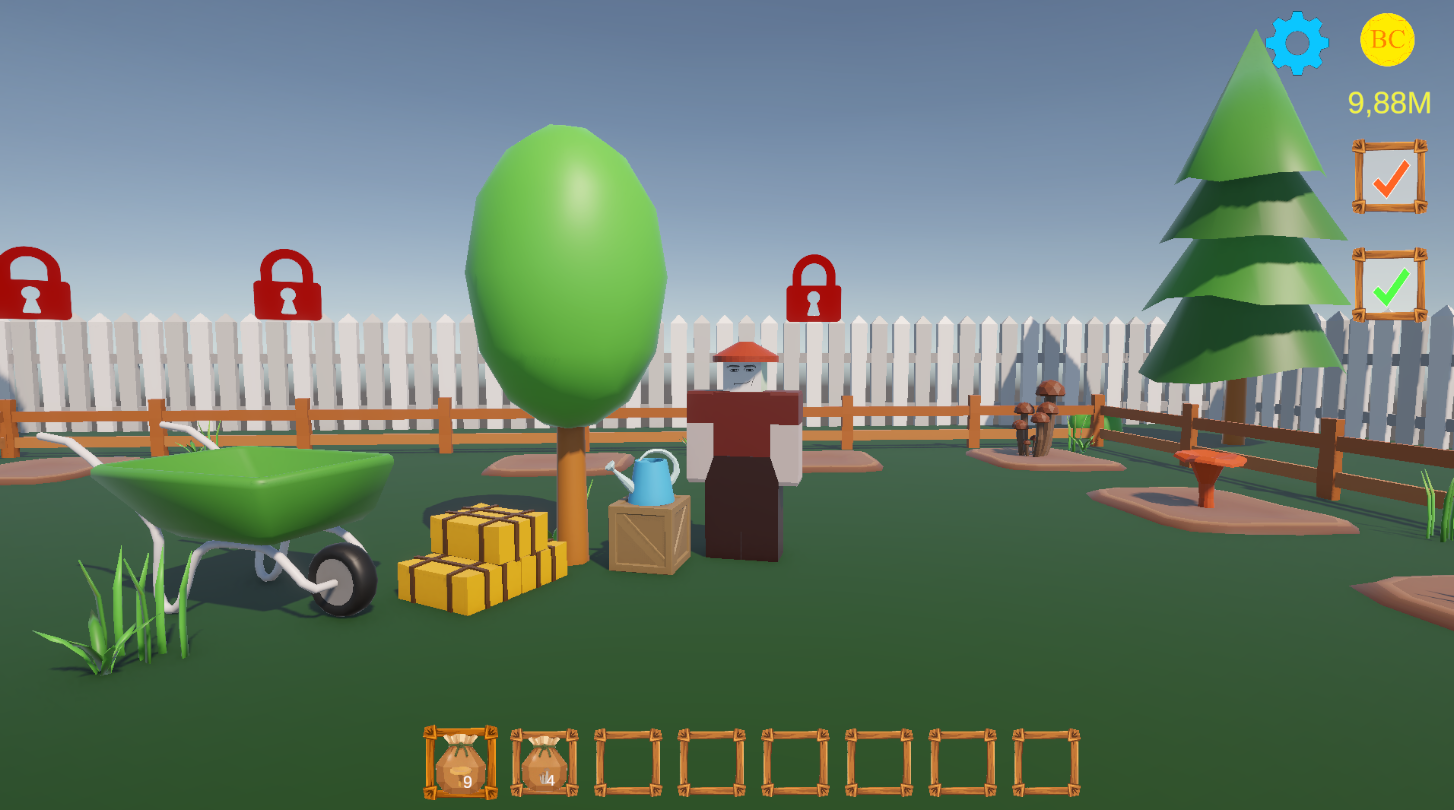
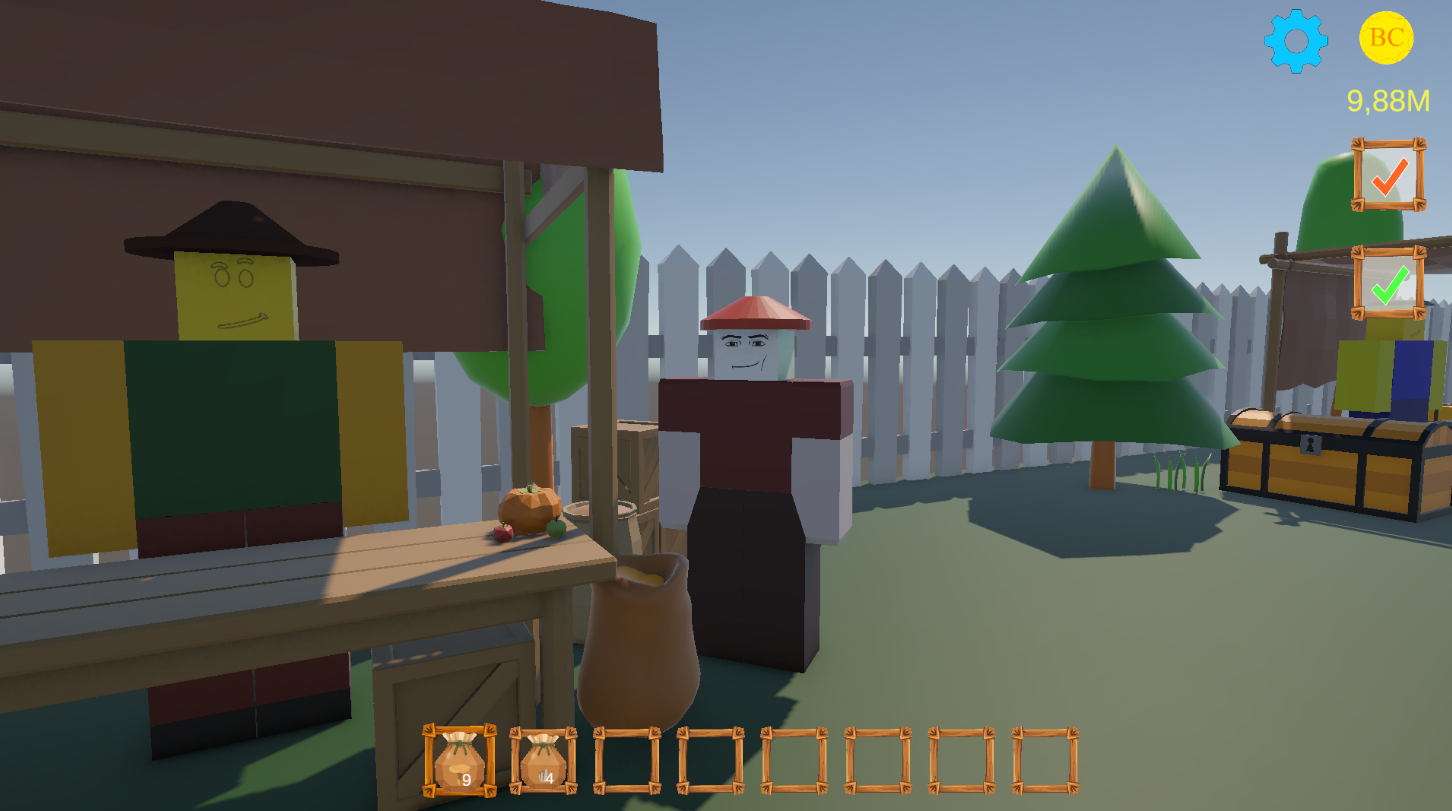
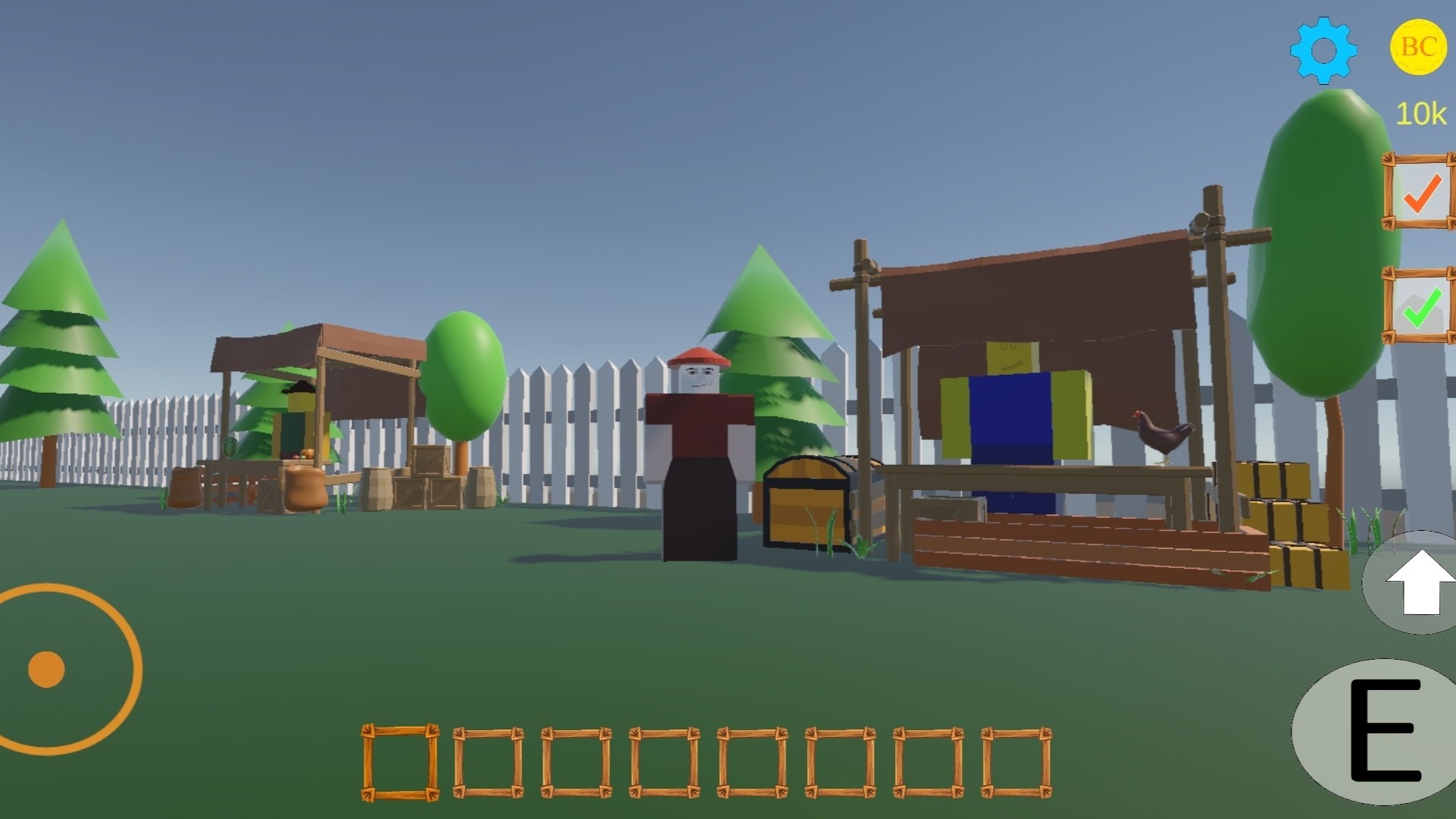
Start with a small plot that already has a few beds. Plant seeds and wait for them to grow. Harvest crops and sell them in the store to earn coins. Gradually, you will be able to open all 33 beds and grow more than 10 types of plants - from ordinary grass to rare golden carrots and mushrooms!
Animal husbandry
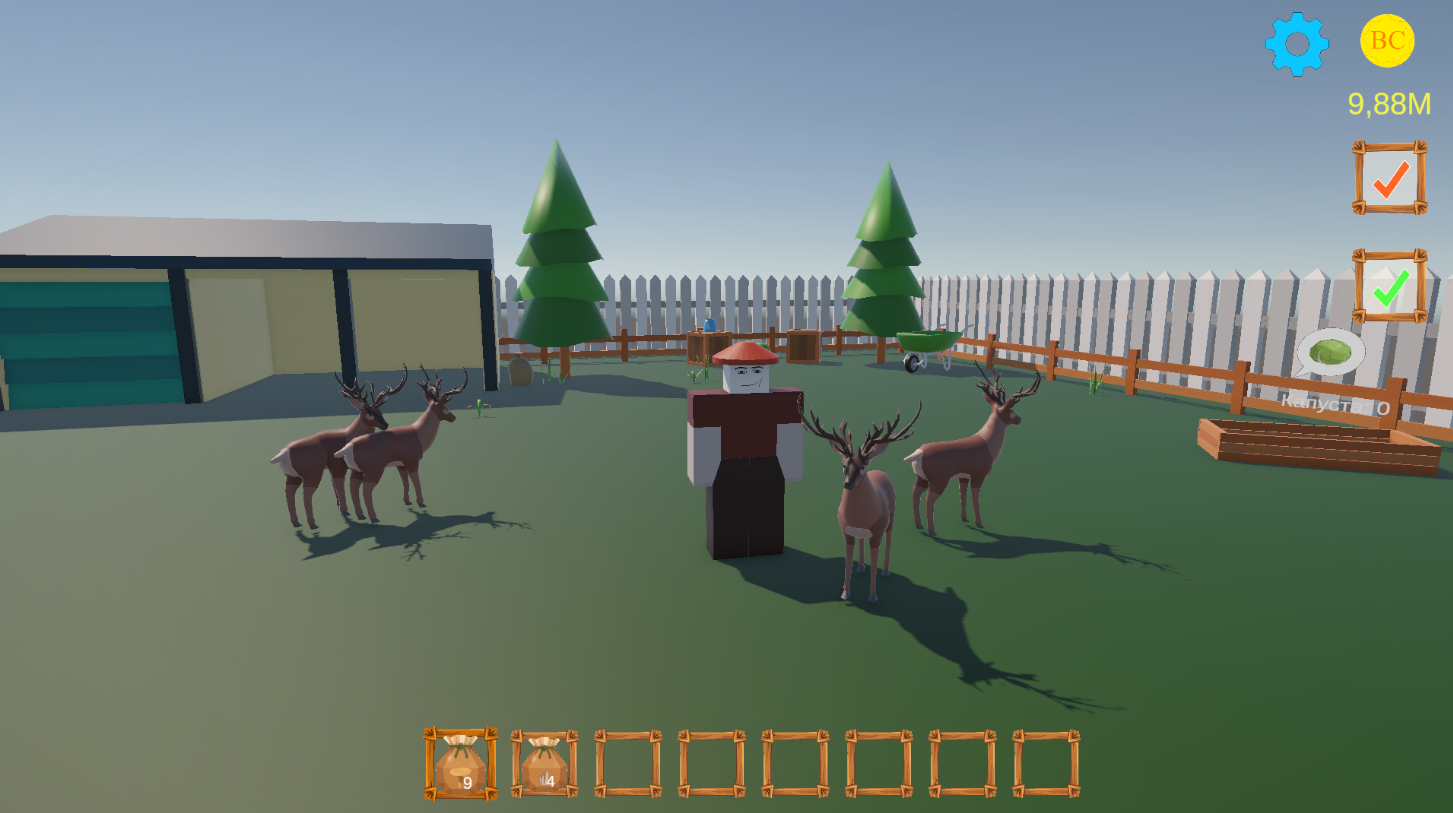
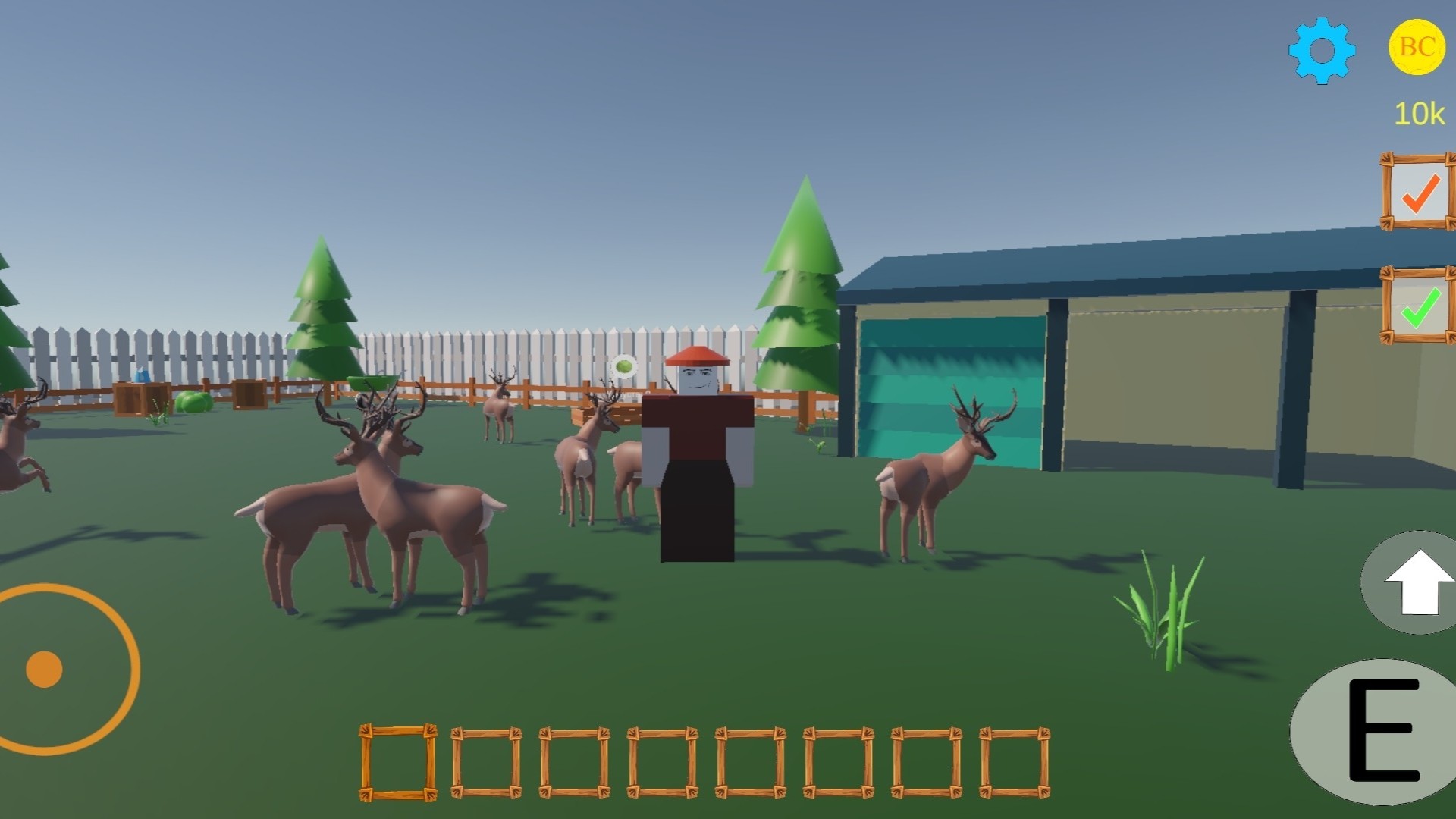
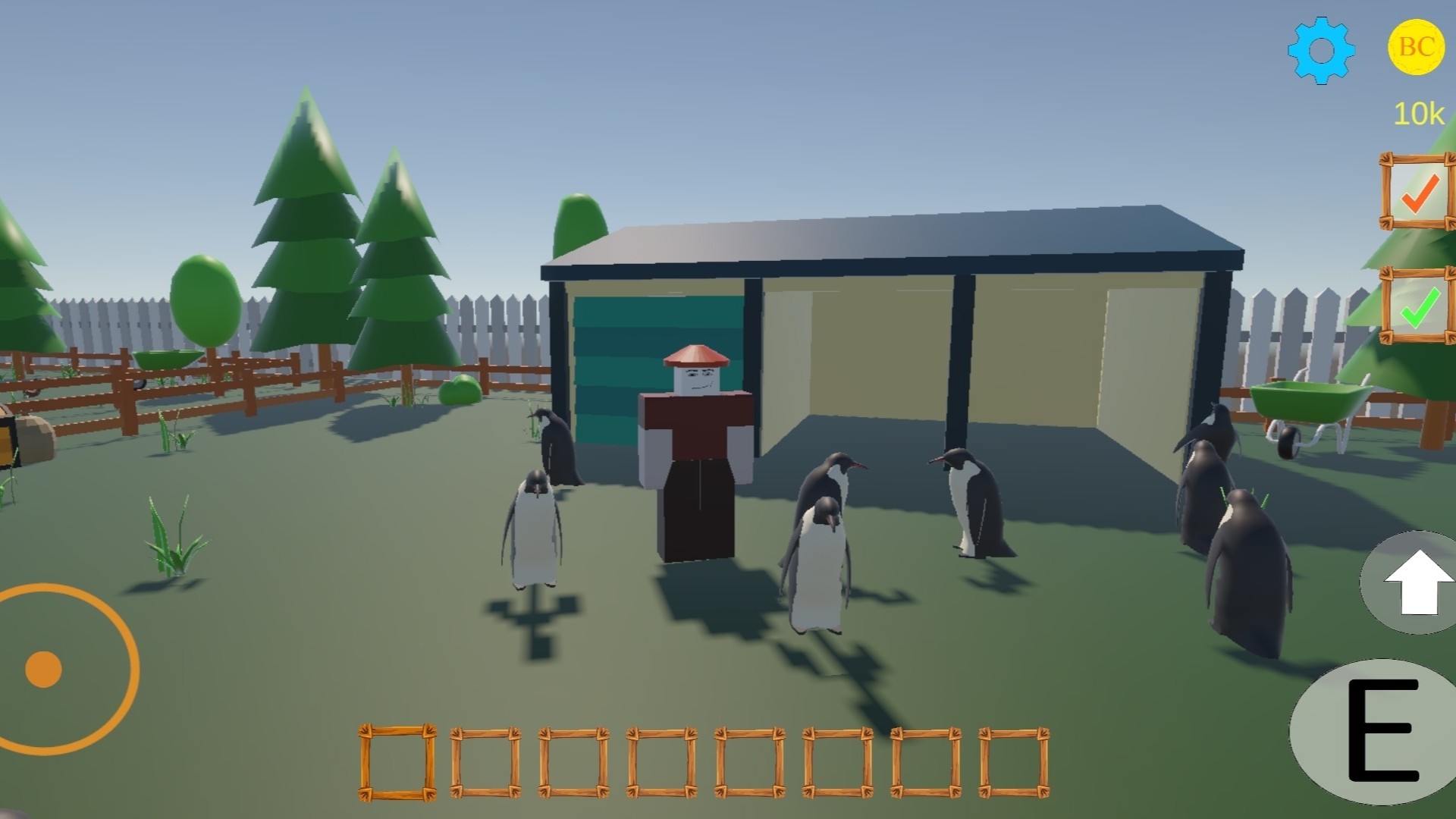
Chickens, penguins, and deer can live on your farm. Each animal produces valuable products. You can collect these products and sell them to earn more coins. The more animals you have, the more products you will get!
Daily tasks and achievements
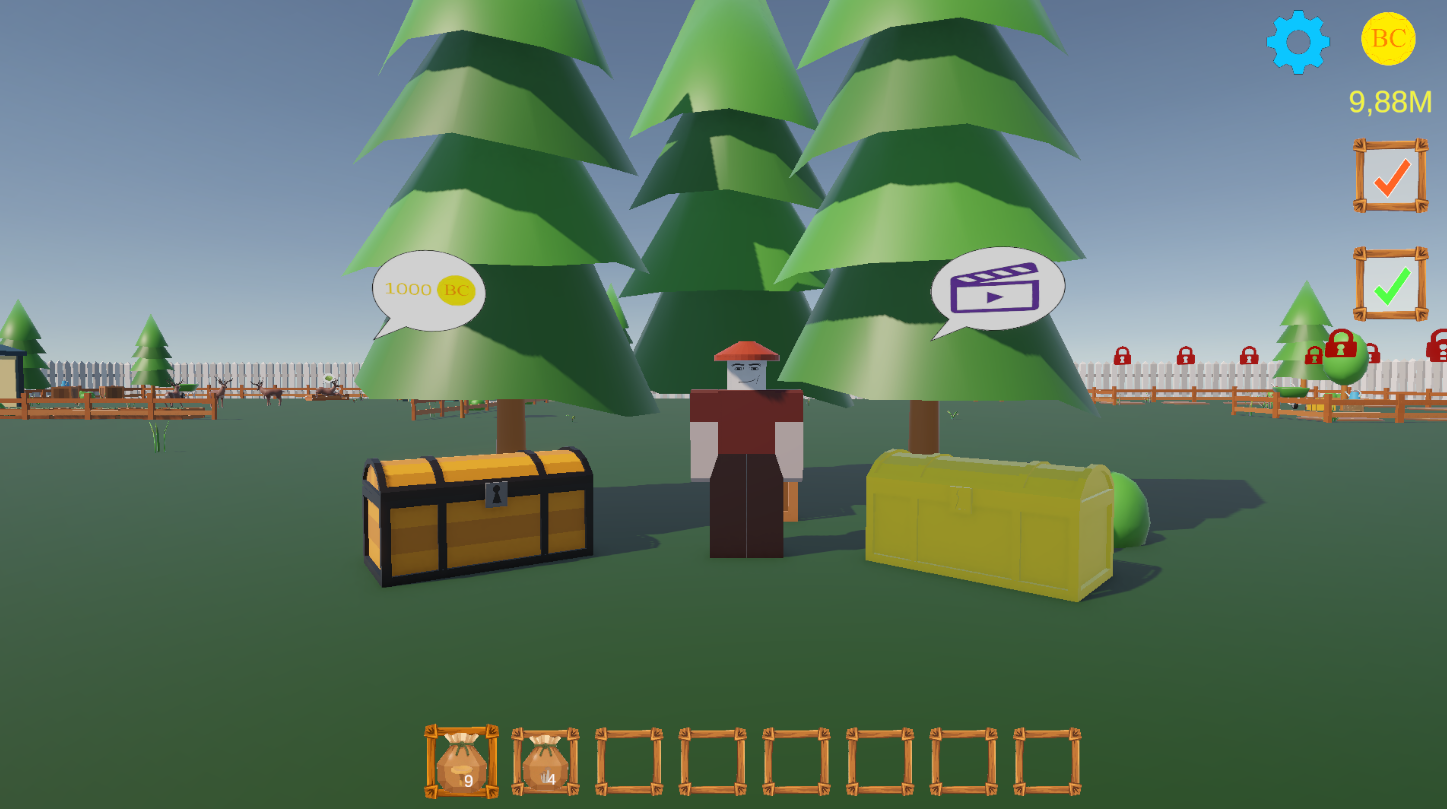
Complete all the tasks and receive valuable rewards! There are also achievements in the game!
Videos and screenshots
10,082 players online
How to play
-
Open the game
Press Play now and the game opens on its own screen.
-
Follow the in-game instructions
The controls and goals are shown inside the game as you play.
-
Use the game menu
The floating button over the game reloads it, saves it to your favourites, or takes you back out.