Skip to content
KG
Bogdan Escape: Angry Bully

Bogdan Escape: Angry Bully

4K plays 3.8 out of 5

Overview

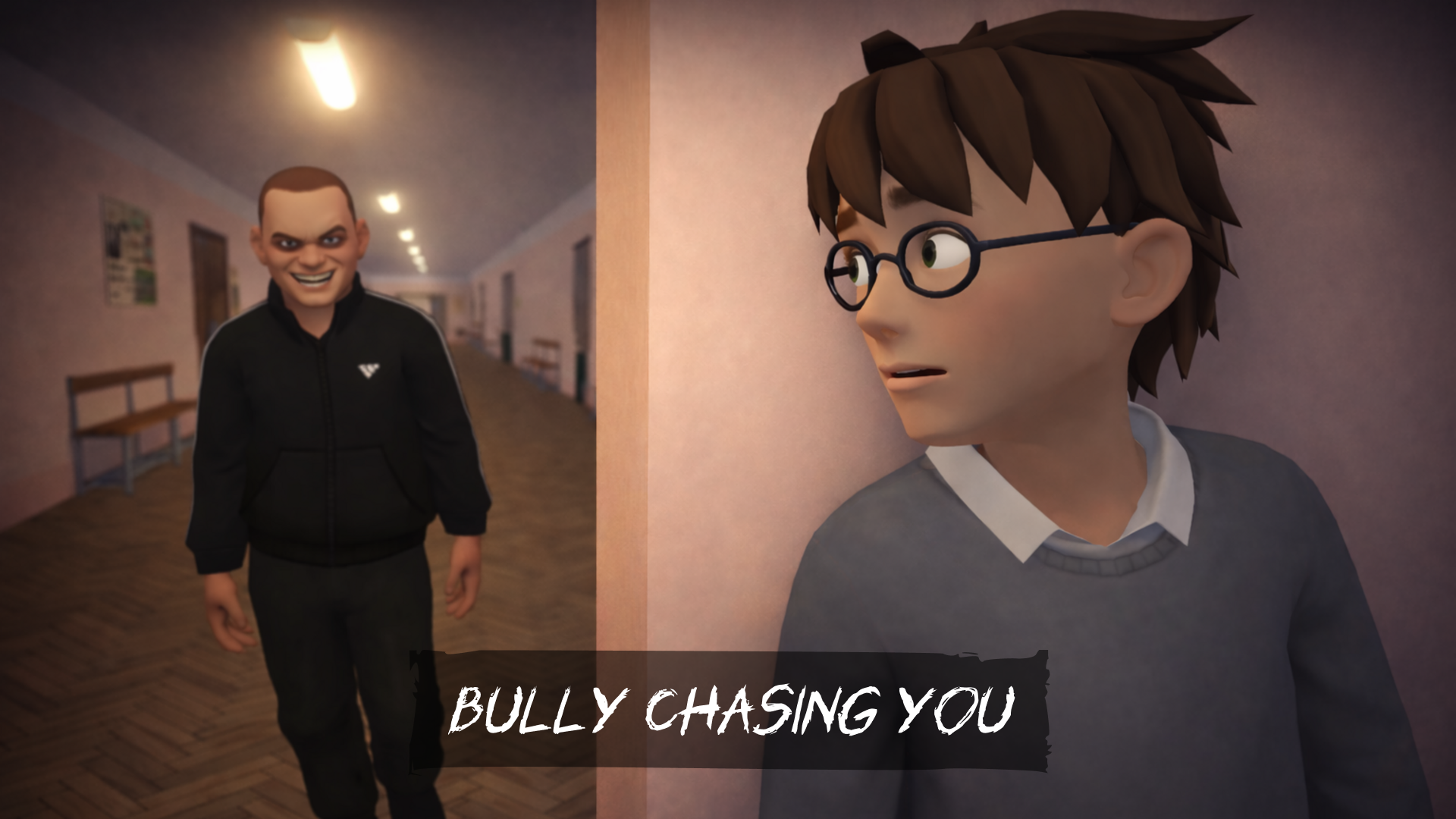
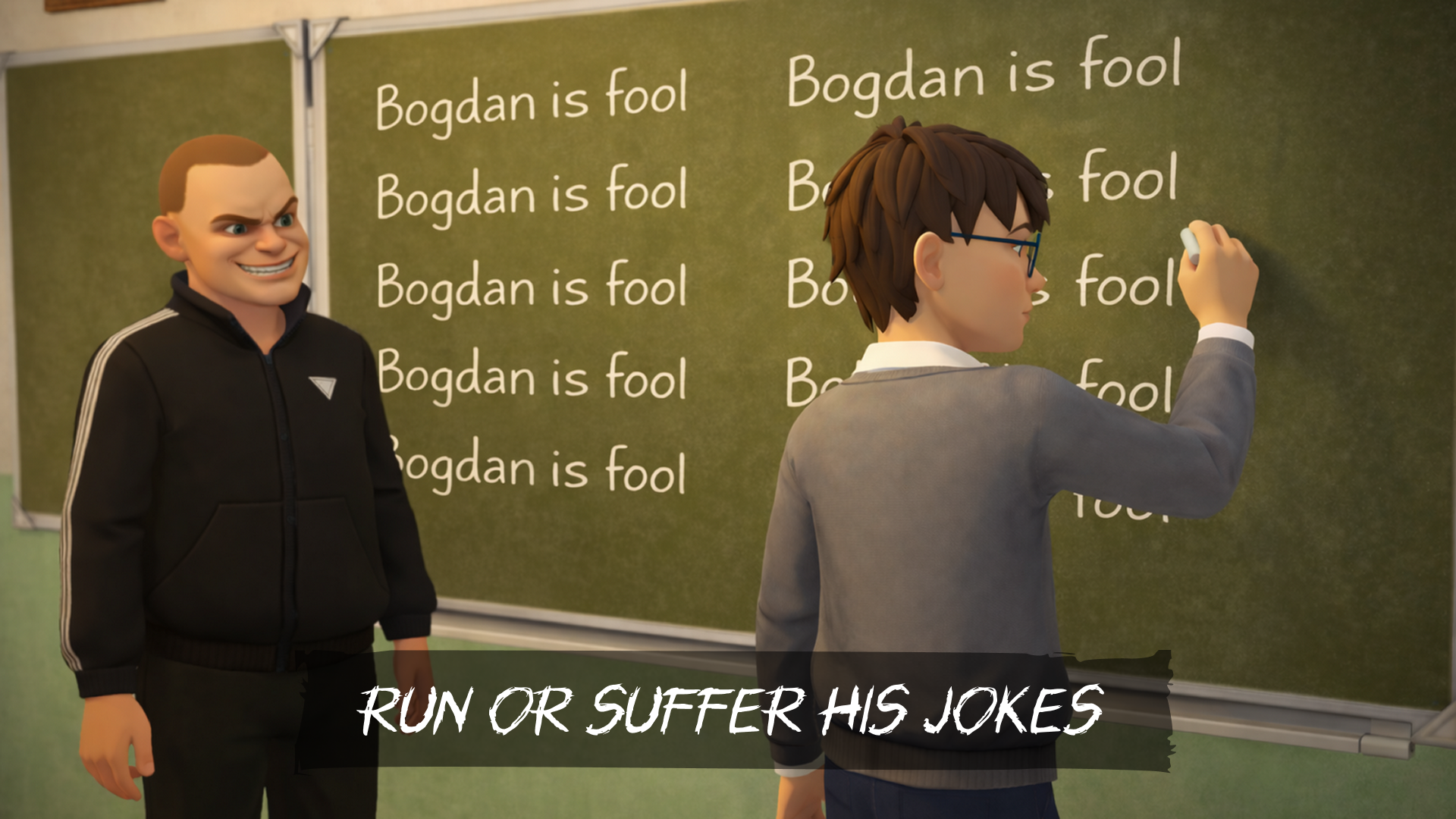
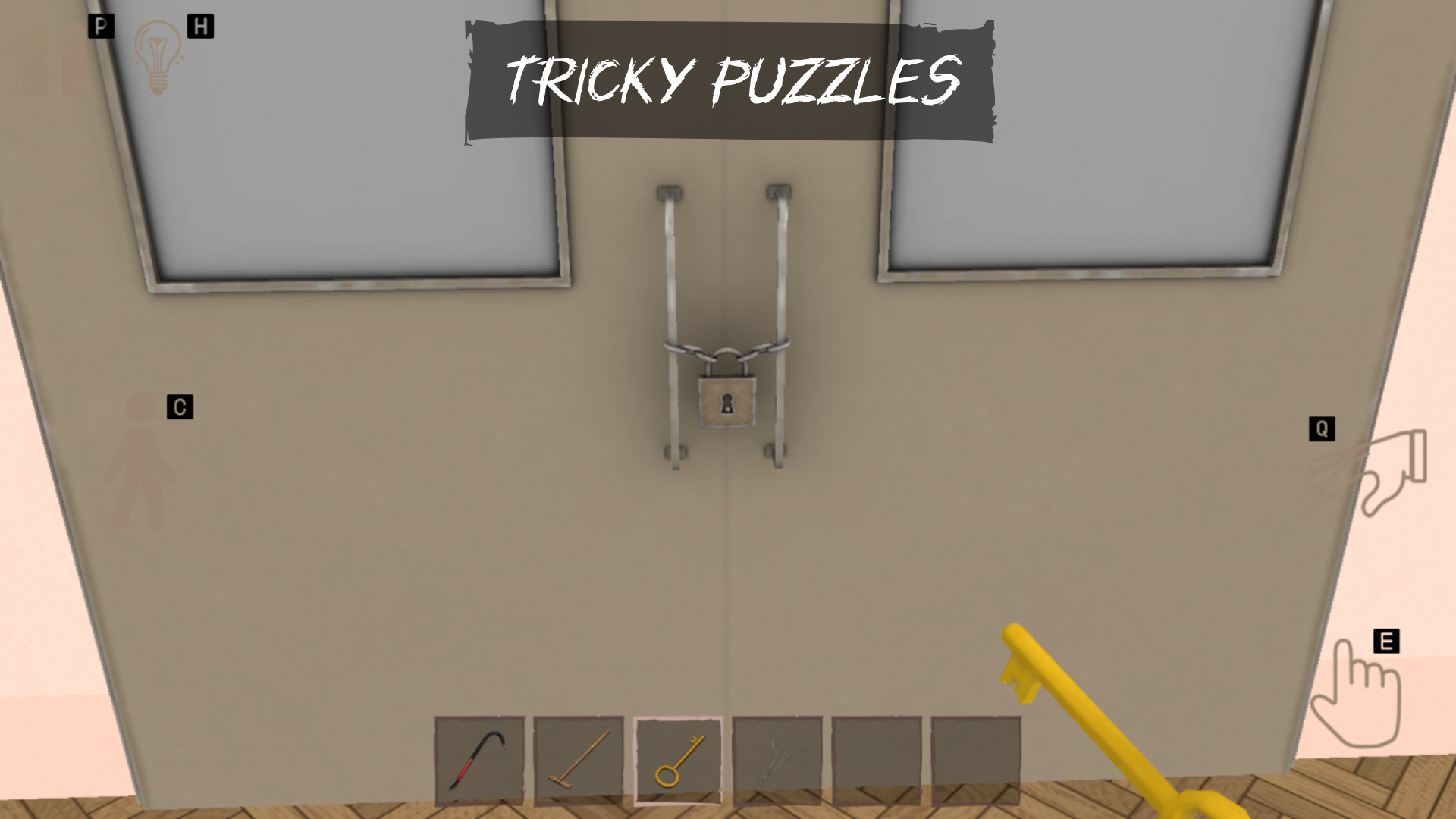
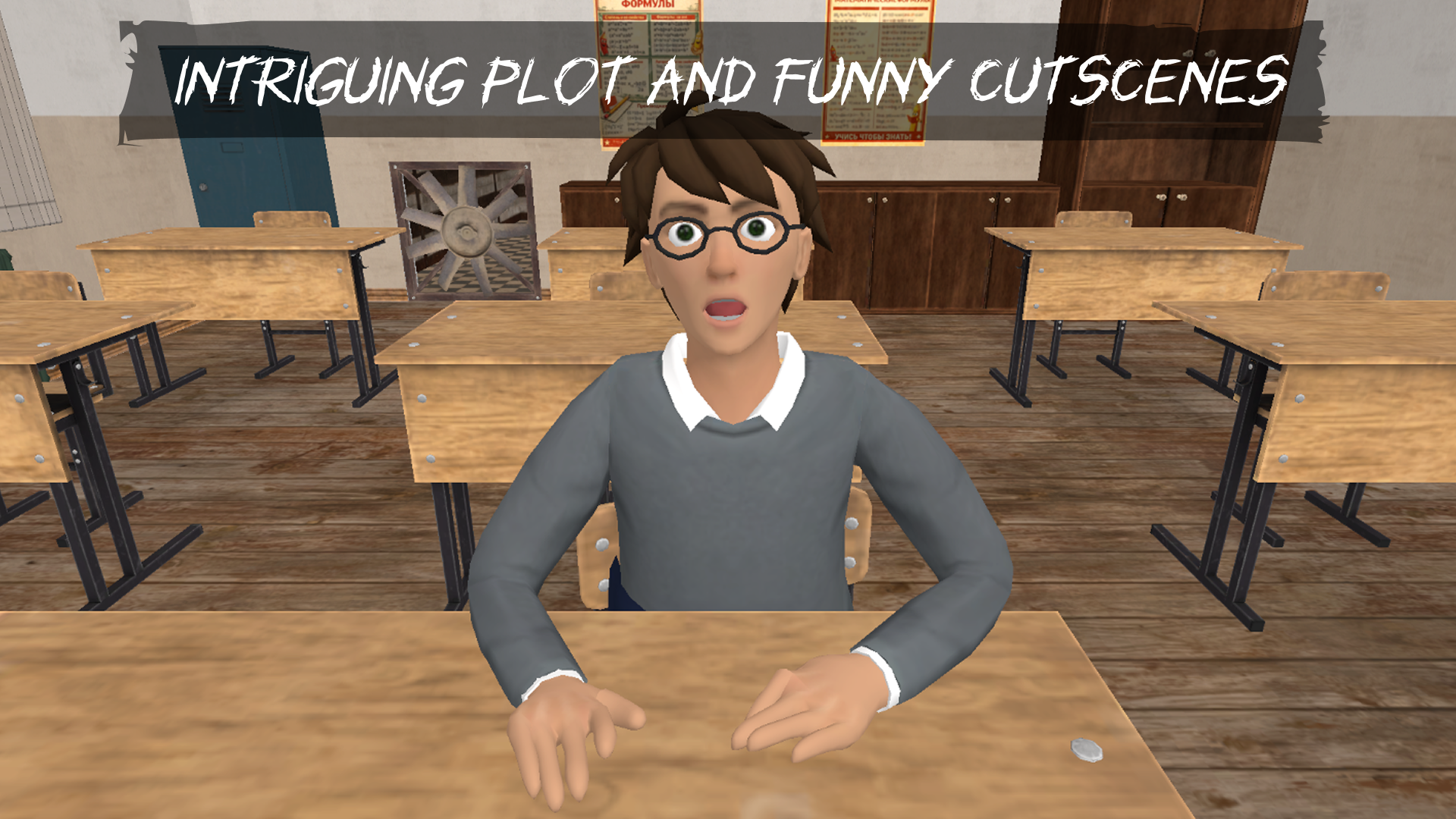
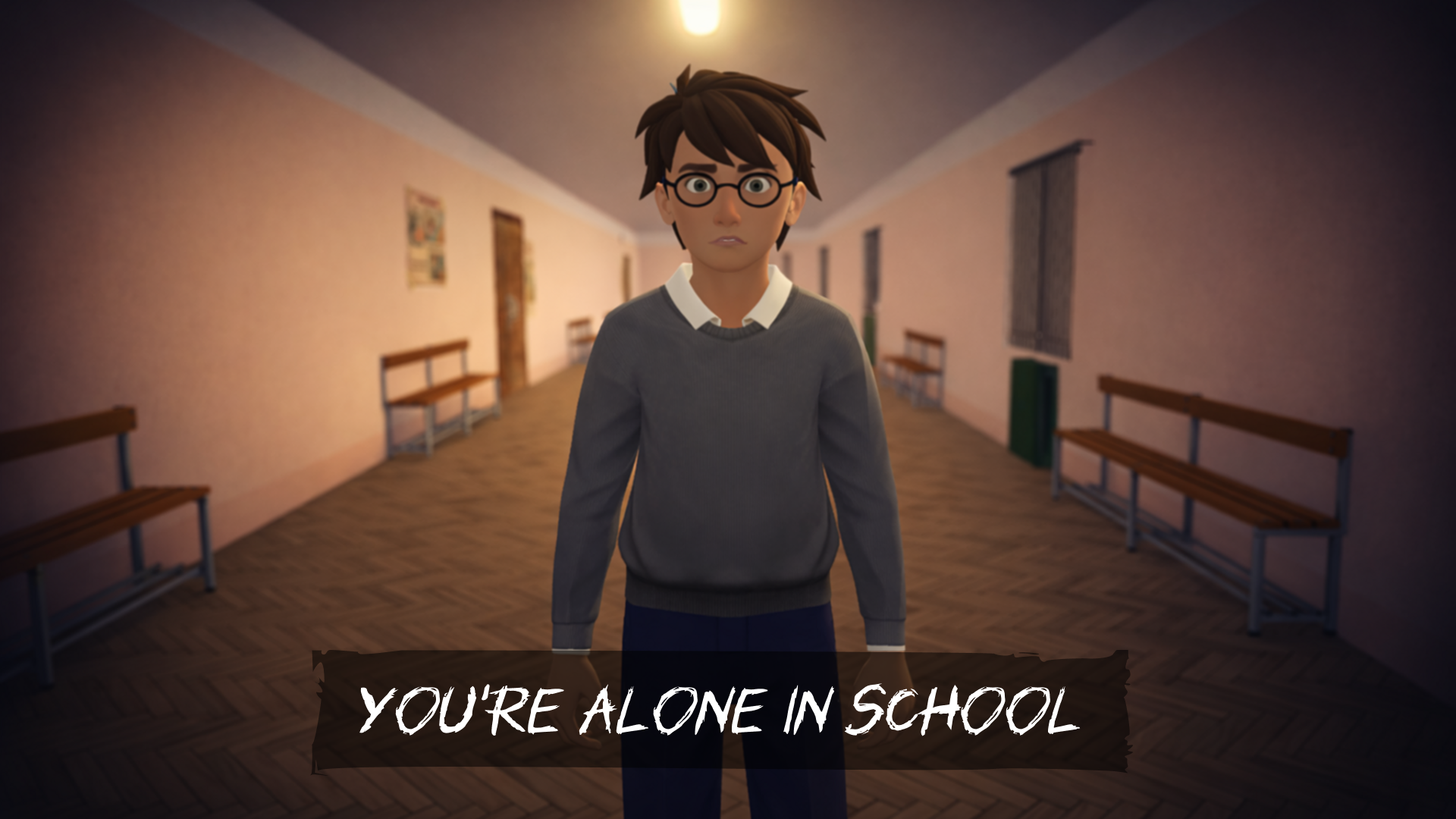
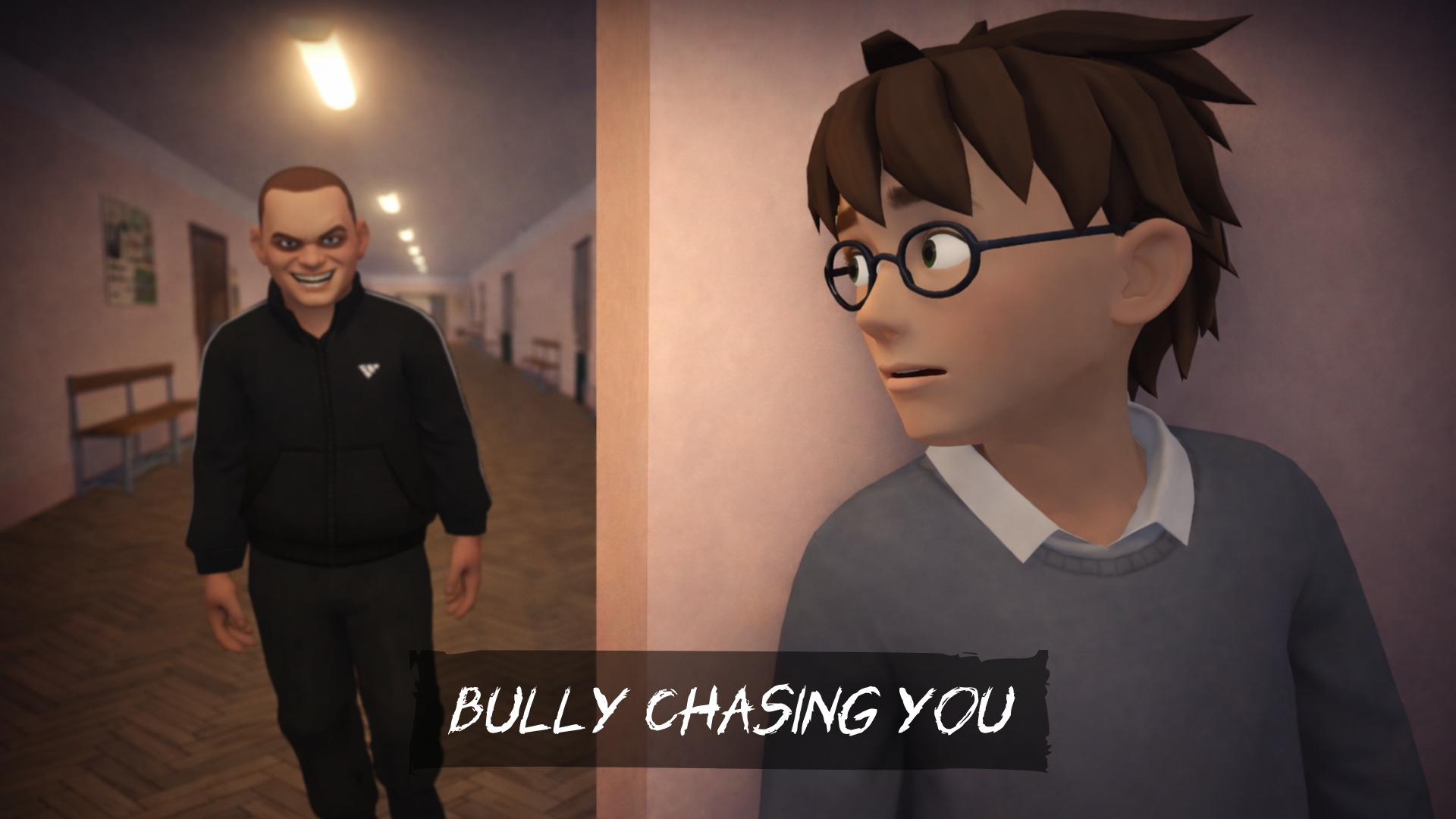
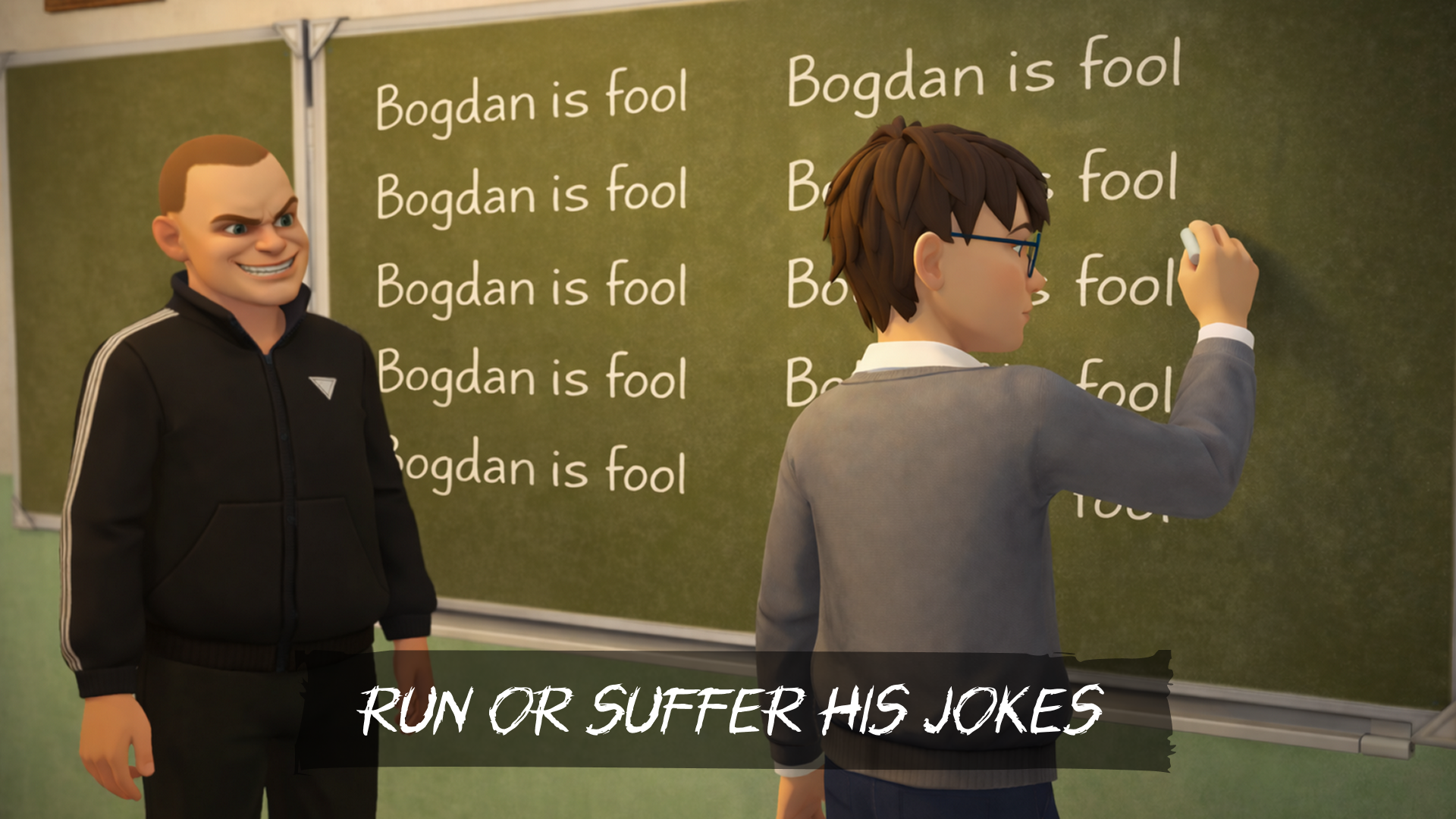
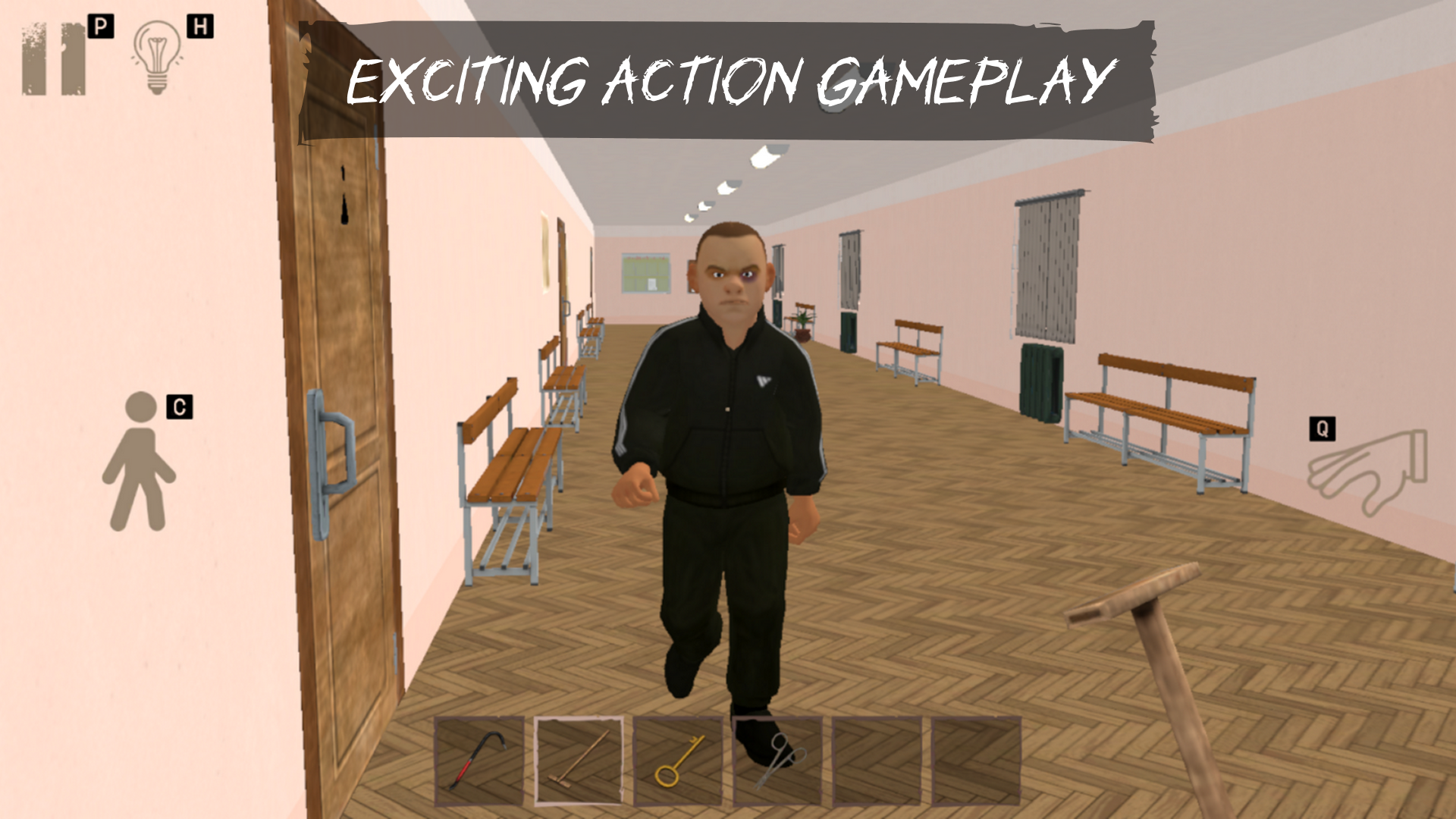
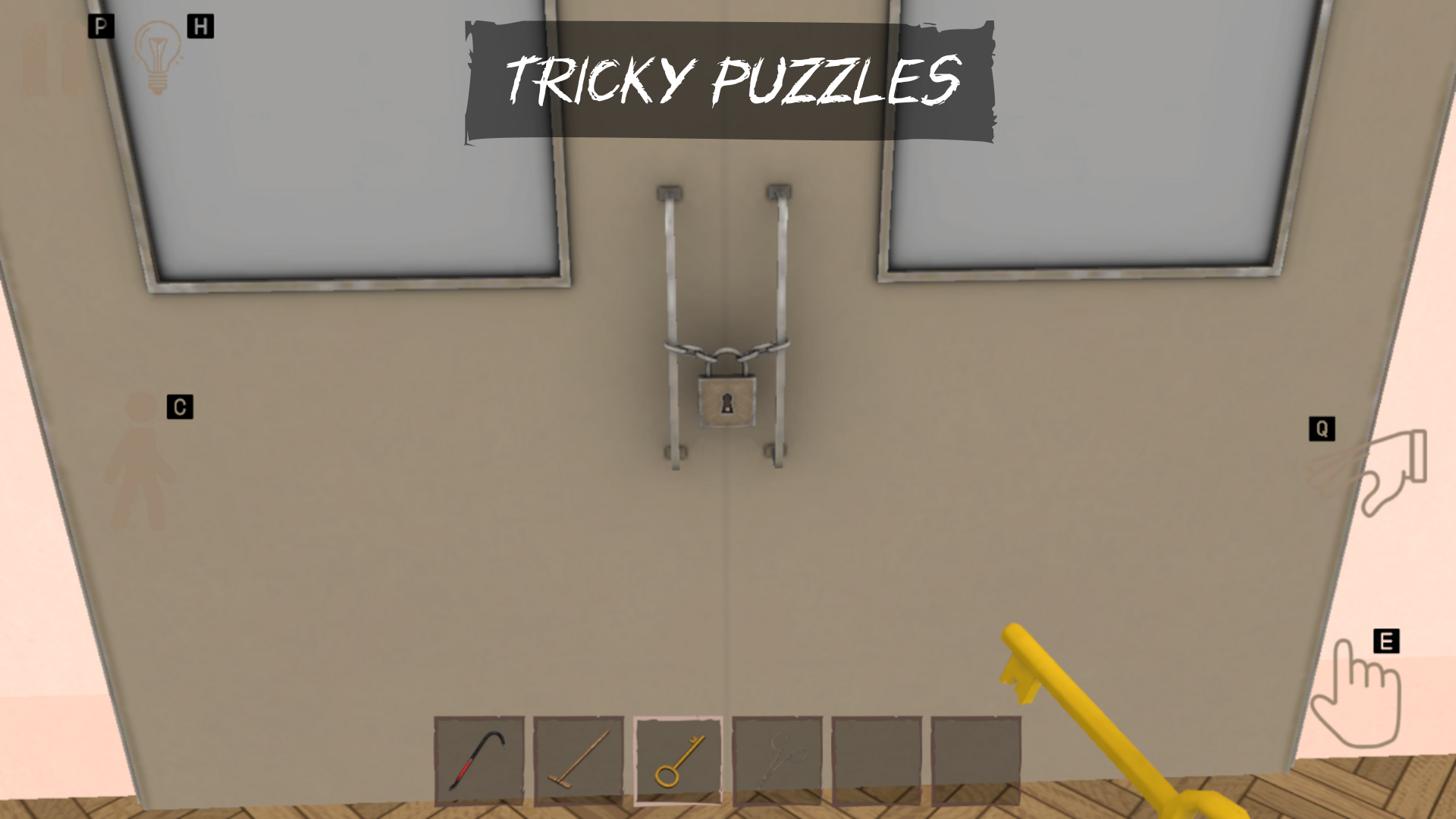
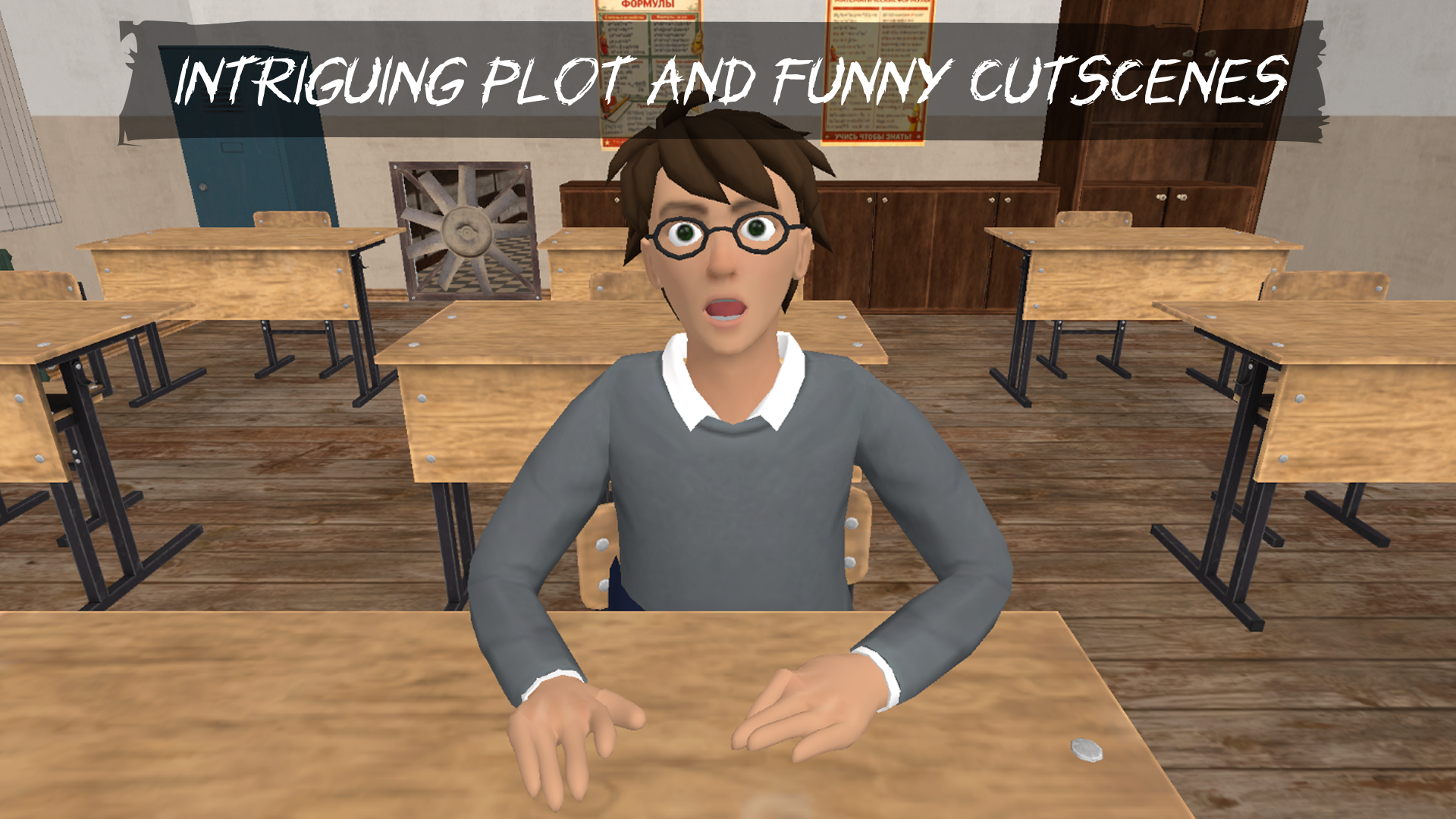
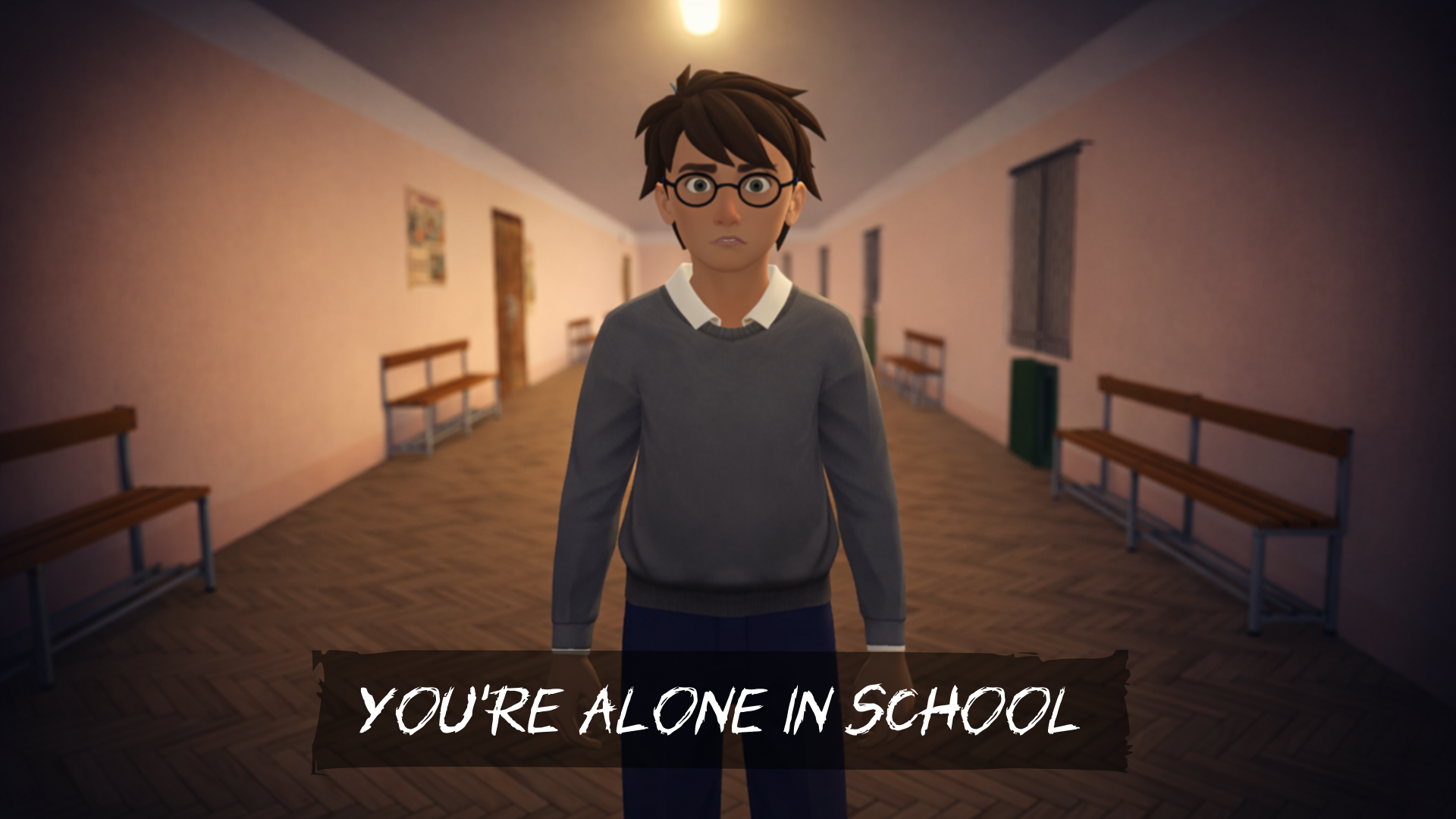
🏫 You are left alone in the school. The doors are locked, the hallways are empty, absolute silence hangs in the air. And only one person can break it, a bully, who is also your sworn enemy. It was he who set everything up so that you would be left alone in the school: no teachers, no other students, only the two of you. 😈 The enemy walks nearby and dreams of playing another joke on you. What will he do next time? Throw your backpack into a trash can? Force you to write the same phrase on the board a thousand times? Or something worse? 🧠 But you don’t have to endure these stupid pranks! Outsmart his brute force with your mind and cunning. πŸ•ΉοΈ The game is a 3D first-person adventure with elements of the stealth and action-horror genres. But beating the game is not so easy, because besides hide-and-seek and chases, a quest with logic puzzles awaits you: item search, solving riddles, interesting mini-games. And you won’t get bored thanks to an exciting story: plot, humor, cutscenes.

Videos and screenshots
  • Bogdan Escape: Angry Bully screenshot 1
  • Bogdan Escape: Angry Bully screenshot 2
  • Bogdan Escape: Angry Bully screenshot 3
  • Bogdan Escape: Angry Bully screenshot 4
  • Bogdan Escape: Angry Bully screenshot 5
  • Bogdan Escape: Angry Bully screenshot 6
  • Bogdan Escape: Angry Bully screenshot 7
  • Bogdan Escape: Angry Bully screenshot 8
  • Bogdan Escape: Angry Bully screenshot 9
  • Bogdan Escape: Angry Bully screenshot 10
  • Bogdan Escape: Angry Bully screenshot 11
  • Bogdan Escape: Angry Bully screenshot 12
  • Bogdan Escape: Angry Bully screenshot 13
  • Bogdan Escape: Angry Bully screenshot 14
Play Now

14,021 players online

How to play

  1. Open the game

    Press Play now and the game opens on its own screen.

  2. Follow the in-game instructions

    The controls and goals are shown inside the game as you play.

  3. Use the game menu

    The floating button over the game reloads it, saves it to your favourites, or takes you back out.
Game instructions

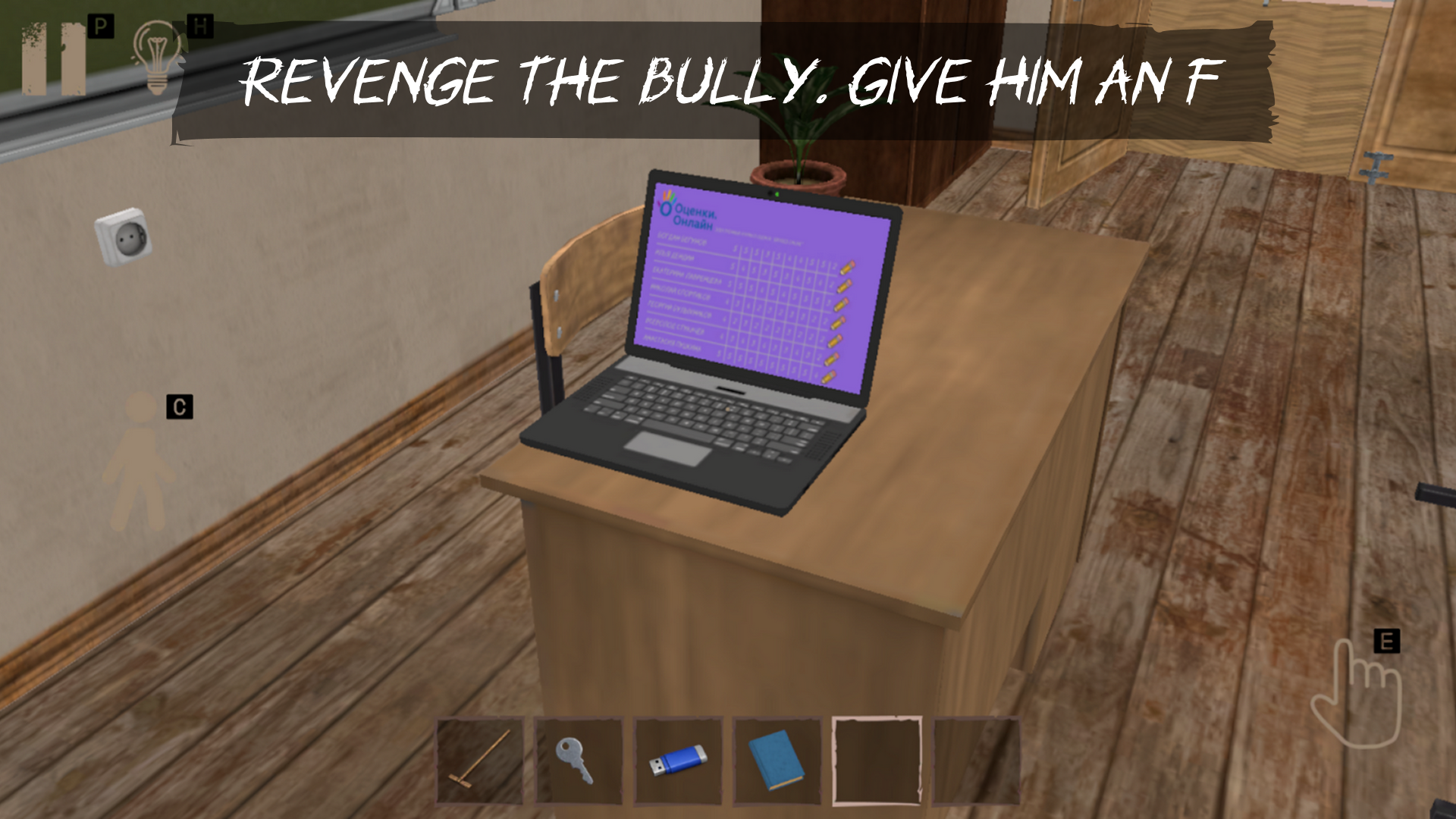
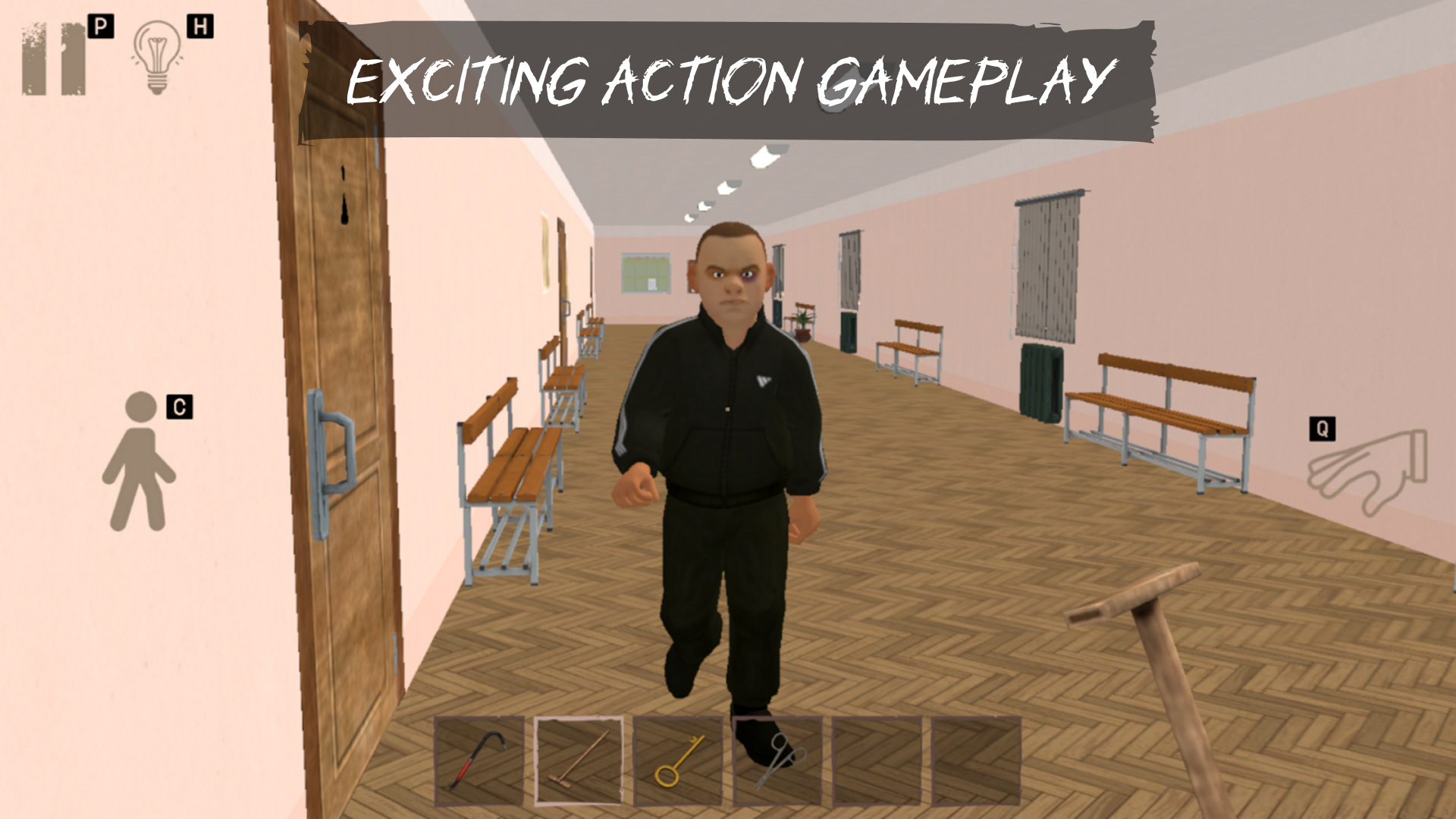
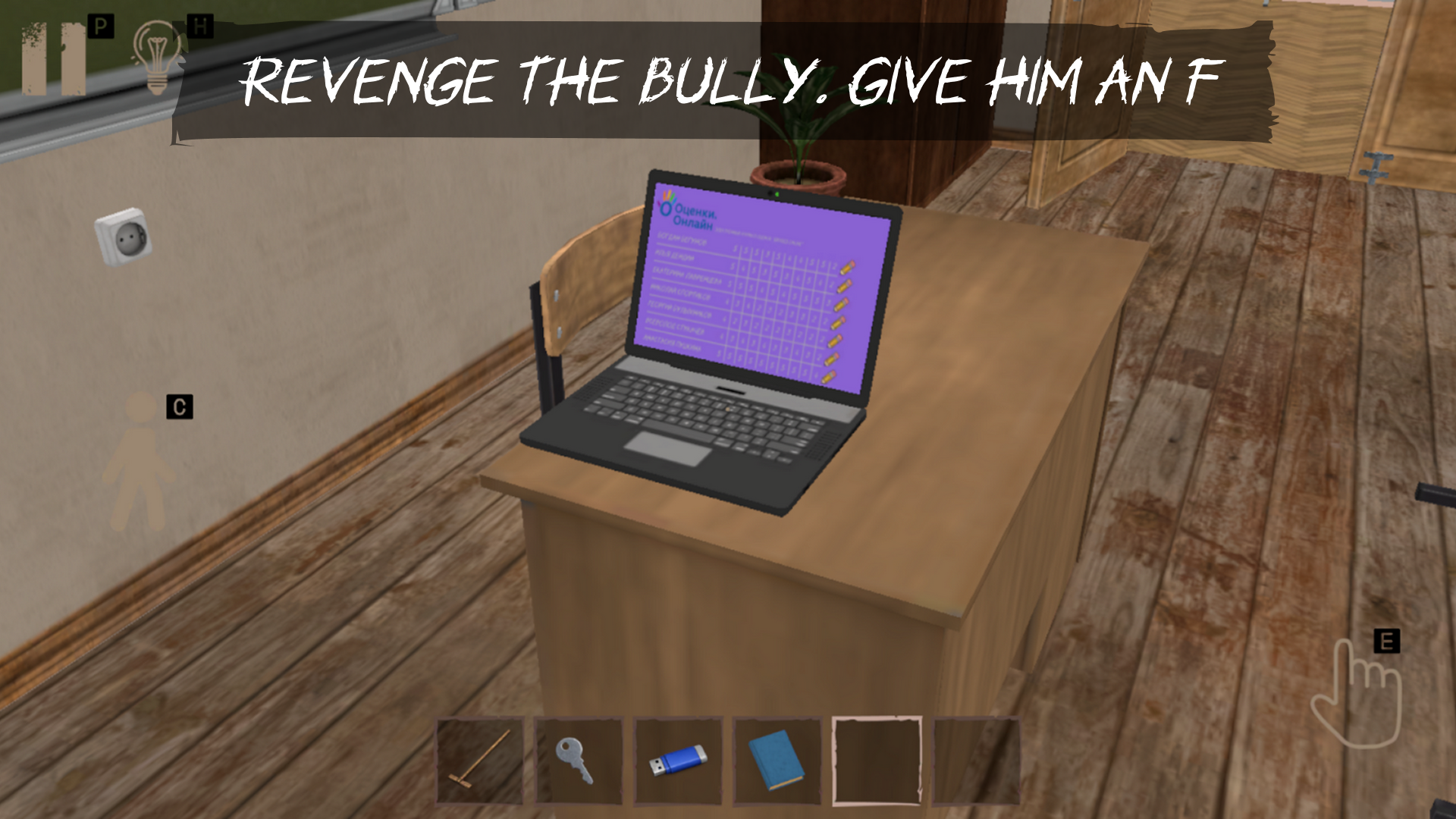
The player has several goals: β€’ Open the main door β€’ Find a backpack and textbooks β€’ Fix the grade on the teacher's laptop To achieve these goals, you need to search for items in the location and solve puzzles. If the game seems too difficult, you can select a different difficulty from the main menu. In the settings menu, you can adjust the sound settings and the sensitivity of the camera rotation. ❗ There is a hint button in the upper left corner, use it if you don't know what to do! PC control: β€’ W,A,S,D - character control β€’ C - stand up/sit down β€’ Scroll with the mouse or numbers on the keyboard to select items in the inventory β€’ P or esc - pause β€’ H - hint β€’ E - interaction β€’ Q - throw the object away β€’ T - throw the object with force (for some objects) β€’ Enter - use an additional attempt (in the corresponding menu) Control on the phone: β€’ Icons on the screen

More games

More games