Skip to content
KG
Build Your Puzzle

Build Your Puzzle

1K plays 4.2 out of 5

Overview

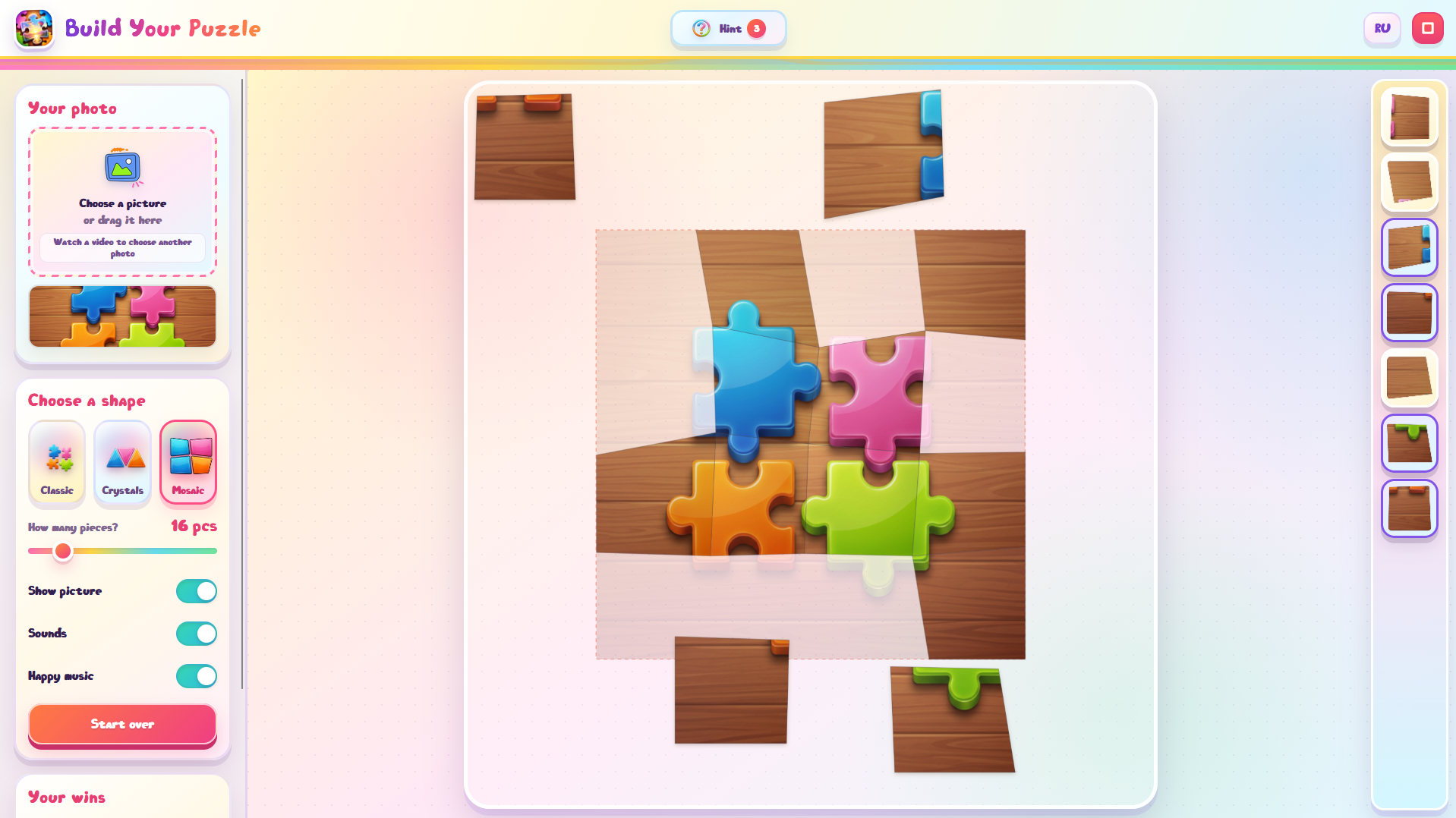
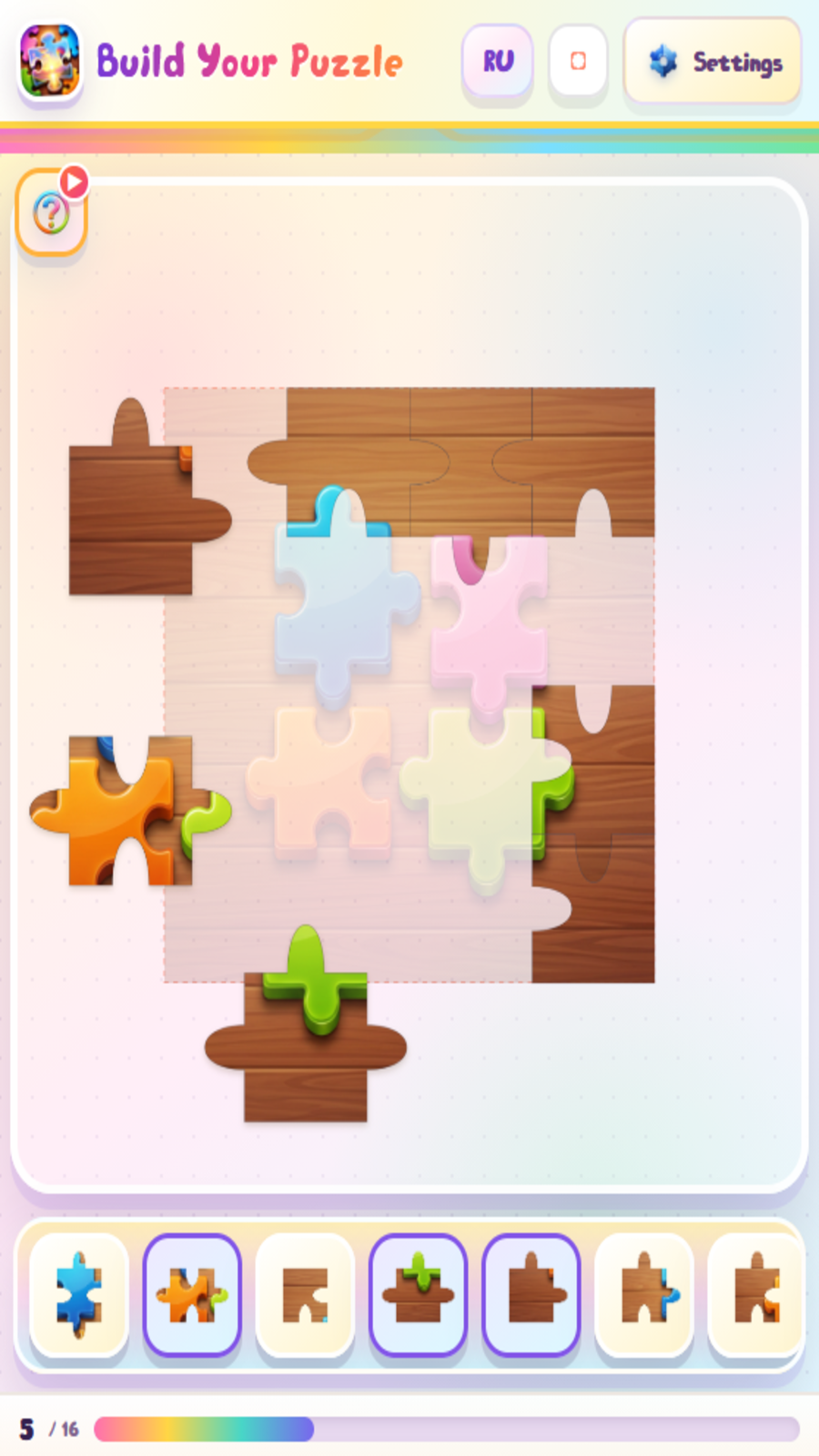
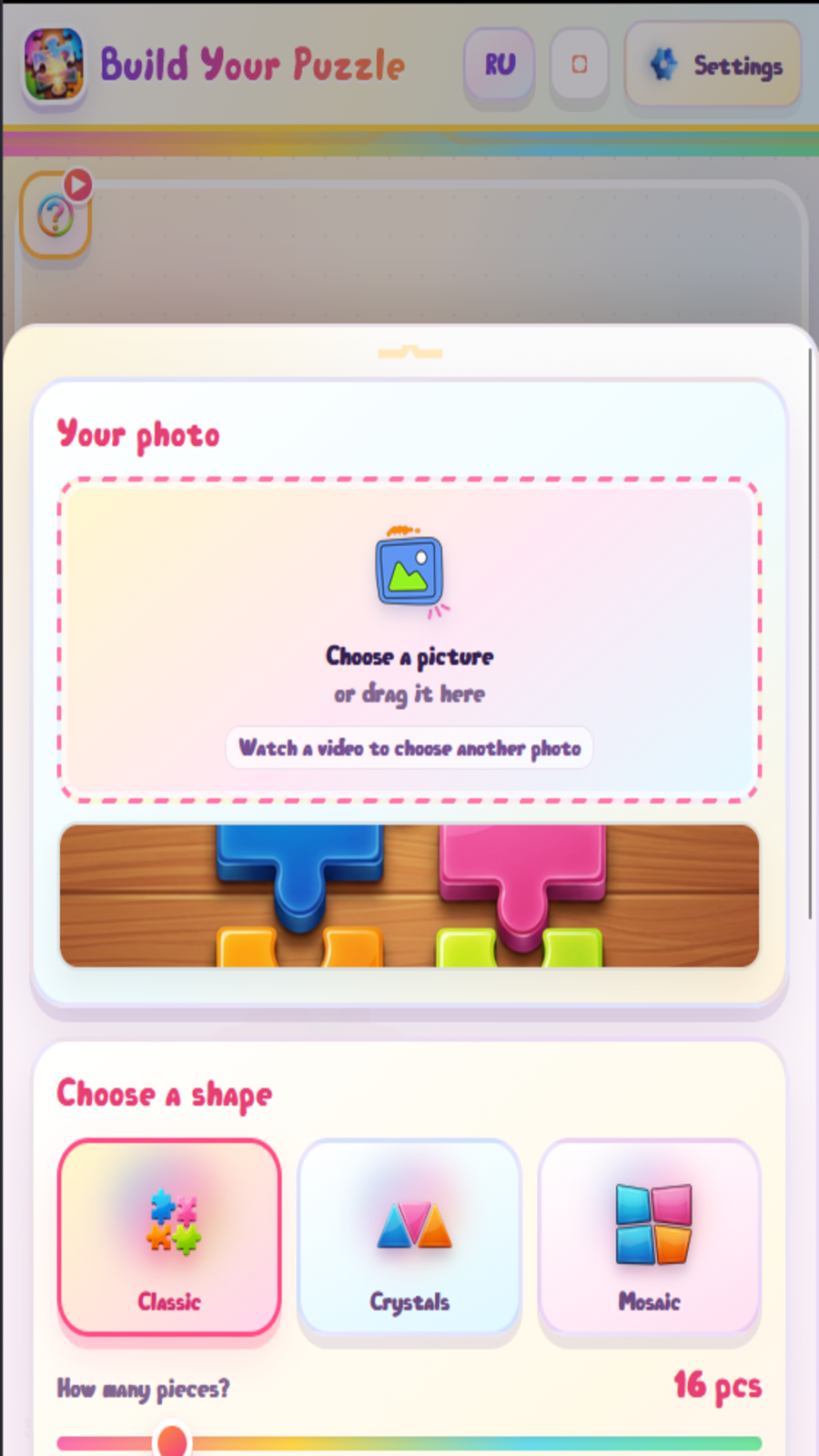
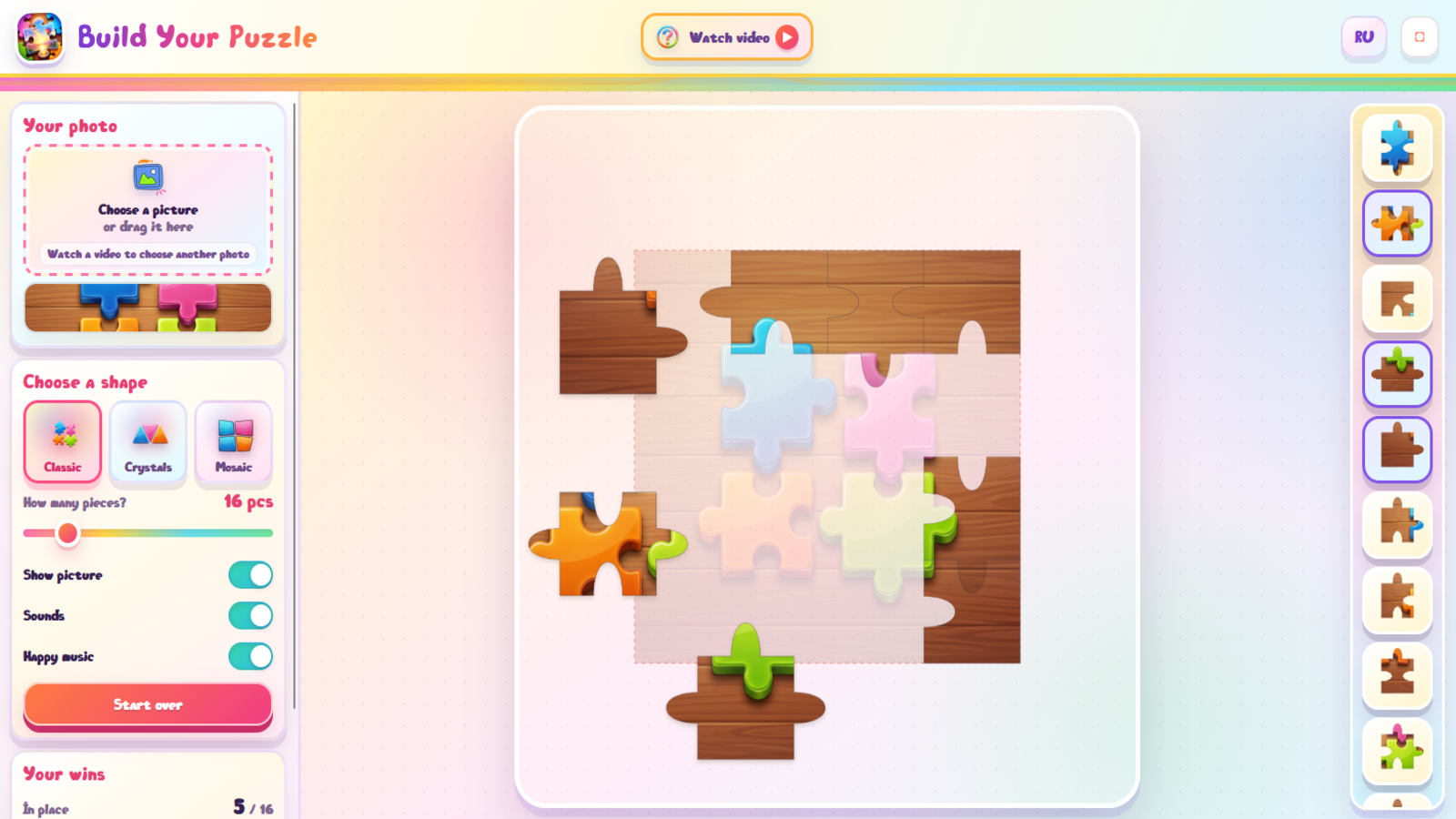
Build Your Puzzle is a colorful and relaxing puzzle game for children and adults. Assemble the picture piece by piece using the included image or your own photo. Choose one of three piece styles and adjust the difficulty, from a quick and simple round to a large puzzle. Pieces appear in a random order, so every game feels different. If you get stuck, use a hint and the selected piece will smoothly move to the correct position. The game supports mouse and touch controls, works on desktop and mobile devices, and saves the player's progress and achievements.

Videos and screenshots
  • Build Your Puzzle screenshot 1
  • Build Your Puzzle screenshot 2
  • Build Your Puzzle screenshot 3
  • Build Your Puzzle screenshot 4
Play Now

12,673 players online

How to play

  1. Open the game

    Press Play now and the game opens on its own screen.

  2. Follow the in-game instructions

    The controls and goals are shown inside the game as you play.

  3. Use the game menu

    The floating button over the game reloads it, saves it to your favourites, or takes you back out.

Game instructions

1. Choose a piece shape and your preferred difficulty. 2. Upload your own photo if you want. The first photo is available for free. 3. Select a piece from the tray on the right or at the bottom to place it on the board. 4. Drag pieces with a mouse or your finger and move them to the correct positions. 5. A correctly placed piece locks into position automatically. 6. To use a hint, press the question mark button and then select the piece you want to place. The first three hints are free. 7. After the free uses, you can receive one additional hint or select another photo by watching a rewarded video. 8. Place every piece to complete the puzzle and enjoy the celebration.

More games

More games