Skip to content
KG
ChitaGO

ChitaGO

82K plays 3.6 out of 5

Overview

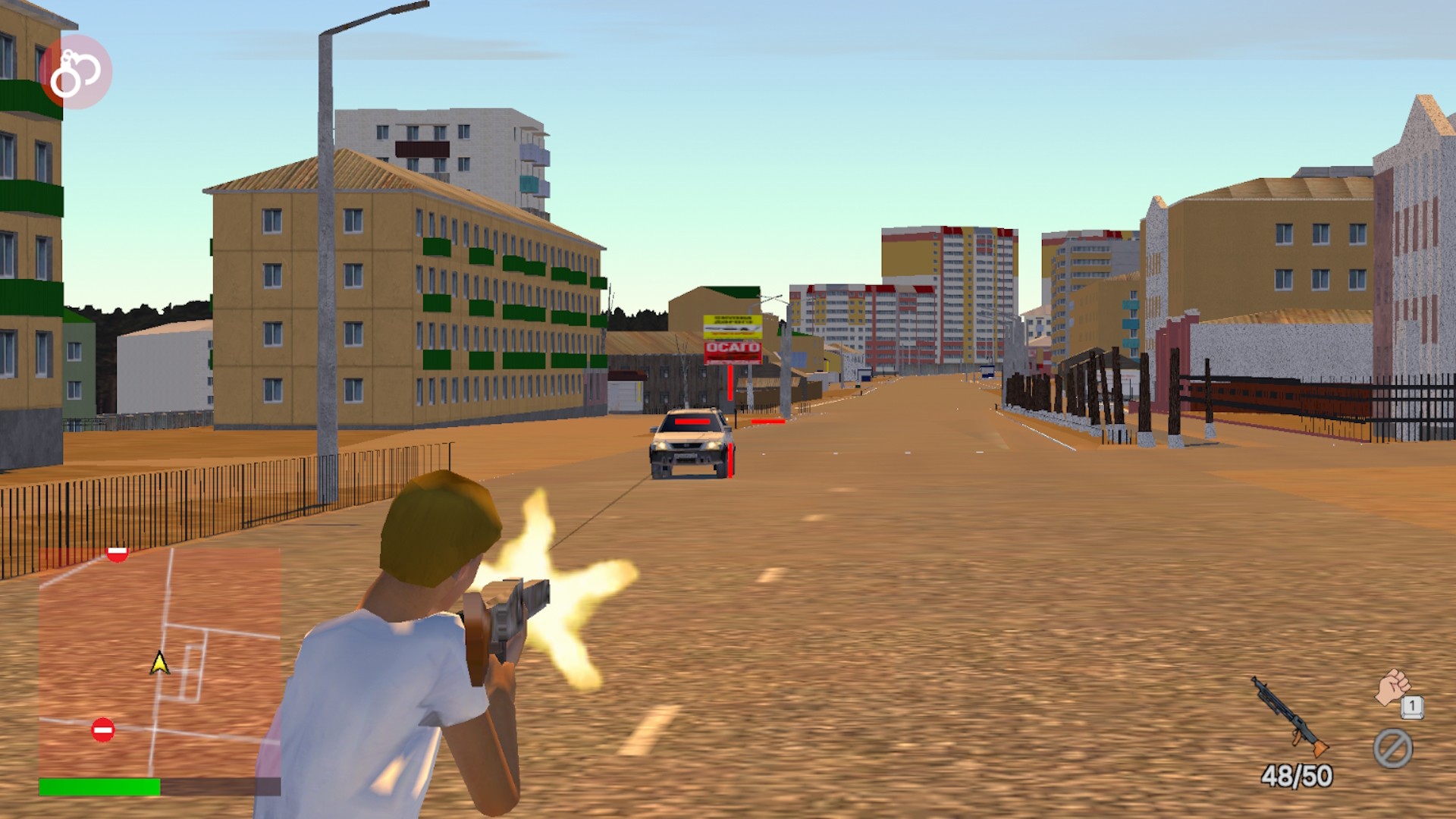
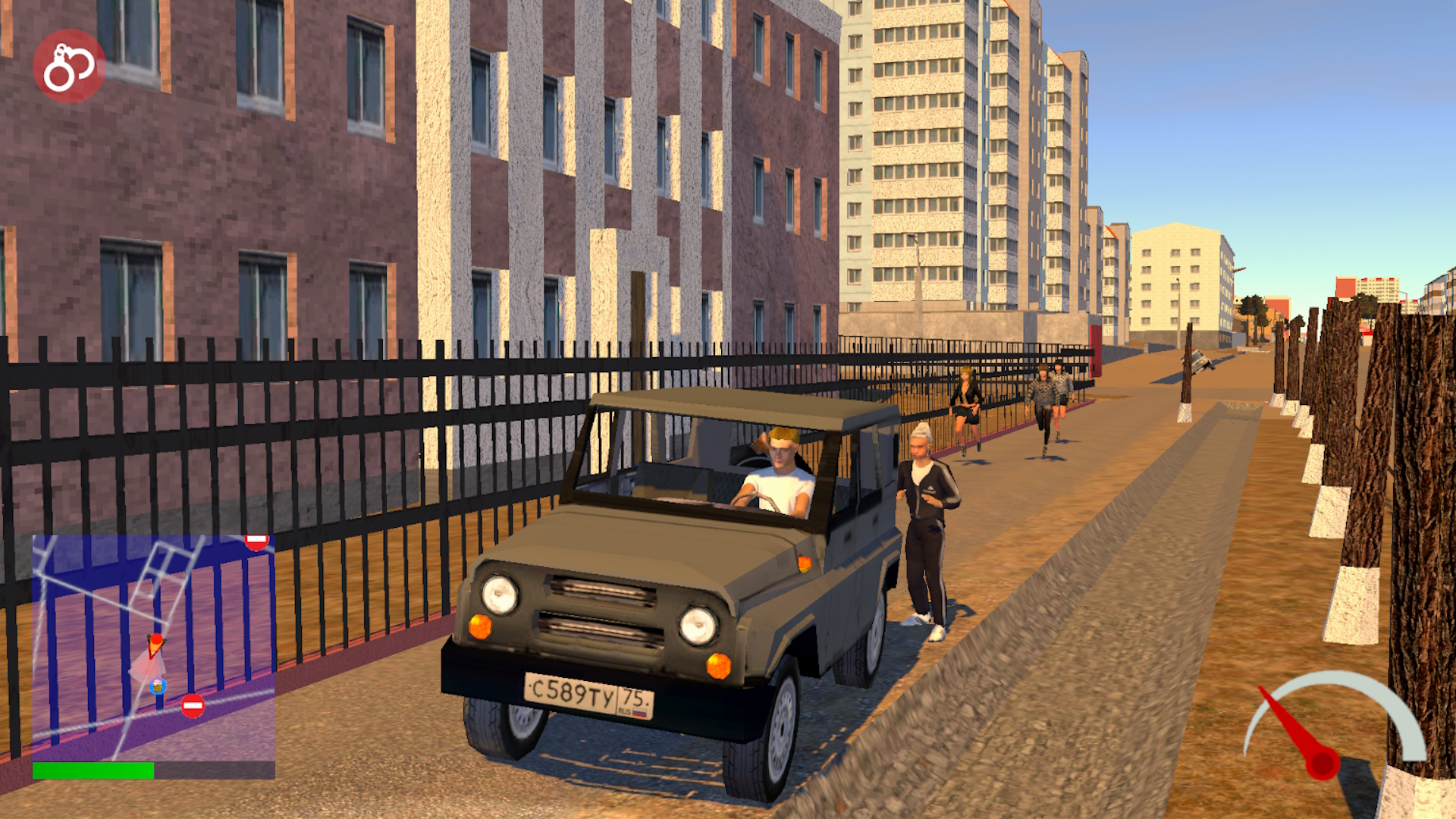
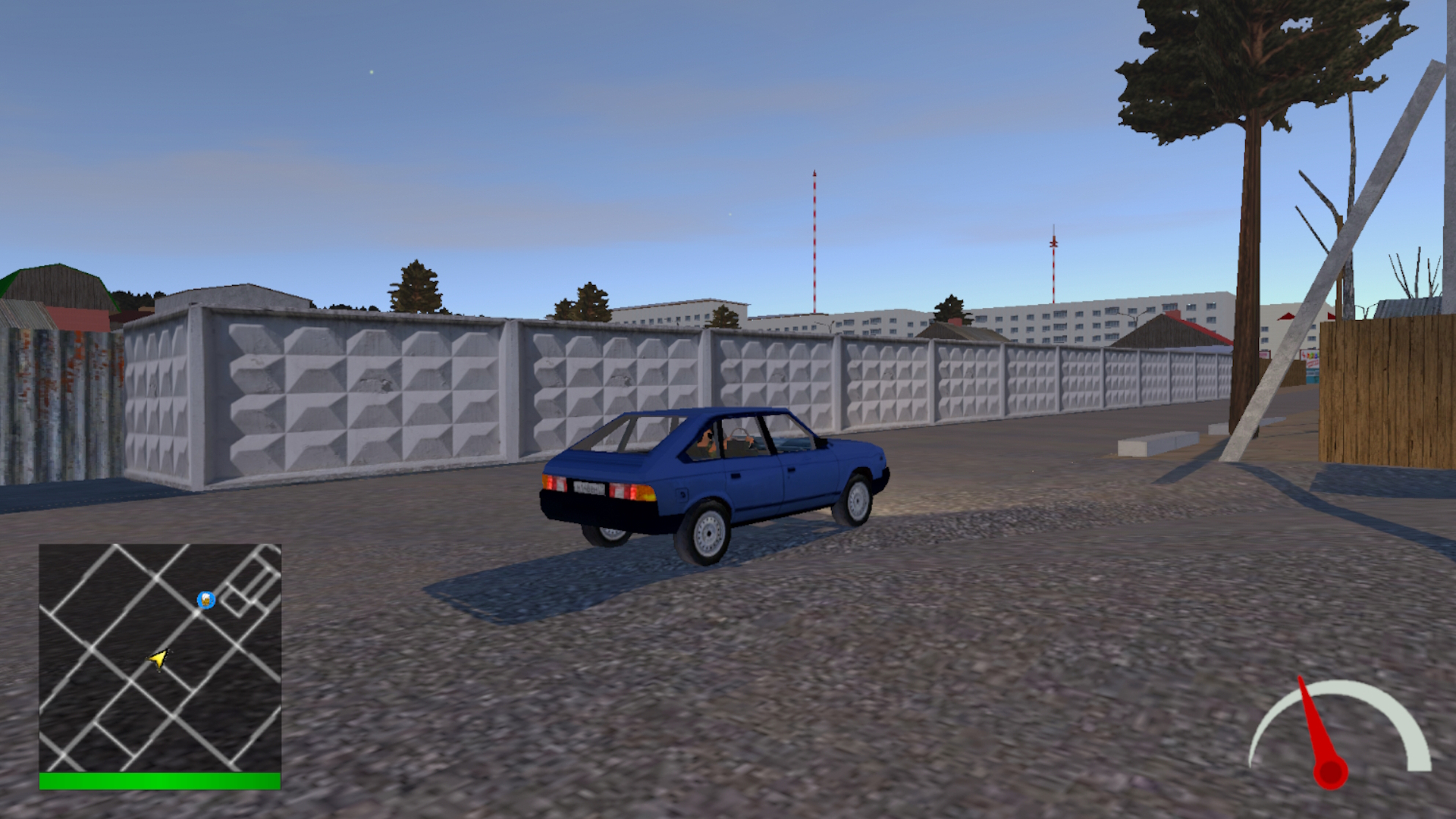
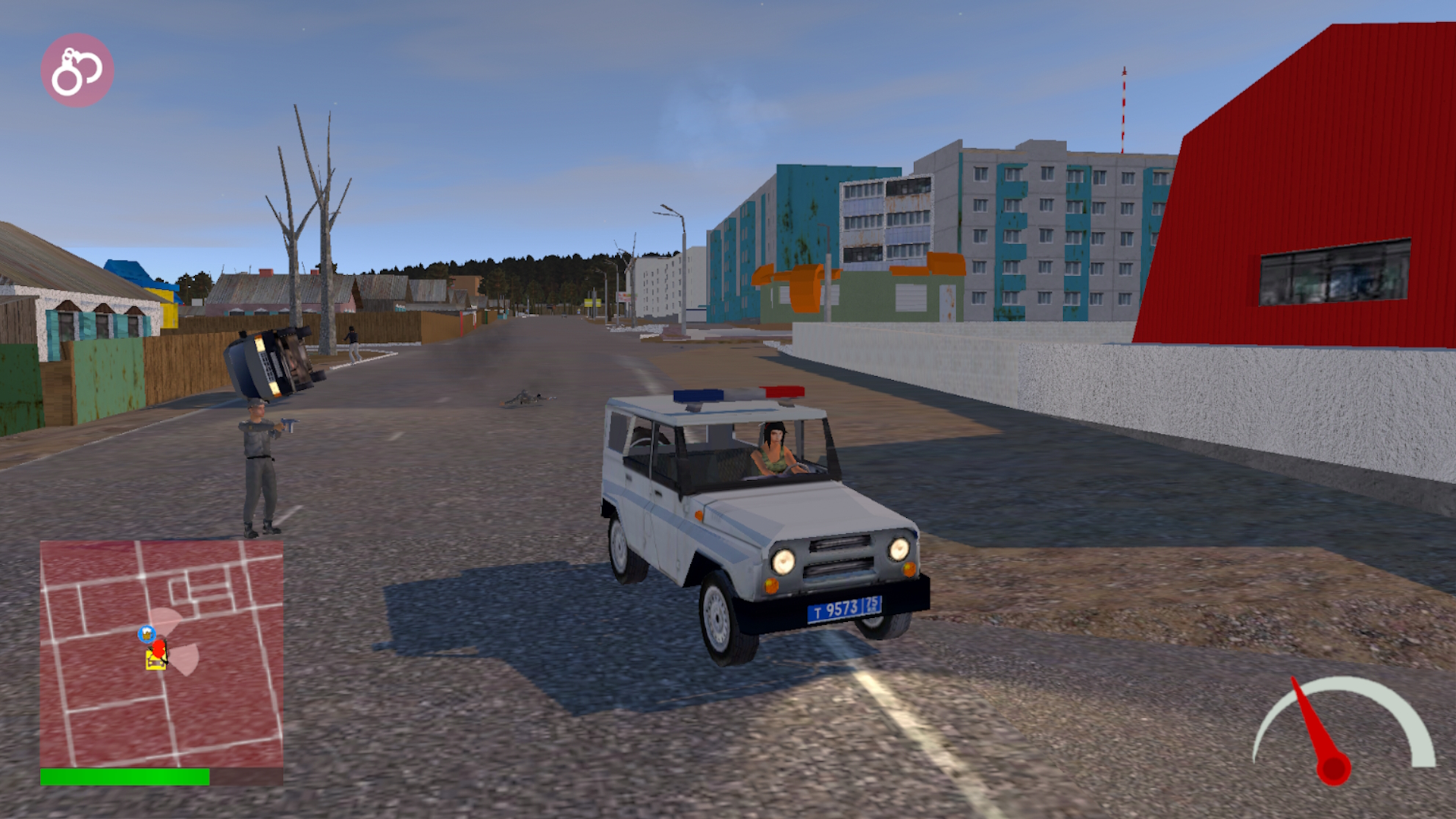
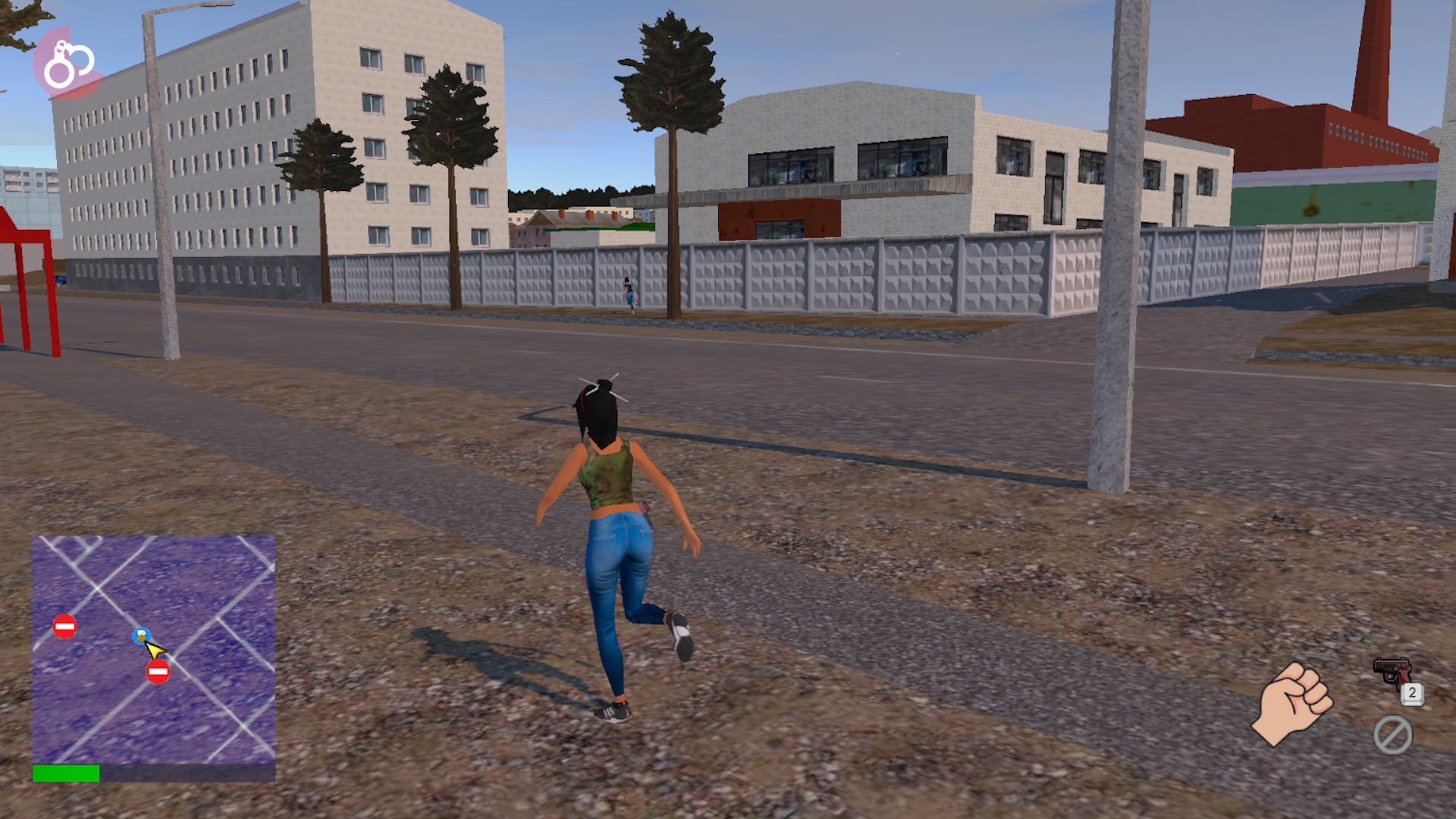
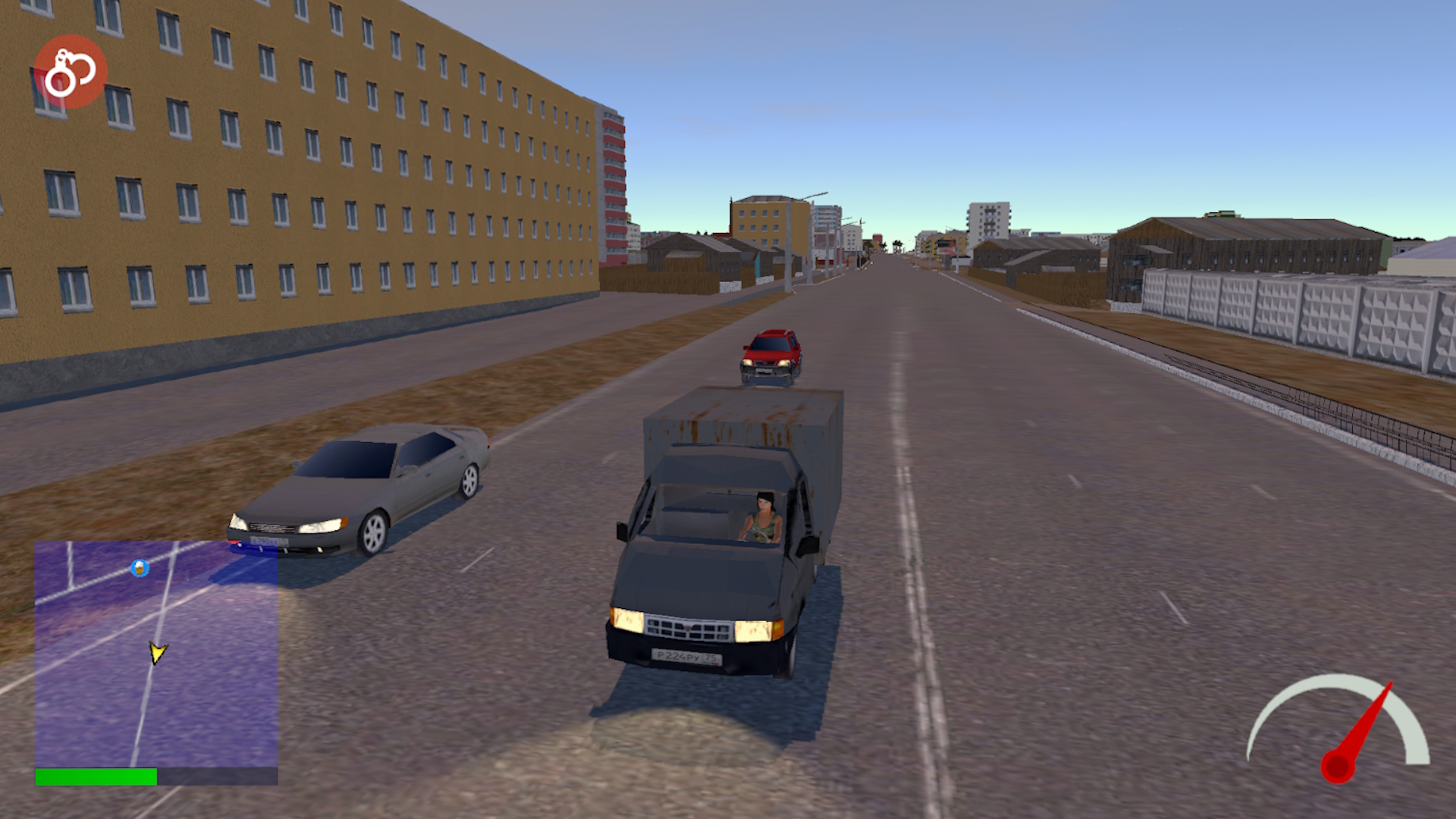
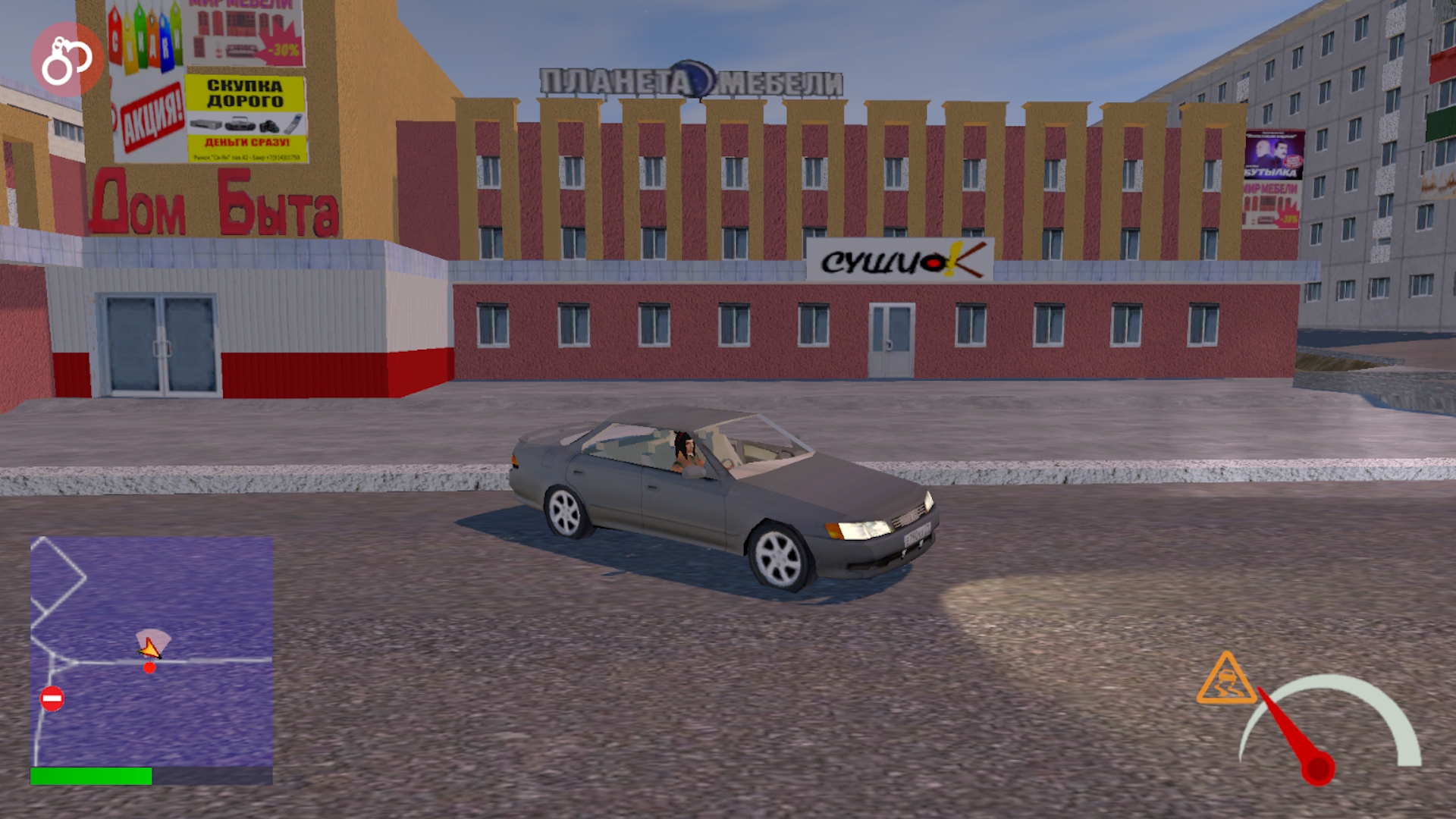
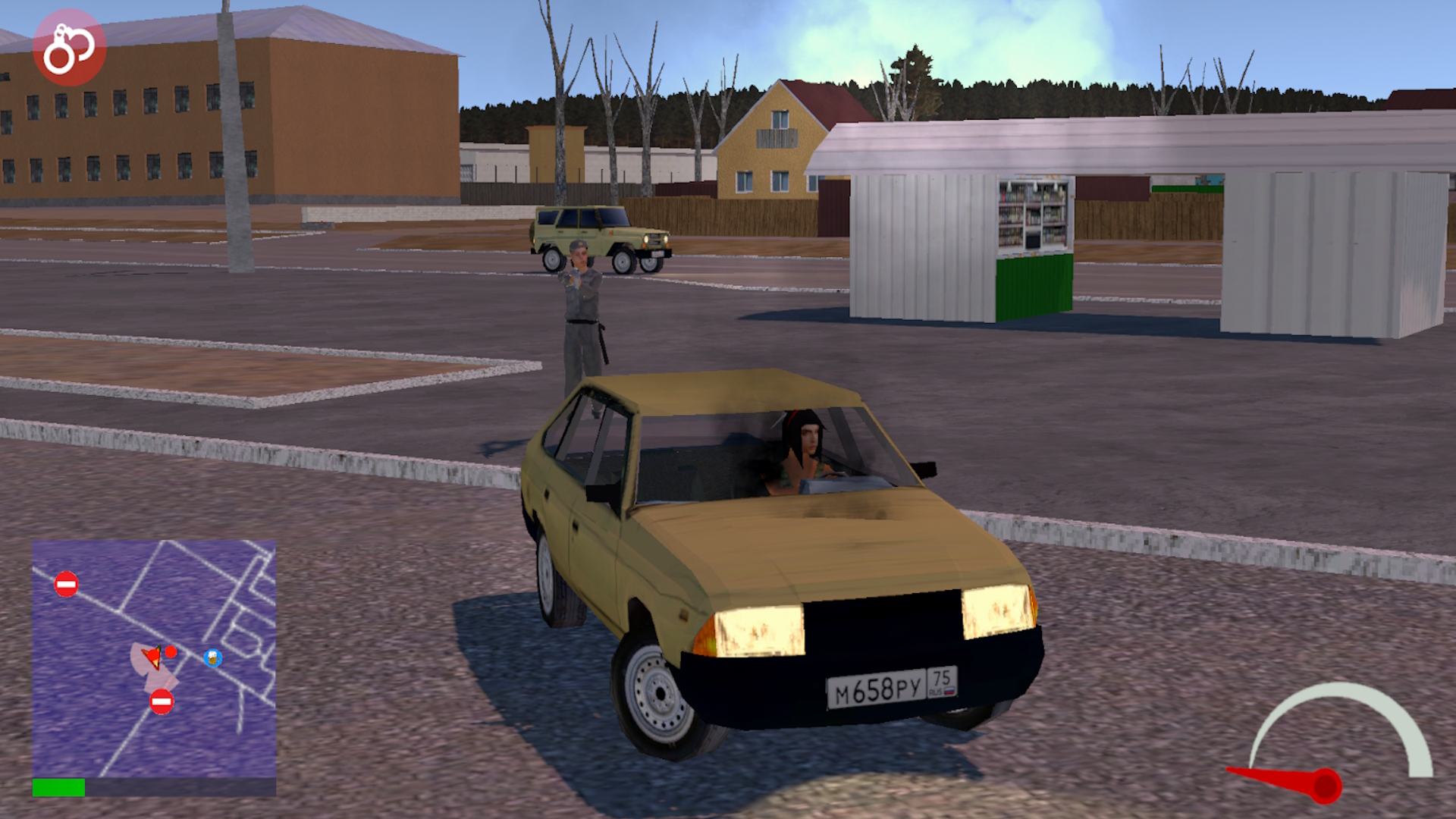
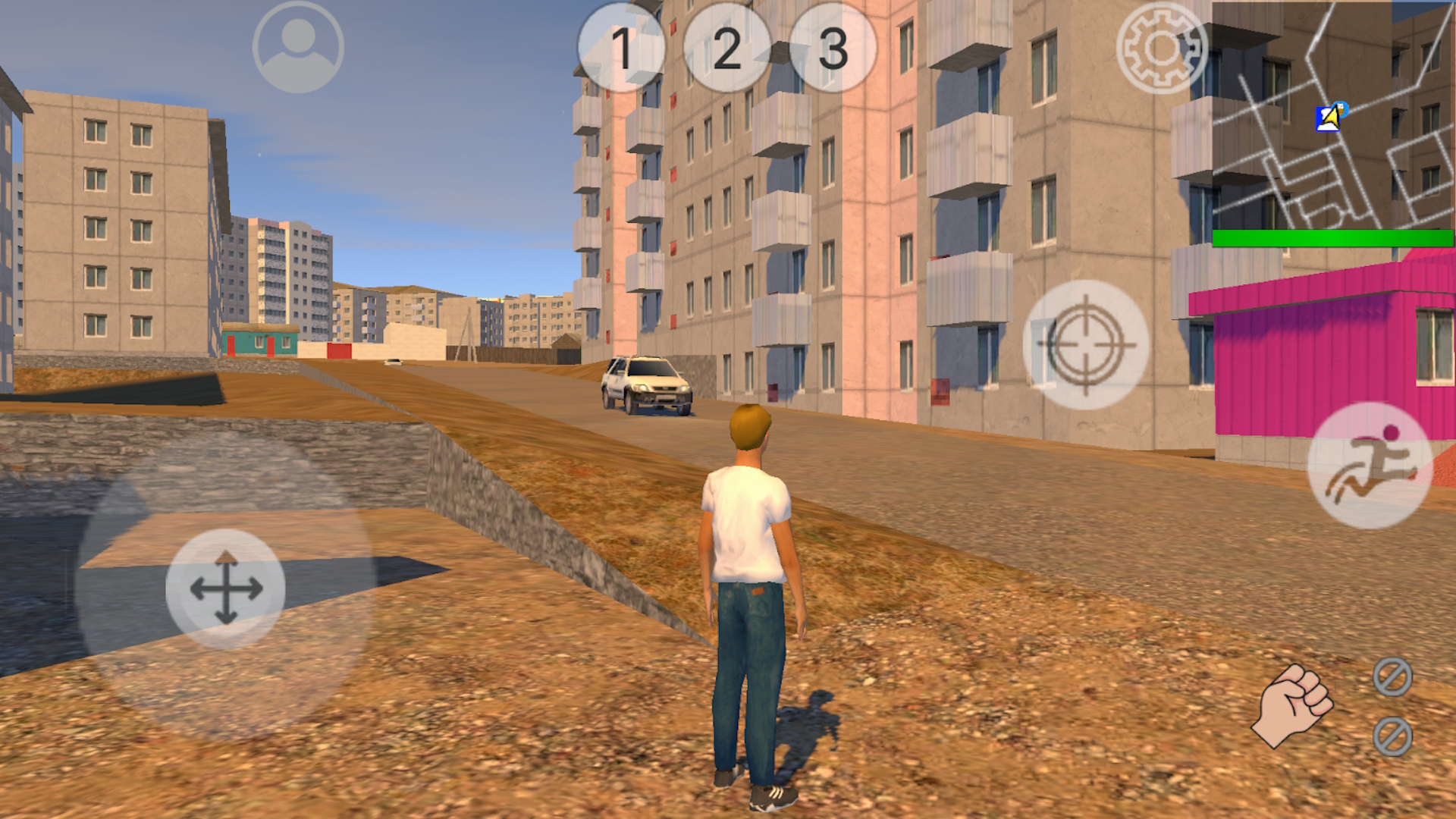
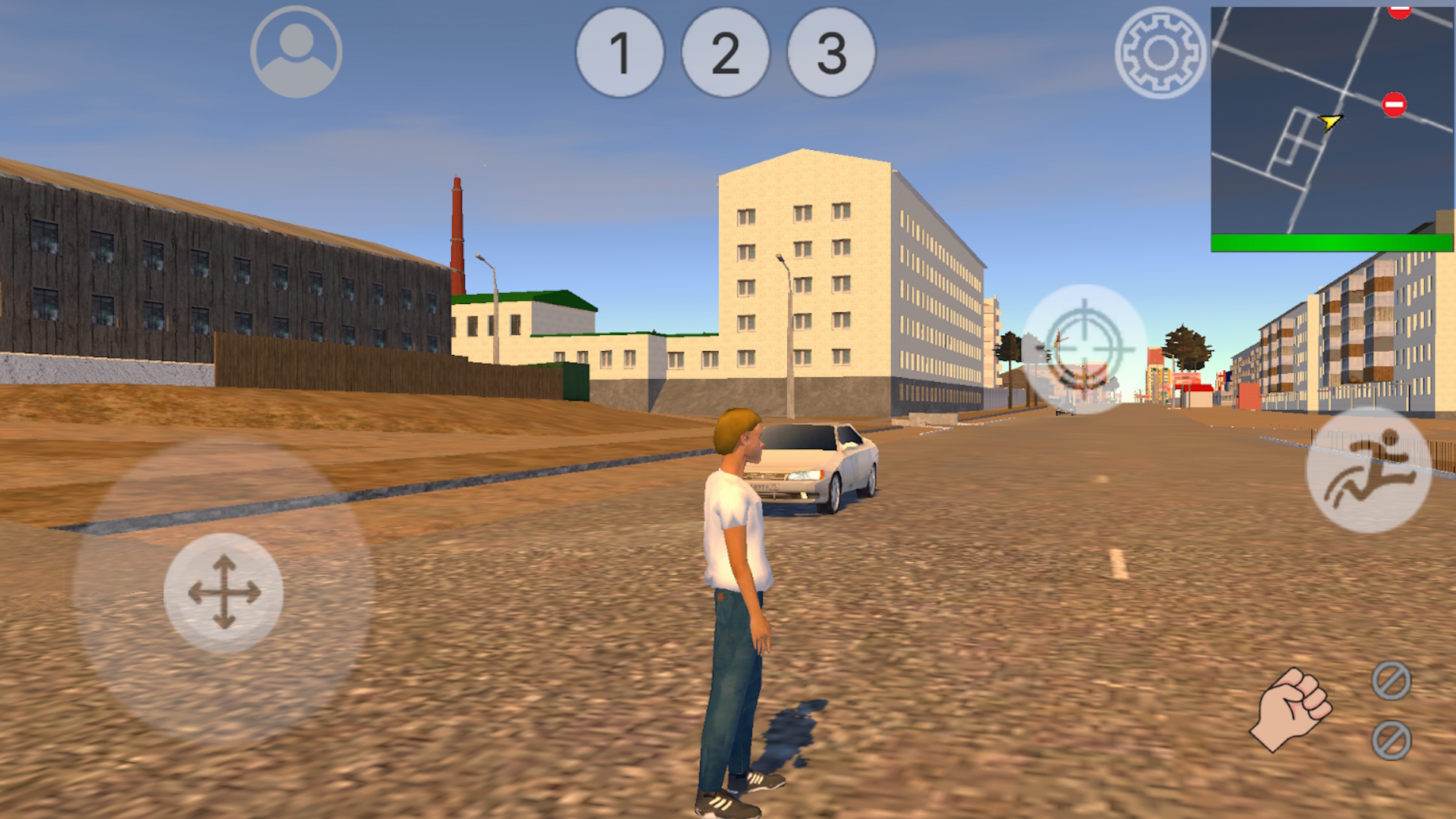
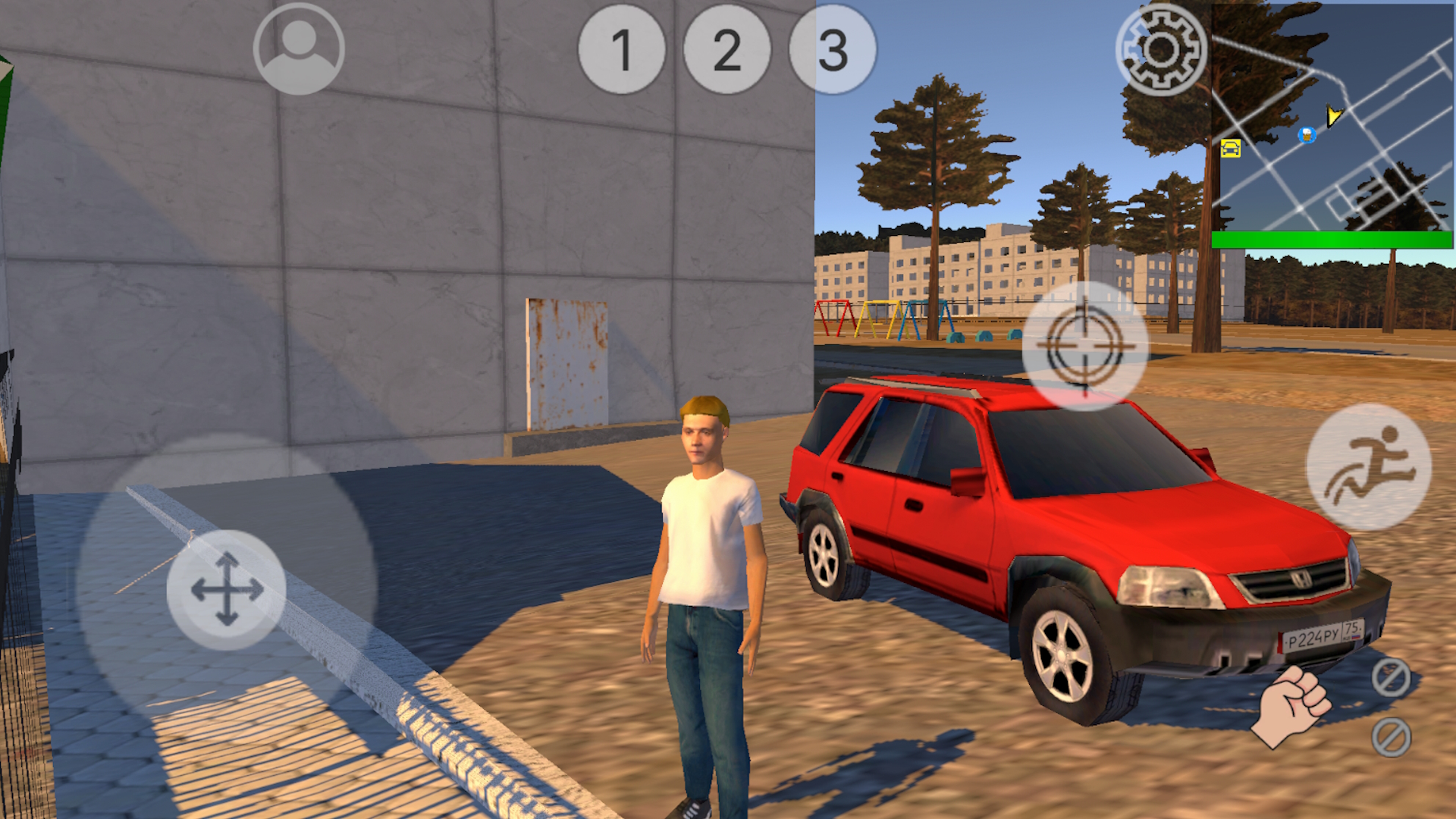
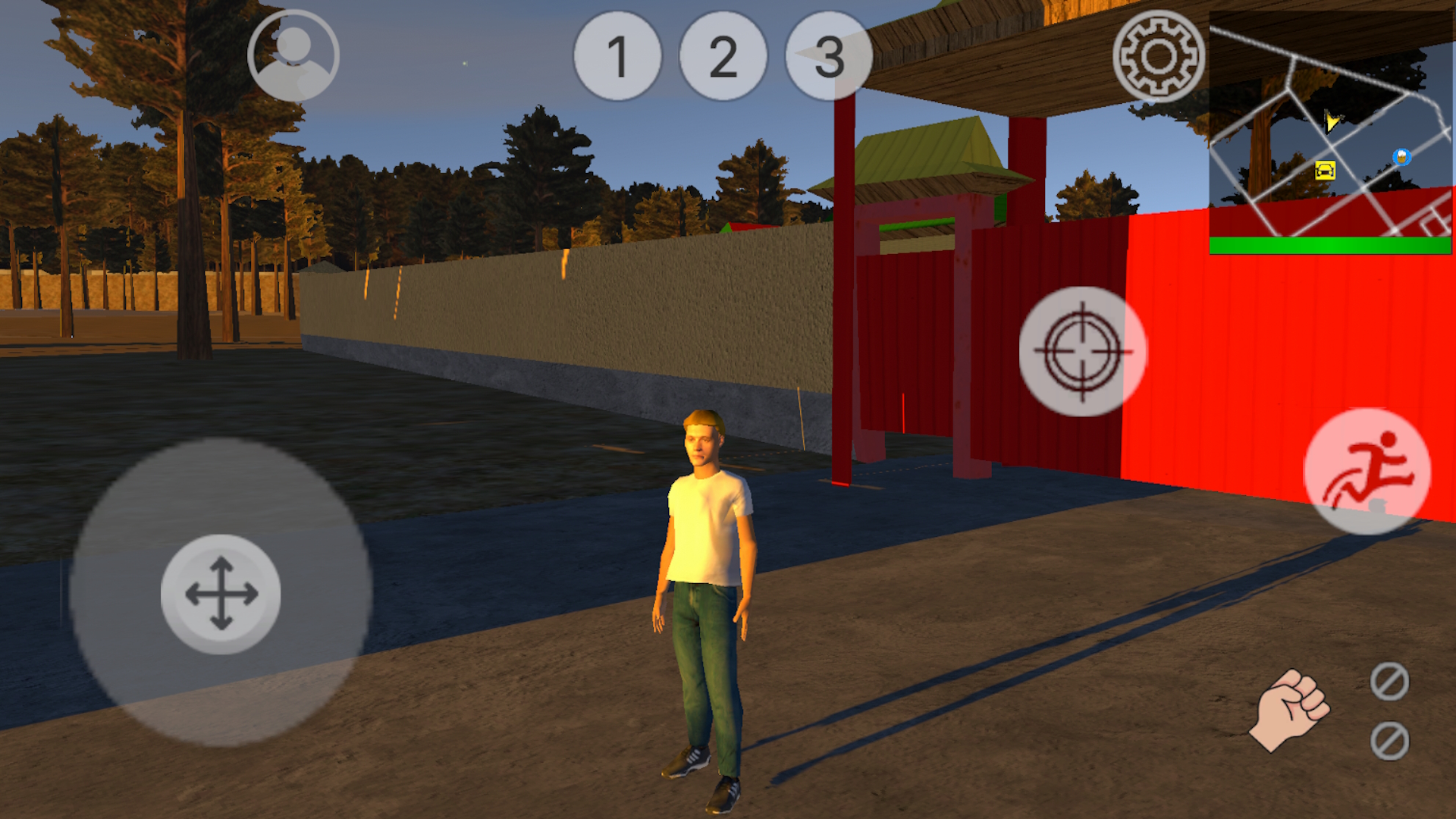
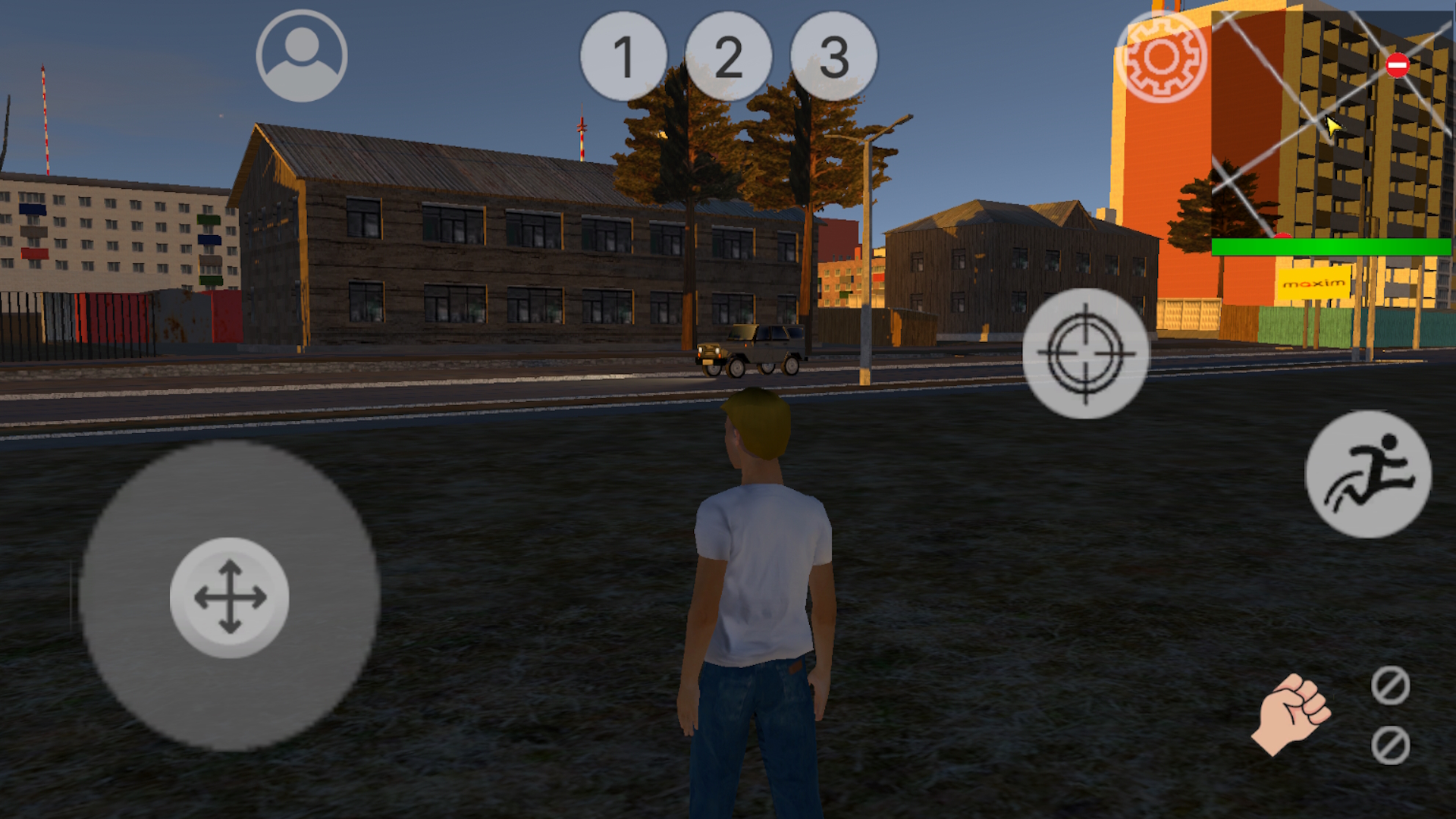
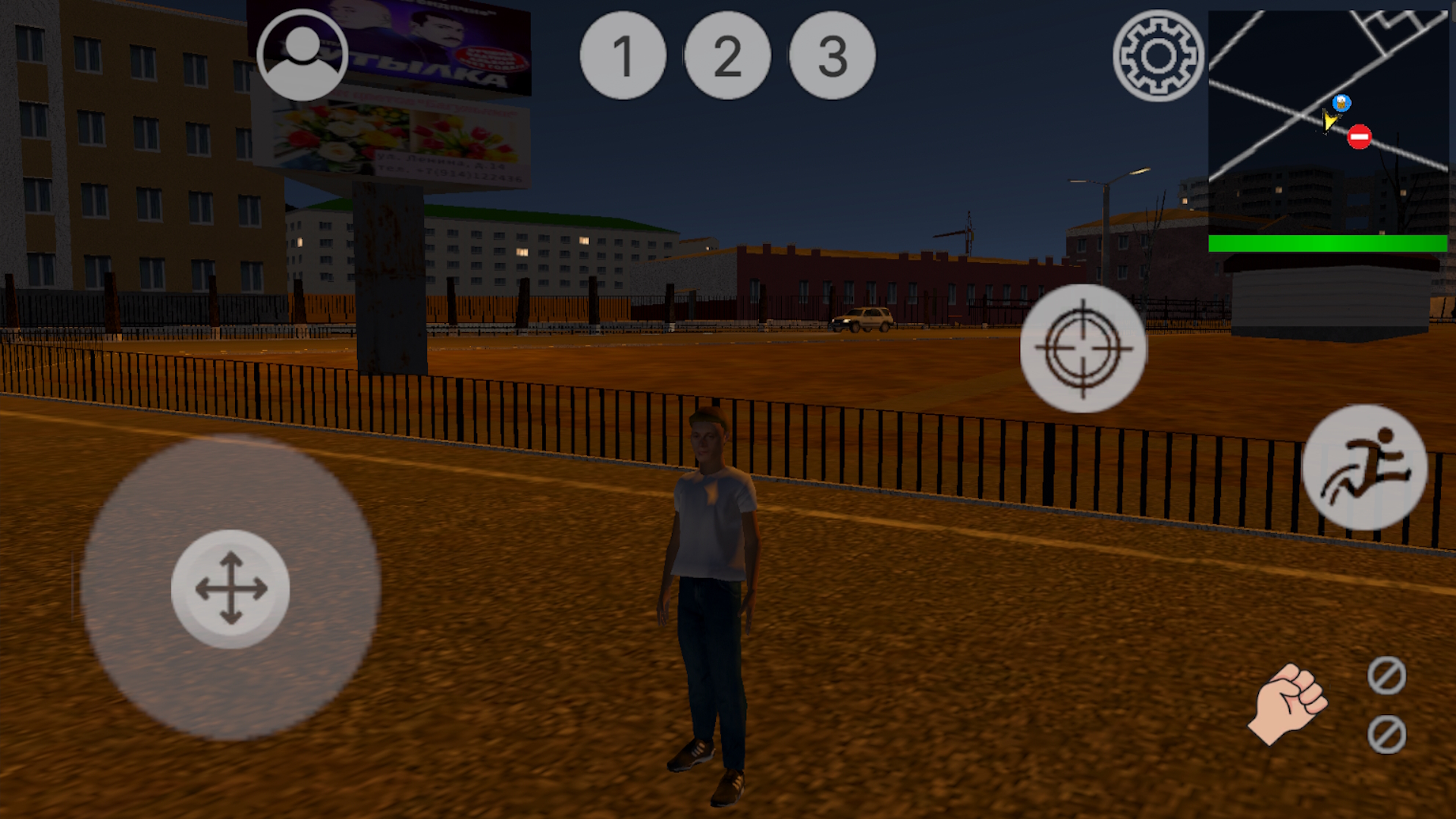
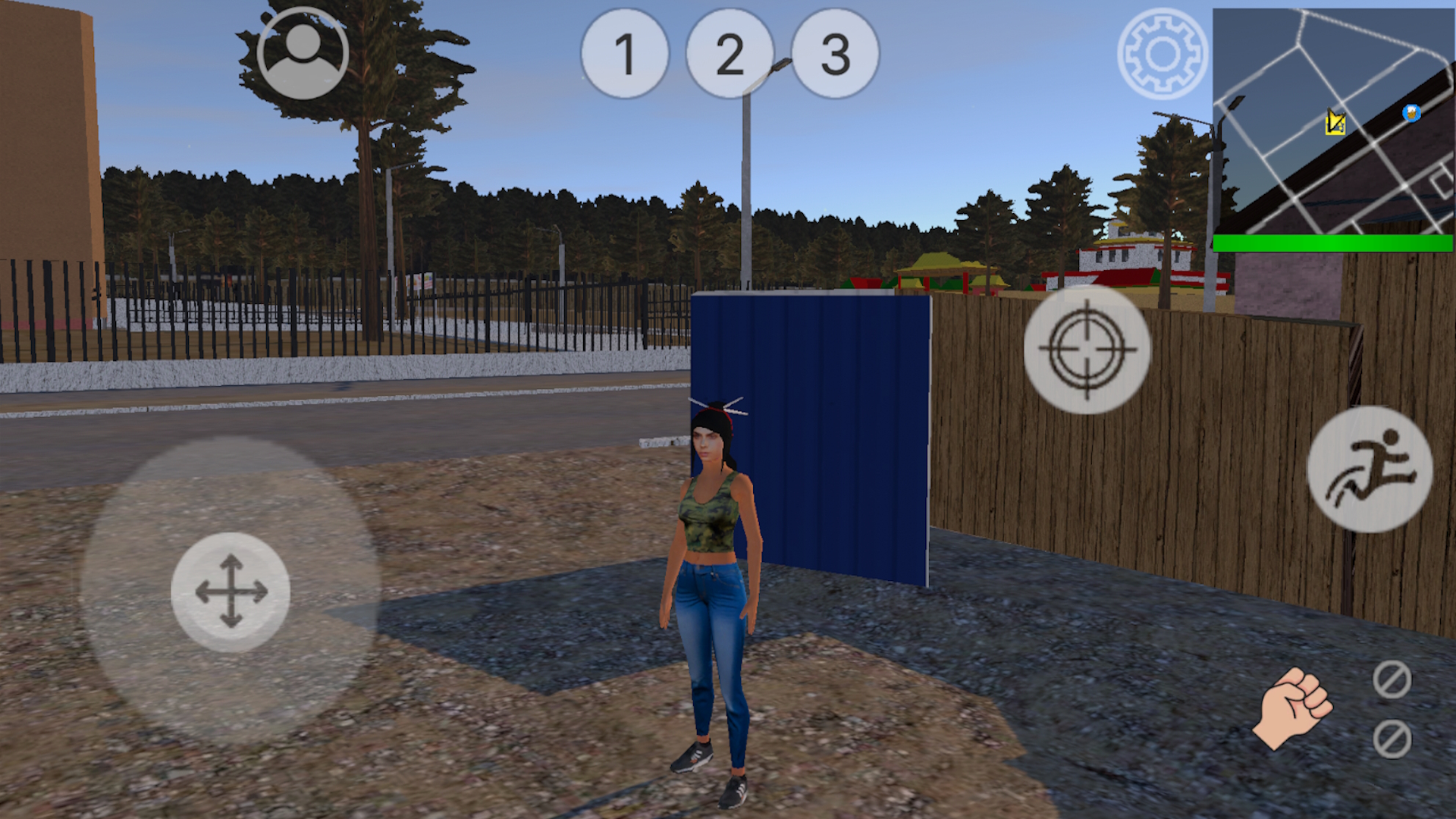
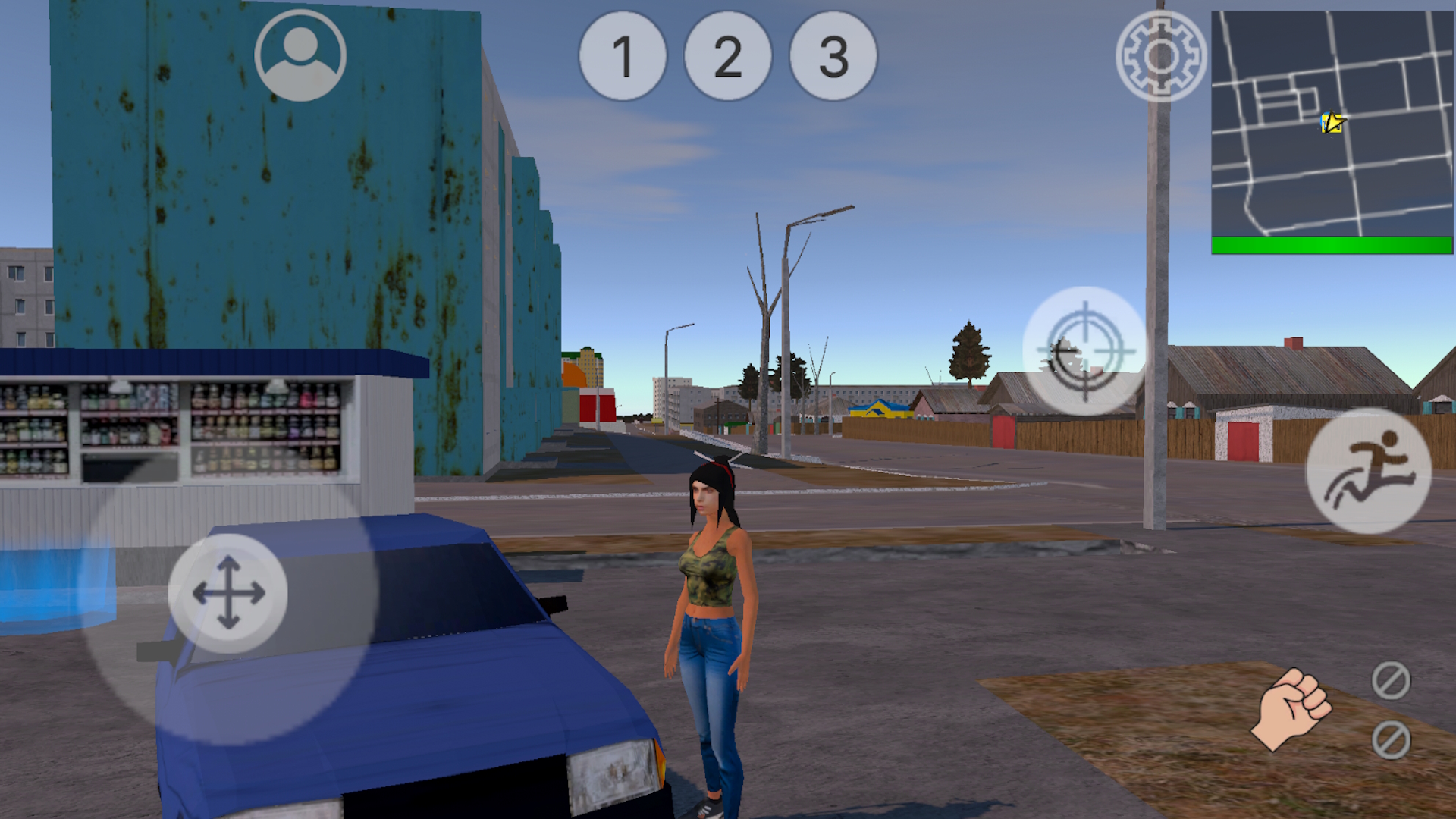
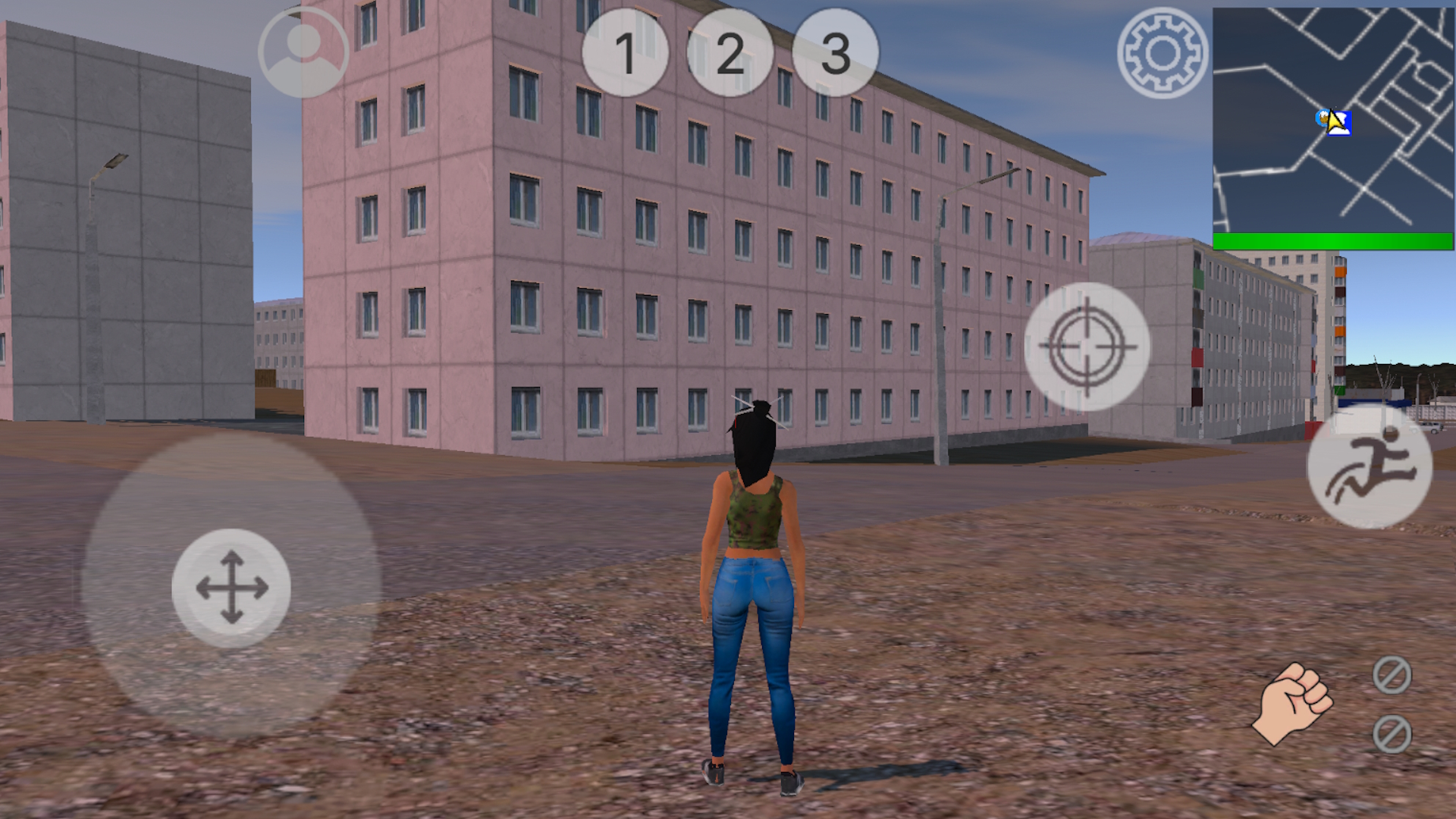
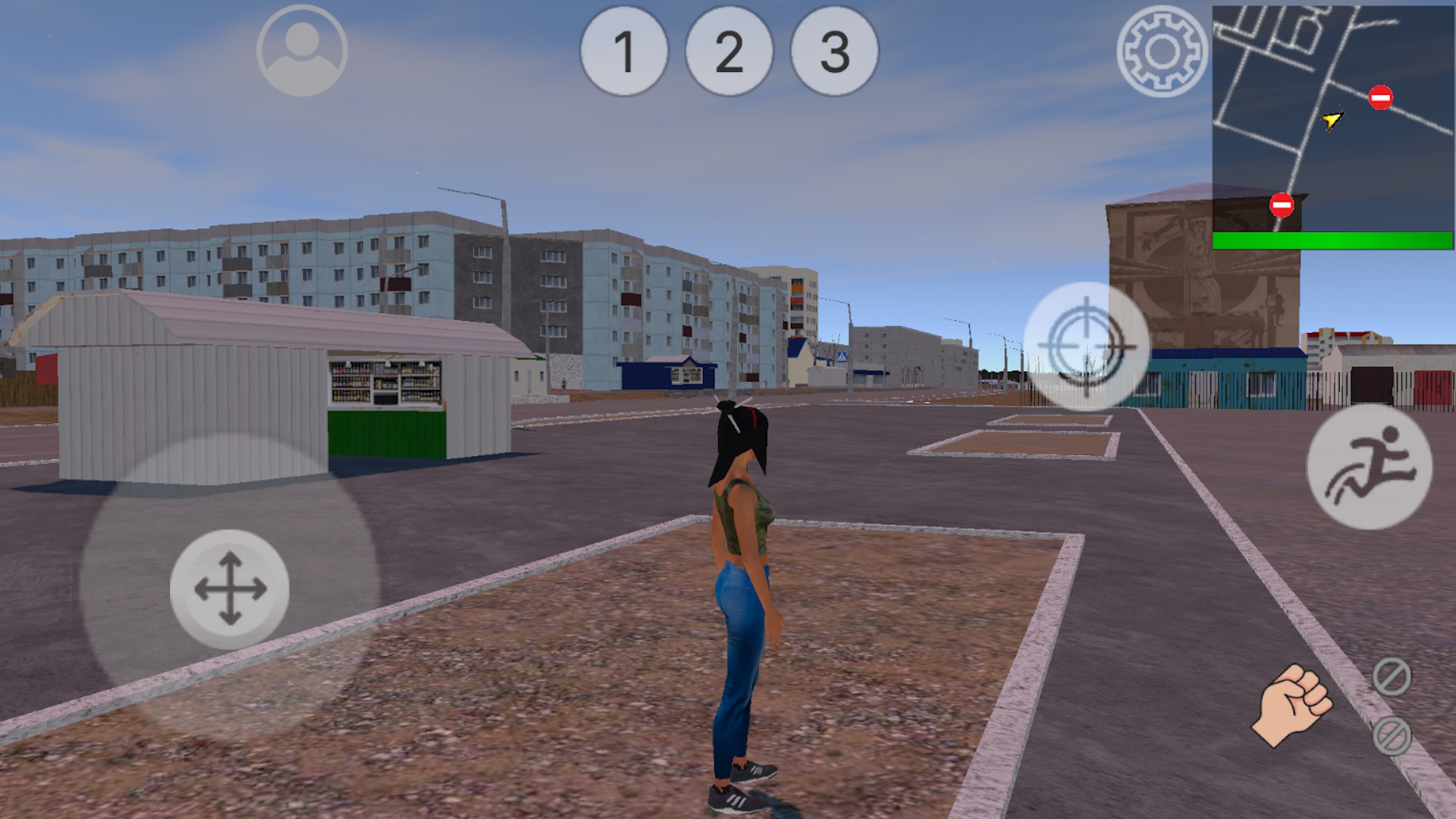
It's 2007 on the streets of Chita. Our main character returns home, but he hasn't been wanted there for a long time. An old friend, with whom he studied in the same class, comes to his aid. Together they will try to achieve success. But will they be lucky? The game world is based on the real-life city of Chita in the Trans-Baikal Territory. Streets, houses, and even trees have been recreated with utmost accuracy. This creates an incredible atmosphere that will linger throughout the game. In addition to the story mode, the game features a free mode, allowing players to create their own character and explore approximately 10 square kilometers of open world.

Videos and screenshots
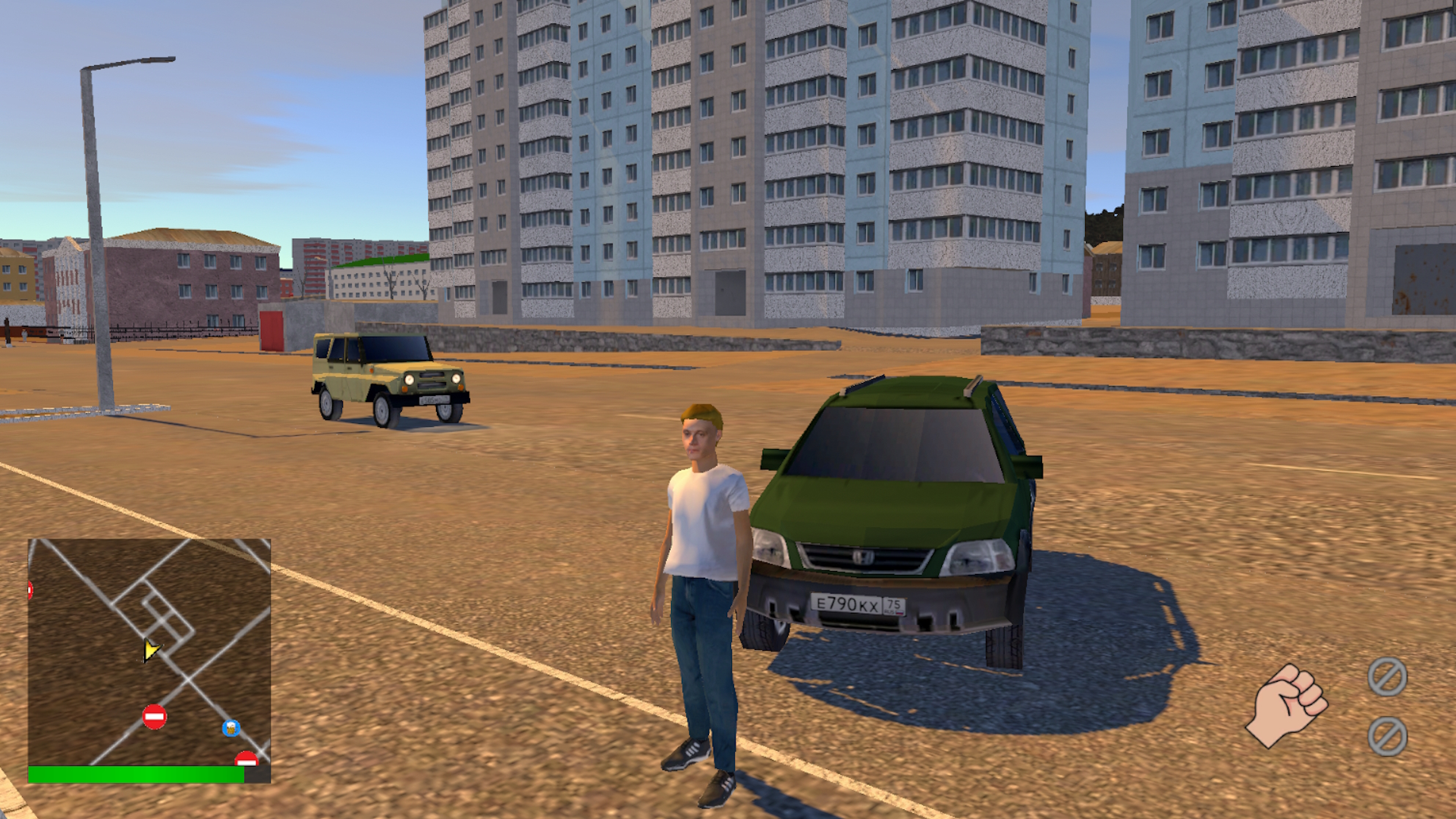
  • ChitaGO screenshot 1
  • ChitaGO screenshot 2
  • ChitaGO screenshot 3
  • ChitaGO screenshot 4
  • ChitaGO screenshot 5
  • ChitaGO screenshot 6
  • ChitaGO screenshot 7
  • ChitaGO screenshot 8
  • ChitaGO screenshot 9
  • ChitaGO screenshot 10
  • ChitaGO screenshot 11
  • ChitaGO screenshot 12
  • ChitaGO screenshot 13
  • ChitaGO screenshot 14
  • ChitaGO screenshot 15
  • ChitaGO screenshot 16
  • ChitaGO screenshot 17
  • ChitaGO screenshot 18
  • ChitaGO screenshot 19
  • ChitaGO screenshot 20
Play Now

14,526 players online

How to play

  1. Open the game

    Press Play now and the game opens on its own screen.

  2. Follow the in-game instructions

    The controls and goals are shown inside the game as you play.

  3. Use the game menu

    The floating button over the game reloads it, saves it to your favourites, or takes you back out.
Game instructions

Controls: Tab- Game menu. W - Move forward. S - Move backward. A - Move left. D - Move right. K- Lock/Unlock cursor. L.Shift - Sprint/Speed ​​limiter in transport Left mouse button - Shoot/attack. Right mouse button - Aim. 1, 2, 3 - Weapon selection (only hand are available on key "1" if no weapon is present). I - Open/close inventory. H - Drink health-restoring beverage (if available in inventory). Space - Jump/Brake vehicle. F - Enter vehicle/exit vehicle. Mouse wheel - Change camera zoom. M - World map. C- First/third person view R- Radio in car

More games

More games