Skip to content
KG
Color Cannons 3D

Color Cannons 3D

1K plays 3.8 out of 5

Overview

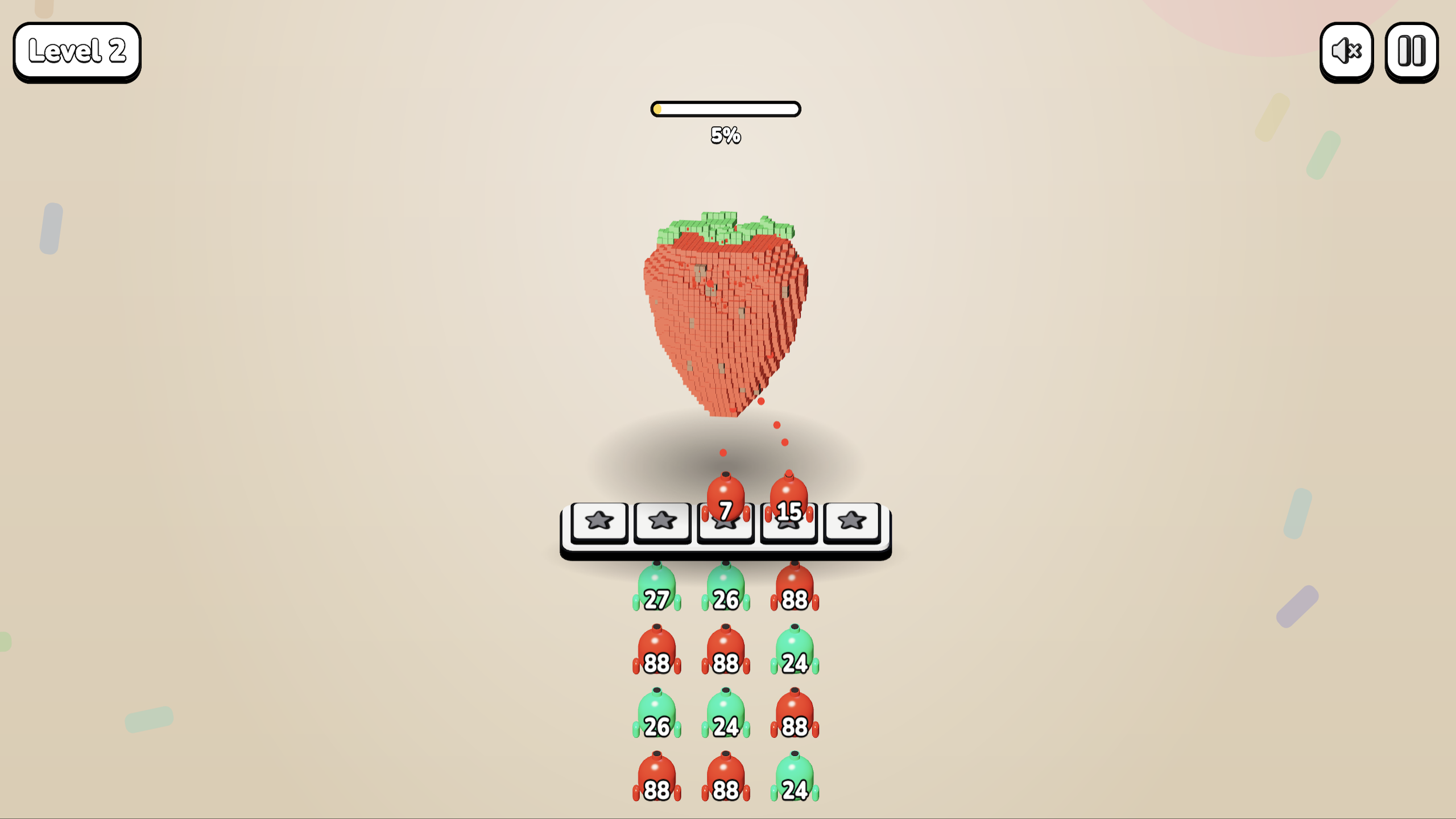
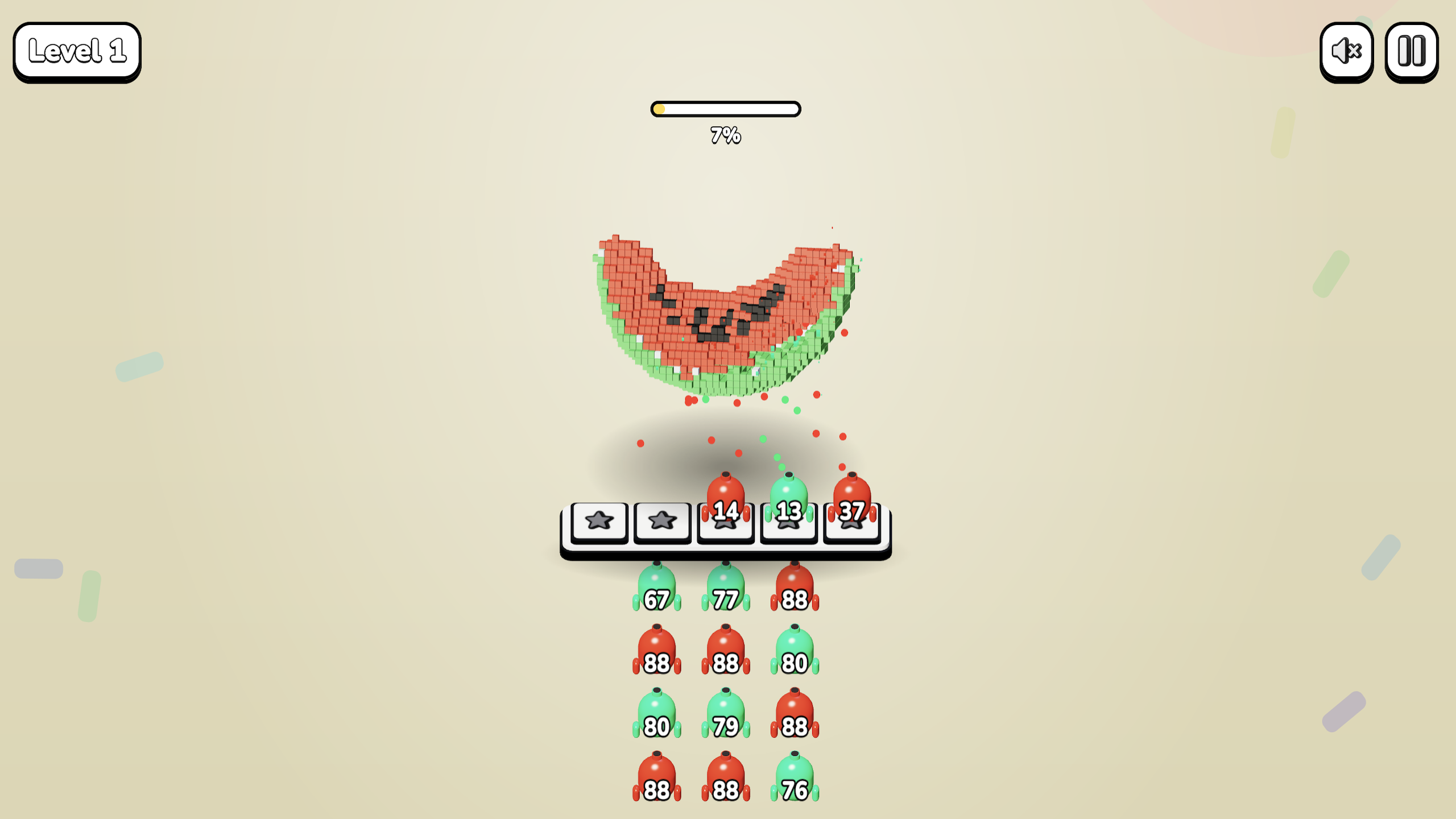
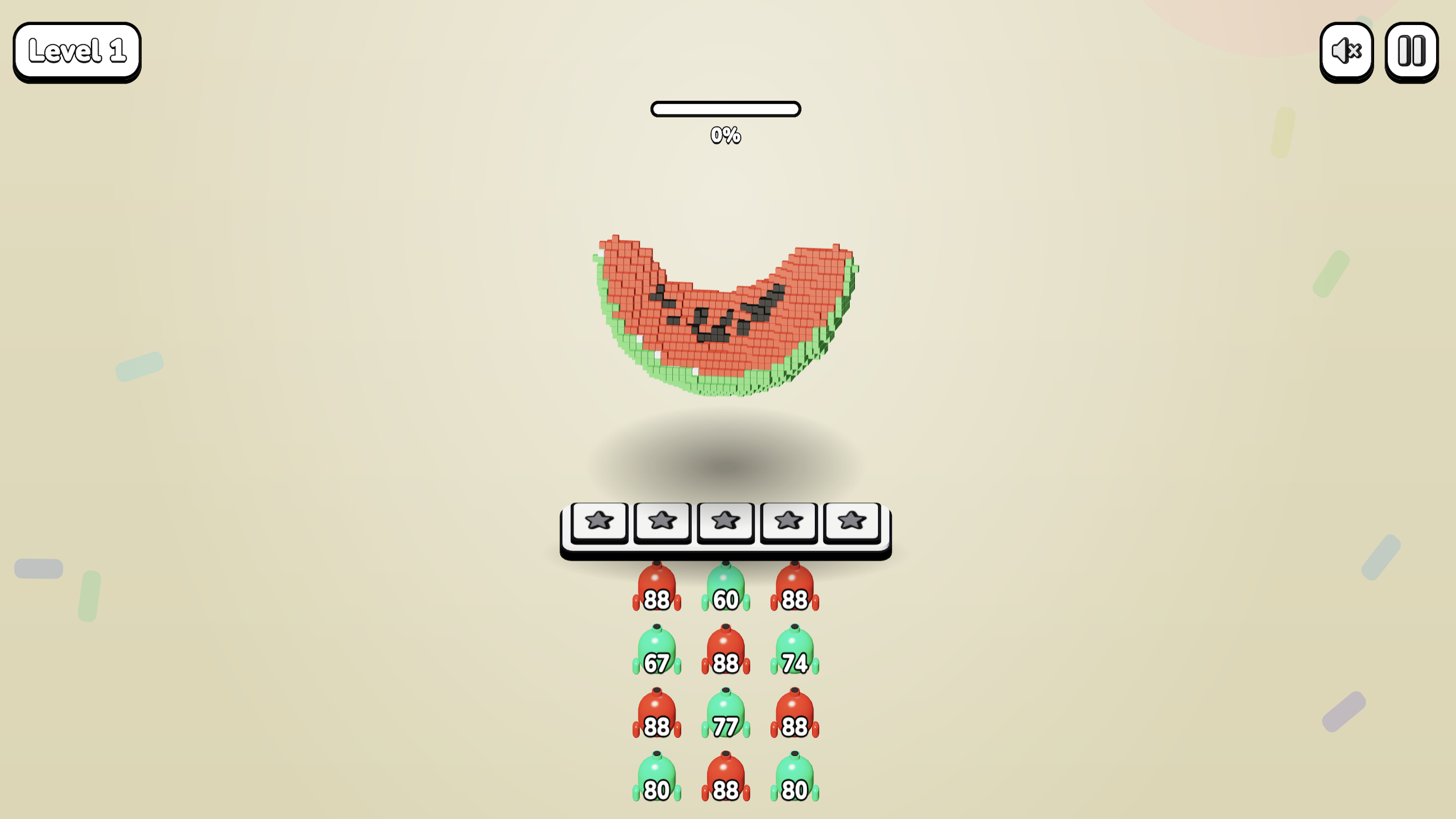
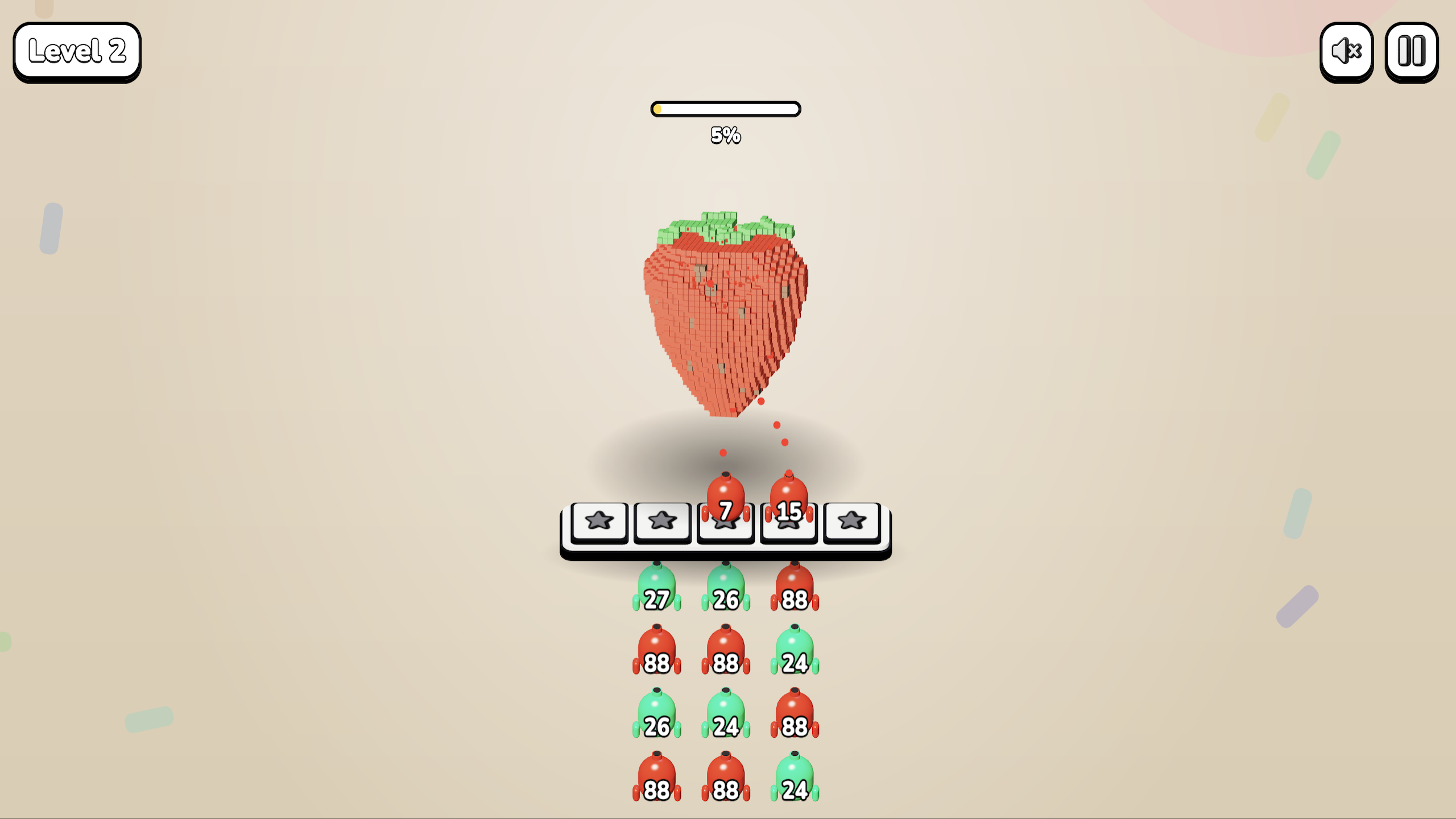
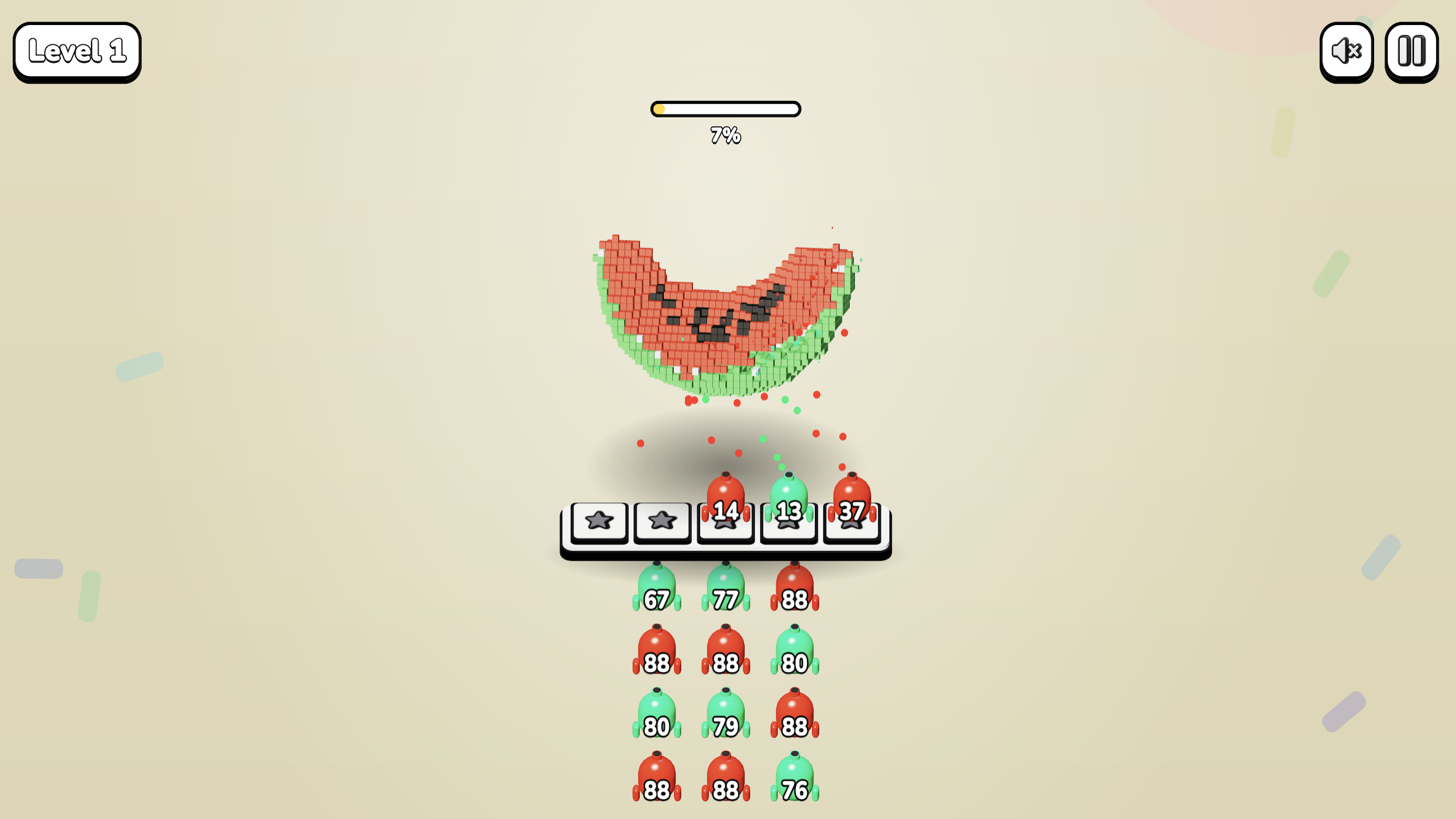
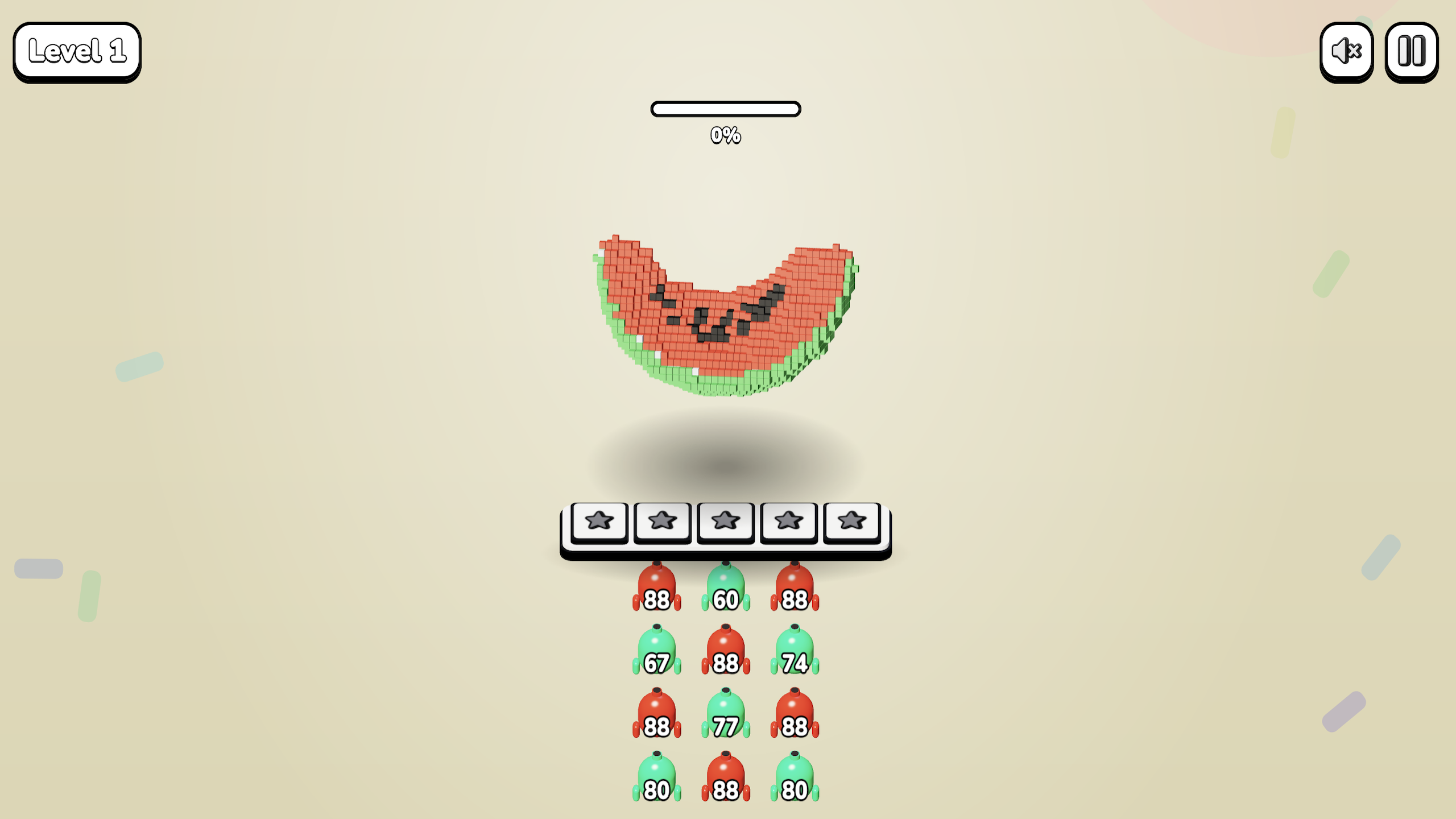
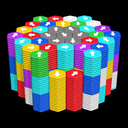
Turn a 3D sculpture into a shower of colorful cubes! Choose cannons and plan their order: each one fires only at blocks of its own color, and you have just five slots. Start with juicy fruit and discover new shapes across 200 levels. Different colors hide beneath the outer layer, so your next move depends on what is exposed. Simple controls meet puzzles that reward attention and planning. Enjoy a short break on your phone or computer. Completed levels and your current attempt are saved, while cloud saves let you continue on another device with the same Yandex account.

Videos and screenshots
  • Color Cannons 3D screenshot 1
  • Color Cannons 3D screenshot 2
  • Color Cannons 3D screenshot 3
  • Color Cannons 3D screenshot 4
  • Color Cannons 3D screenshot 5
  • Color Cannons 3D screenshot 6
Play Now

14,277 players online

How to play

  1. Open the game

    Press Play now and the game opens on its own screen.

  2. Follow the in-game instructions

    The controls and goals are shown inside the game as you play.

  3. Use the game menu

    The floating button over the game reloads it, saves it to your favourites, or takes you back out.
Game instructions

Click or tap an available cannon in the front row to move it into one of five slots. It automatically fires at exposed blocks of the matching color. Its slot becomes free when the ammunition runs out. Watch the sculpture and choose your cannon order. A cannon waits if no matching blocks are exposed. Avoid filling every slot with cannons that cannot fire. Clear all cubes to complete the level and unlock the next one. Use a mouse or touch controls. On desktop, keys 1, 2 and 3 choose a cannon from the corresponding column, Space pauses the game, and R restarts the level. After losing, restart the level or revive once by watching an ad.

More games

More games