Skip to content
KG
Connect Bouquets - Flower Garden

Connect Bouquets - Flower Garden

107K plays 4.5 out of 5

Overview

🌼 Connect equal bouquets to create new ones. 🐝Help a cute bee find her favourite flowers and move forward. 🌷Create all 24 bouquets and decide which one is the best.

Videos and screenshots
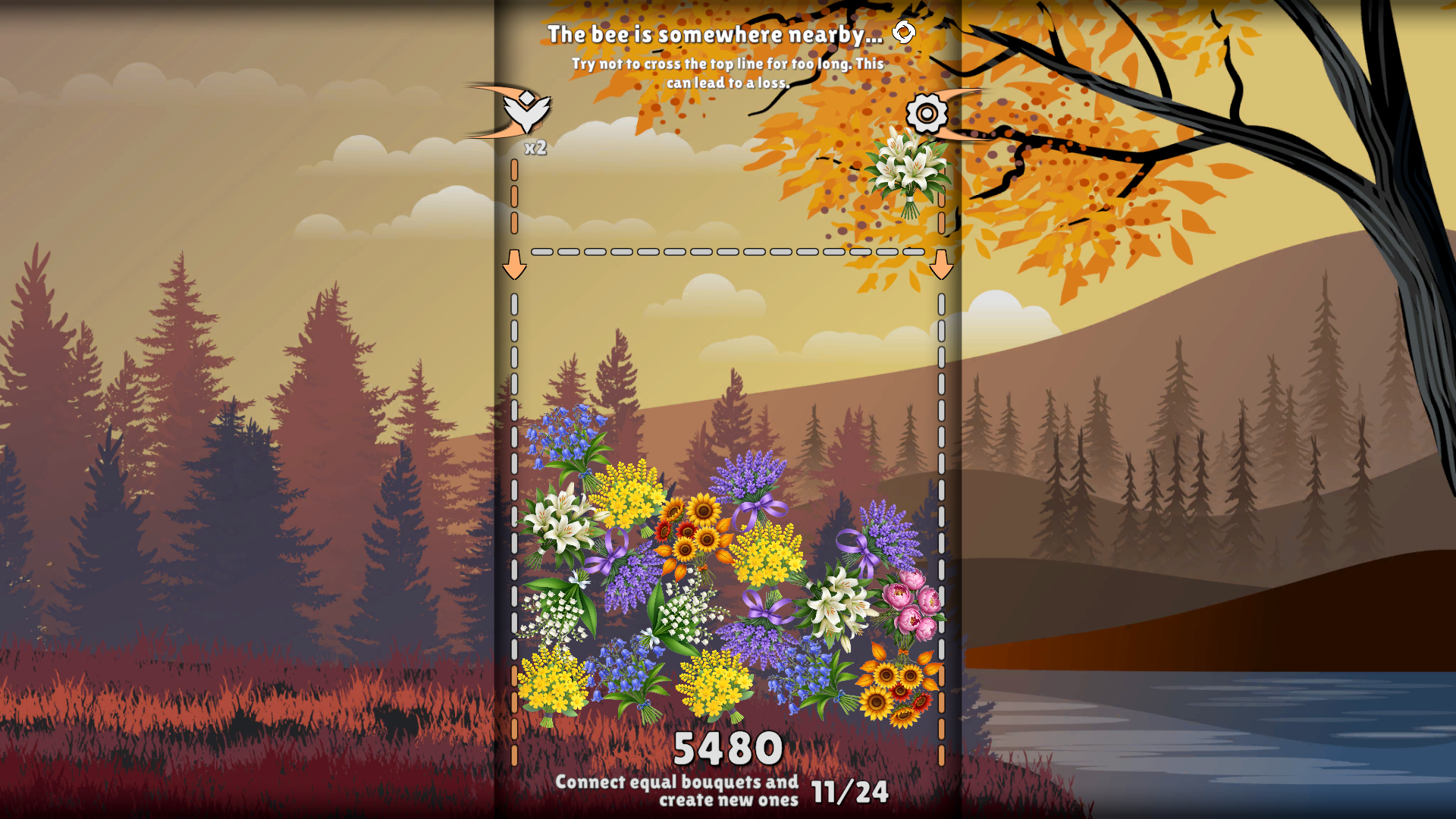
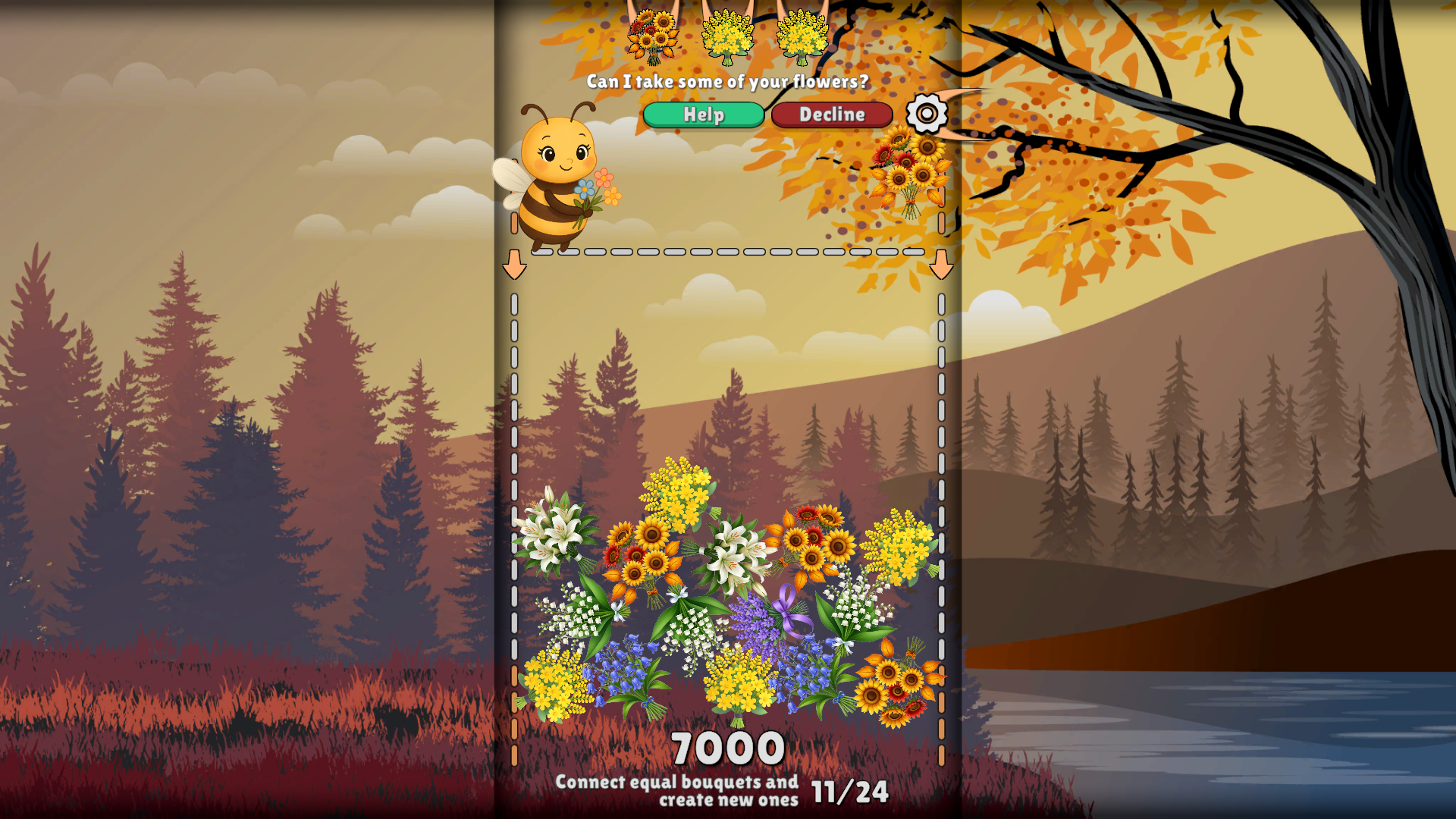
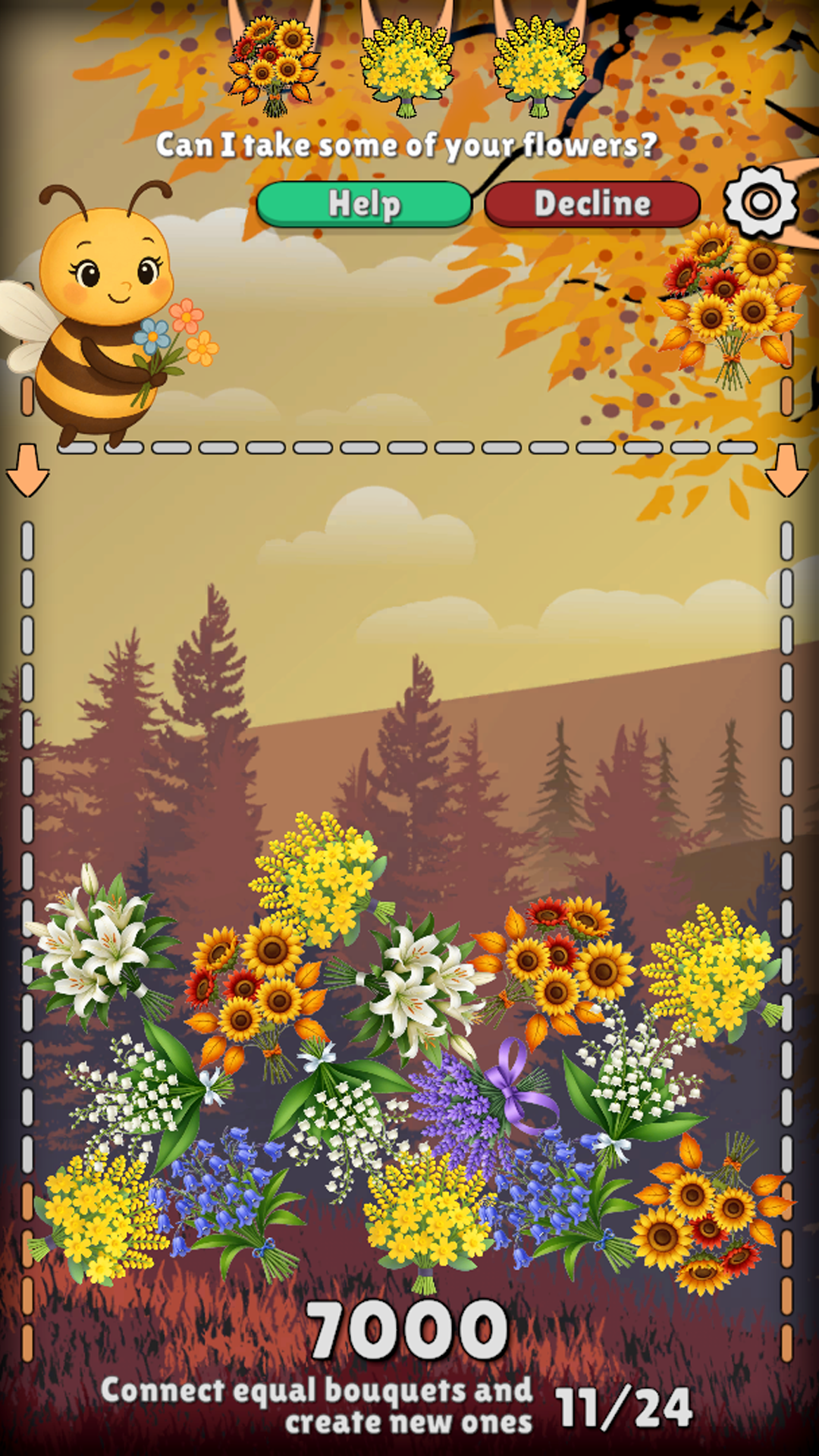
  • Connect Bouquets - Flower Garden screenshot 1
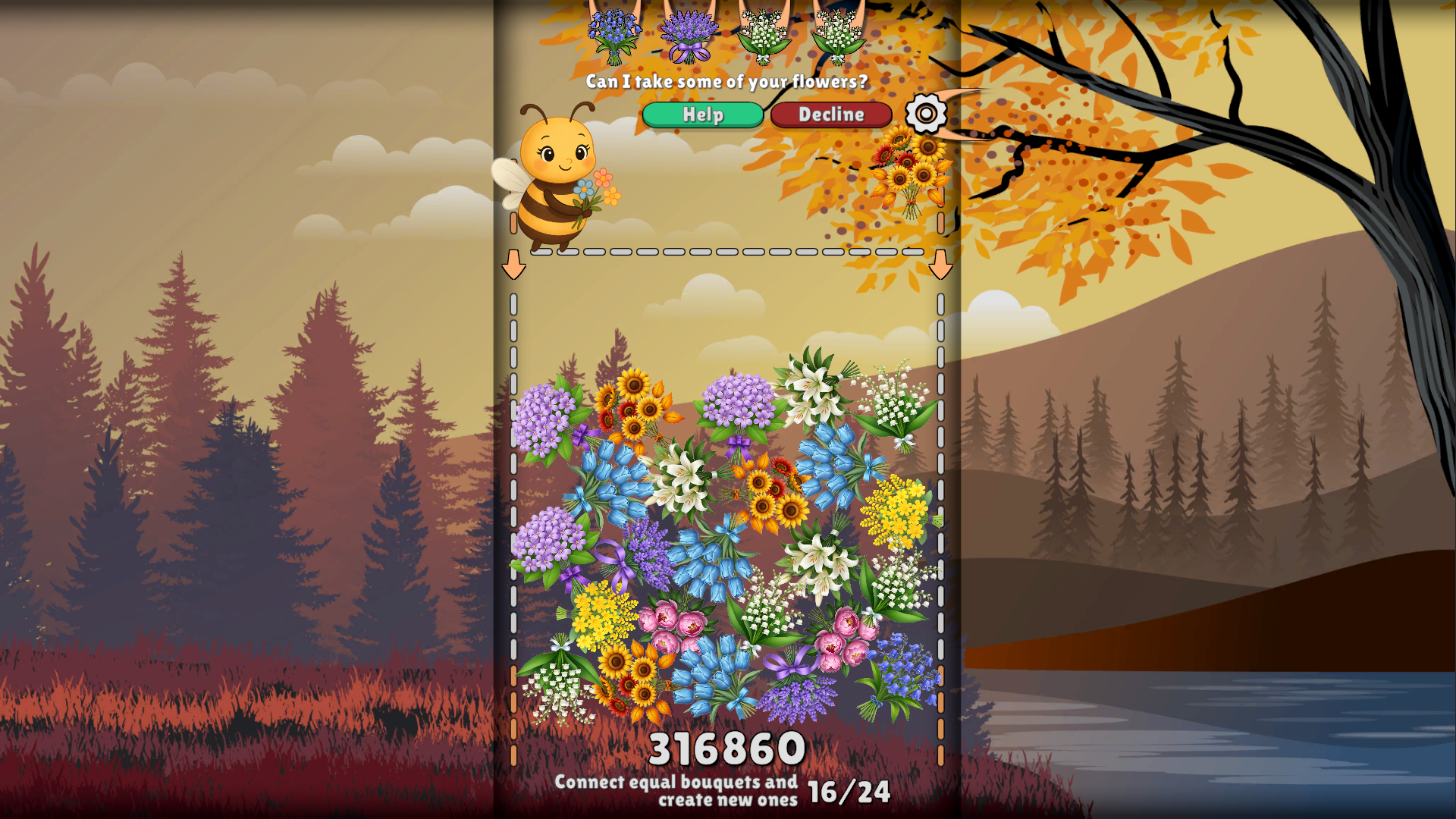
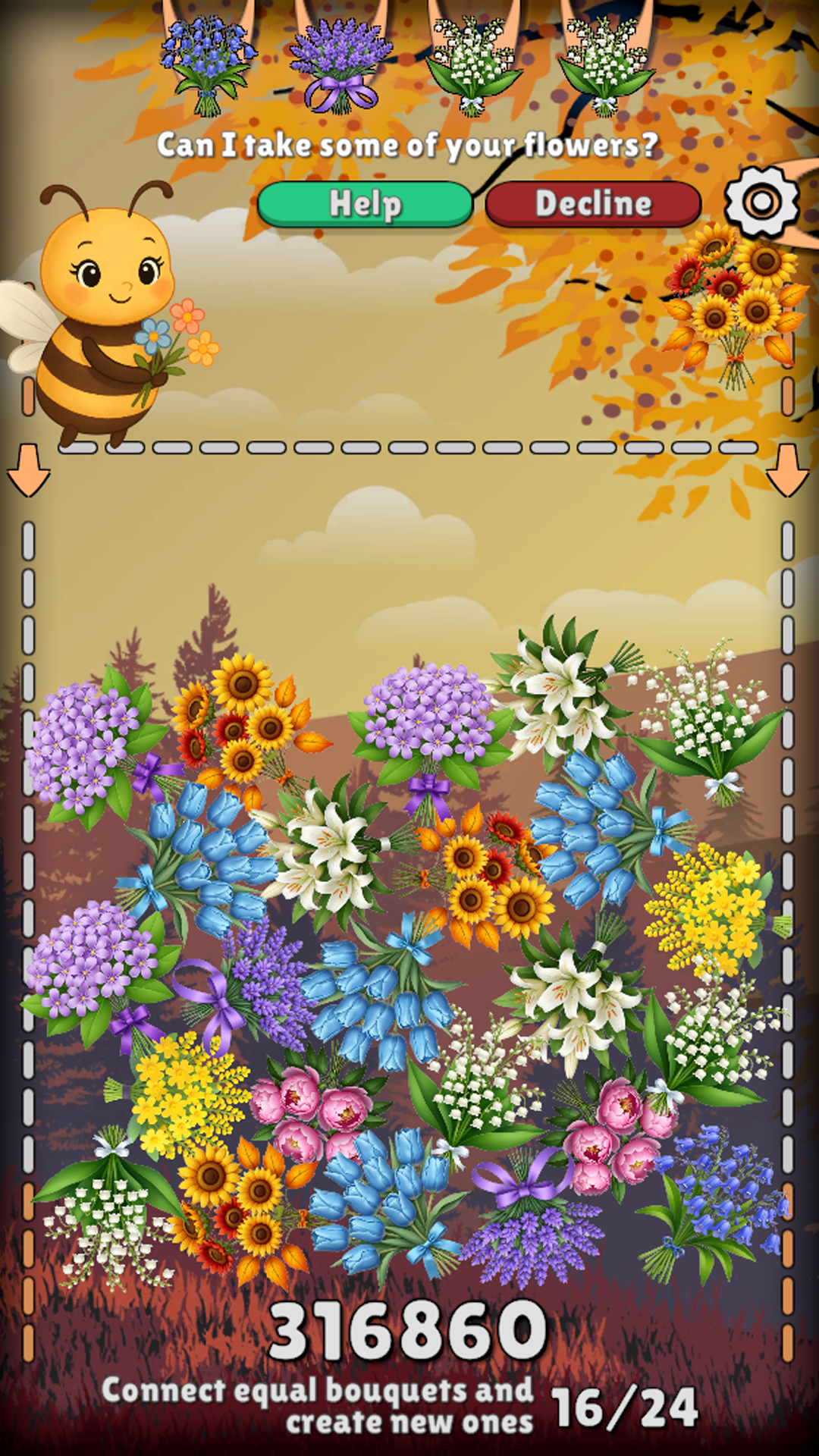
  • Connect Bouquets - Flower Garden screenshot 2
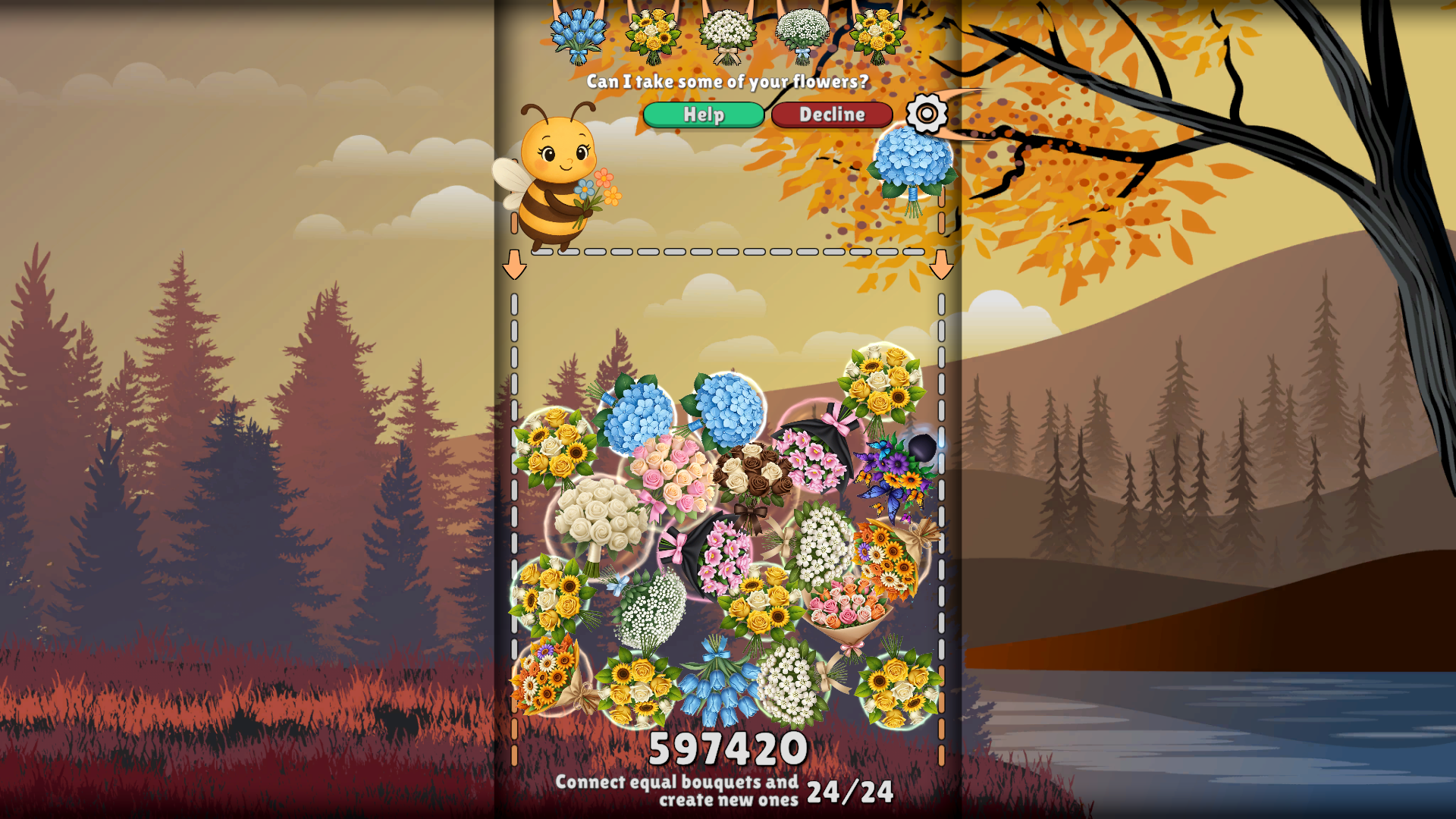
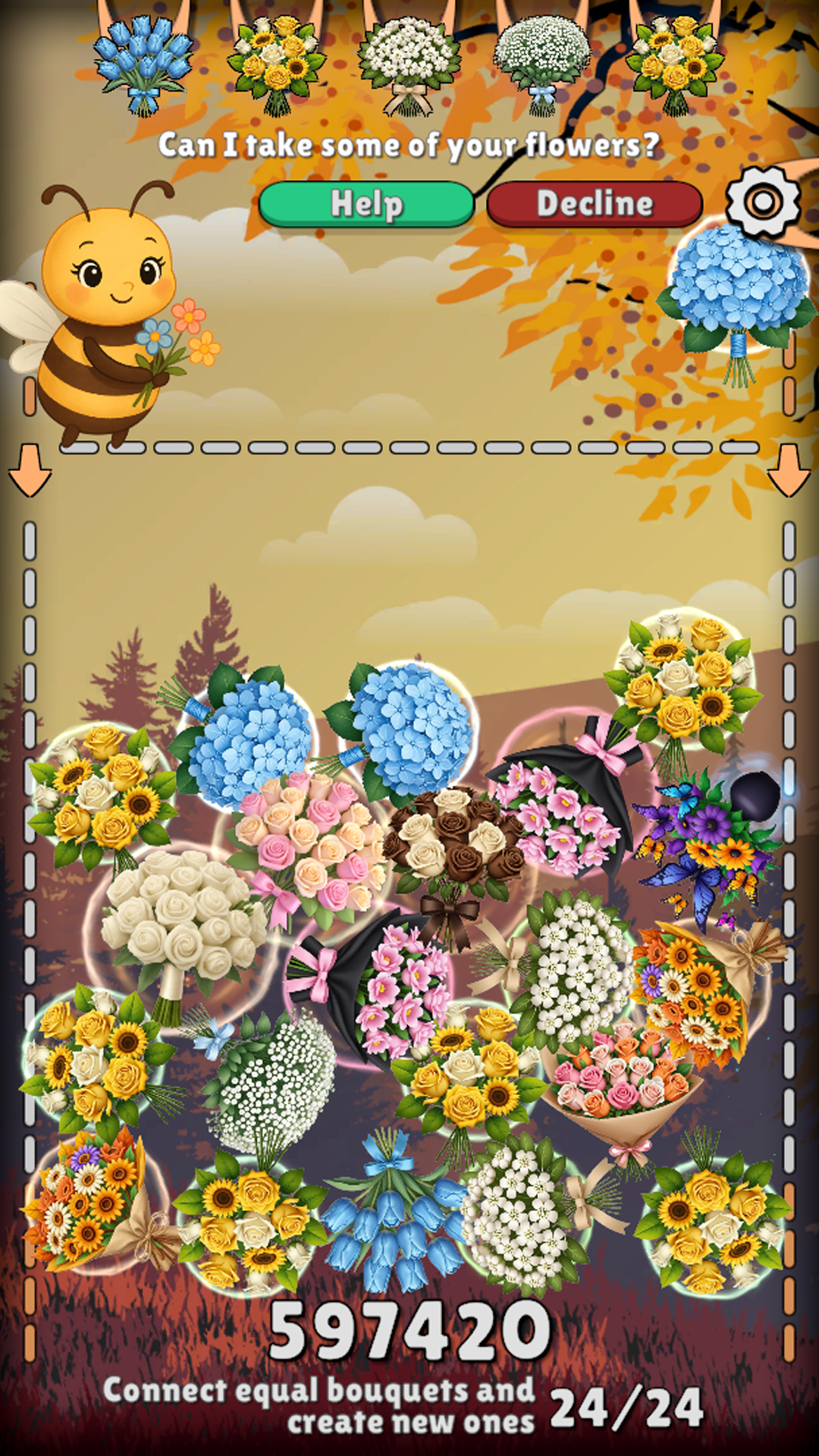
  • Connect Bouquets - Flower Garden screenshot 3
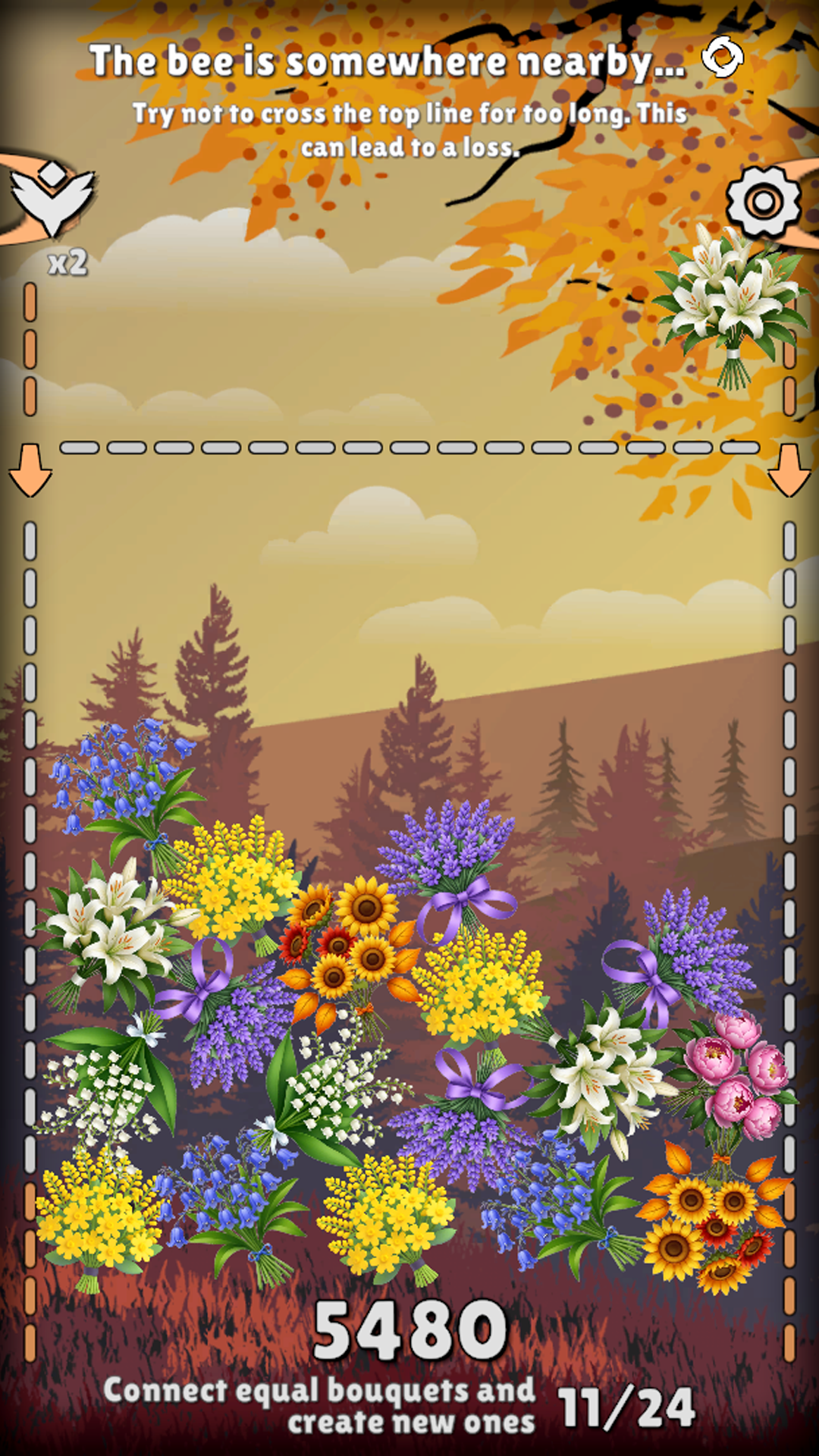
  • Connect Bouquets - Flower Garden screenshot 4
  • Connect Bouquets - Flower Garden screenshot 5
  • Connect Bouquets - Flower Garden screenshot 6
  • Connect Bouquets - Flower Garden screenshot 7
  • Connect Bouquets - Flower Garden screenshot 8
Play Now

10,087 players online

How to play

  1. Open the game

    Press Play now and the game opens on its own screen.

  2. Follow the in-game instructions

    The controls and goals are shown inside the game as you play.

  3. Use the game menu

    The floating button over the game reloads it, saves it to your favourites, or takes you back out.

Game instructions

1.🌻 Each turn, a new bouquet appears at the top of the screen. 2.🌻 Move it left and right with the mouse cursor or your finger. 3.🌻 When you release your finger or click the mouse, the bouquet will fall down. 4.🌻 Try to make it collide with another one like it. 5.🌻 When two identical bouquets combine, they create a new one. 🐝From time to time, a cute little bee will visit you. She loves flowers and often looks for special bouquets. You can give her some of your flowers and free up space for new ones. She will also reward you with some extra points. If you don't want to give away your bouquets, you don't have to. The bee will come back soon. 🐝Most importantly, make sure the playing field doesn't overflow. If it does, you lose. But don't worry. Even if that happens, the bee will come and help you keep playing.

More games

More games