Skip to content
KG
CraftedSurvival 2: Mine Survival & Building

CraftedSurvival 2: Mine Survival & Building

1K plays 4.4 out of 5

Overview

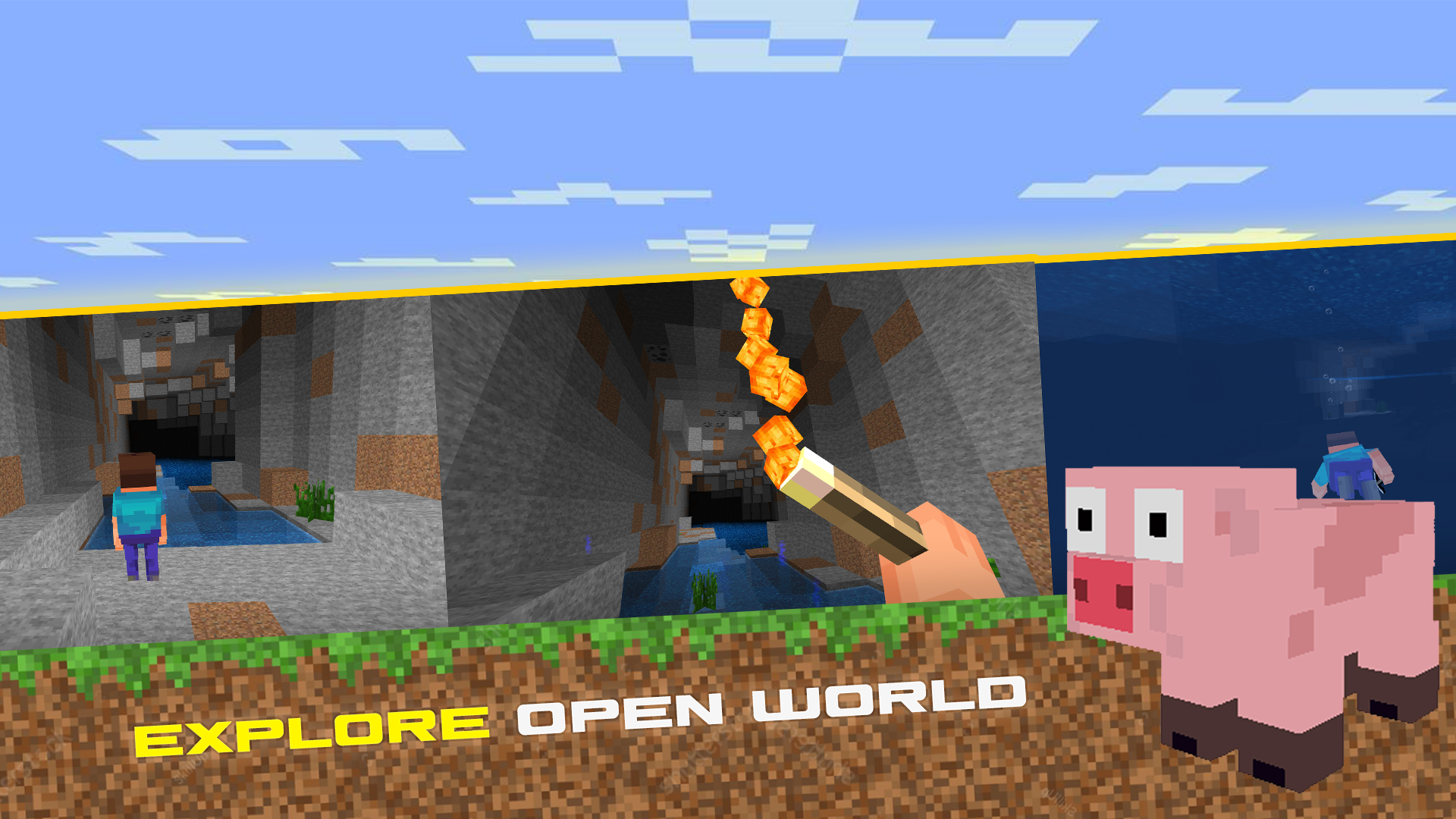
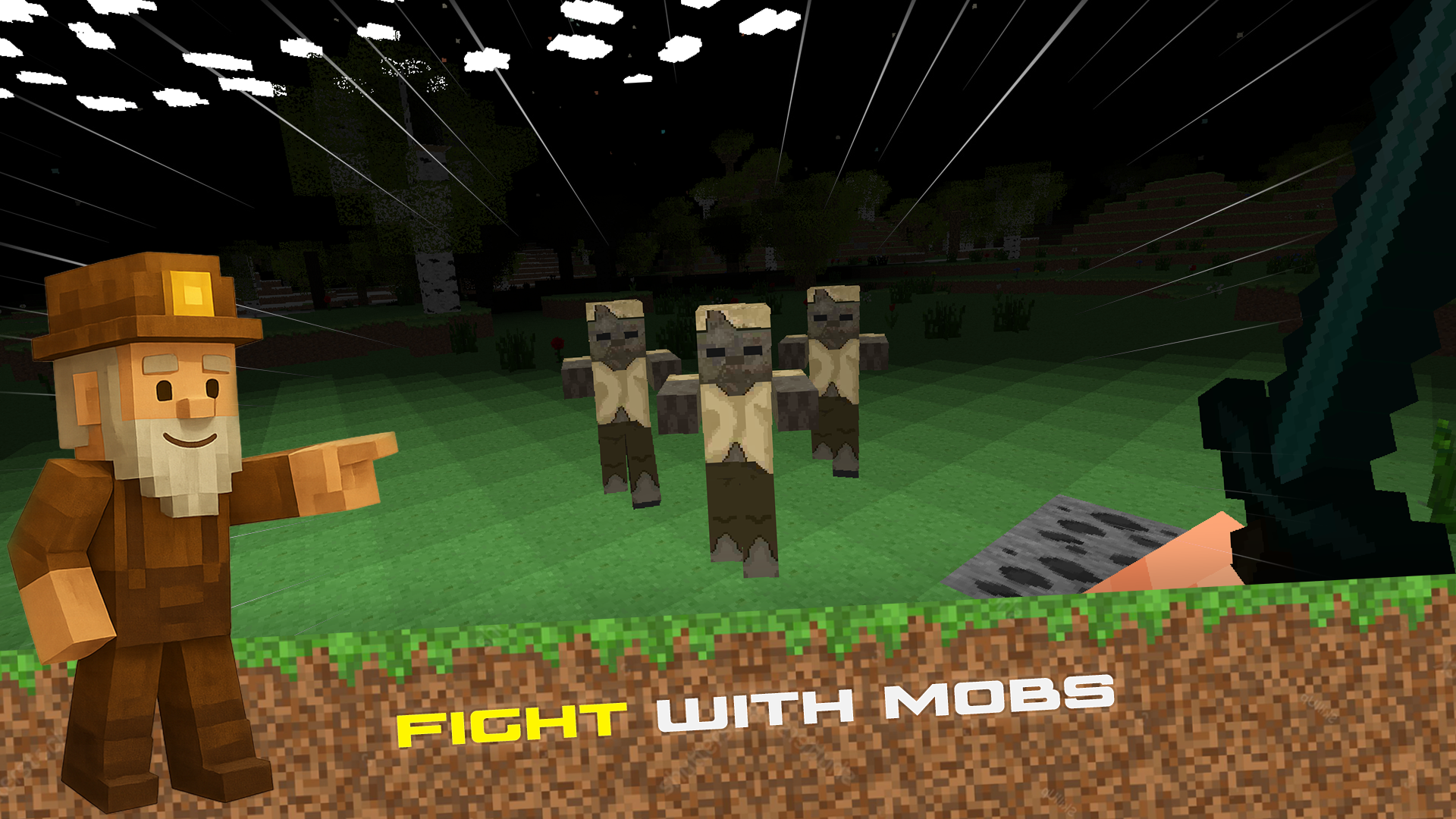
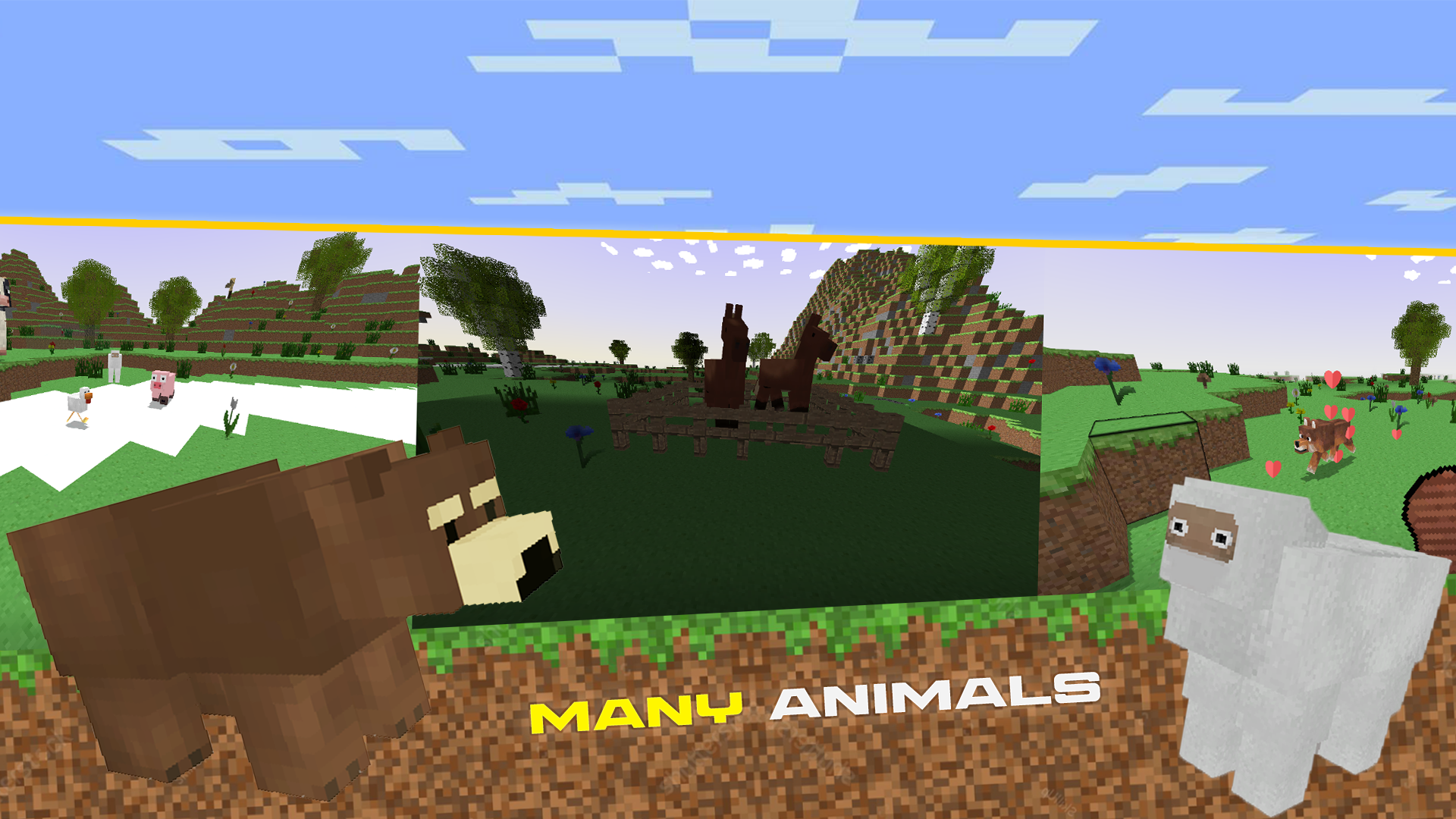
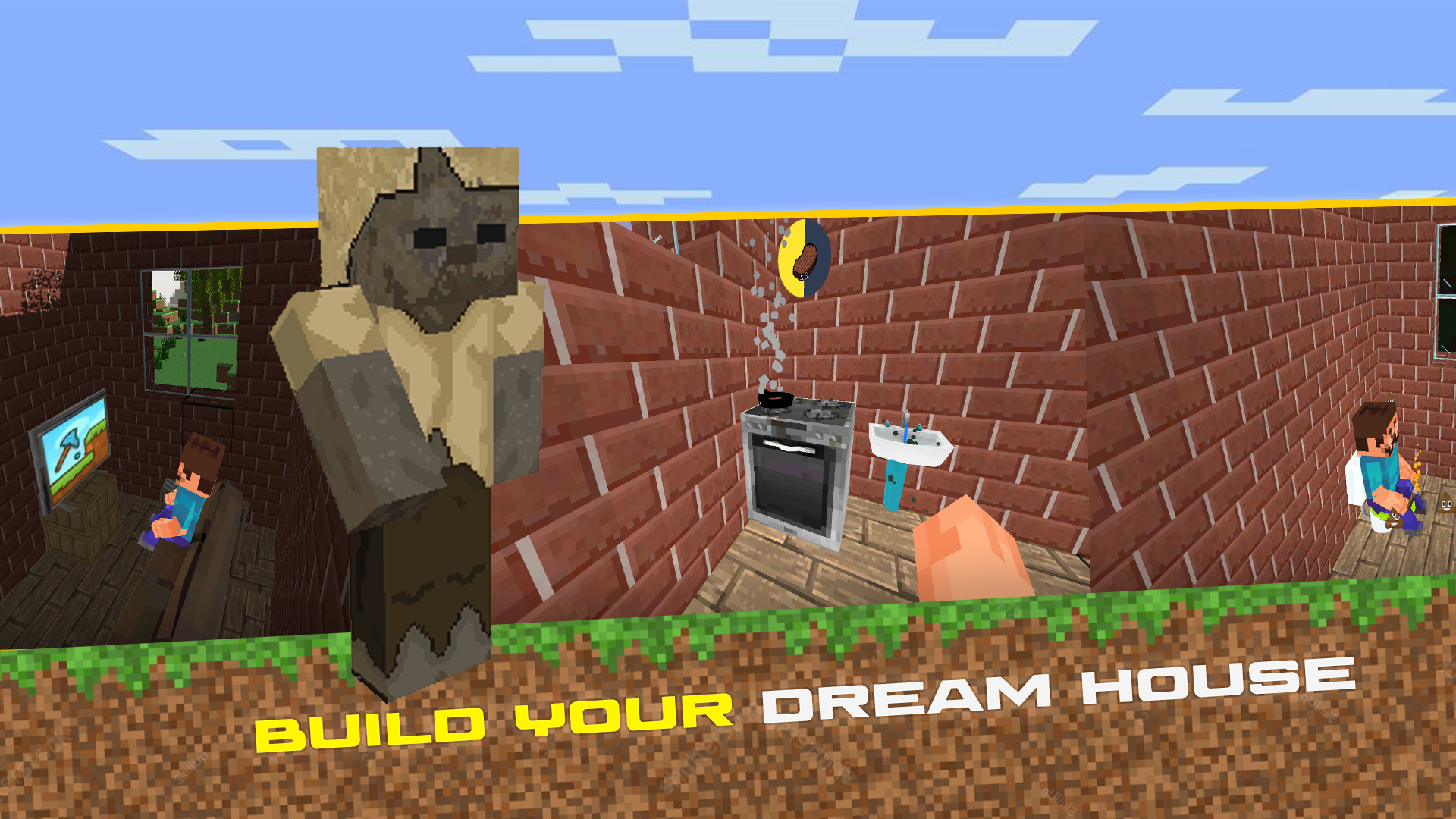
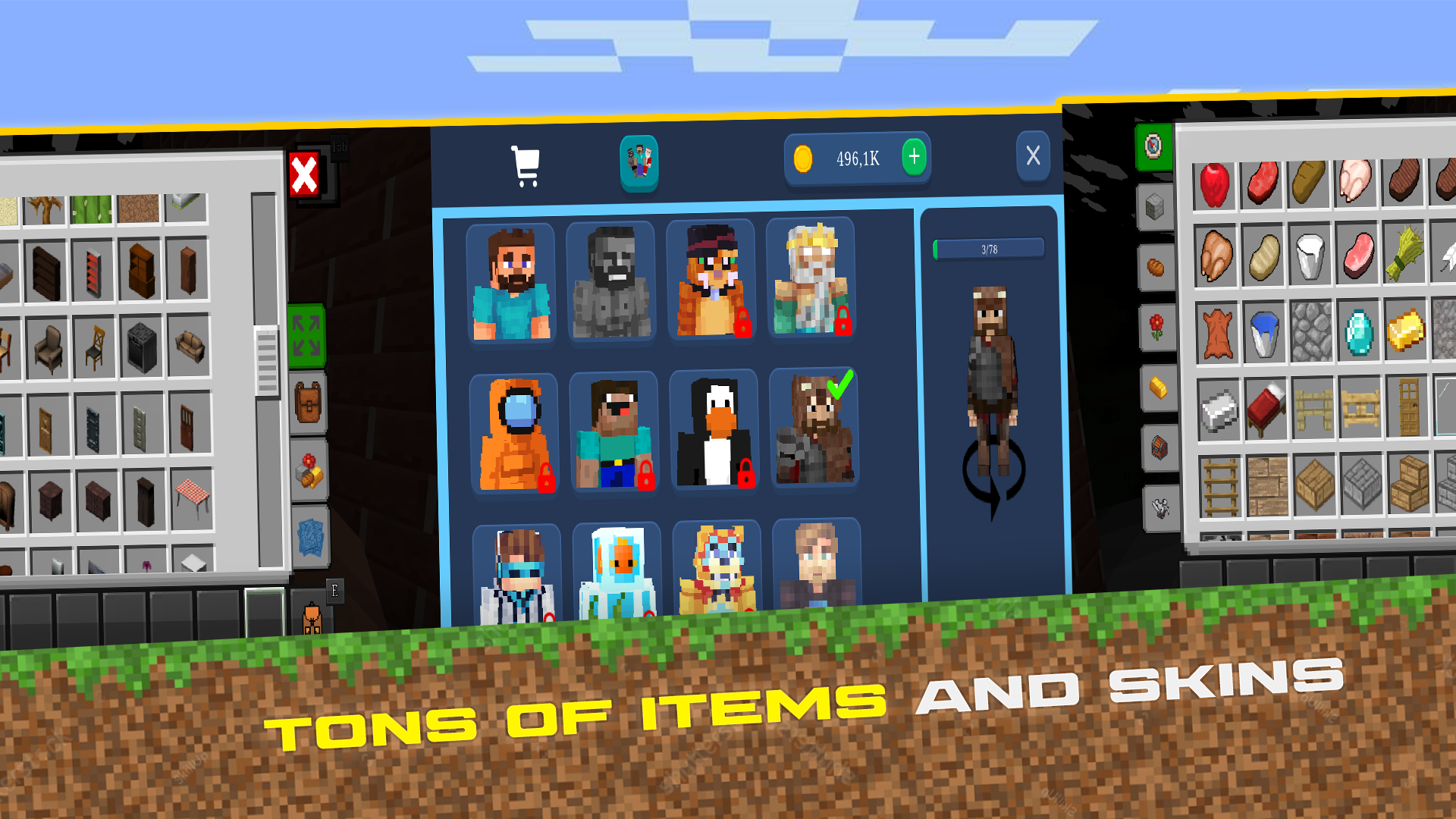
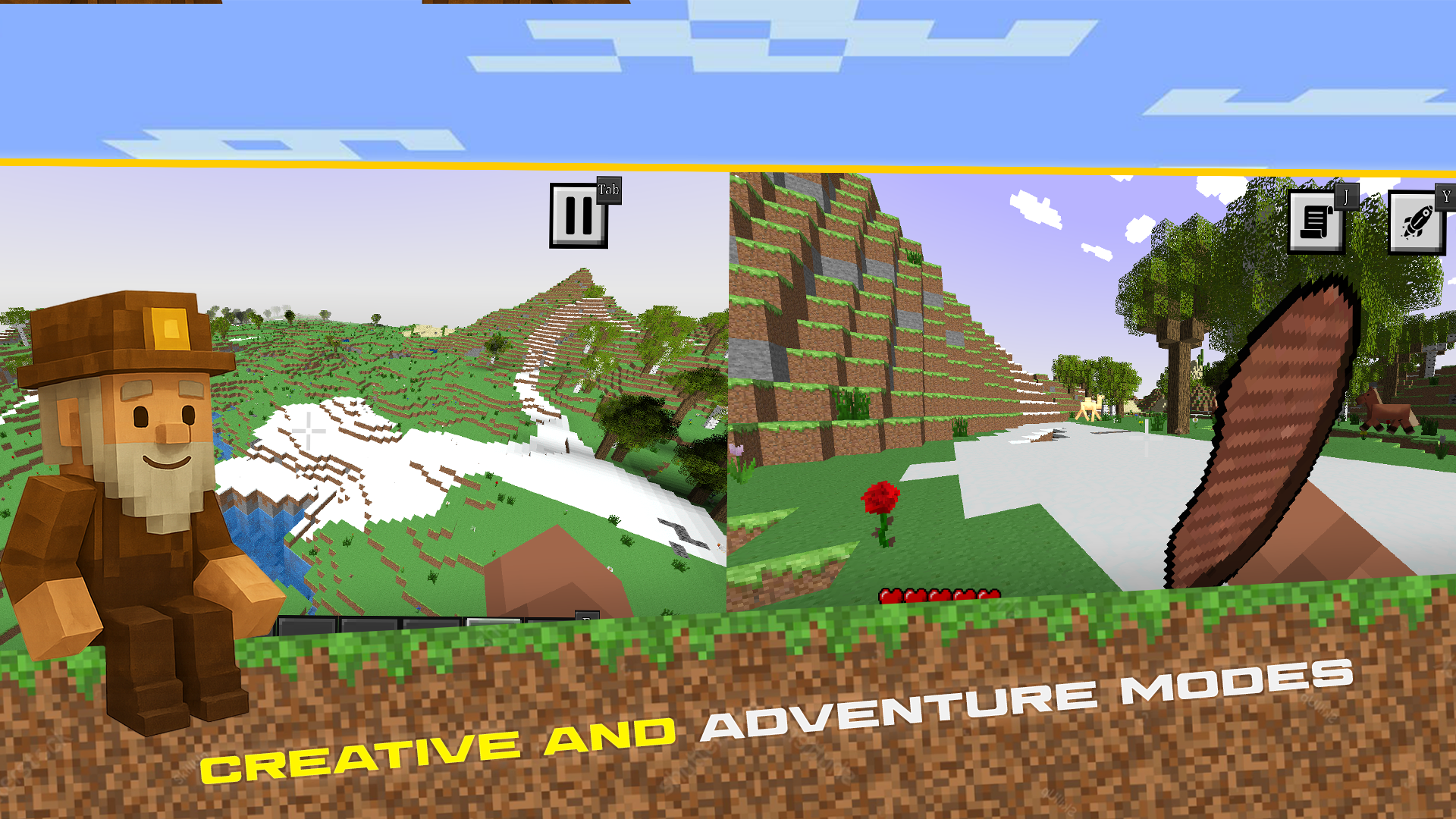
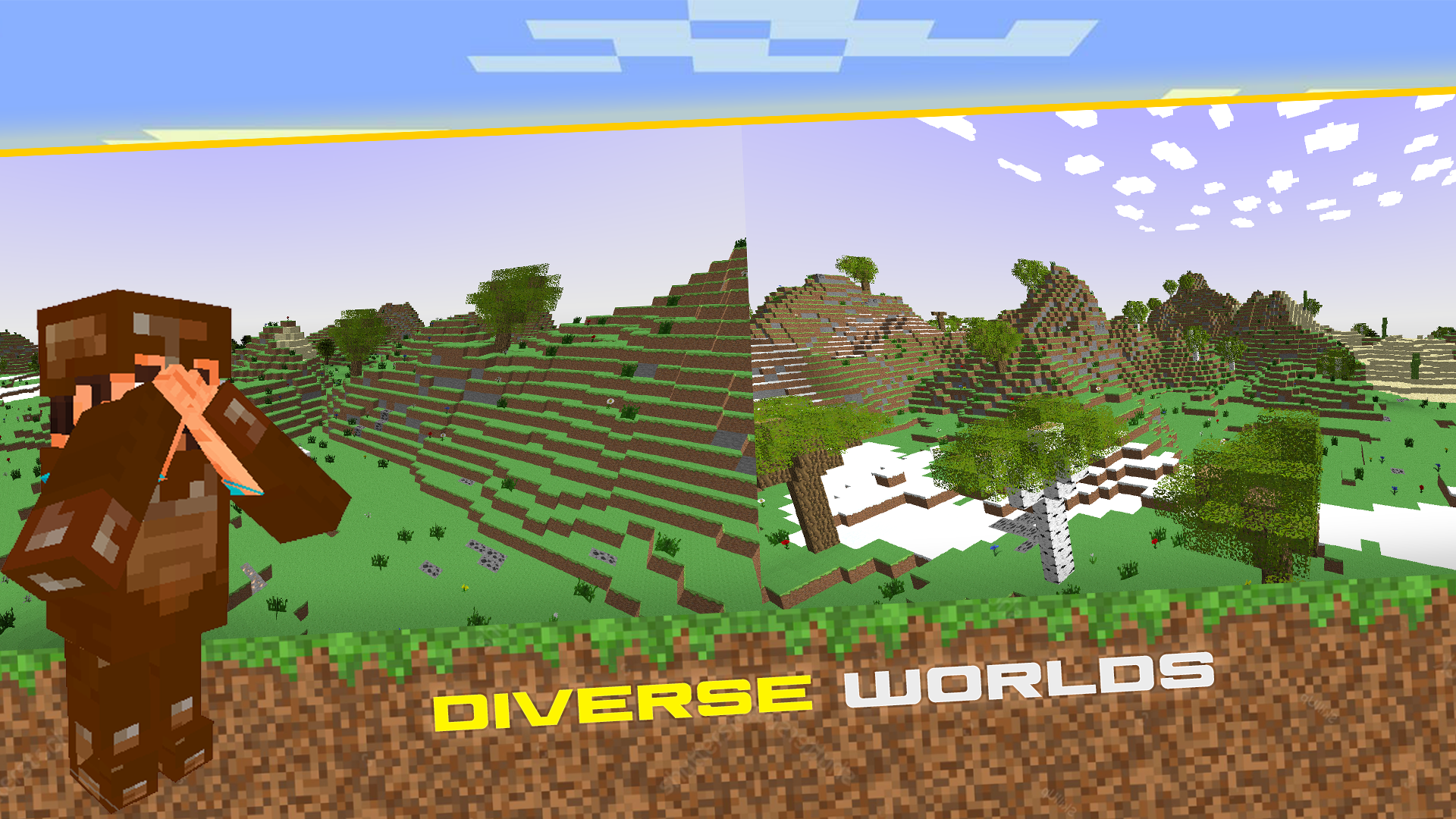
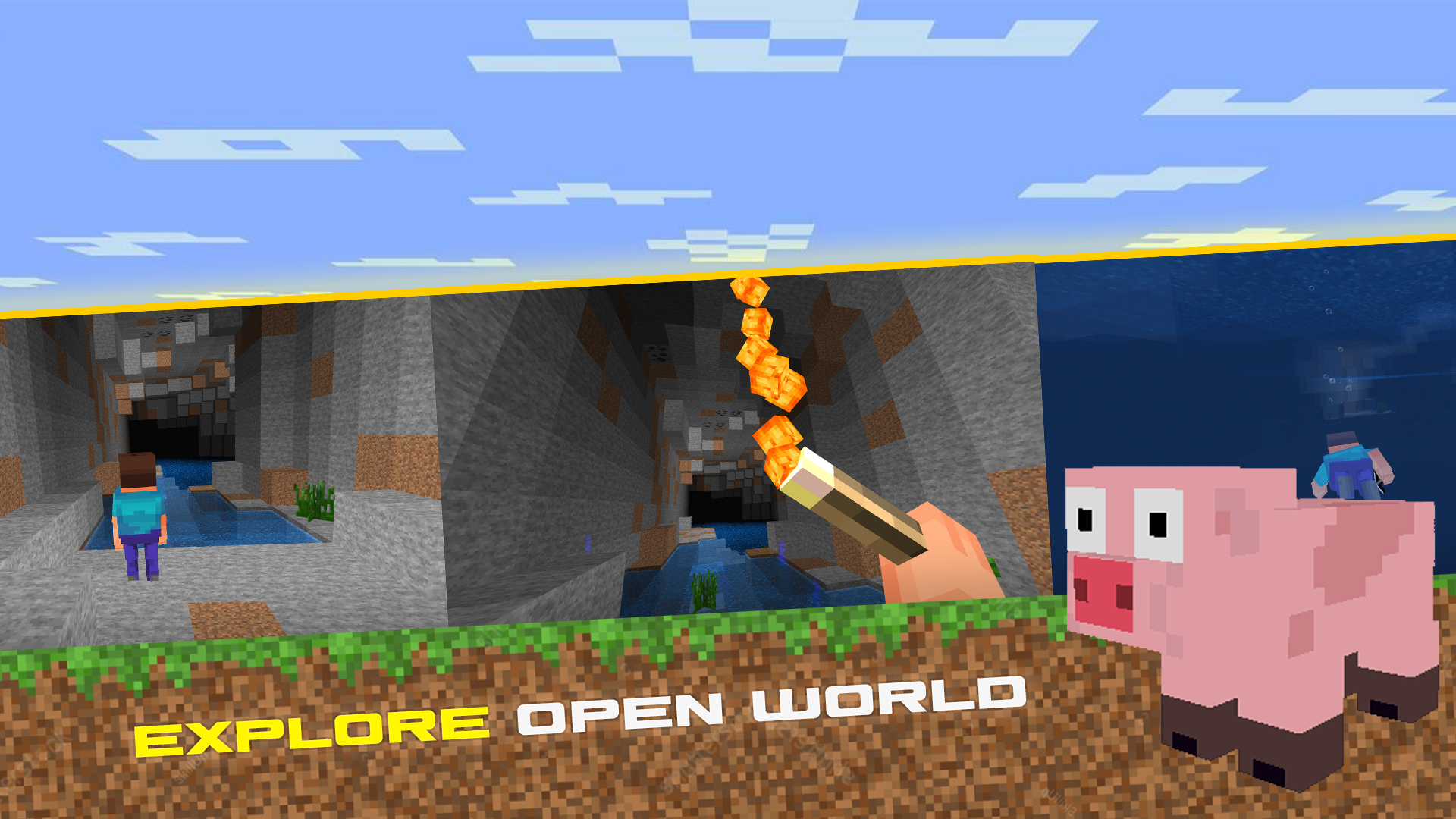
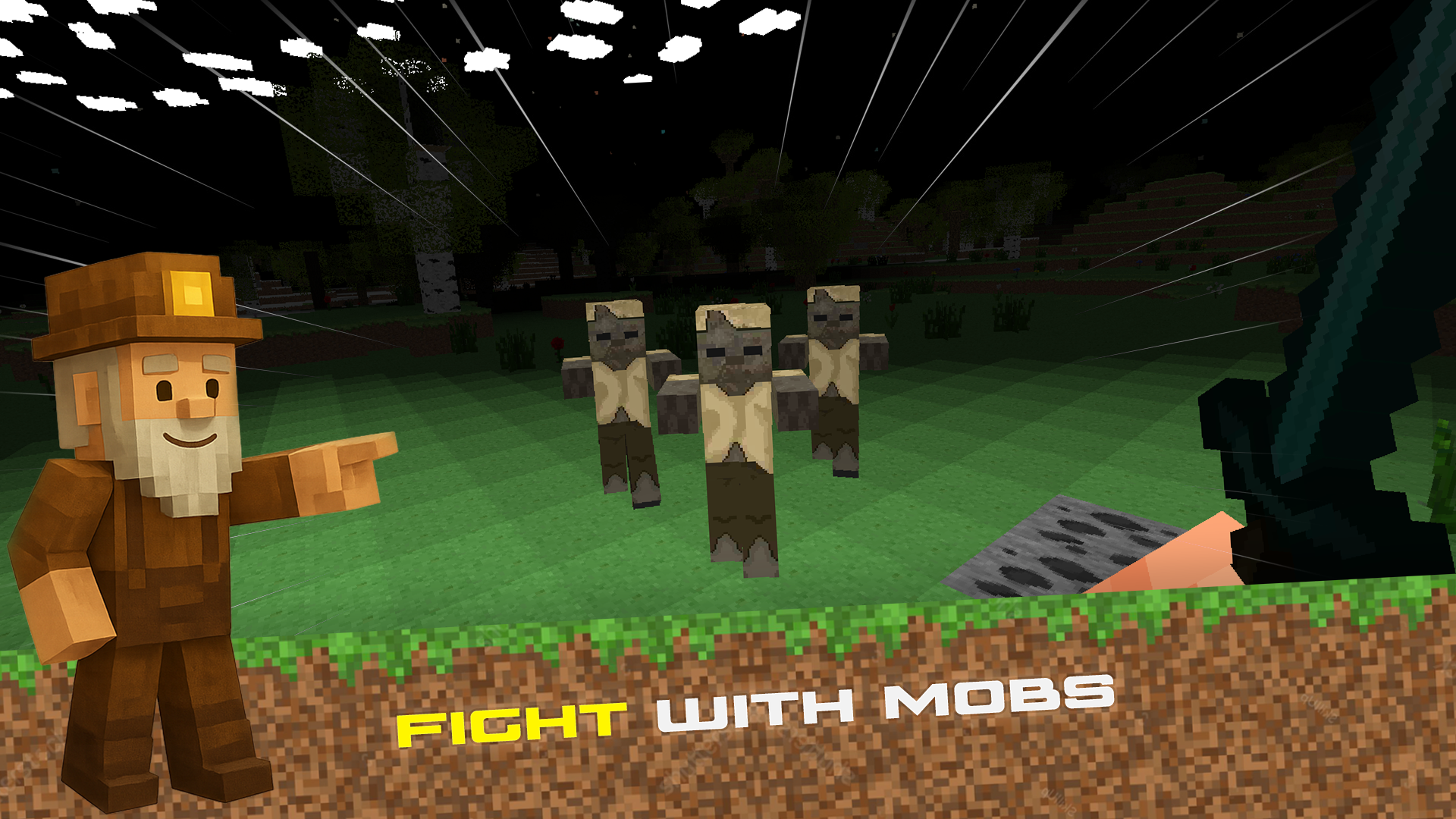
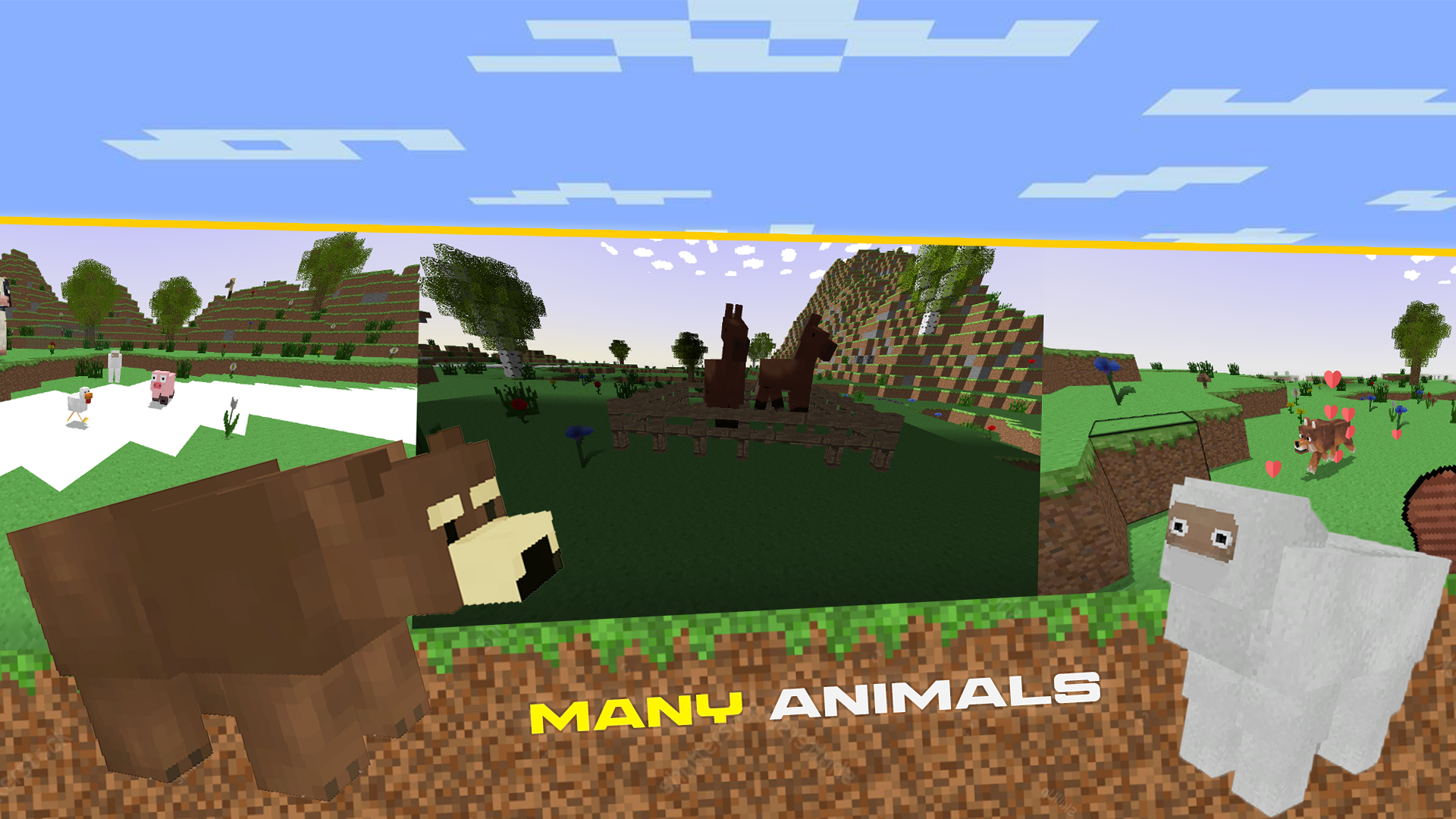
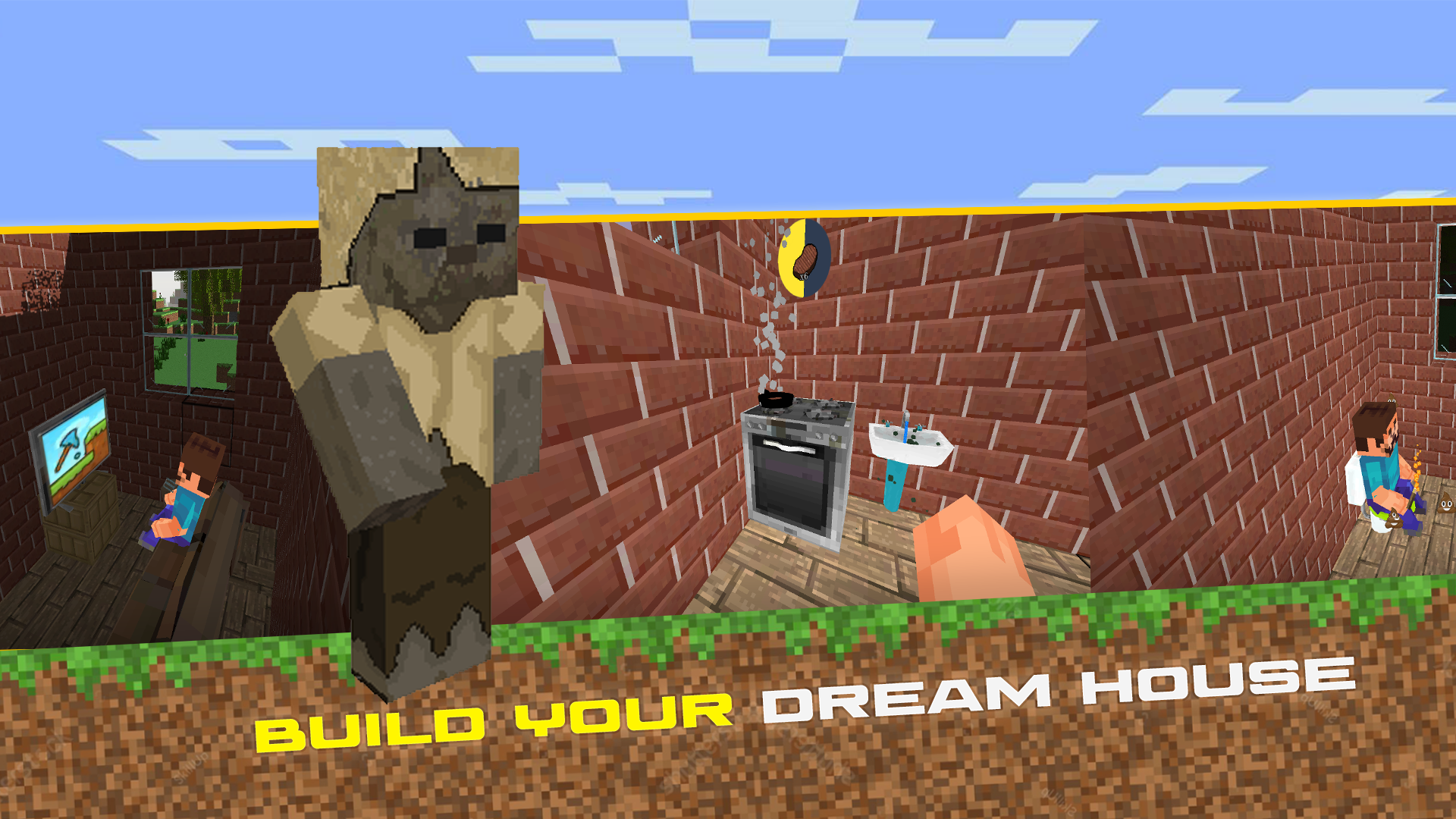
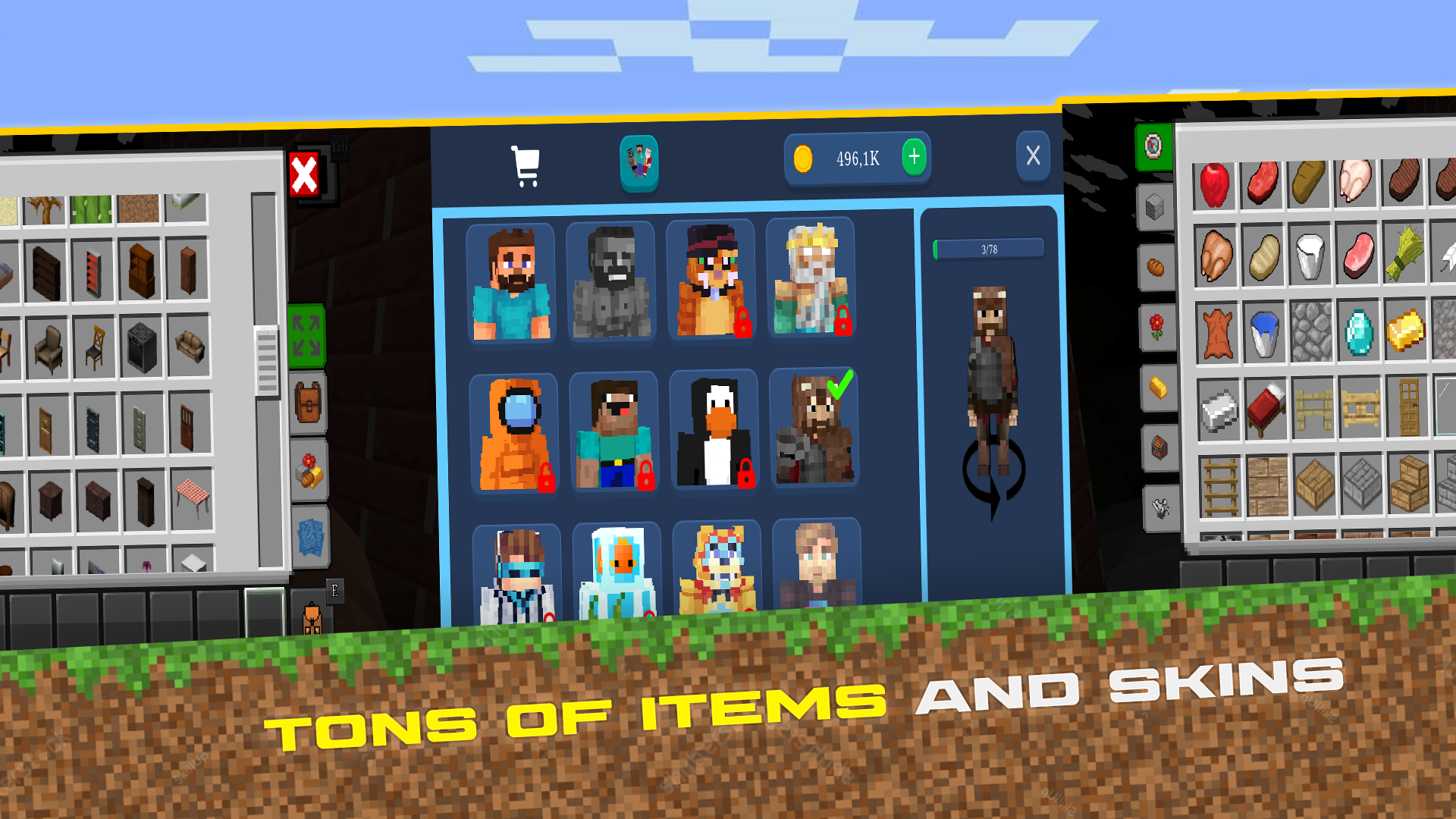
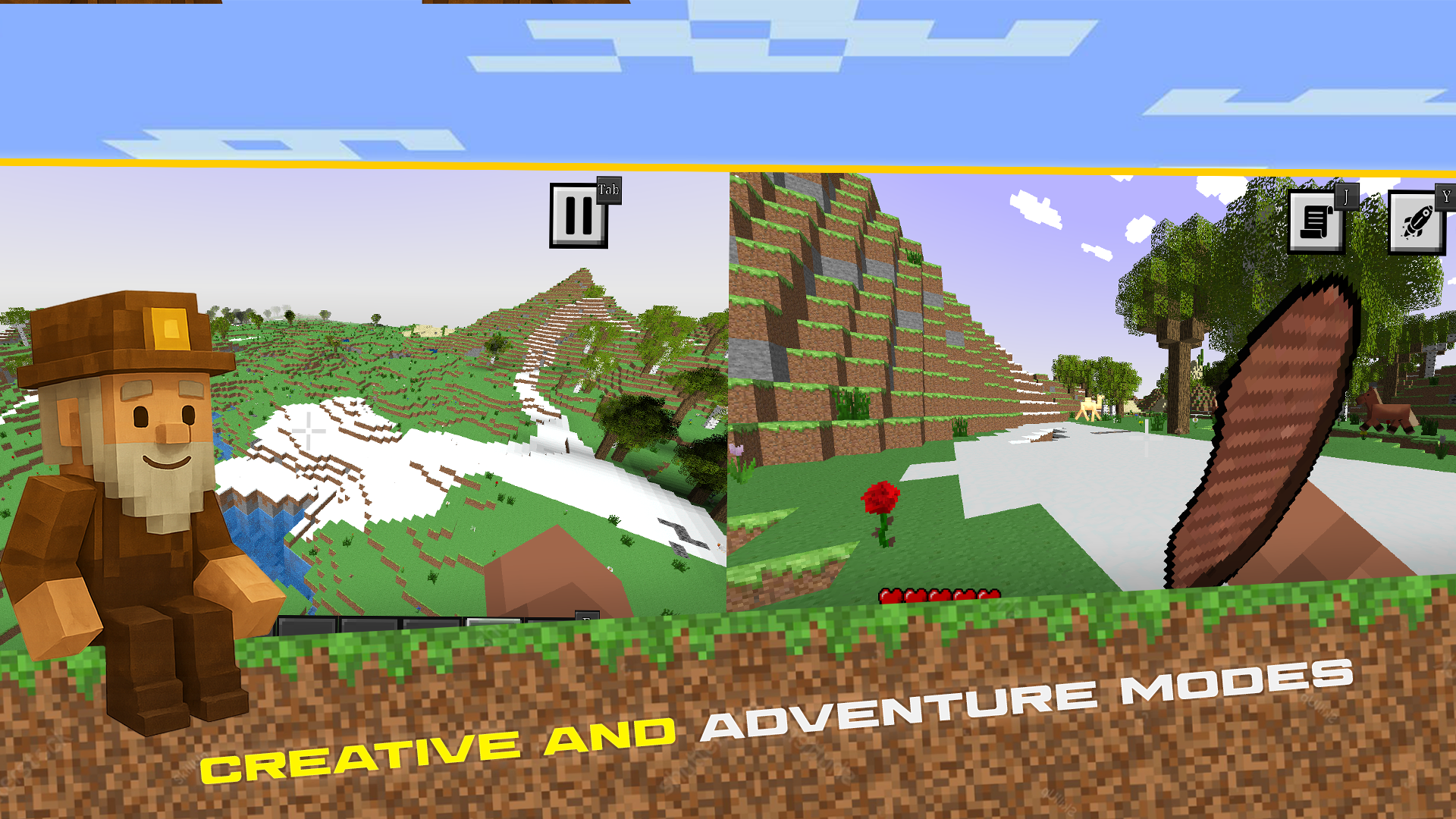
CraftedSurvival 2: Mine Survival & Building is a new chapter of adventure sandbox with endless procedurally generated worlds and diverse biomes. Explore, build and survive in an open world with complete freedom of action.In the game you can: — Build anything you want — from simple shelters to magnificent structures — Explore diverse biomes, deep caves and underwater locations — Tame wild animals as companions — Gather resources and craft weapons to defend against hostile mobs — Survive in a dangerous world with day and night cycle or create without limits in creative modeCreate your unique world and embark on exciting adventures!

Videos and screenshots
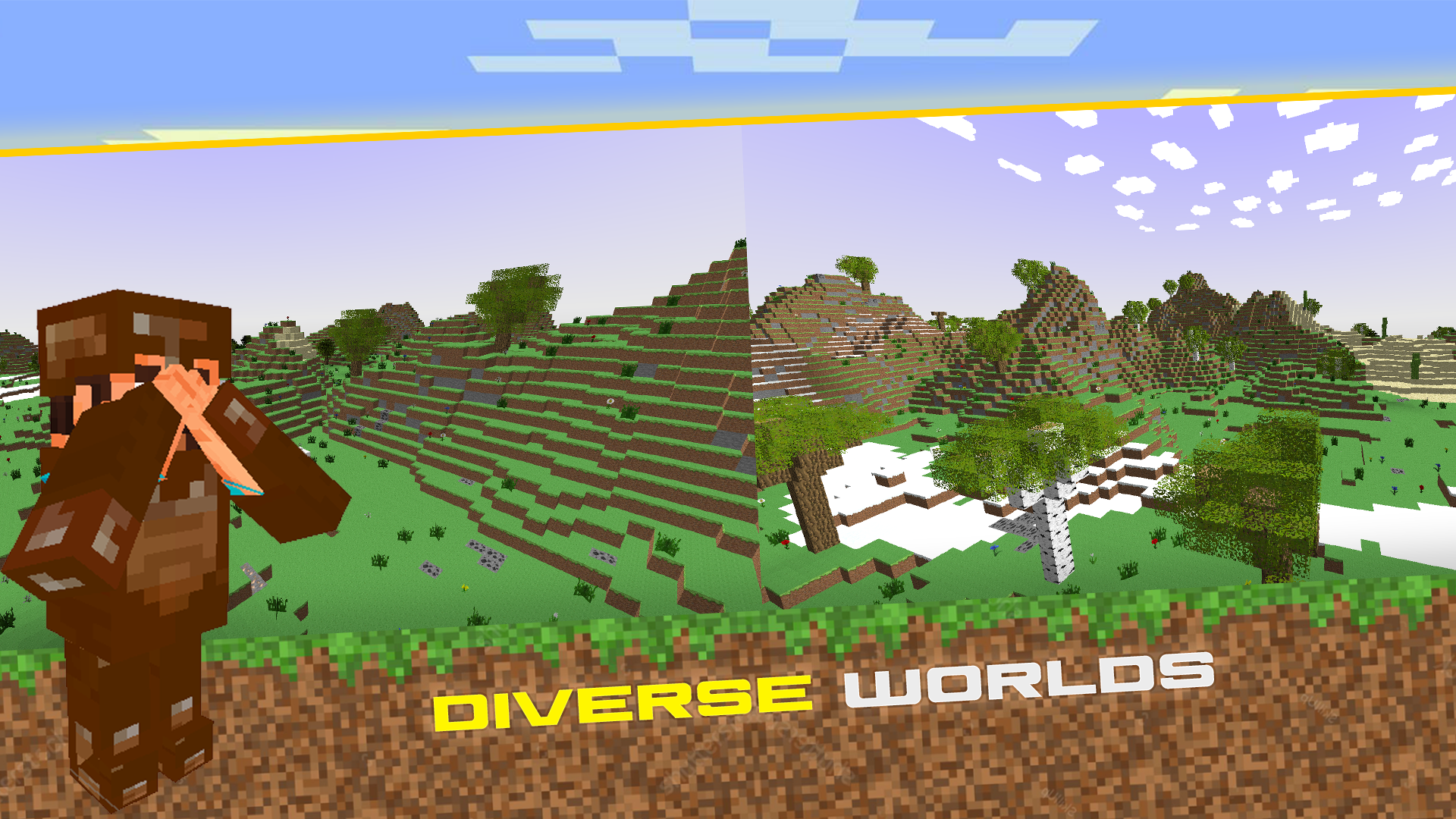
  • CraftedSurvival 2: Mine Survival & Building screenshot 1
  • CraftedSurvival 2: Mine Survival & Building screenshot 2
  • CraftedSurvival 2: Mine Survival & Building screenshot 3
  • CraftedSurvival 2: Mine Survival & Building screenshot 4
  • CraftedSurvival 2: Mine Survival & Building screenshot 5
  • CraftedSurvival 2: Mine Survival & Building screenshot 6
  • CraftedSurvival 2: Mine Survival & Building screenshot 7
  • CraftedSurvival 2: Mine Survival & Building screenshot 8
  • CraftedSurvival 2: Mine Survival & Building screenshot 9
  • CraftedSurvival 2: Mine Survival & Building screenshot 10
  • CraftedSurvival 2: Mine Survival & Building screenshot 11
  • CraftedSurvival 2: Mine Survival & Building screenshot 12
  • CraftedSurvival 2: Mine Survival & Building screenshot 13
  • CraftedSurvival 2: Mine Survival & Building screenshot 14
Play Now

10,078 players online

How to play

  1. Open the game

    Press Play now and the game opens on its own screen.

  2. Follow the in-game instructions

    The controls and goals are shown inside the game as you play.

  3. Use the game menu

    The floating button over the game reloads it, saves it to your favourites, or takes you back out.
Game instructions

PC: WASD – move Mouse – camera LMB – break/hit RMB (hold) – place/interact/eat Space – jump Shift – run C – crouch E – inventory Tab – close window Y – boosters J – quests 1–7 – switch items Wheel – scroll V – change camera G - drop item Q - Pick block to hand (creative mode) Mobile: Joystick – move Swipe – camera A – break/hit B – interact Hold right – break/eat Tap right – place block Jump button Run button (hold) Crouch button Backpack – inventory Paper – quests Rocket – boosters Camera icon – change view Bottom item bar

More games

More games