Skip to content
KG
Create a skin from blocks in Mine

Create a skin from blocks in Mine

7K plays 4.6 out of 5

Overview

Create your own unique character skin using a variety of blocks available in the game right now! Your task is to create your own skin or another equally interesting drawing of your choice from various blocks. For each filled pixel, you get points that you need to take the leading positions in the leaderboard. Try to become the best player!

Videos and screenshots
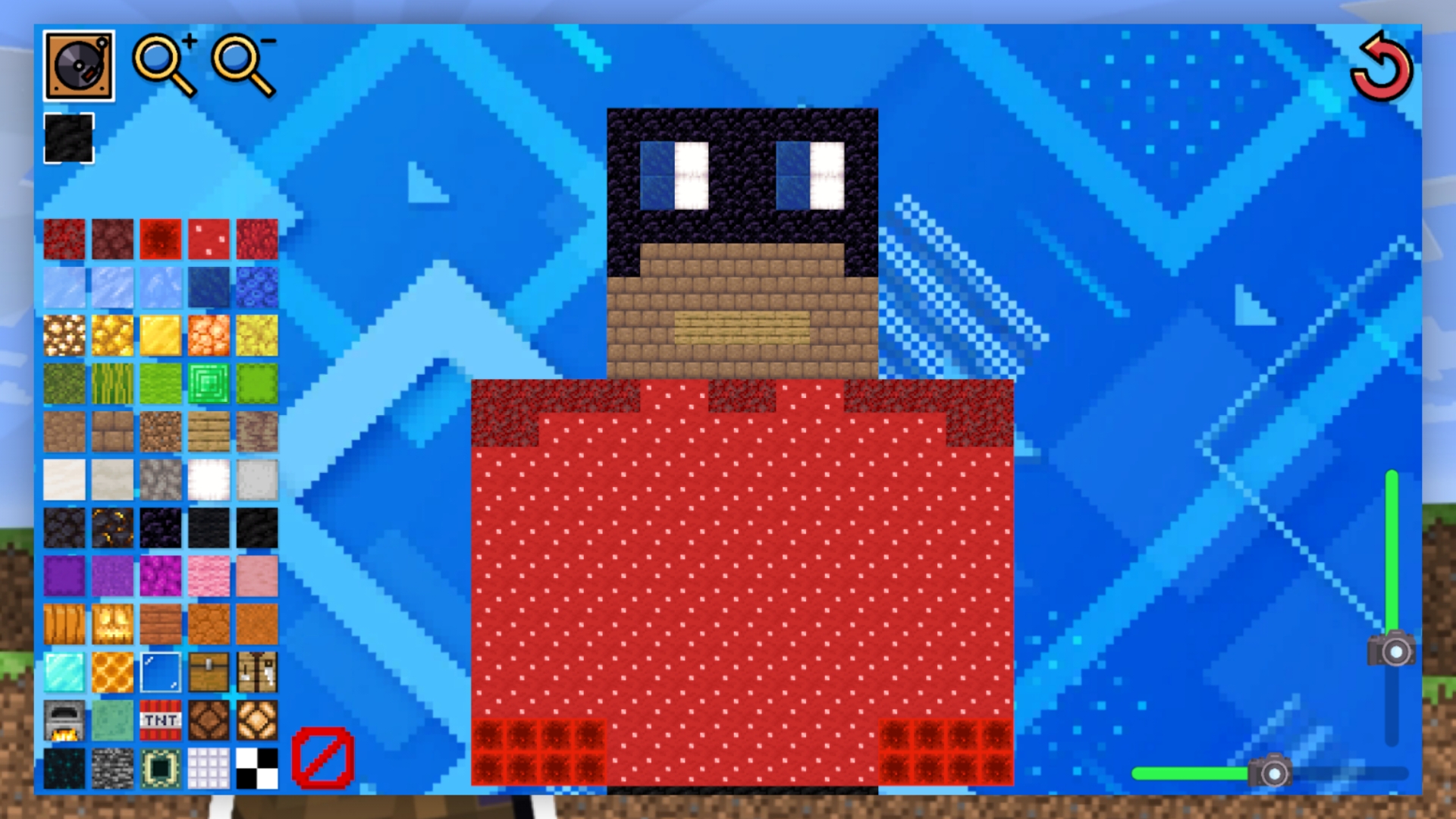
  • Create a skin from blocks in Mine screenshot 1
  • Create a skin from blocks in Mine screenshot 2
  • Create a skin from blocks in Mine screenshot 3
  • Create a skin from blocks in Mine screenshot 4
  • Create a skin from blocks in Mine screenshot 5
  • Create a skin from blocks in Mine screenshot 6
Play Now

11,476 players online

How to play

  1. Open the game

    Press Play now and the game opens on its own screen.

  2. Follow the in-game instructions

    The controls and goals are shown inside the game as you play.

  3. Use the game menu

    The floating button over the game reloads it, saves it to your favourites, or takes you back out.
Game instructions

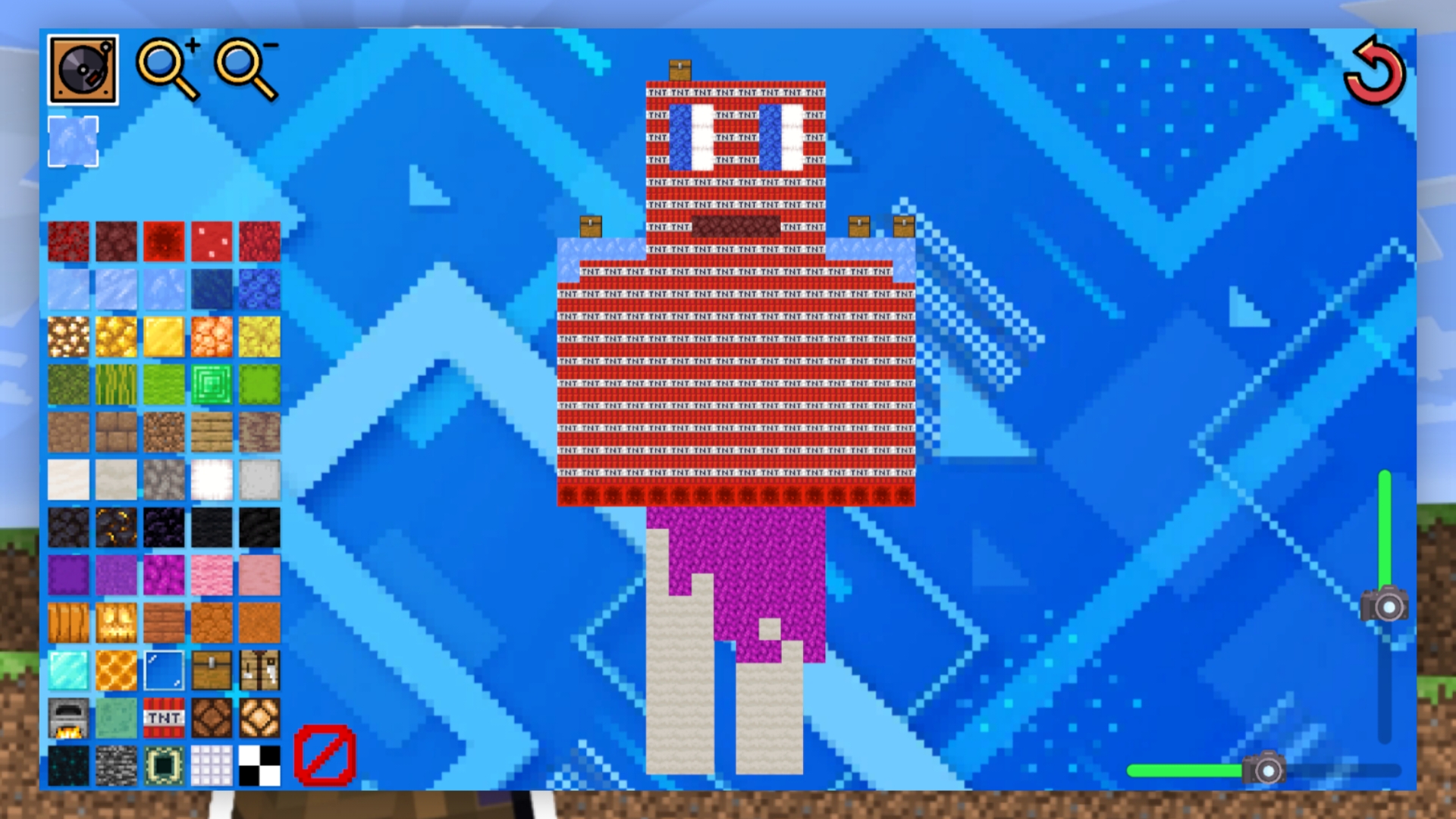
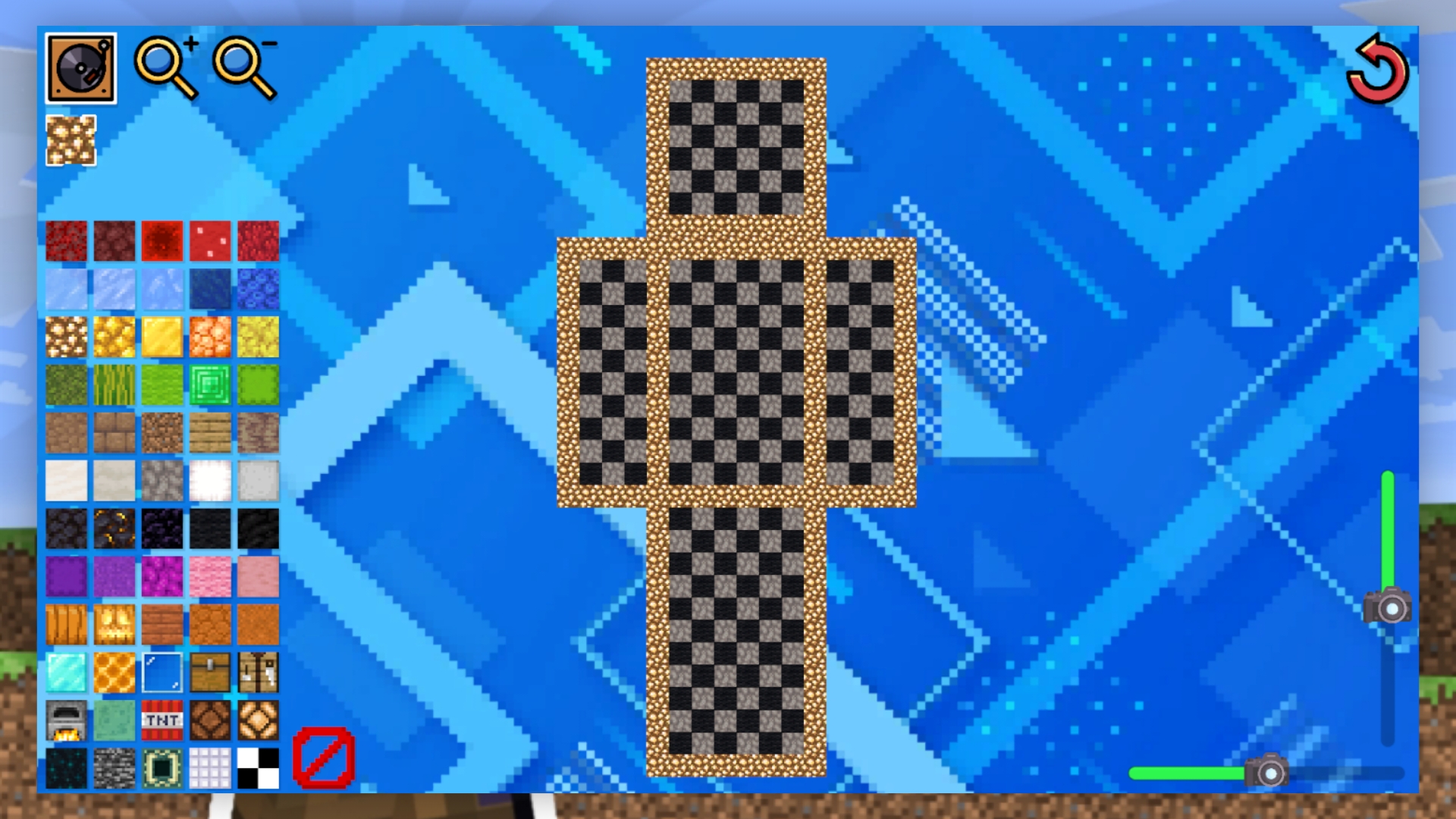
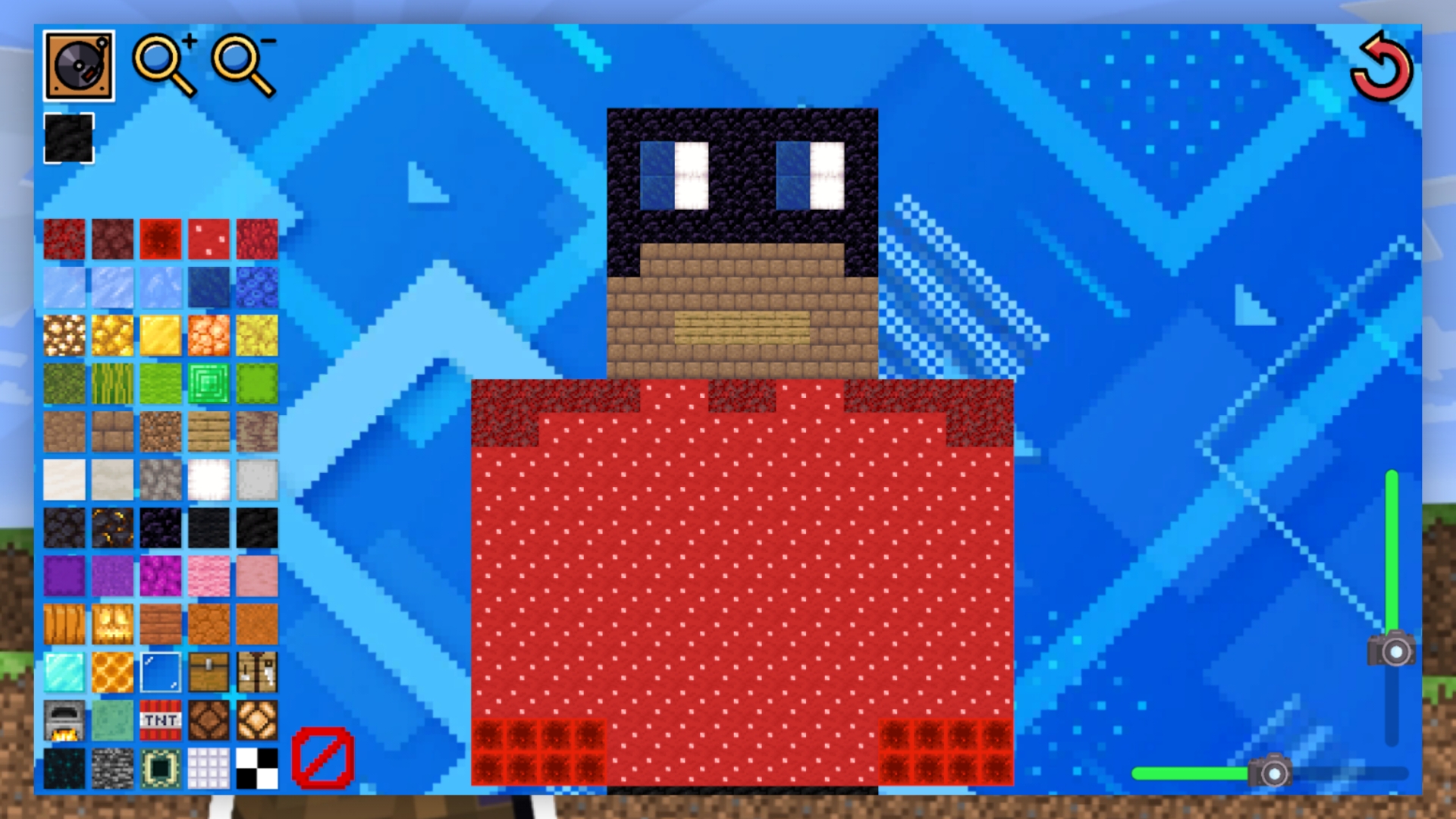
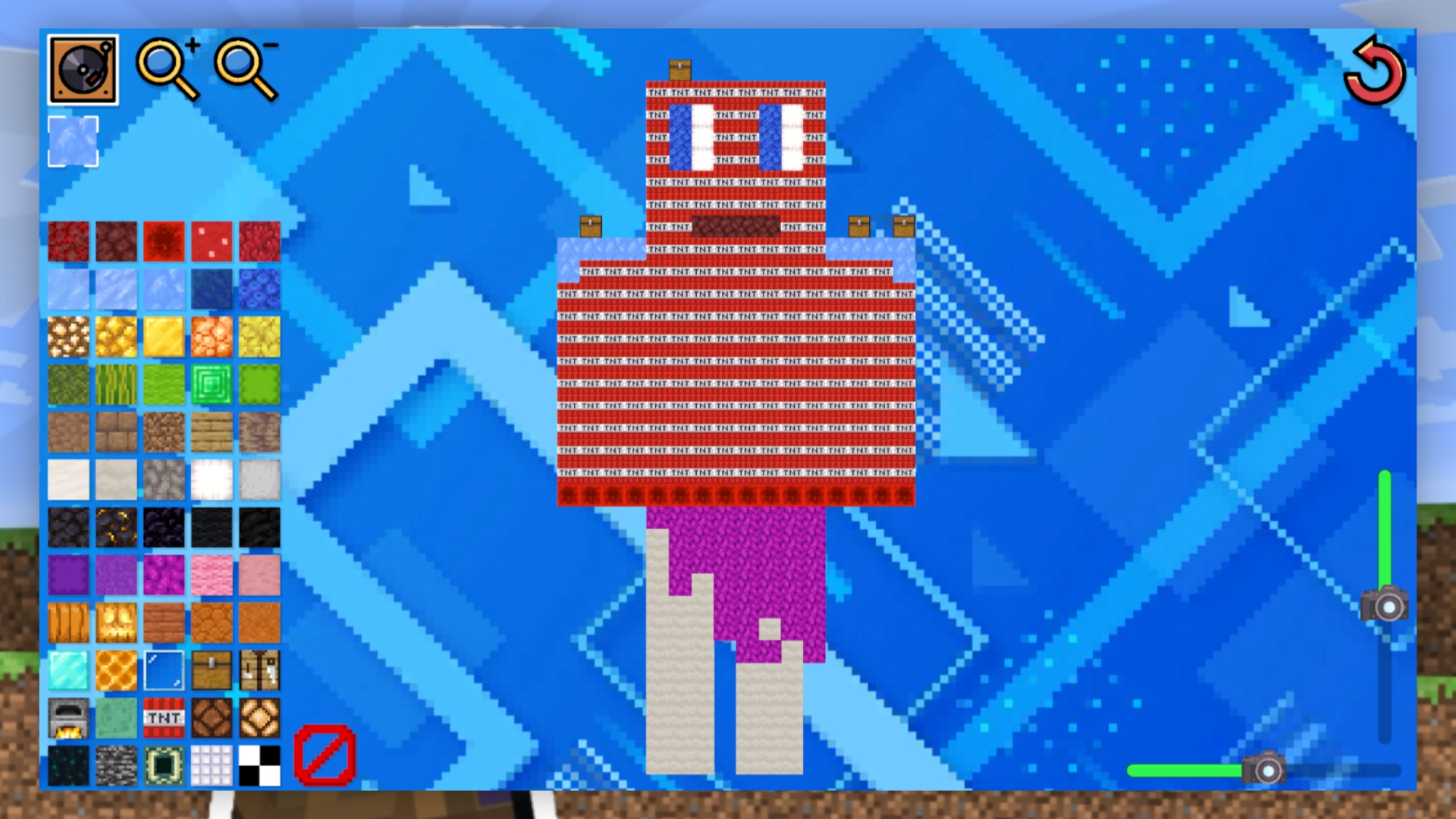
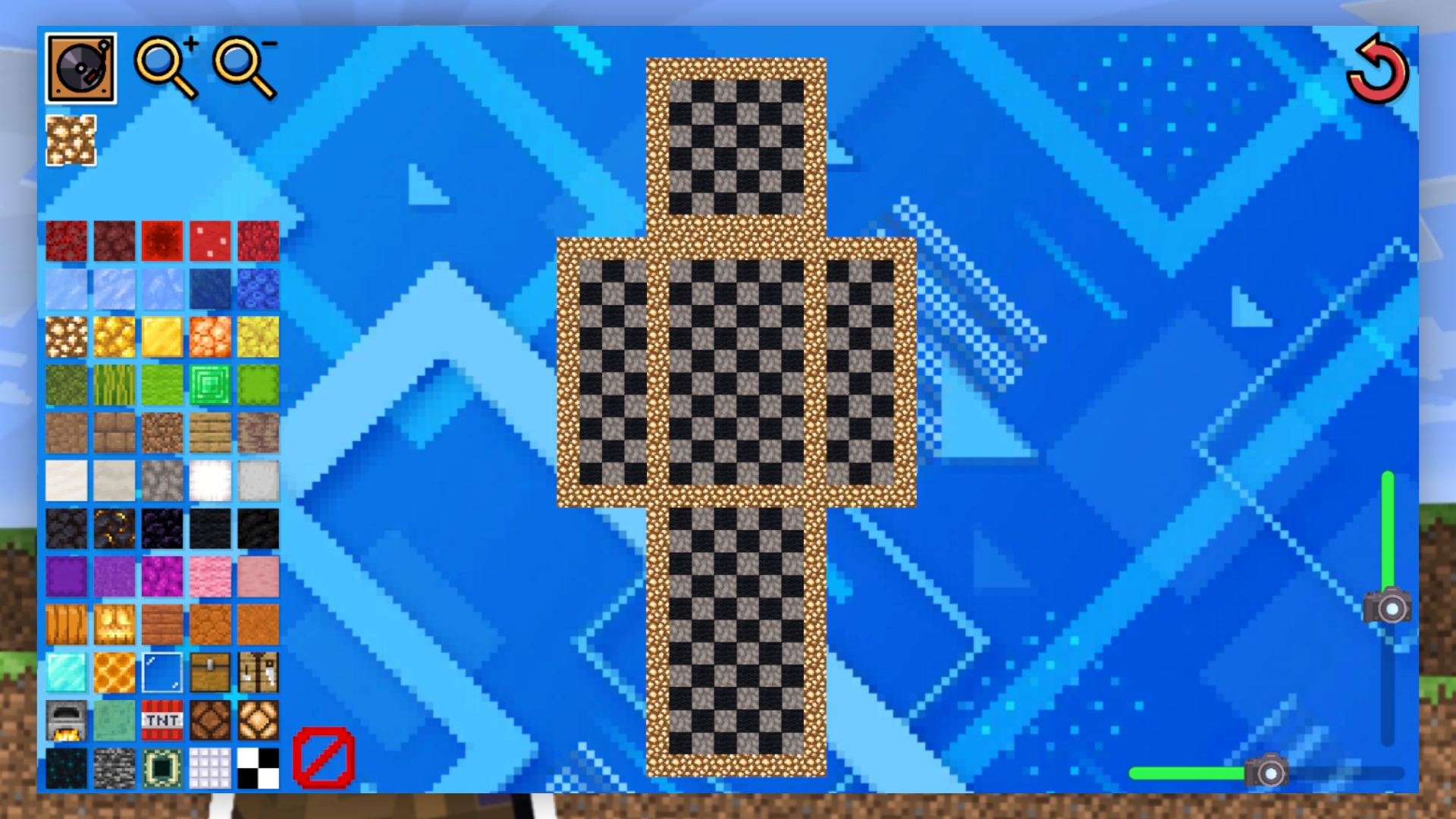
First, select the block you want to draw and click on it. Then start drawing on the canvas: you will be given a skin outline that you can paint over to get a full-fledged cube character skin. Unneeded pixels can be painted over with transparent blocks. You can zoom in and out with the magnifying glass buttons, and change its location with the sliders. If you exit the game, your progress will be permanently deleted. If you want to reload the canvas, click the reload button.

More games

More games