Skip to content
KG
Destroy Herobrine in the Mine - Playground Sandbox

Destroy Herobrine in the Mine - Playground Sandbox

2K plays 4.9 out of 5

Overview

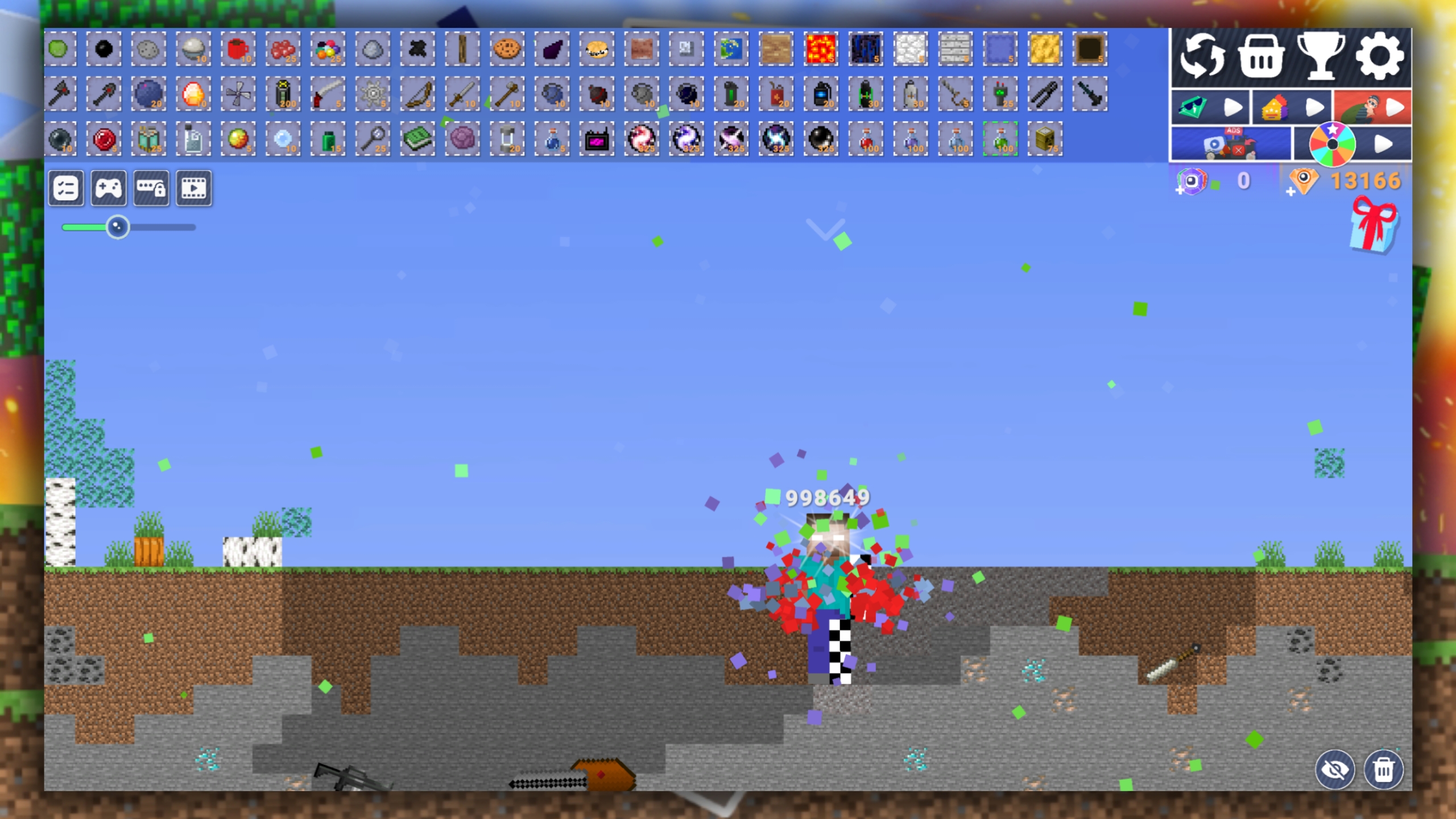
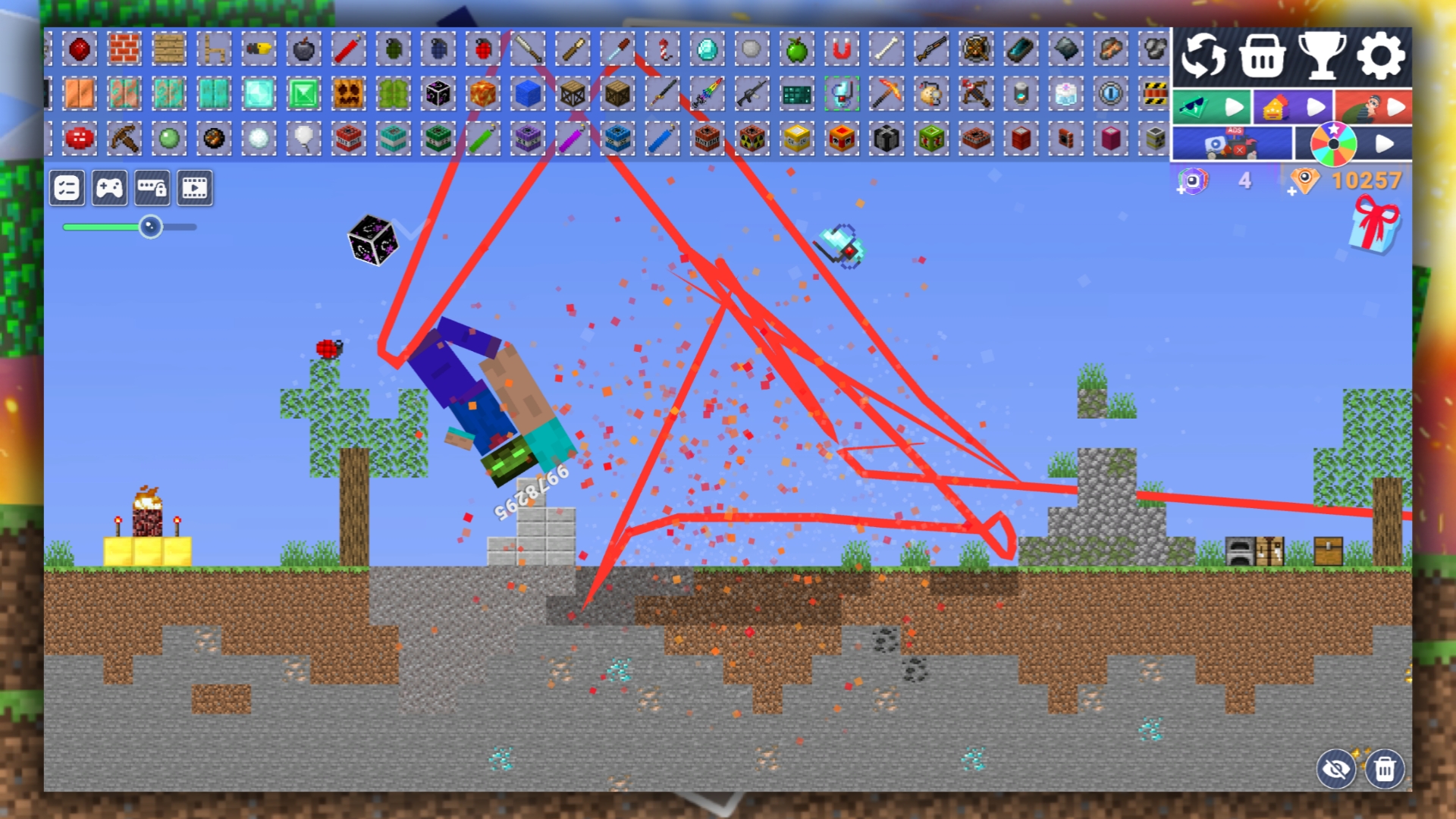
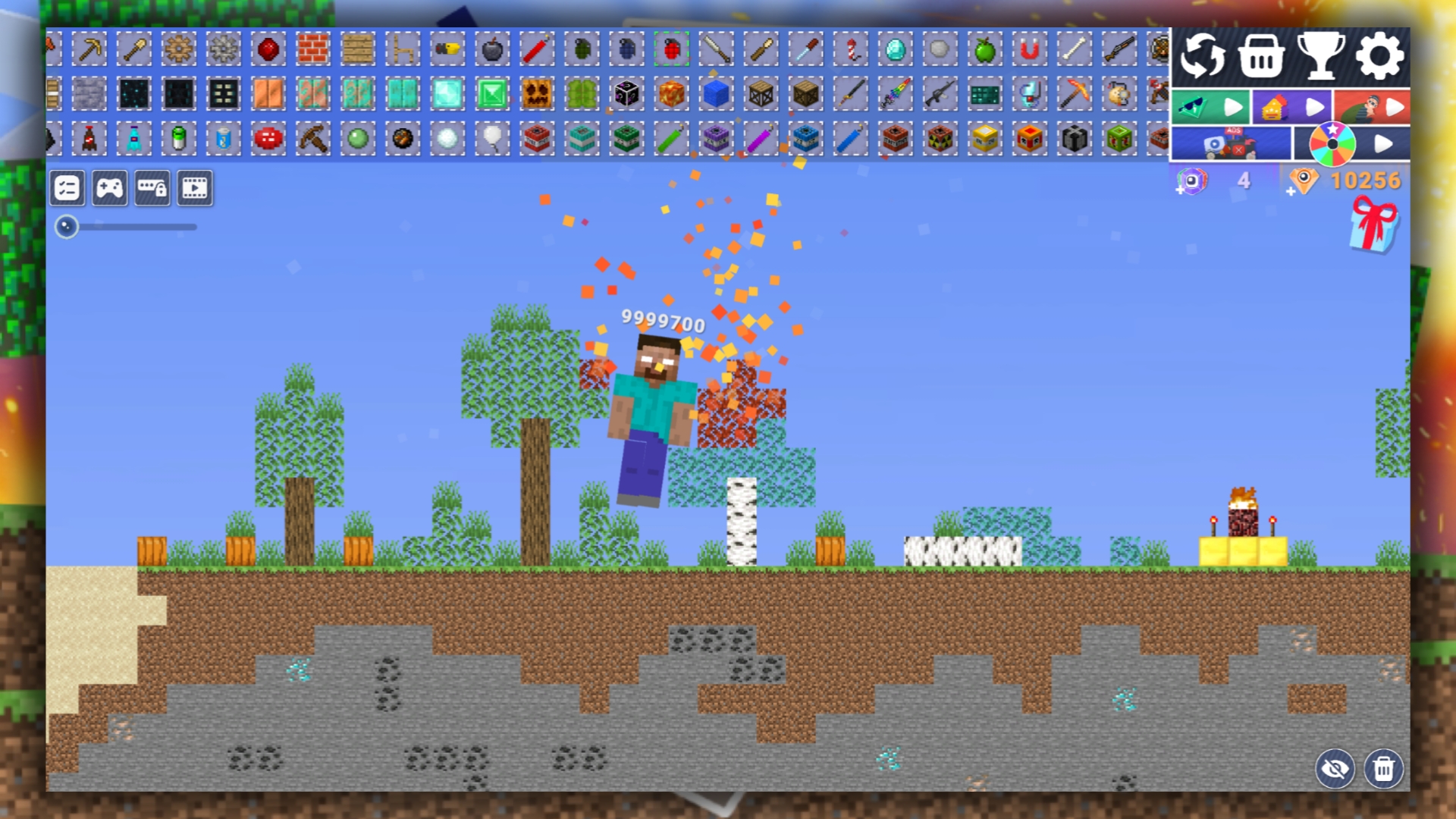
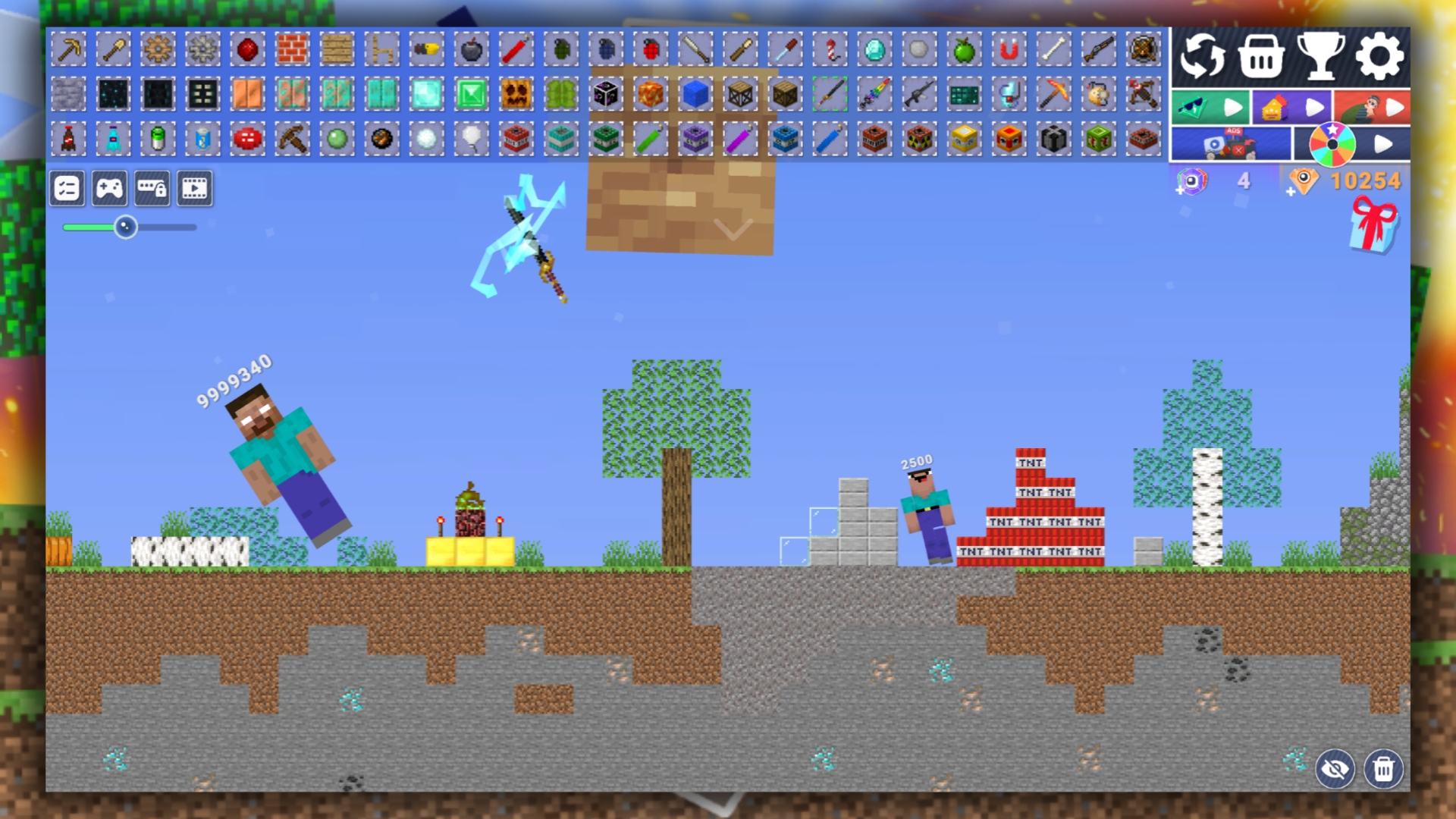
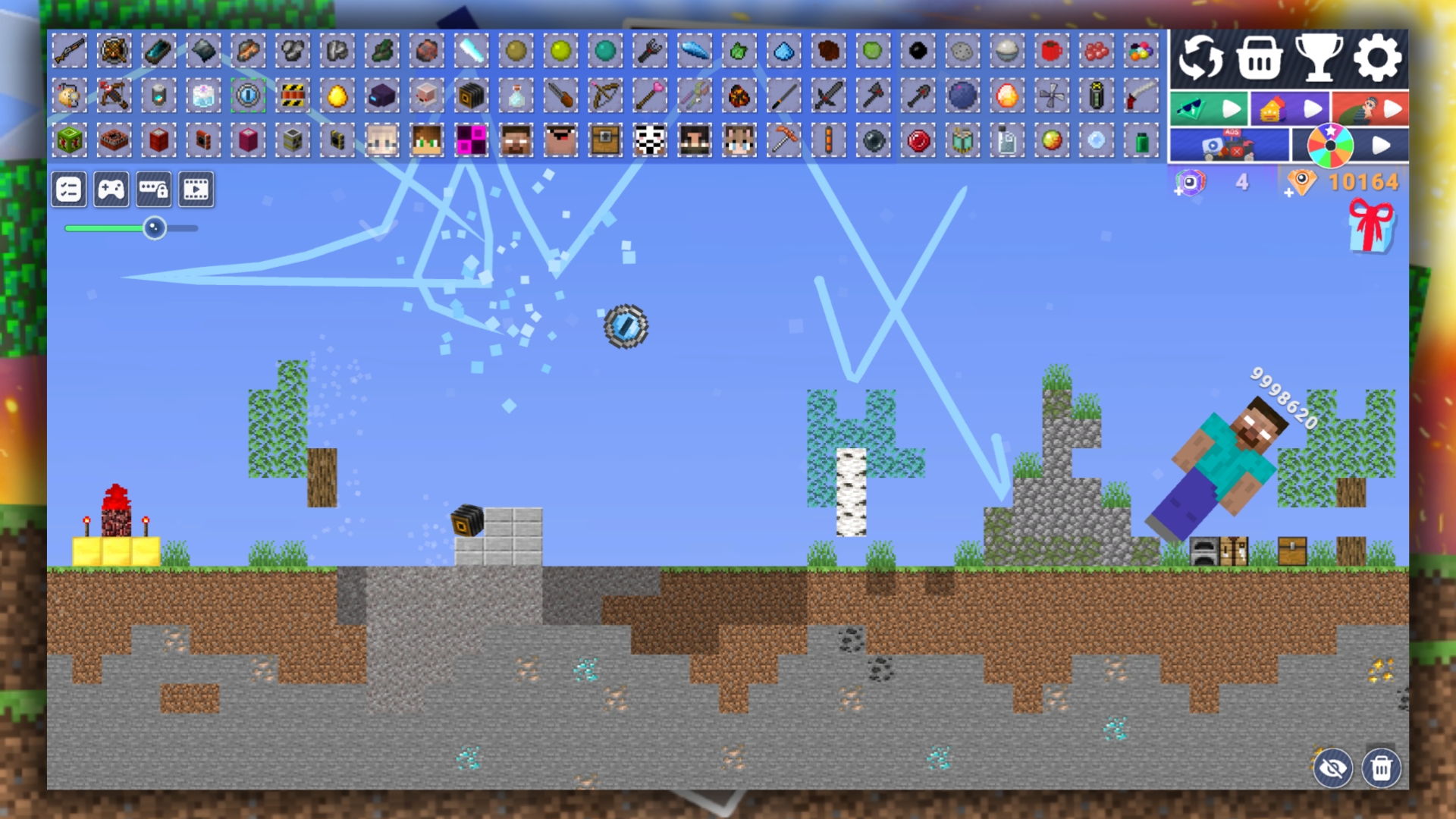
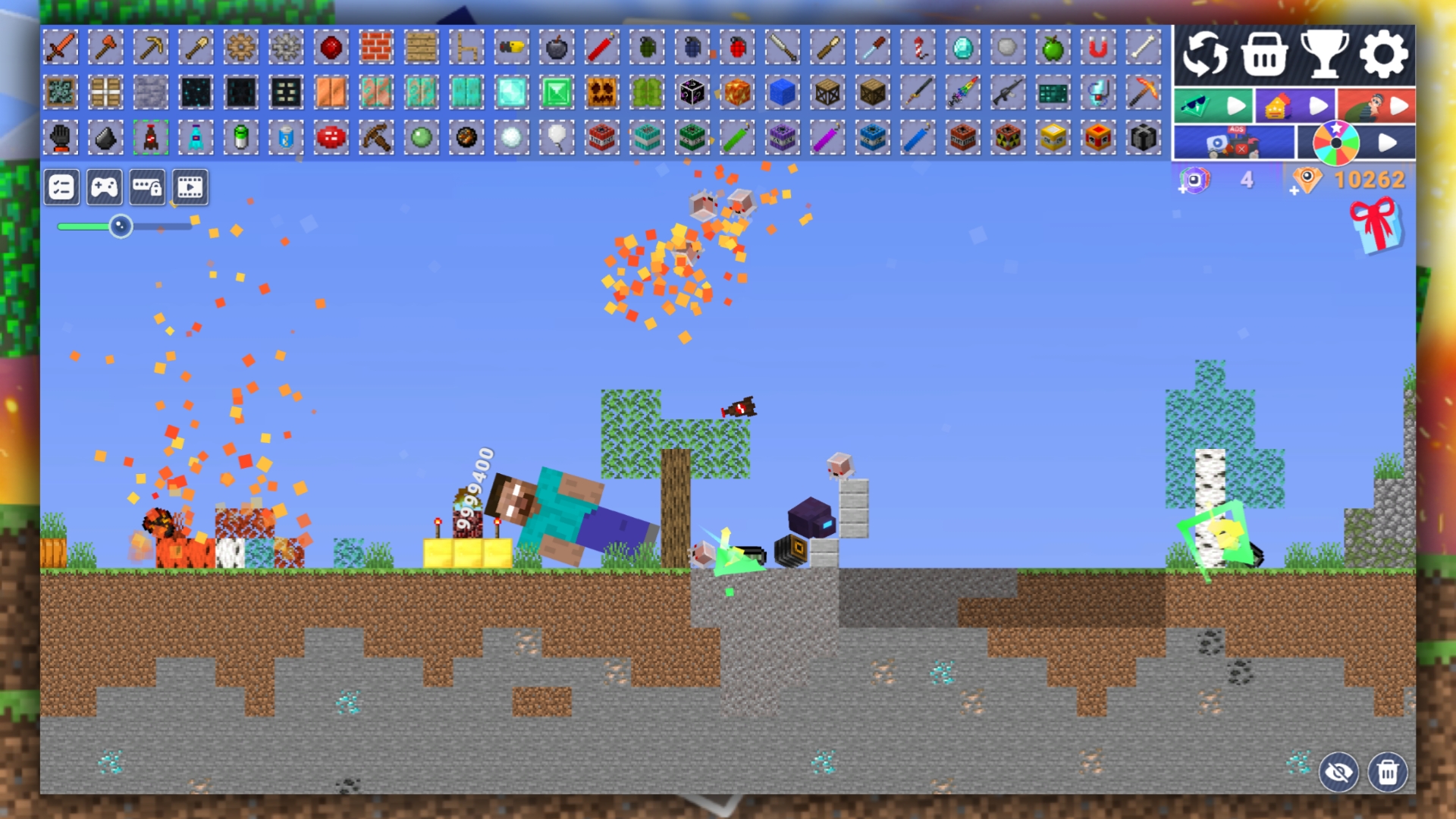
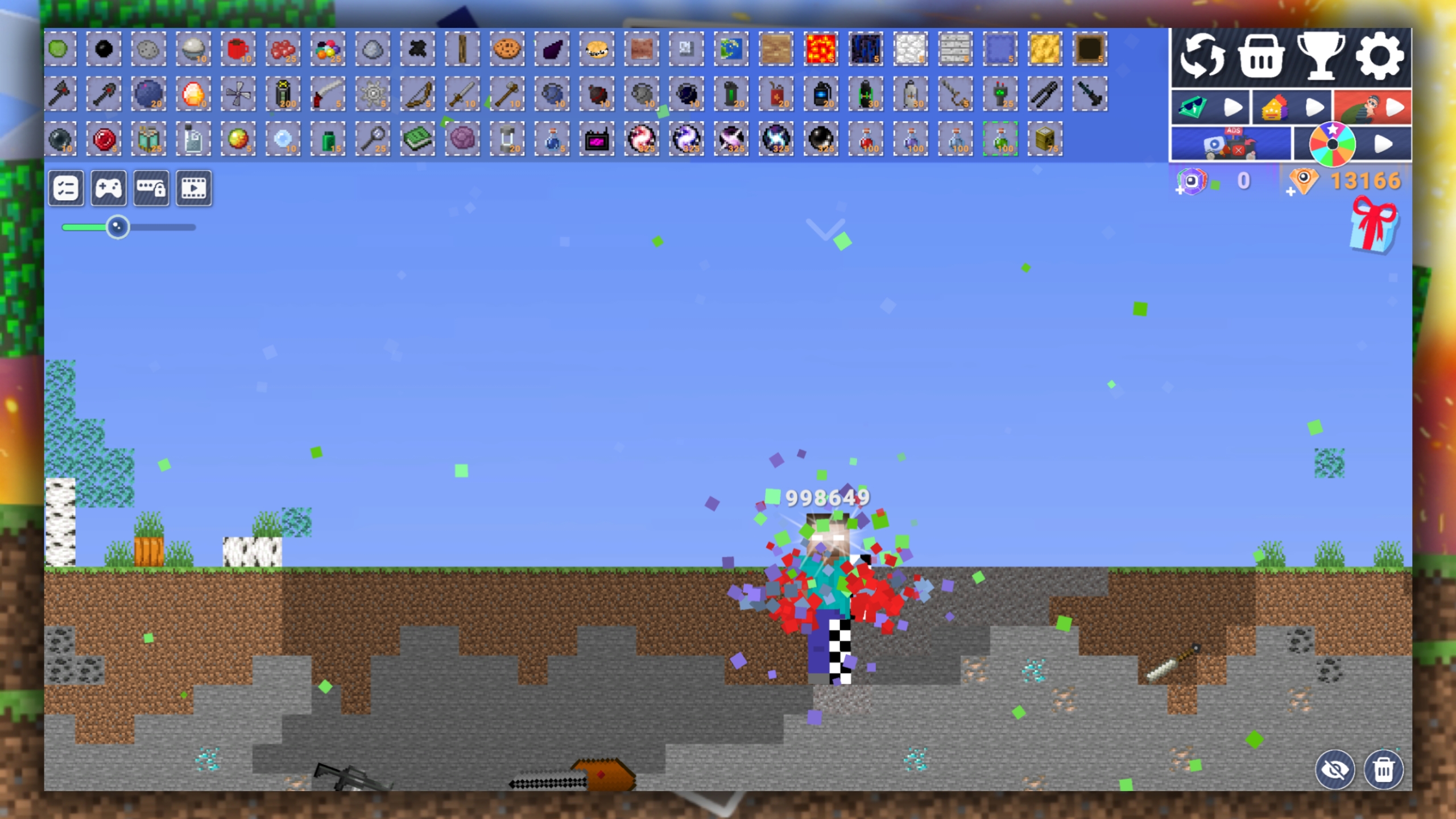
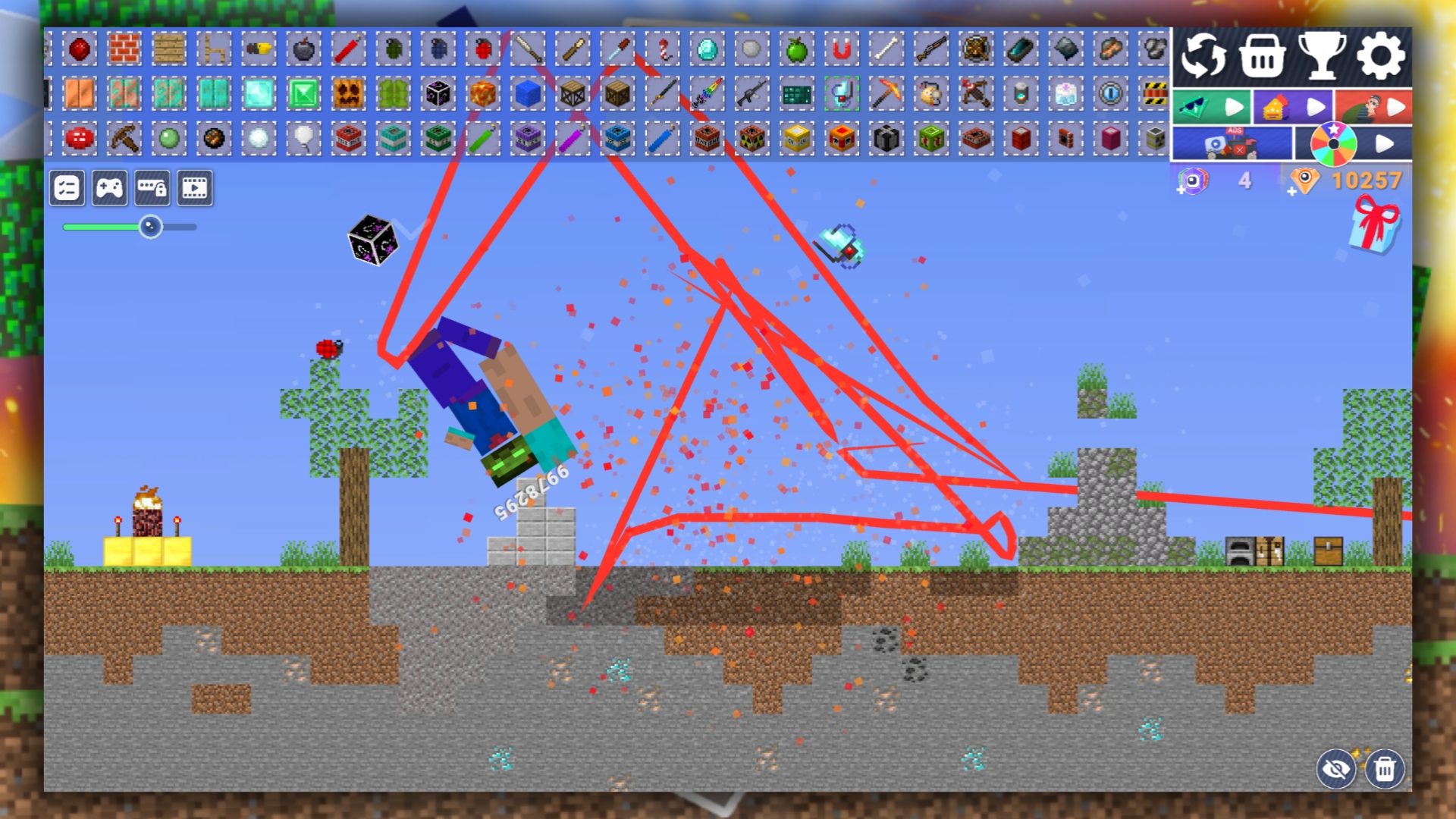
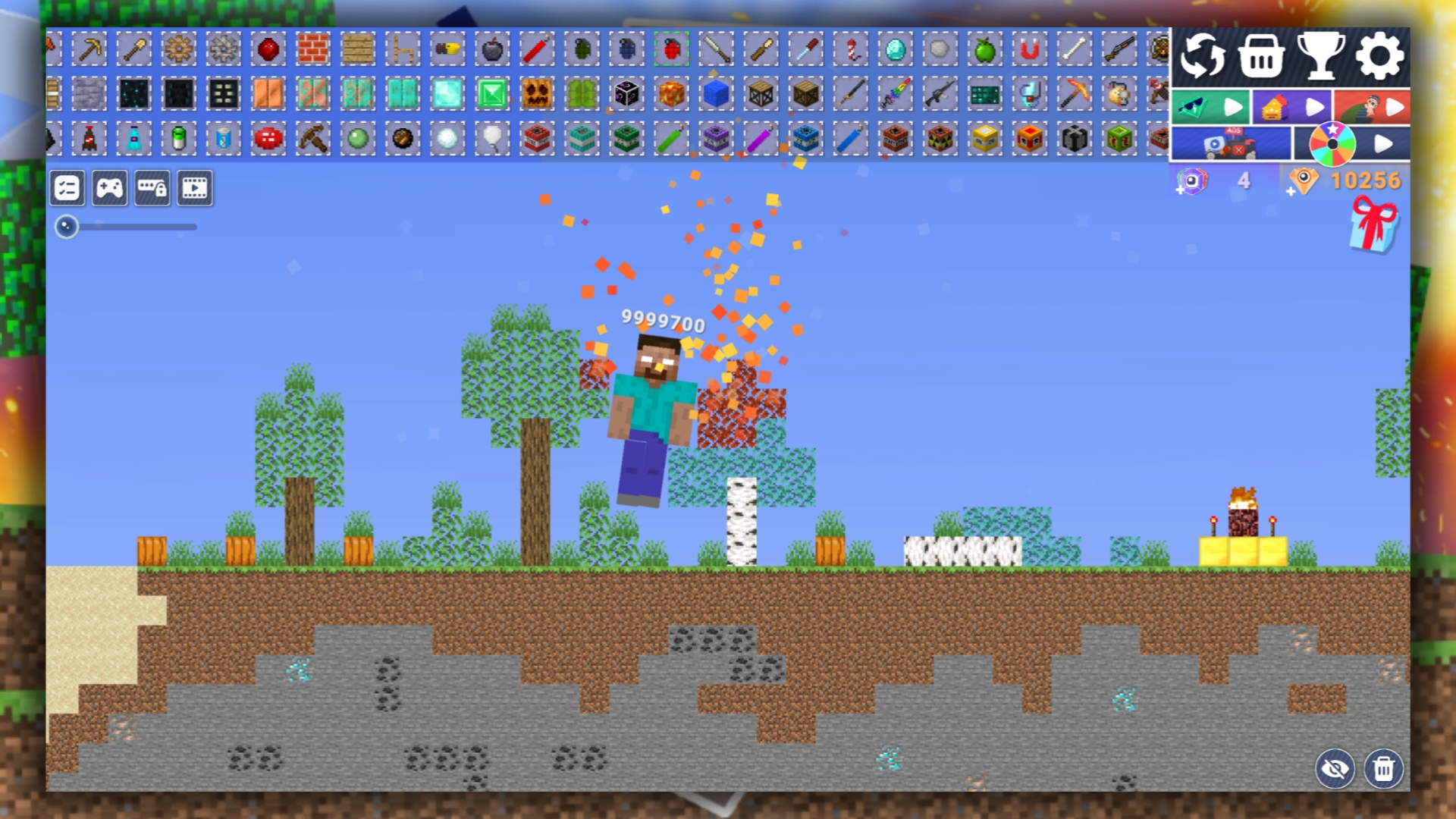
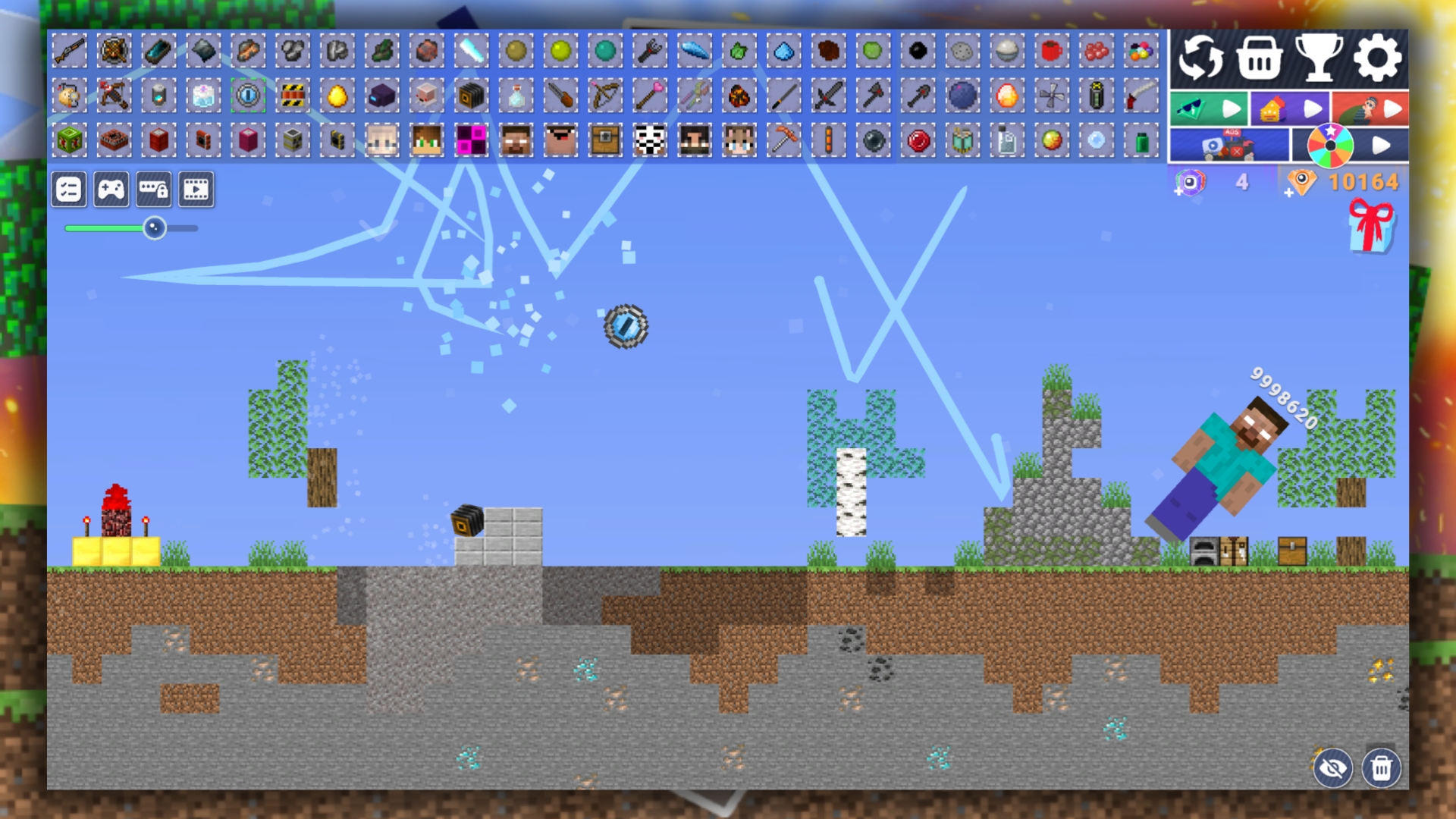
Herobrine has entered the world of the Mine again! Destroy it as quickly as possible to save this world from destruction. In the game, your task is to destroy Herobrine in various ways, as well as conduct a variety of crazy experiments on it in order to find the most effective, fastest and most fun way to destroy it. Hit the Herobrine as many times as possible to earn points that increase your level. The higher your level, the higher your place in the leaderboard. Try to take the first place and prove to everyone that you are the best hunter and experimenter on Herobrine!

Videos and screenshots
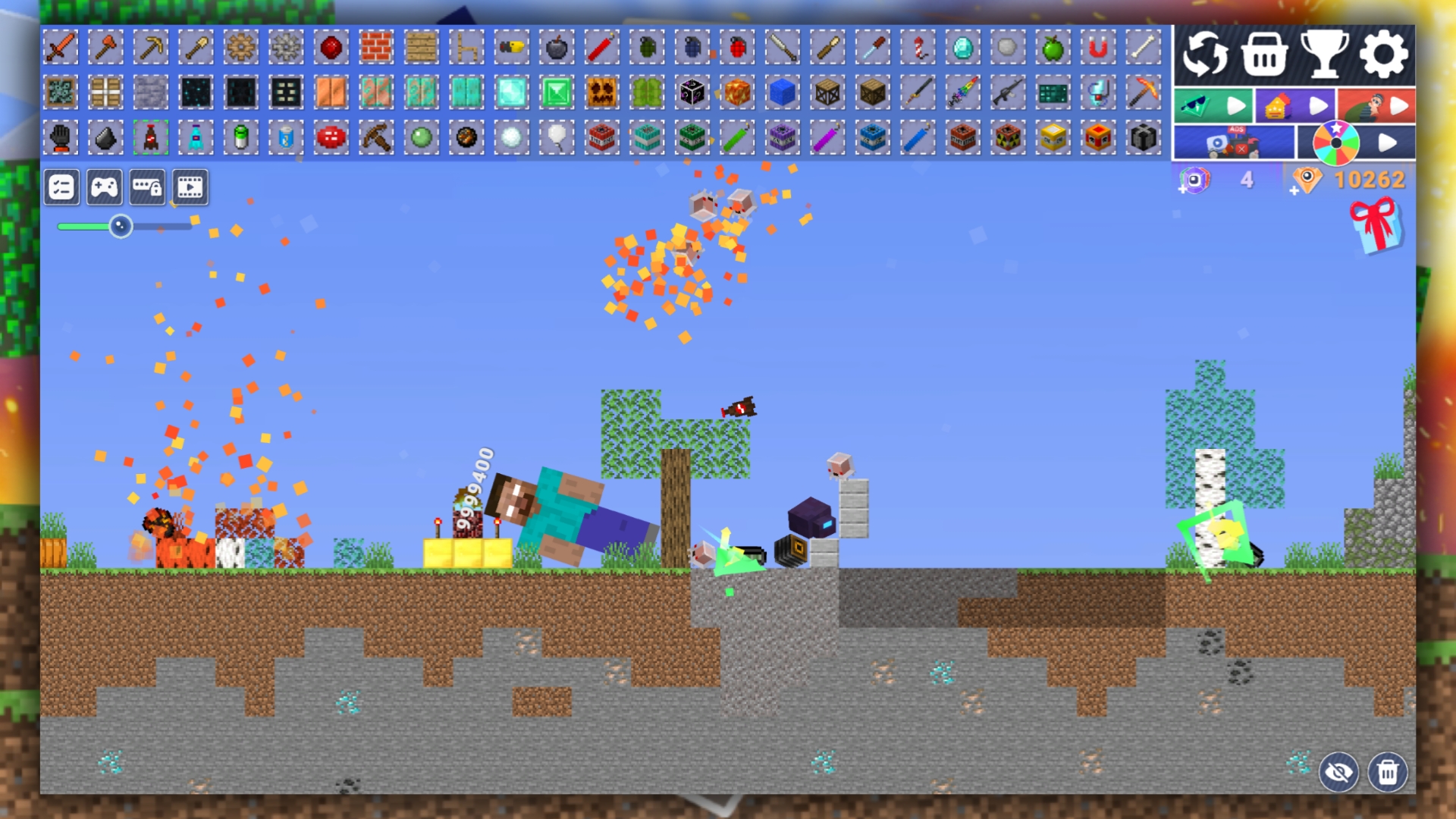
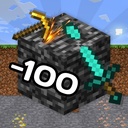
  • Destroy Herobrine in the Mine - Playground Sandbox screenshot 1
  • Destroy Herobrine in the Mine - Playground Sandbox screenshot 2
  • Destroy Herobrine in the Mine - Playground Sandbox screenshot 3
  • Destroy Herobrine in the Mine - Playground Sandbox screenshot 4
  • Destroy Herobrine in the Mine - Playground Sandbox screenshot 5
  • Destroy Herobrine in the Mine - Playground Sandbox screenshot 6
  • Destroy Herobrine in the Mine - Playground Sandbox screenshot 7
  • Destroy Herobrine in the Mine - Playground Sandbox screenshot 8
  • Destroy Herobrine in the Mine - Playground Sandbox screenshot 9
  • Destroy Herobrine in the Mine - Playground Sandbox screenshot 10
  • Destroy Herobrine in the Mine - Playground Sandbox screenshot 11
  • Destroy Herobrine in the Mine - Playground Sandbox screenshot 12
Play Now

11,759 players online

How to play

  1. Open the game

    Press Play now and the game opens on its own screen.

  2. Follow the in-game instructions

    The controls and goals are shown inside the game as you play.

  3. Use the game menu

    The floating button over the game reloads it, saves it to your favourites, or takes you back out.
Game instructions

In the game, your task is to destroy Herobrine, who attacked the cubic world of the Mine and the Playground. Select the item you want to place on the playing field and click on it to make it appear. Some items are worth a certain number of crystals, which can be earned in various ways. You can move objects by simply pinching them. You can also move the camera using a special slider. You can remove items from the playing field using the tap delete function, which can be activated by clicking on the trash can button. You can also hide some controls using the eye-shaped button. Please note that you can also remove objects or blocks located behind the buttons by clicking on these buttons. To avoid this, you can move the camera to the right corner and create a zone there to enable and disable the delete function so as not to affect the main game area.

More games

More games