Skip to content
KG
Create Skin

Create Skin

112K plays 4.6 out of 5

Overview

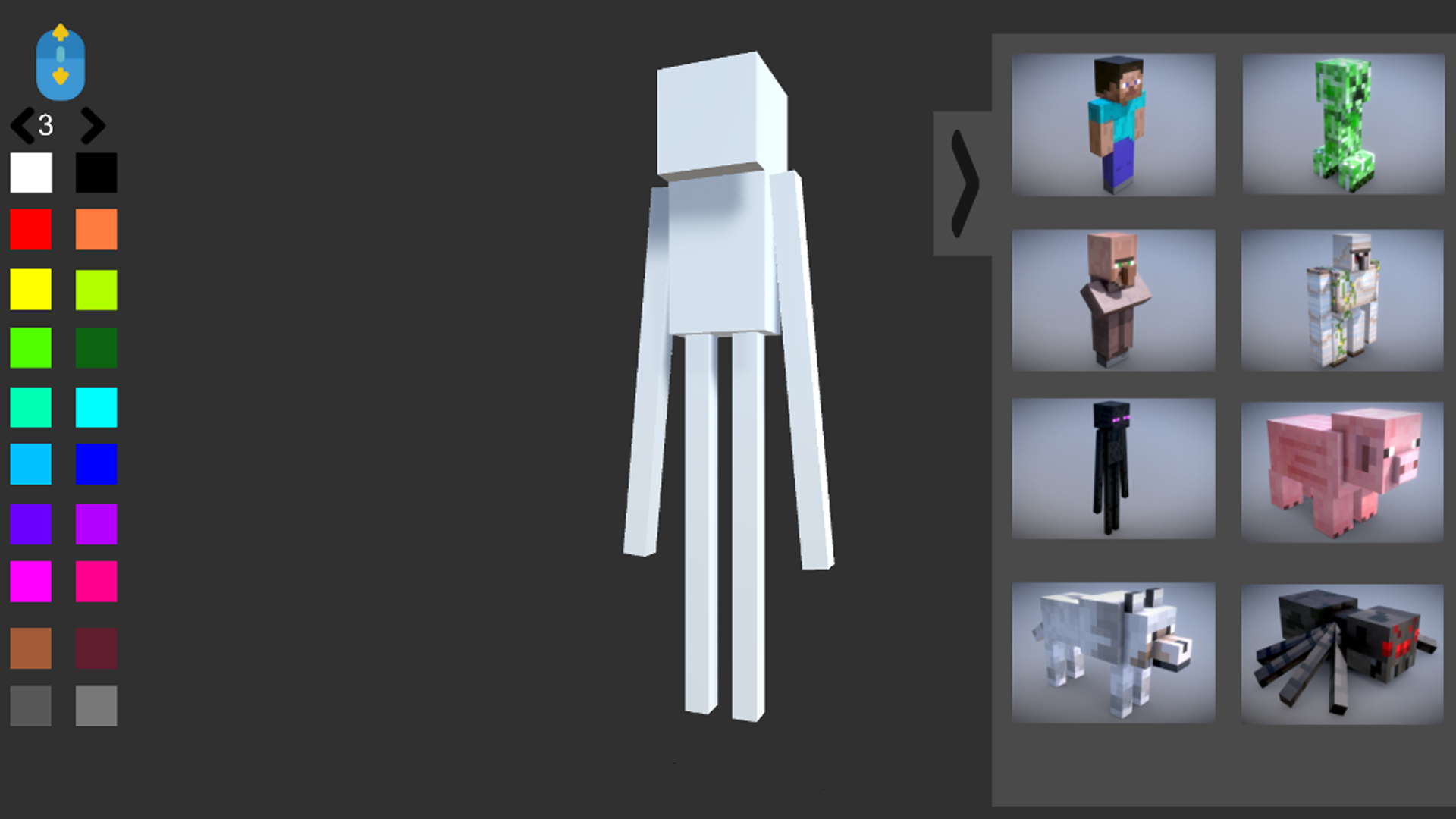
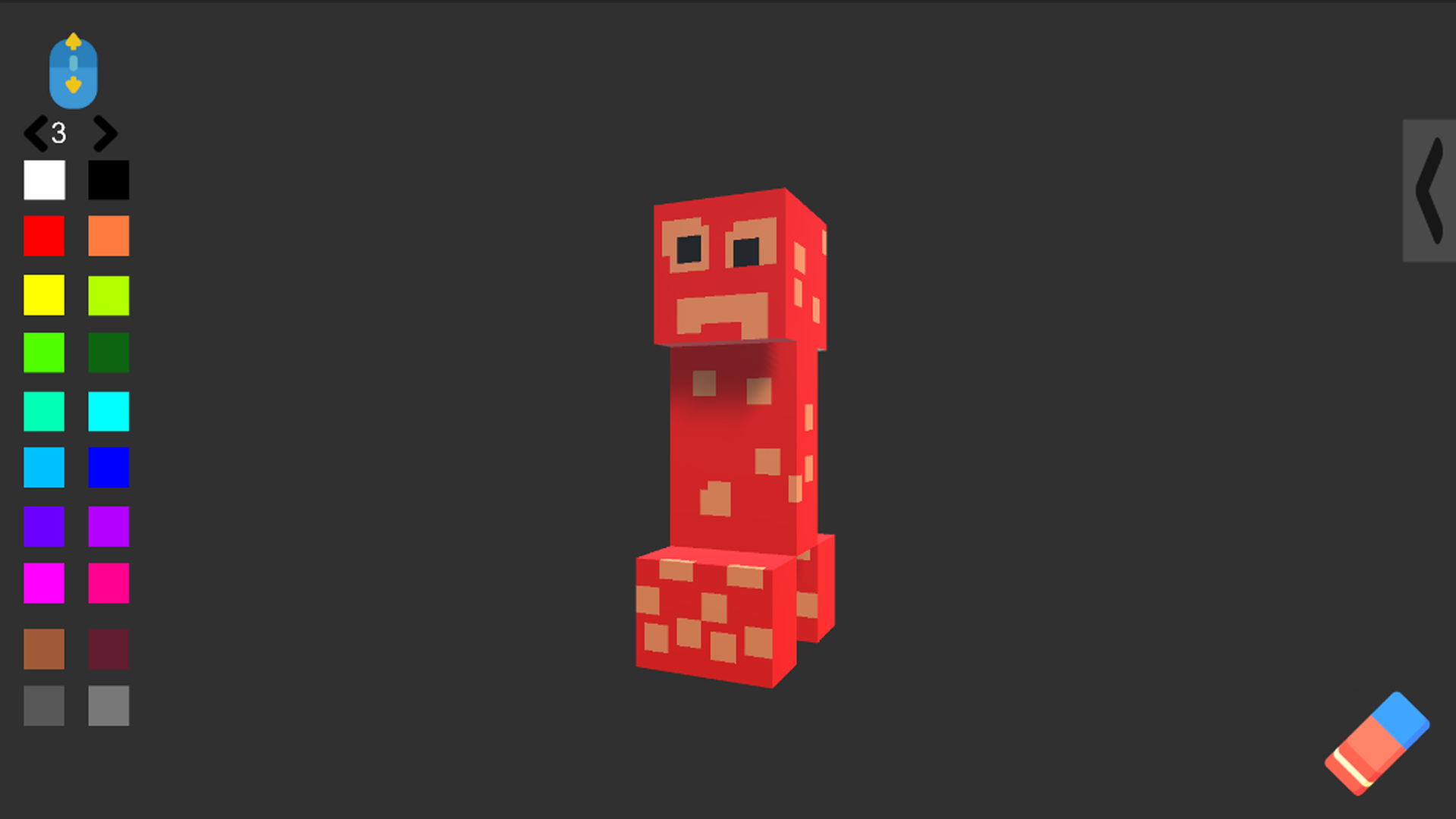
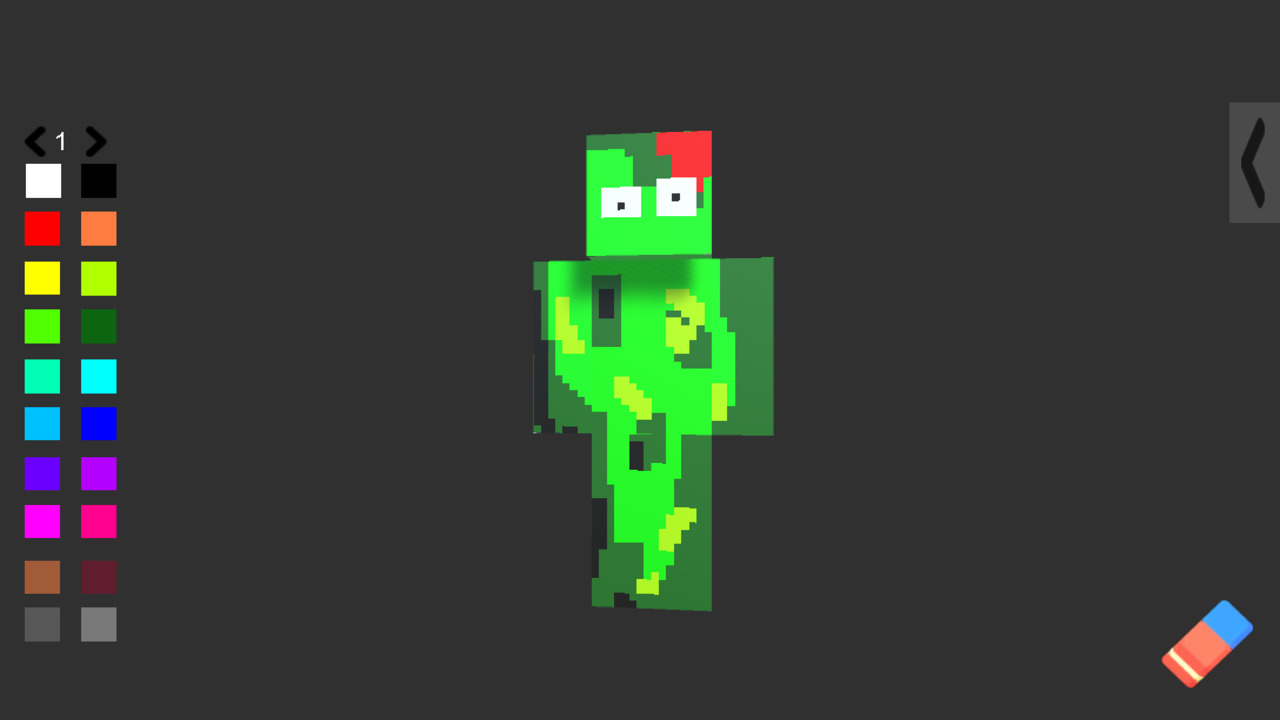
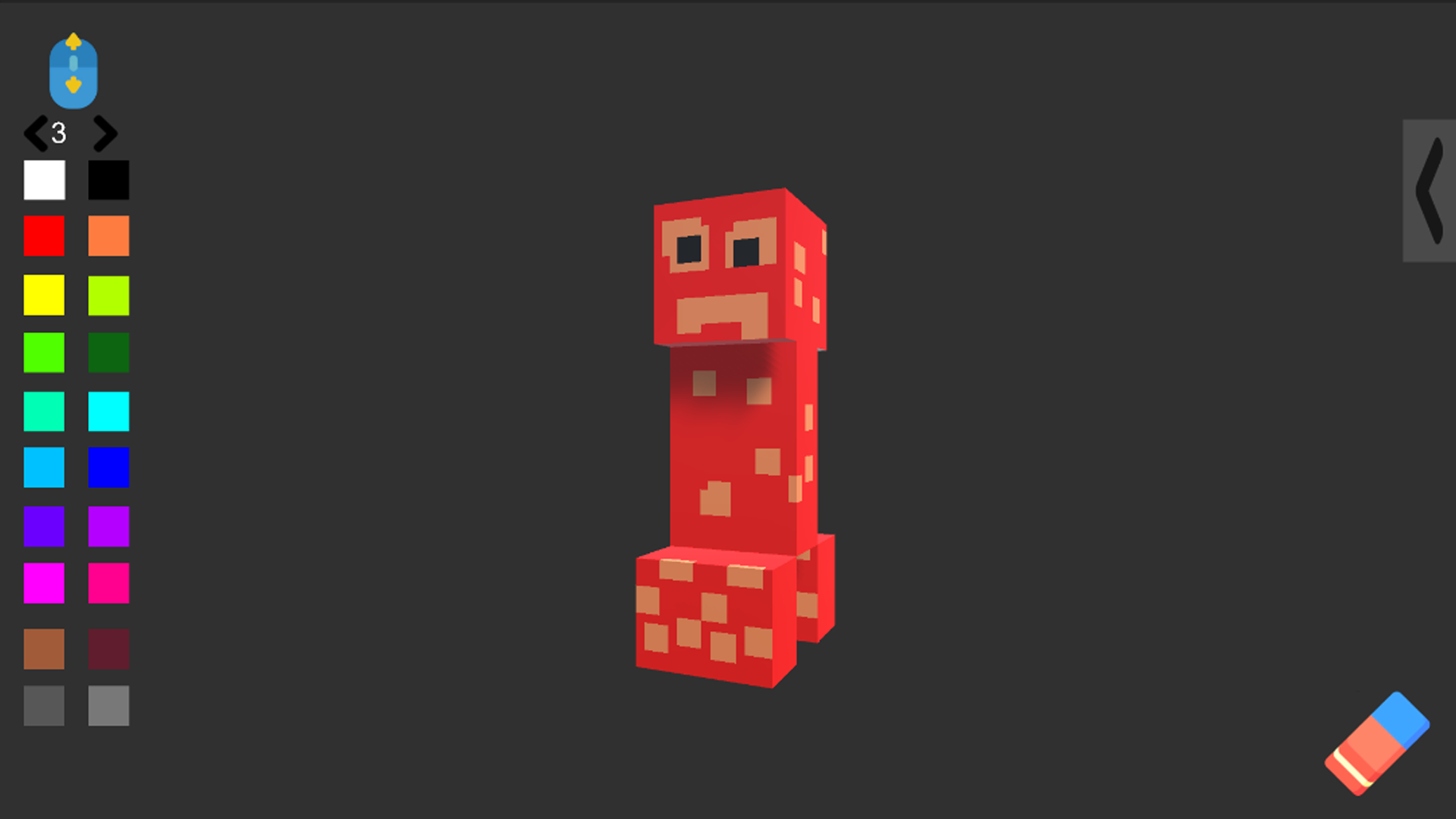
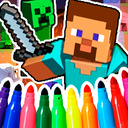
Create Skin is a game in which you can draw a skin or decorate a mob from the Minecraft game! 8 characters for coloring: • Steve • Creeper • Resident • Golem • Enderman • Pig • Wolf • Spider • 20 Colors for Coloring •100 Brush Sizes!

Videos and screenshots
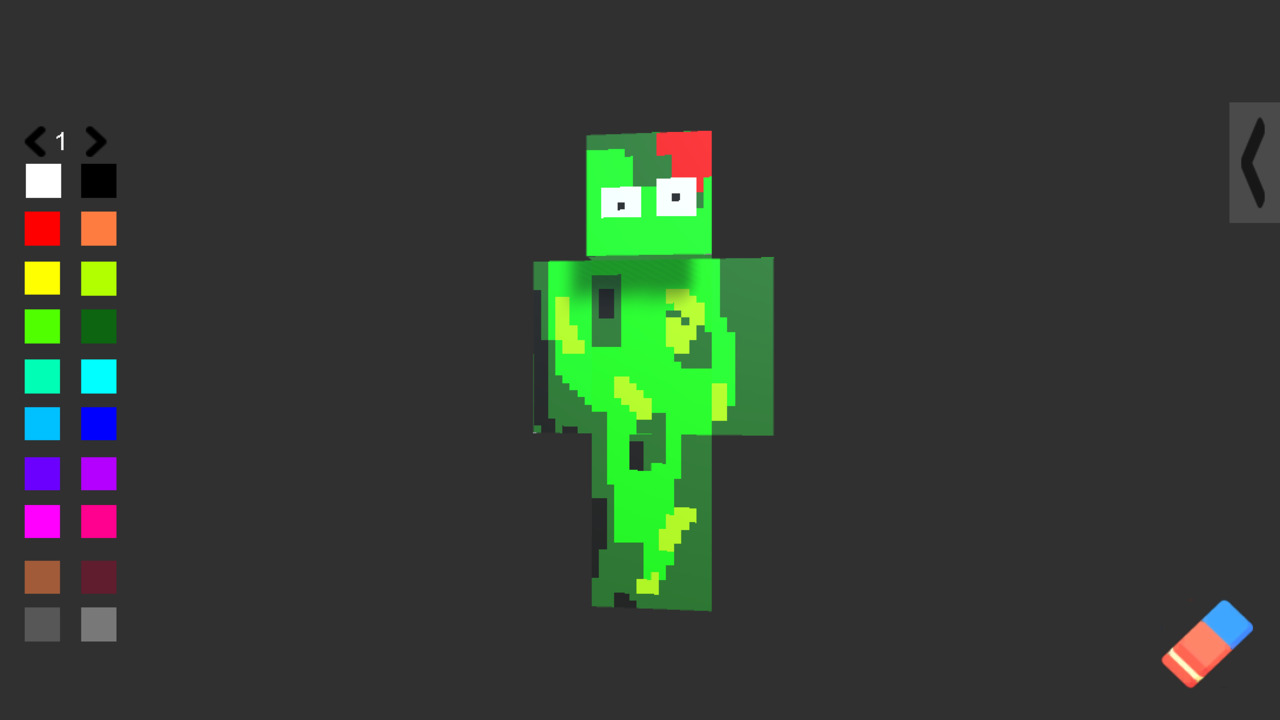
  • Create Skin screenshot 1
  • Create Skin screenshot 2
  • Create Skin screenshot 3
  • Create Skin screenshot 4
  • Create Skin screenshot 5
  • Create Skin screenshot 6
Play Now

14,320 players online

How to play

  1. Open the game

    Press Play now and the game opens on its own screen.

  2. Follow the in-game instructions

    The controls and goals are shown inside the game as you play.

  3. Use the game menu

    The floating button over the game reloads it, saves it to your favourites, or takes you back out.
Game instructions

In this game you can draw a skin or decorate a mob from the Minecraft game! To do this, select 1 of the 8 characters and click on it, then you can start coloring. To choose a color, click on the square buttons on the left, and to clear the whole picture, click on the eraser, which is located on the bottom right. To change the size of the brush, rotate the mouse wheel or switch the size to the arrows that are located above the colors. On the computer: Rotate the character on the A and D keys On the Phone: Rotate the character on the buttons under the character

More games

More games