Overview
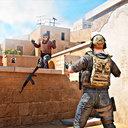
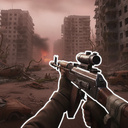
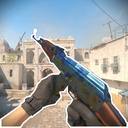
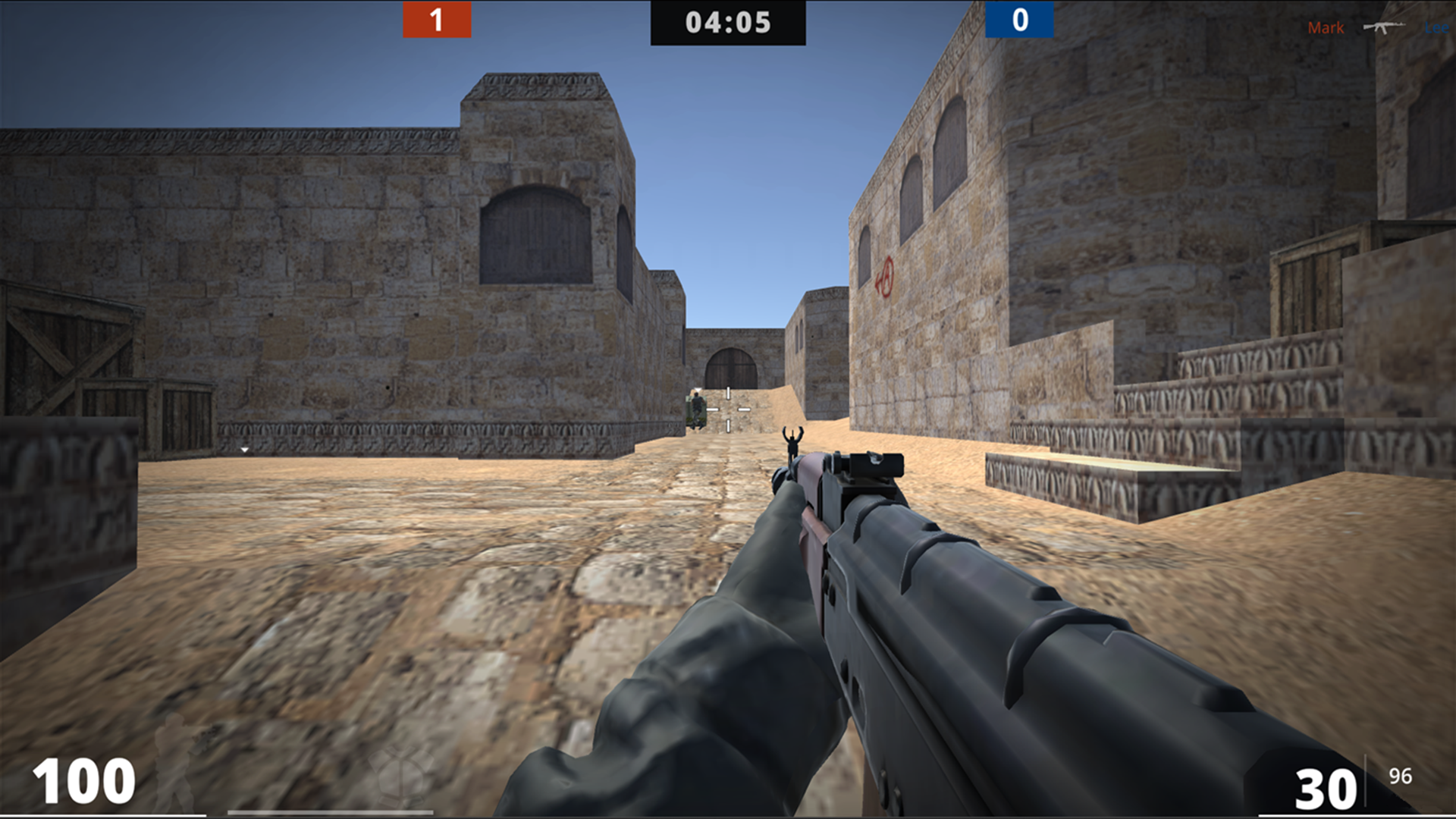
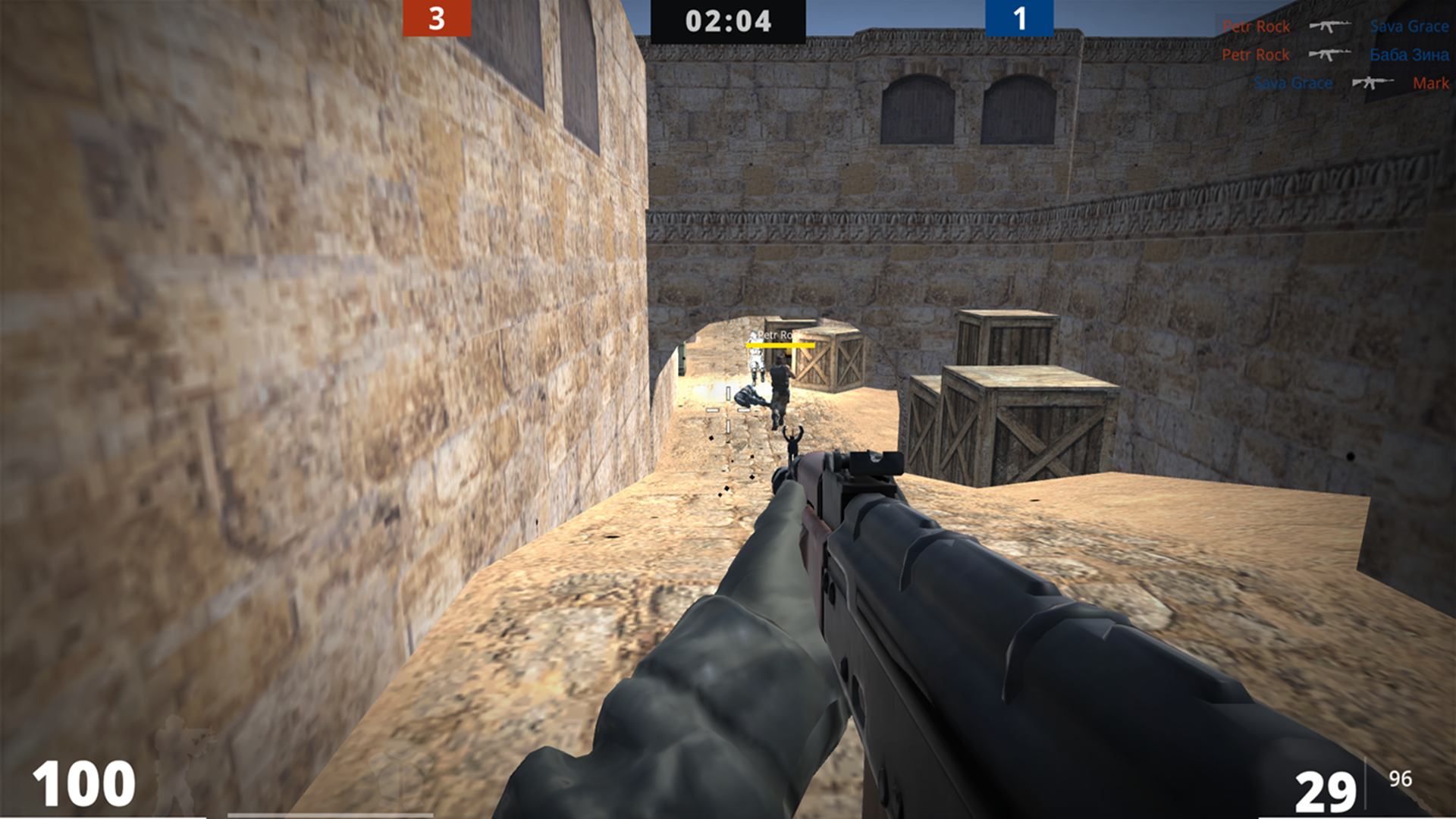
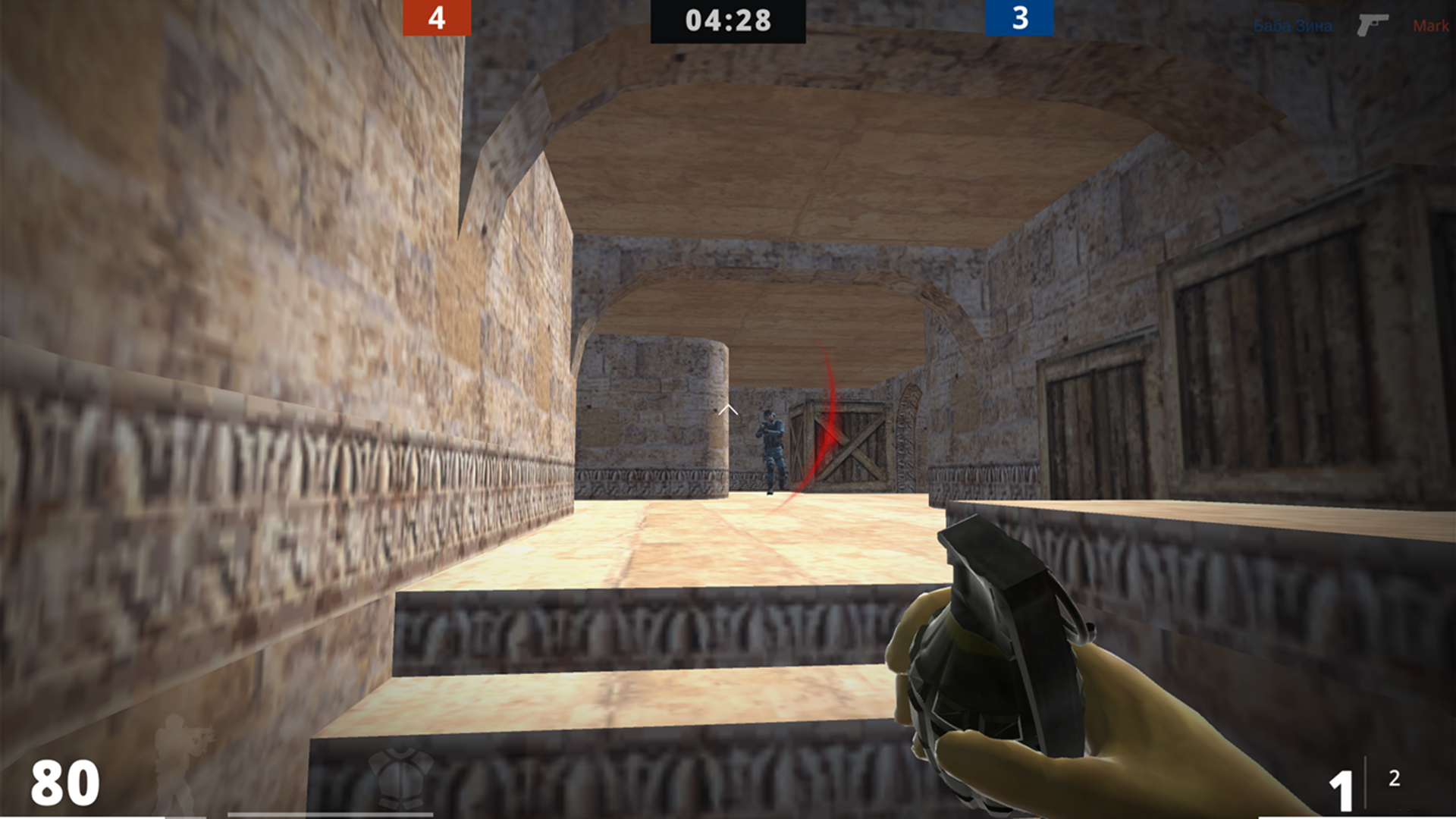
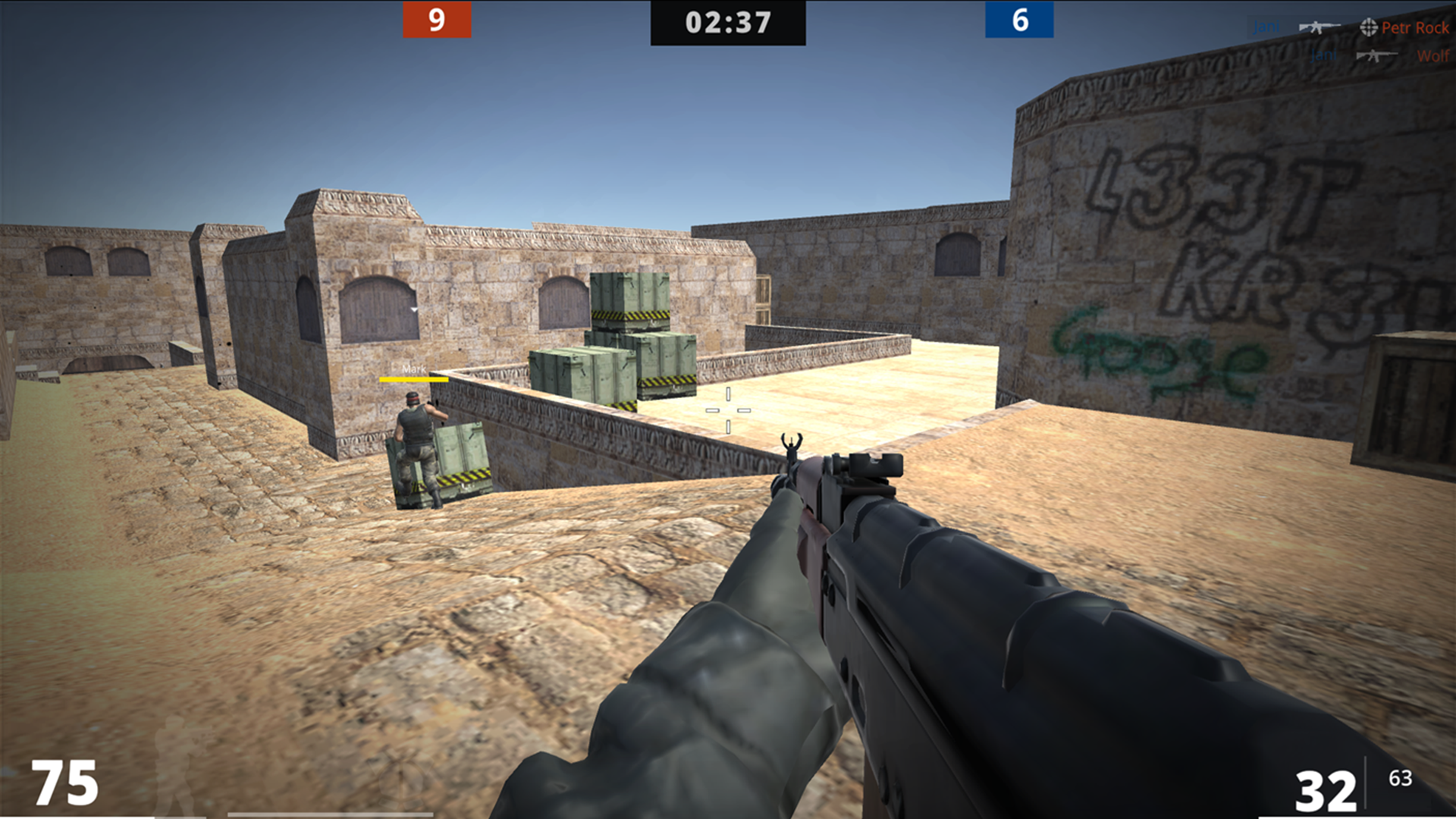
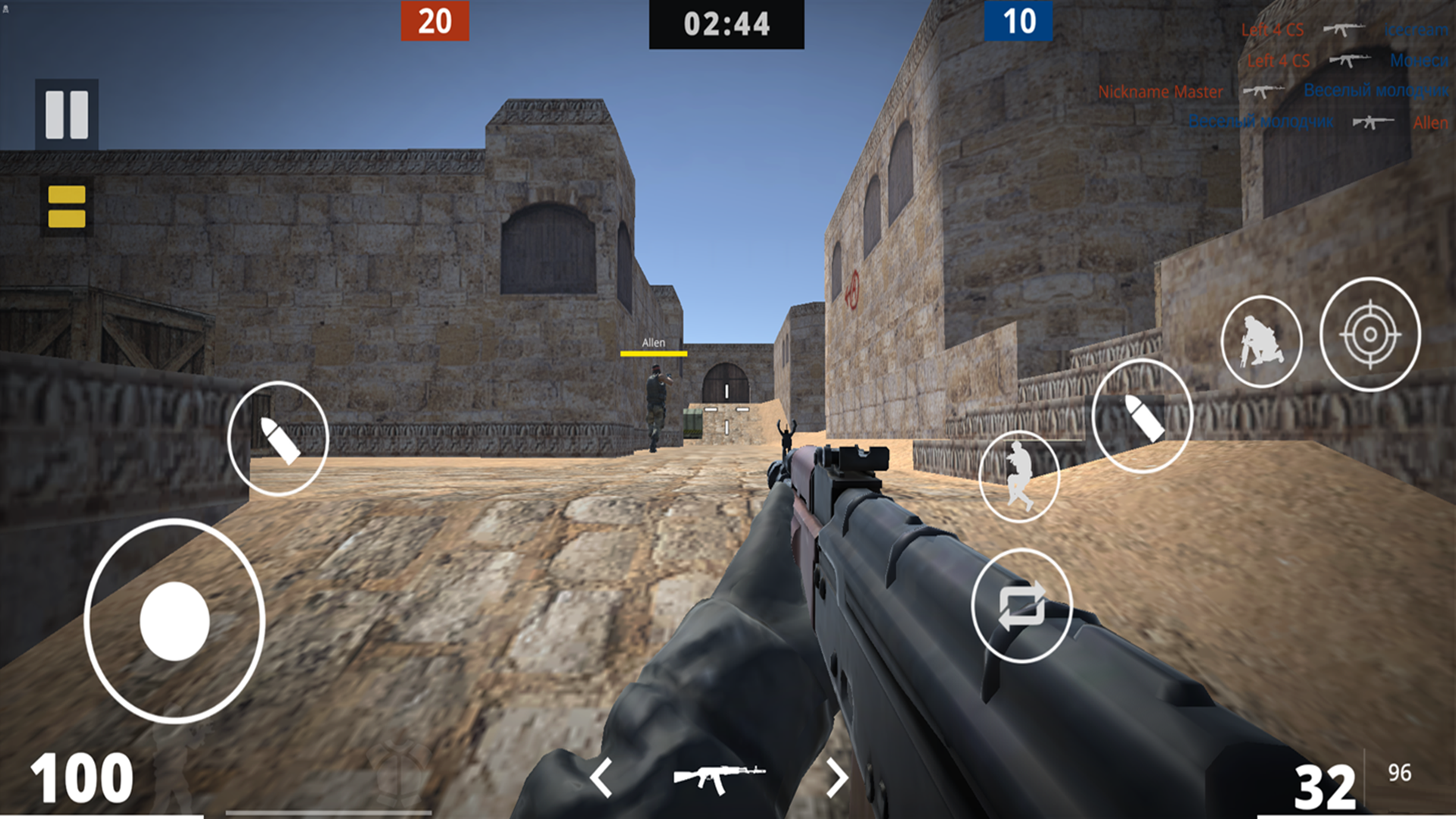
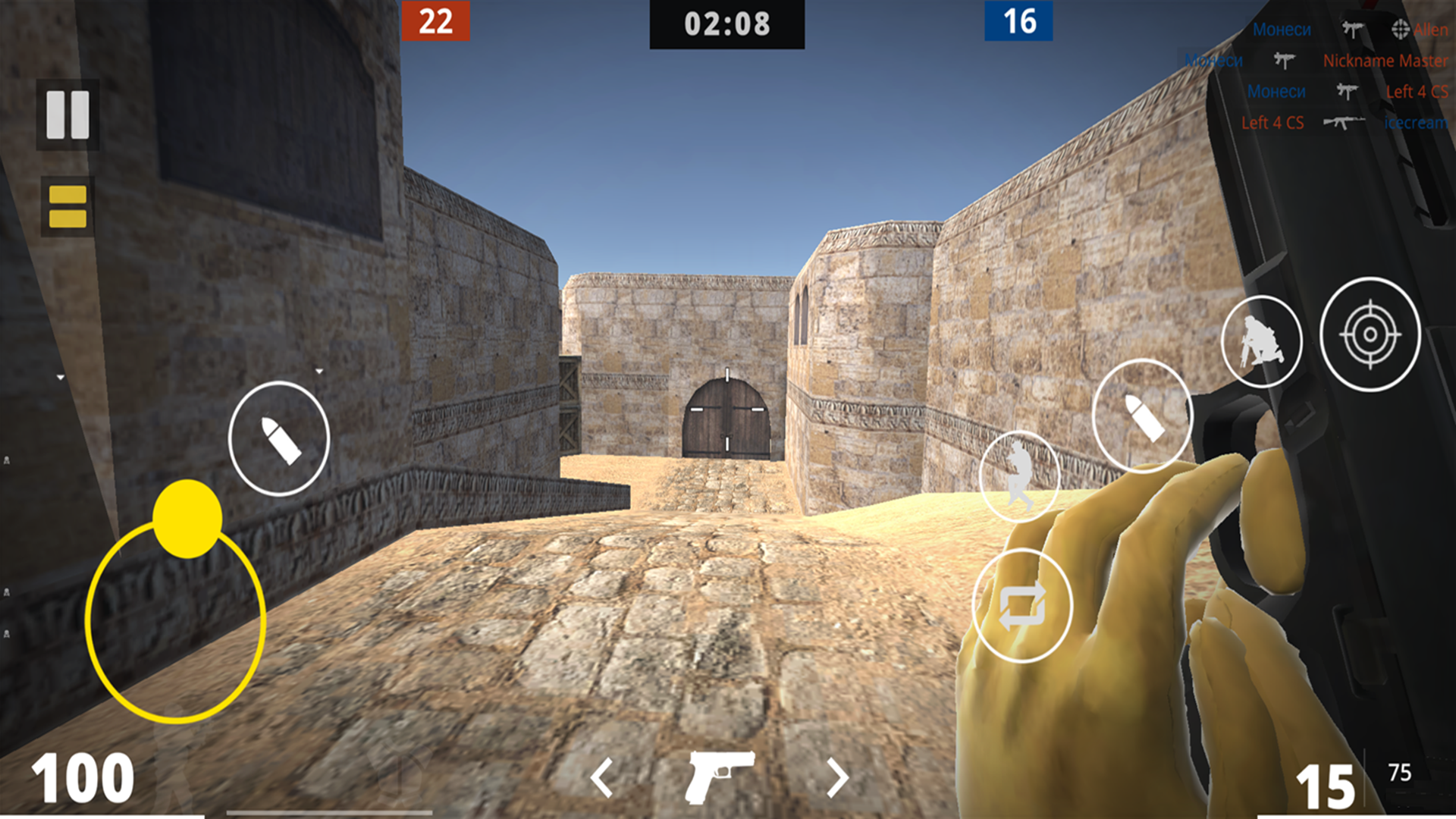
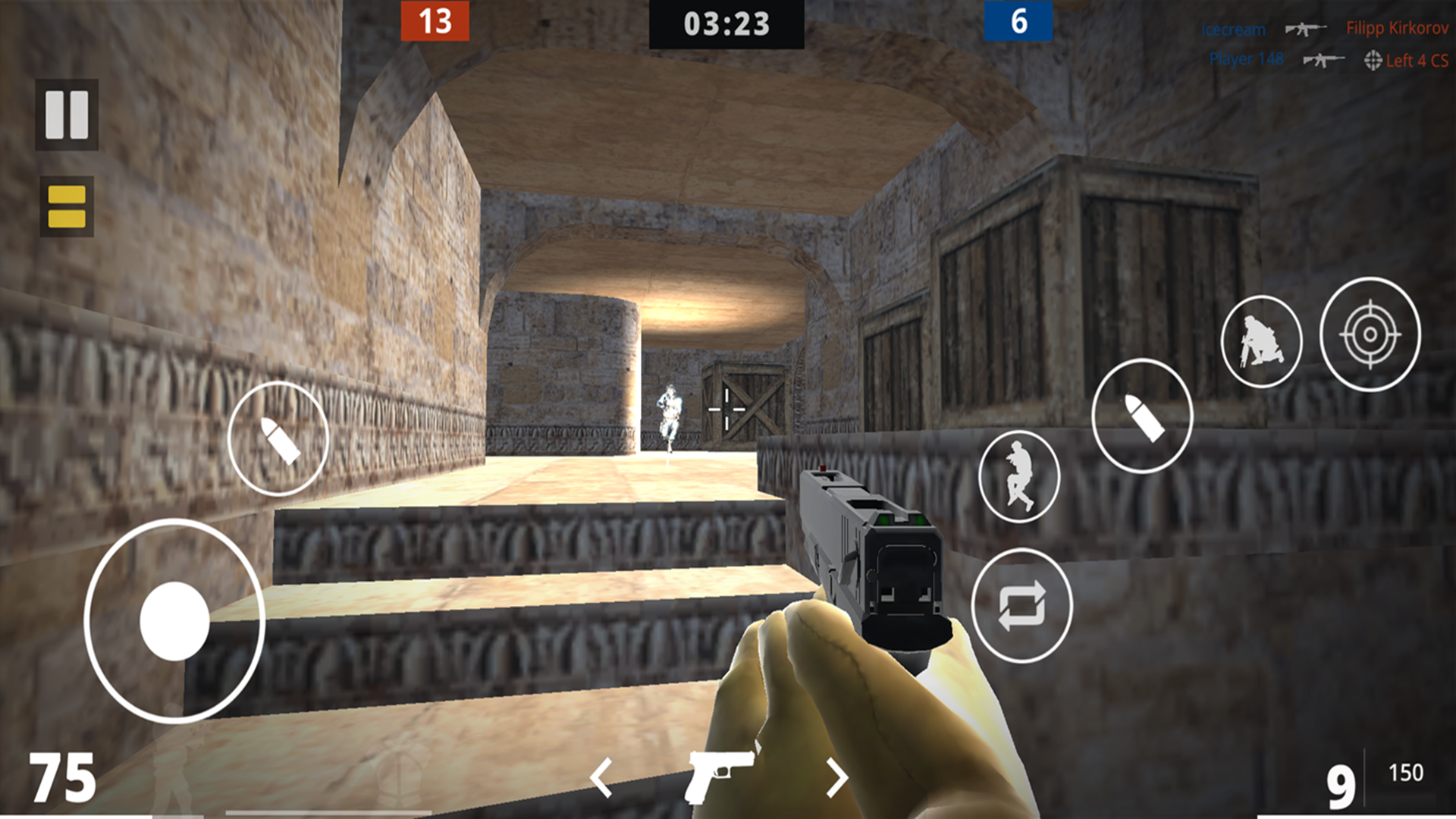
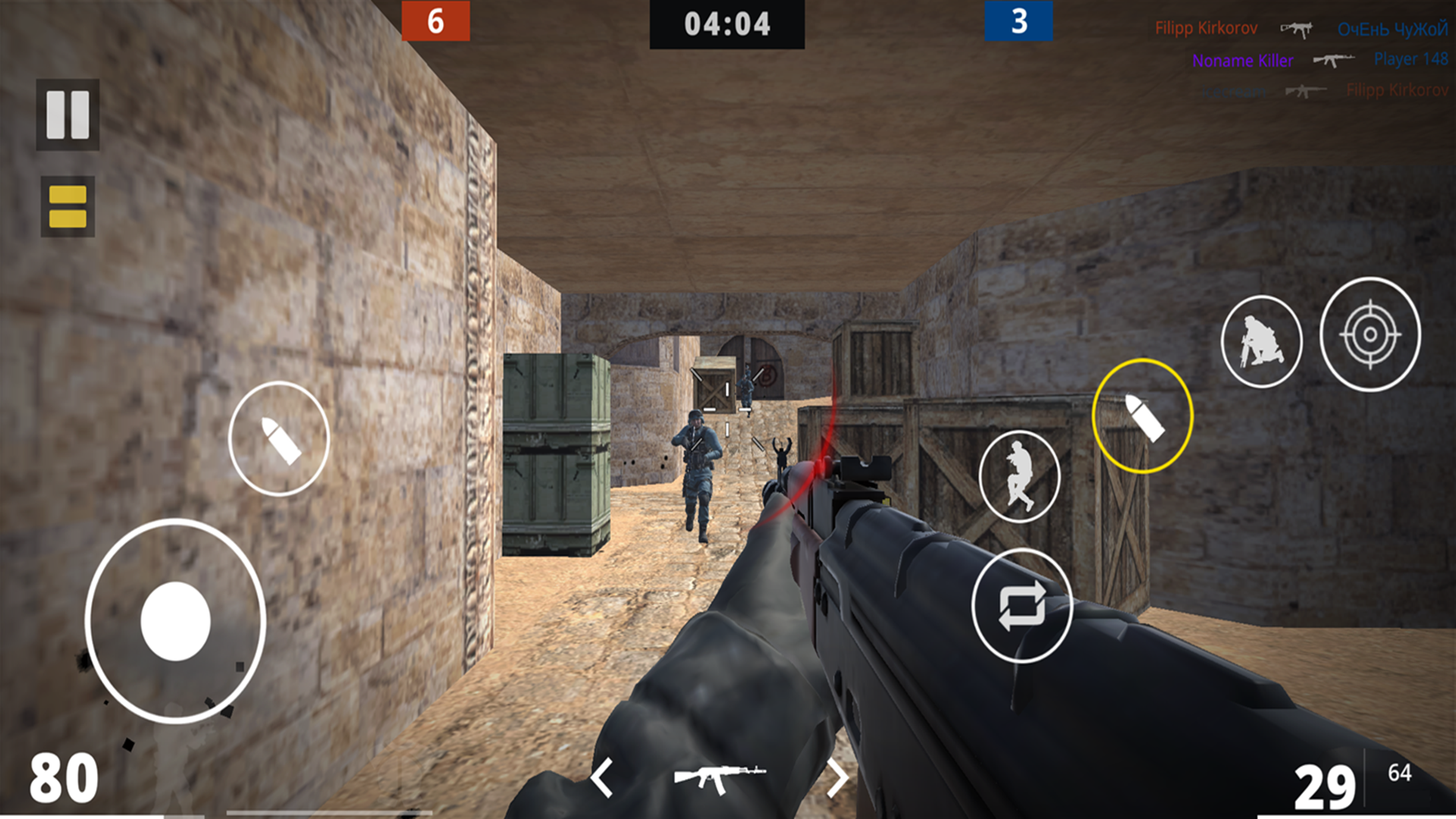
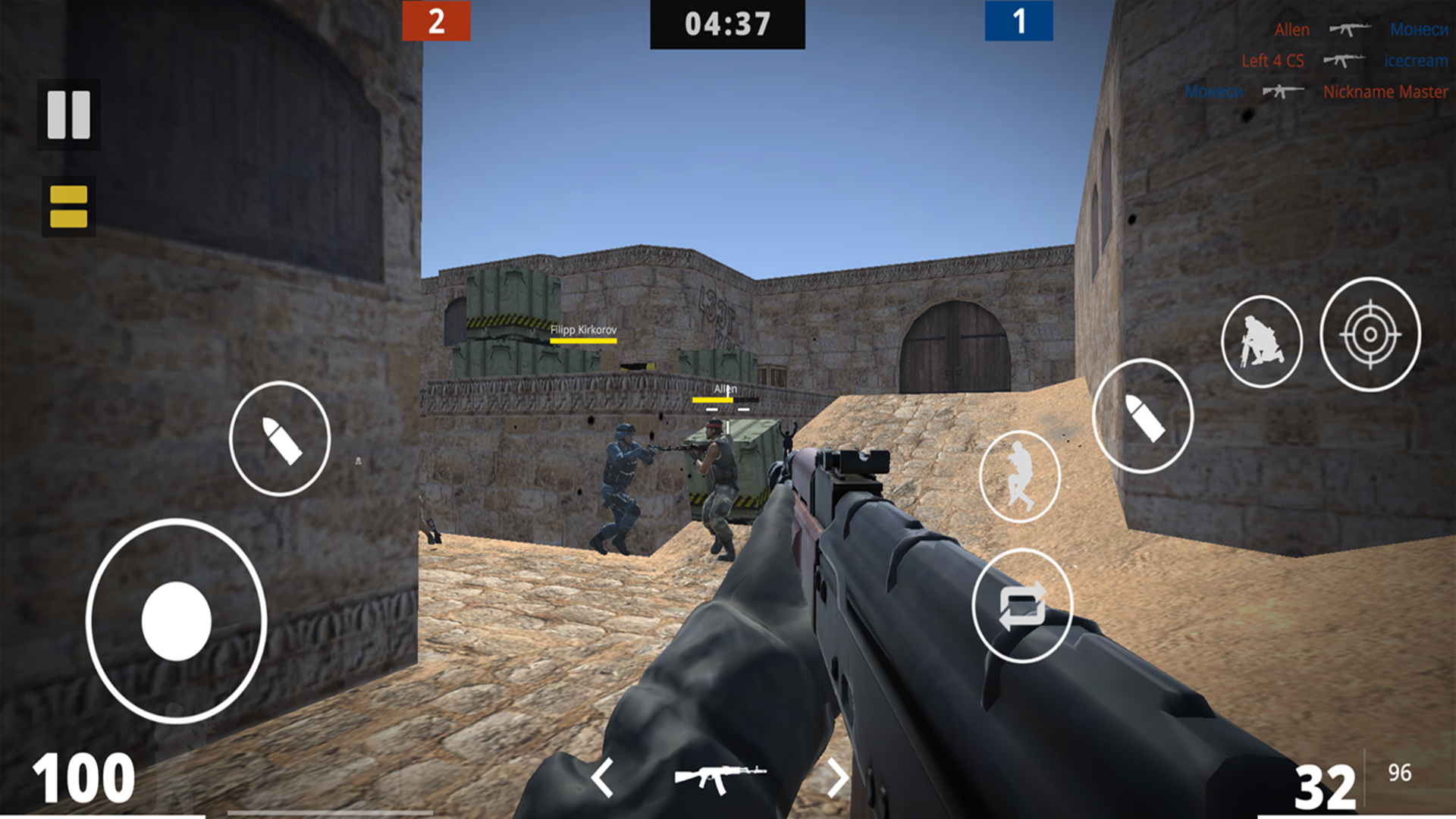
CS 1.6 is a combat simulator for pro CS gamers, where you'll immerse yourself in the world of the popular FPS shooter, based on the esports components of Standoff, CS, and Valorant!
Join your CS team and test your shooting and tactical skills. Immerse yourself in the atmosphere of CS 1.6 and CS:GO shooters, and feel the adrenaline.
Become a Counter-Strike pro and compete against other players in the world of shooter esports. Improve your shooting skills and level up your CS 1.6 character to become a true counter-player master. Are you ready to become the best in the world of CS 1.6? Test yourself in CS 1.6 and become a Standoff legend!
The game is similar to Standoff, Valorant, and CS 1.6, but with elements of an eSports simulator!
Did you enjoy CS 1.6? Then leave your feedback on what we should add in future updates!
Videos and screenshots
10,760 players online
How to play
-
Open the game
Press Play now and the game opens on its own screen.
-
Follow the in-game instructions
The controls and goals are shown inside the game as you play.
-
Use the game menu
The floating button over the game reloads it, saves it to your favourites, or takes you back out.