Skip to content
KG
Cube Dash 3D

Cube Dash 3D

5K plays 4.6 out of 5

Overview

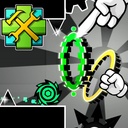
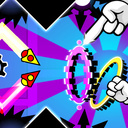
Immerse yourself in a fast-paced 3D platformer inspired by iconic classics, but with a new dimension! Control your character, overcome traps, jump to the beat of the music, and navigate through 3D mazes. Each level is a test of your reflexes and sense of rhythm, with sharp spikes, moving platforms, and a pulsating soundtrack waiting for you. No delays due to the network; it's just you, the game, and pure adrenaline. See how many attempts it takes to complete the most challenging section! Or build your own dream level and share the link with a friend!

Videos and screenshots
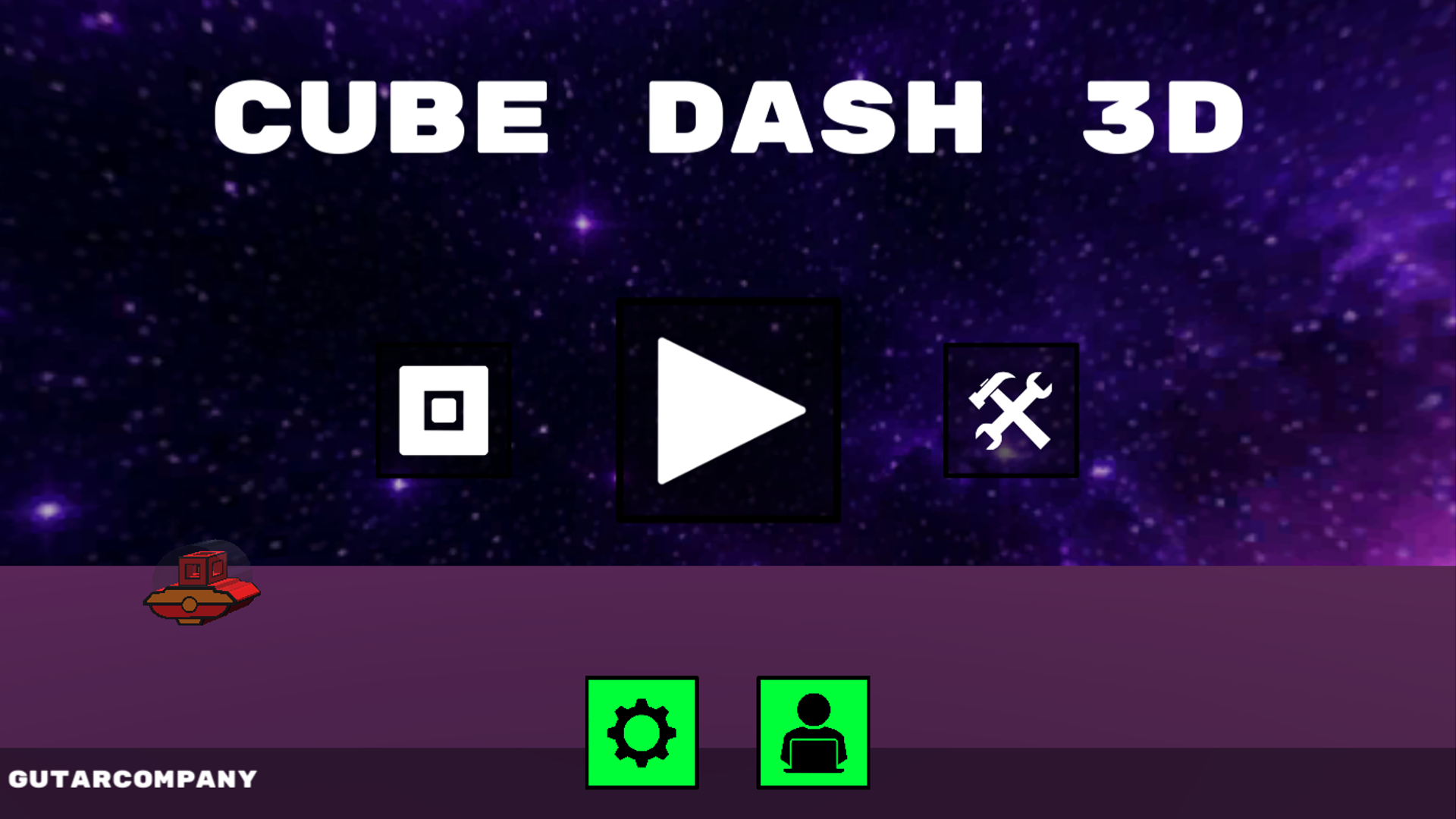
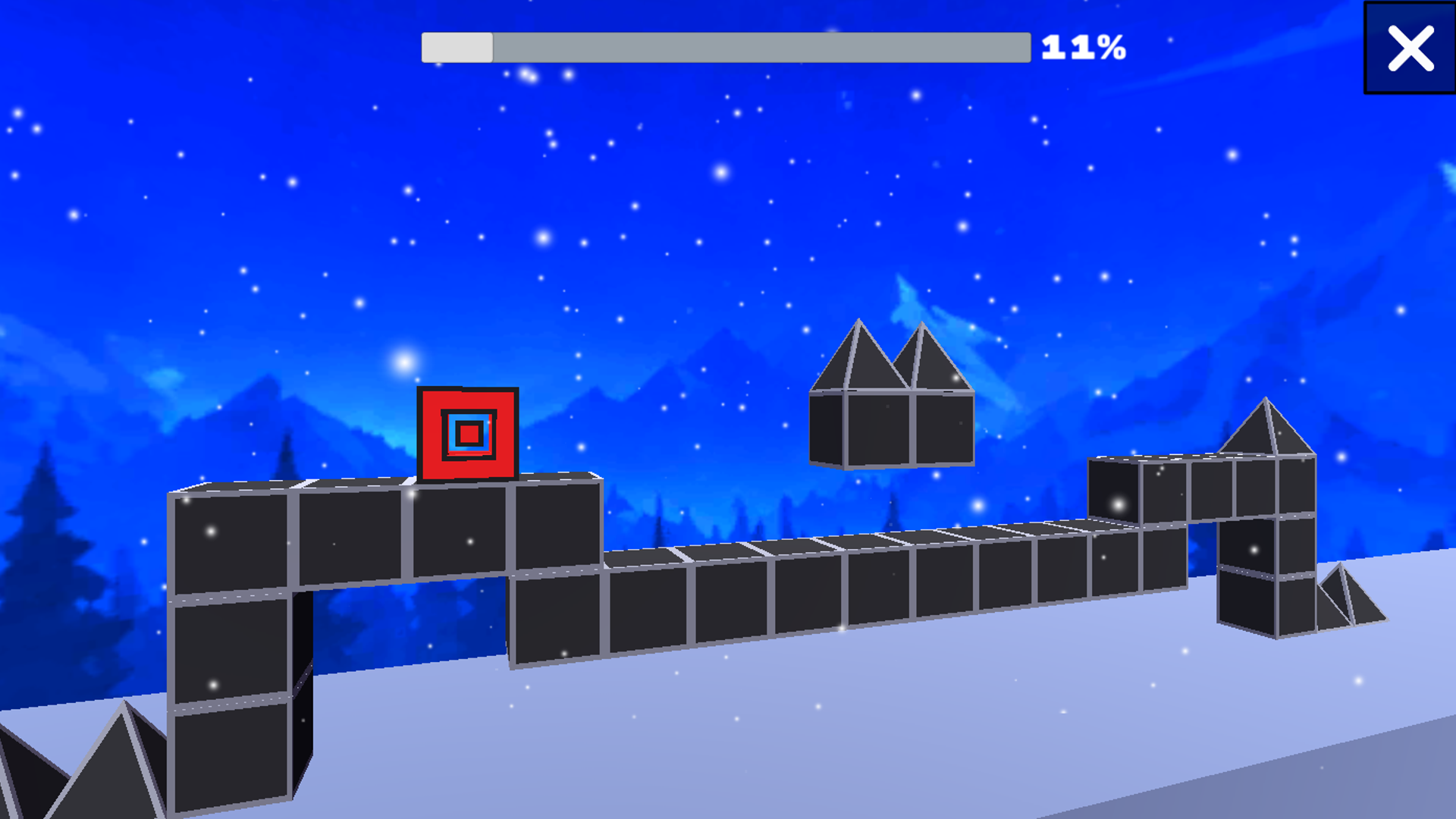
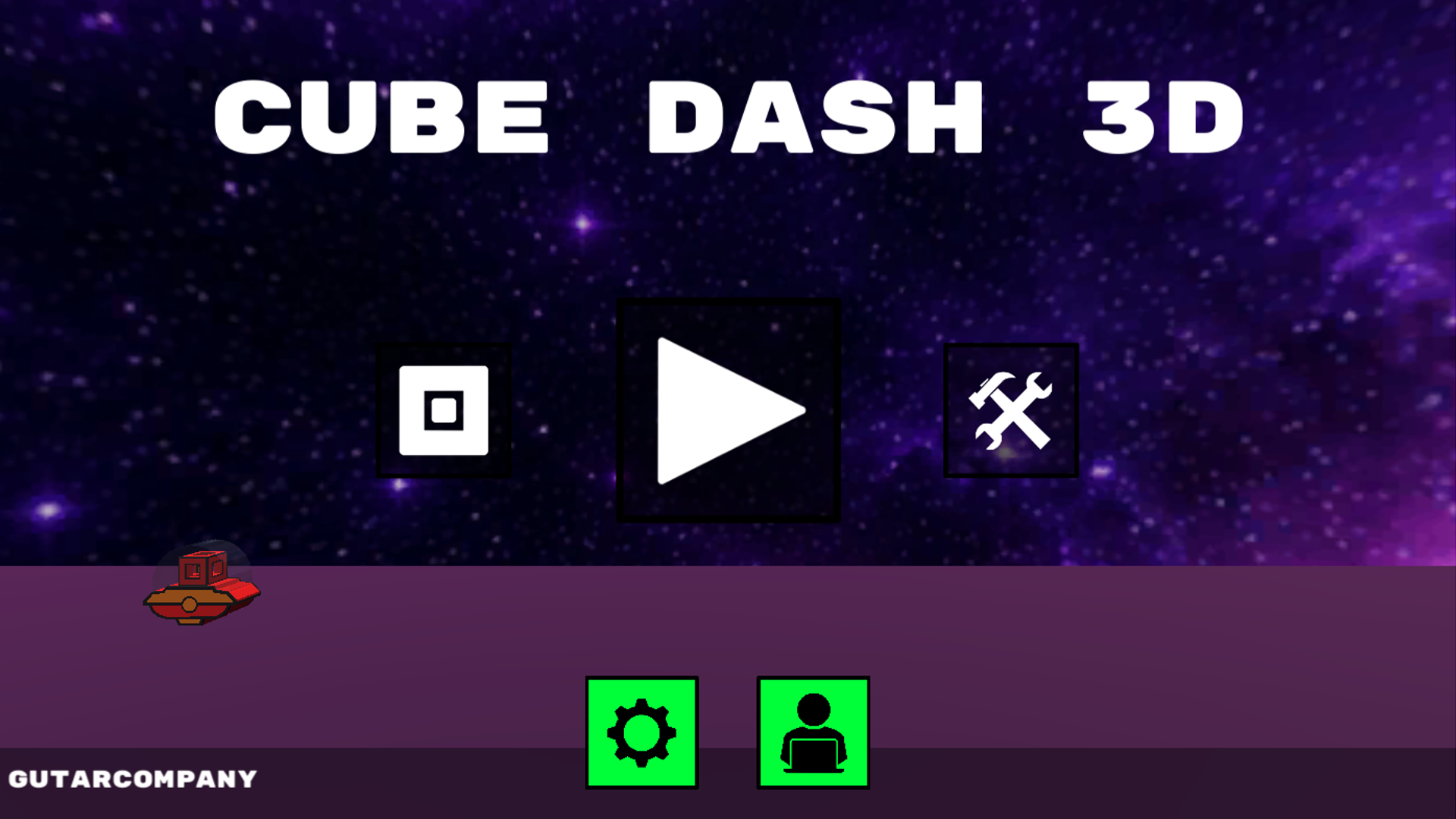
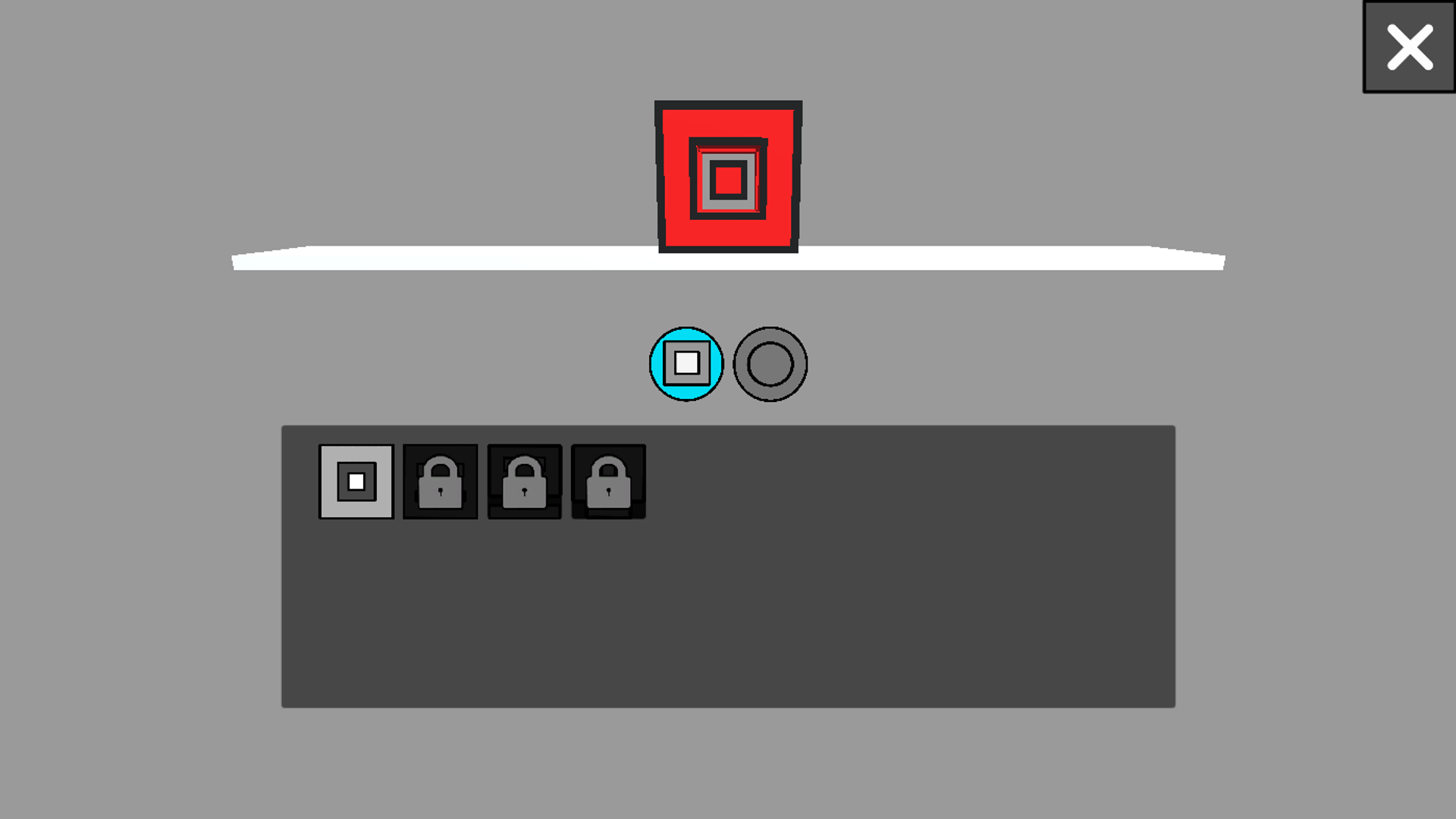
  • Cube Dash 3D screenshot 1
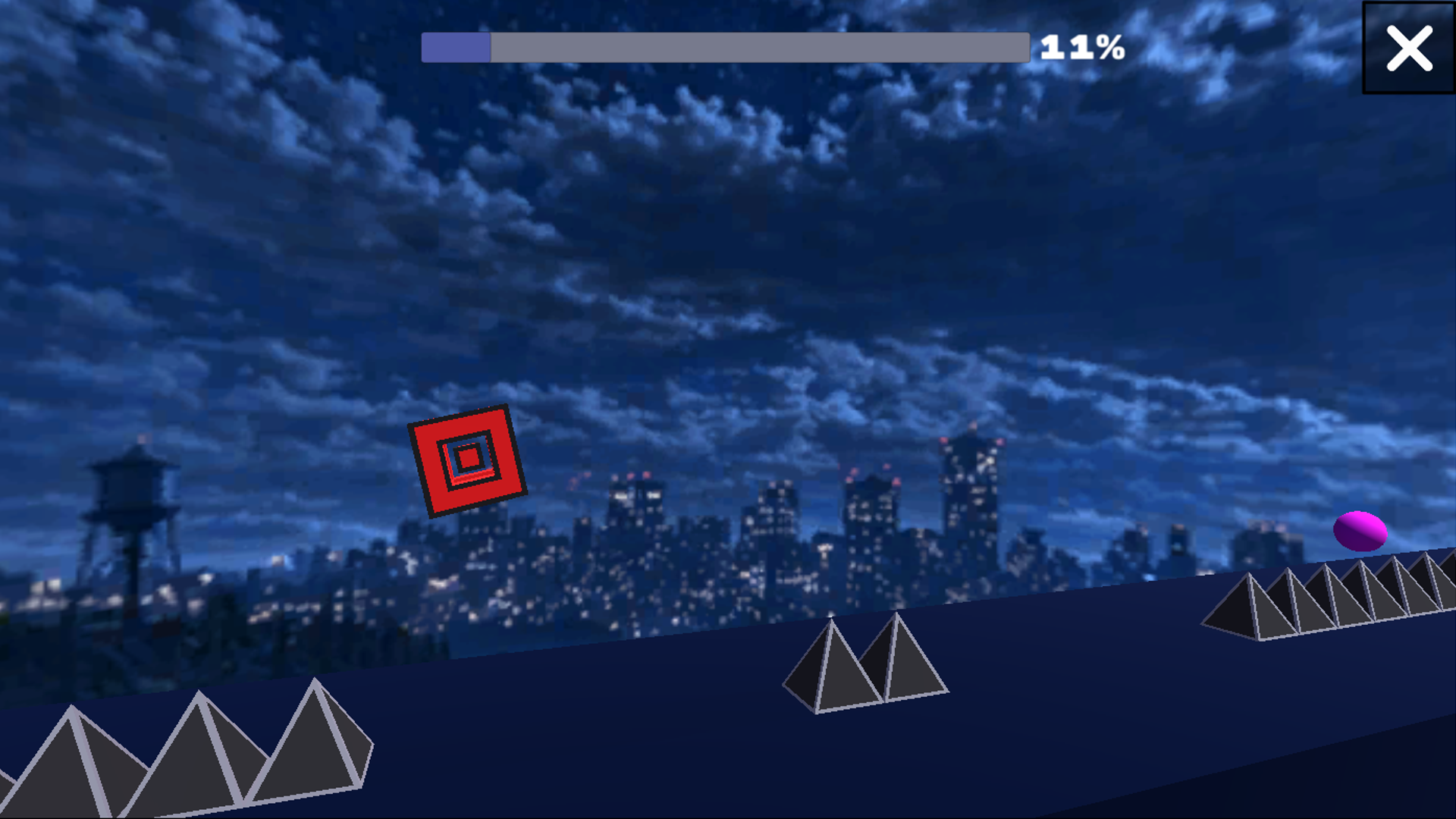
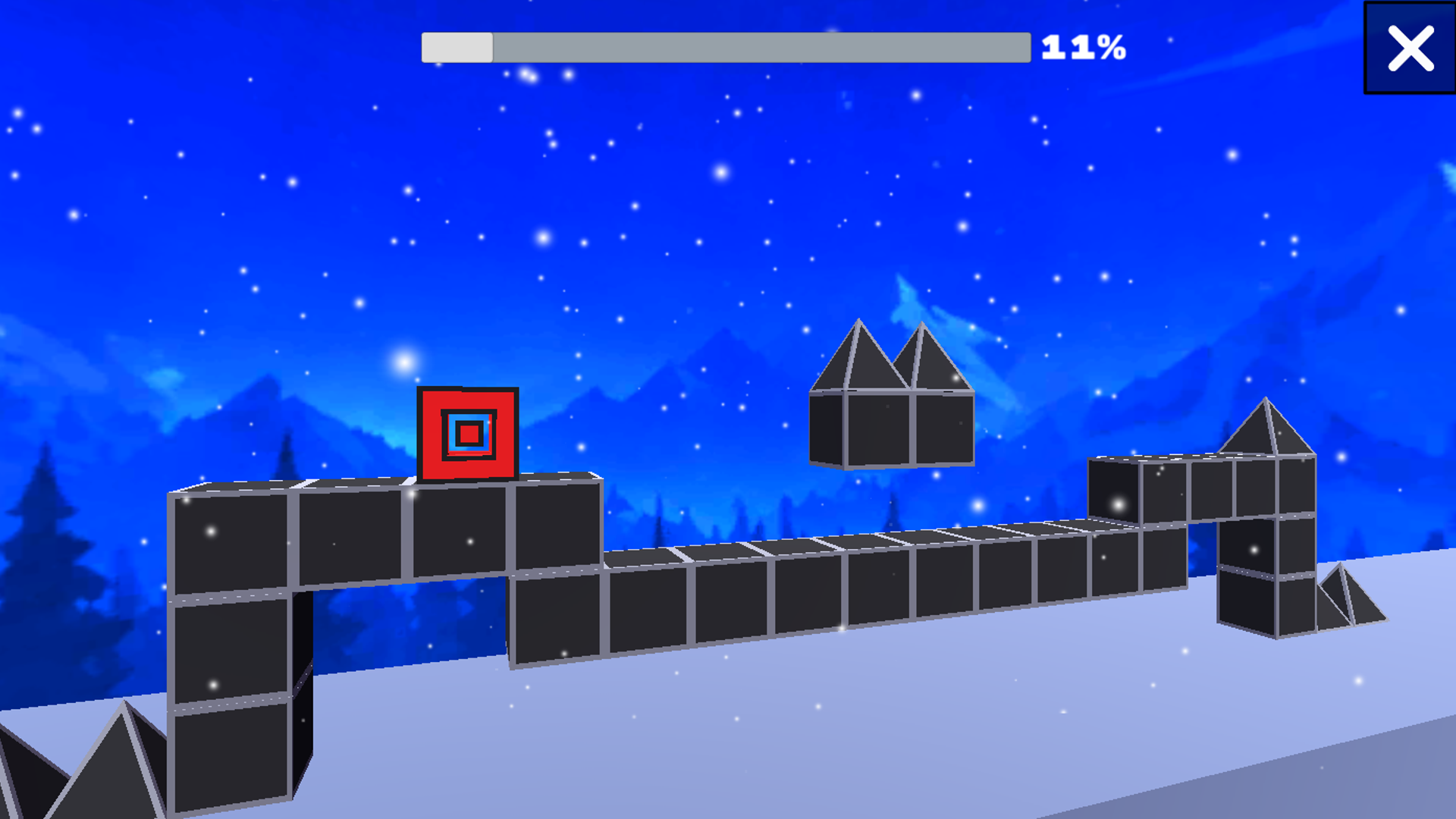
  • Cube Dash 3D screenshot 2
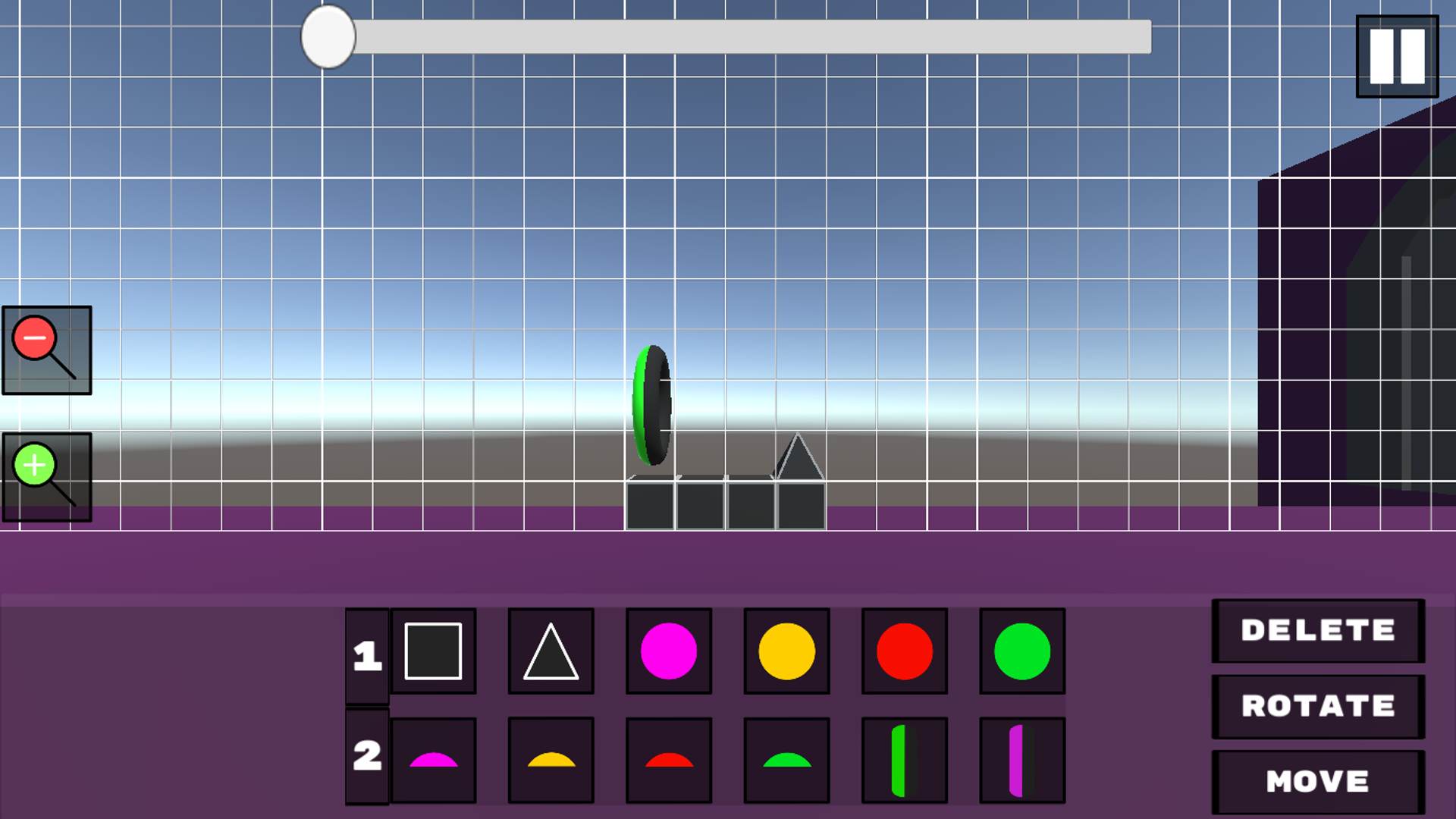
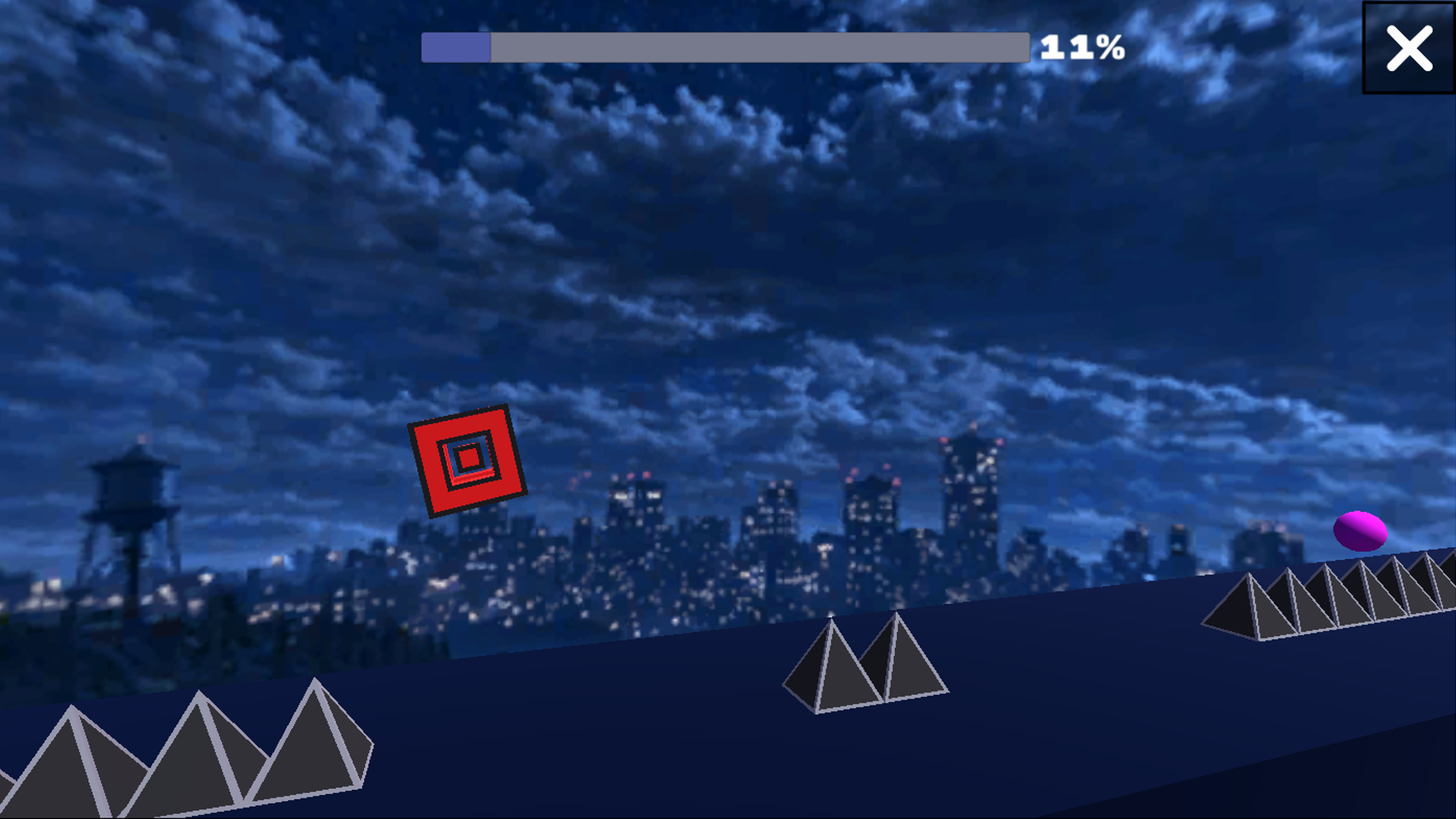
  • Cube Dash 3D screenshot 3
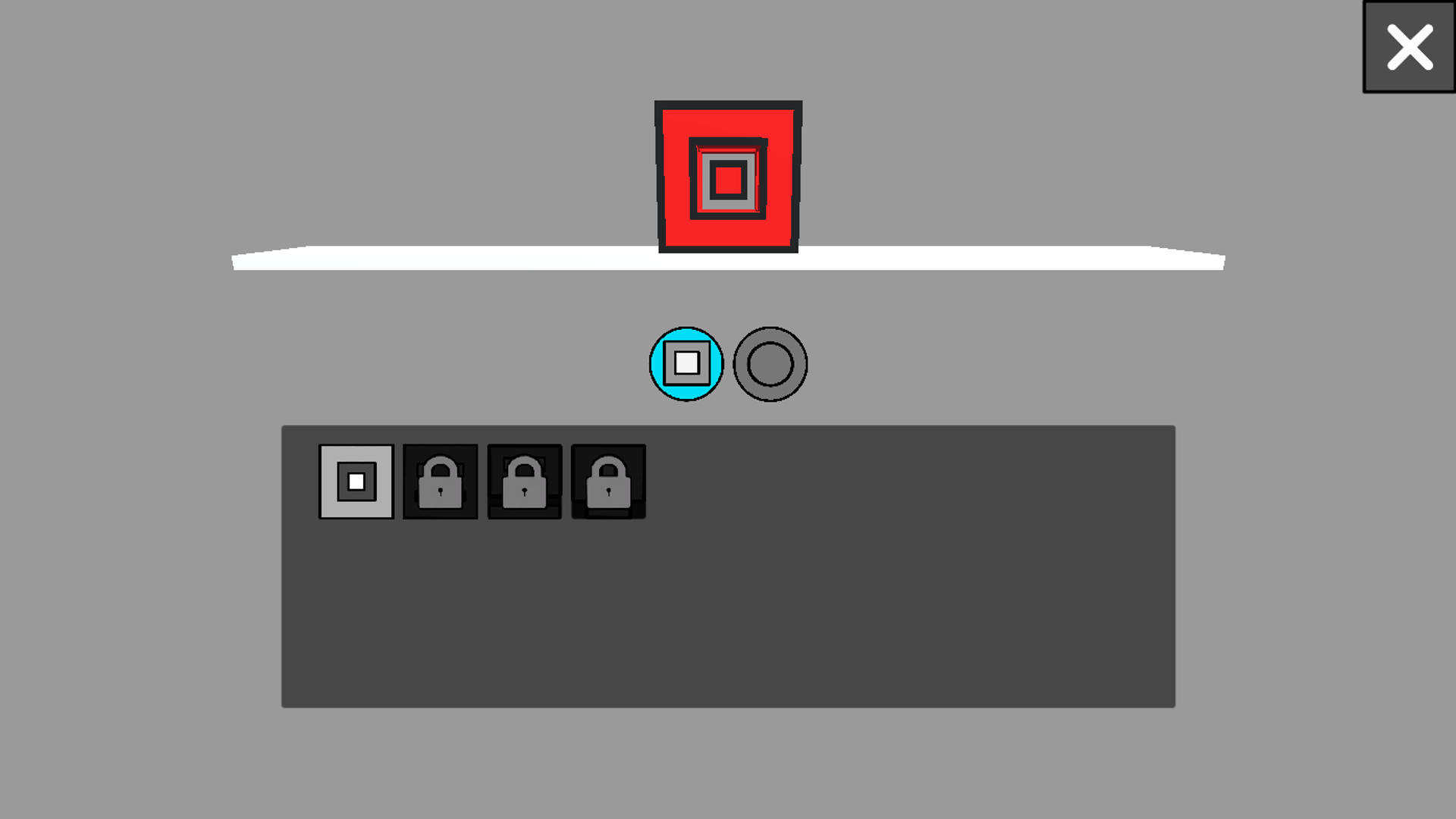
  • Cube Dash 3D screenshot 4
  • Cube Dash 3D screenshot 5
  • Cube Dash 3D screenshot 6
  • Cube Dash 3D screenshot 7
  • Cube Dash 3D screenshot 8
  • Cube Dash 3D screenshot 9
  • Cube Dash 3D screenshot 10
Play Now

13,440 players online

How to play

  1. Open the game

    Press Play now and the game opens on its own screen.

  2. Follow the in-game instructions

    The controls and goals are shown inside the game as you play.

  3. Use the game menu

    The floating button over the game reloads it, saves it to your favourites, or takes you back out.

Game instructions

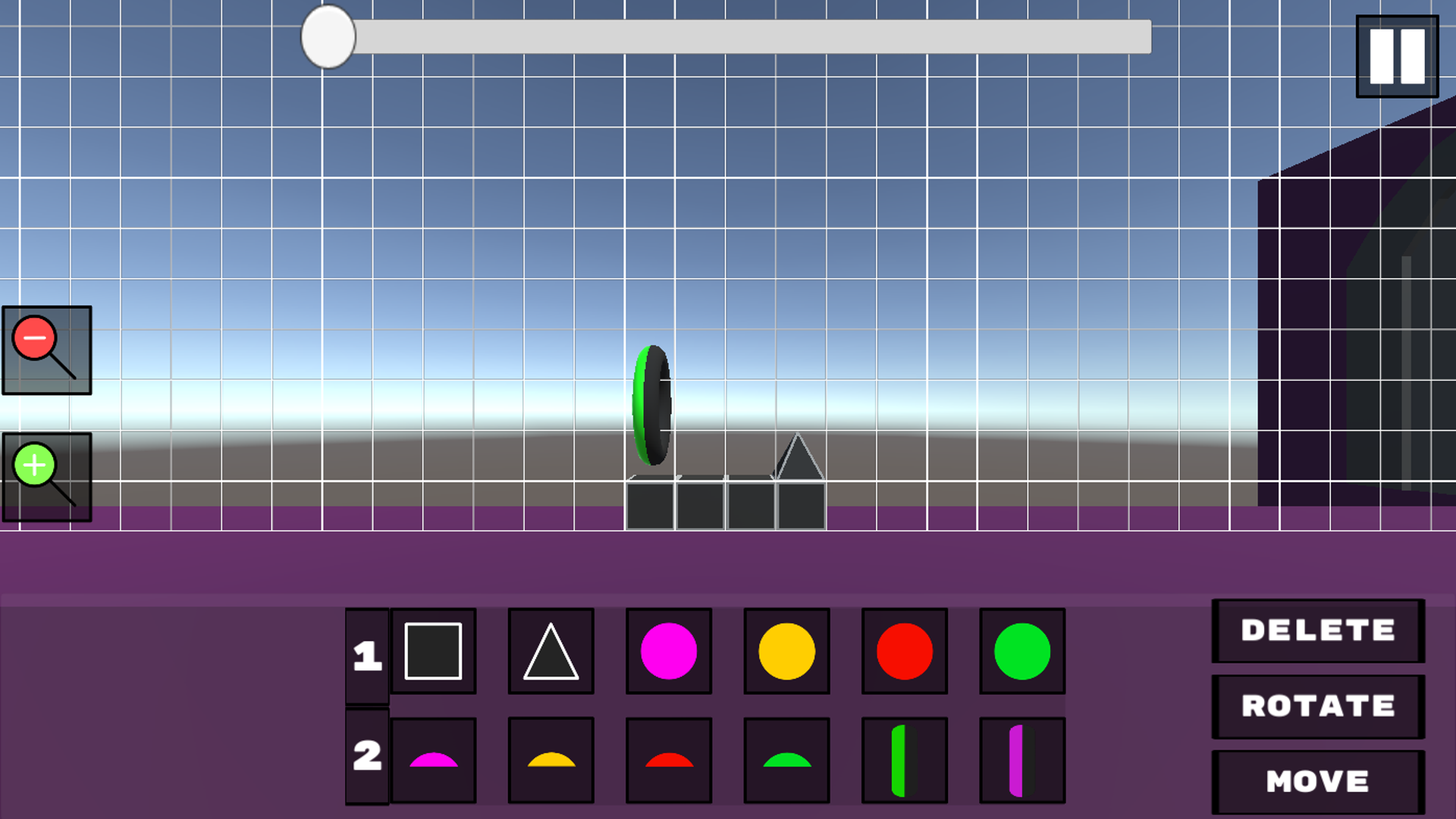
How to control the cube: On your phone, simply tap the screen and your character will jump or bounce off the orb! On your computer, use the left mouse button to jump or bounce off the orb. How to work in the level editor: On your phone, first select the item you want. Then, tap the screen where you want to place it. To move the camera, hold your finger on the screen and drag it smoothly. On your computer, select the item, then click the left mouse button in the desired location. To move the camera, use the WASD keys to easily adjust the angle!

More games

More games