Skip to content
KG
Geometry Dash: Dual Wave Editor

Geometry Dash: Dual Wave Editor

2K plays 4.6 out of 5

Overview

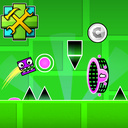
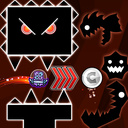
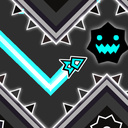
The game is a mode from the Geometry Dash game, called the Dual Wave mode, but in this game you need to create a level yourself. You can create blocks, saws, portals that modify the Dual Wave, as well as portals that change the speed of the Dual Wave. Combine all possible combinations, create interesting paths, experiment and create levels of varying difficulty levels to boost your Dual Wave control skills!

Videos and screenshots

  • Geometry Dash: Dual Wave Editor screenshot 1
  • Geometry Dash: Dual Wave Editor screenshot 2
  • Geometry Dash: Dual Wave Editor screenshot 3
  • Geometry Dash: Dual Wave Editor screenshot 4
  • Geometry Dash: Dual Wave Editor screenshot 5
  • Geometry Dash: Dual Wave Editor screenshot 6
Play Now

11,837 players online

How to play

  1. Open the game

    Press Play now and the game opens on its own screen.

  2. Follow the in-game instructions

    The controls and goals are shown inside the game as you play.

  3. Use the game menu

    The floating button over the game reloads it, saves it to your favourites, or takes you back out.
Game instructions

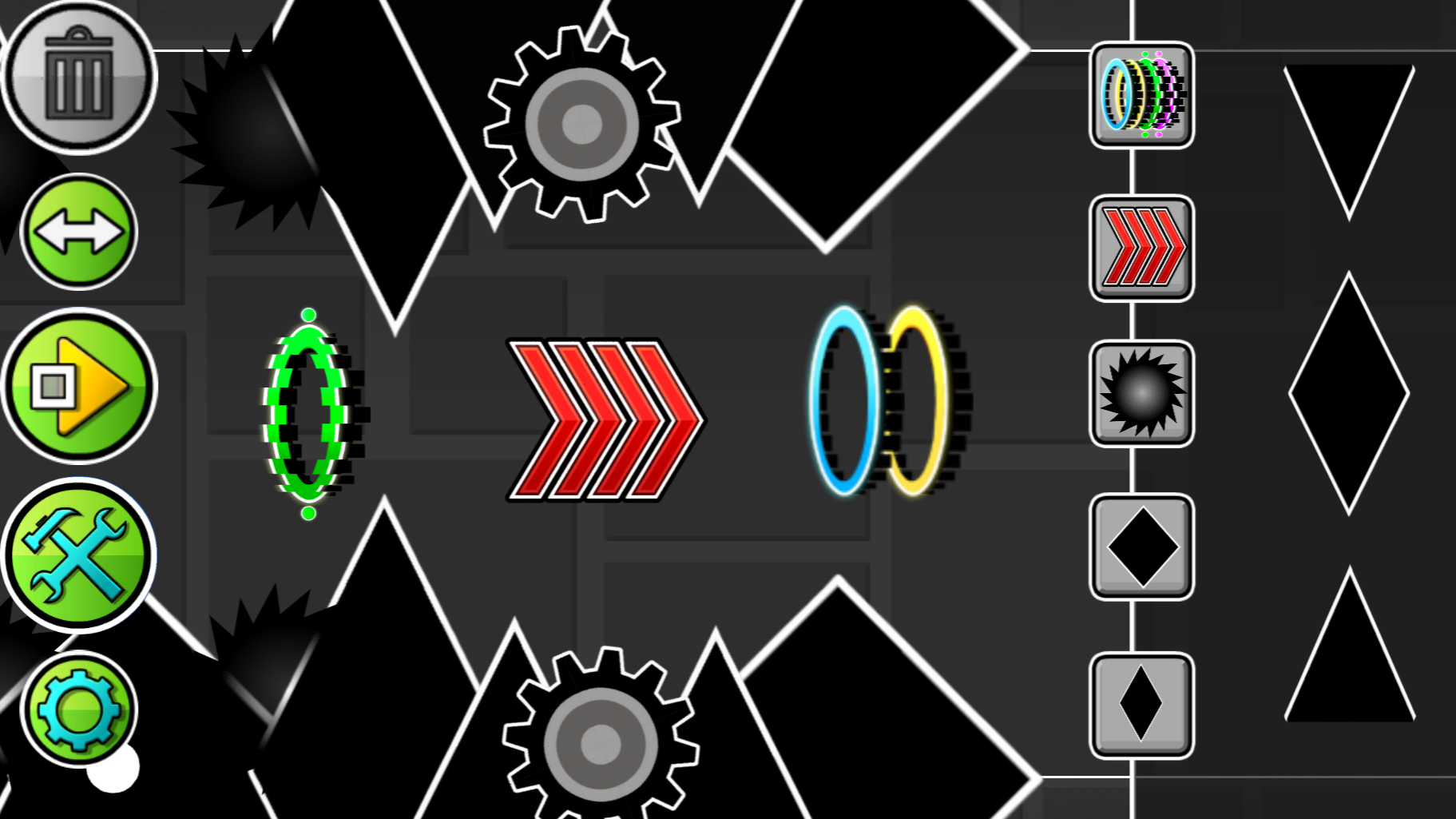
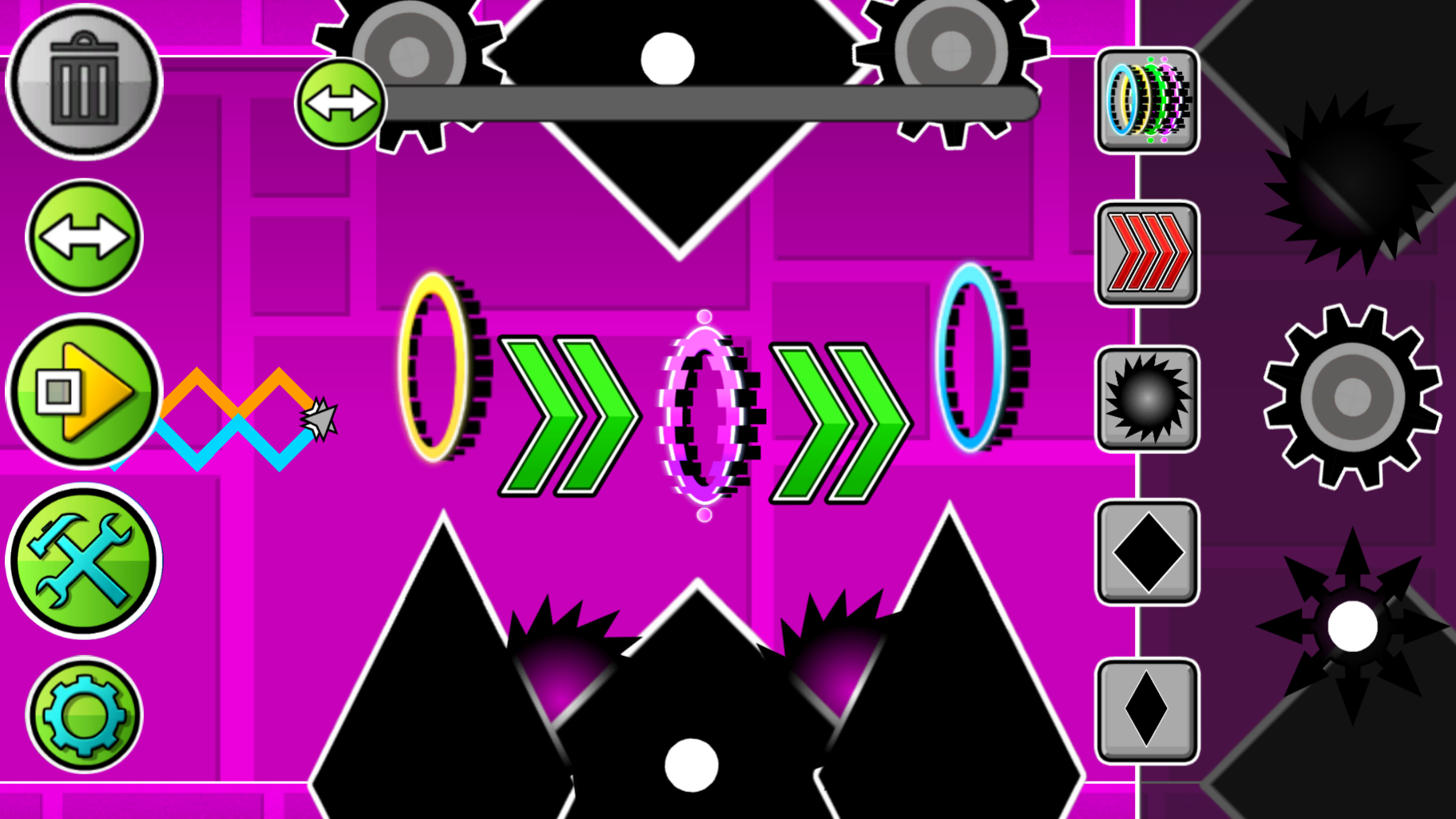
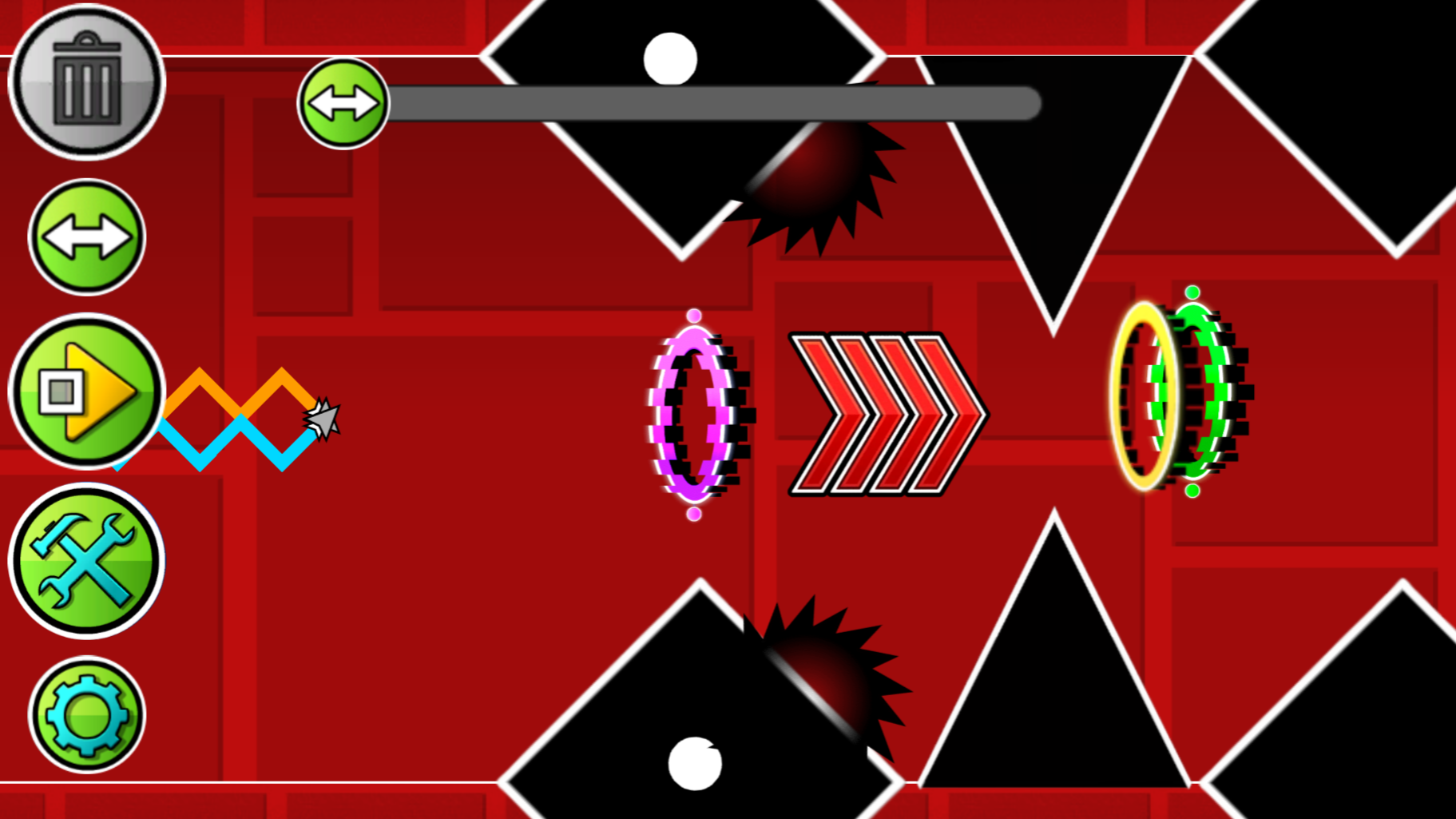
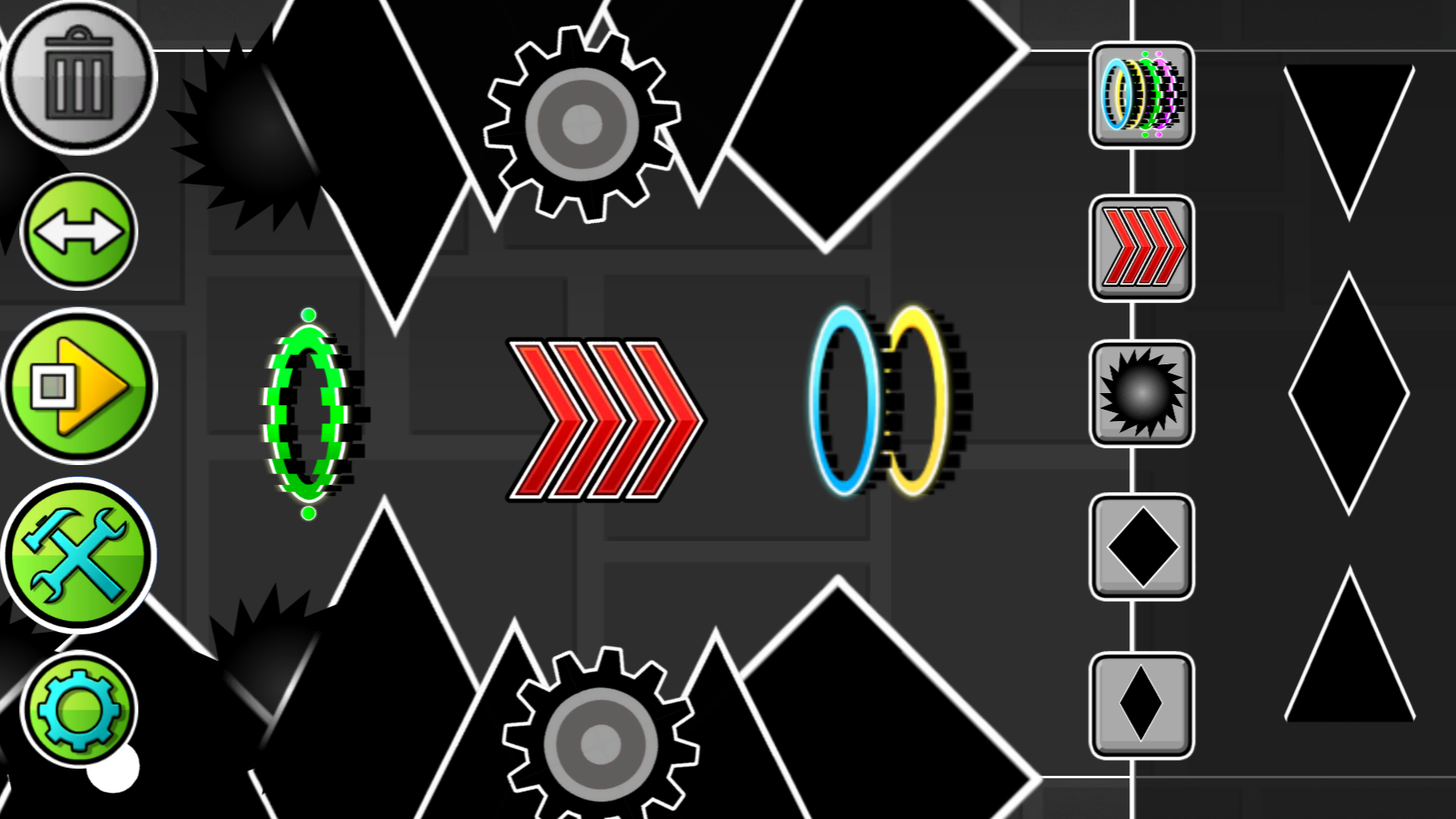
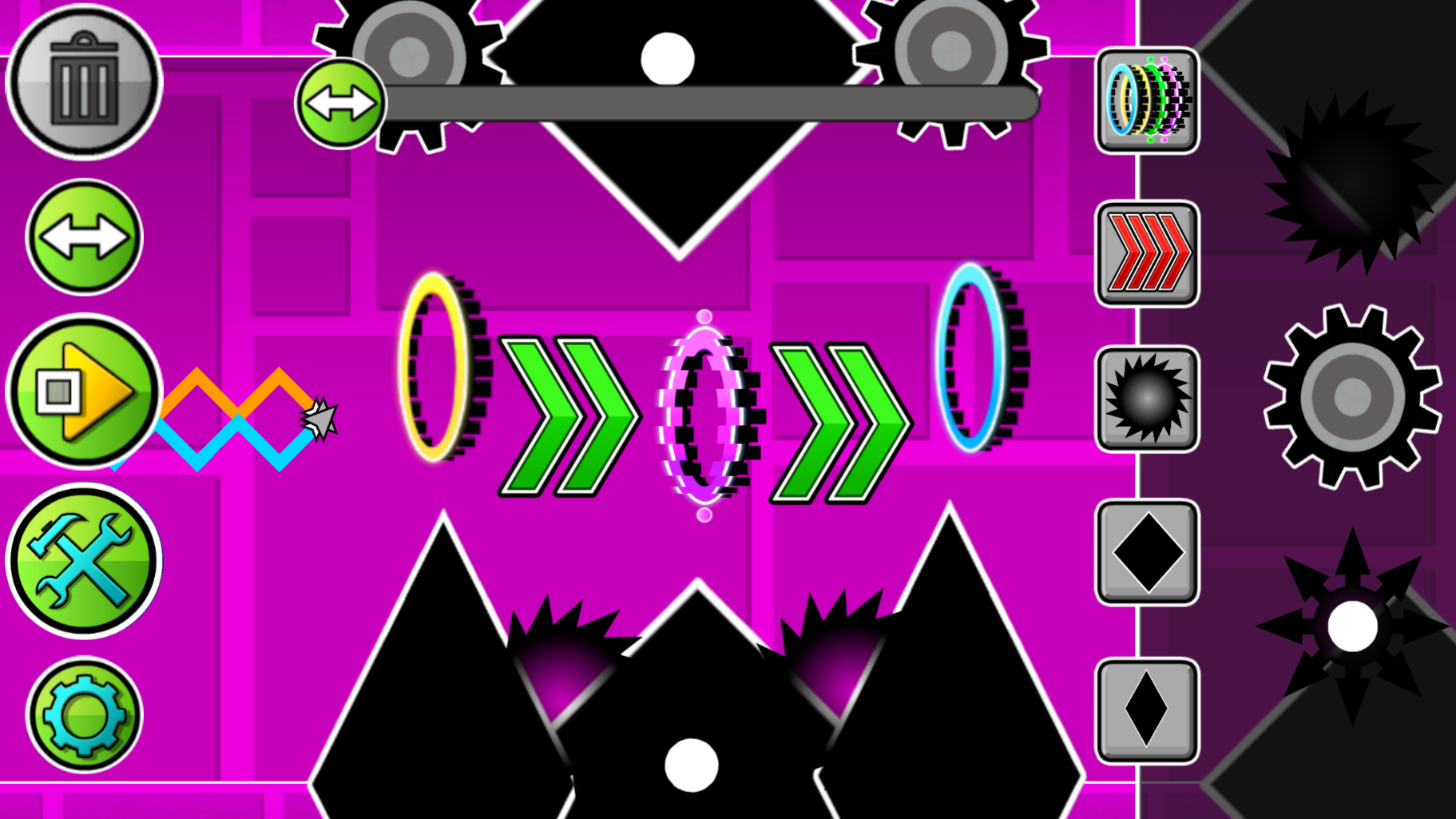
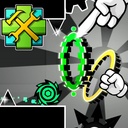
The game is an editor where you can create any kind of levels: easy, difficult, crazy and even impossible. There are many buttons visible on the screen, each responsible for its own mechanics. The "Play" button allows you to play your level. You play as two waves, where one moves diagonally down and the other diagonally up, but if you hold down the LMB or the phone screen, then you change the direction of the waves to the opposite. Using this, control the Dual Wave and dodge all the obstacles that you create. There is also a button for creating obstacles and portals. Just click on the image of obstacles and/or portals, and they will be created in the center of the screen, drag them using the LMB or your finger to any place. The two-arrow button allows you to move the screen to build further. The gear-shaped button allows you to change the background color. The trash can button allows you to delete objects, if the button is lit in red, then the objects you click on will be deleted.

More games

More games