Skip to content
KG
Cube Online - Survival with Friends

Cube Online - Survival with Friends

1K plays 4.7 out of 5

Overview

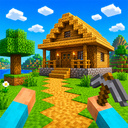
Welcome to Cube Online - Survival with Friends an exciting cube-based 3D sandbox where everything comes down to your imagination! It’s a multiplayer survival game: gather resources, dig blocks, carve out mines, build houses and castles, craft tools and weapons, and explore an endless open world. Best of all - play online with friends! Team up, build cities out of blocks, dig tunnels, set up secret bases, or compete to see who can put up the coolest structure fastest. In the game you’ll find: • Free-form building and crafting • Survival mode and resource gathering • Co-op play with friends online • A boundless open 3D world • Unique quests every session Become the best builder, miner, or explorer! Play Cube Online - Survival with Friends, call your friends, and start creating your world right now!

Videos and screenshots
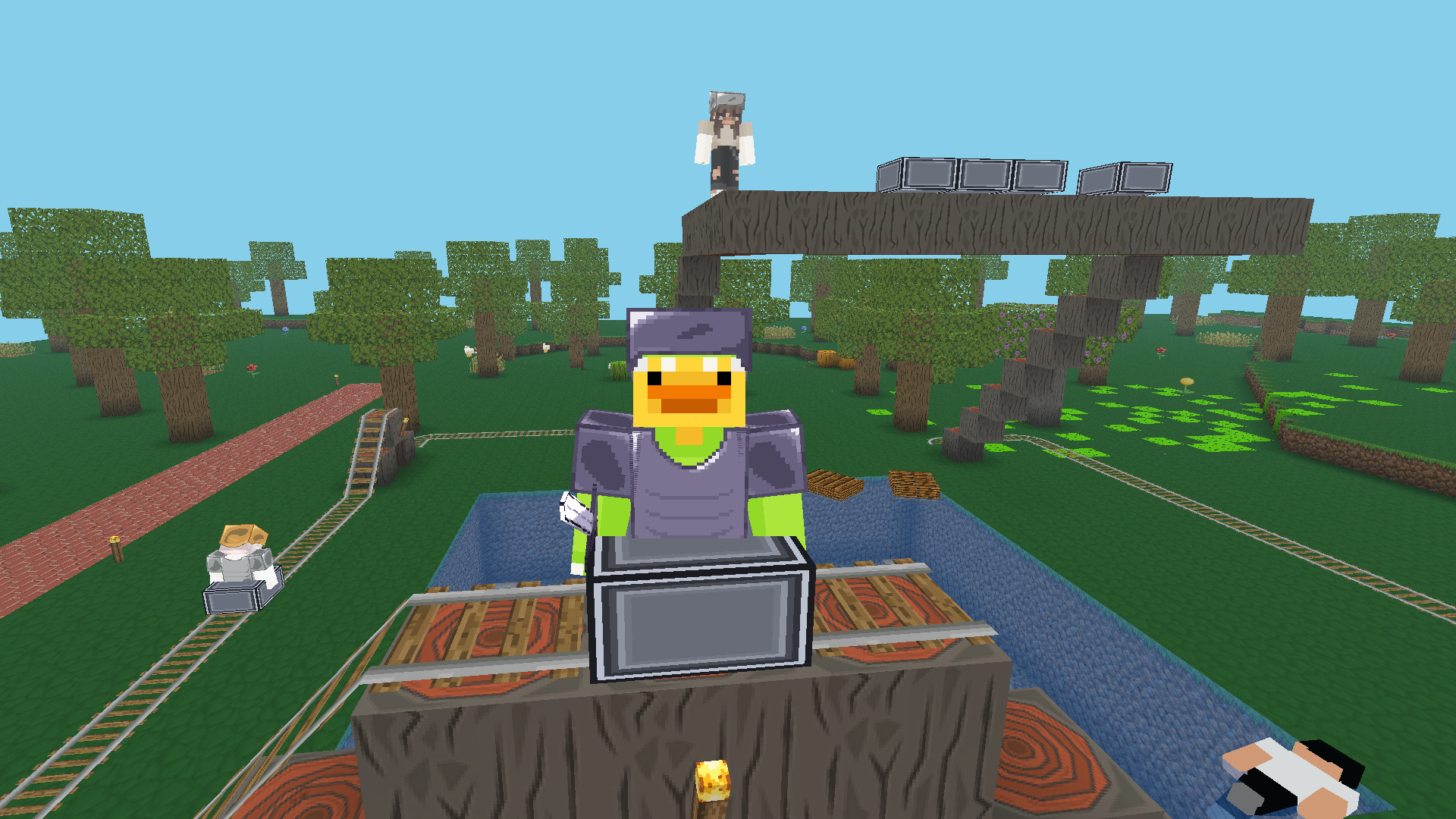
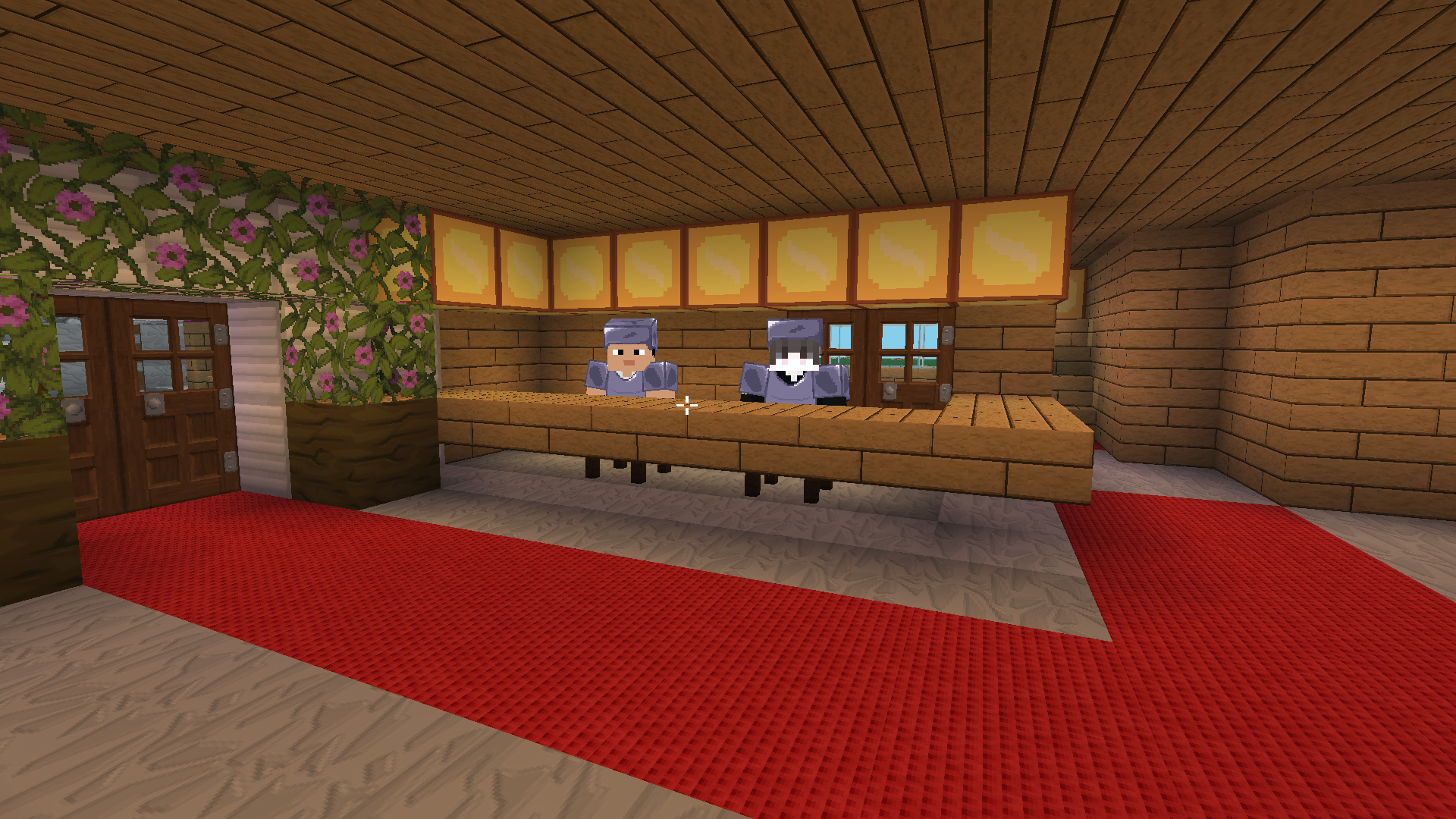
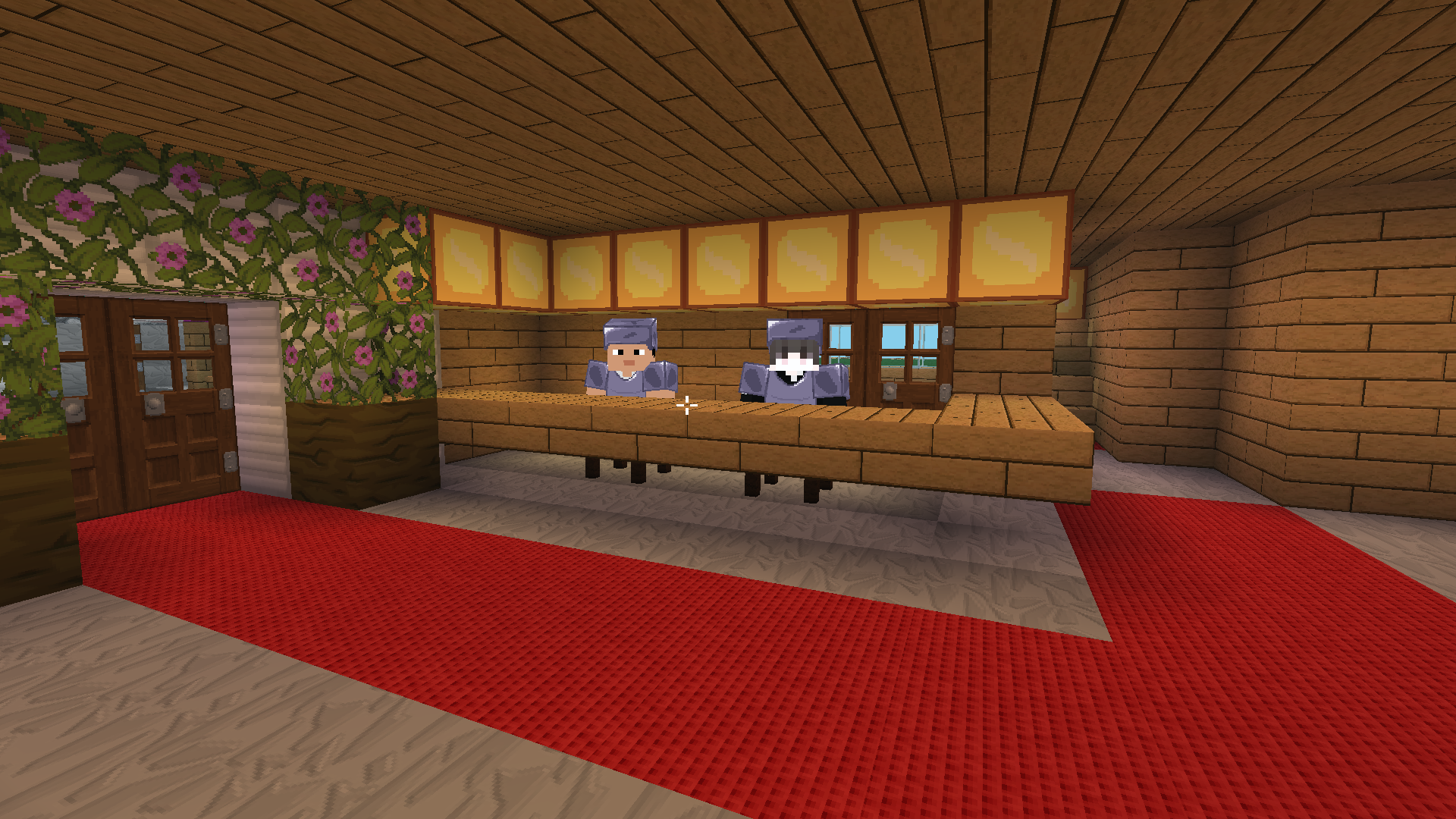
  • Cube Online - Survival with Friends screenshot 1
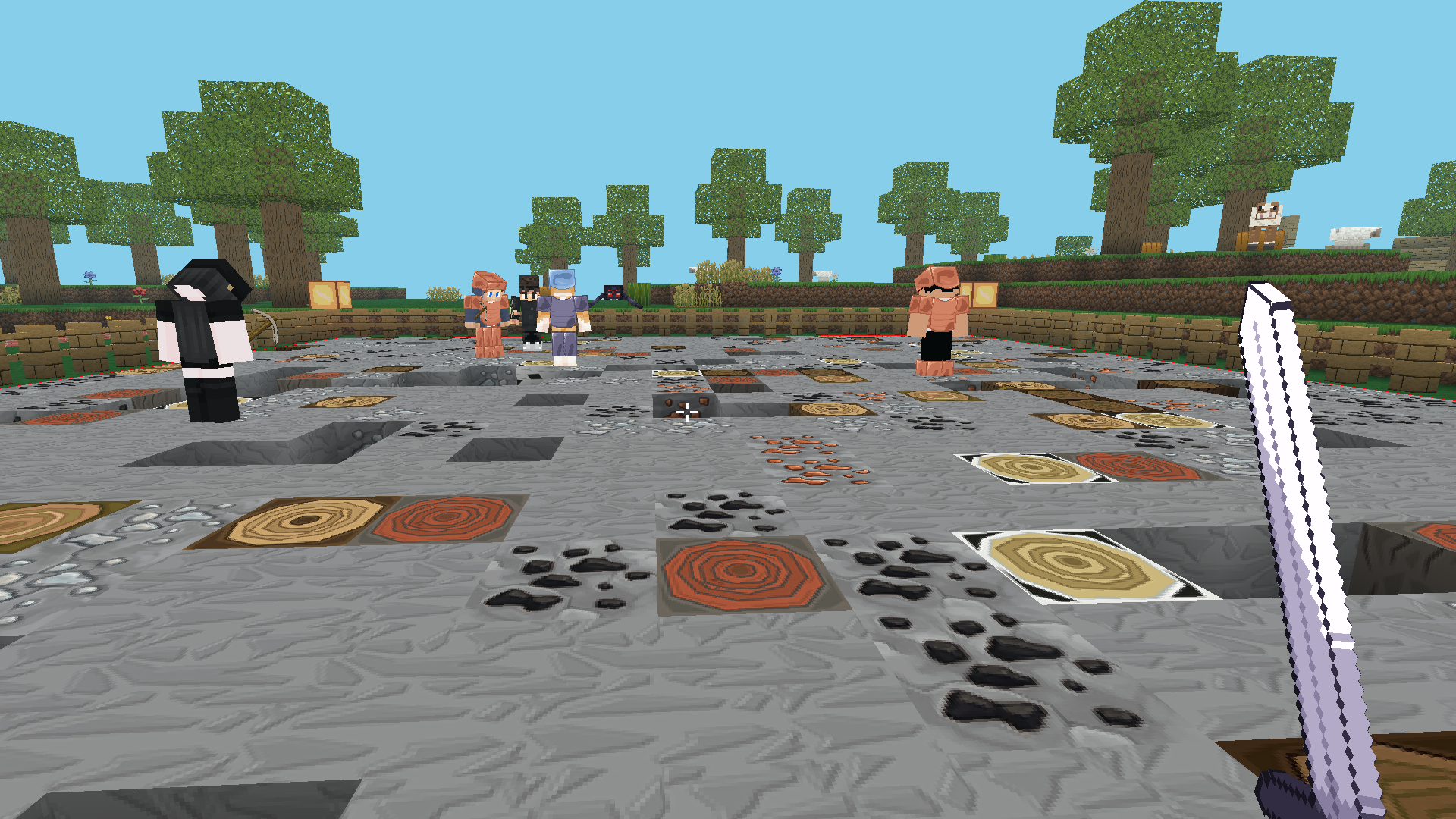
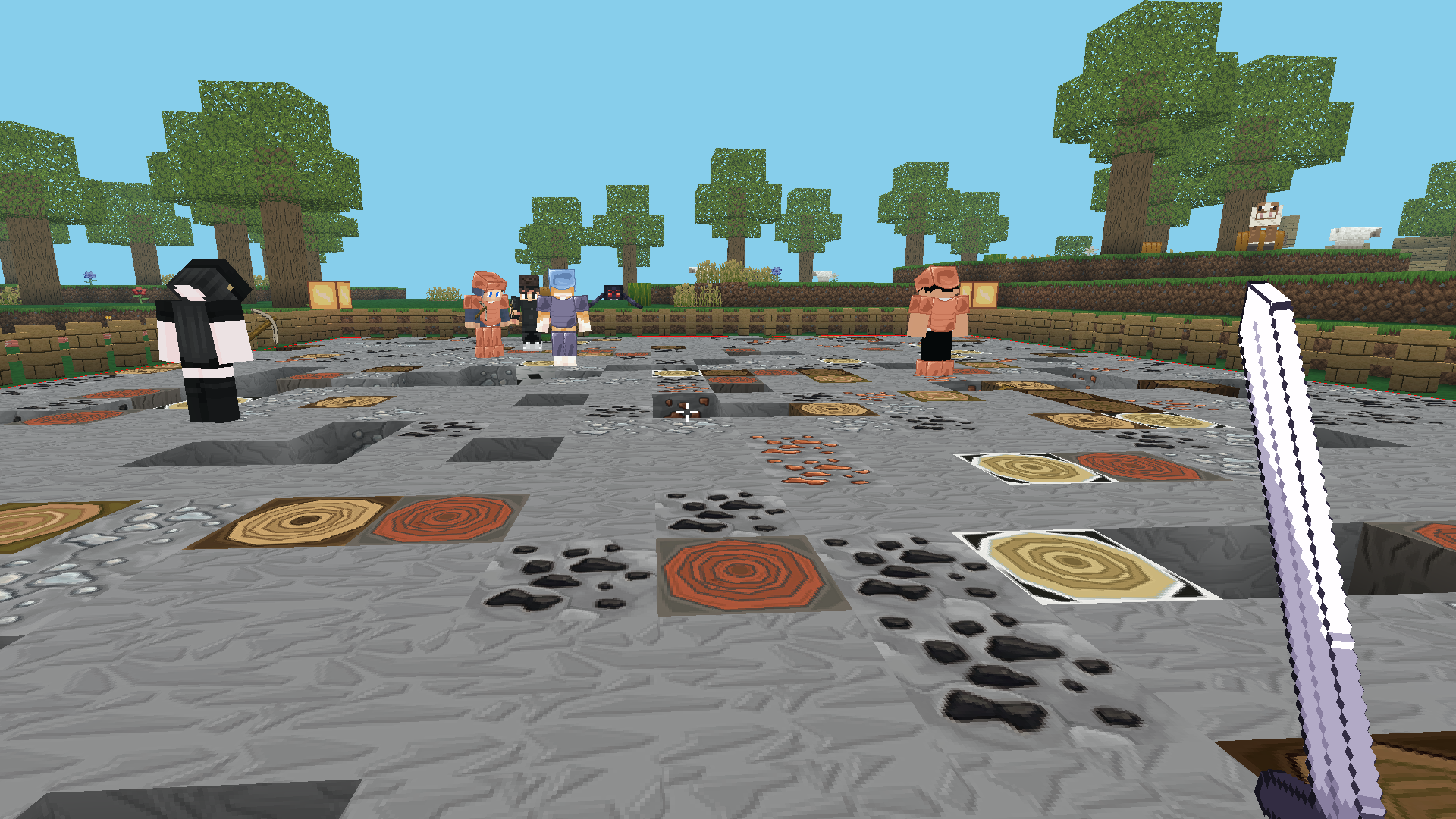
  • Cube Online - Survival with Friends screenshot 2
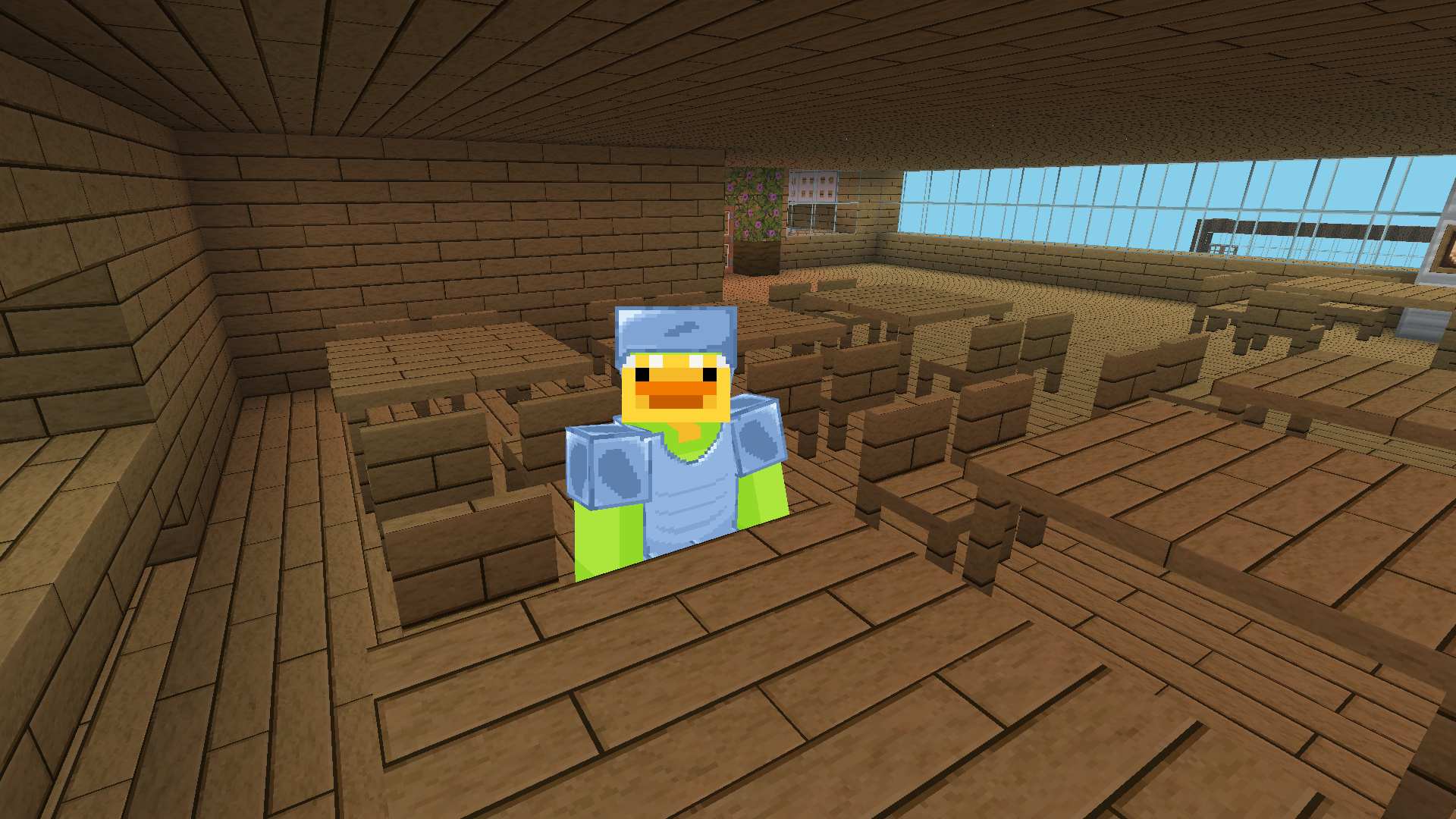
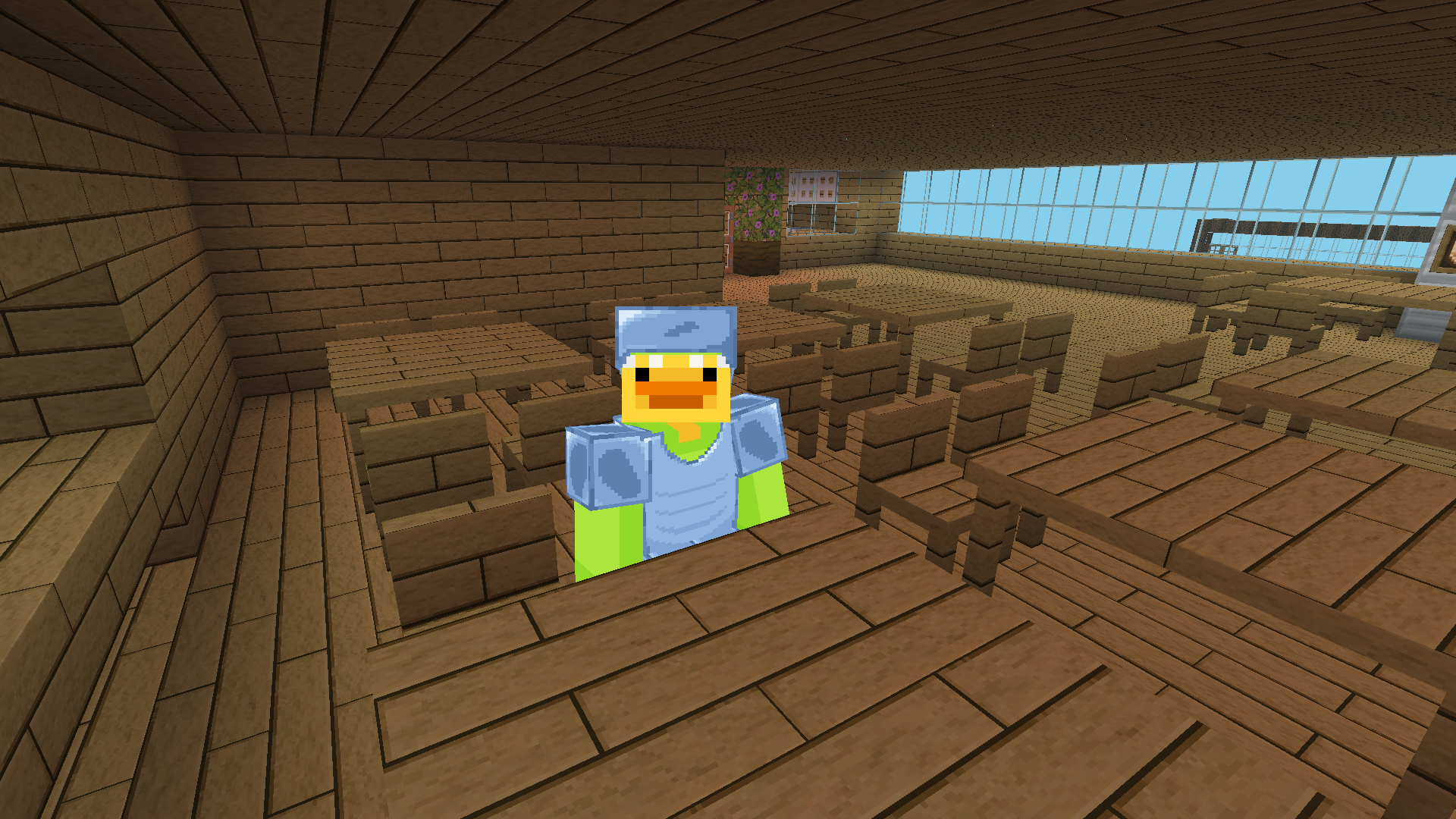
  • Cube Online - Survival with Friends screenshot 3
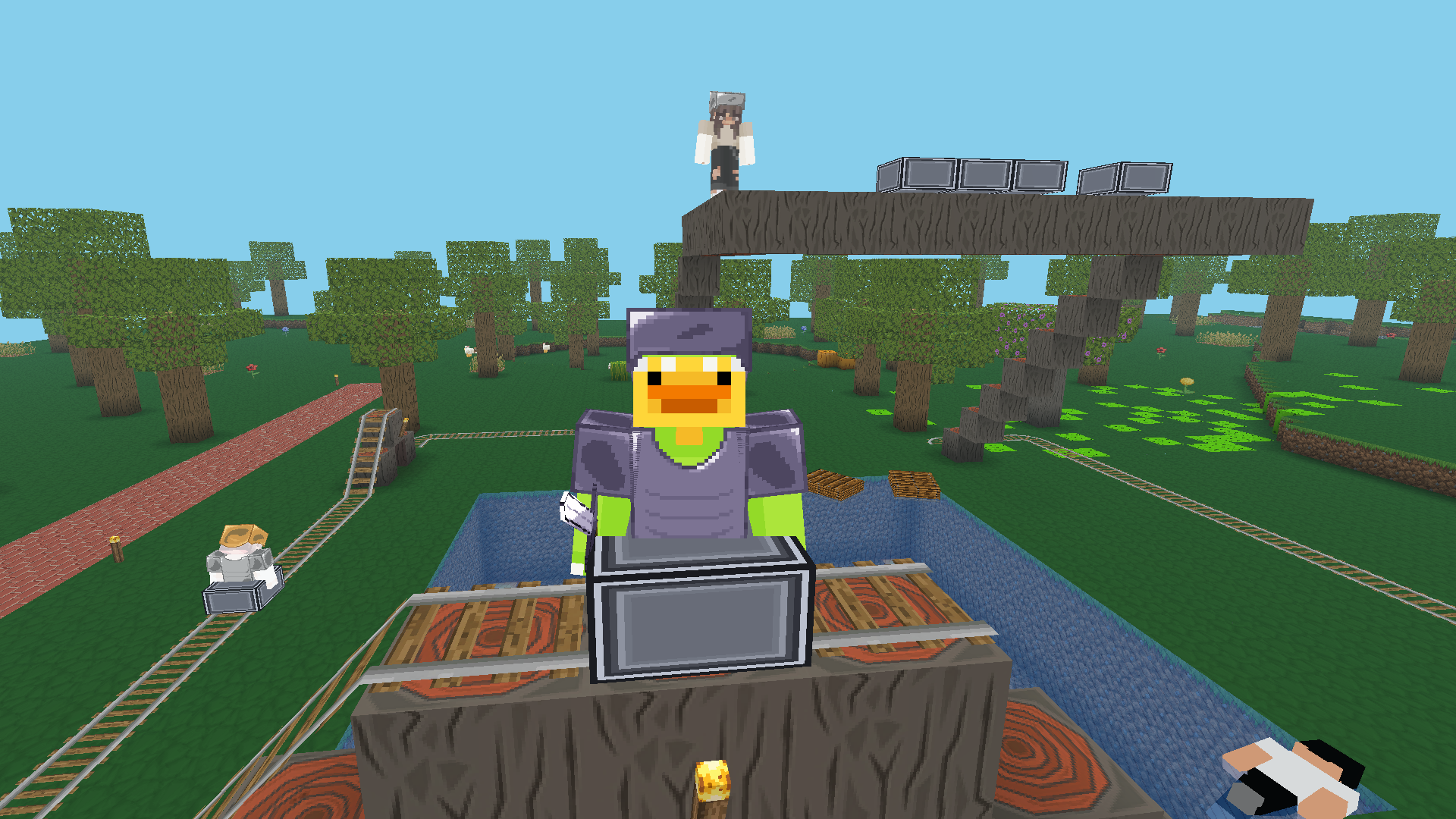
  • Cube Online - Survival with Friends screenshot 4
  • Cube Online - Survival with Friends screenshot 5
  • Cube Online - Survival with Friends screenshot 6
  • Cube Online - Survival with Friends screenshot 7
  • Cube Online - Survival with Friends screenshot 8
Play Now

12,354 players online

How to play

  1. Open the game

    Press Play now and the game opens on its own screen.

  2. Follow the in-game instructions

    The controls and goals are shown inside the game as you play.

  3. Use the game menu

    The floating button over the game reloads it, saves it to your favourites, or takes you back out.
Game instructions

Computer: WASD — Walk SHIFT — Sit down Space — Jump Twice the space — Flight mode in the creative E — Open inventory and craft M (on servers) — Open server menu T — Open chat C — View from the 3rd person G — Fast flight in creative TAB or ESC — Pause Left mouse button (LCM) — Break the block Right mouse button (PCM) — Put a block Right mouse button (PCM) on the item in the inventory — Take half Mouse wheel — Select an item 1–9 — Choose an object Smartphone: Left side of the screen — Move Right side of the screen — Camera Control Clamp the block — Break the block Tap on the block — Put the block Up arrow icon — Jump Up arrow twice — Flight mode in the creative Down arrow icon — Sit down Inventory icon — Open inventory and craft To clamp on an item in the inventory — Take half Chat icon — Open chat Pause icon — Pause Menu icon (on servers) — Open server menu

More games

More games