Skip to content
KG
CubeCraft: Mine!

CubeCraft: Mine!

607K plays 3.9 out of 5

Overview

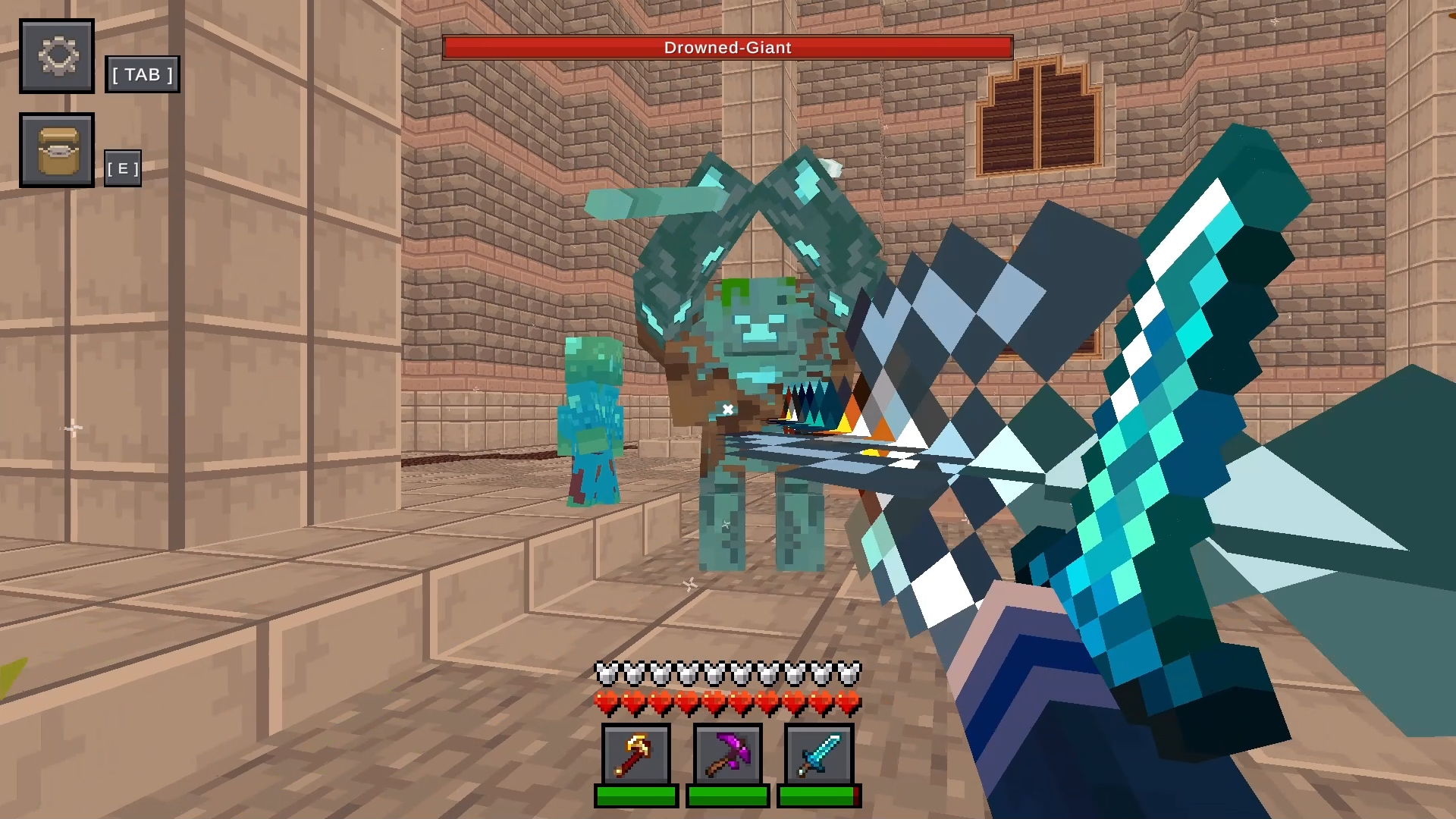
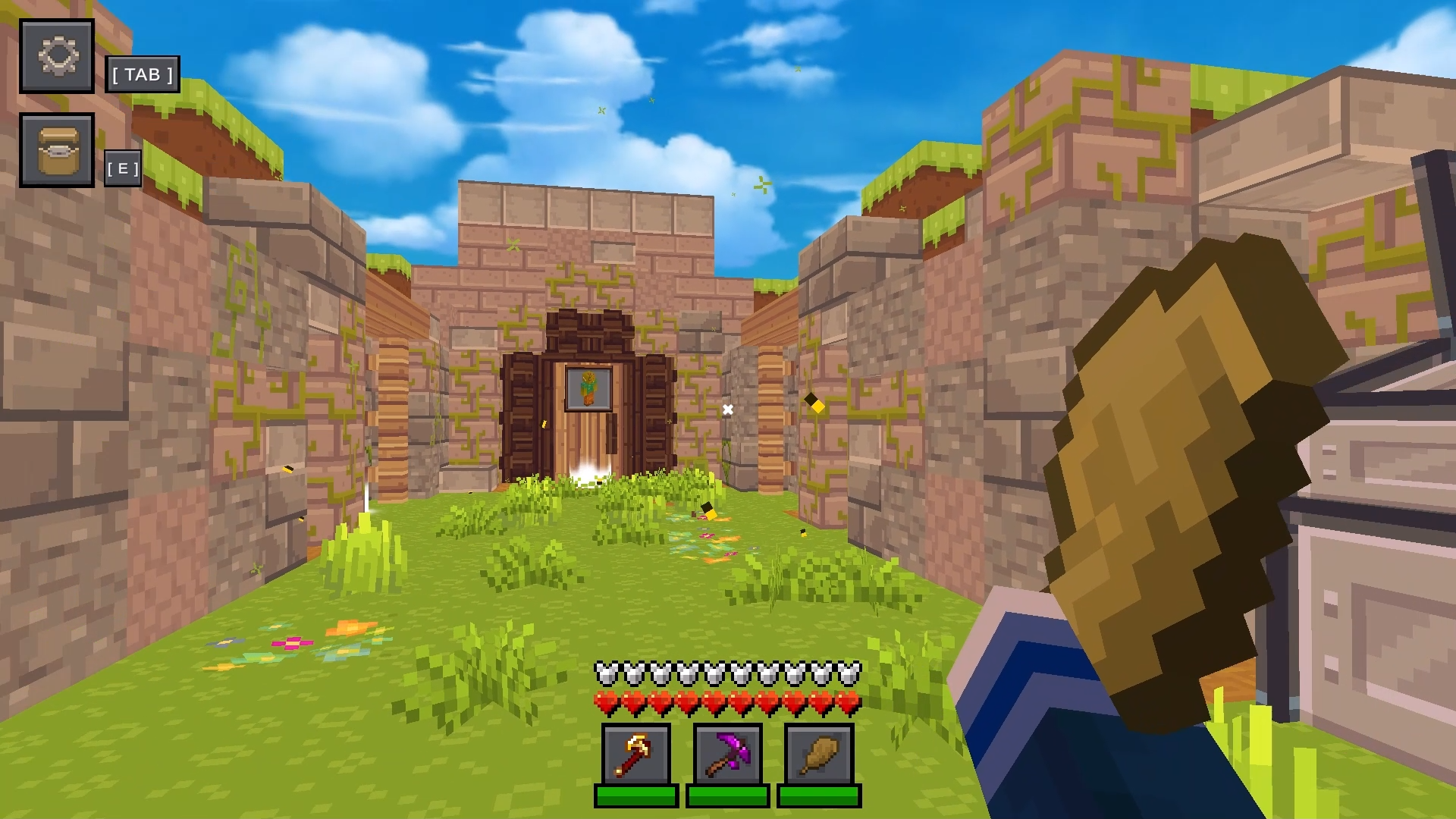
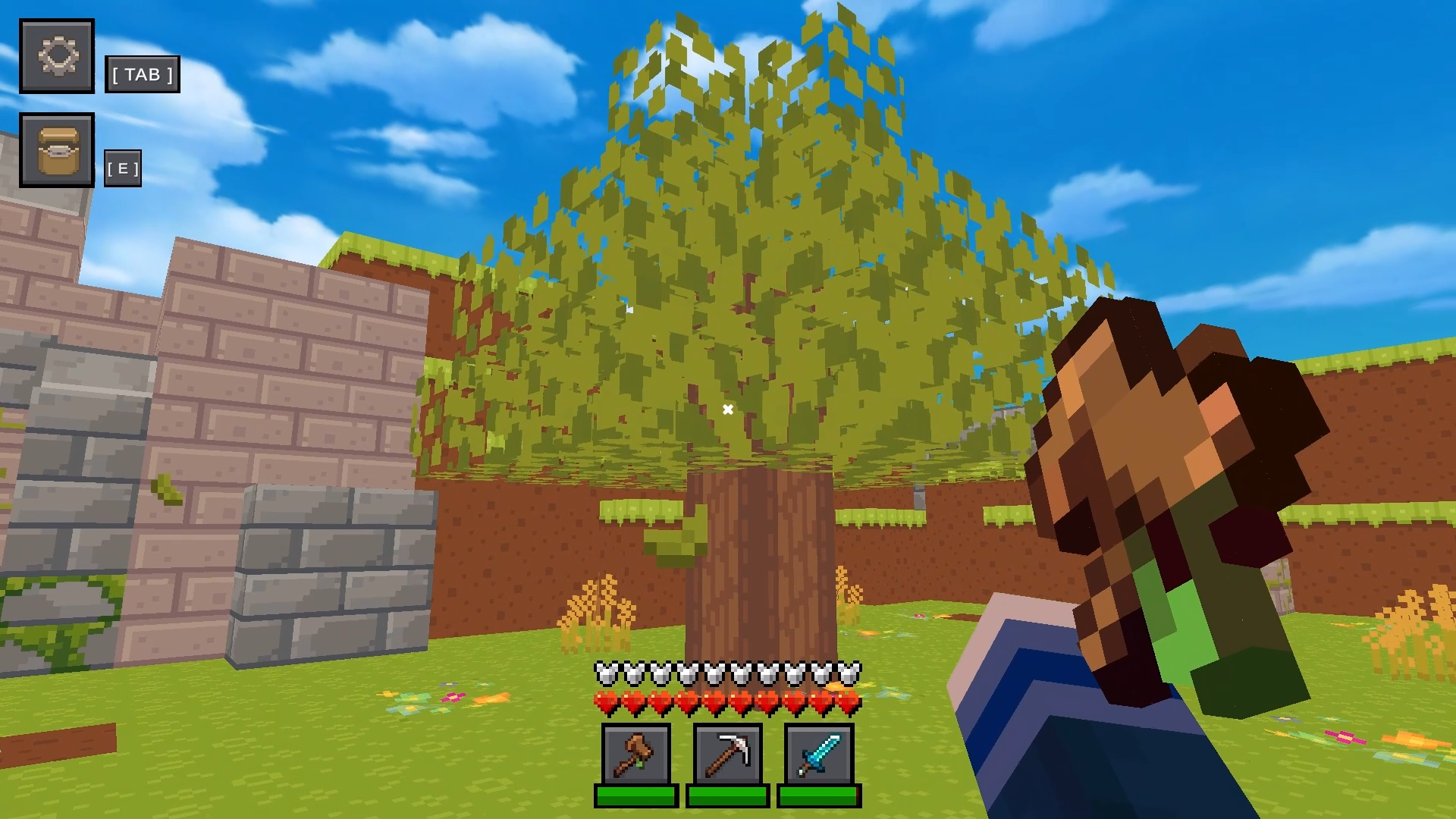
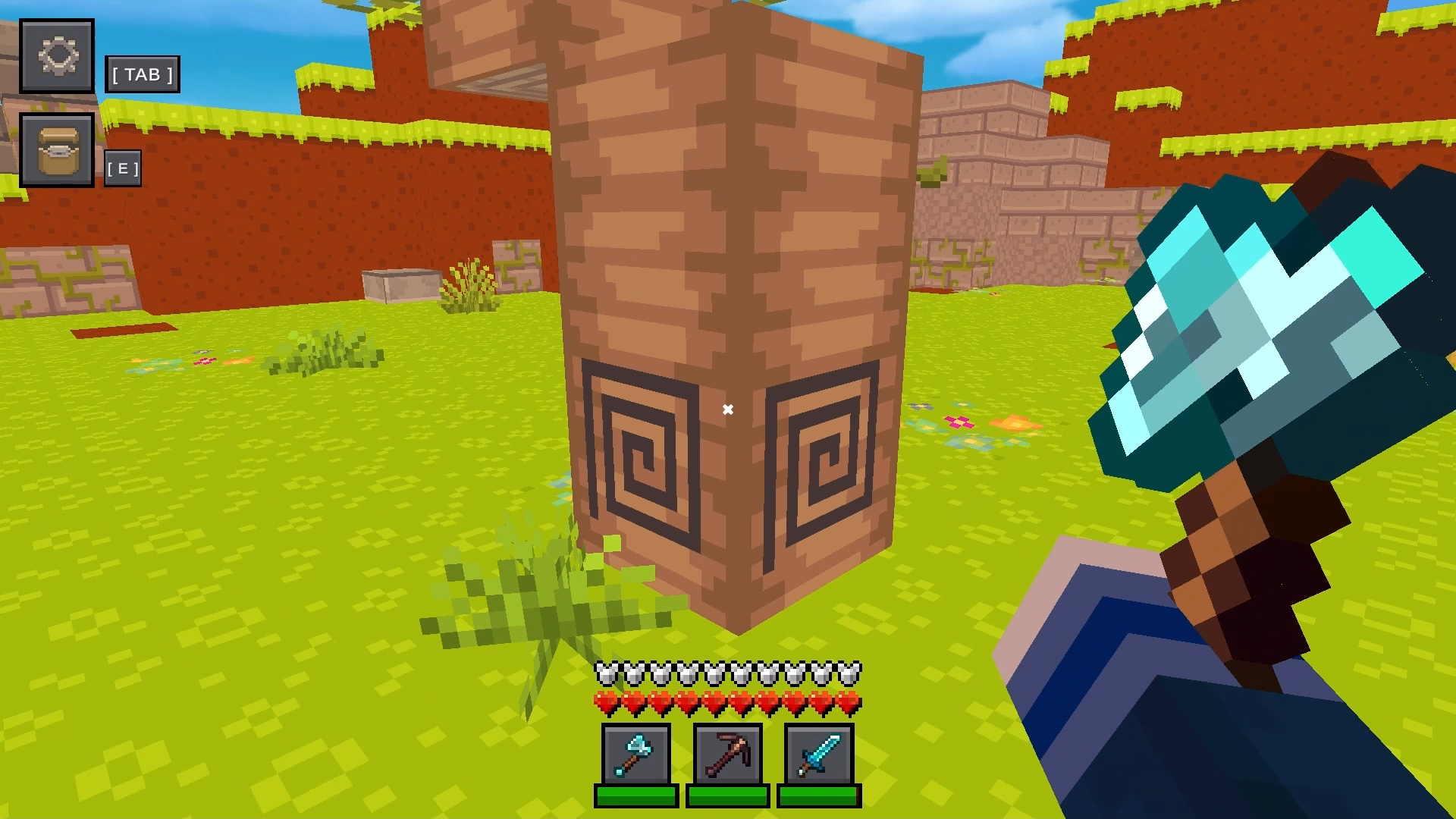
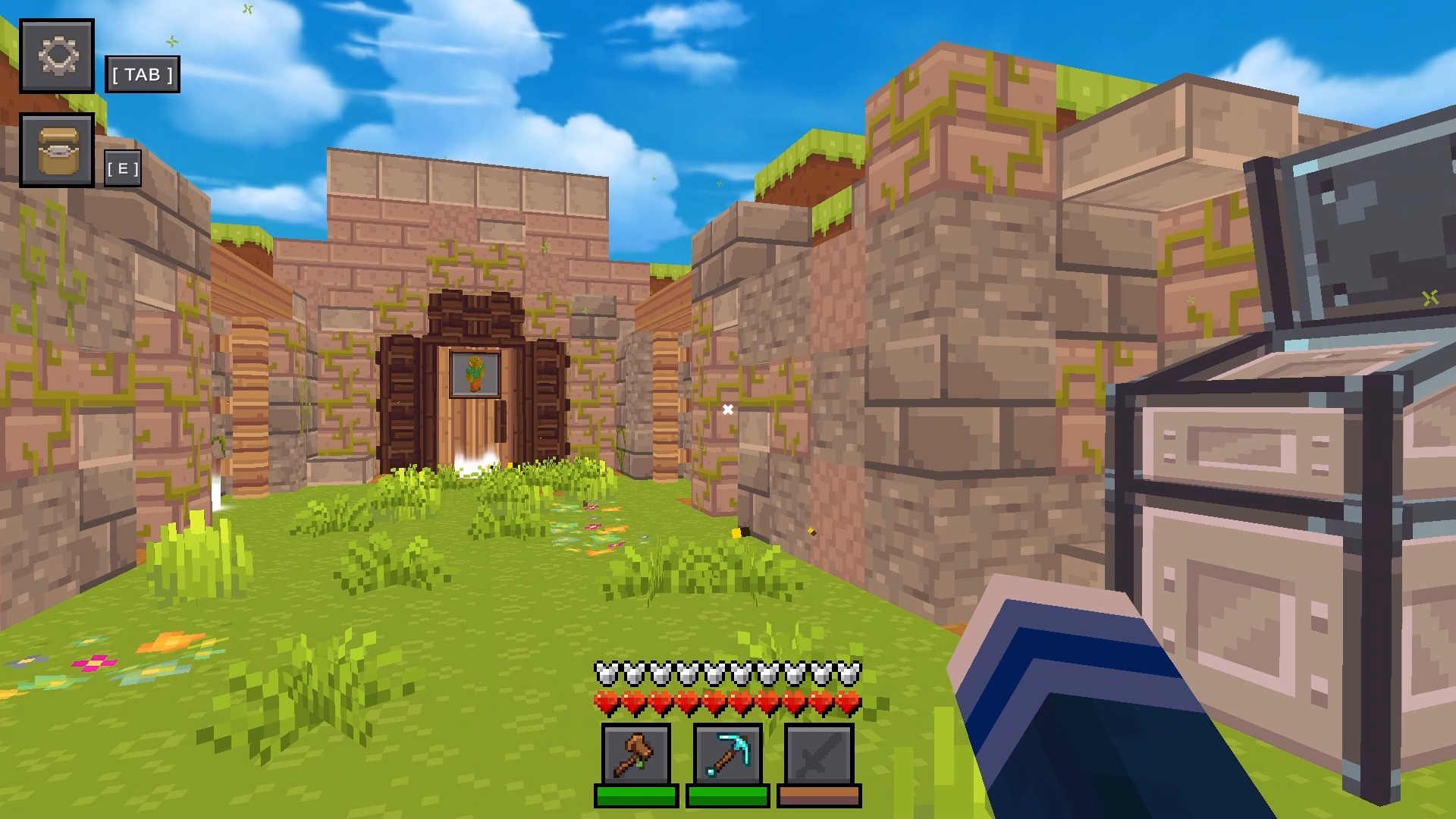
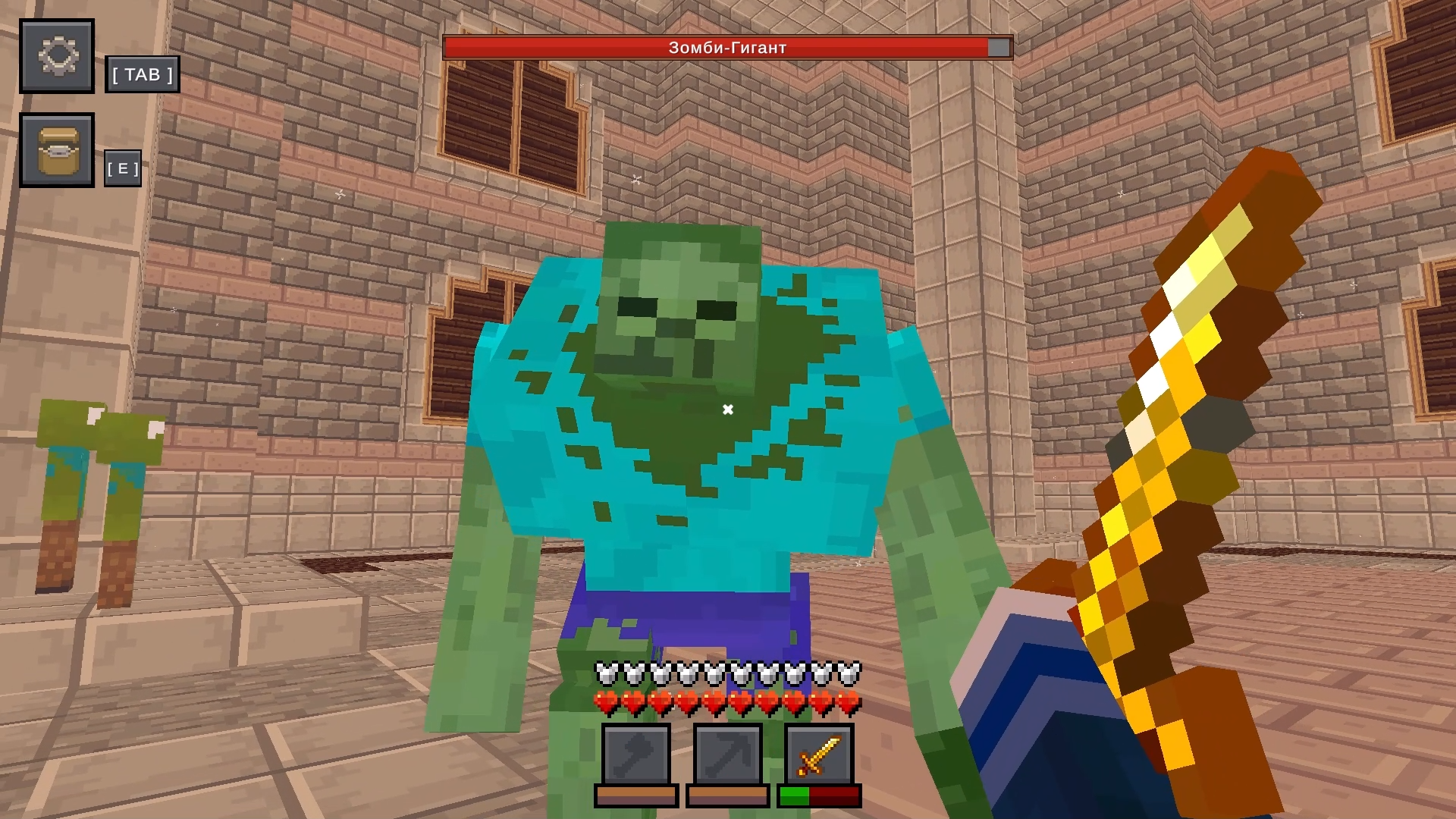
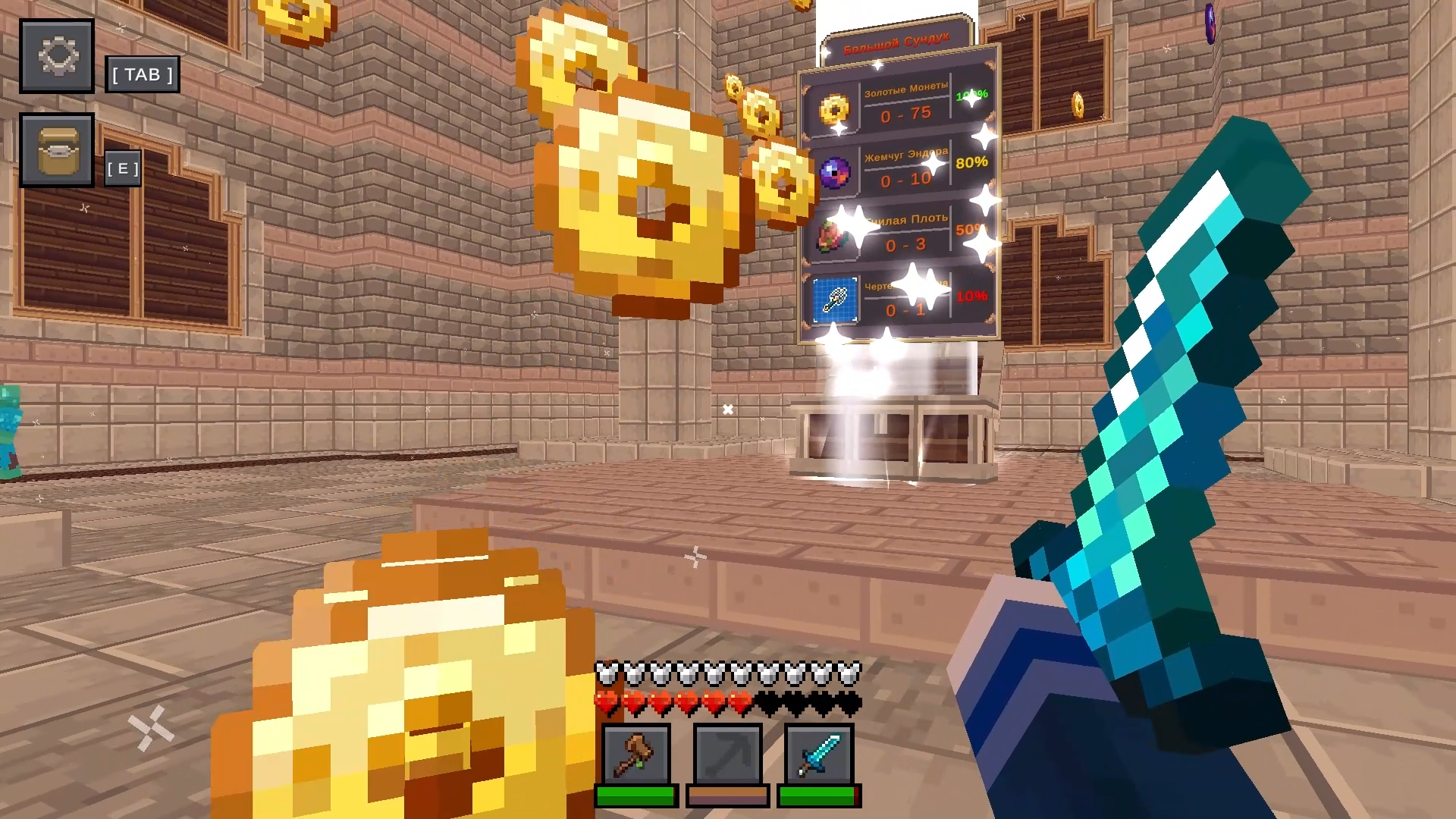
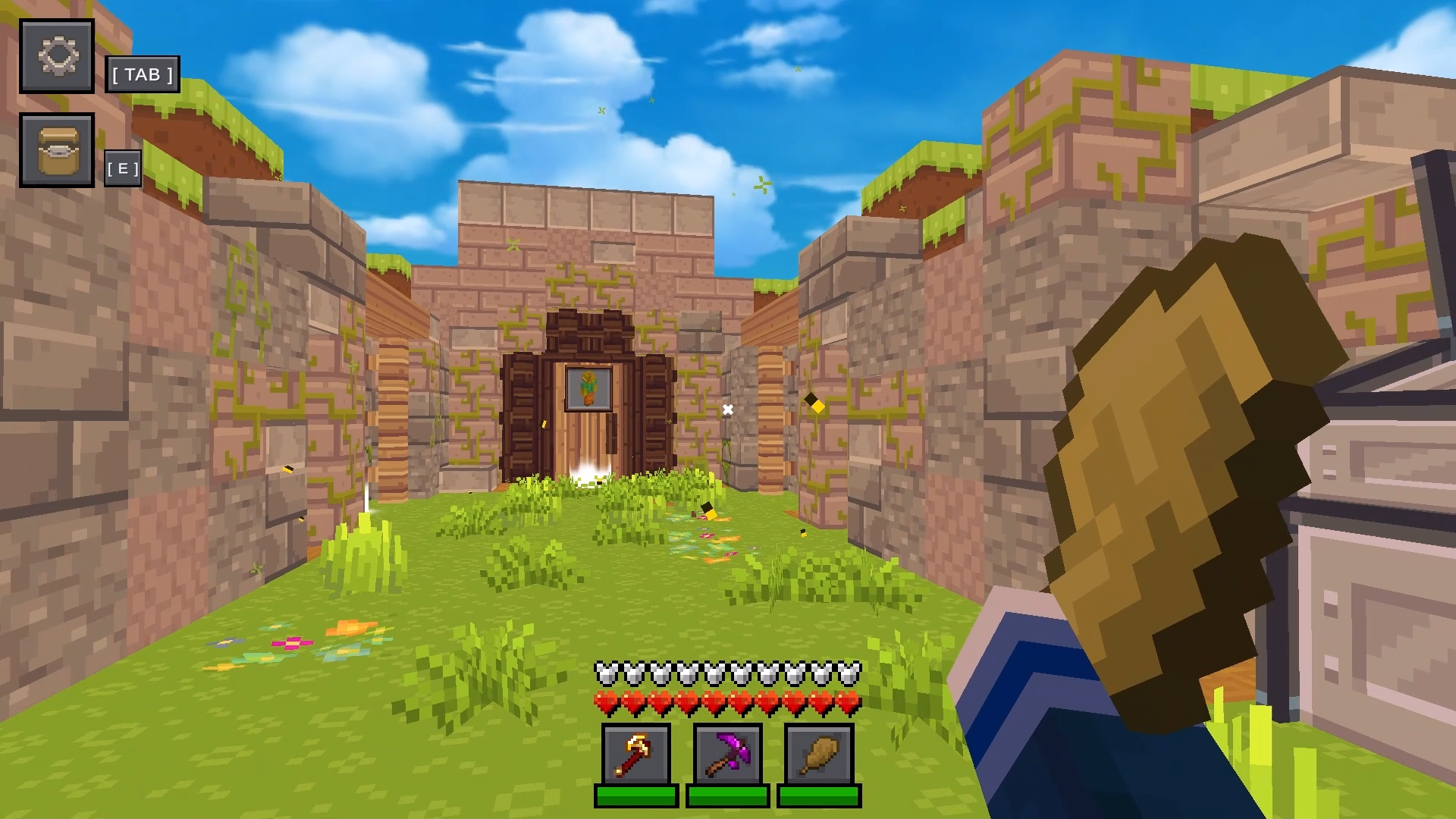
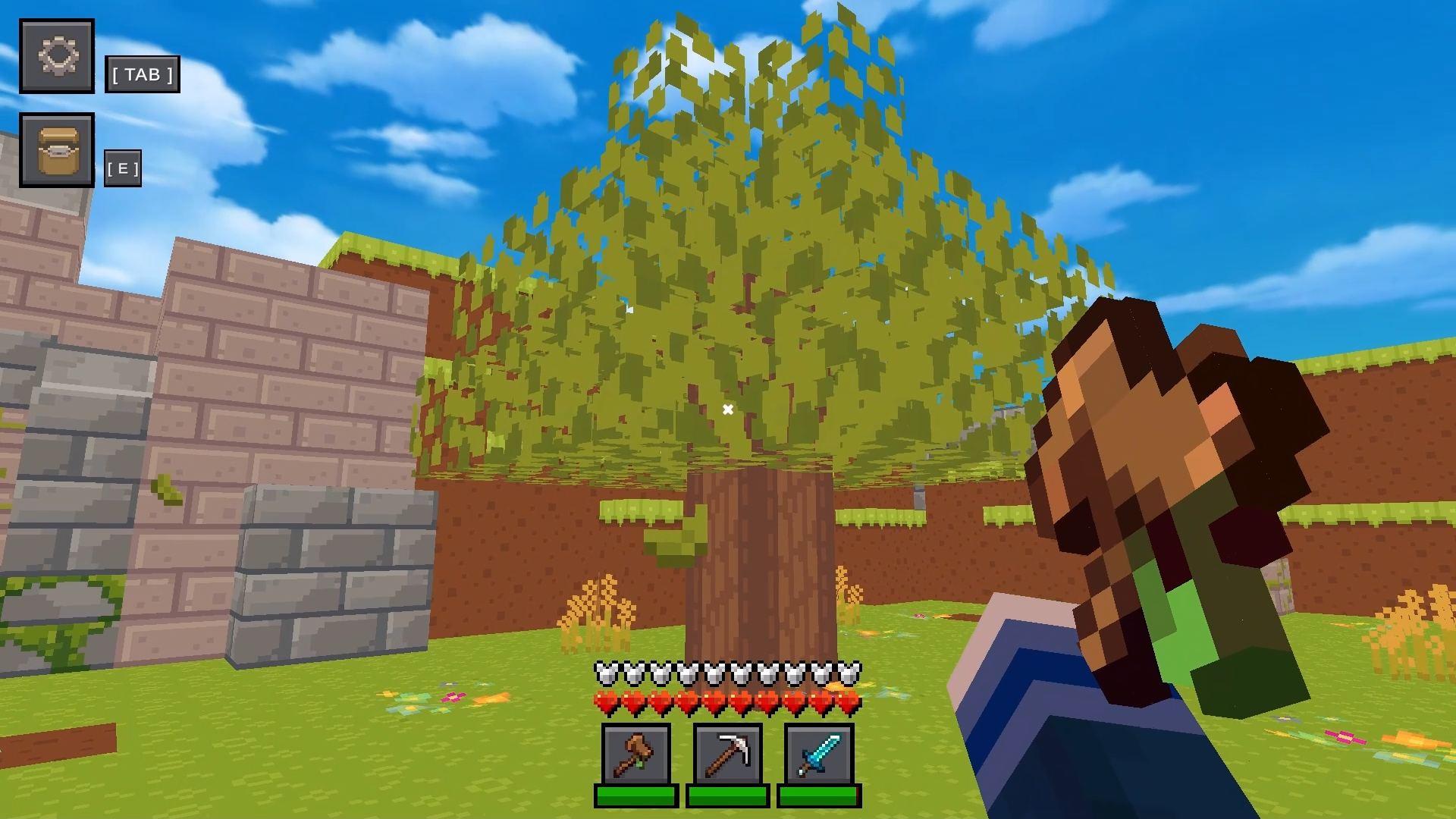
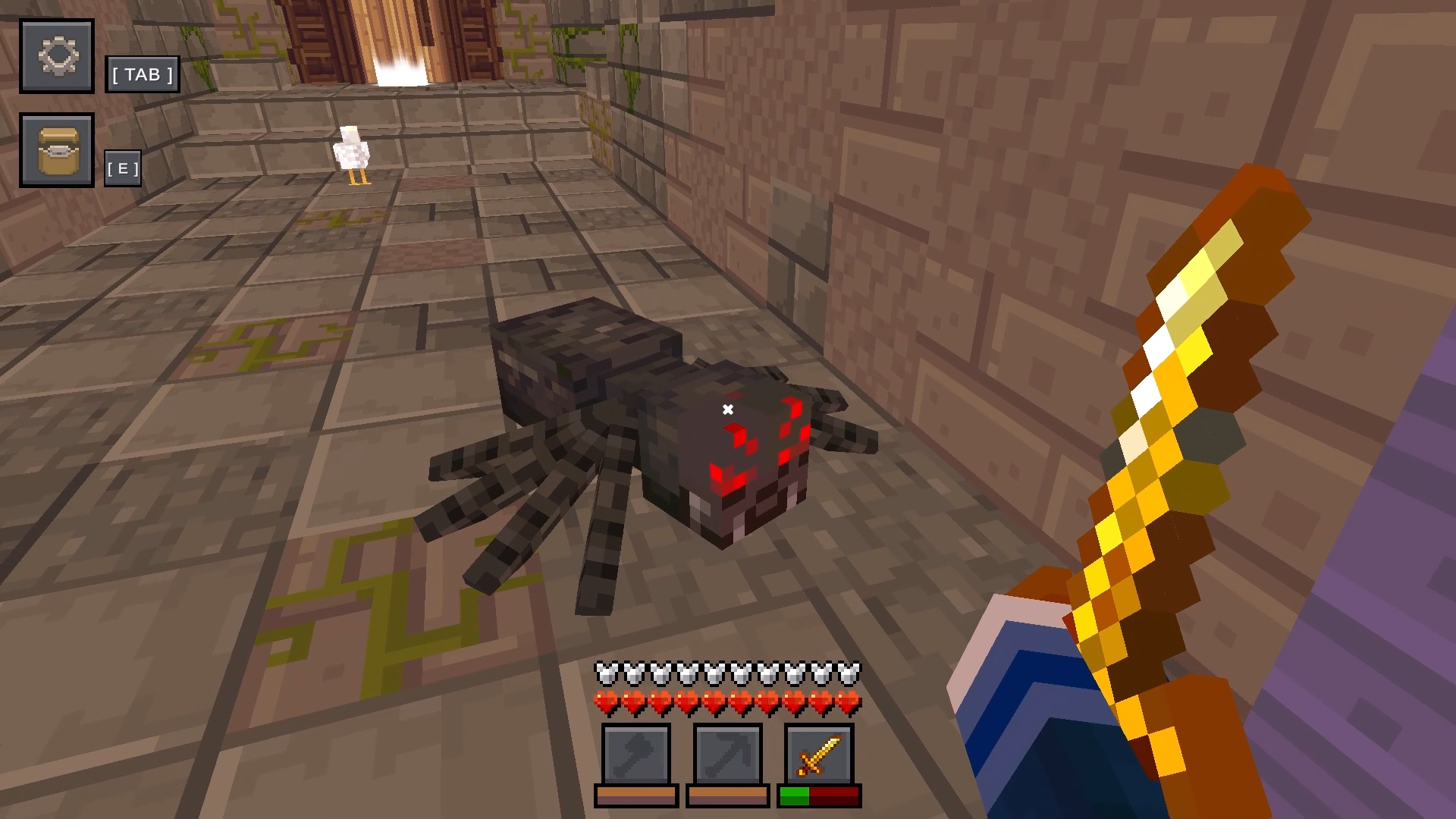
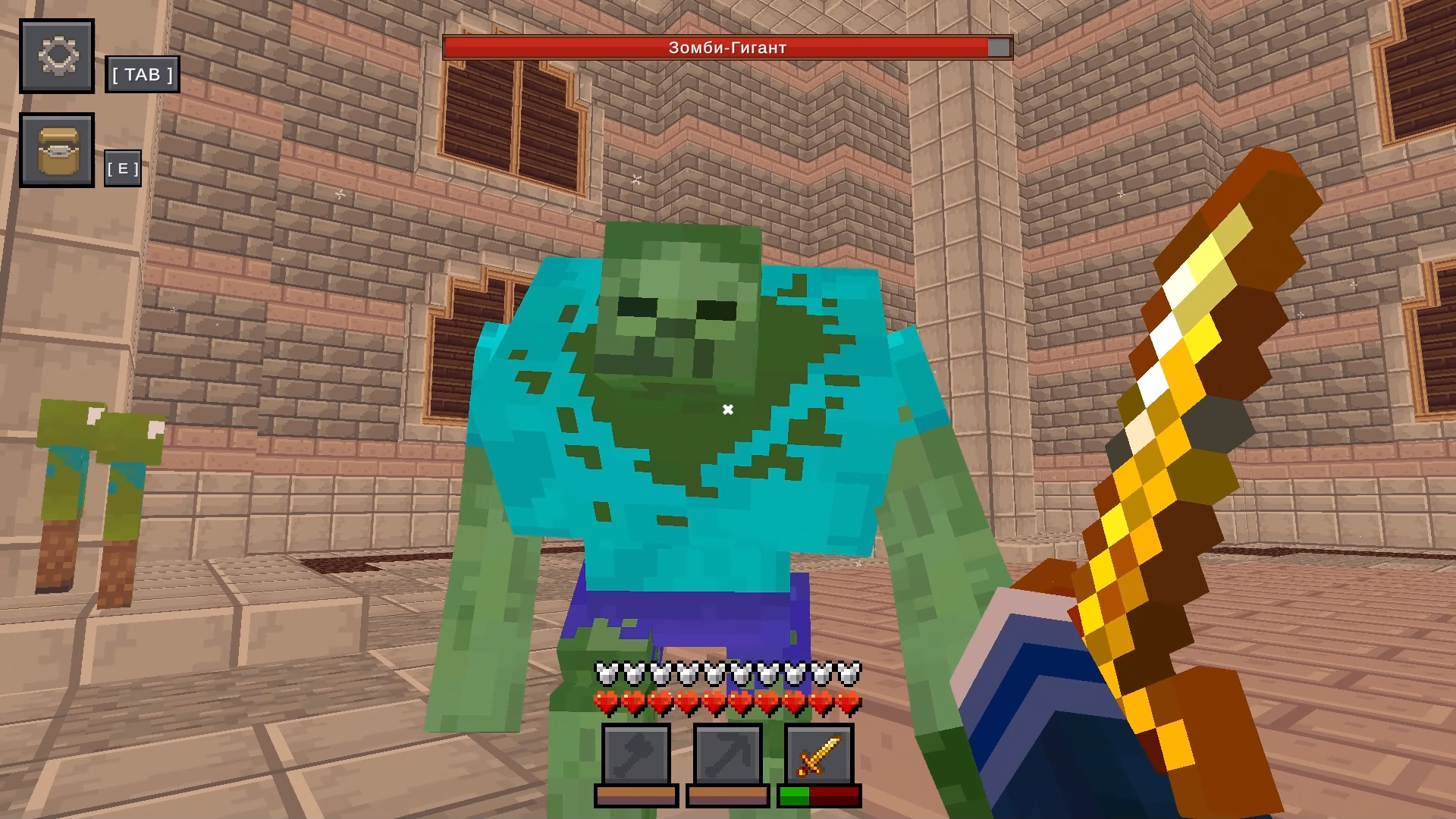
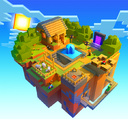
🌍 CubeCraft: Mine! - is an exciting Minecraft-style game! Explore a huge island, extract valuable resources and fight dangerous mobs and bosses. Create animal farms, grow plants and build shelters from evil creatures of the night! πŸ’₯ Features: ✨ Vivid graphics and realistic lighting πŸ—‘οΈ A rich set of tools and items πŸ”₯ Interactive battles with mobs and difficult bosses 🌿 Farming and agriculture 🧴 Powerful armor and unique weapons 🎲 Simple rules and deep gameplay

Videos and screenshots
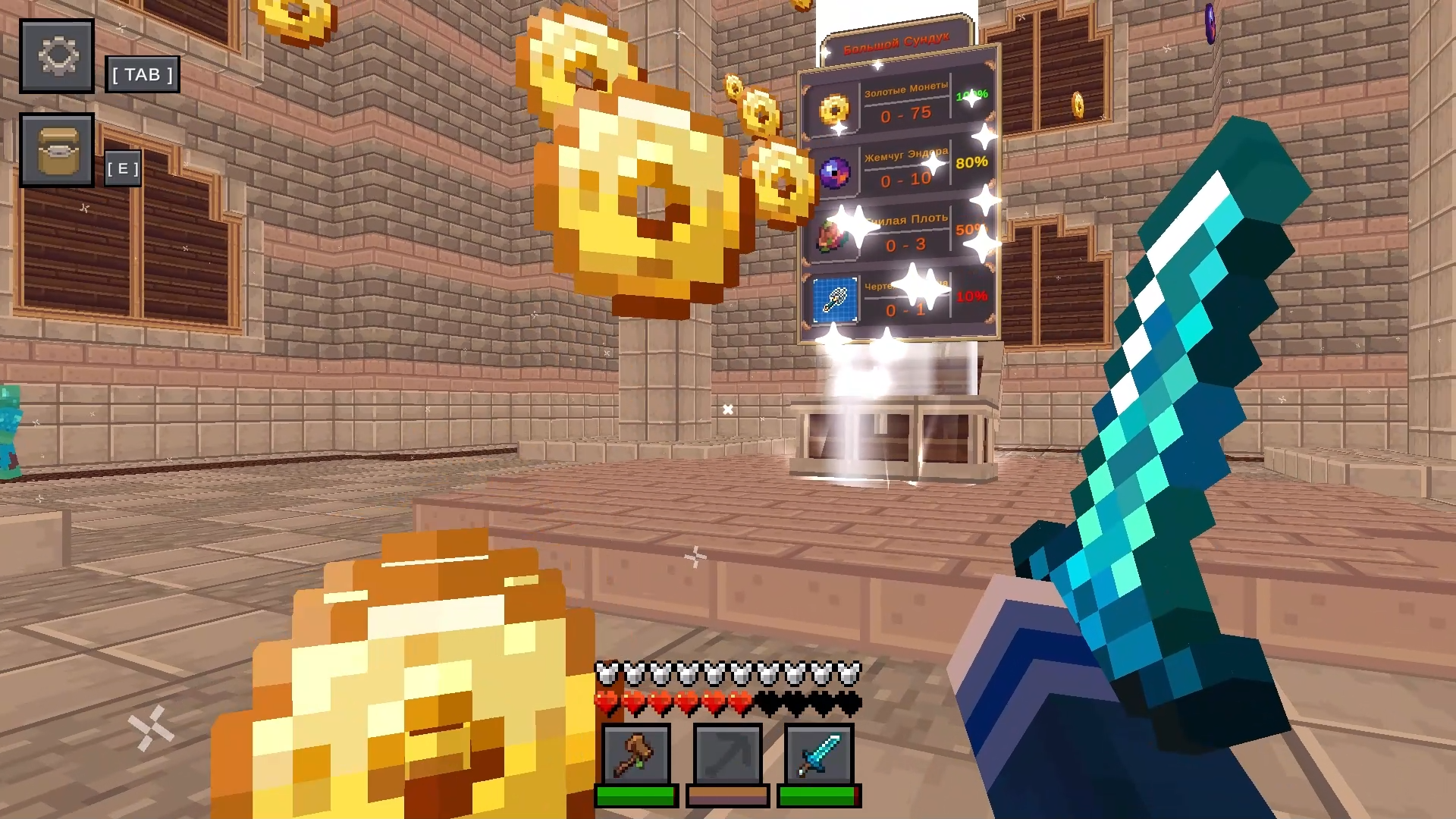
  • CubeCraft: Mine! screenshot 1
  • CubeCraft: Mine! screenshot 2
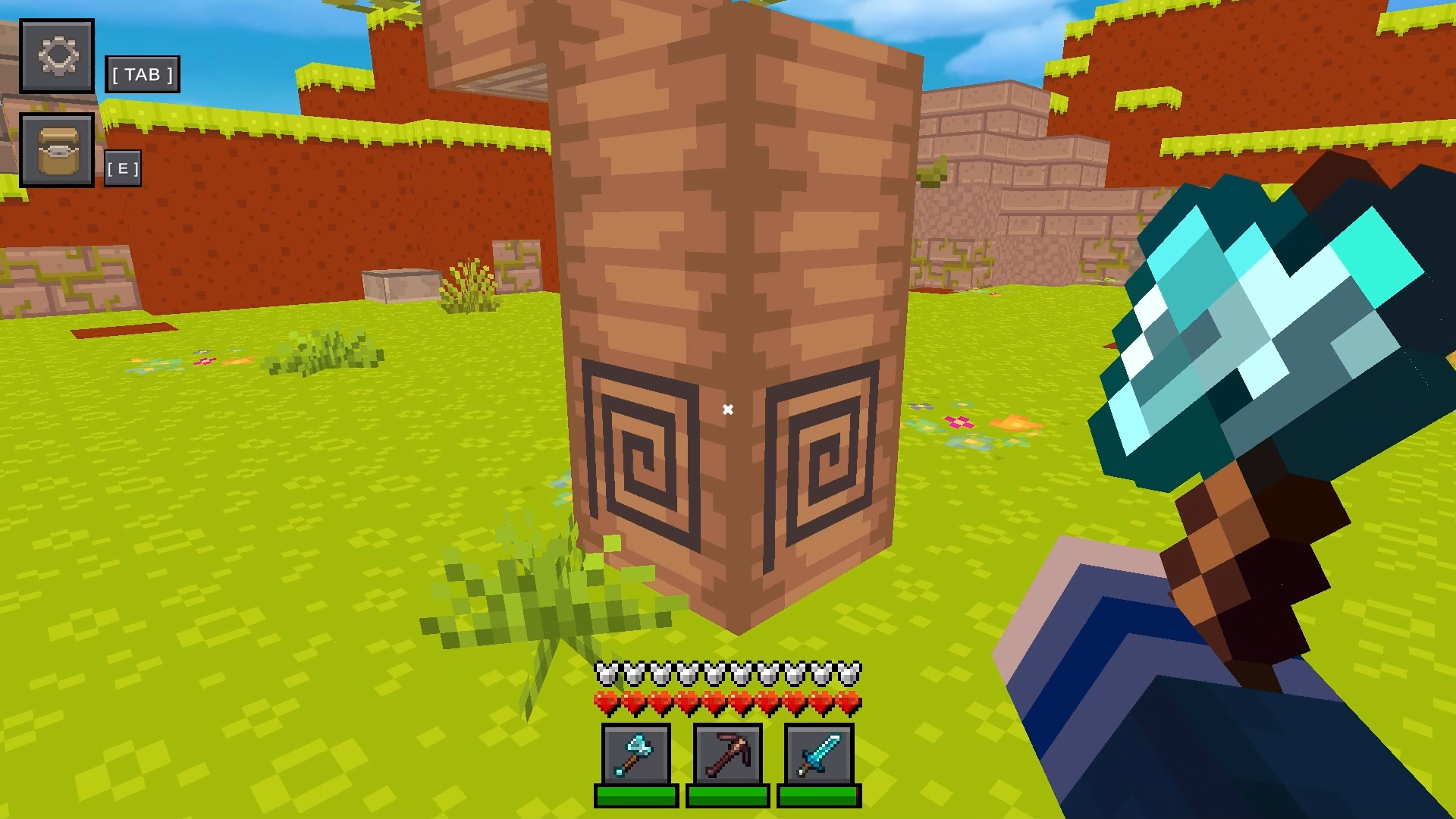
  • CubeCraft: Mine! screenshot 3
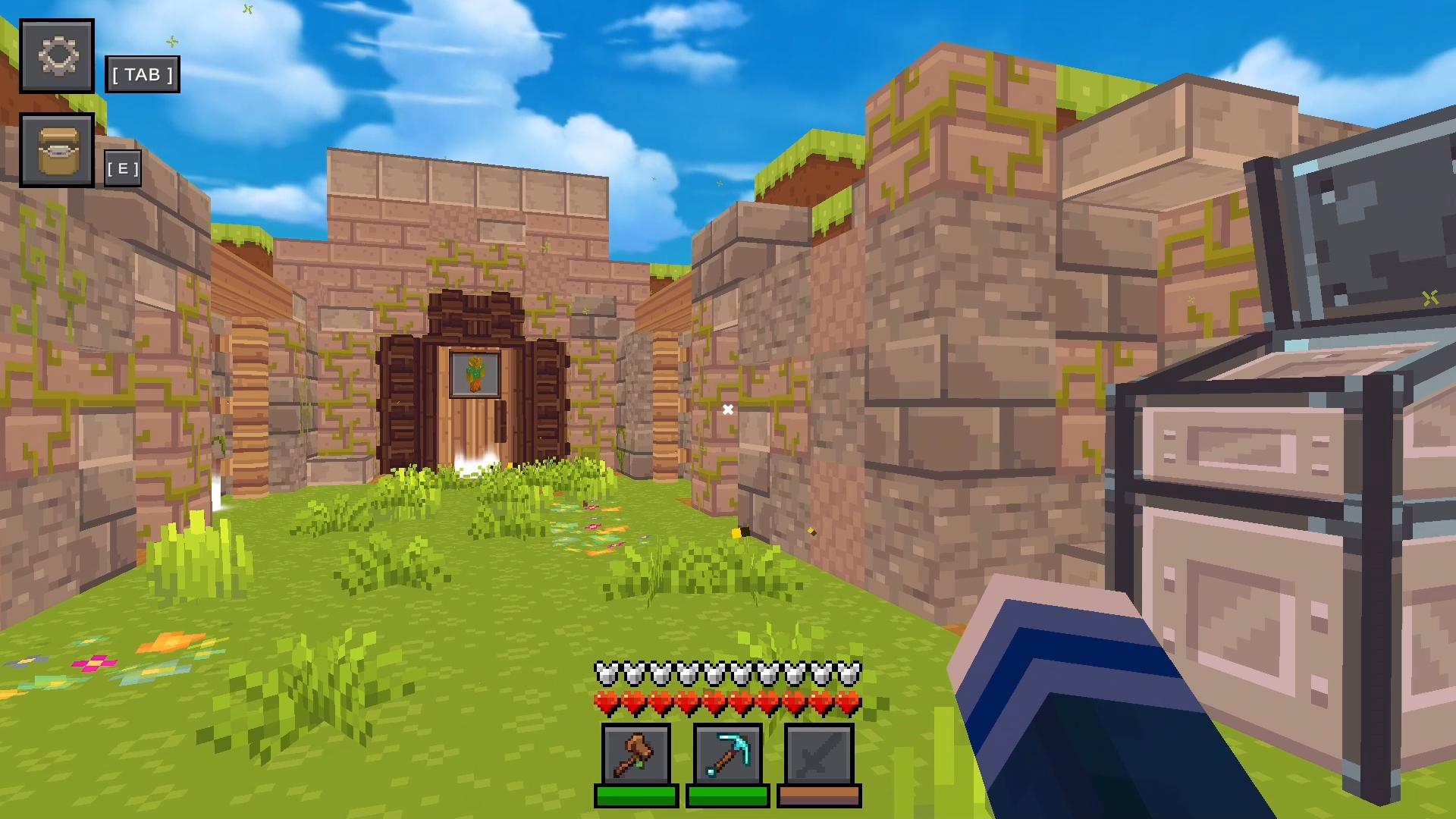
  • CubeCraft: Mine! screenshot 4
  • CubeCraft: Mine! screenshot 5
  • CubeCraft: Mine! screenshot 6
  • CubeCraft: Mine! screenshot 7
  • CubeCraft: Mine! screenshot 8
  • CubeCraft: Mine! screenshot 9
  • CubeCraft: Mine! screenshot 10
  • CubeCraft: Mine! screenshot 11
  • CubeCraft: Mine! screenshot 12
  • CubeCraft: Mine! screenshot 13
  • CubeCraft: Mine! screenshot 14
  • CubeCraft: Mine! screenshot 15
  • CubeCraft: Mine! screenshot 16
Play Now

12,807 players online

How to play

  1. Open the game

    Press Play now and the game opens on its own screen.

  2. Follow the in-game instructions

    The controls and goals are shown inside the game as you play.

  3. Use the game menu

    The floating button over the game reloads it, saves it to your favourites, or takes you back out.
Game instructions

🏁 Start by exploring the island and collecting resources. πŸ”₯ Fight monsters and defeat powerful bosses. πŸ₯• Farm and harvest crops. πŸ—ΊοΈ Discover new areas and find secrets. 🎯 Complete quests and earn experience. 🎁 Get rewards from loot boxes and become the best survivor! πŸ’»PC controls: WASD - Move the character. LMB - Destroy the block. TAB - Settings menu. πŸ“±Mobile controls: Left joystick - Move. Right side of the screen - Look around you. Right side of the screen - Interact with objects.

More games

More games