Overview
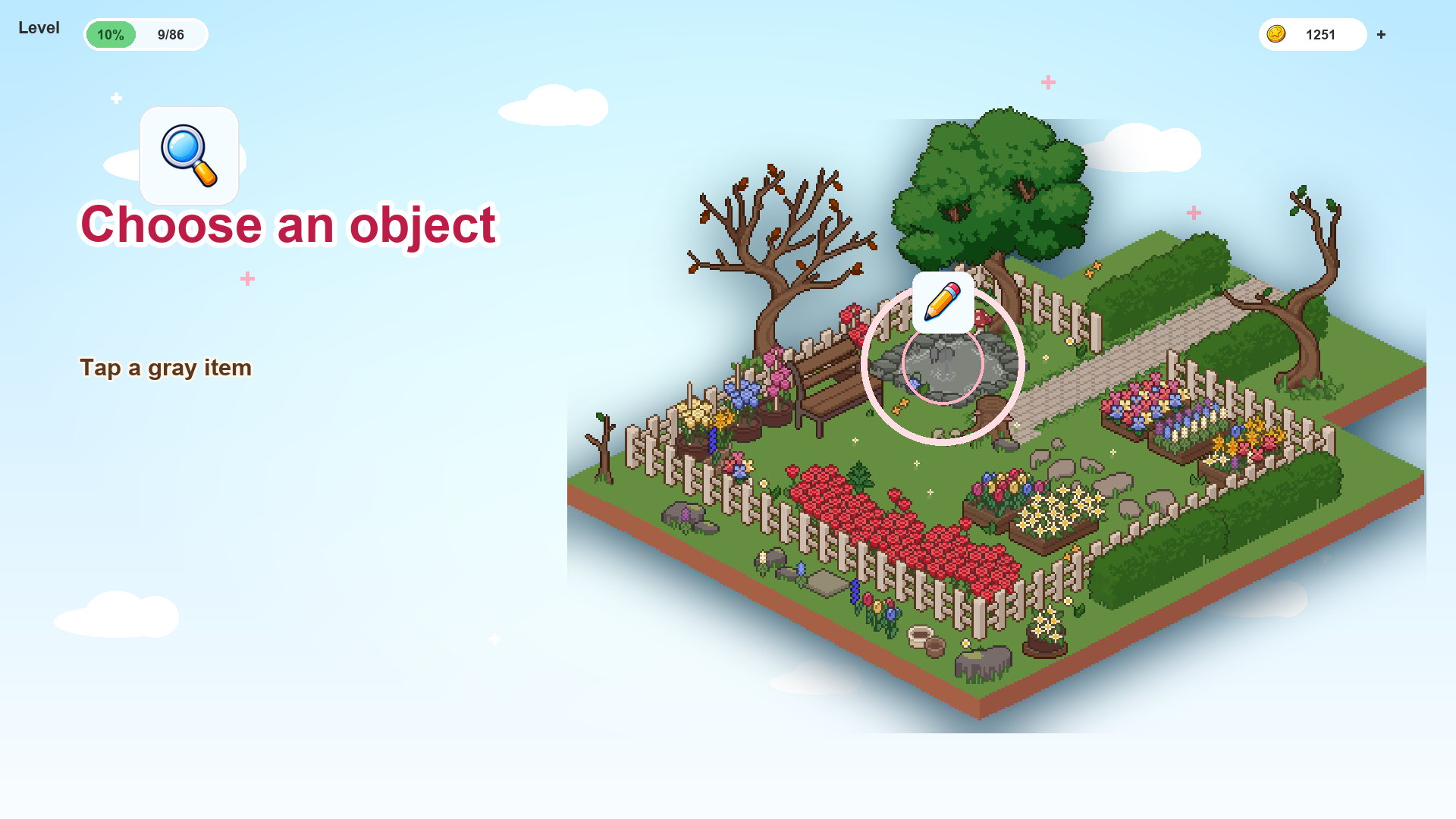
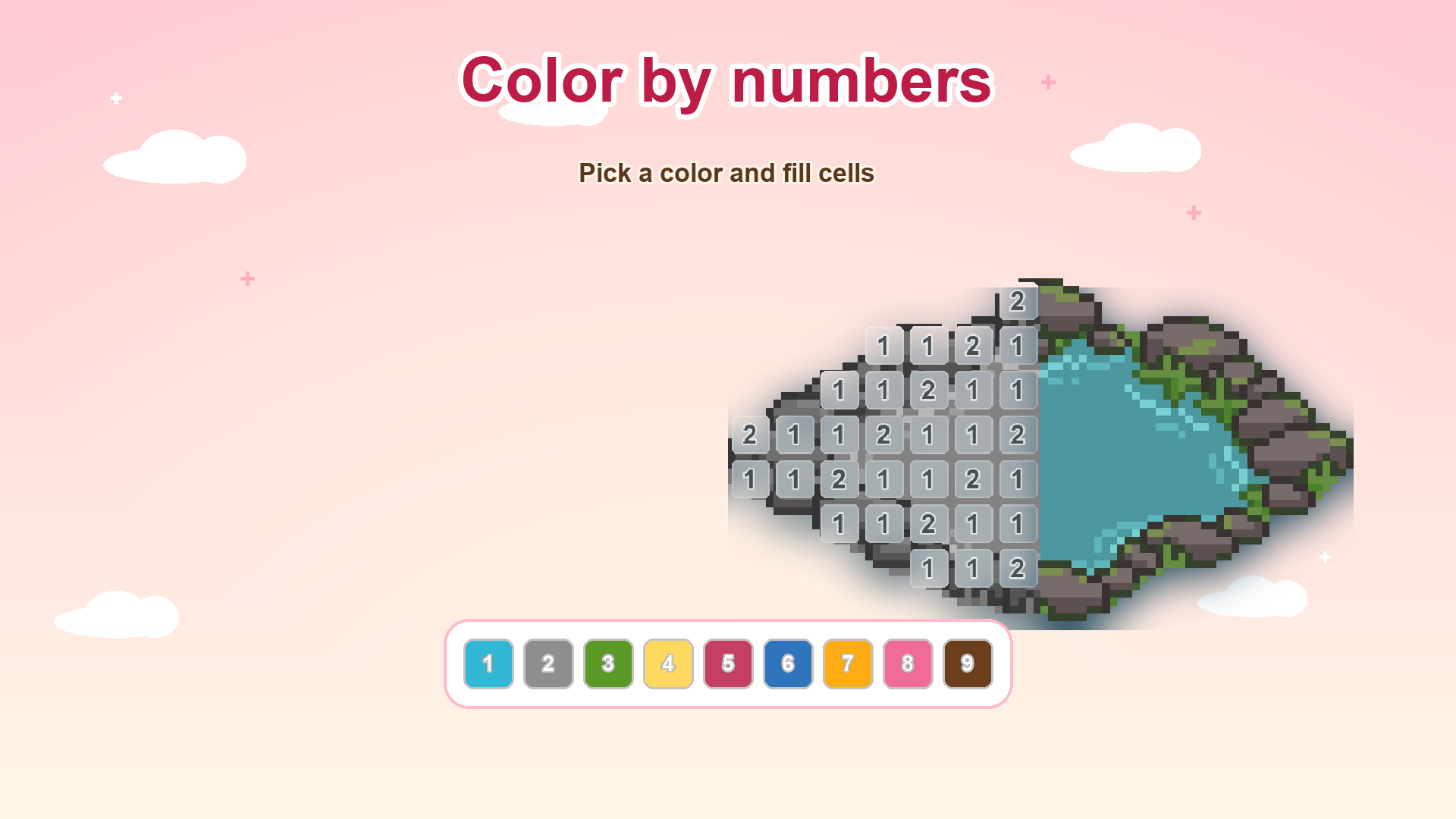
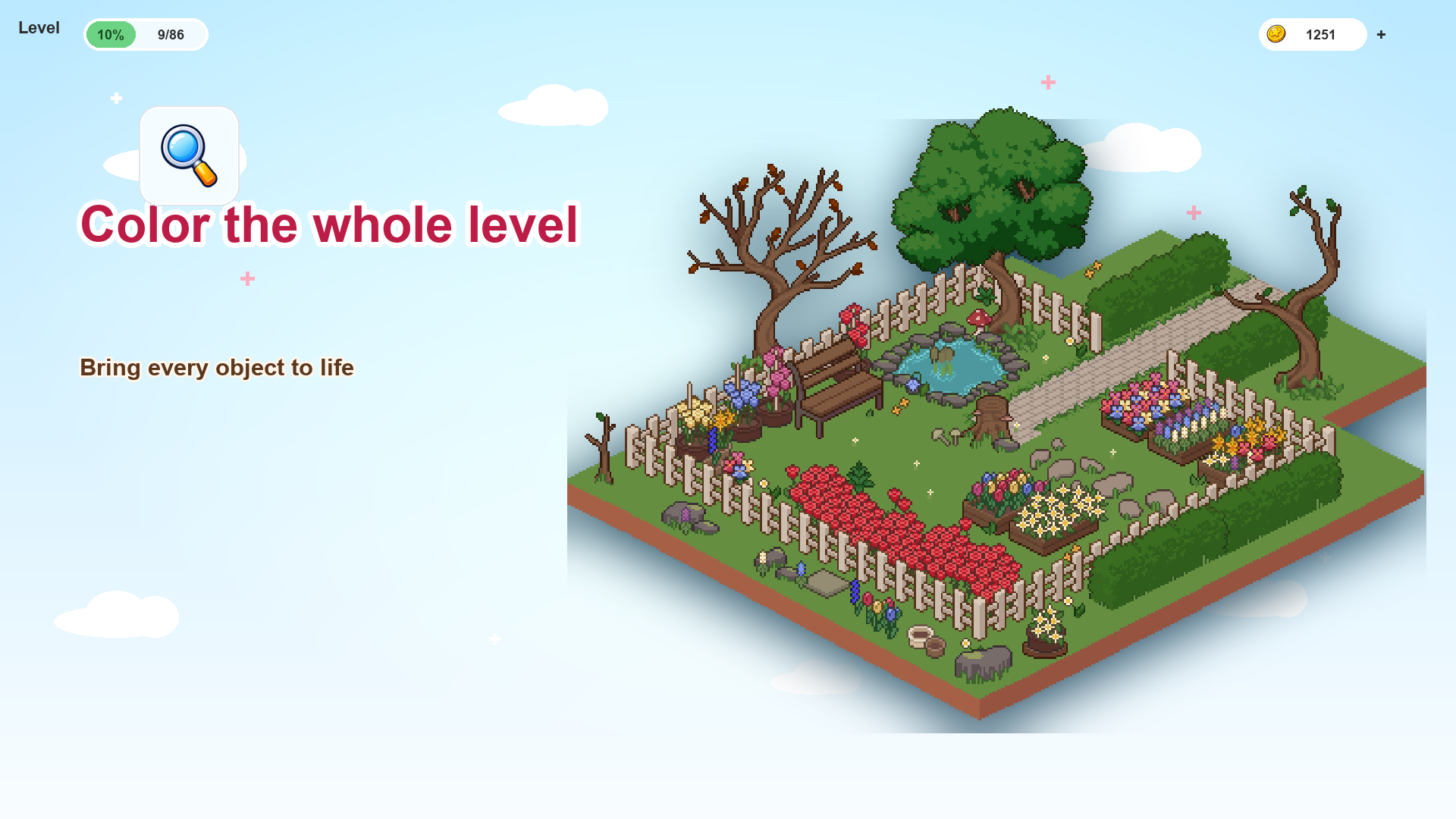
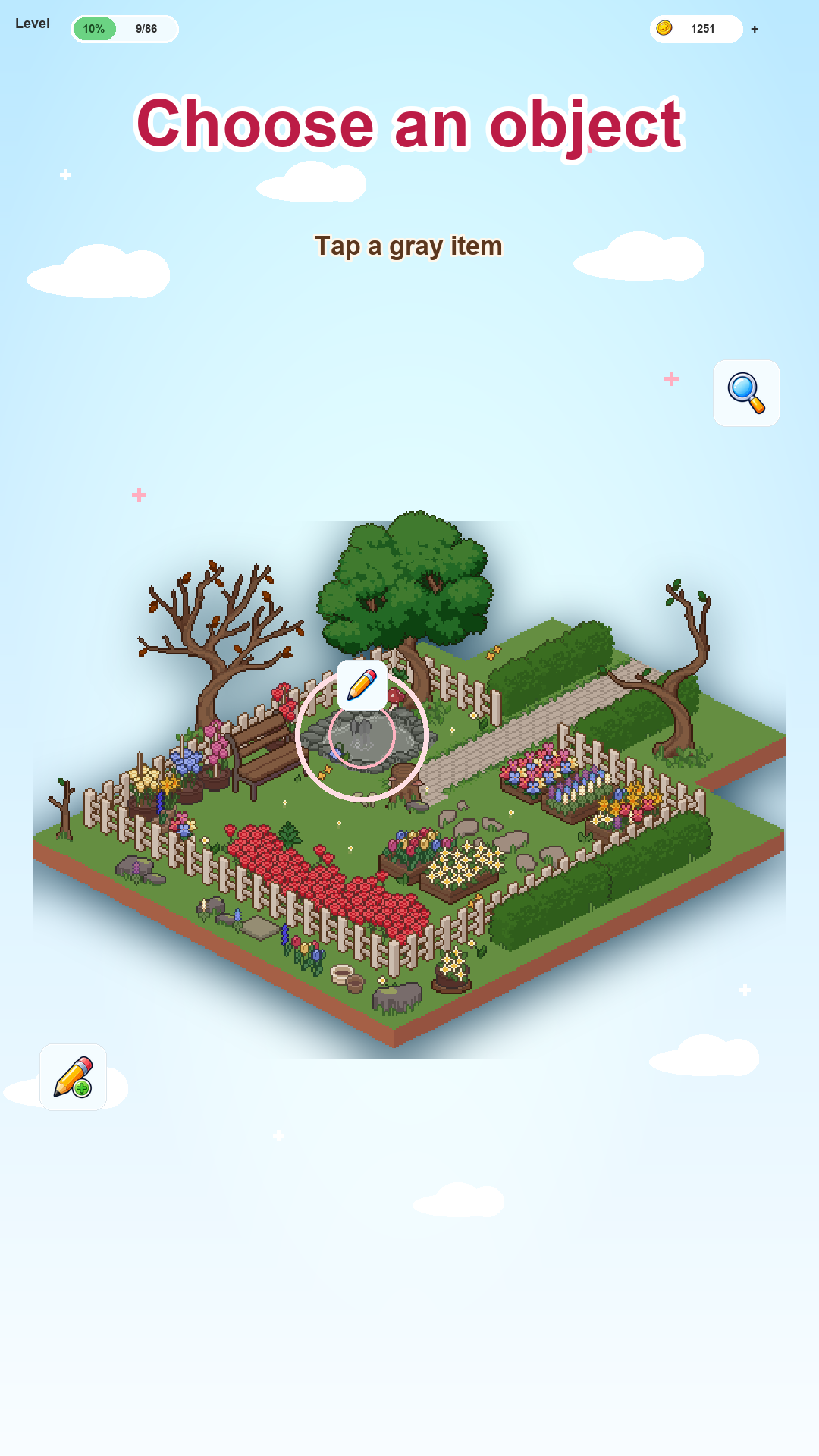
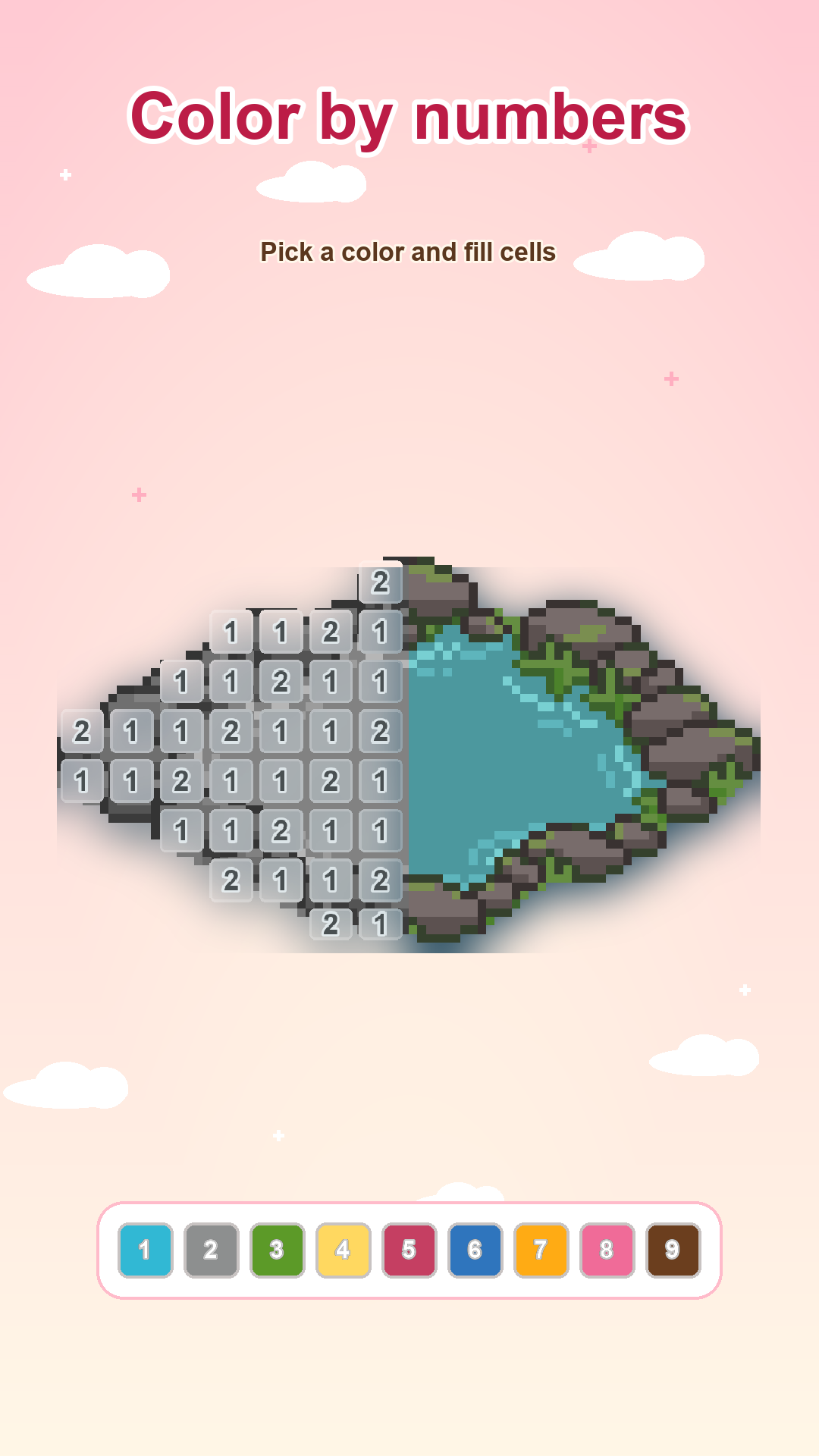
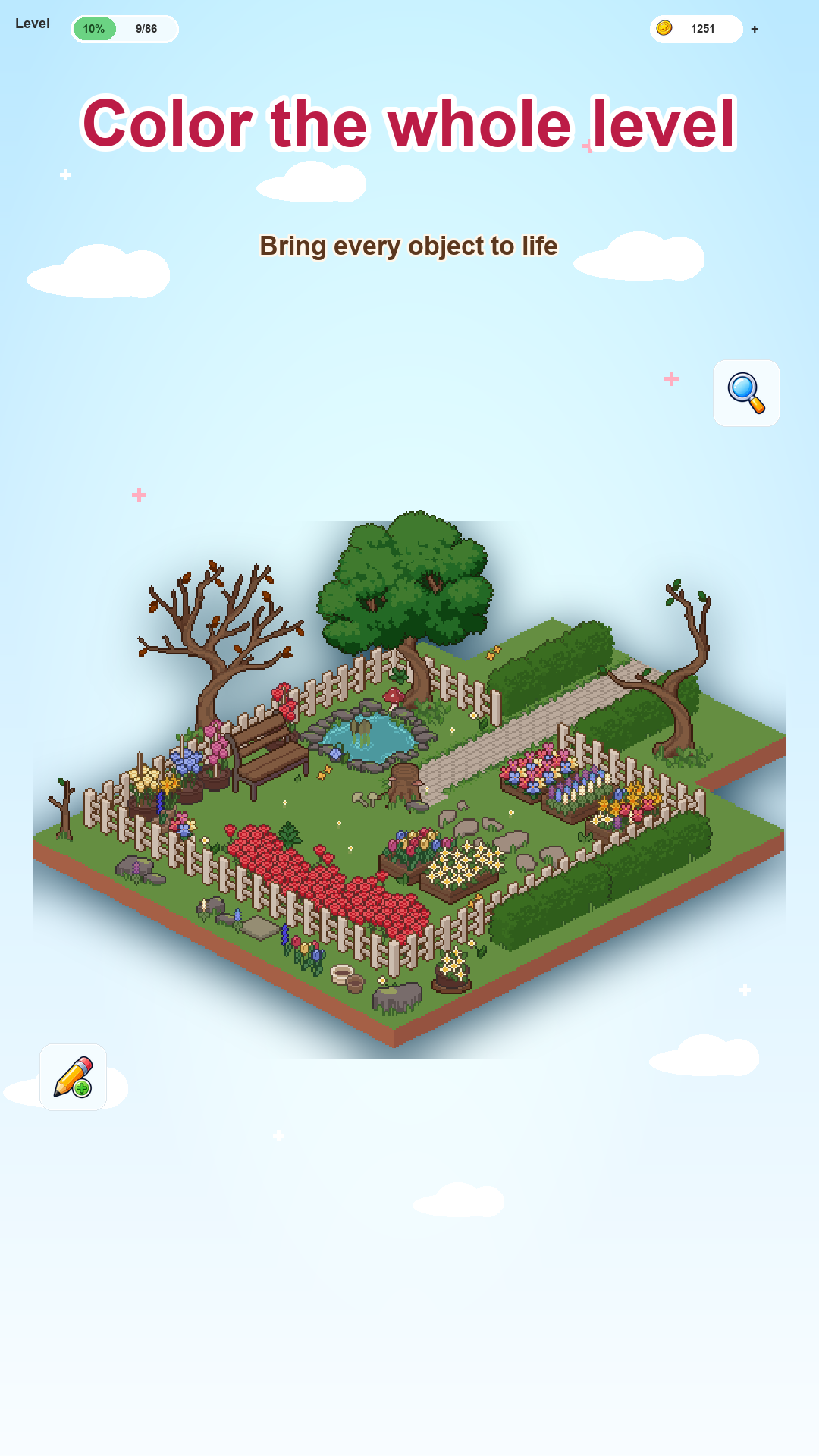
Draw and Color Pixel Pictures is a relaxing color by numbers game with pixel-style levels. Choose an object on the scene, open the coloring board, and fill the cells with the matching numbered colors.
Every completed object returns to the level in full color, so the whole scene gradually becomes bright and alive. Use object search, hints, and helpful boosters to find details faster and finish your pictures.
The game is designed for calm short sessions: color a few cells, come back later, and continue from where you stopped.
Videos and screenshots
10,030 players online
How to play
-
Open the game
Press Play now and the game opens on its own screen.
-
Follow the in-game instructions
The controls and goals are shown inside the game as you play.
-
Use the game menu
The floating button over the game reloads it, saves it to your favourites, or takes you back out.