Overview
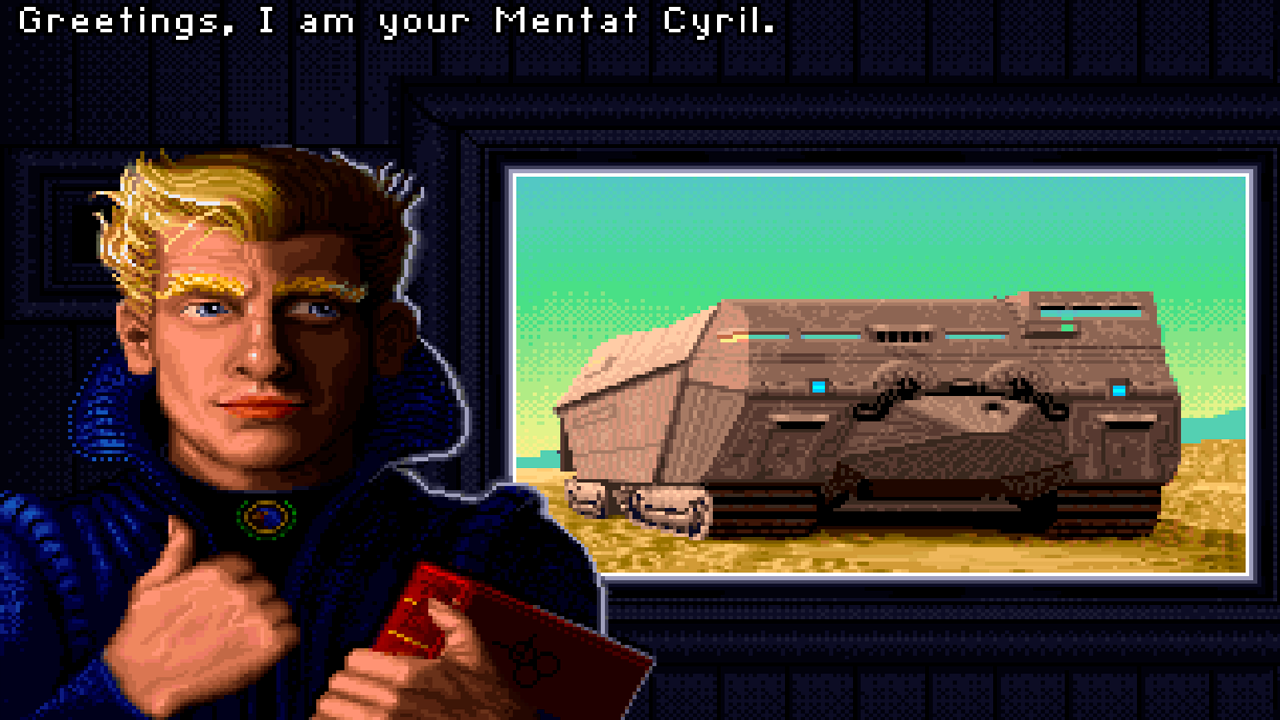
Dune is a pixel-art real-time strategy game that laid the foundation for the entire RTS genre. You will lead one of three Great Houses in a fierce struggle for control over the desert planet Arrakis.
Key features:
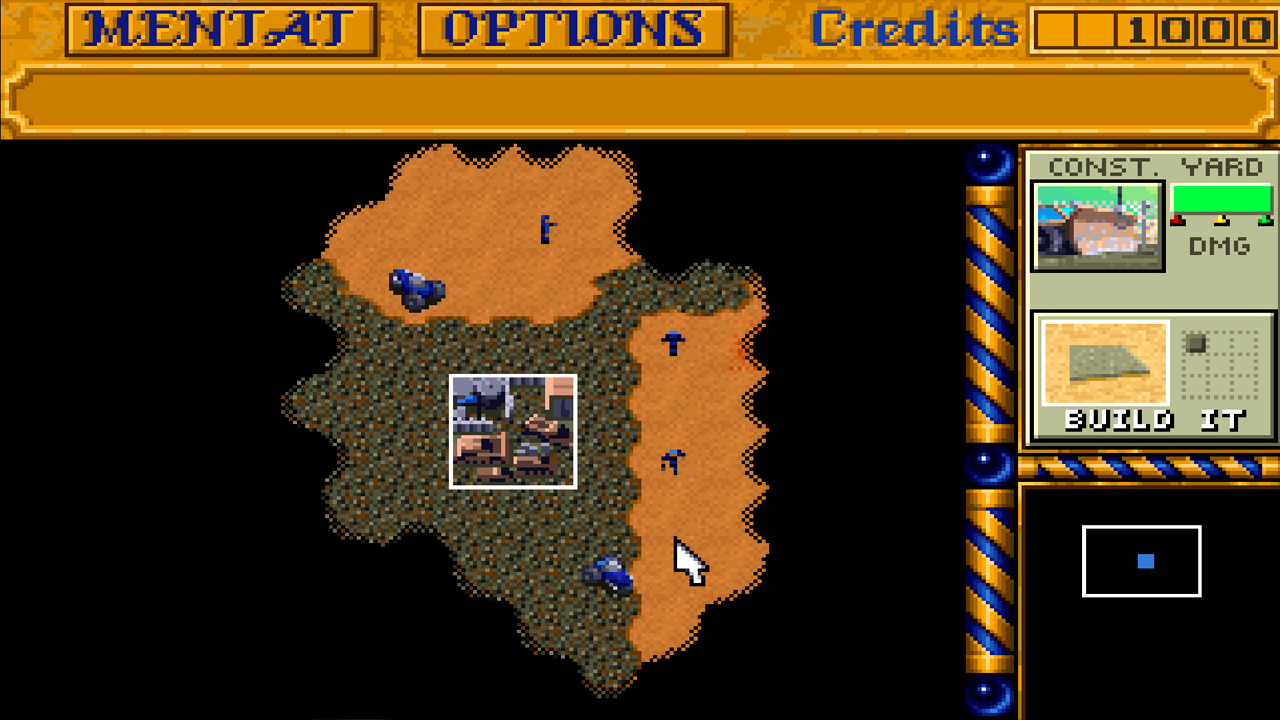
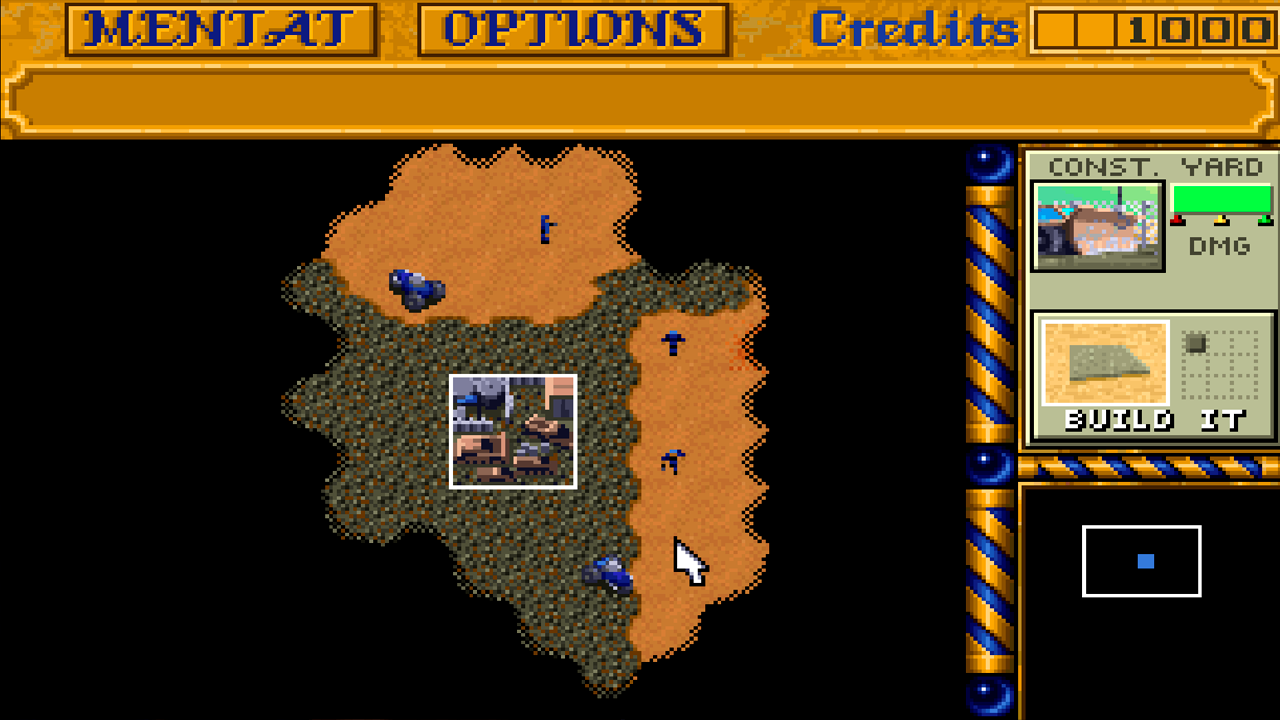
● Classic RTS formula: Everything that defines the genre is here: resource management, base building, army creation, and tech tree progression.
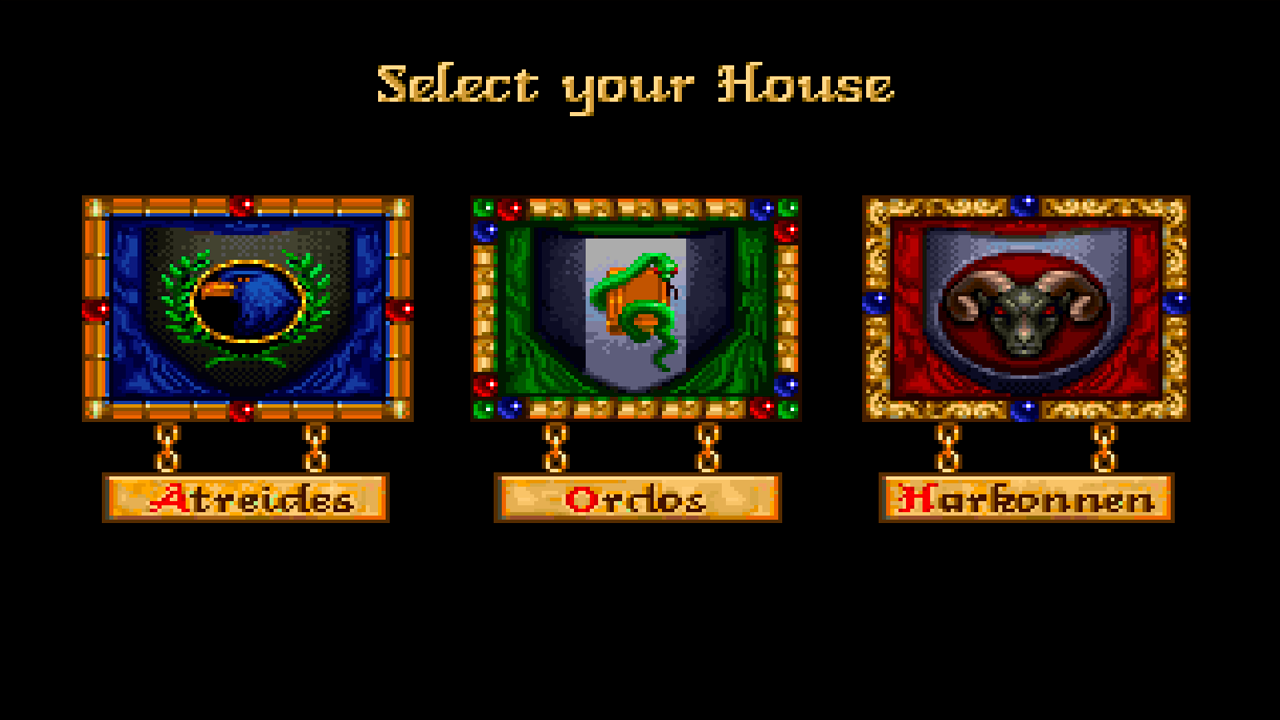
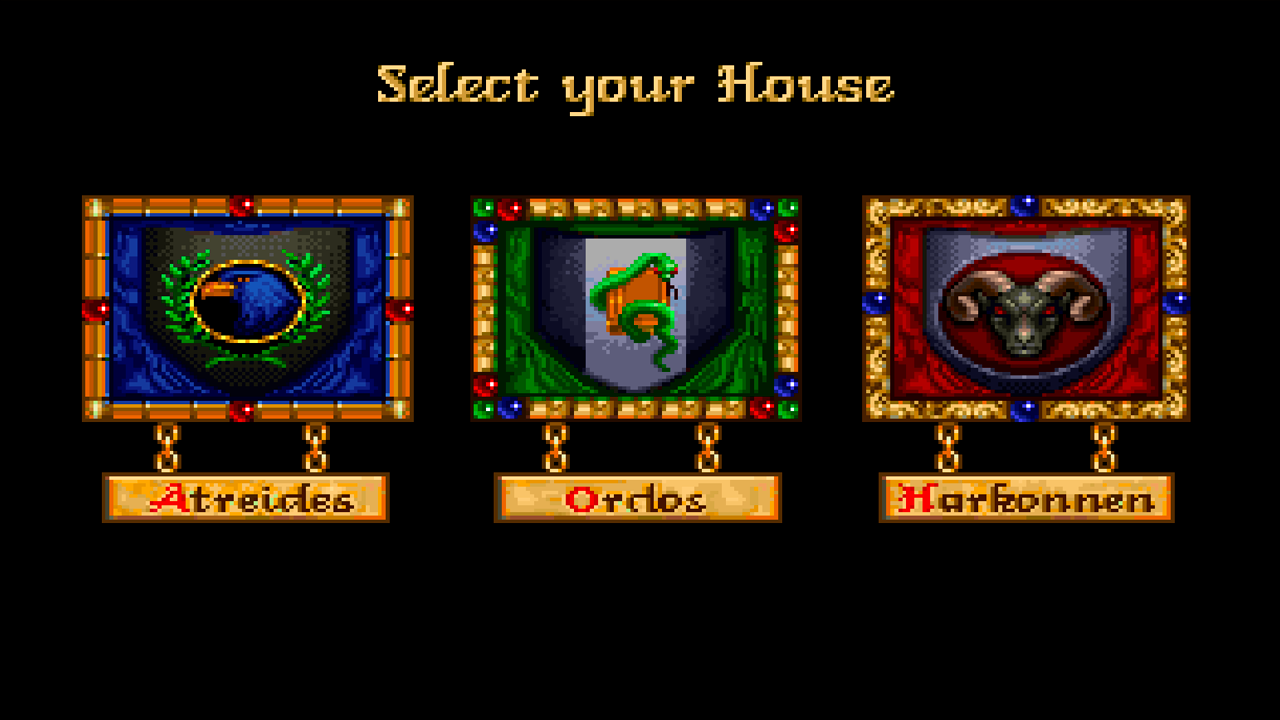
● House choice: Lead one of three unique Houses — the Atreides, the Harkonnens, or the Ordos — each with its own distinct tactics, units, and structures.
● Spice economy: Harvest Spice — the universe's most valuable resource — to fund your military and expand your base.
● Tactical supremacy: Build armies consisting of infantry, armored vehicles, and aircraft to destroy enemy bases and repel attacks.
● Battle for Arrakis: Play through a unique campaign for each House, made up of missions on the planet's global map, where your decisions determine the next front.
Videos and screenshots
10,856 players online
How to play
-
Open the game
Press Play now and the game opens on its own screen.
-
Follow the in-game instructions
The controls and goals are shown inside the game as you play.
-
Use the game menu
The floating button over the game reloads it, saves it to your favourites, or takes you back out.