Skip to content
KG
Europe. War of Nations

Europe. War of Nations

18K plays 4.8 out of 5

Overview

Dive into the captivating world of geopolitics, where every decision you make can change the course of history. Choose any European country — from an economic giant to a tiny state — and lead it to global domination. Diplomacy, economics, military power — use any means necessary to expand your borders and take control of Europe.

Videos and screenshots
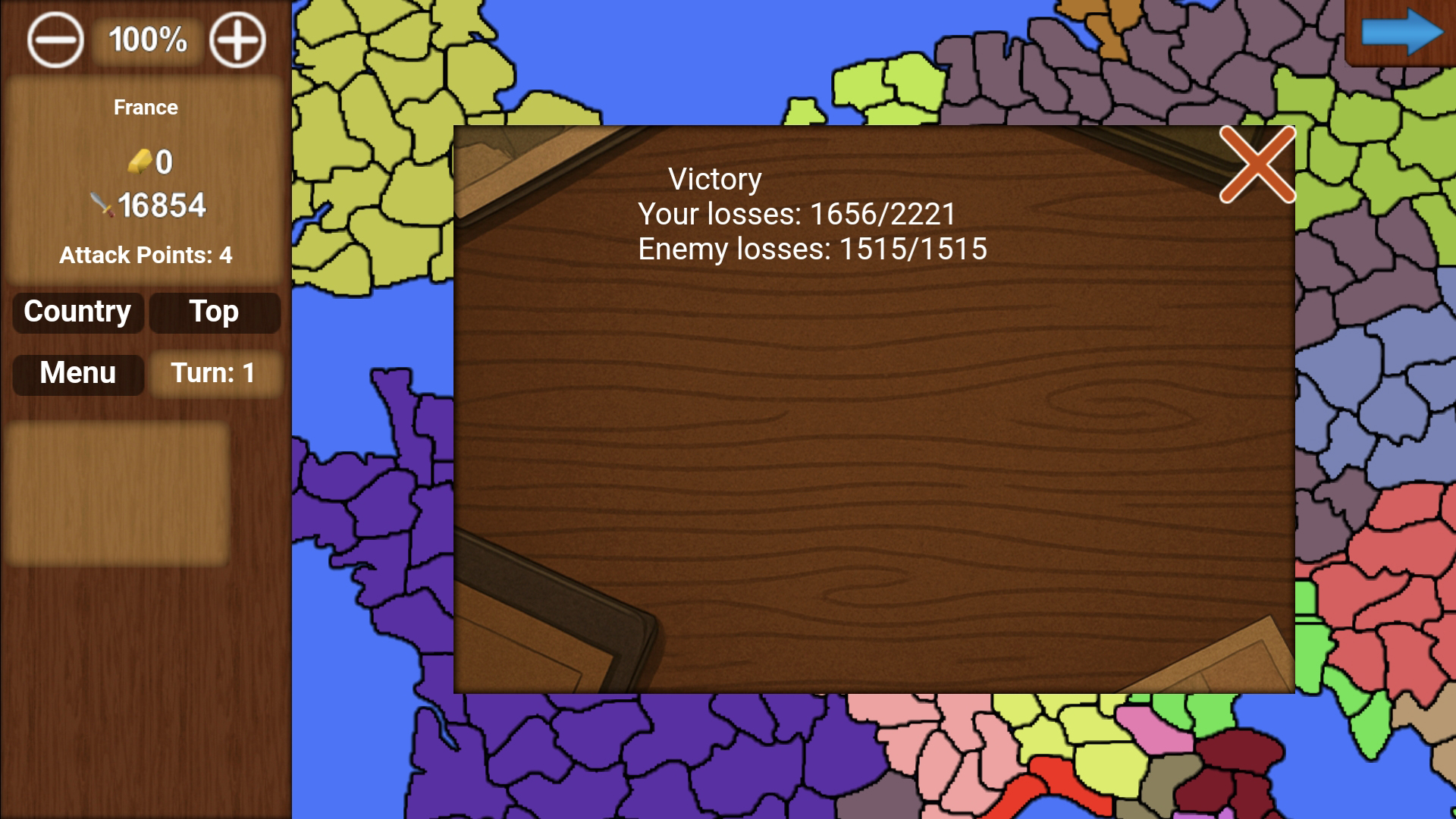
  • Europe. War of Nations screenshot 1
  • Europe. War of Nations screenshot 2
  • Europe. War of Nations screenshot 3
  • Europe. War of Nations screenshot 4
  • Europe. War of Nations screenshot 5
  • Europe. War of Nations screenshot 6
  • Europe. War of Nations screenshot 7
Play Now

10,257 players online

How to play

  1. Open the game

    Press Play now and the game opens on its own screen.

  2. Follow the in-game instructions

    The controls and goals are shown inside the game as you play.

  3. Use the game menu

    The floating button over the game reloads it, saves it to your favourites, or takes you back out.
Game instructions

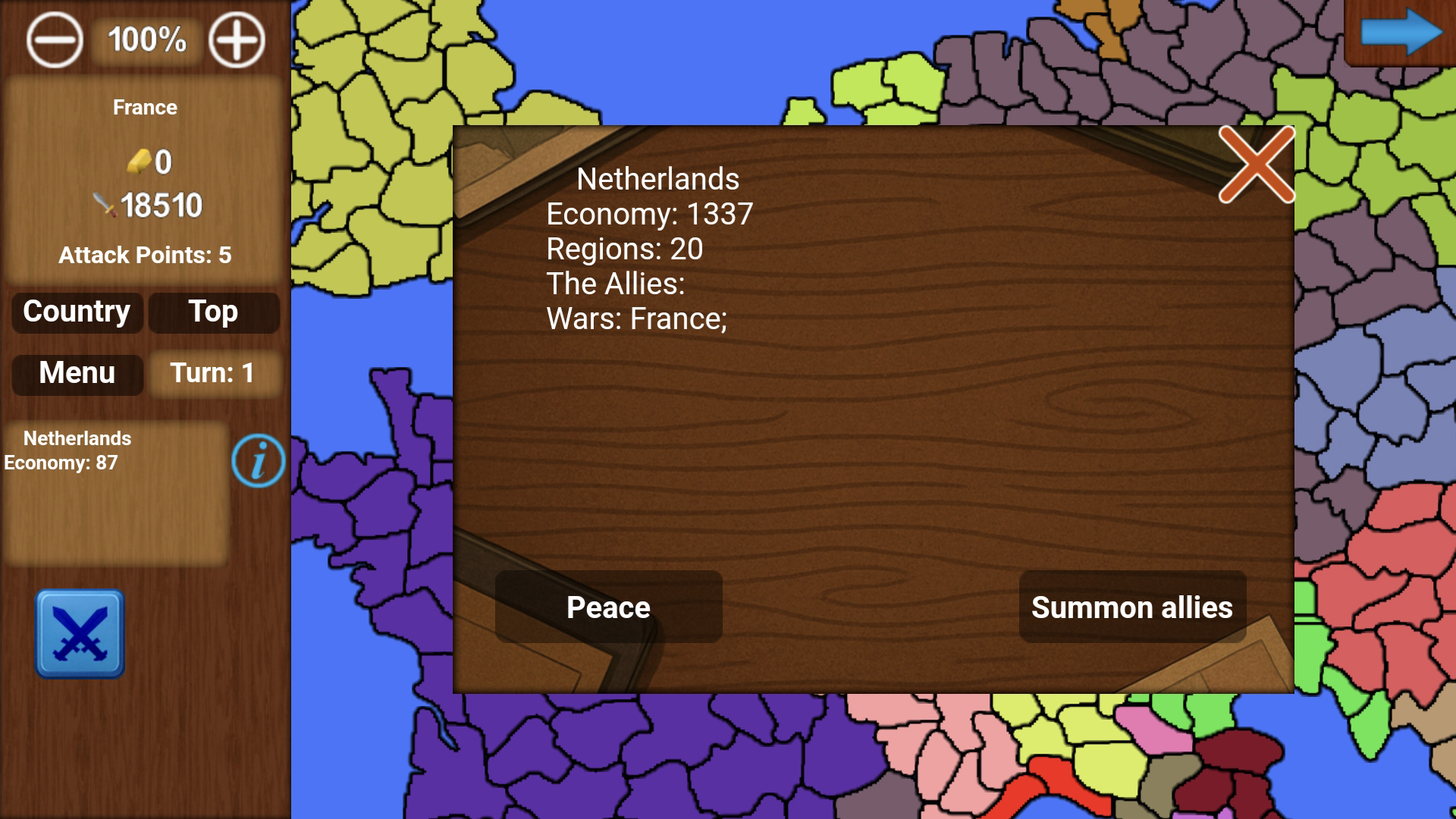
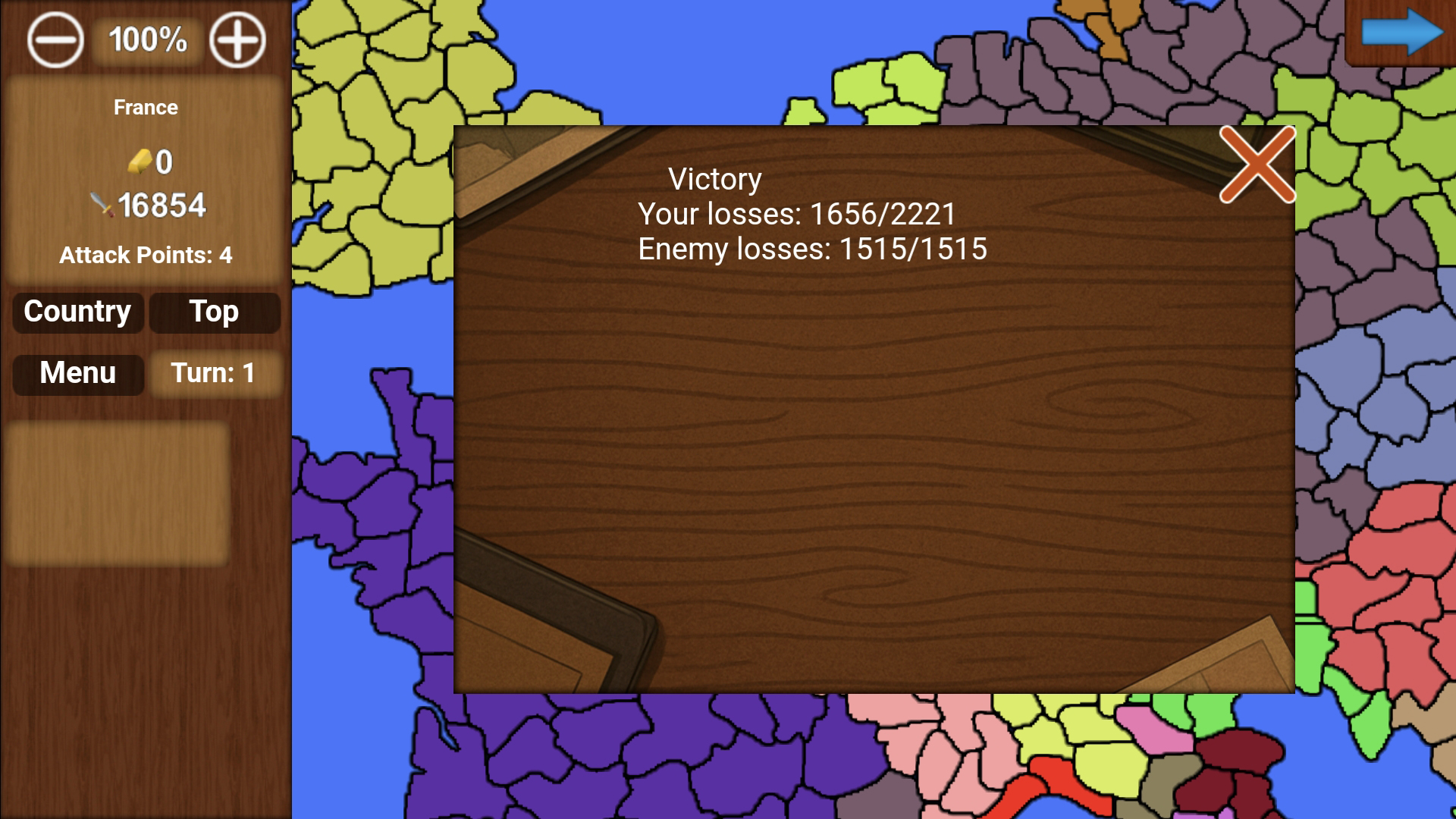
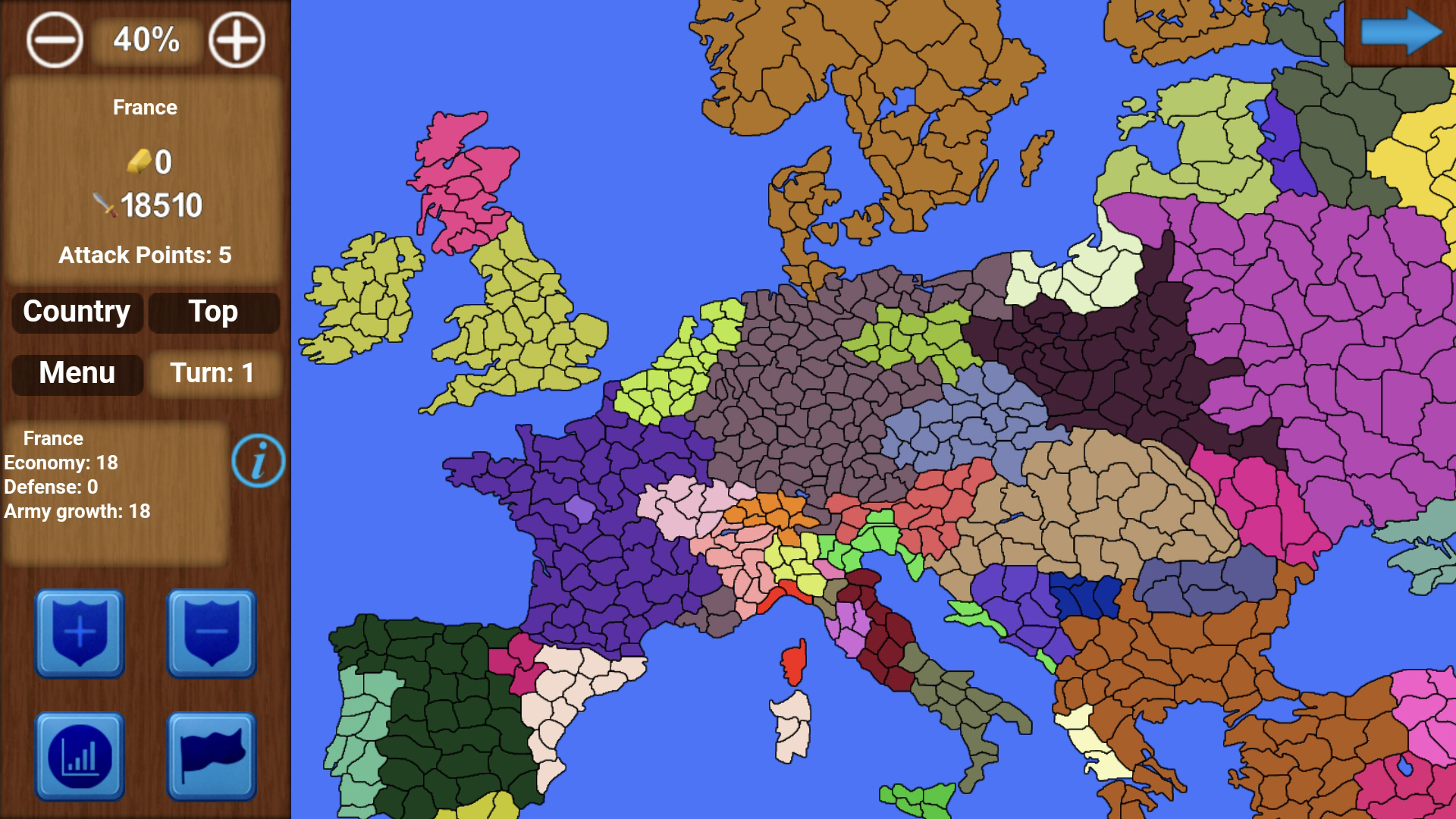
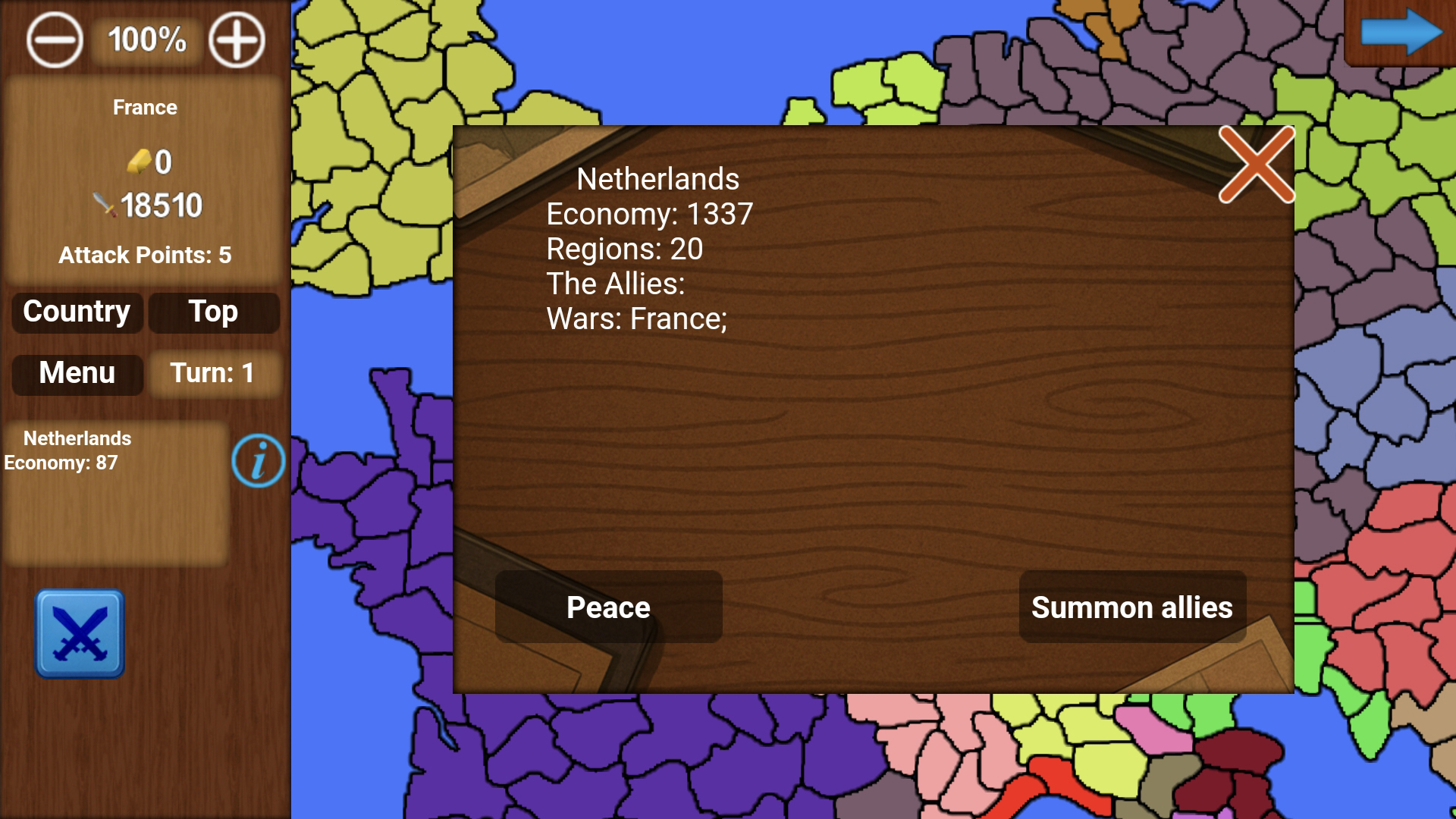
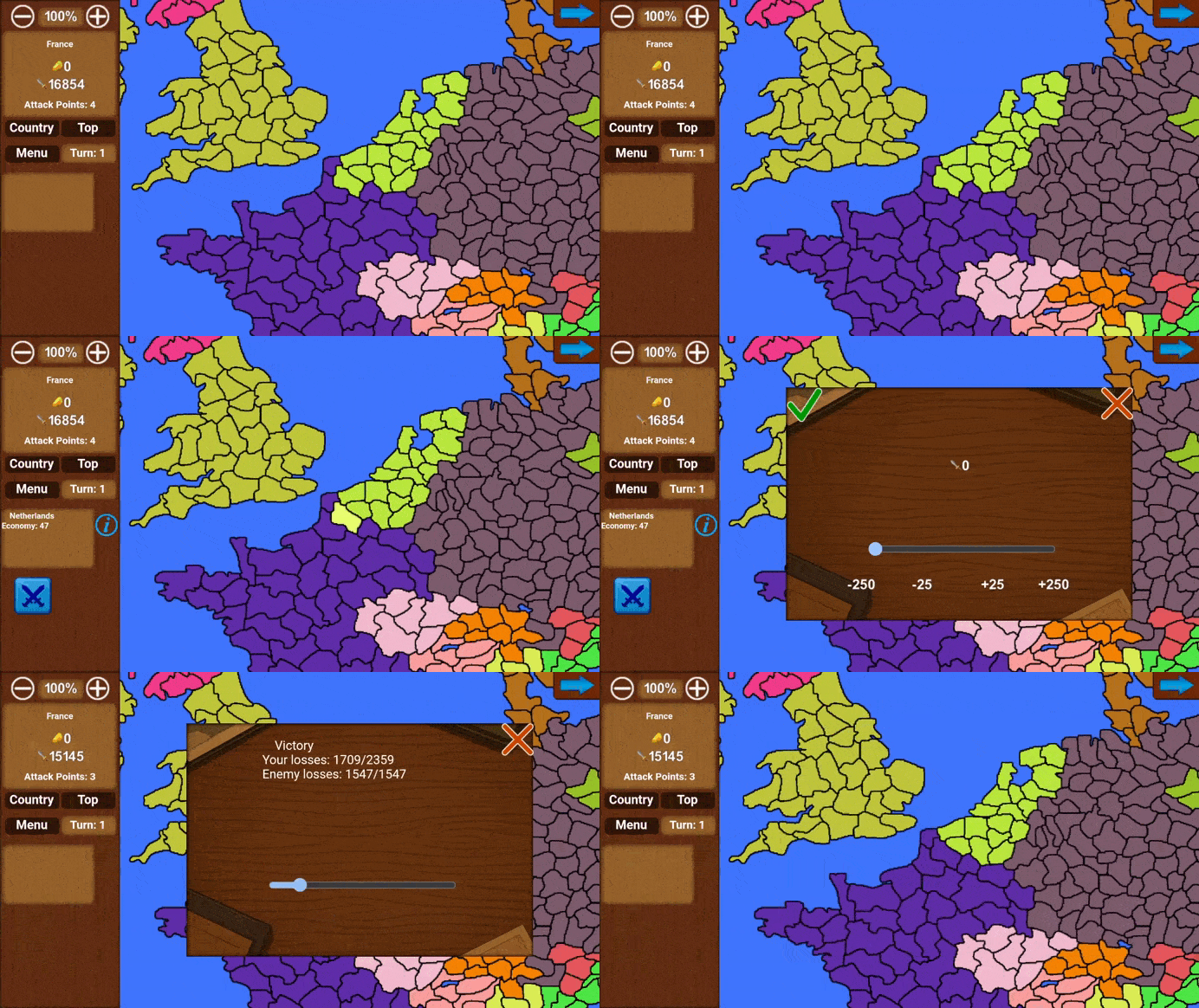
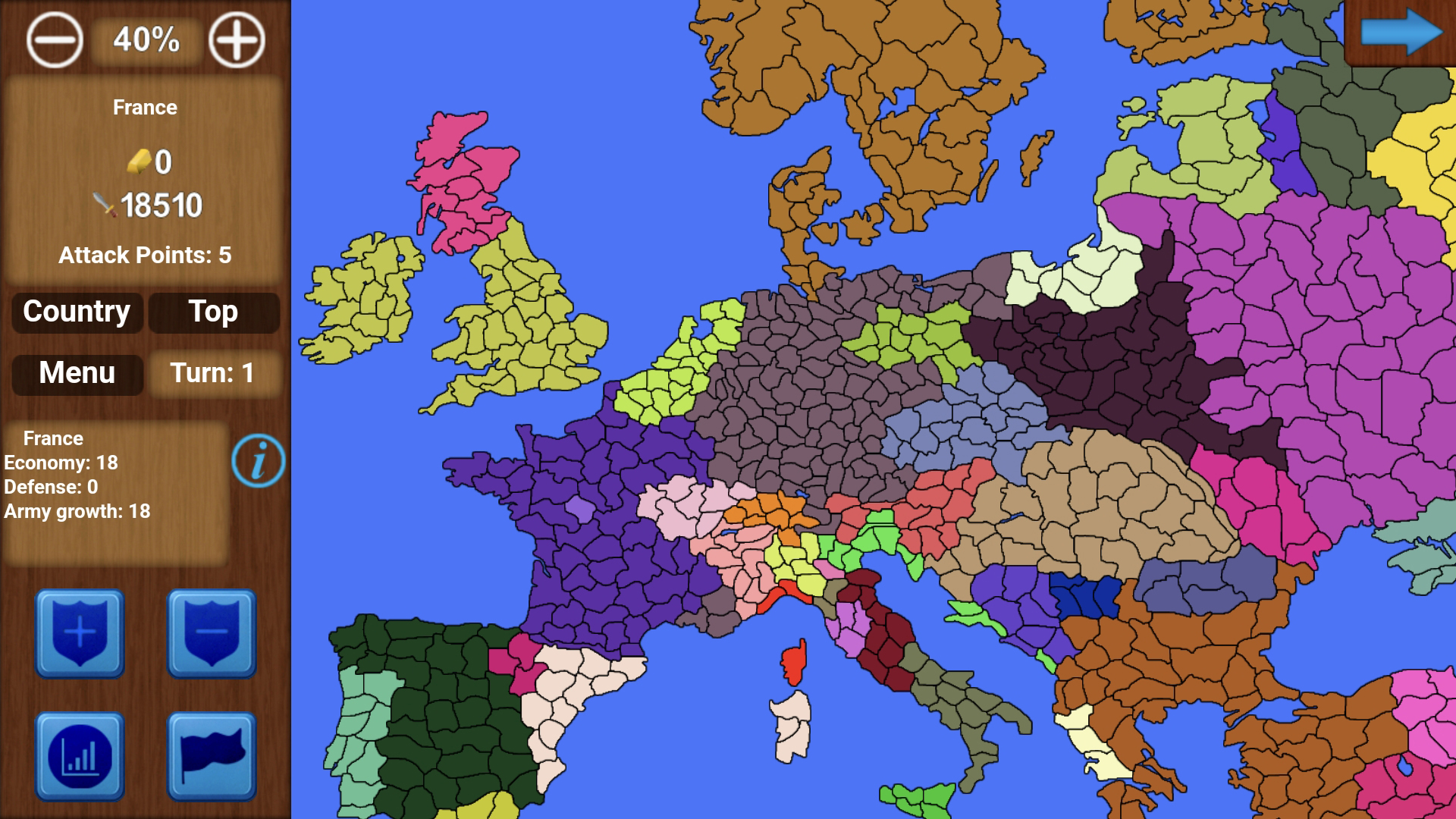
The game features two resources: gold and army. Gold income depends on the economy, while army growth is the total training value of all regions. At the start of the game, the economy and training levels in regions are set randomly. In the bottom-left corner are buttons that appear when selecting a region. If it’s your region, you can station your army there or withdraw it. These are the top buttons. The third button upgrades the economy, and the fourth improves army growth per turn and increases the army limit. There is also a country statistics button. Here you can see the country’s economy and other information. If it’s your own country, you can view more detailed statistics. If it’s another country, you can declare war, propose peace, form an alliance, call allies into war, and more. At the top, the number of attacks you can make per turn is displayed — it is randomly set each turn from 2 to 6. Above are the map zoom buttons, and in the top-right corner is the next turn button.

More games

More games