Skip to content
KG
Warriors of the Grail

Warriors of the Grail

126K plays 4.1 out of 5

Overview

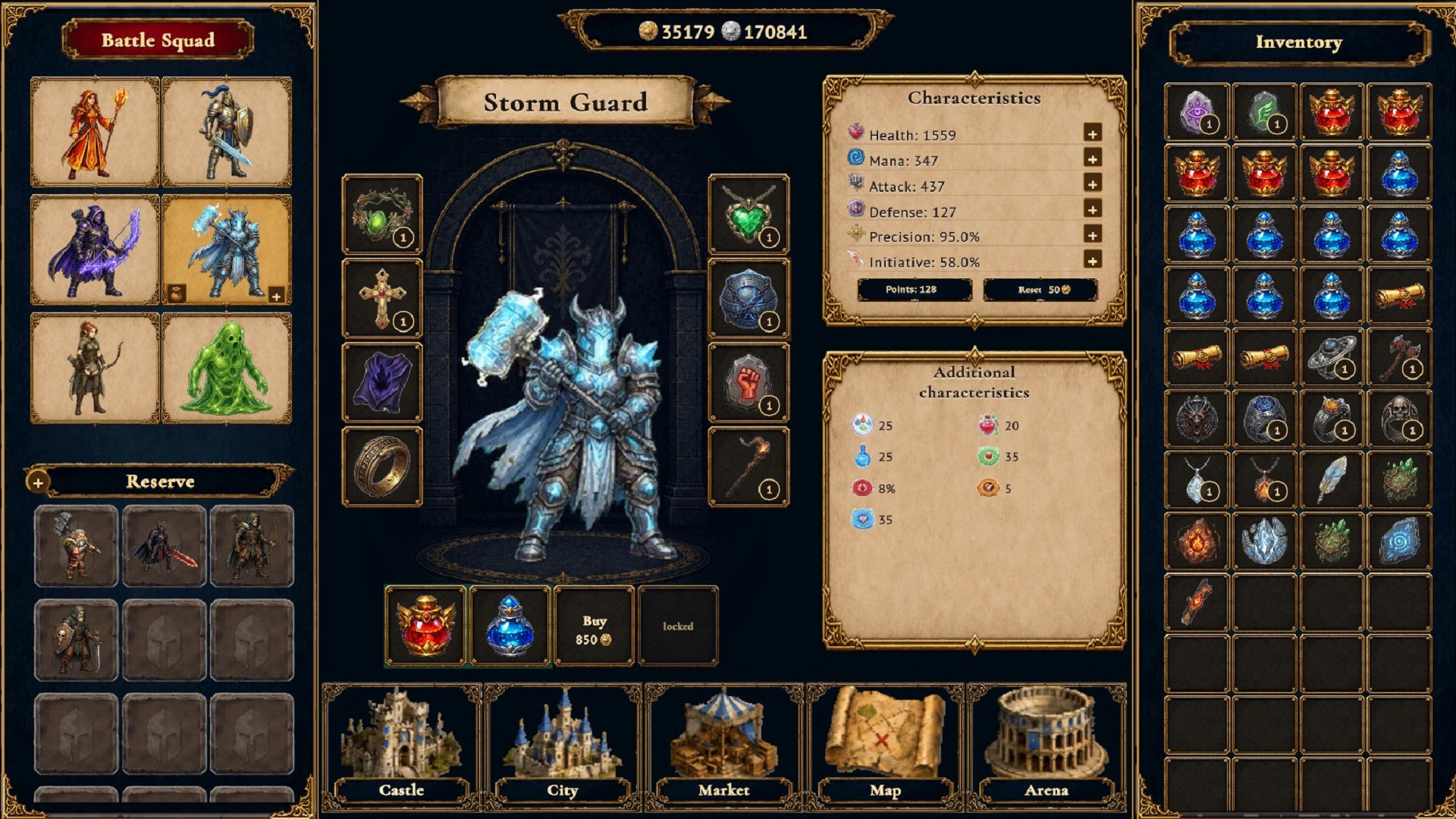
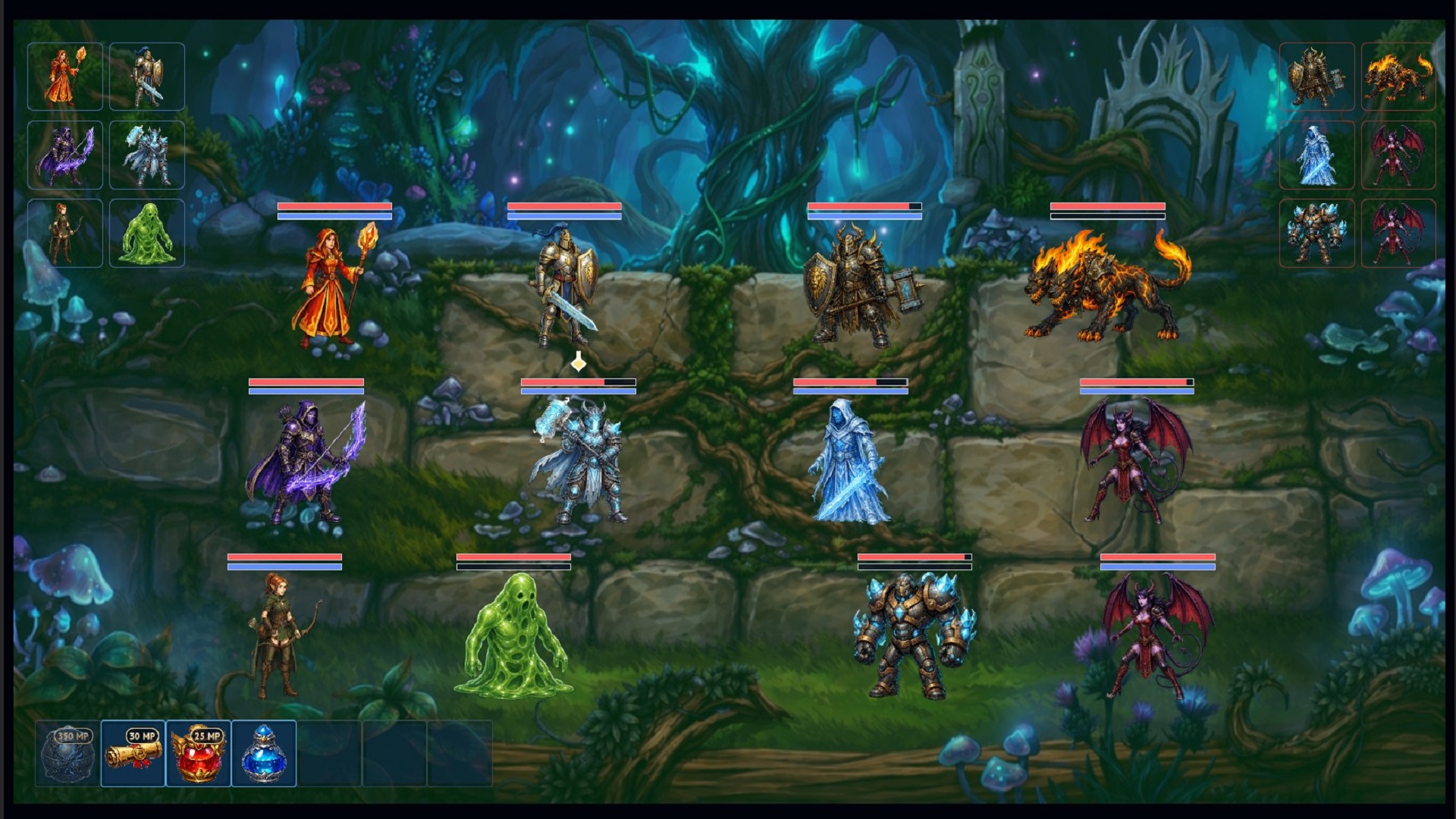
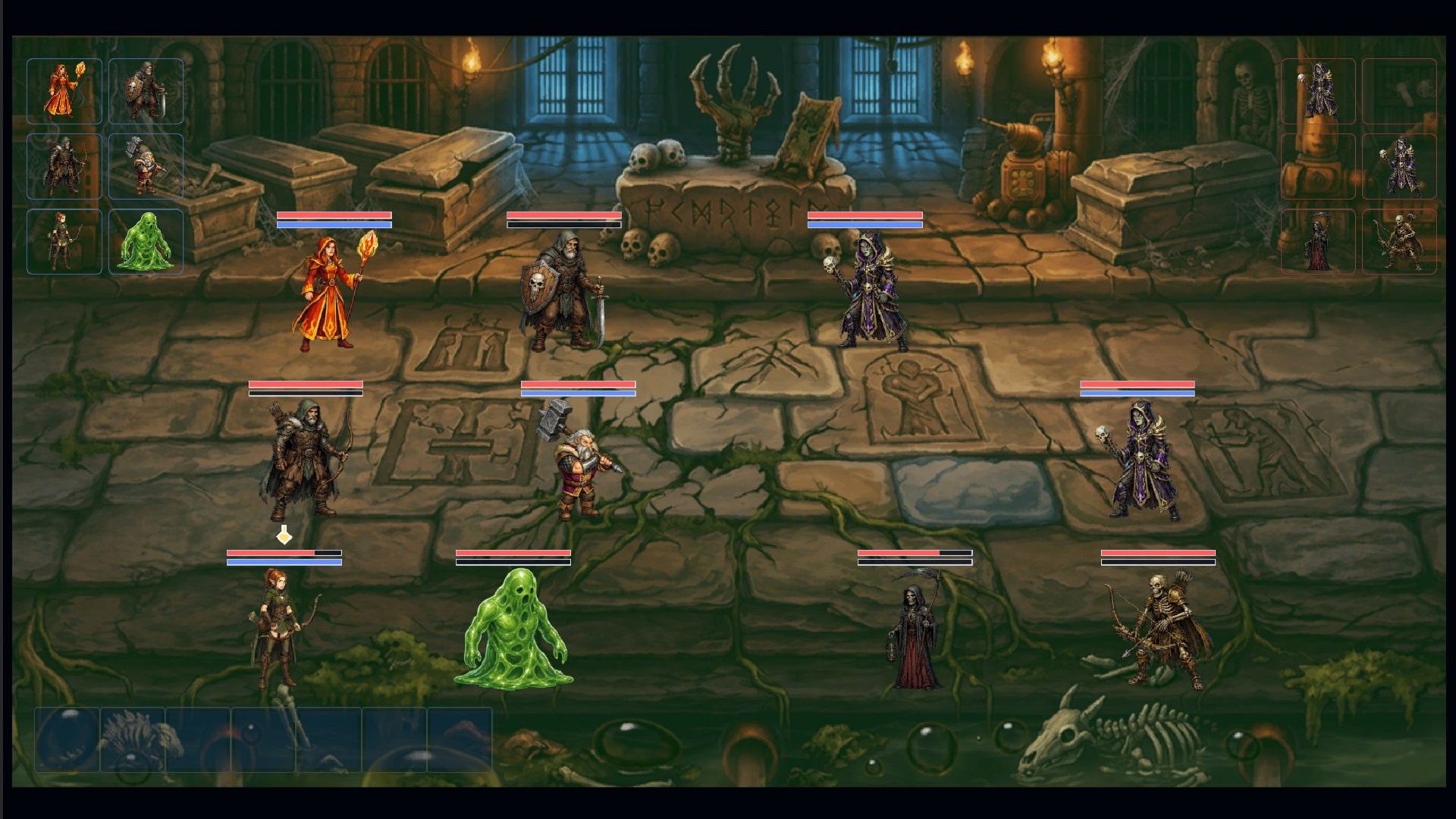
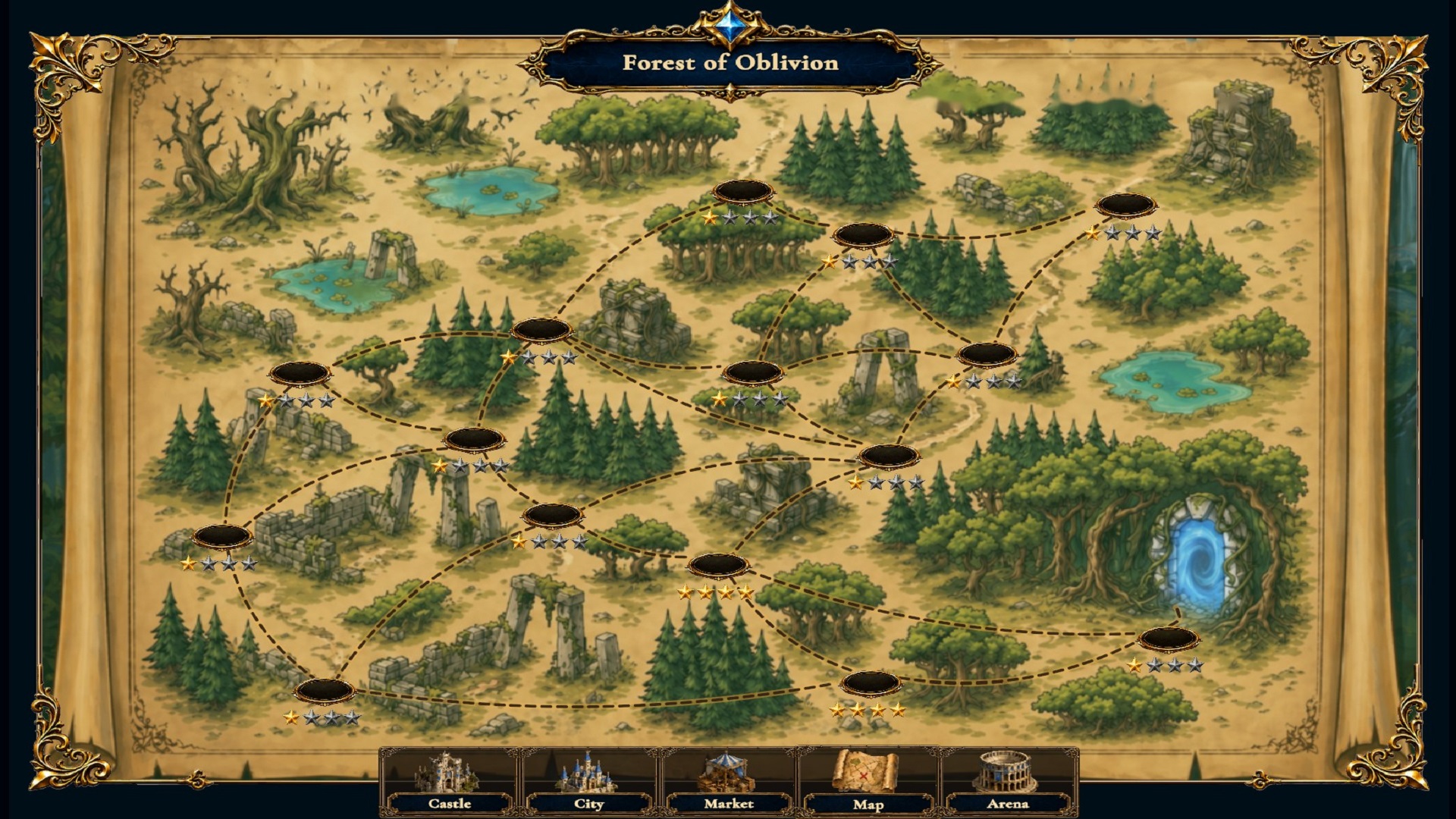
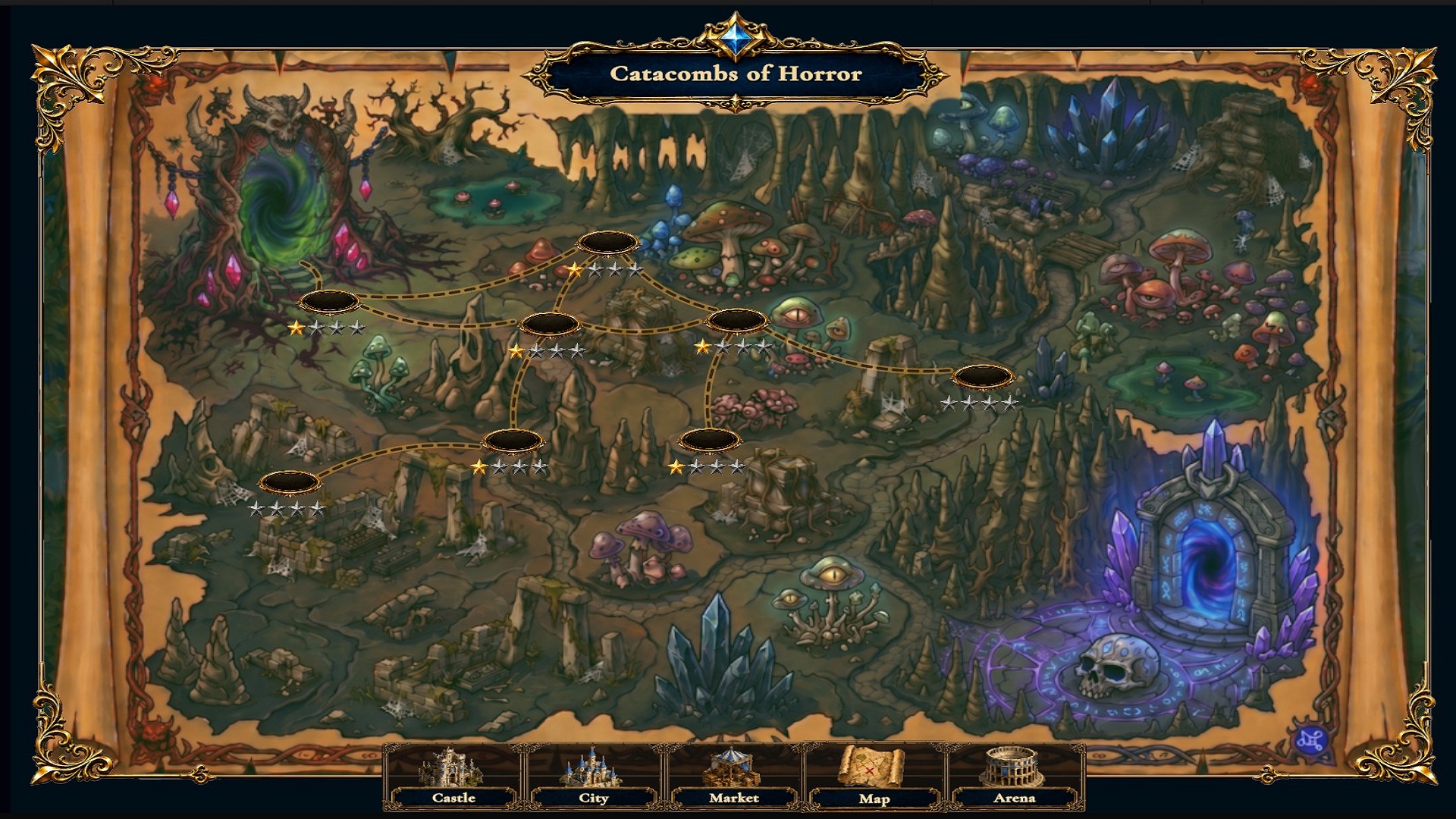
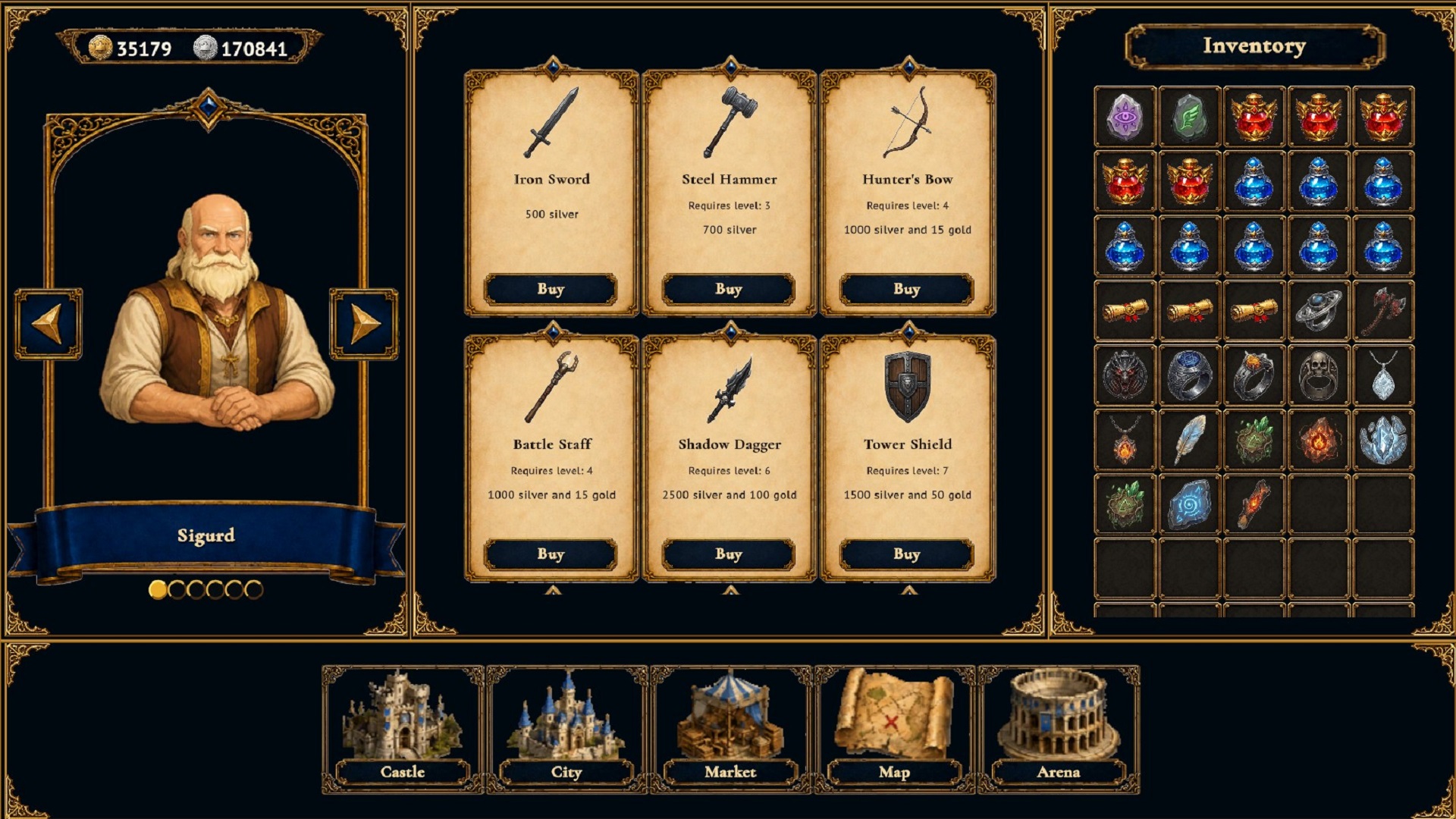
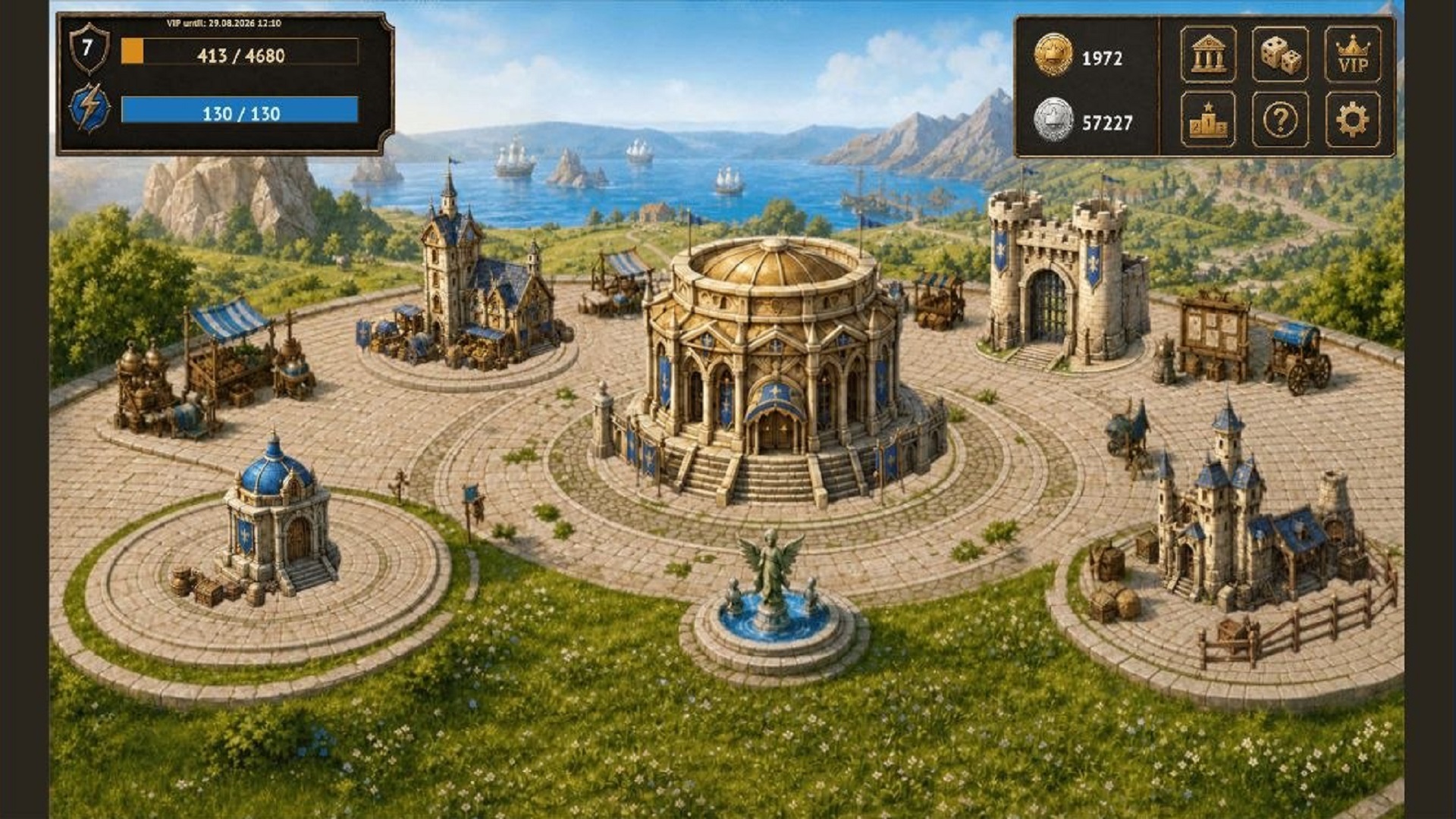
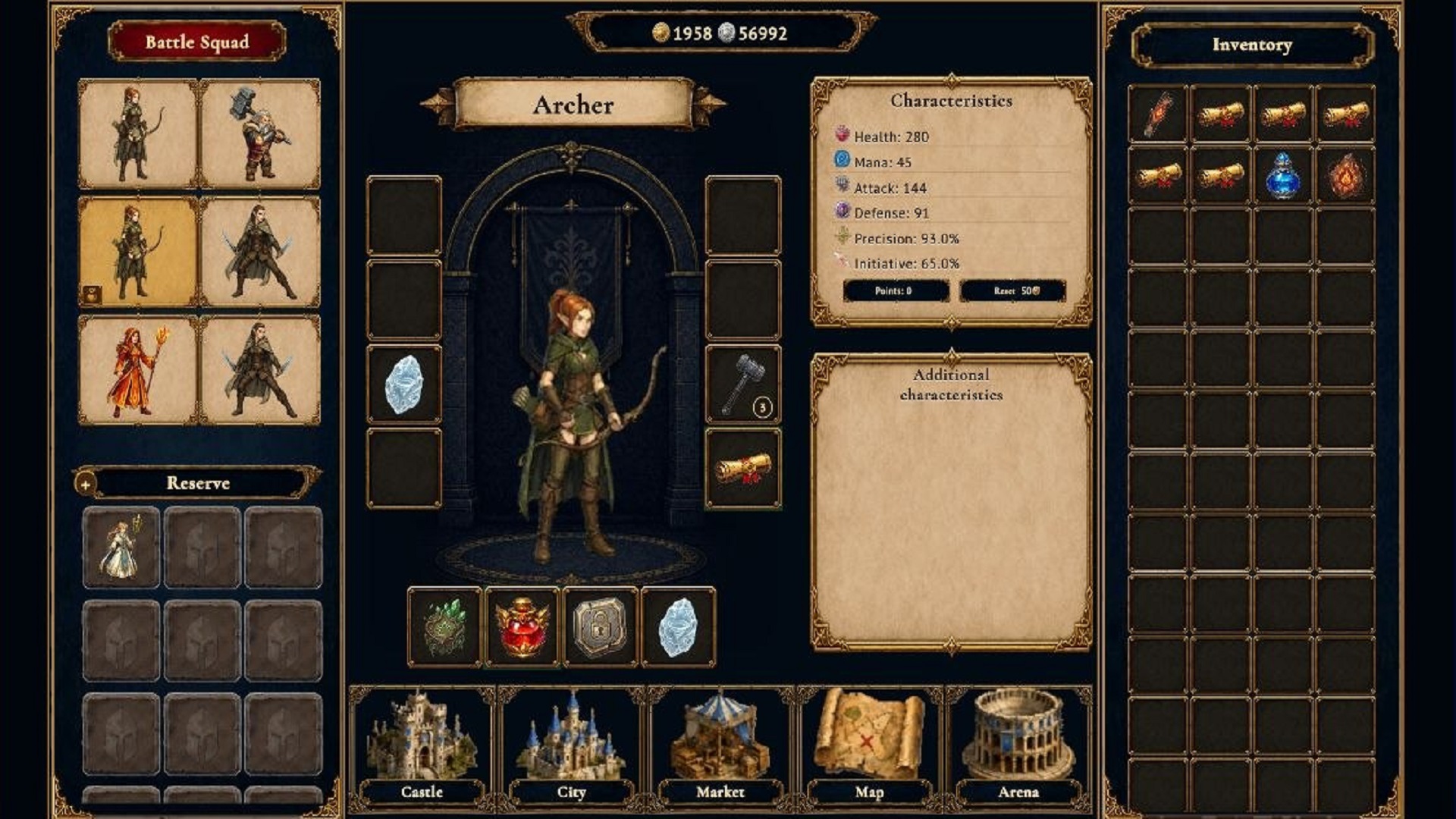
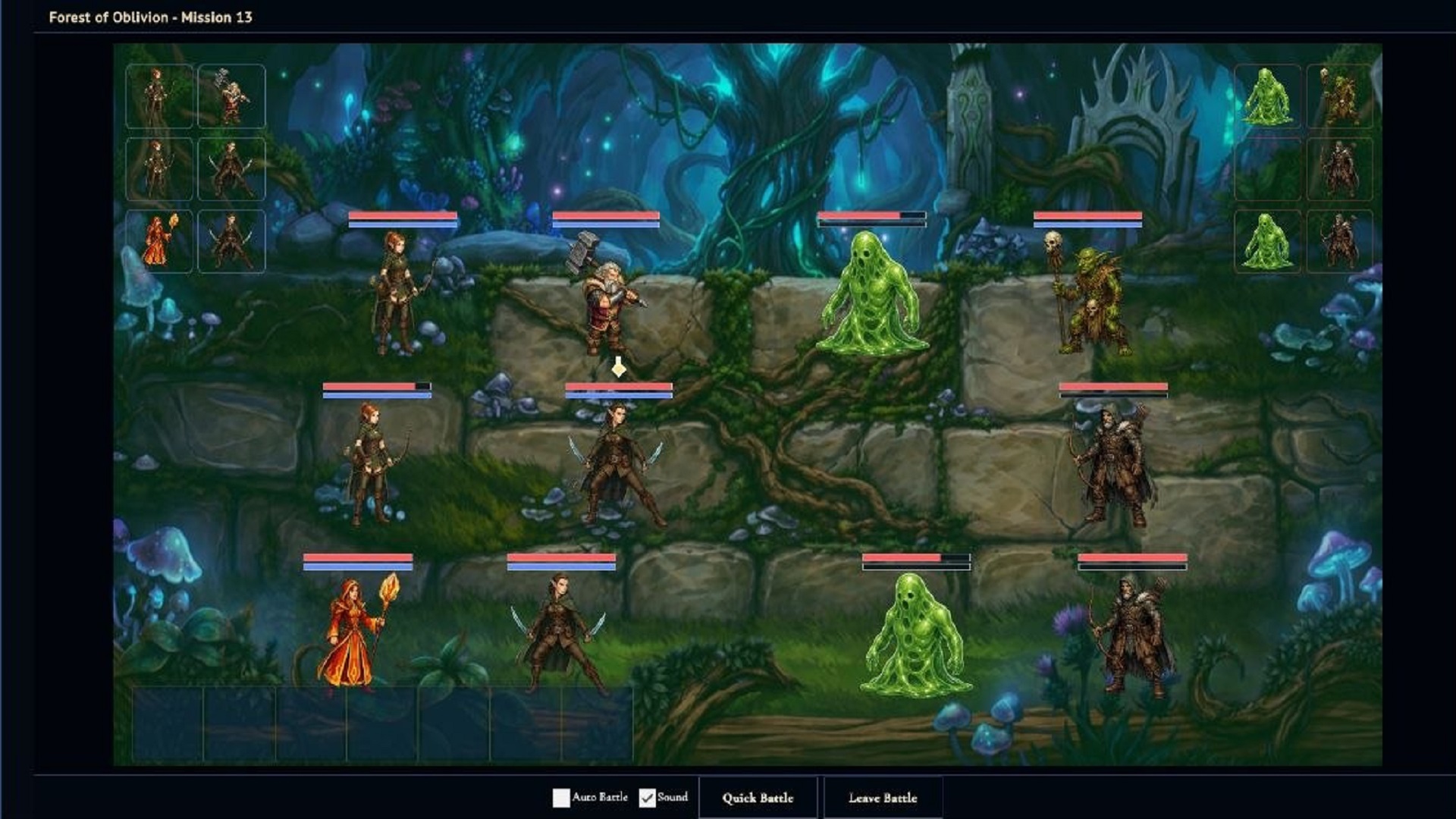
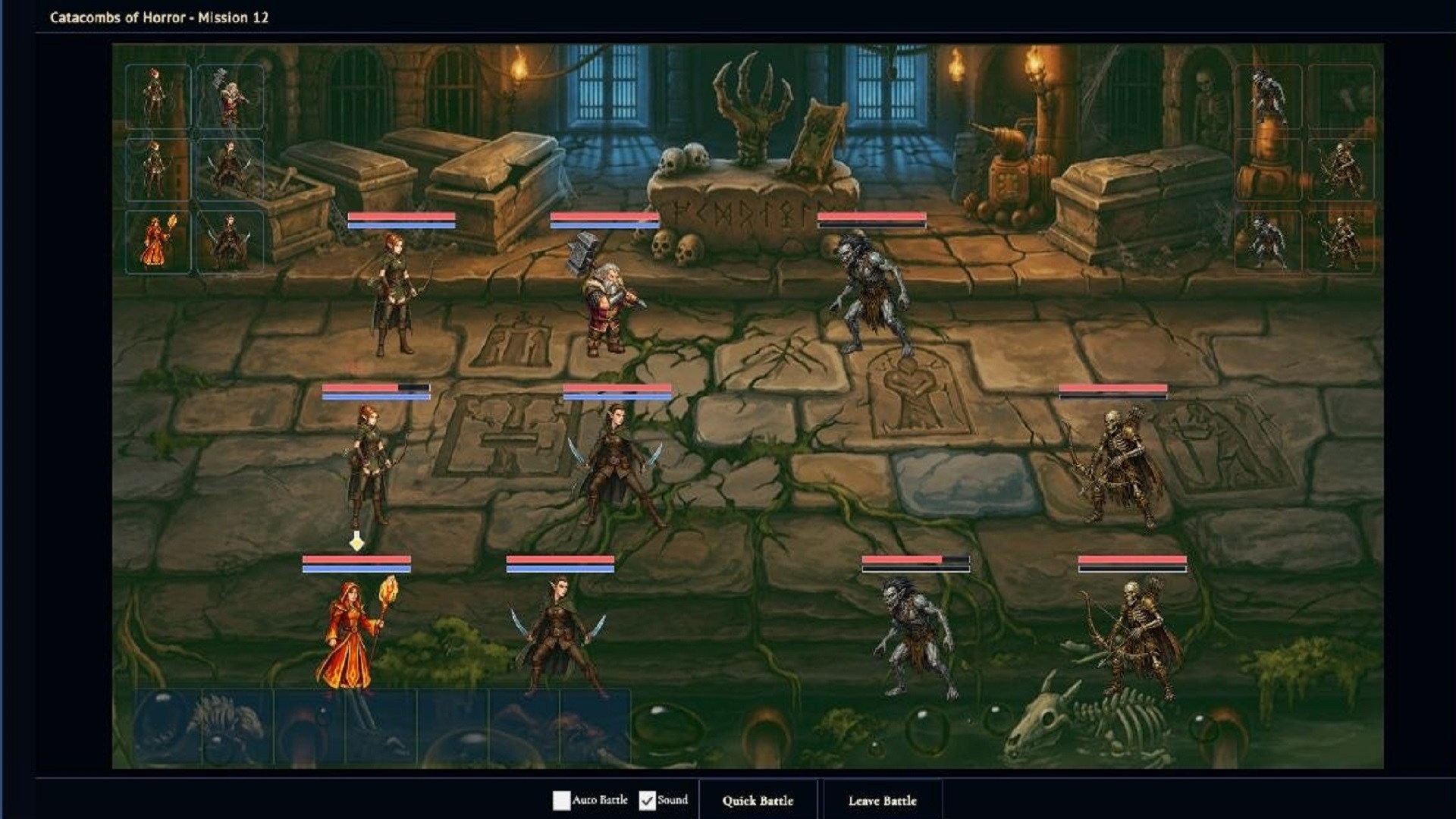
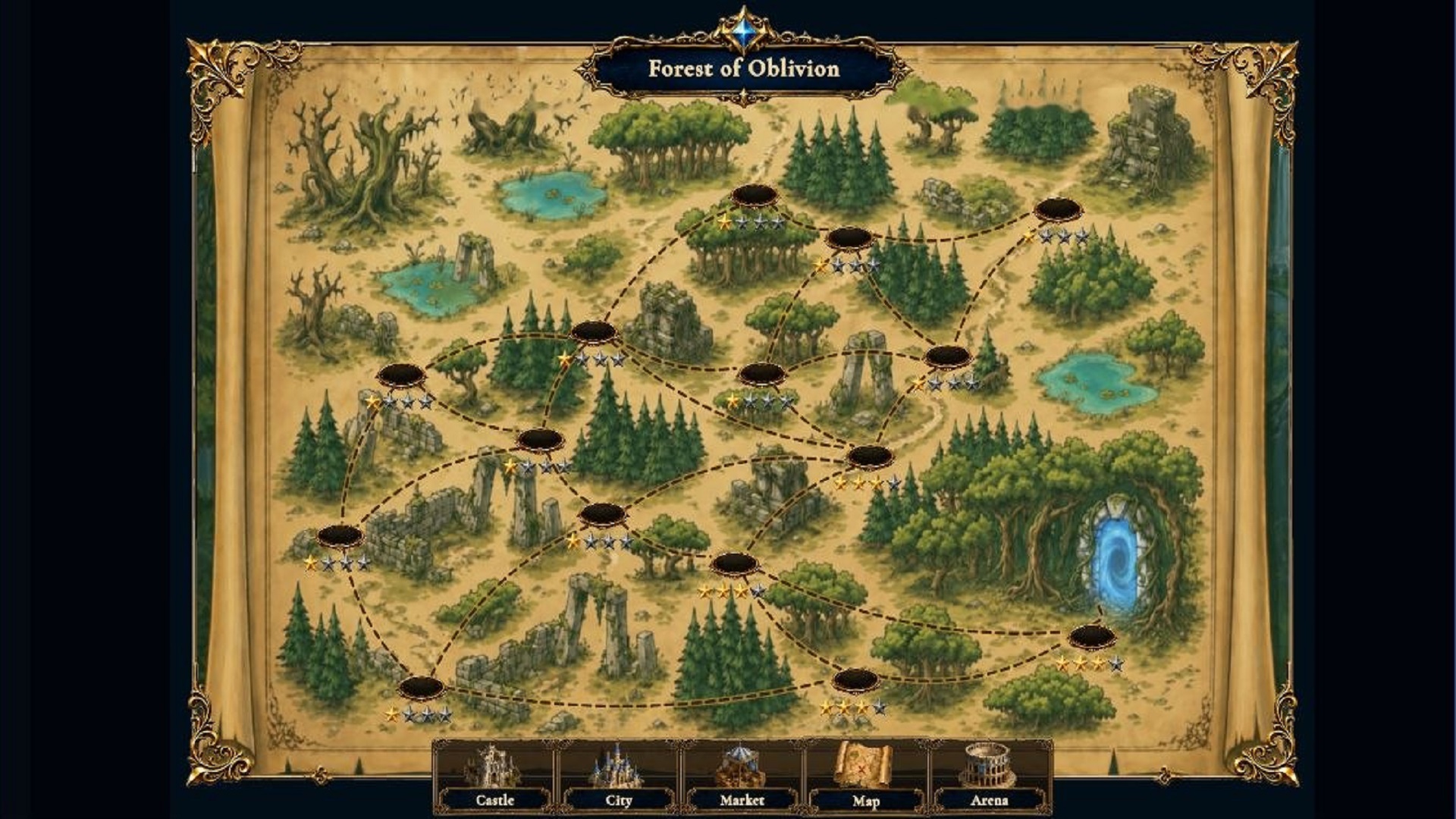
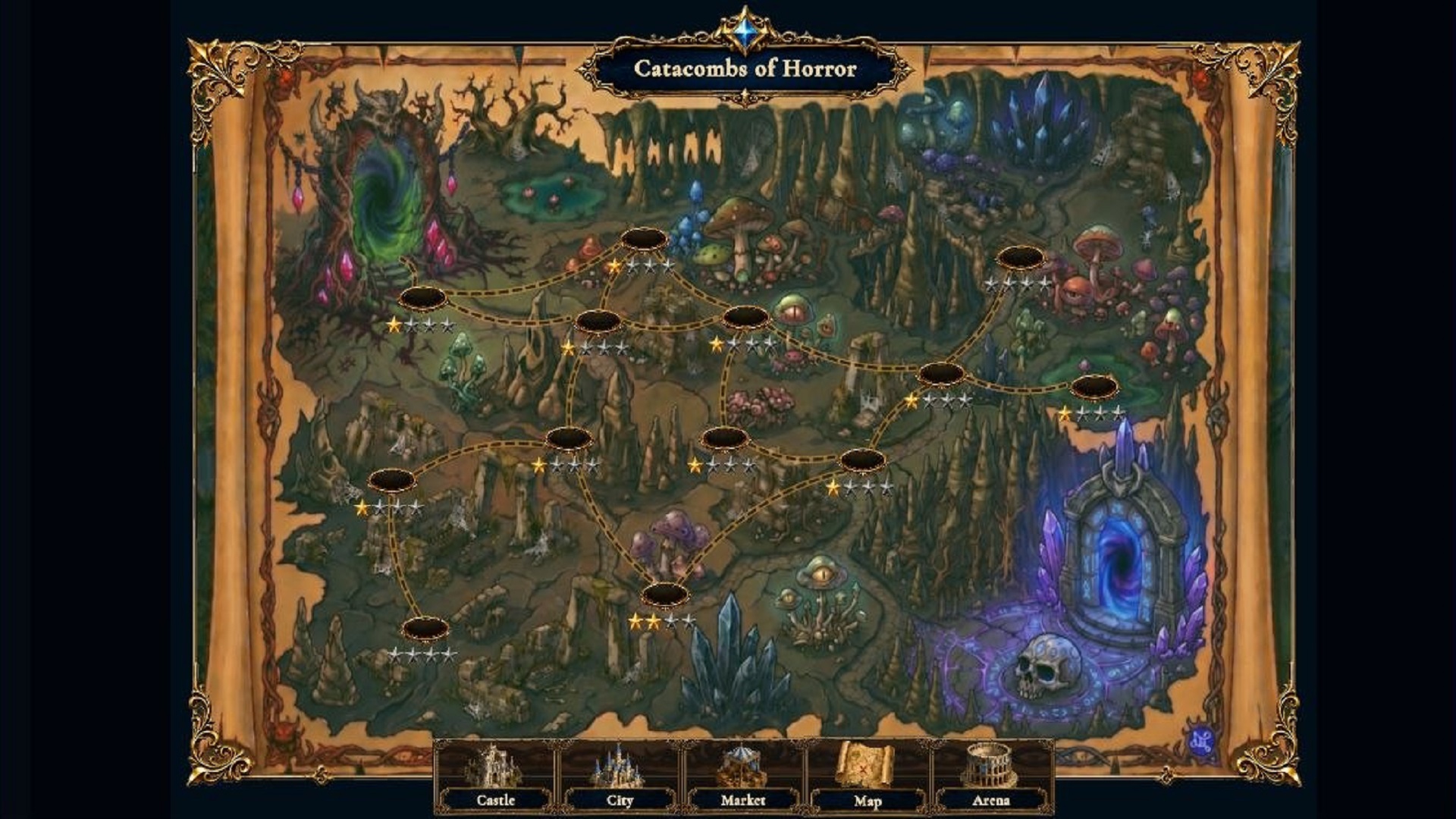
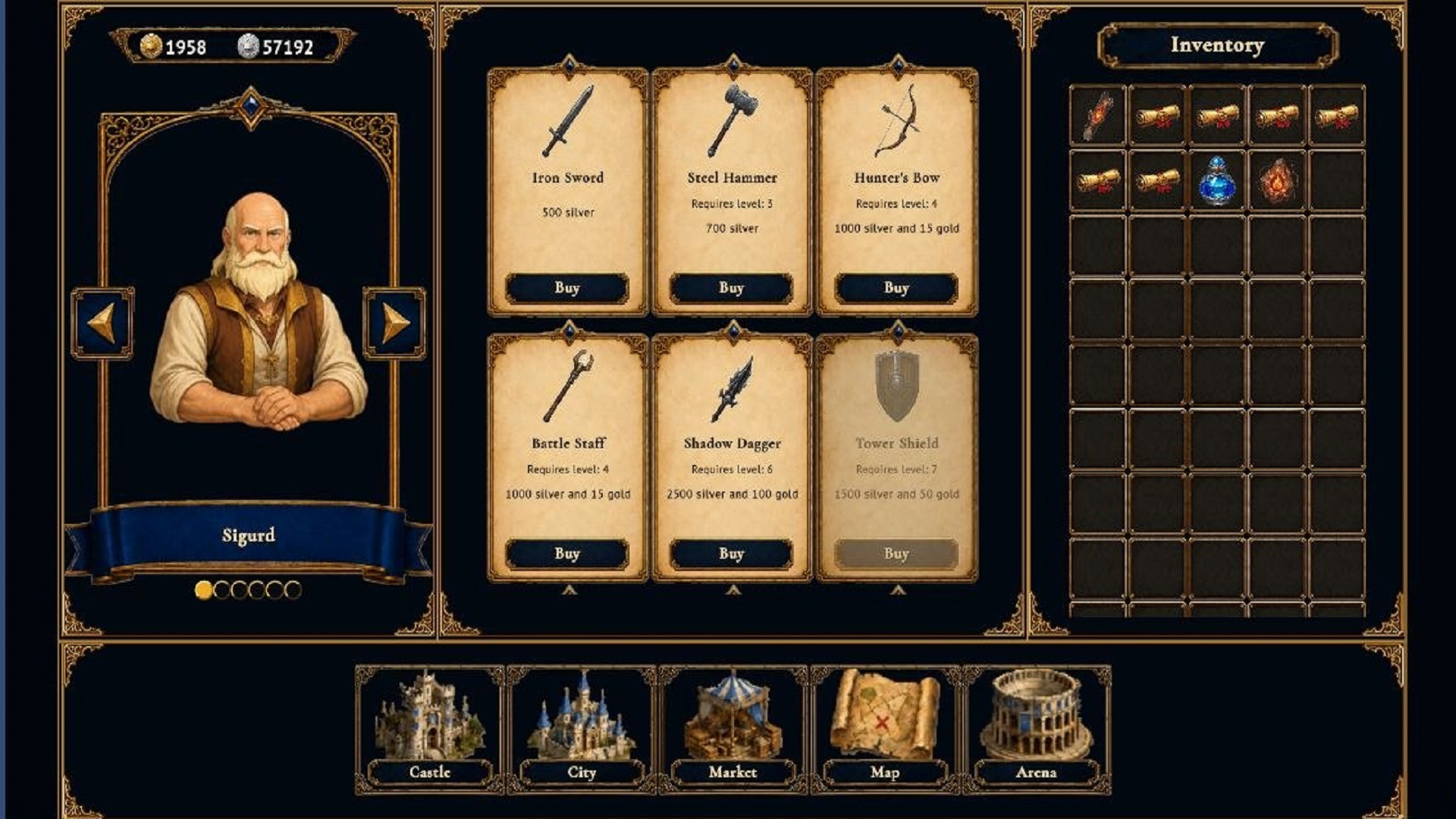
Warriors of the Grail is a turn-based strategy game where you assemble a squad of legendary heroes and fight for the ancient Grail Rune. The world has fallen into chaos and only brave warriors can stop the darkness. You have to recruit unique heroes, equip them with powerful artifacts and go through exciting missions on 7 colorful maps! On the way you will find epic battles with squads of dangerous enemies. Each hero has its own powerful superpowers that can be pumped from the 15th level. In the Store, you can buy and create powerful items, and in the Castle, you can recruit characters and upgrade your equipment. In the Arena, you can test your skills against a challenging boss! You can also try your fortune in the Lucky Slots by clicking on the dice in the main menu of the game! Every decision matters - assemble the best team and prove that you are worthy of the Grail Rune!

Videos and screenshots
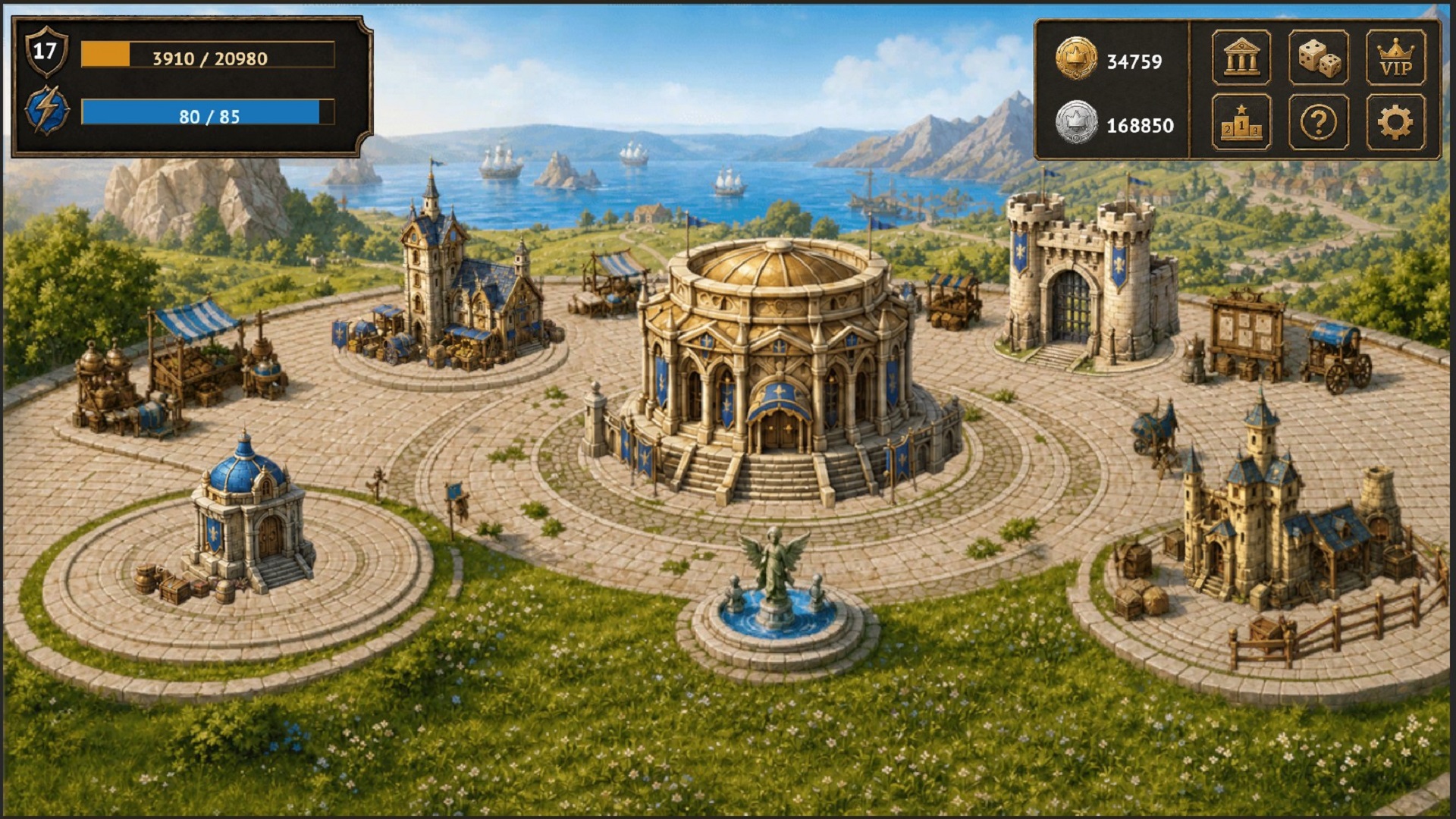
  • Warriors of the Grail screenshot 1
  • Warriors of the Grail screenshot 2
  • Warriors of the Grail screenshot 3
  • Warriors of the Grail screenshot 4
  • Warriors of the Grail screenshot 5
  • Warriors of the Grail screenshot 6
  • Warriors of the Grail screenshot 7
  • Warriors of the Grail screenshot 8
  • Warriors of the Grail screenshot 9
  • Warriors of the Grail screenshot 10
  • Warriors of the Grail screenshot 11
  • Warriors of the Grail screenshot 12
  • Warriors of the Grail screenshot 13
  • Warriors of the Grail screenshot 14
Play Now

10,719 players online

How to play

  1. Open the game

    Press Play now and the game opens on its own screen.

  2. Follow the in-game instructions

    The controls and goals are shown inside the game as you play.

  3. Use the game menu

    The floating button over the game reloads it, saves it to your favourites, or takes you back out.

Game instructions

Desktop (mouse): • Left click - select a hero in the Castle or item in the Shop; select an item, button or target in battle. • Right click - upgrade or sell an item in the Castle. • Wheel - scroll lists and inventory. • Drag and drop - put items in free slots of heroes or move items to the storage (inventory). Mobile device (touch): • Tap - select an item; (on the enemy character) attack in battle; (on the character card) view the character card in combat; go to the menu. • Swipe up/down to scroll through inventory and lists. • Hold to view a detailed description of an item. General principle: • Using an item in a battle - click on the item in the character's inventory -> click on the target of the item (a character from your or an enemy team).

More games

More games