Overview
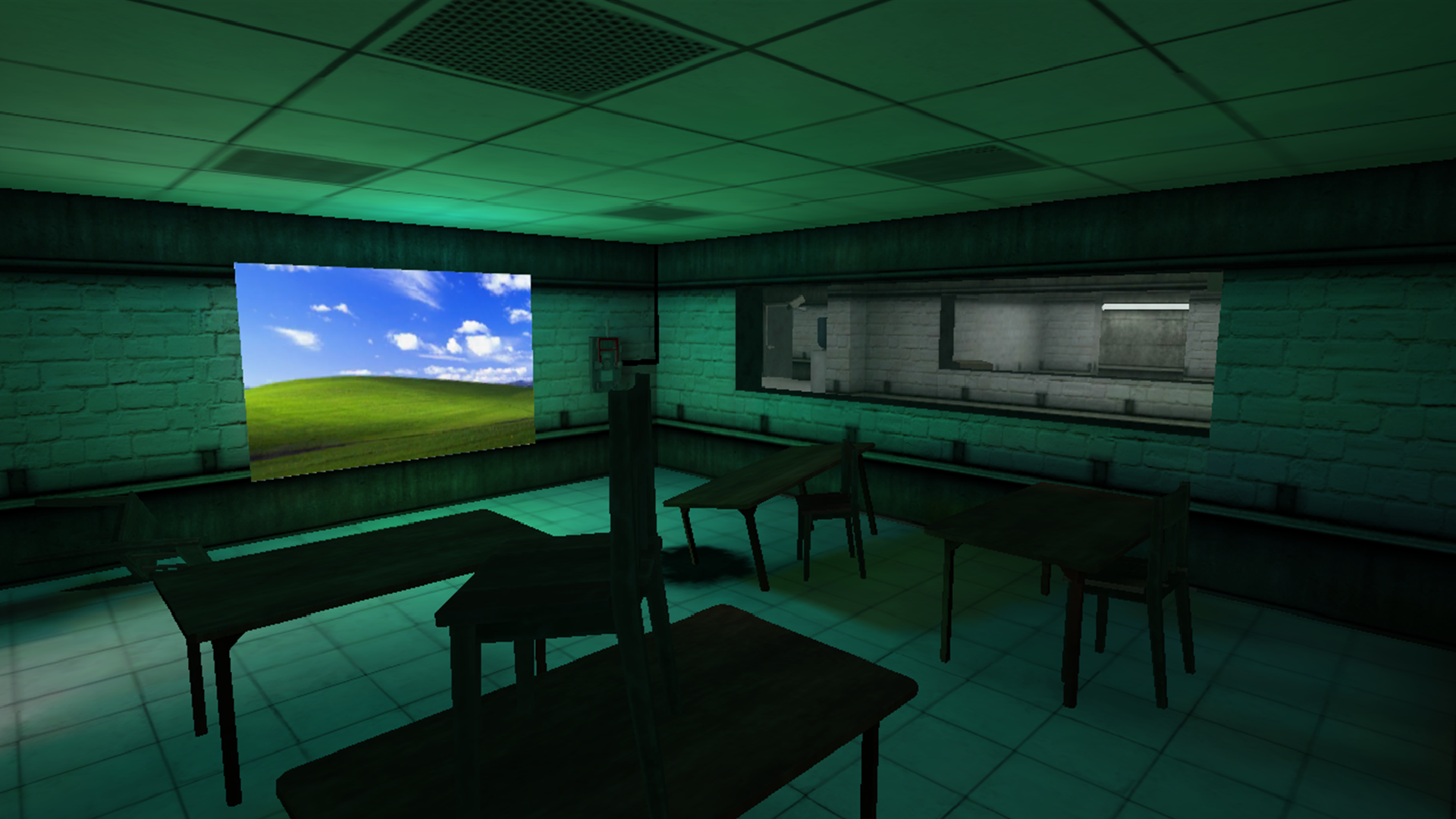
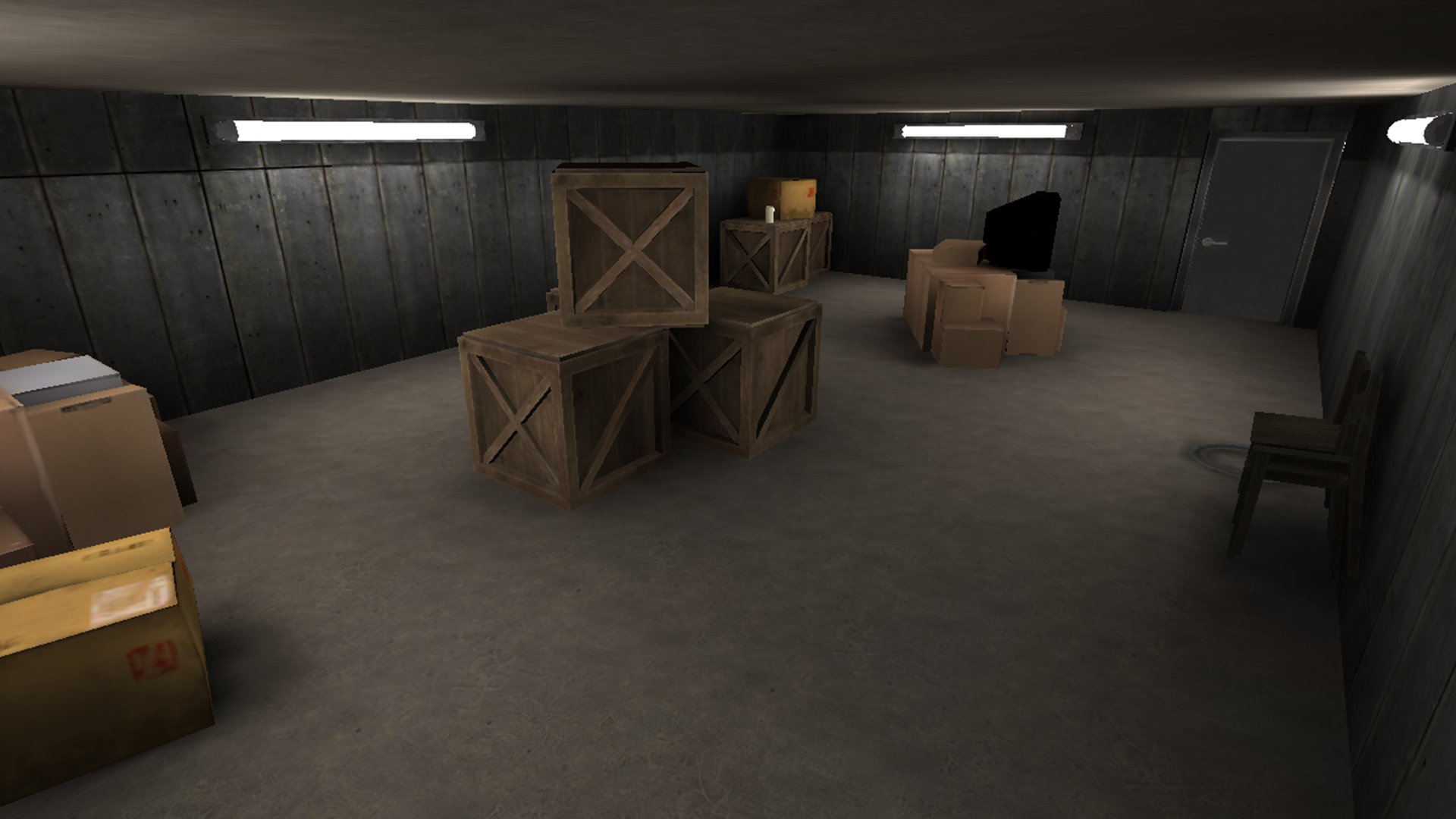
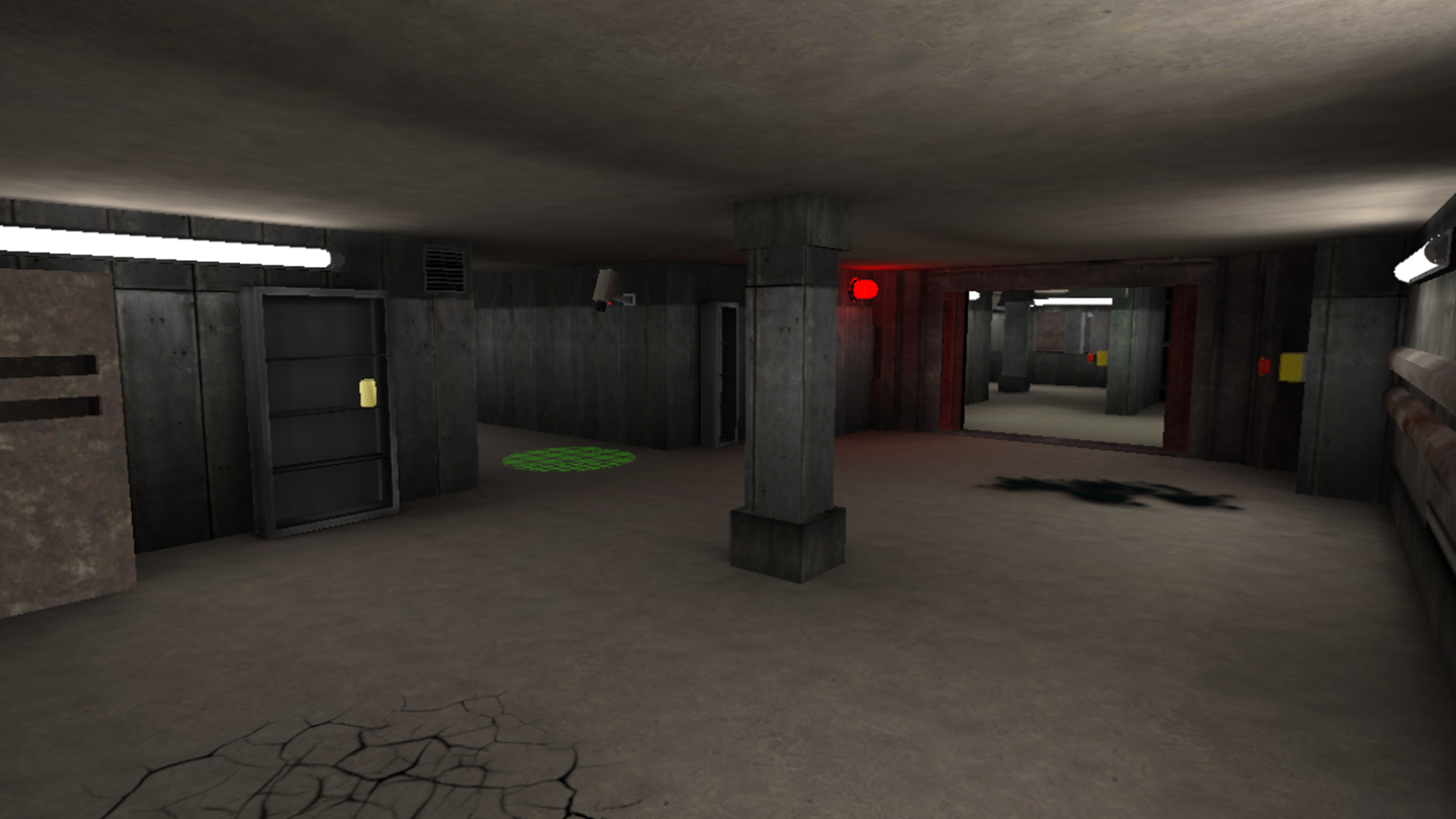
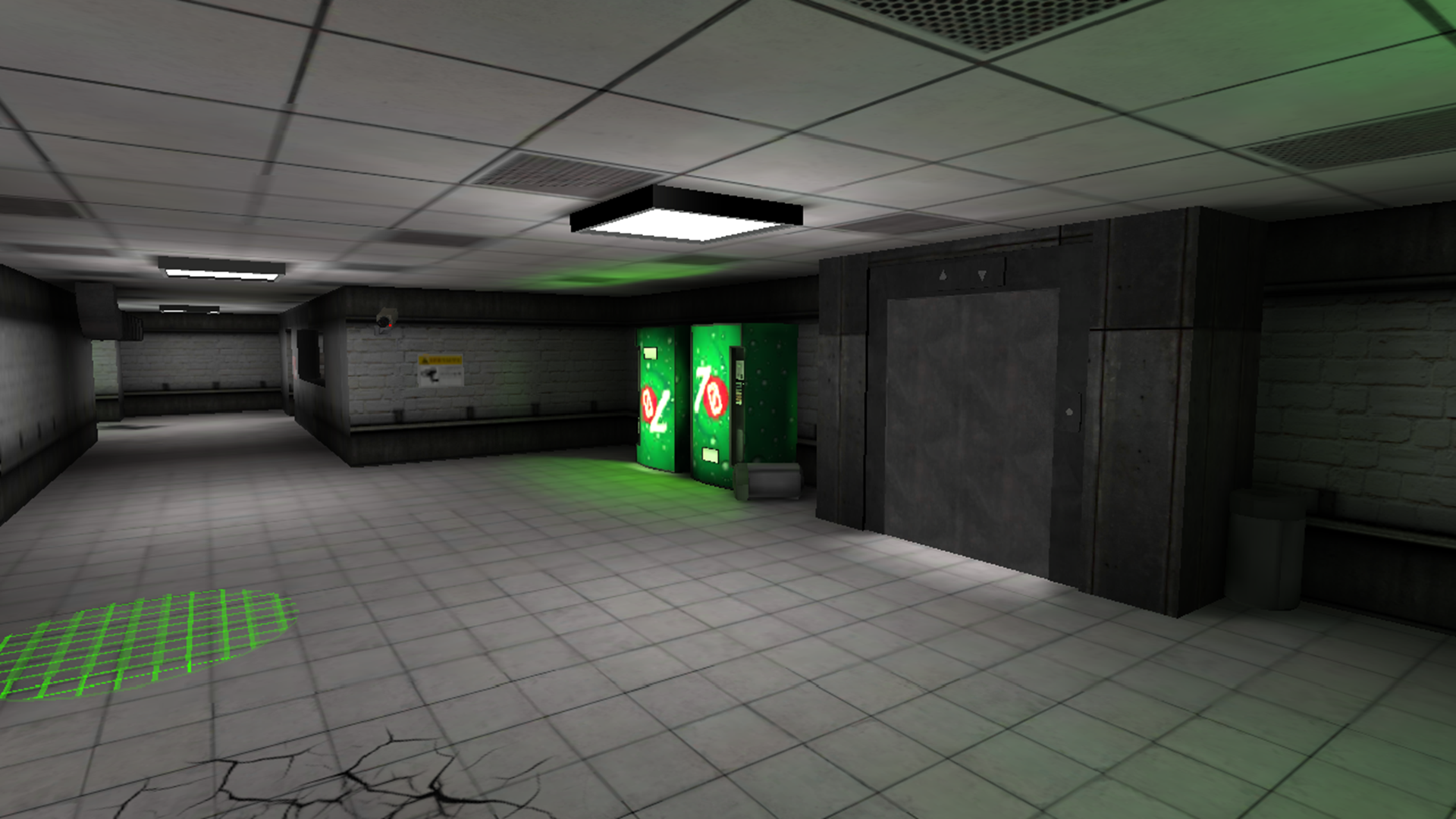
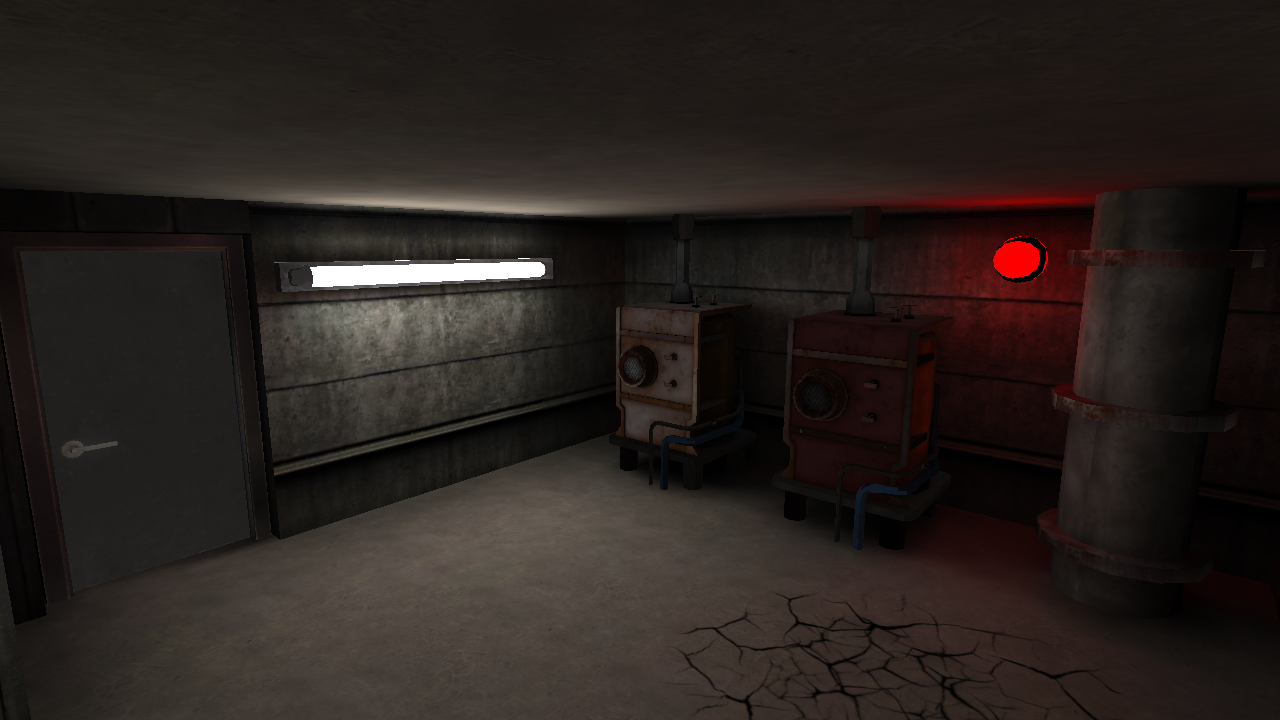
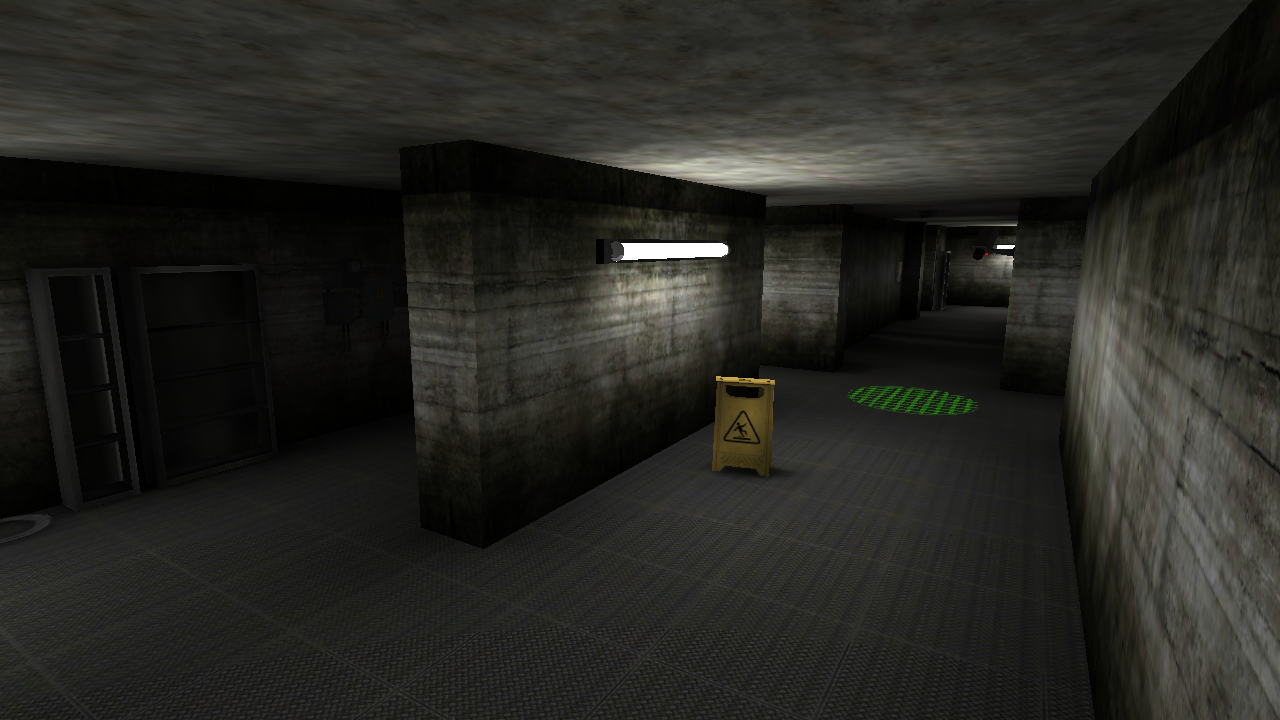
Welcome to "Exit the Backrooms: Level 2"! In this game you will have to explore Level 2 of the Backrooms to activate all the levers and escape!
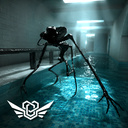
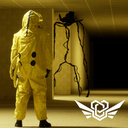
But you are not alone here - several entities live on this dangerous level:
1) Big Smiling - patrols the map, looking for lost wanderers.
2) Swarm of Smiling - live in pipes, if the light blinks - it is better to hide!
3) Statue - a very fast entity, but freezes when you look at it.
Luckily, a portable entity scanner, almond water, lockers, and hermetic gates that can be locked to save yourself will help you escape.
The game offers you:
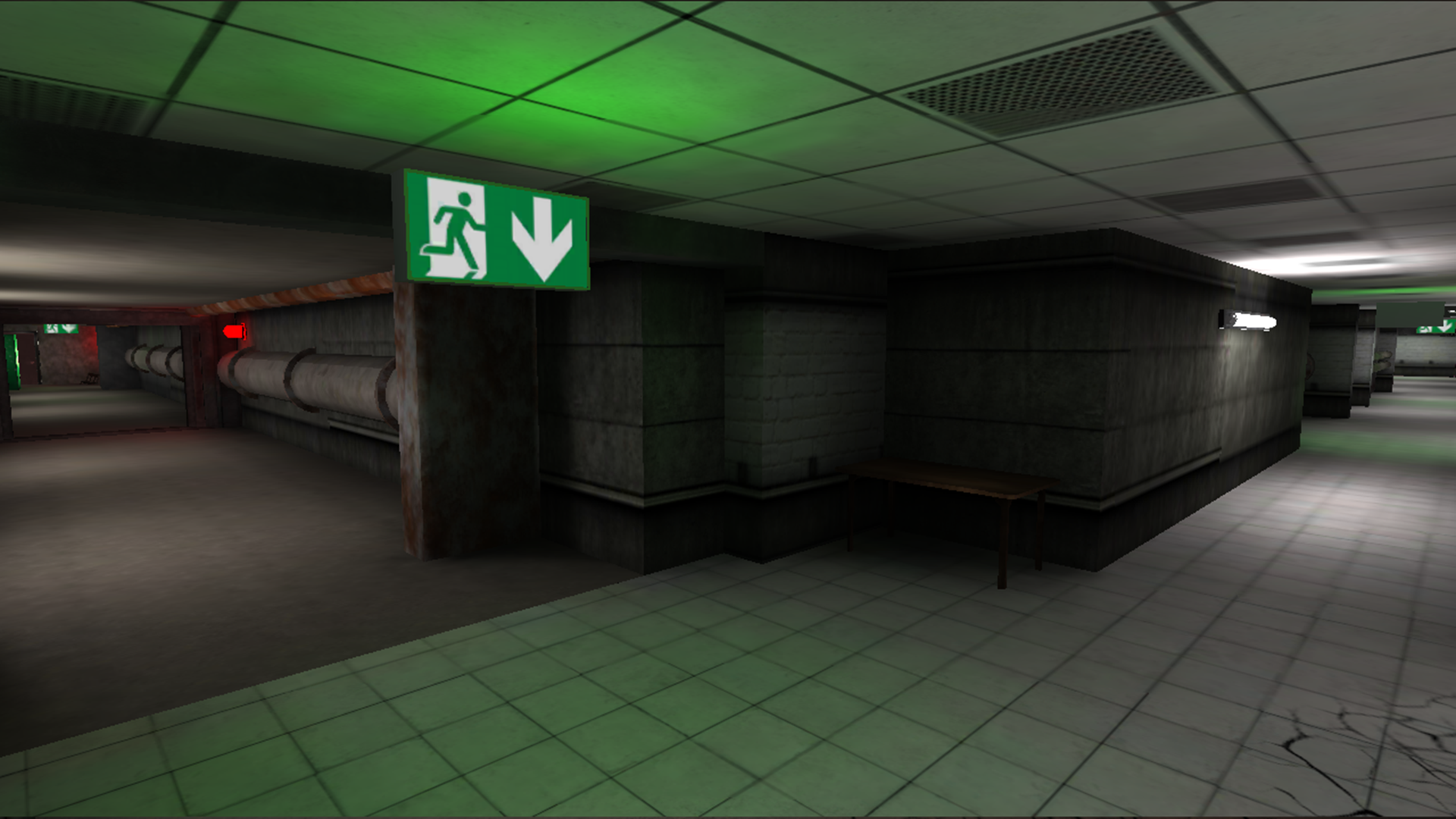
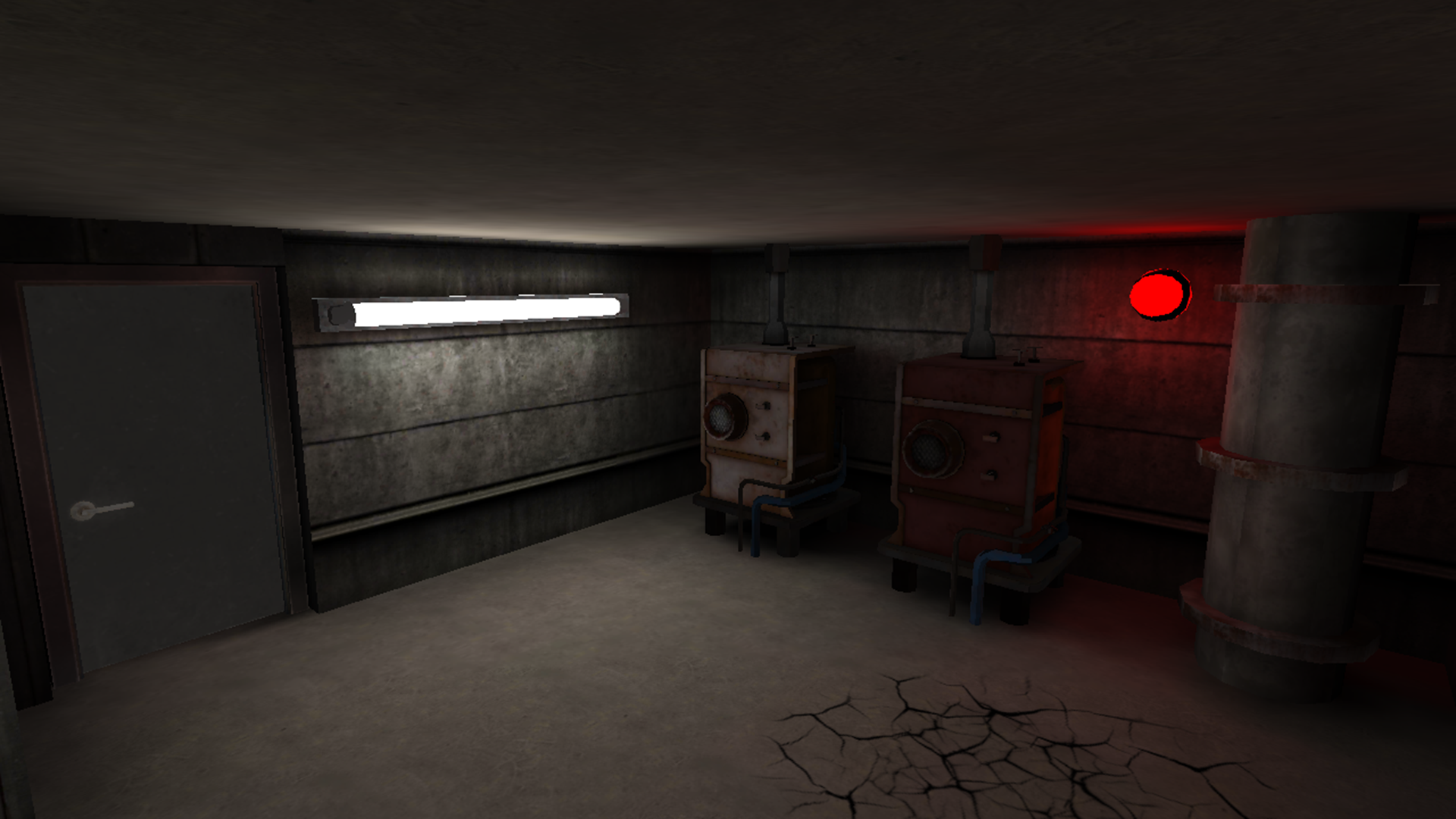
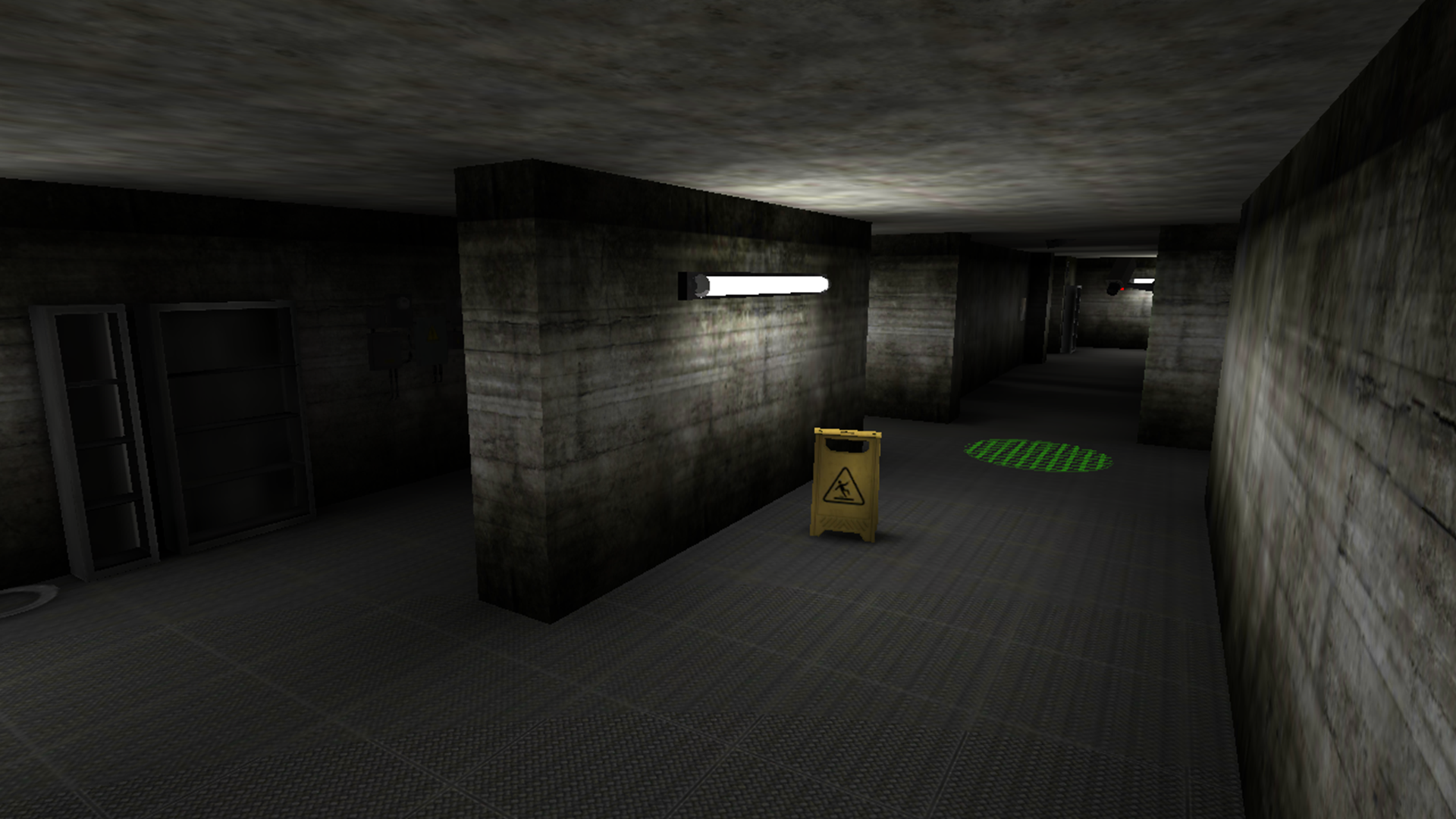
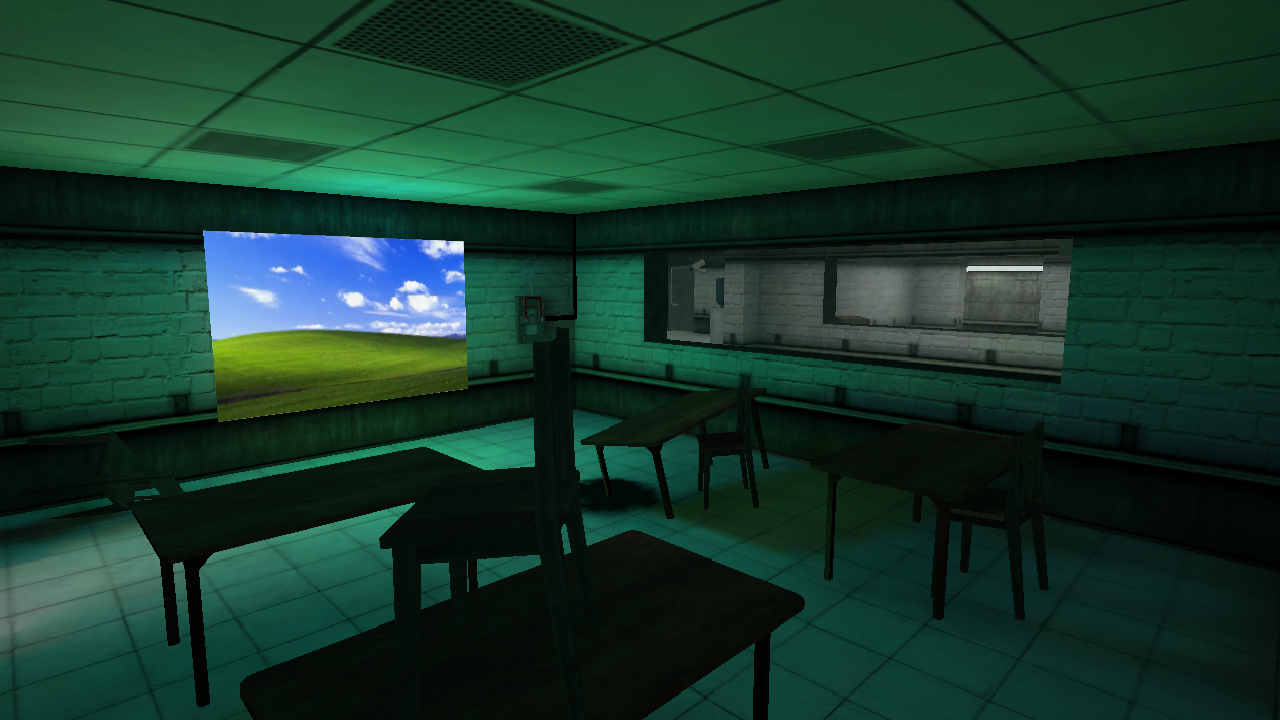
- Realistic graphics, as well as a unique atmosphere with VHS camera effect;
- A large map with many zones;
- Several game modes - "Classic", "Don't Blink", "Practice" and "Hardcore";
- Thoughtful audio design and unique soundtrack;
- As many as 3 entities with different behavior and strategy;
- A variety of unique mechanics;
- Many secrets;
...and much more!
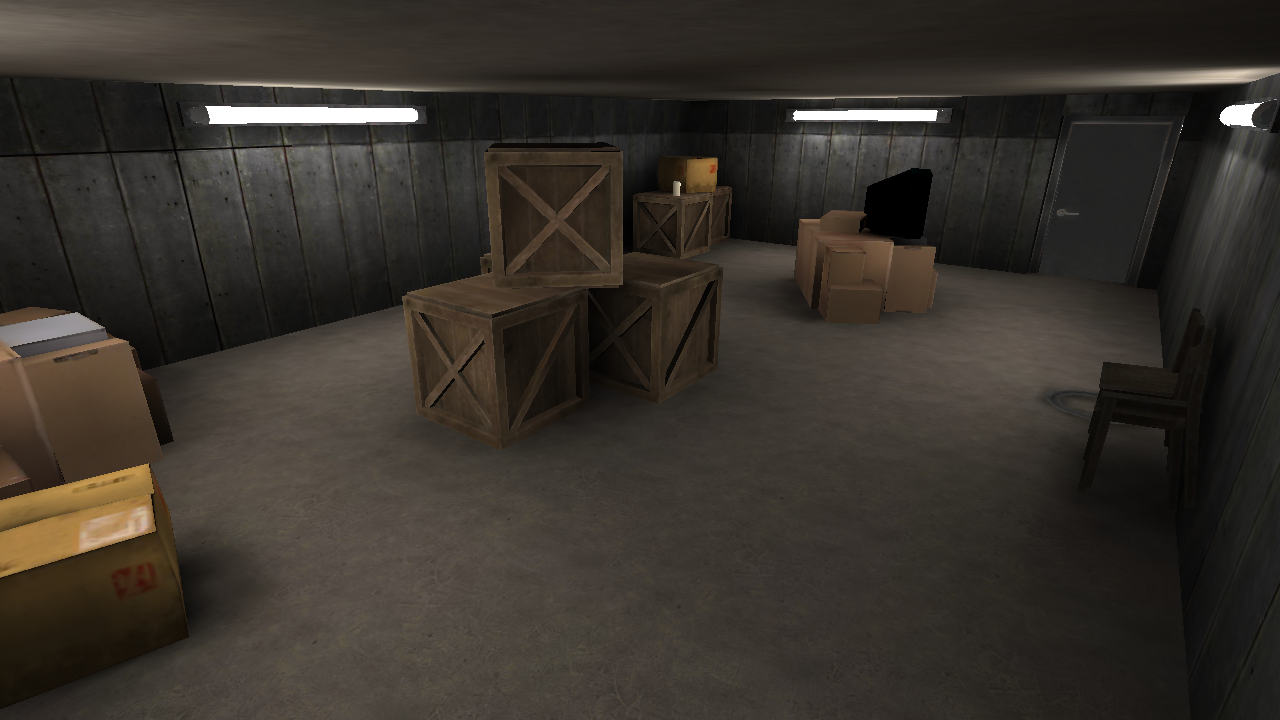
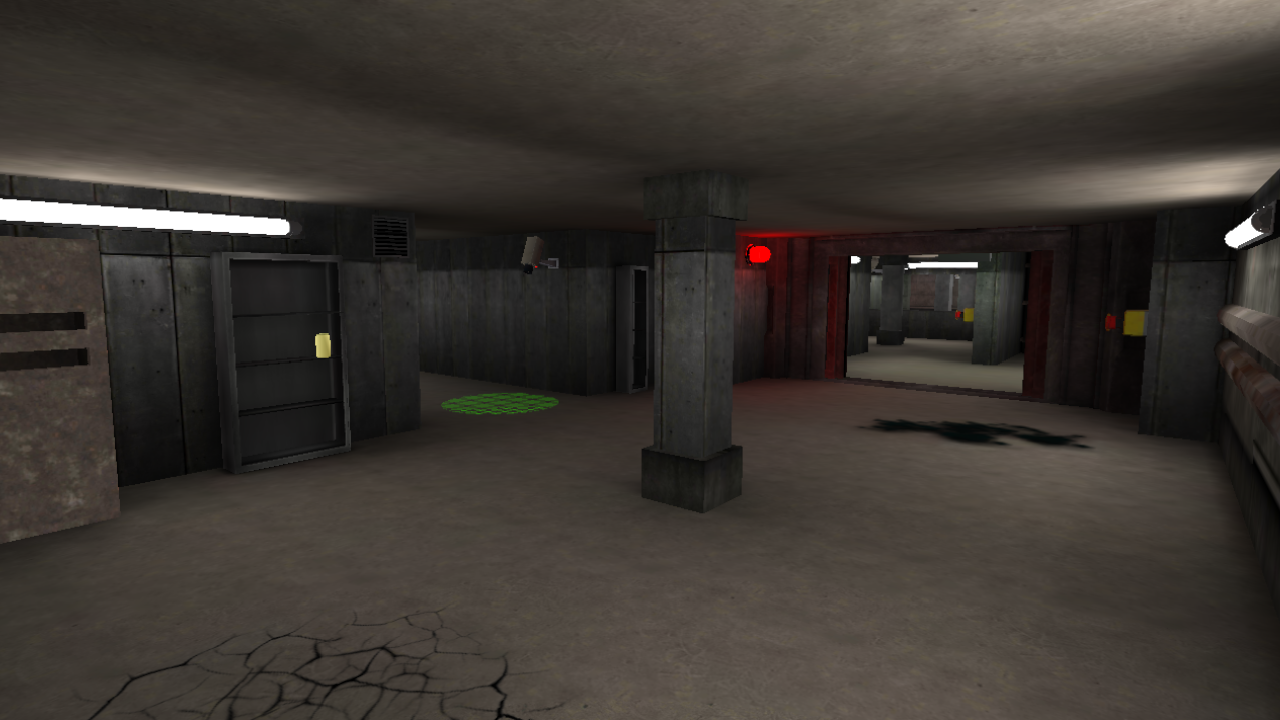
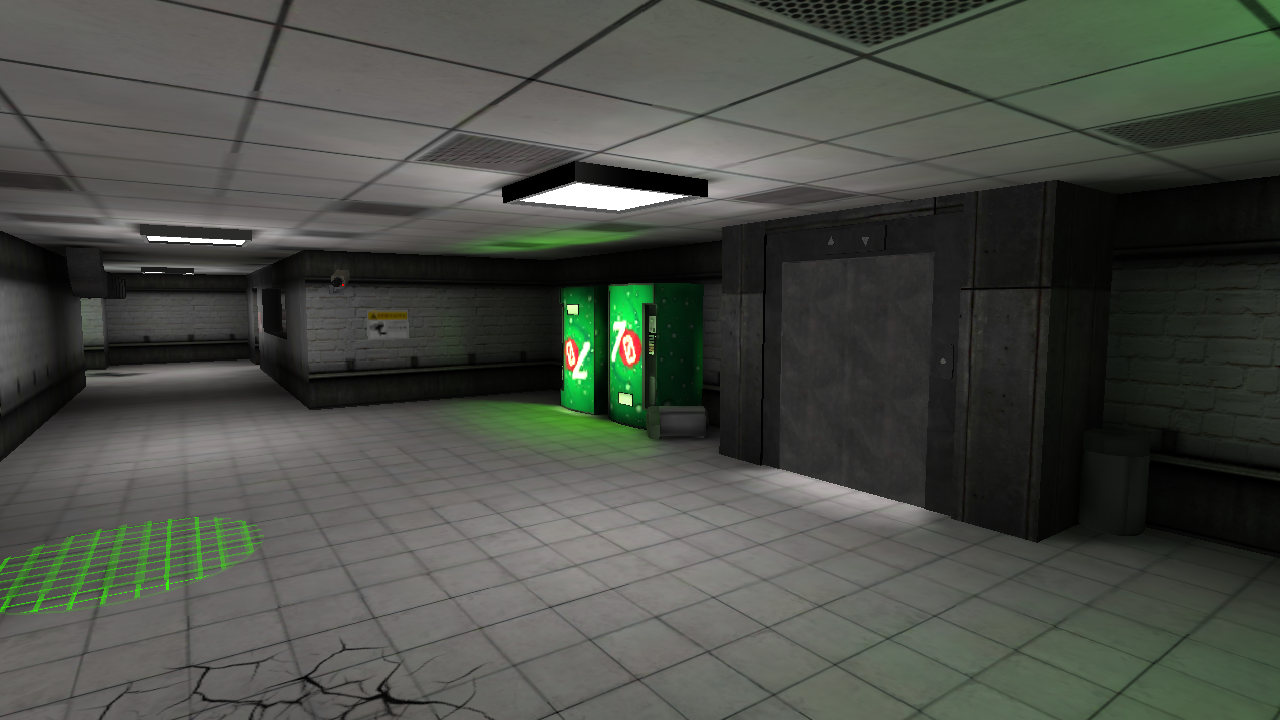
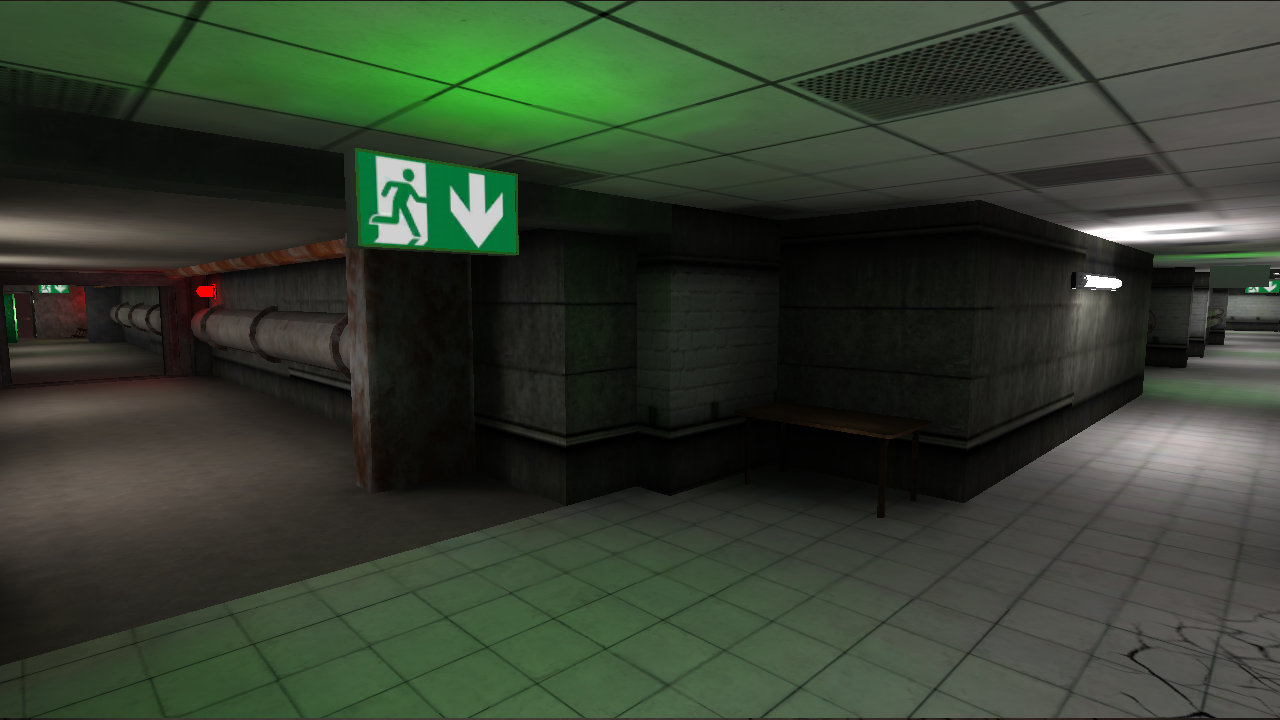
Videos and screenshots
11,711 players online
How to play
-
Open the game
Press Play now and the game opens on its own screen.
-
Follow the in-game instructions
The controls and goals are shown inside the game as you play.
-
Use the game menu
The floating button over the game reloads it, saves it to your favourites, or takes you back out.