Skip to content
KG
Backrooms: Escape the Yellow Rooms

Backrooms: Escape the Yellow Rooms

6K plays 4.3 out of 5

Overview

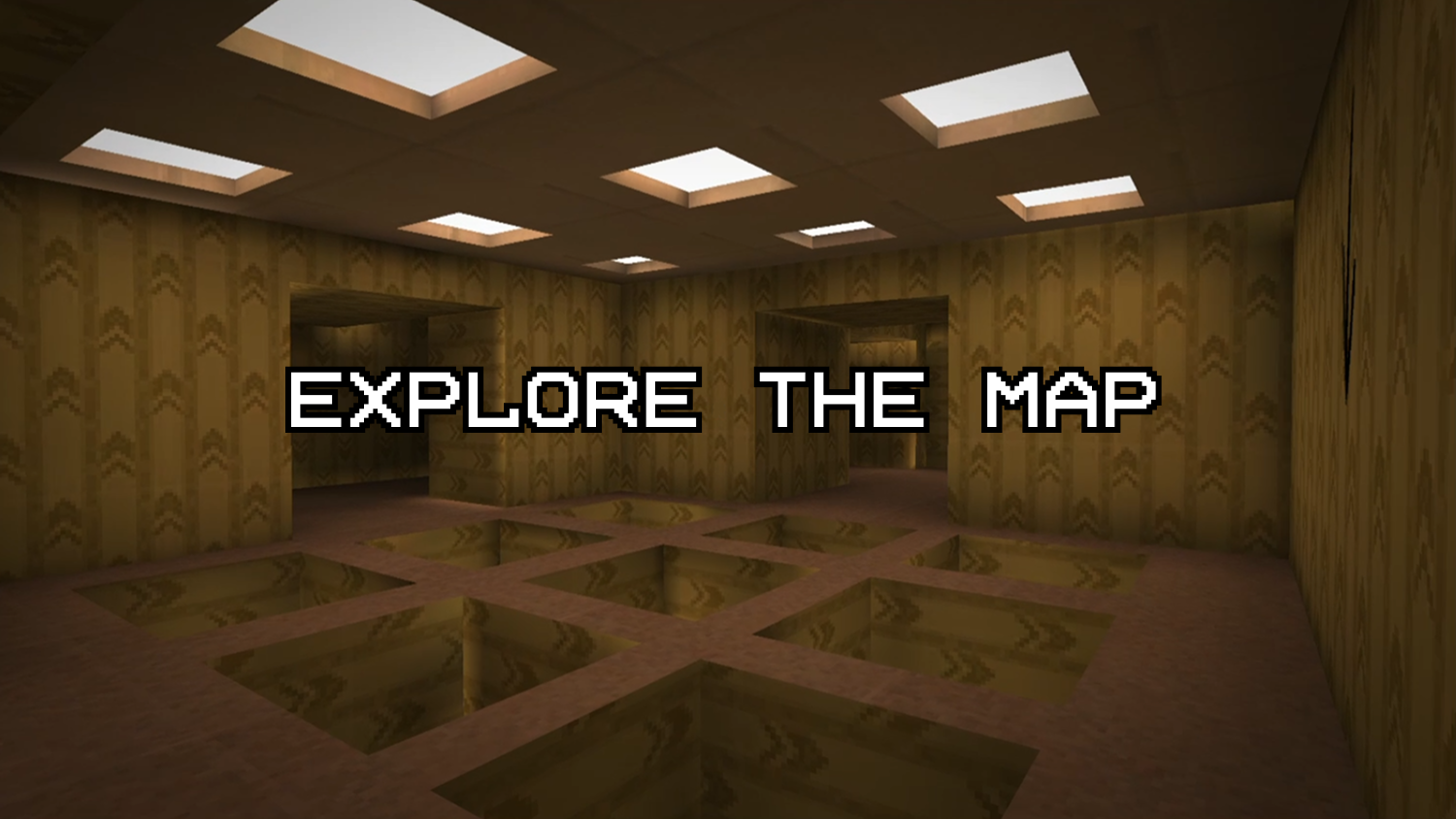
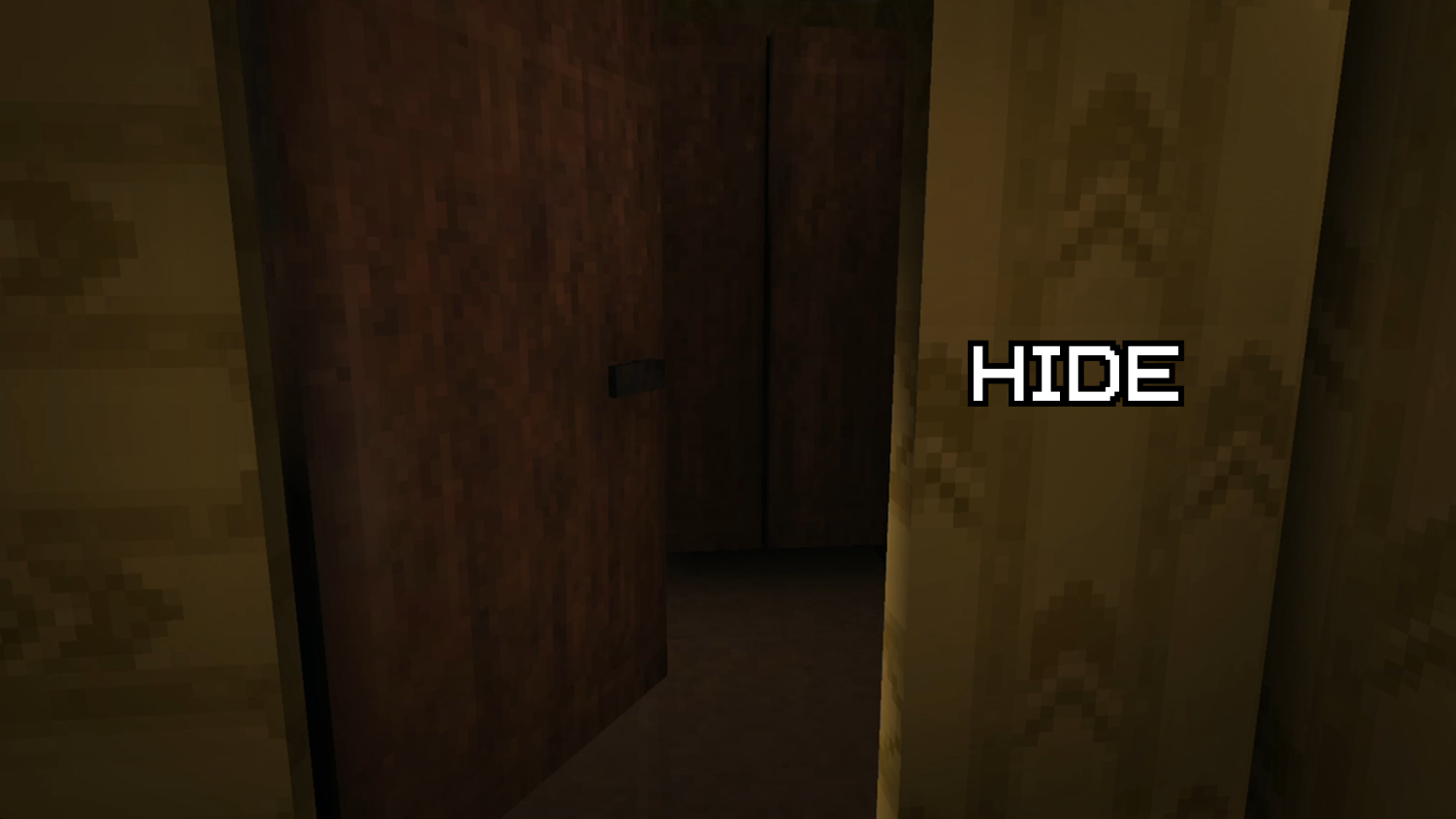
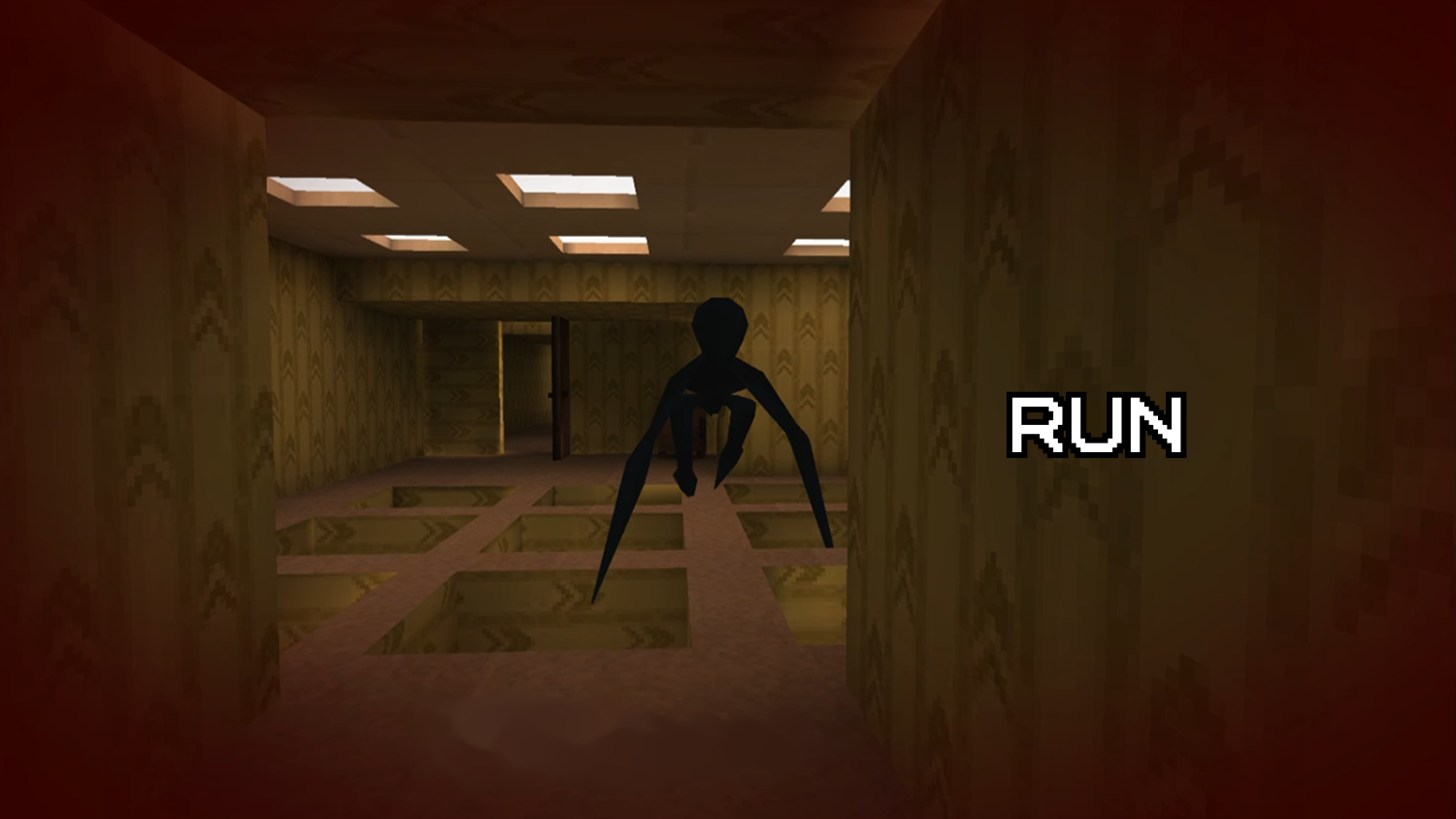
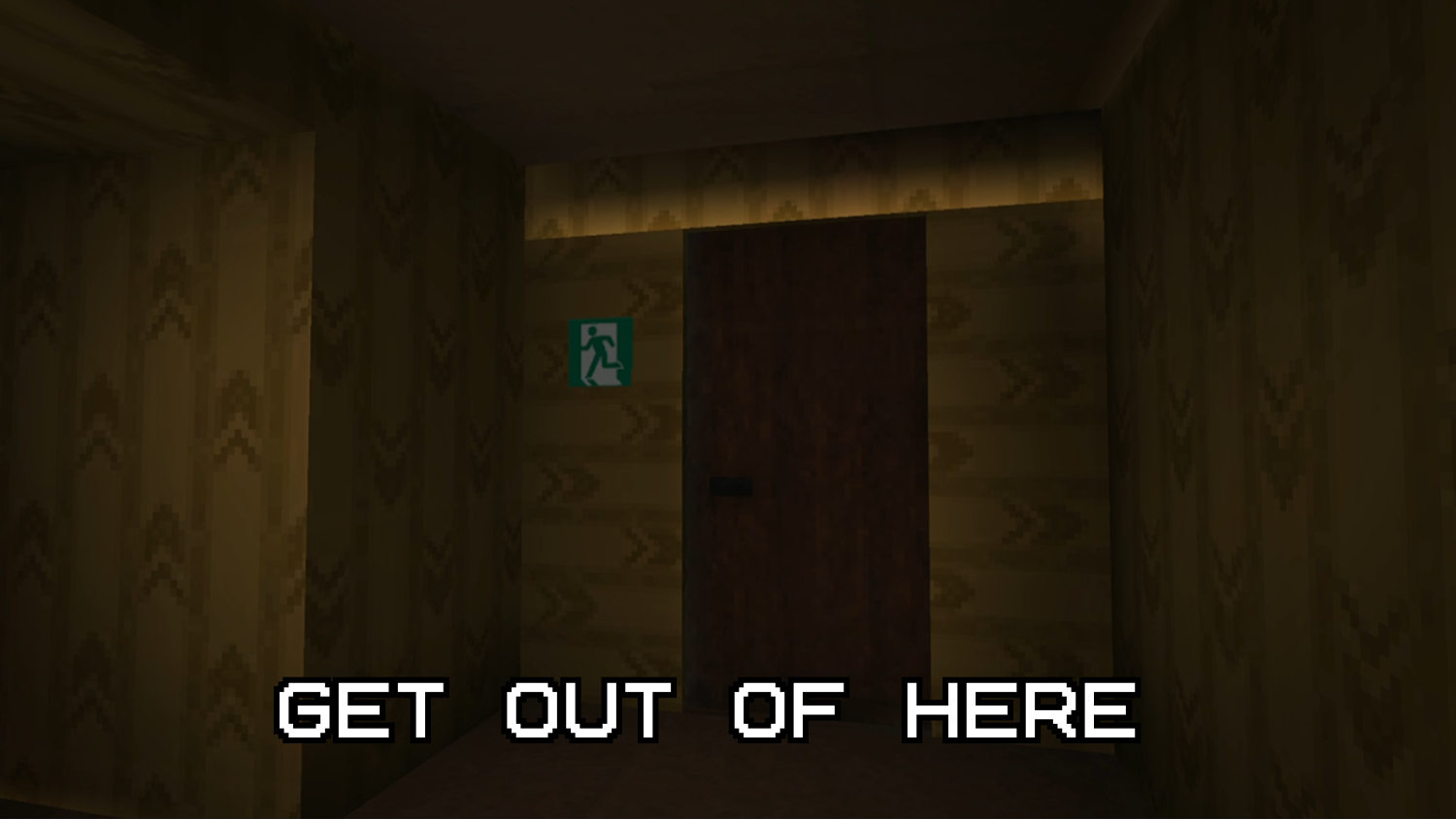
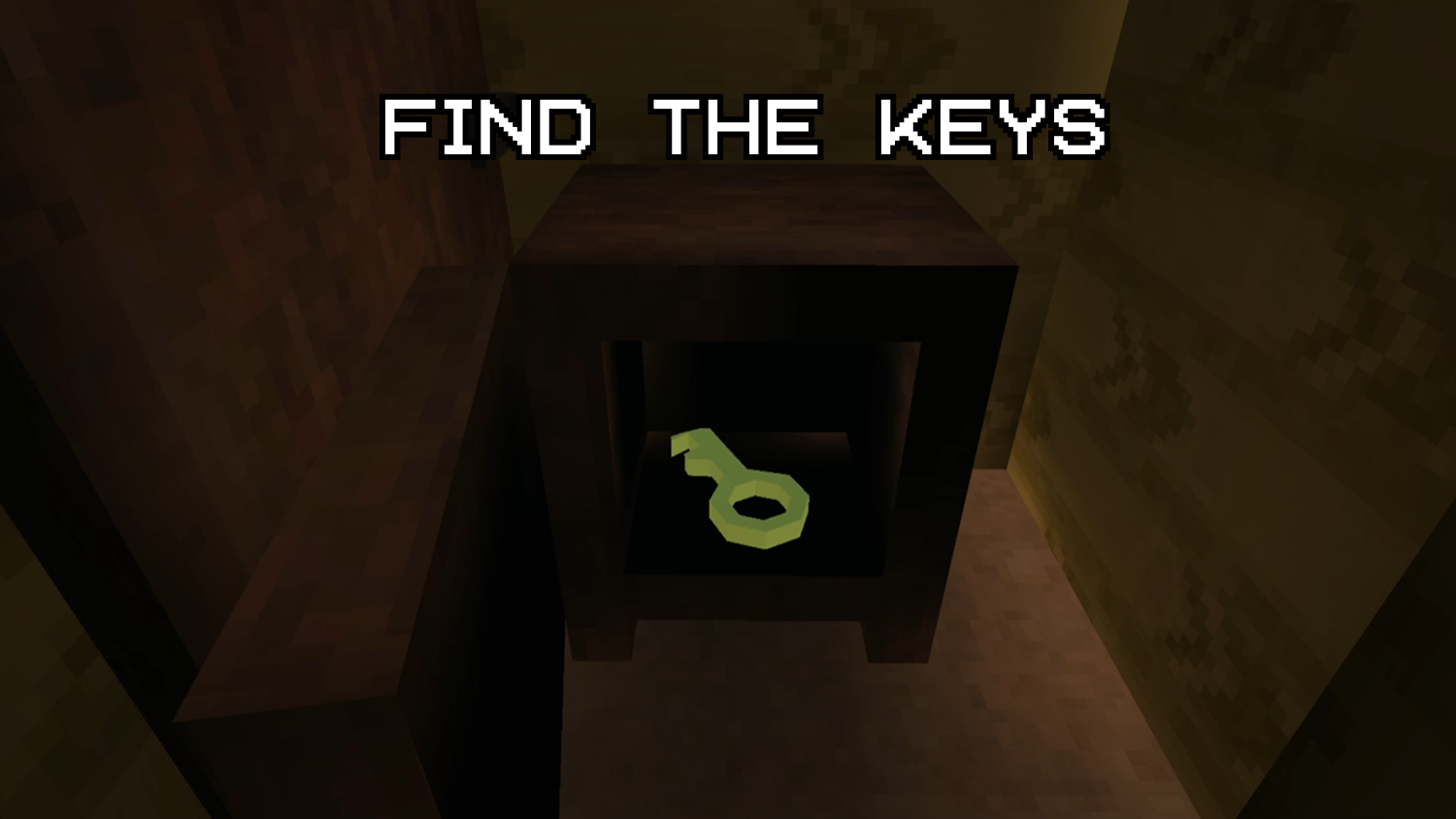
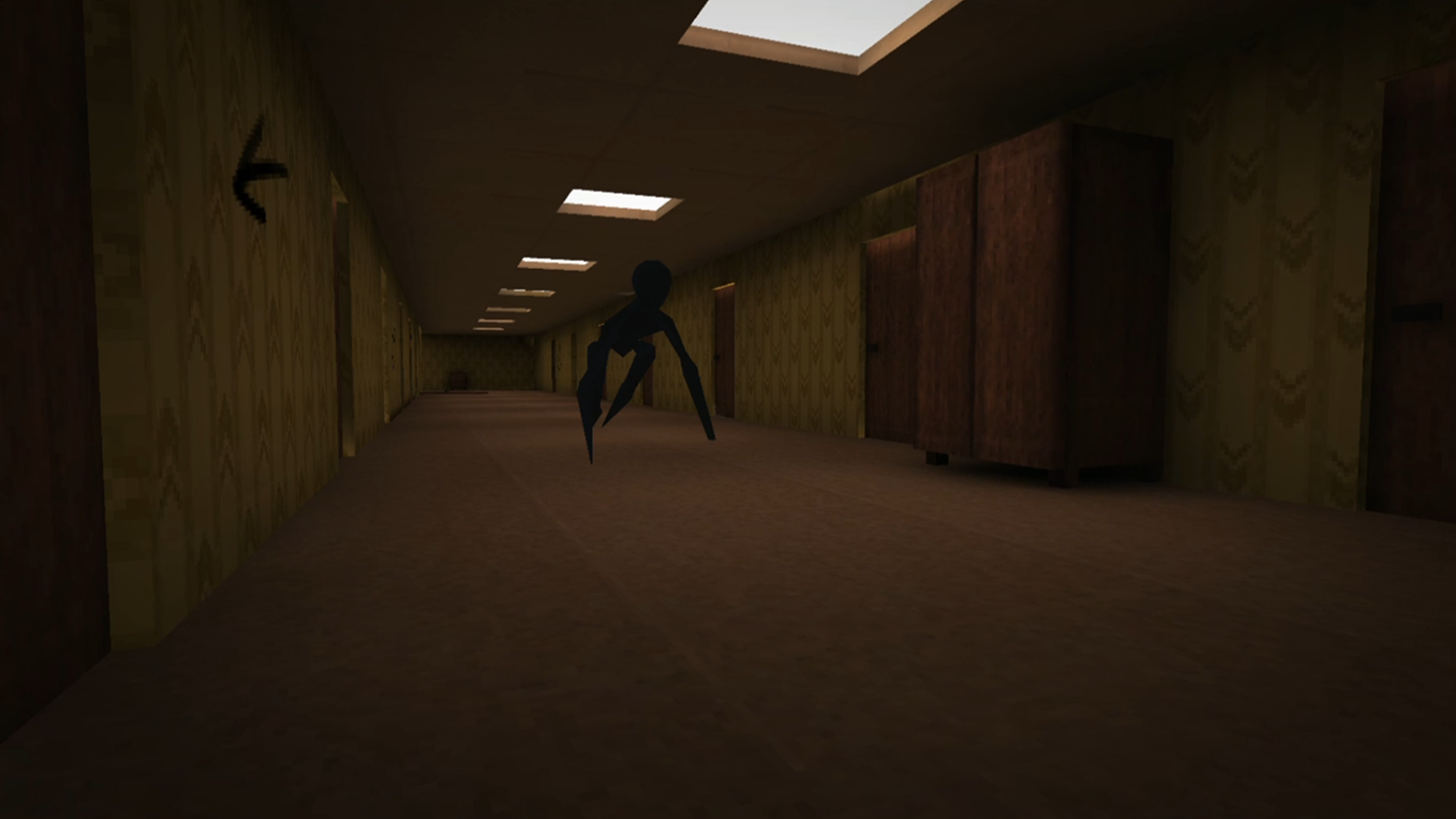
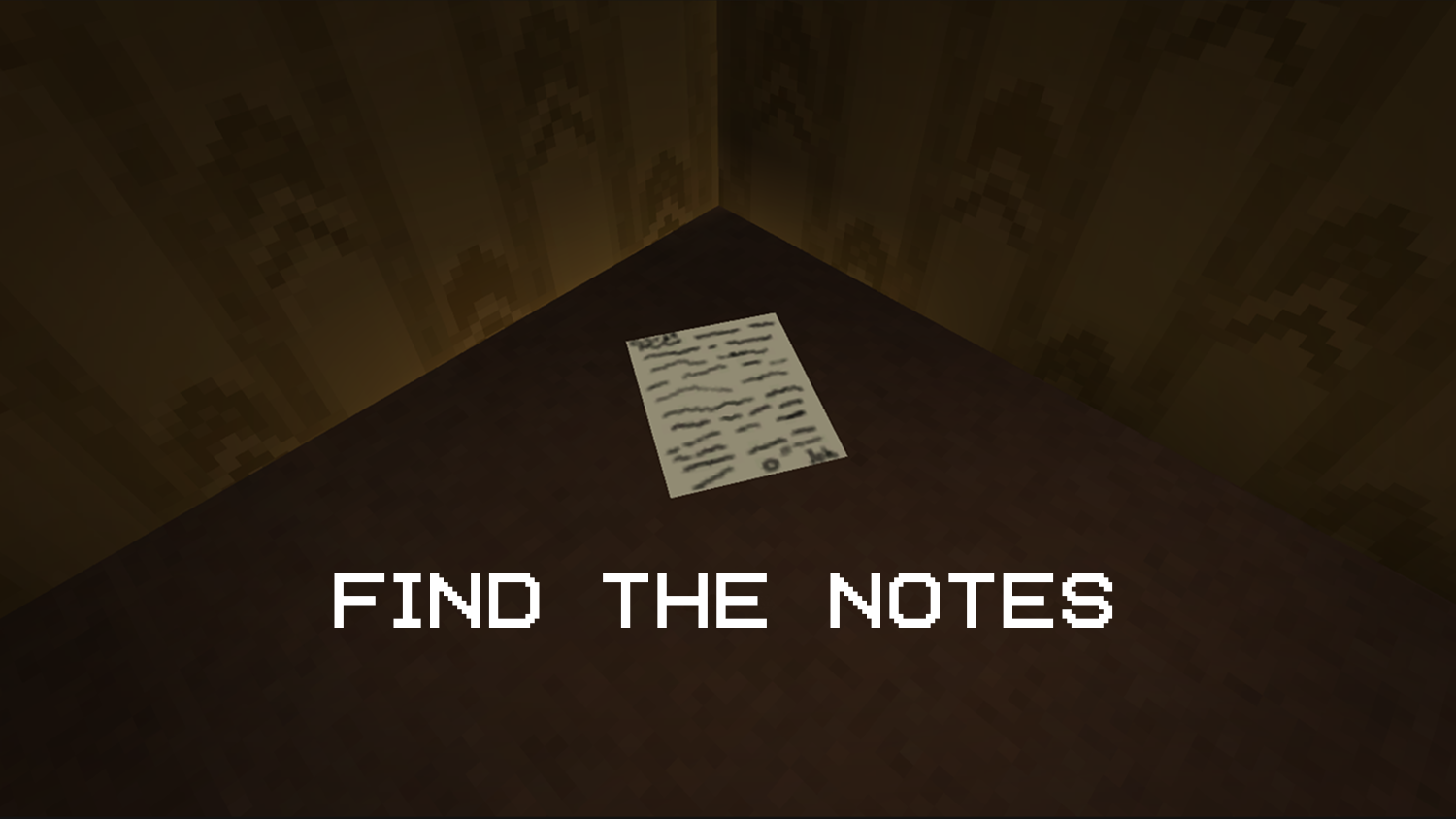
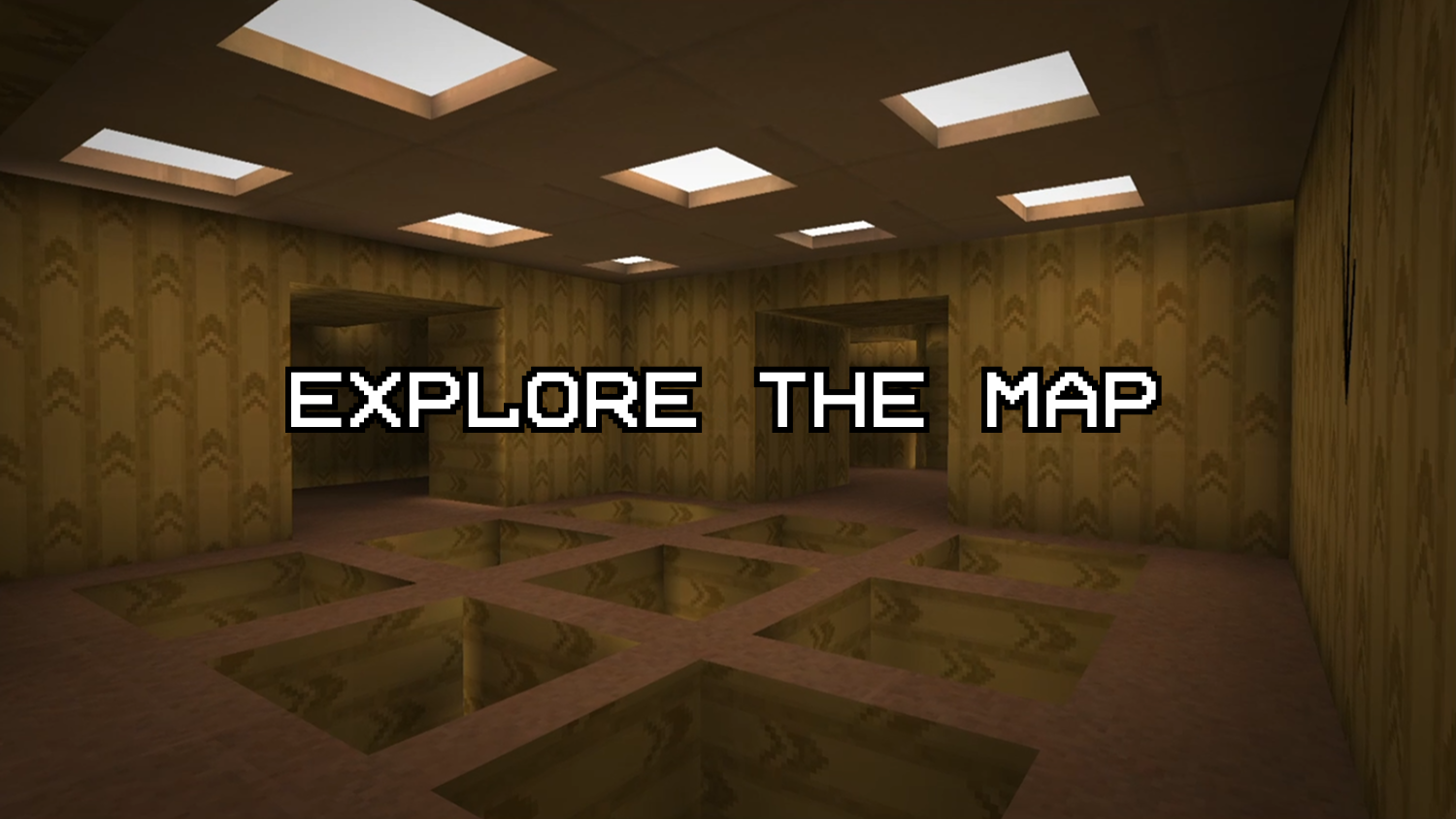
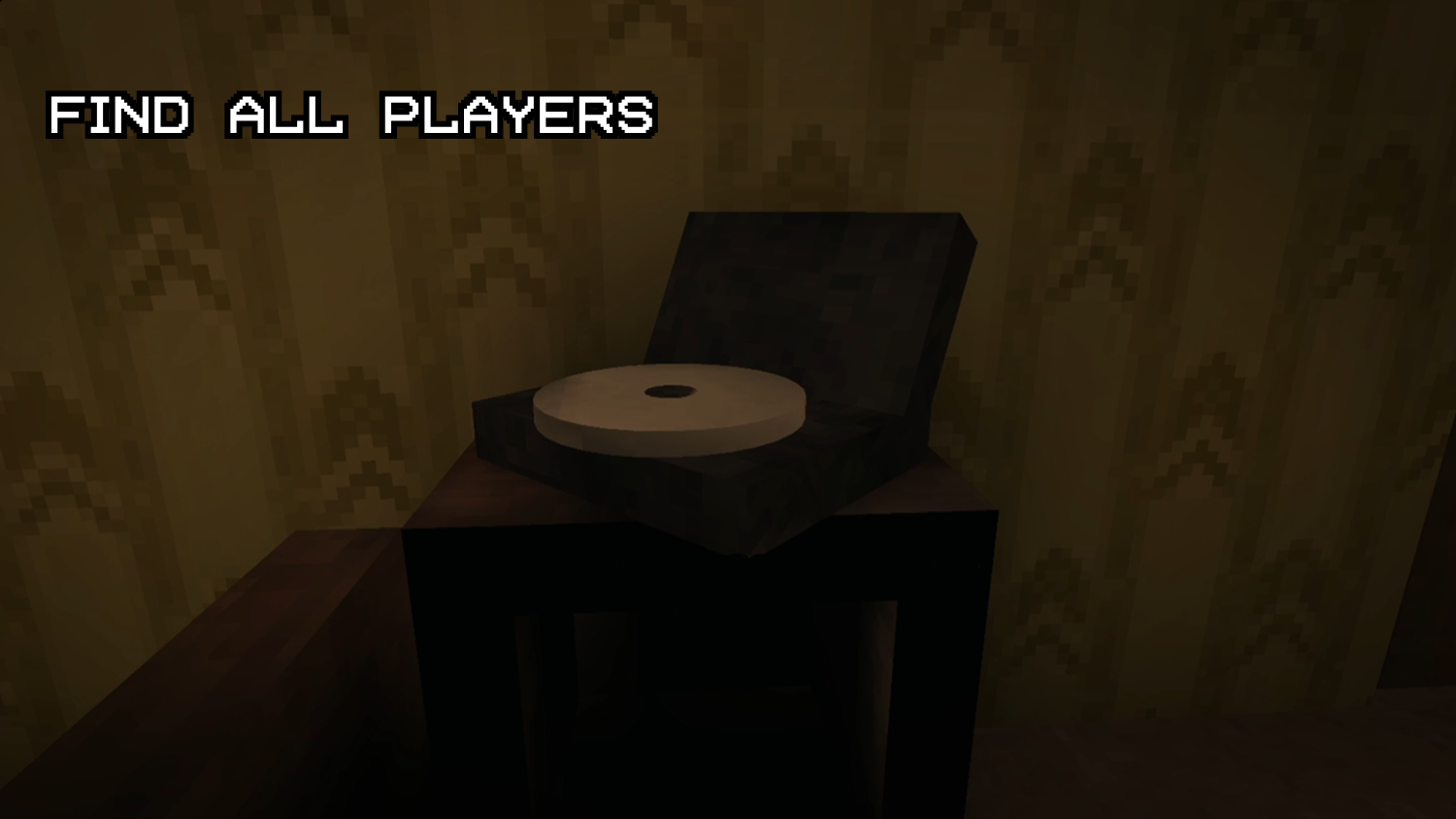
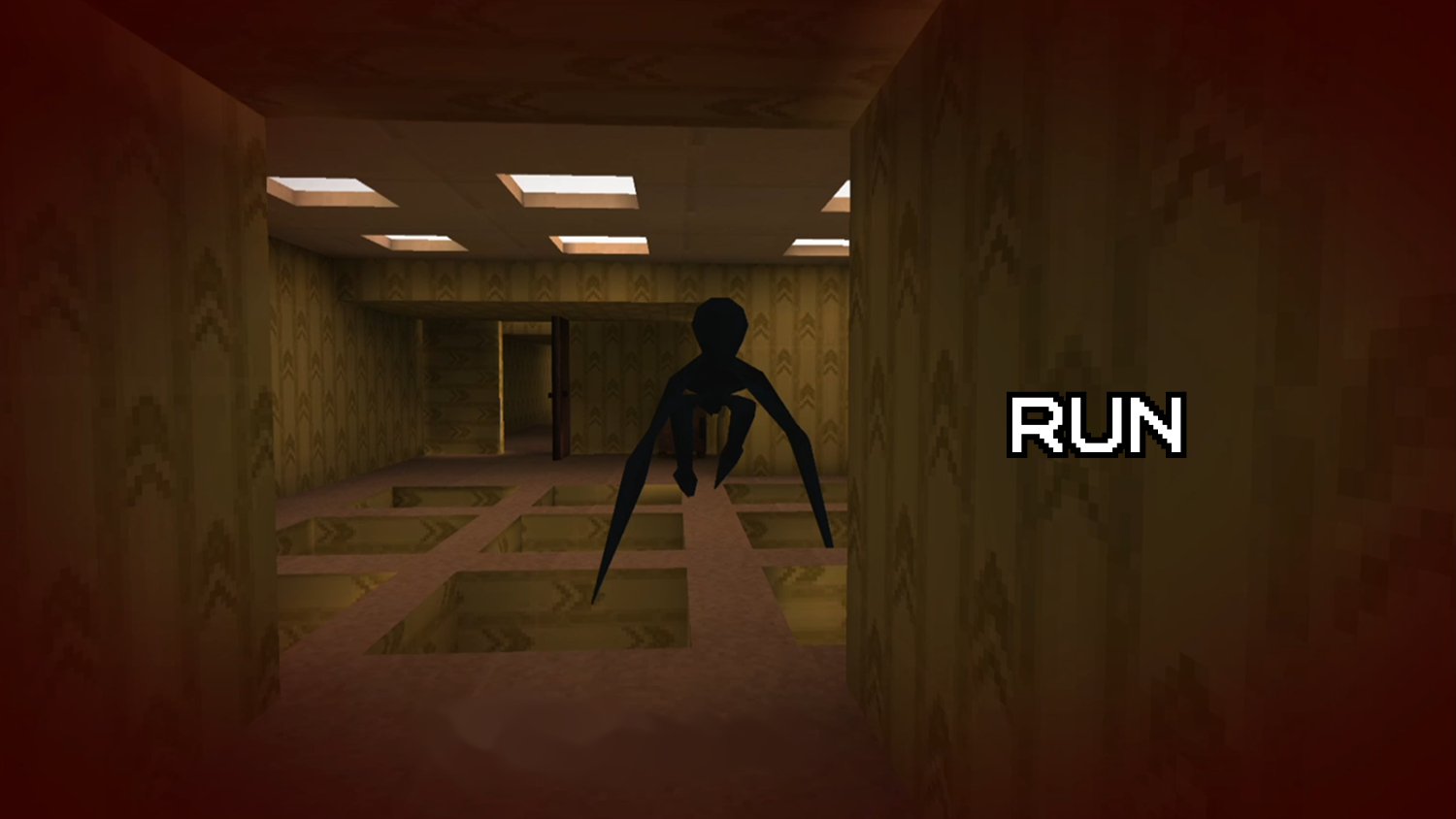
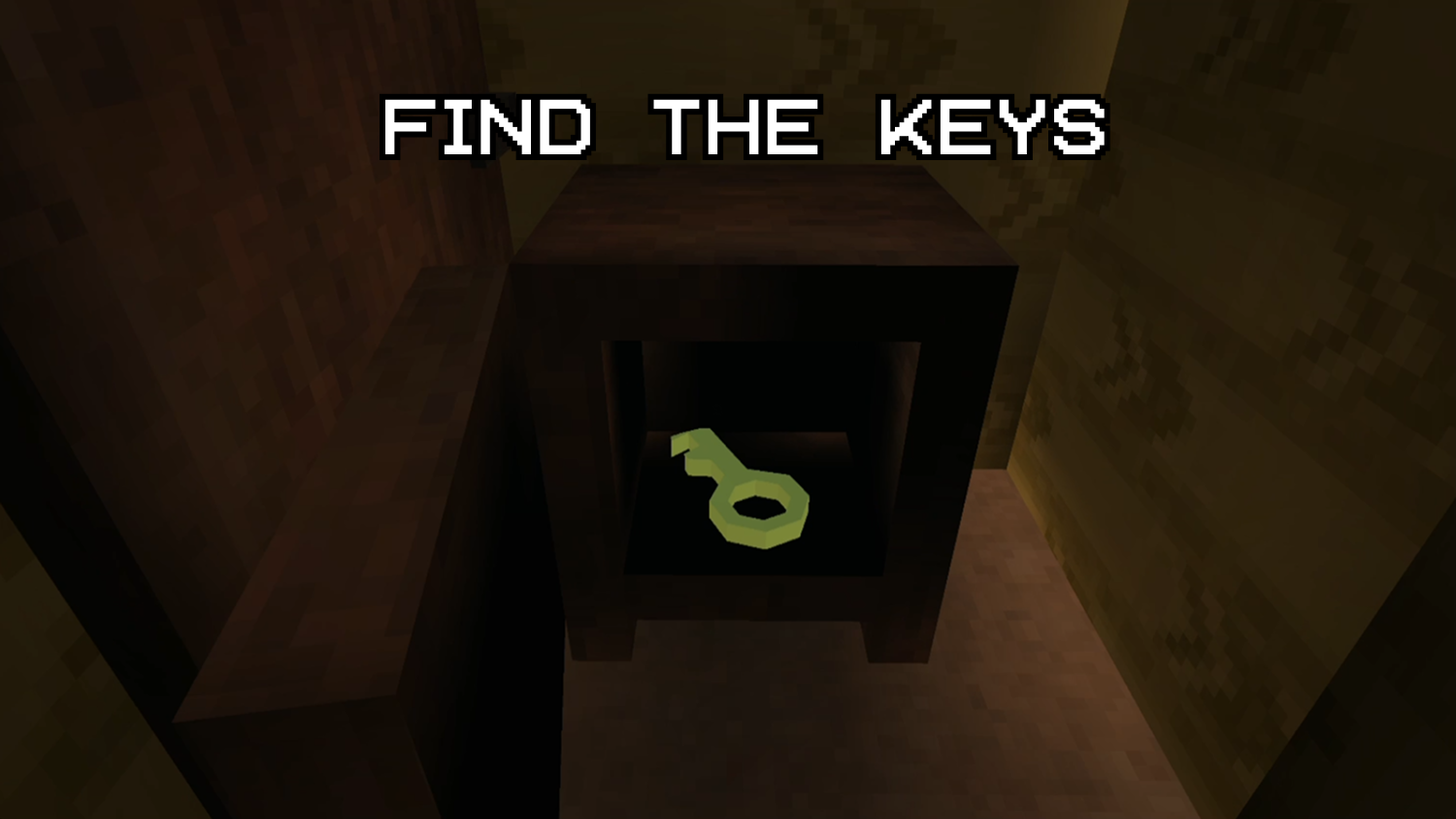
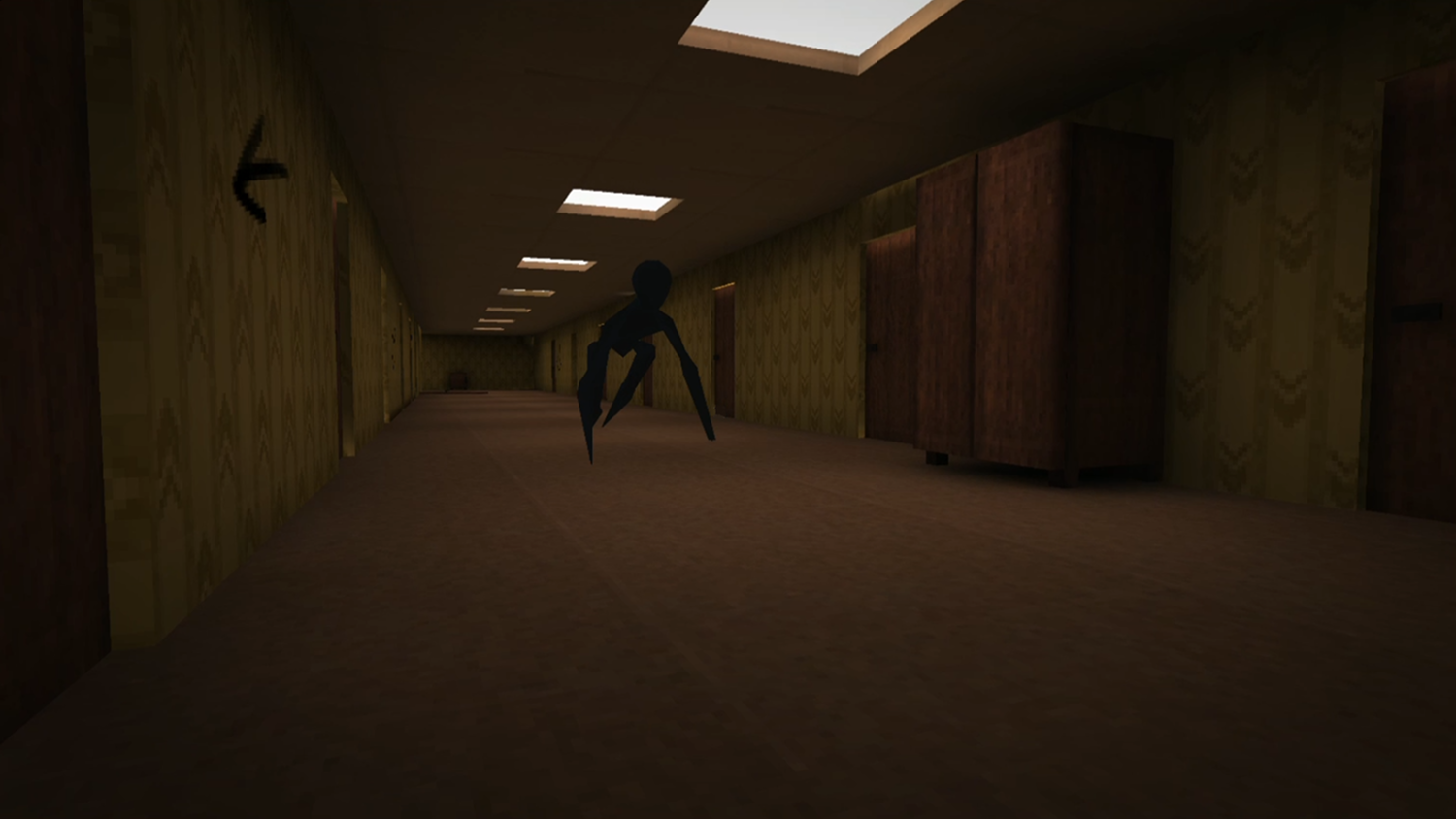
You've found yourself in a very familiar place, but it seems that someone has been here before you and left clues for you to get out of here. Old waltz music is playing in these strange yellow rooms, to get out of here you have to turn it off. Be careful! A strange black figure is walking around this level and it really doesn't like noise, especially footsteps. If you're unlucky enough to be chased, urgently look for the nearest closet or a dead-end room with a door: this entity can't open doors. There are several modes available in the game: 1. Safe - the entity is absent from it, you can safely move around the level, study the map. 2. Normal - the entity is present and reacts only to the sounds of footsteps. 3. Hardcore - the entity will hear you anywhere on the map. Cabinets will no longer save you. The only way out is to run and be cunning. Fortunately, its intellectual abilities are not yet known.

Videos and screenshots

  • Backrooms: Escape the Yellow Rooms screenshot 1
  • Backrooms: Escape the Yellow Rooms screenshot 2
  • Backrooms: Escape the Yellow Rooms screenshot 3
  • Backrooms: Escape the Yellow Rooms screenshot 4
  • Backrooms: Escape the Yellow Rooms screenshot 5
  • Backrooms: Escape the Yellow Rooms screenshot 6
  • Backrooms: Escape the Yellow Rooms screenshot 7
  • Backrooms: Escape the Yellow Rooms screenshot 8
  • Backrooms: Escape the Yellow Rooms screenshot 9
  • Backrooms: Escape the Yellow Rooms screenshot 10
  • Backrooms: Escape the Yellow Rooms screenshot 11
  • Backrooms: Escape the Yellow Rooms screenshot 12
  • Backrooms: Escape the Yellow Rooms screenshot 13
  • Backrooms: Escape the Yellow Rooms screenshot 14
  • Backrooms: Escape the Yellow Rooms screenshot 15
  • Backrooms: Escape the Yellow Rooms screenshot 16
Play Now

10,938 players online

How to play

  1. Open the game

    Press Play now and the game opens on its own screen.

  2. Follow the in-game instructions

    The controls and goals are shown inside the game as you play.

  3. Use the game menu

    The floating button over the game reloads it, saves it to your favourites, or takes you back out.
Game instructions

Controls on PC: WASD - move LMB/E - interact with objects Shift - run C - crouch Tab - pause Controls on mobile device: Joystick on the left - move Button on the right with a running man - run Button on the right with a crouching man - crouch Hand button (appears when hovering over an object) - interact Pause button on the top left - pause

More games

More games