Skip to content
KG
Five nights at Fredbear's

Five nights at Fredbear's

5K plays 3.6 out of 5

Overview

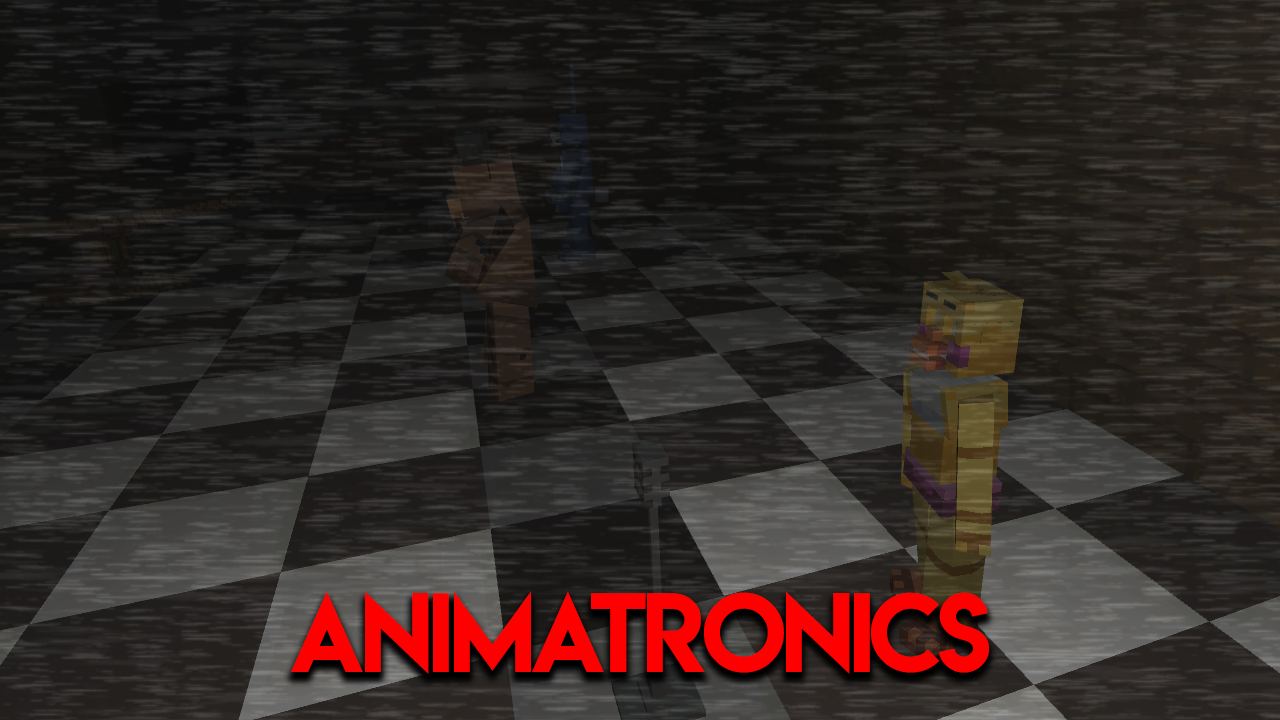
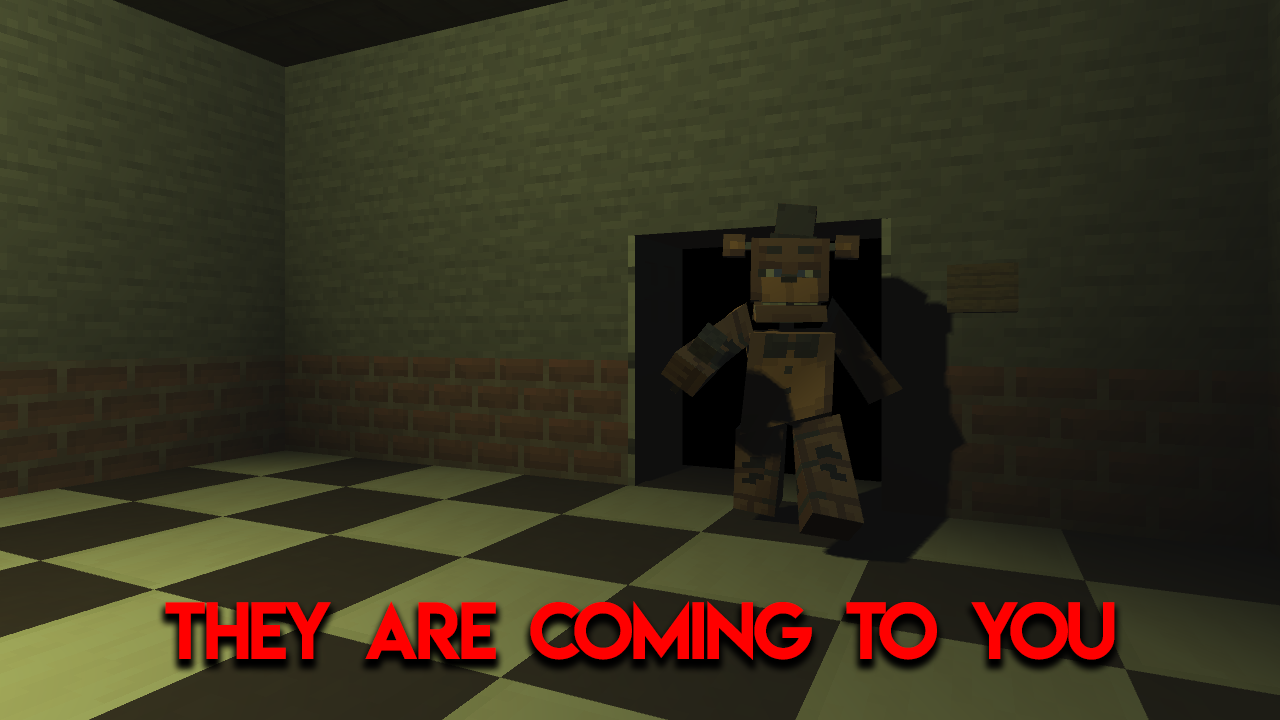
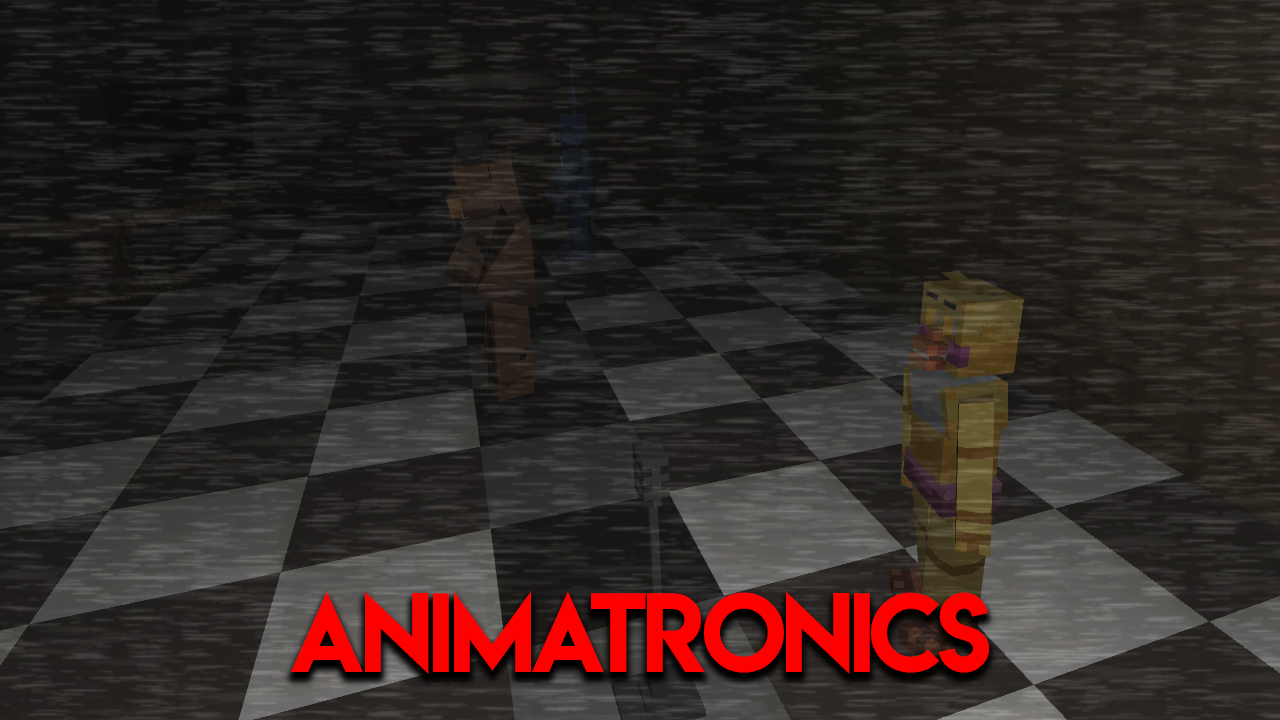
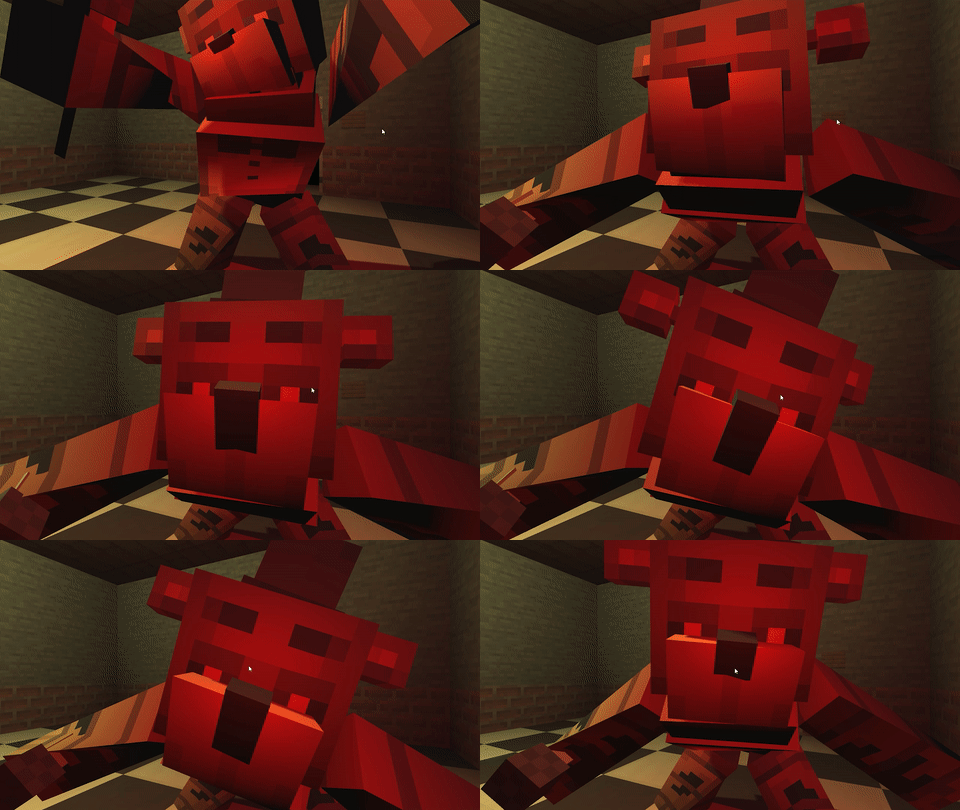
Welcome to Fredbear's pizzeria! You didn't miss the opportunity and now work here as a security guard. Your main task is to keep an eye on the animatronics: Fredbear the Bear, Bonnie the Bunny and Chica the Chicken. At night, the animatronics are put into protective mode, so be careful to avoid a possible attack on you. You will be on probation and have to work five night shifts. We wish you stay in one piece!

Videos and screenshots
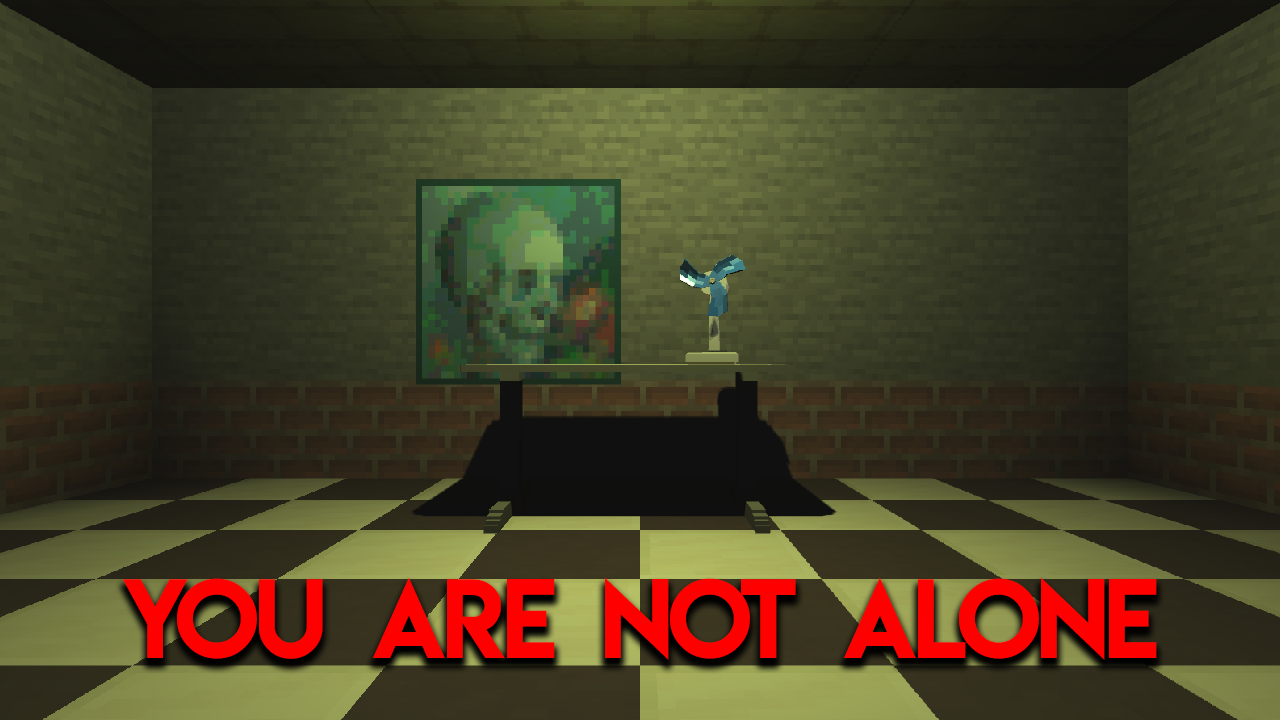
  • Five nights at Fredbear's screenshot 1
  • Five nights at Fredbear's screenshot 2
  • Five nights at Fredbear's screenshot 3
  • Five nights at Fredbear's screenshot 4
  • Five nights at Fredbear's screenshot 5
  • Five nights at Fredbear's screenshot 6
  • Five nights at Fredbear's screenshot 7
Play Now

11,518 players online

How to play

  1. Open the game

    Press Play now and the game opens on its own screen.

  2. Follow the in-game instructions

    The controls and goals are shown inside the game as you play.

  3. Use the game menu

    The floating button over the game reloads it, saves it to your favourites, or takes you back out.
Game instructions

Your main task is to survive until 6 am. To do this, you must: 1) Watch the animatronics on the cameras. 2) Close the doors when the animatronics get close to the office 3) Wind up the box on the third camera to prevent the puppet from attacking 4) Save energy Controls: Turns: PC - point right/left, Mobile devices - click to the right/left of the screen Closing and opening doors: PC/Mobile Devices - click on the button next to the door Closing and opening the tablet: PC/Mobile Devices - button at the bottom Switching cameras: PC/Mobile Devices - press the button with the camera number Wind up the music box: PC/Mobile Devices - press and hold the music box winding button

More games

More games