Skip to content
KG
Flight Simulator Shuvali

Flight Simulator Shuvali

133K plays 3.7 out of 5

Overview

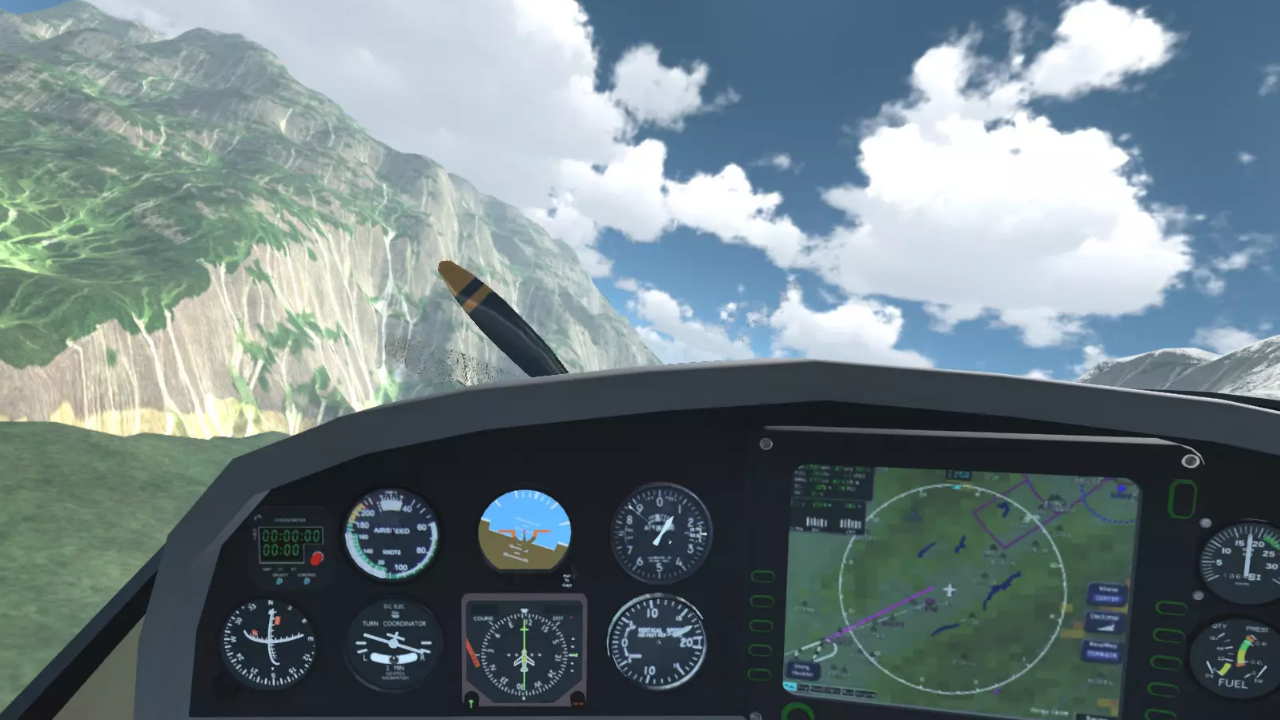
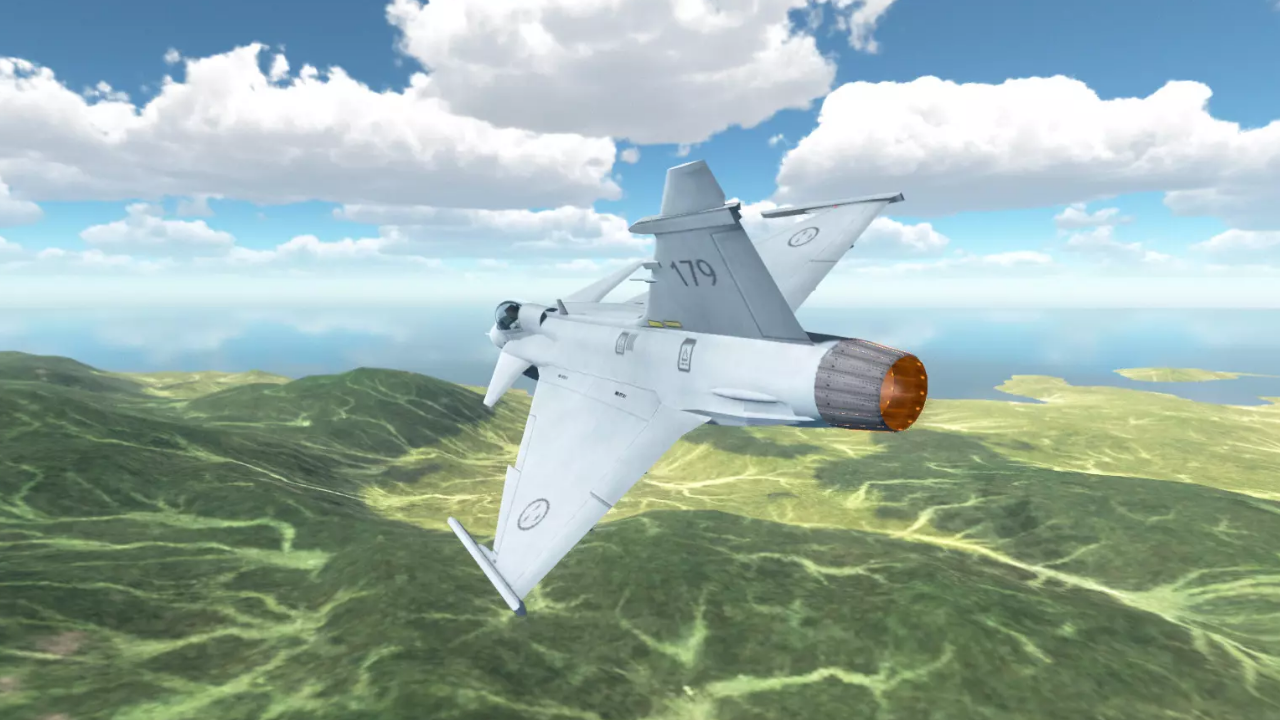
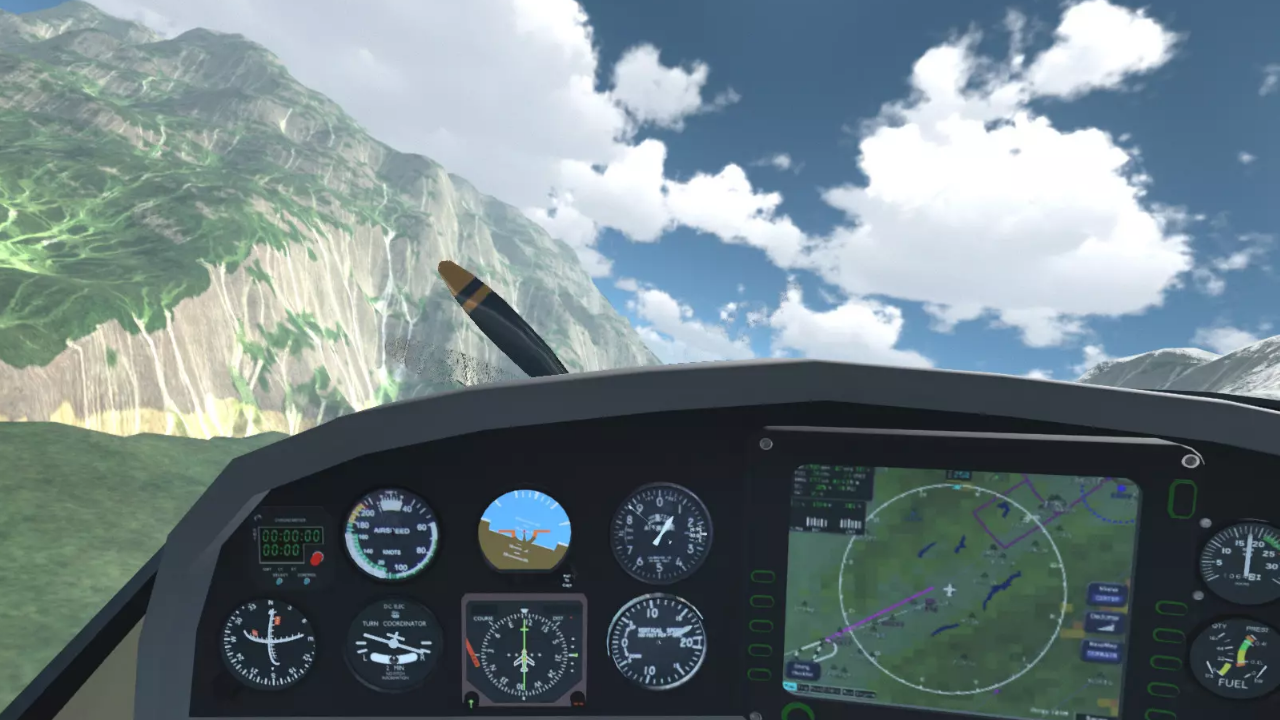
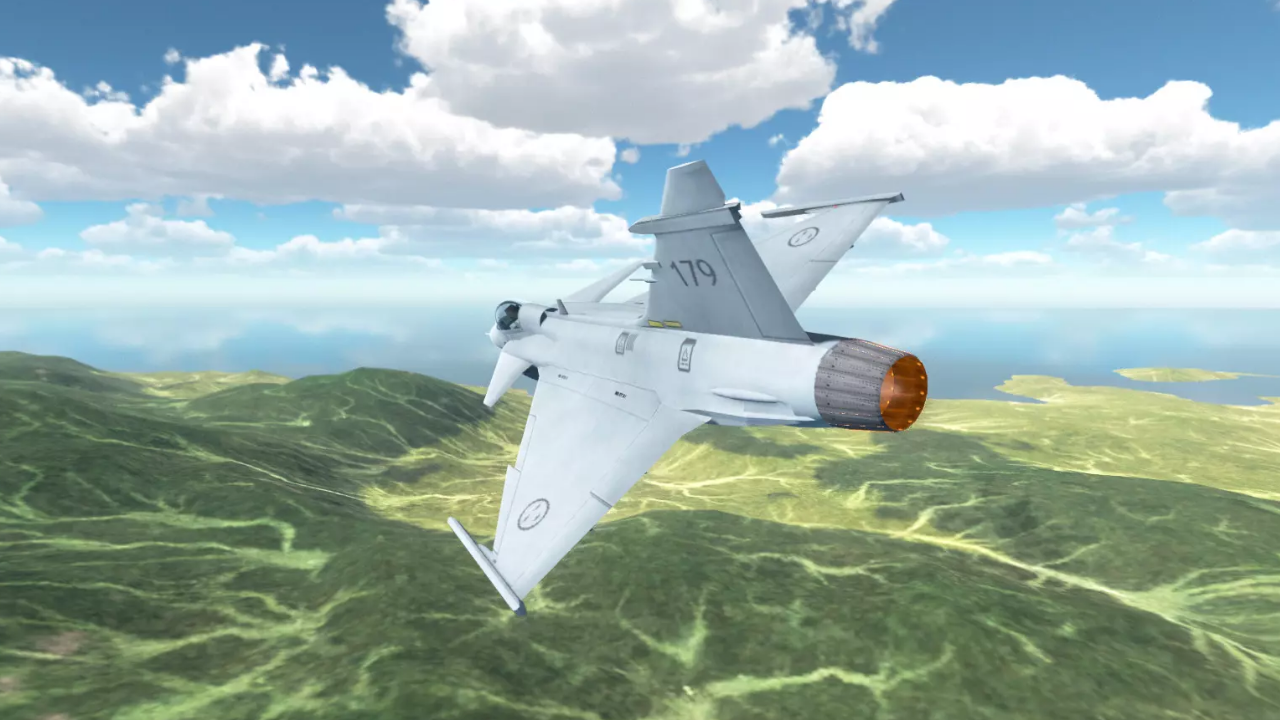
"Flight Simulator Shuvali" is a unique game with realistic, carefully thought-out aircraft physics. The game includes all the necessary aircraft control systems. In this game, you can change the sky, weather, lighting, and most importantly, explore the maps on any of the planes you like.

Videos and screenshots
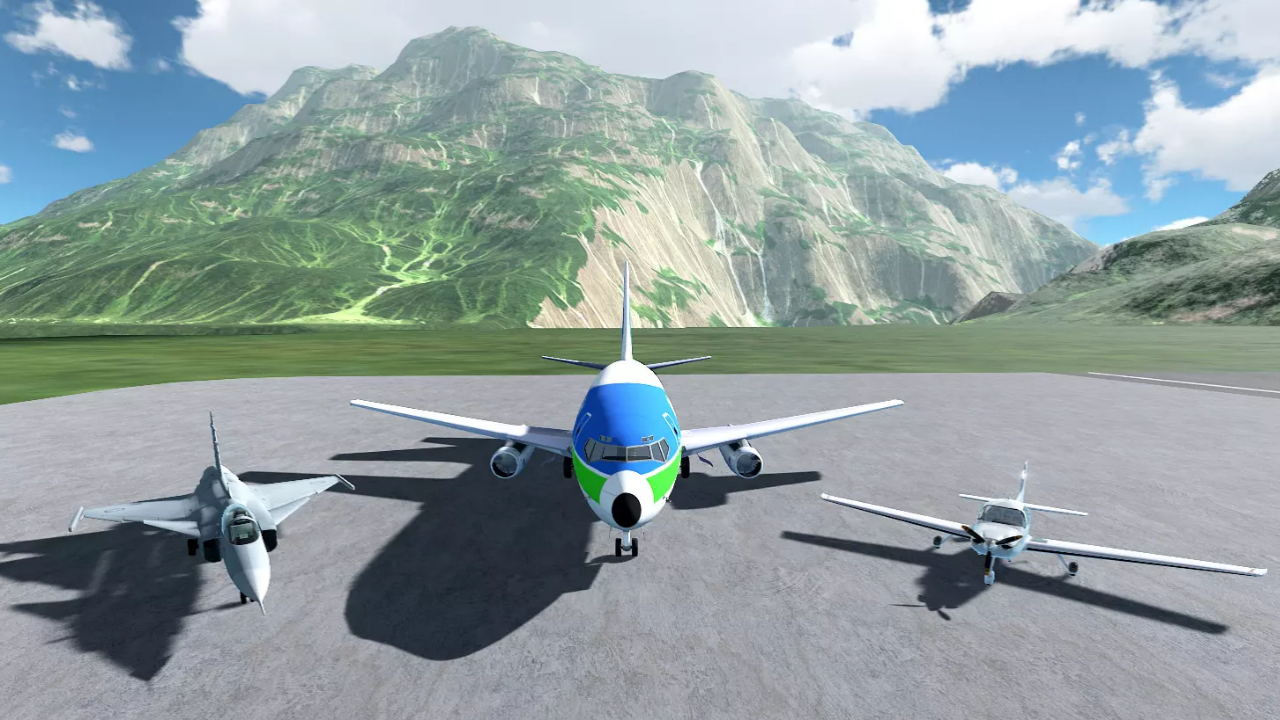
  • Flight Simulator Shuvali screenshot 1
  • Flight Simulator Shuvali screenshot 2
  • Flight Simulator Shuvali screenshot 3
  • Flight Simulator Shuvali screenshot 4
  • Flight Simulator Shuvali screenshot 5
  • Flight Simulator Shuvali screenshot 6
Play Now

10,158 players online

How to play

  1. Open the game

    Press Play now and the game opens on its own screen.

  2. Follow the in-game instructions

    The controls and goals are shown inside the game as you play.

  3. Use the game menu

    The floating button over the game reloads it, saves it to your favourites, or takes you back out.

Game instructions

Management. On computers: WASD - steering wheel Q/E - steering wheel F - air/ground braking Shift - full throttle Up/Down arrow - Increase/decrease the gas "1"/"2" - Flaps Y - parking brake (handbrake) T - starting the engine U - engine stop G - chassis V - change of aircraft C - changing the camera LMB - camera rotation PCM - moving the camera SCM - Camera zoom in and out To control the aircraft on your phone, use the screen and the corresponding buttons. On the gamepad (for example, playstation dualshock 4): L3 - steering wheel L2/R2 - steering wheel "square" - engine start "right arrow button" - engine stop "cross" - increase gas "circle" - decrease gas "left arrow button" - handbrake "triangle" - brakes L1/L2 - flaps "Share" - aircraft change "Options" - camera change R3 + Hold and direct - rotate the camera "upper and lower arrow buttons" - increase and decrease the camera distance.

More games

More games