Skip to content
KG
Flight Simulator Adventure

Flight Simulator Adventure

4K plays 4.7 out of 5

Overview

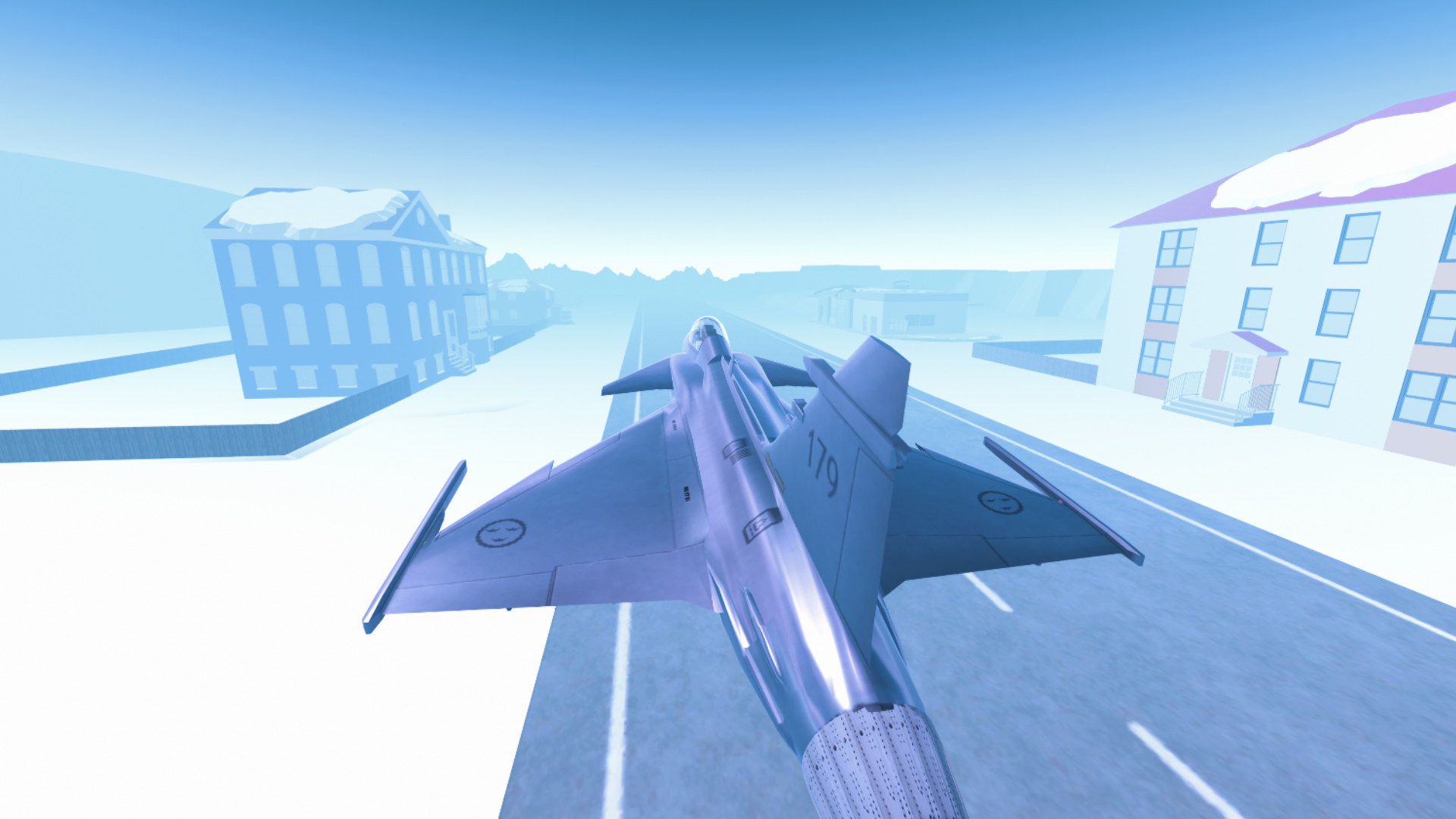
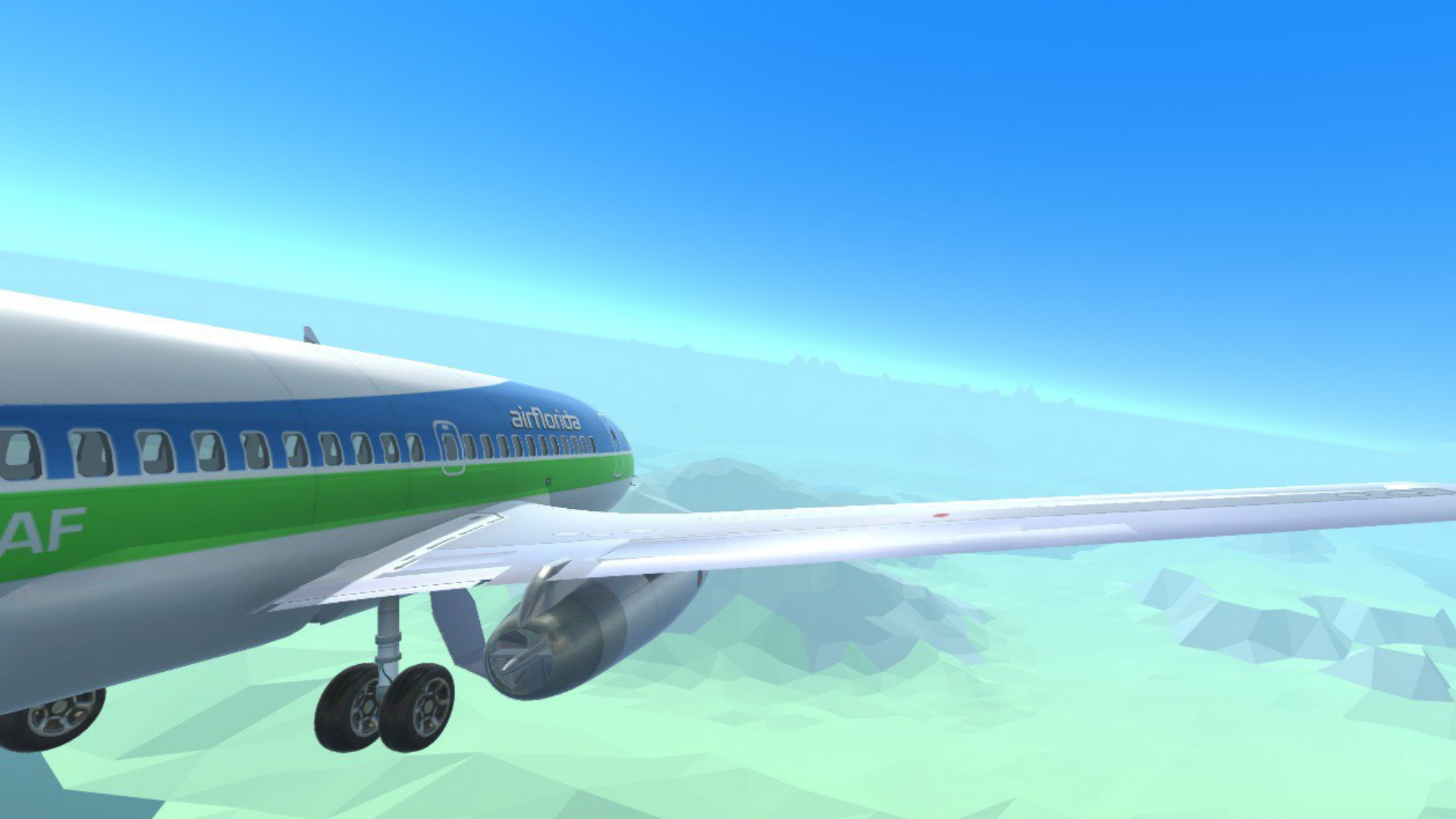
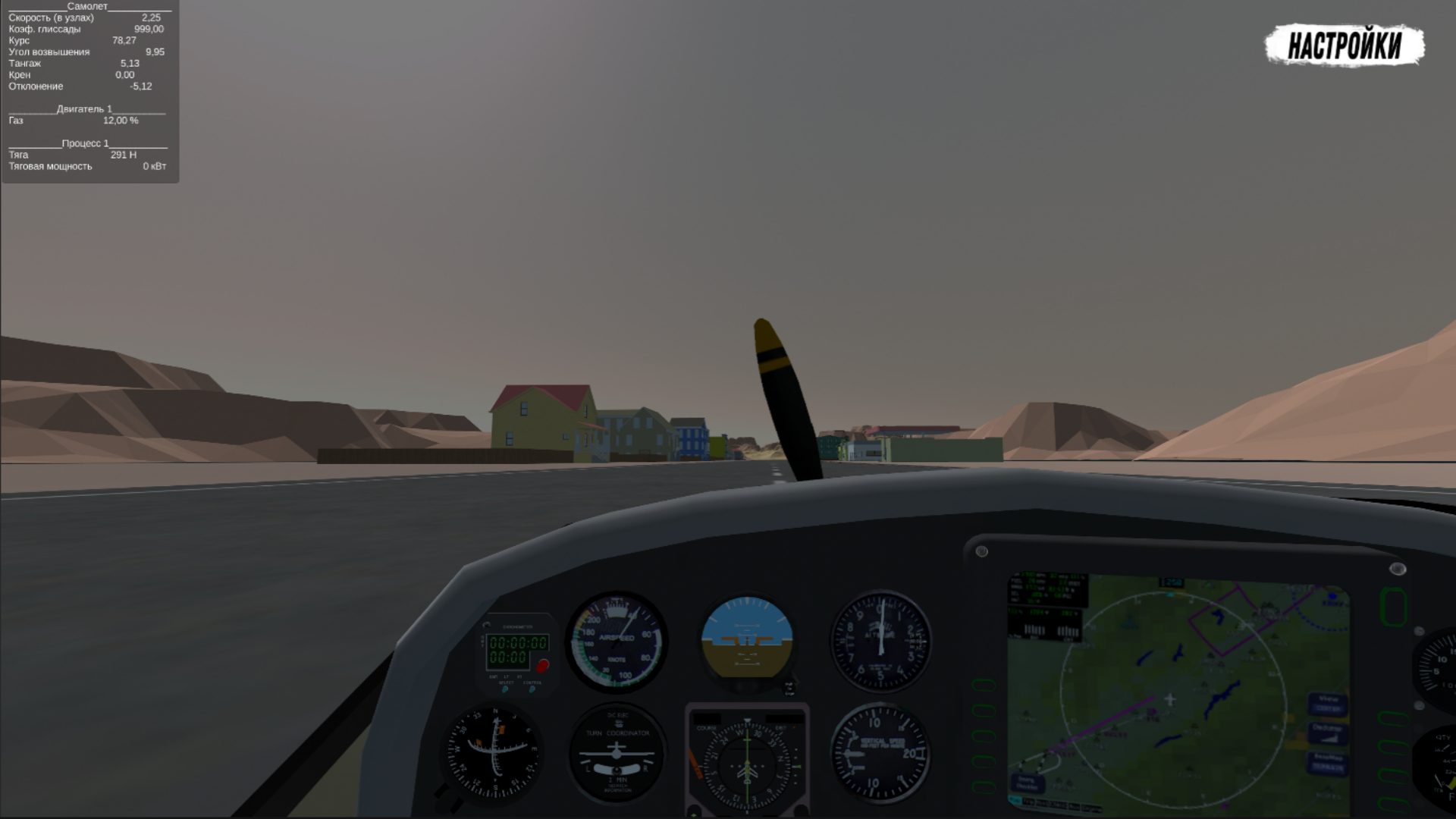
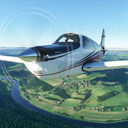
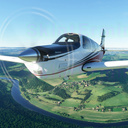
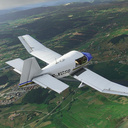
Realistic simulator of aircraft control. The choice is given by : đŸ›Šī¸ Different game modes (simplified and realistic), 🌏 Diversity of terrain (Eurasia, Desert, Arctic), â„ī¸ Weather conditions, âœˆī¸ A lot of equipment (corncob, passenger, fighter). The game includes training, so you can start playing even without experience. There are simplified controls, as well as the ability to play with a joystick (gamepad).

Videos and screenshots

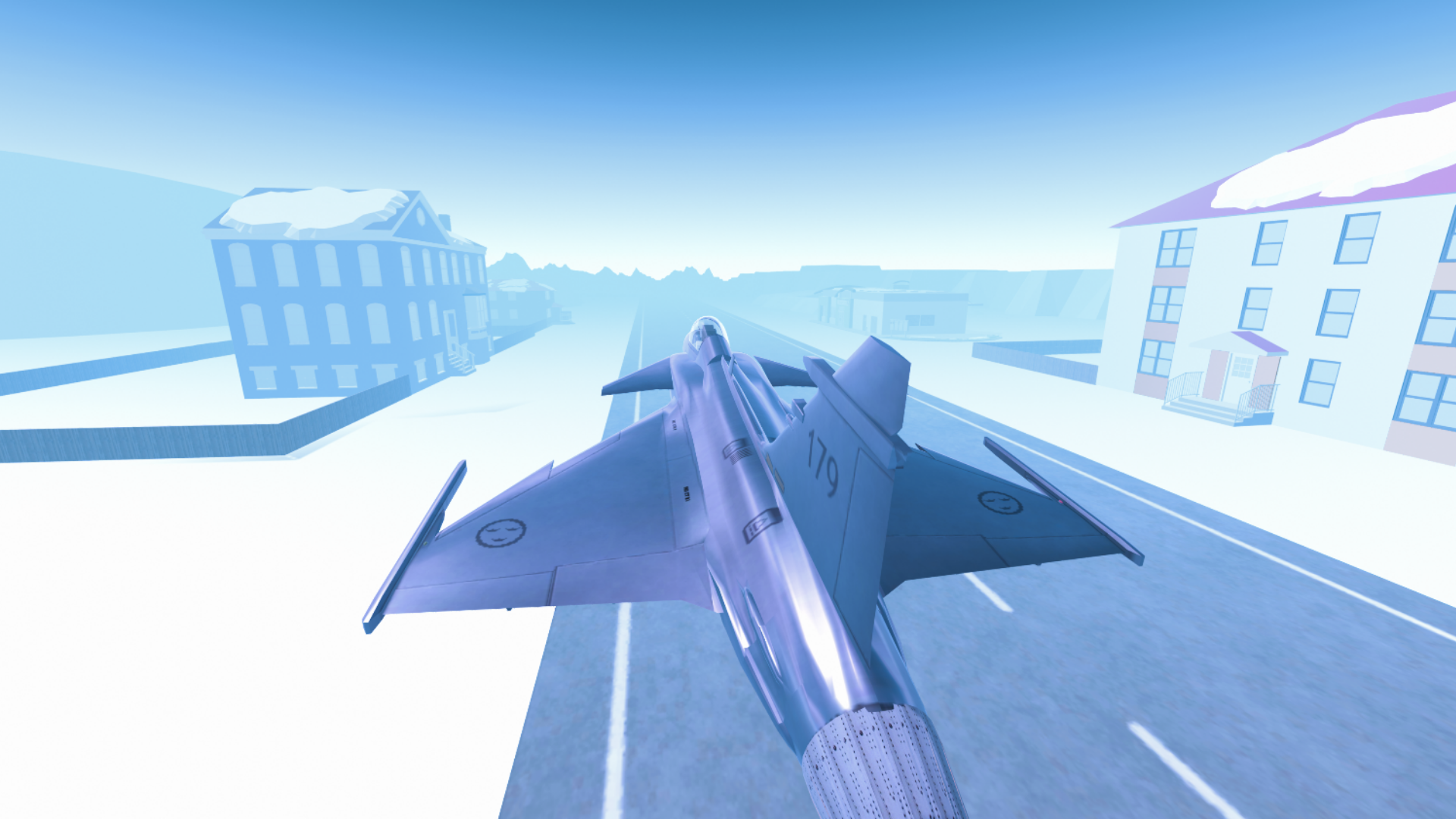
  • Flight Simulator Adventure screenshot 1
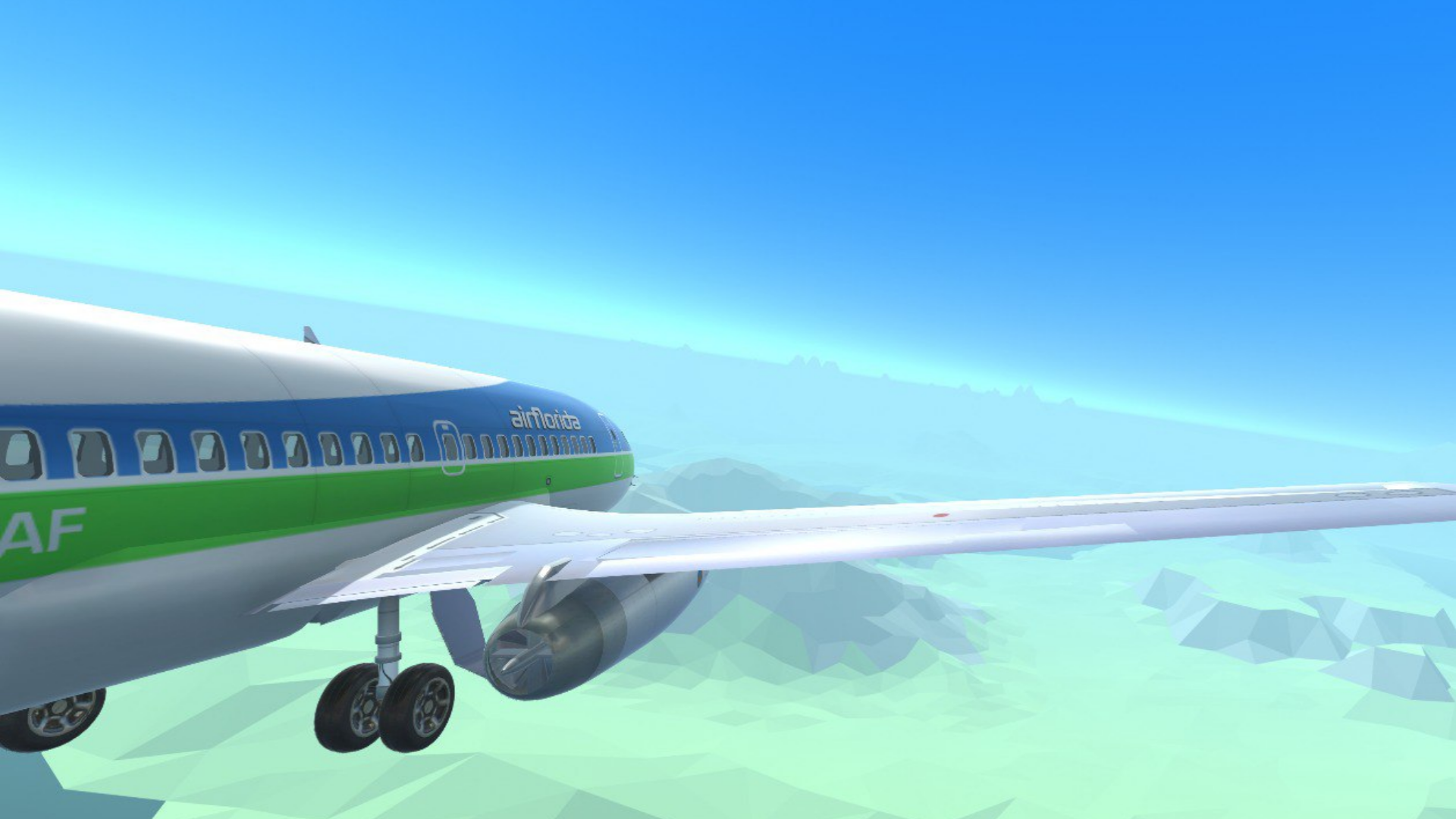
  • Flight Simulator Adventure screenshot 2
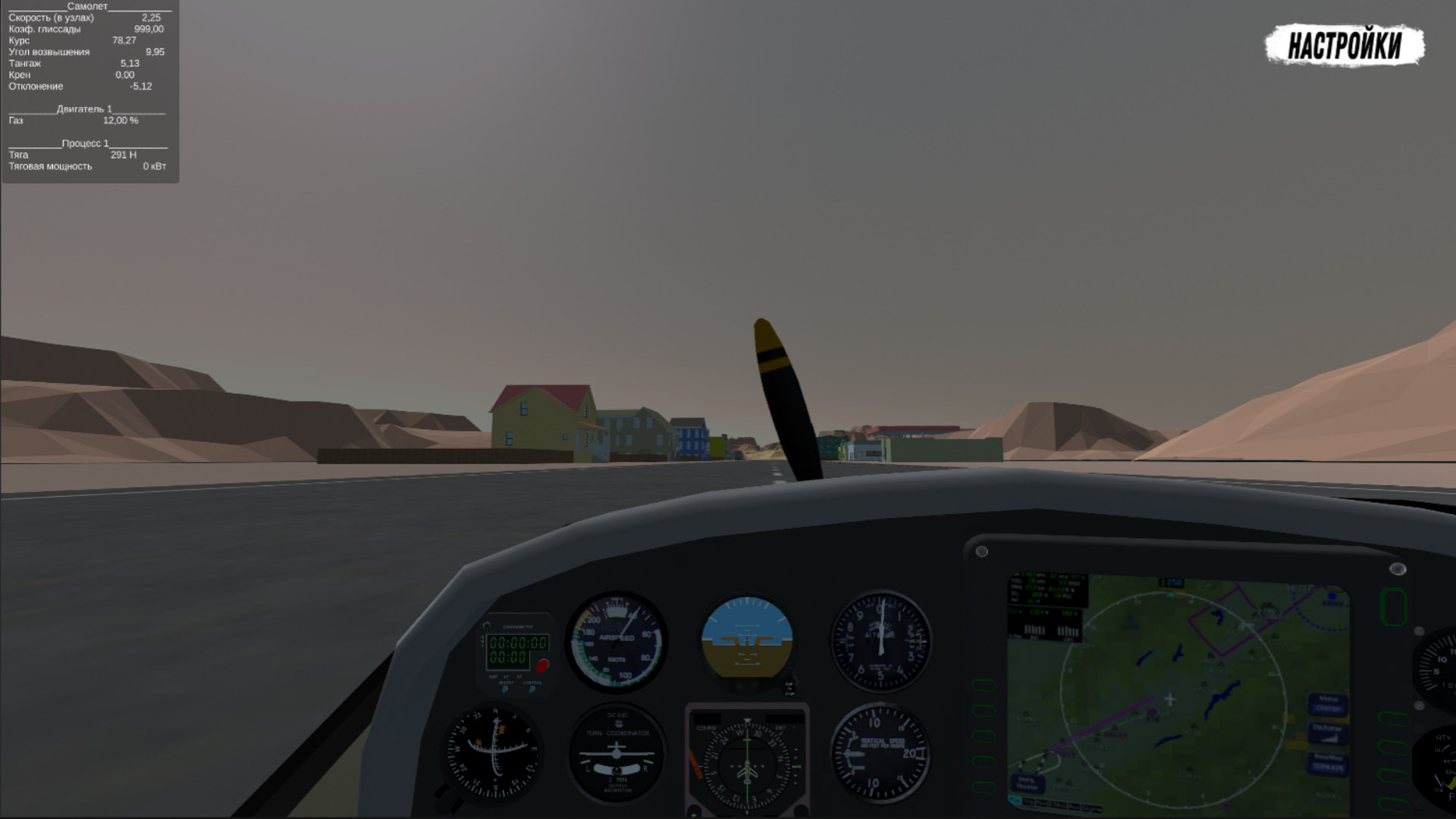
  • Flight Simulator Adventure screenshot 3
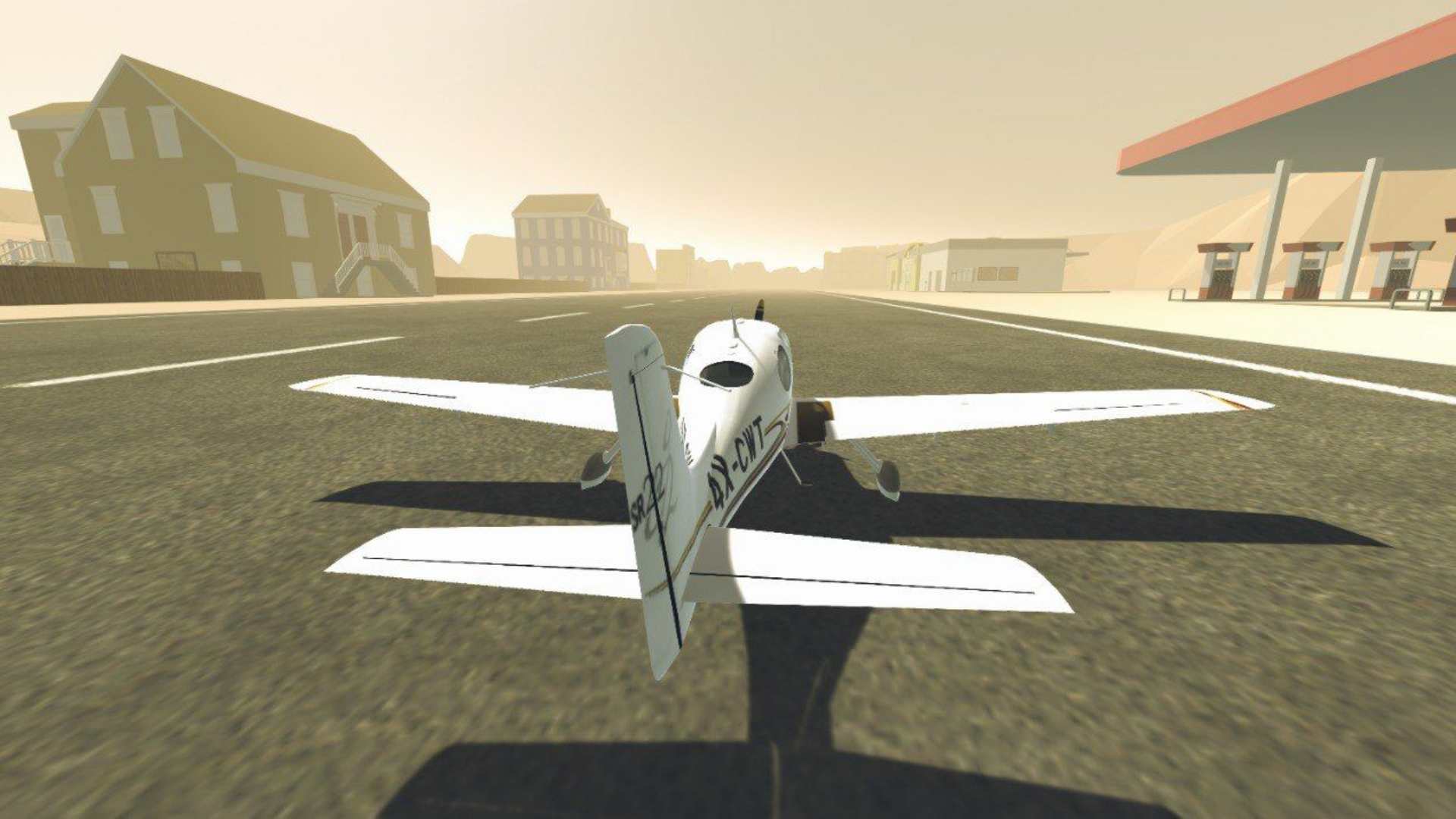
  • Flight Simulator Adventure screenshot 4
  • Flight Simulator Adventure screenshot 5
  • Flight Simulator Adventure screenshot 6
  • Flight Simulator Adventure screenshot 7
  • Flight Simulator Adventure screenshot 8
Play Now

12,477 players online

How to play

  1. Open the game

    Press Play now and the game opens on its own screen.

  2. Follow the in-game instructions

    The controls and goals are shown inside the game as you play.

  3. Use the game menu

    The floating button over the game reloads it, saves it to your favourites, or takes you back out.
Game instructions

The game will provide a learning opportunity, as well as in-game controls. It is also possible to play from the gamepad. WASD - steering wheel Q/E - steering wheel Up/Down arrow - Increase/Decrease gas Shift - full throttle F - air braking "1"/"2" - Flaps Y - parking brake (handbrake) T - engine start U - engine stop M - brakes G - chassis C - camera change LKM - camera panorama PCM - Camera rotation SCM - Camera magnification V - switching to transport To control the aircraft via your phone, use the screen and the corresponding buttons. Gamepad (using the PlayStation 4 as an example) : L3 steering wheel L2/R2 - steering wheel "square" - engine start "right arrow button" - engine stop "cross" - increase throttle "circle" - decrease throttle "left arrow button" - handbrake "triangle" - brakes L1/L2 - flaps "Share" - aircraft change "Options" - camera change R3 + Hold and direct - rotate the camera "upper and lower arrow buttons" - increase and decrease the camera distance.

More games

More games