Overview
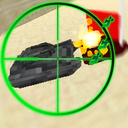
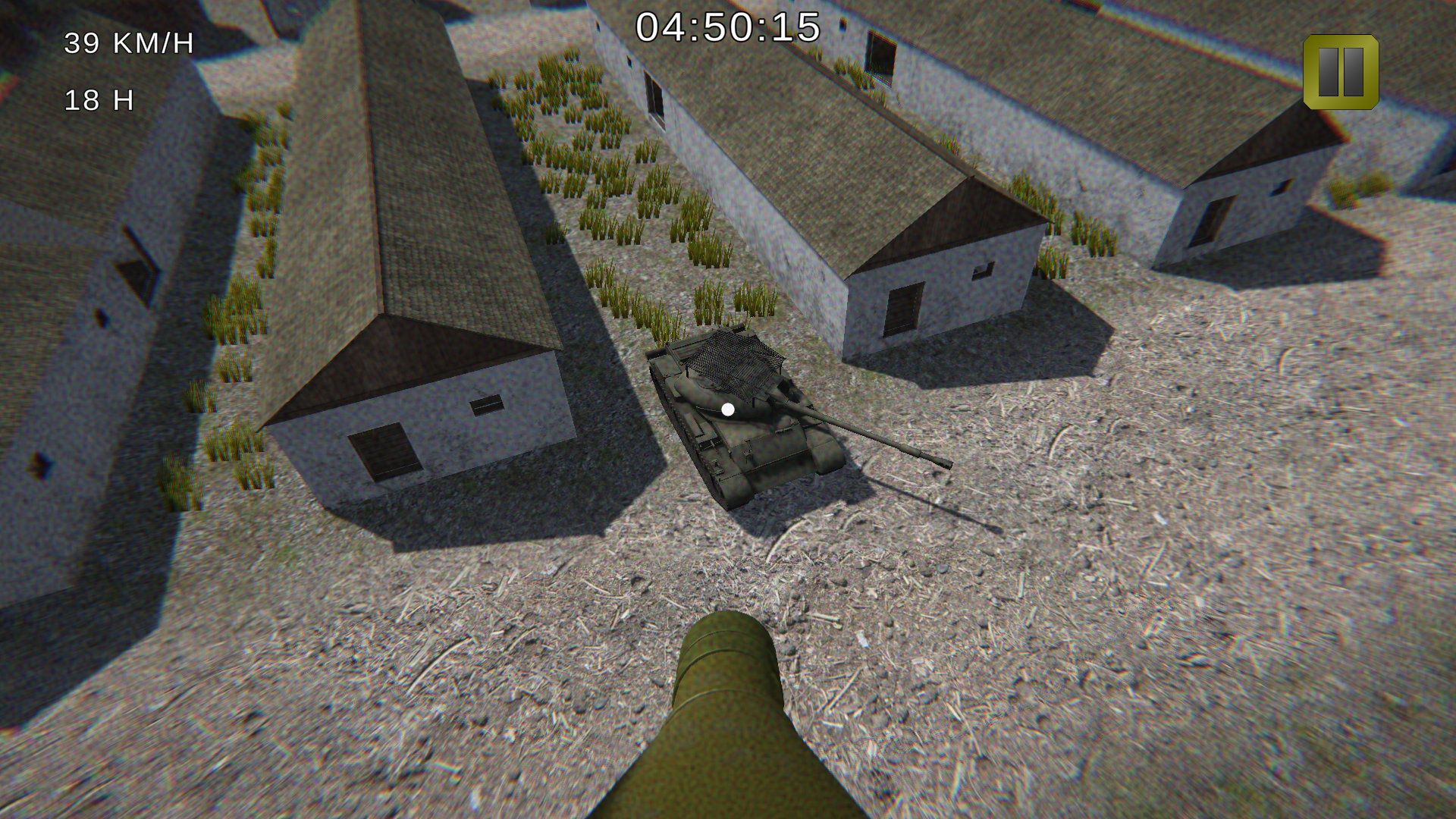
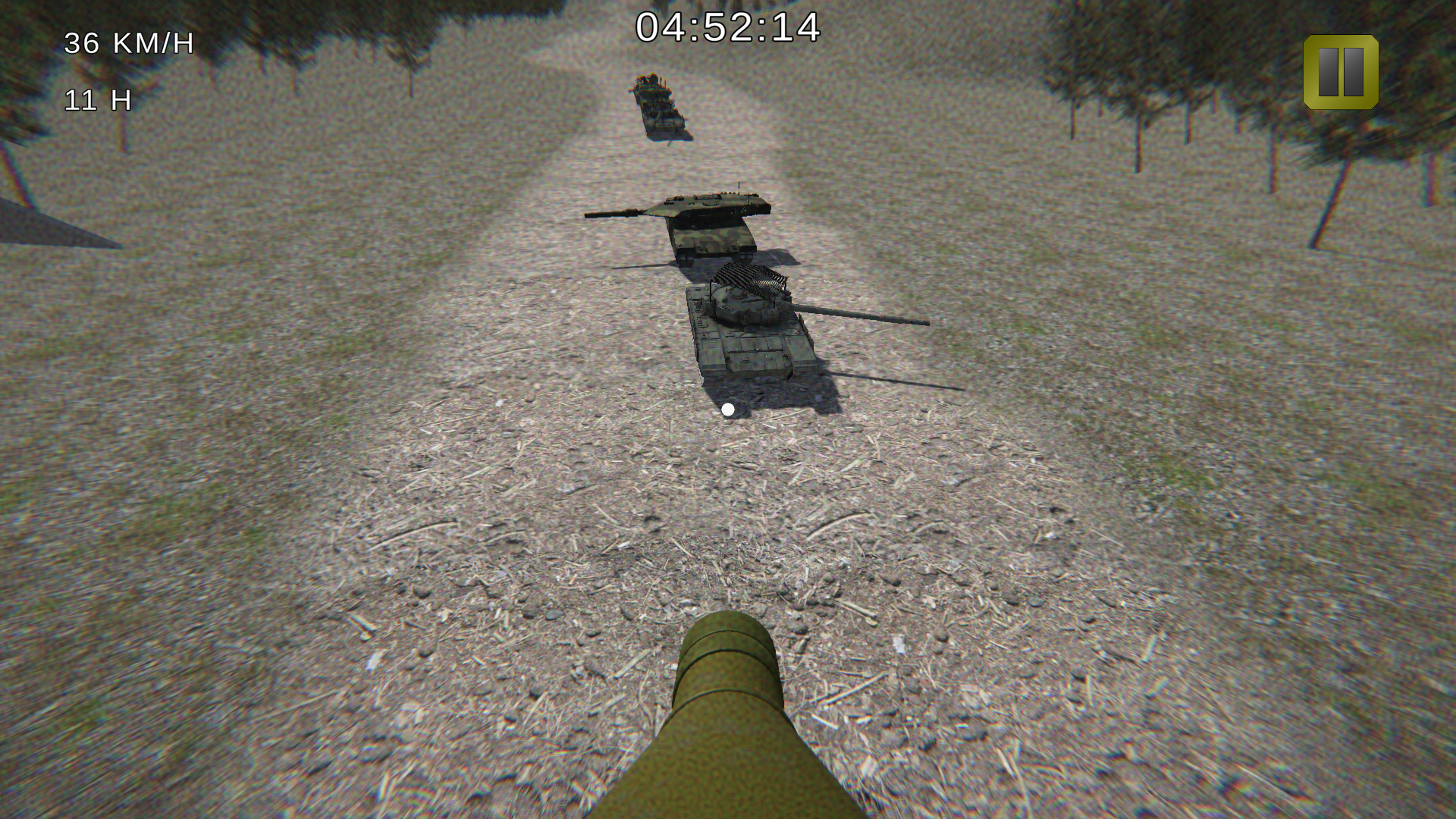
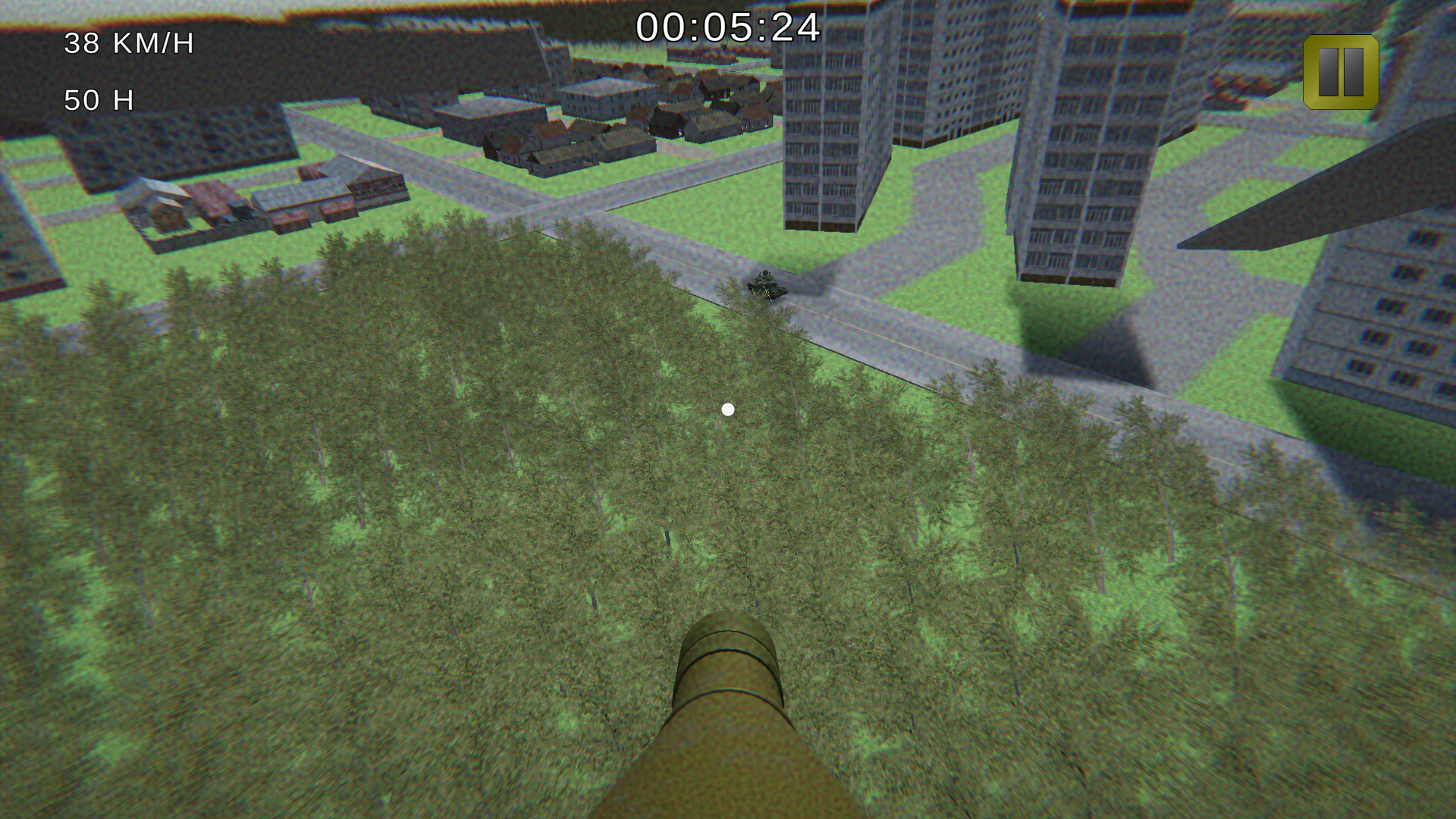
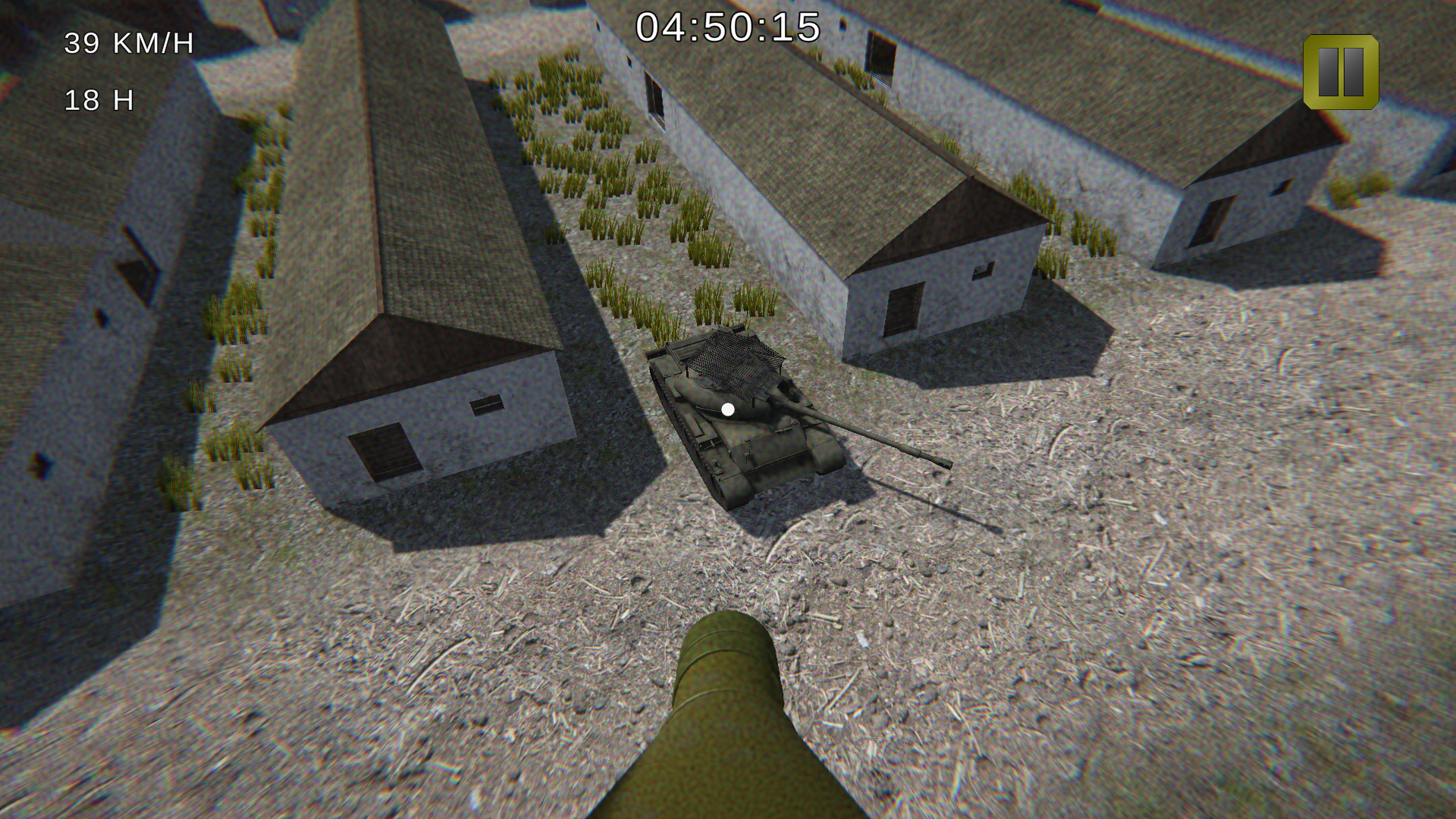
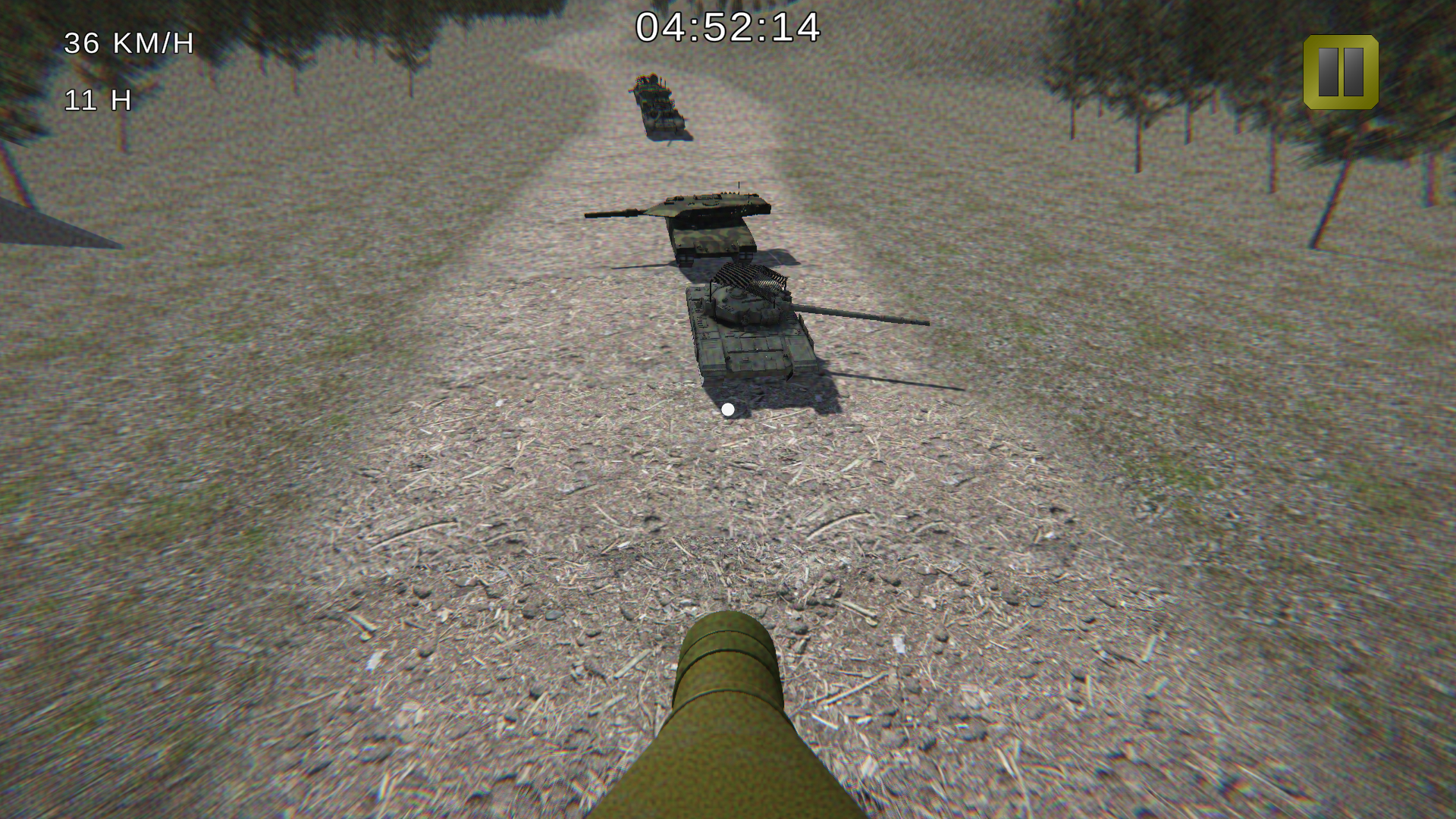
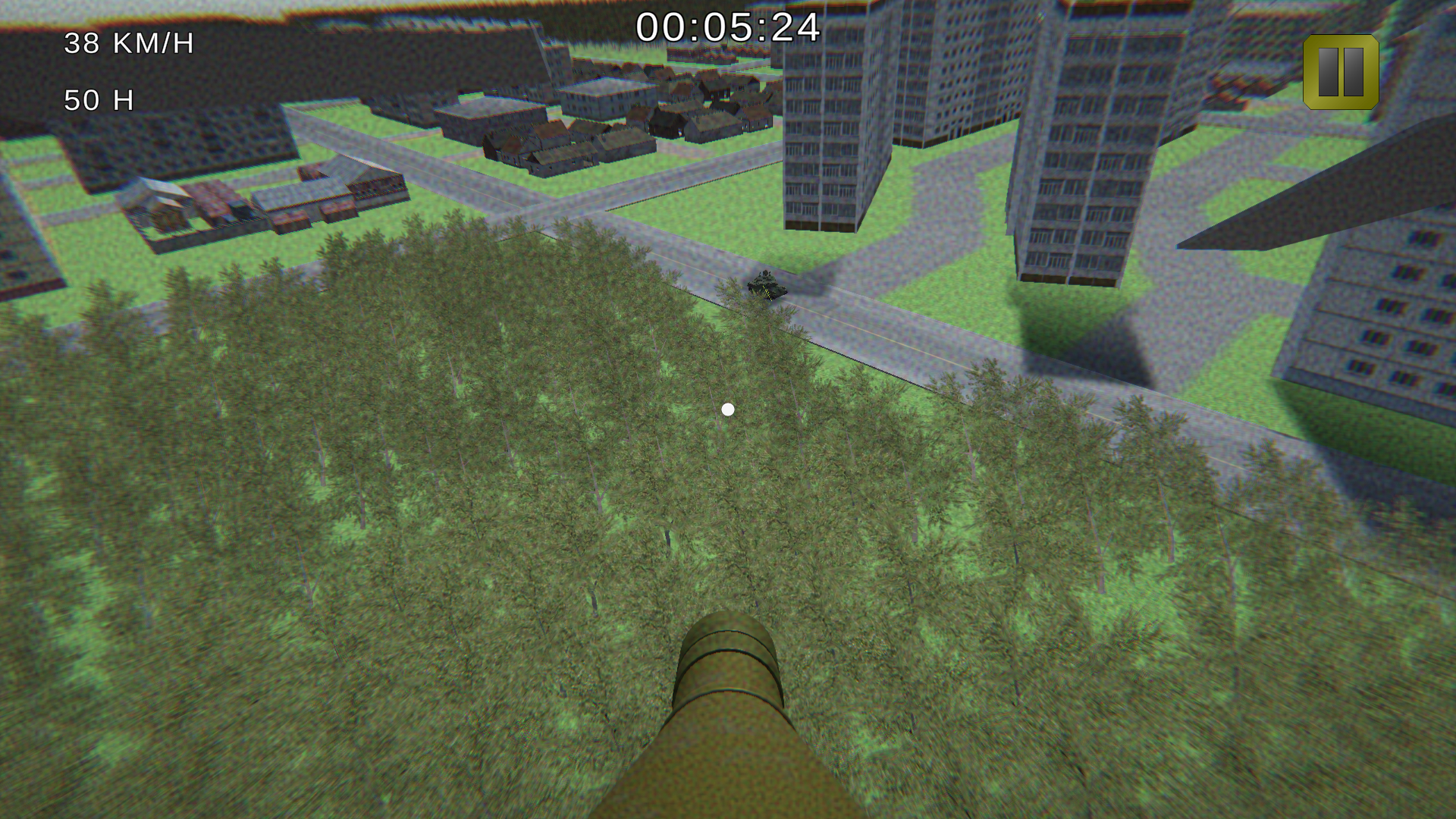
FPV Kamikaze Drone wars is a modern and close to real-life experience where you control a drone to destroy enemies.
The game has four levels with different gameplay and difficulty, as well as a system of trophies that you will receive when you destroy enemy equipment.
A unique feature of the game is the ability to choose control mode and physics:
- Simulator mode reproduces the controls and physical behavior of the drone close to real.
- Arcade mode is designed for casual players, and is less realistic.
Game authenticity:
- The enemies will be real examples of modern military equipment from various countries that take a real part in modern conflicts. Tanks, armored vehicles, self-propelled guns. The equipment has different armor.
- Beautiful and realistic locations and terrain: Mountain village, country road, Eastern European city.
- Visual style and effects aimed at maximum immersion of the player in the role of an FPV drone operator
Videos and screenshots
10,530 players online
How to play
-
Open the game
Press Play now and the game opens on its own screen.
-
Follow the in-game instructions
The controls and goals are shown inside the game as you play.
-
Use the game menu
The floating button over the game reloads it, saves it to your favourites, or takes you back out.