Overview
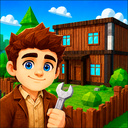
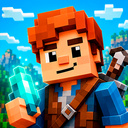
Create your own game instead of blocked Roblox!
🎨 Build games without coding
A visual editor that understands your ideas. Place objects, set up scenarios, bring your world to life. Zero programming — just you and a 3D canvas.
🎮 Any genre you want
No templates or pre-made solutions. Horror, RPG, survival, puzzle — you decide. The constructor gives you tools, not limits.
📦 Hundreds of assets
Models, textures, sounds, effects — all inside. Grab them and build your world like putting pieces together.
👥 Share with friends
Open access and let friends rate your project. First likes and feedback — your audience starts here.
🔥 Climb to the top
Projects compete in the ranking. Players vote, push the best worlds up, creators earn recognition.
🌍 Play others' worlds
Explore other universes, test mechanics, find inspiration. The more you play, the sharper your ideas become.
Start your real journey as a game designer and show the world who's the best!
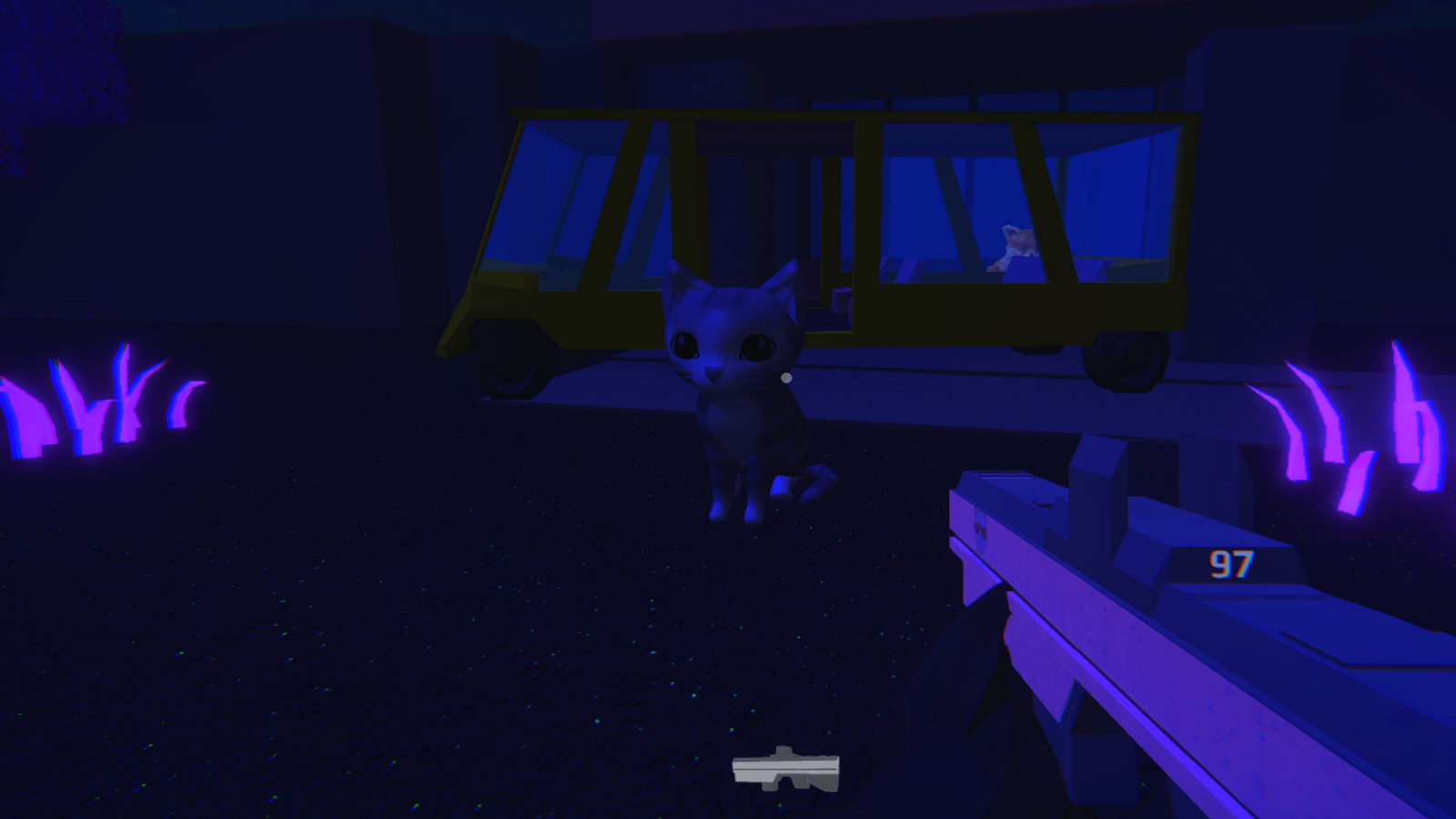
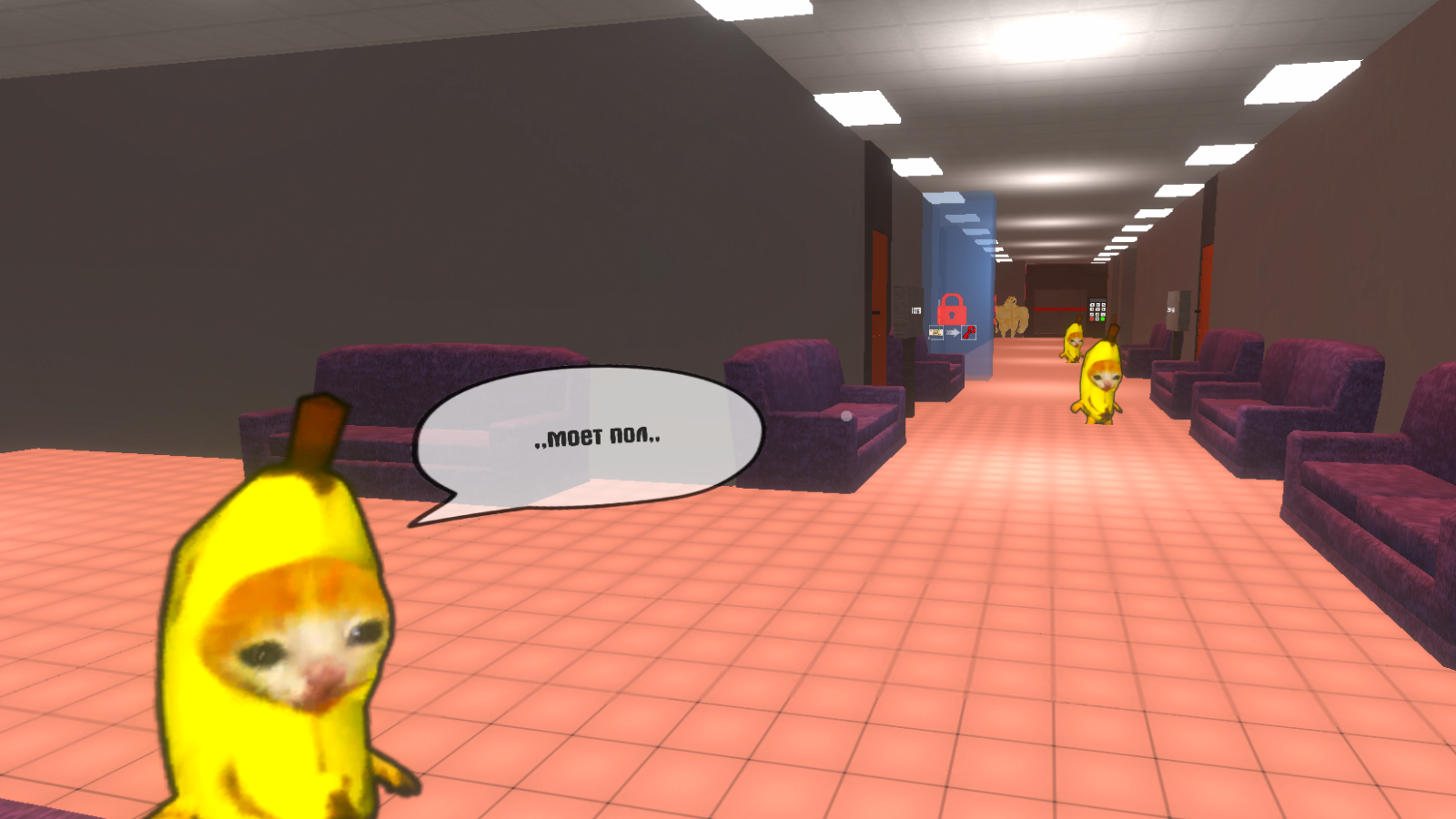
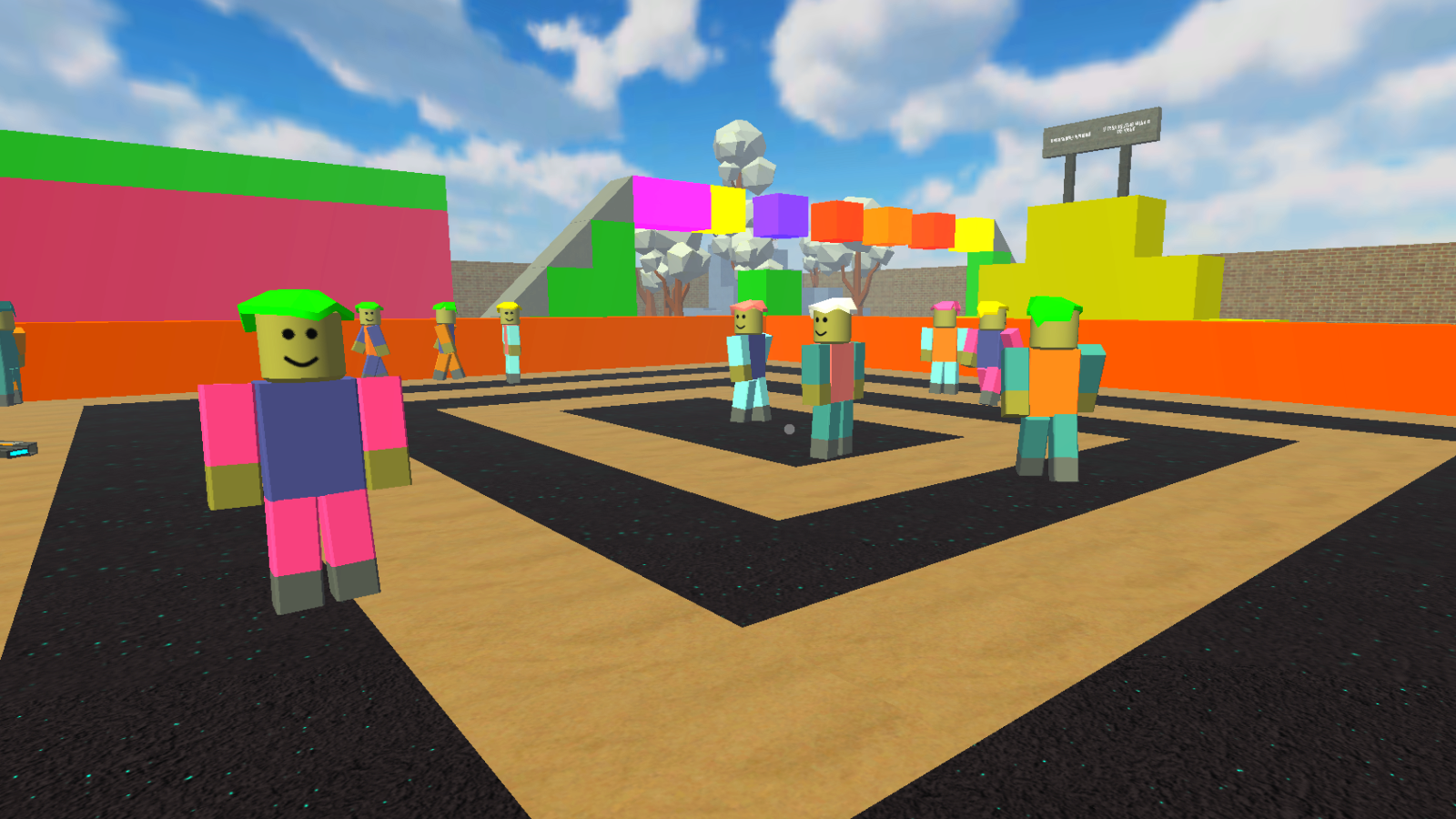
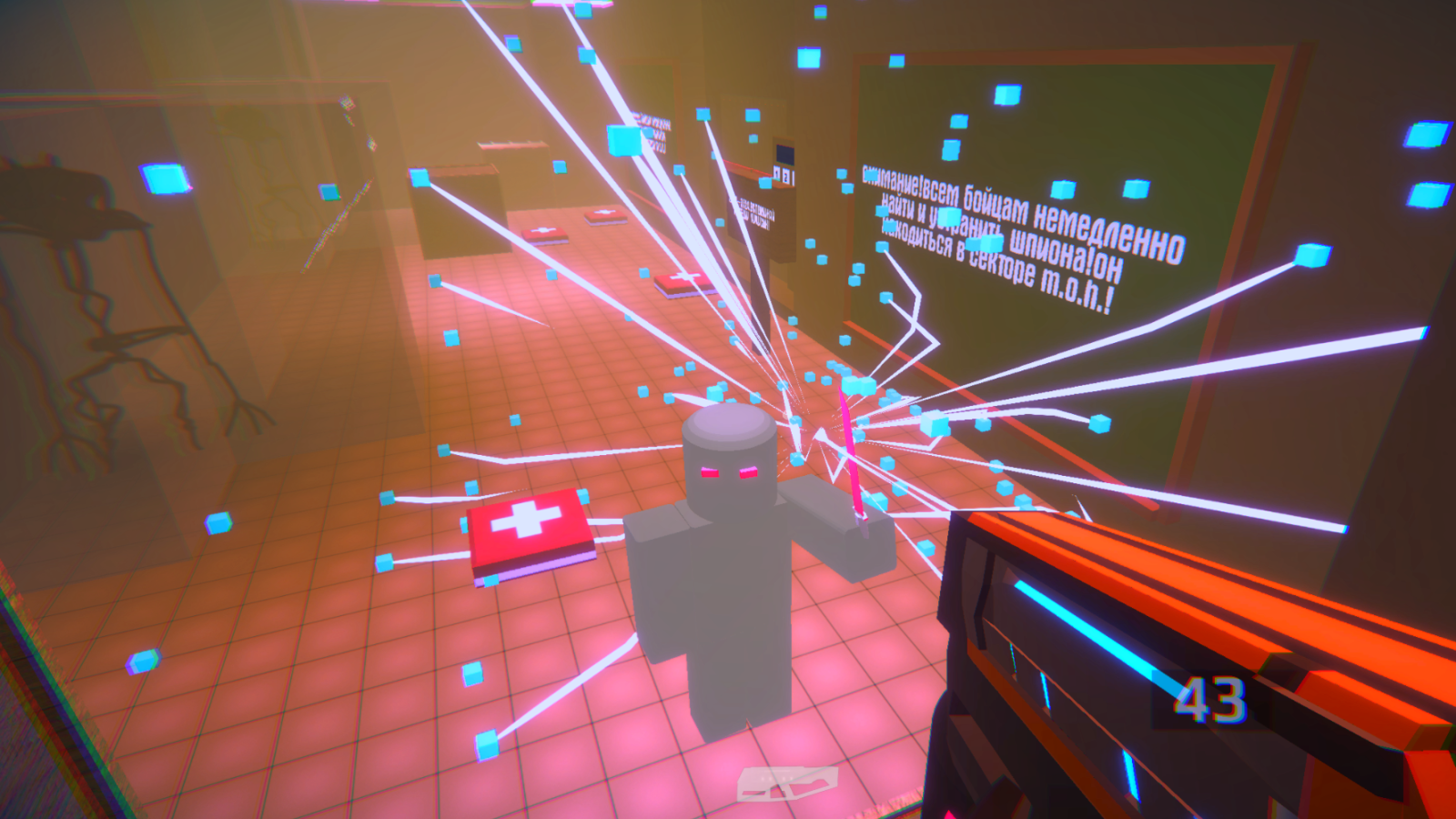
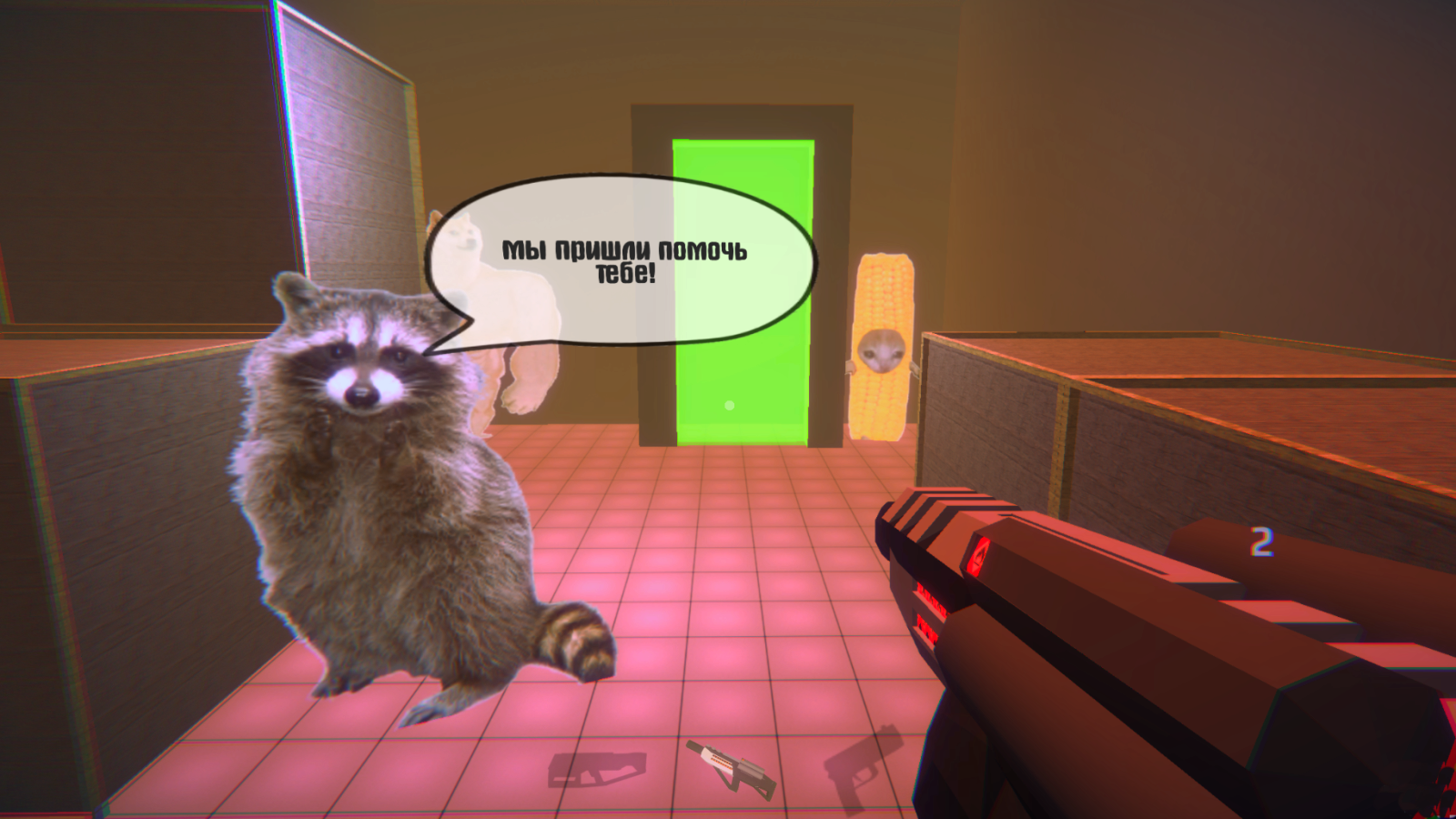
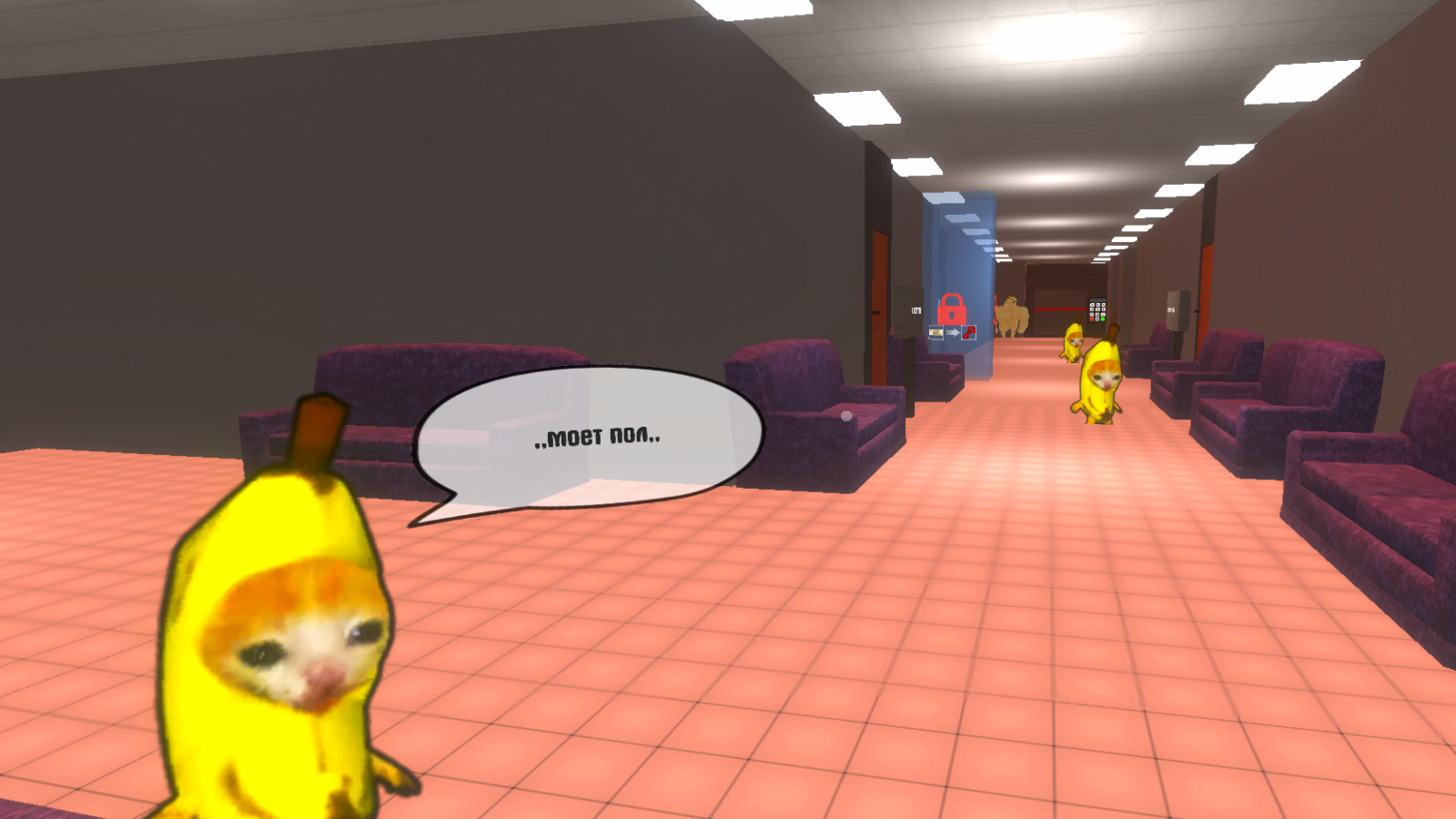
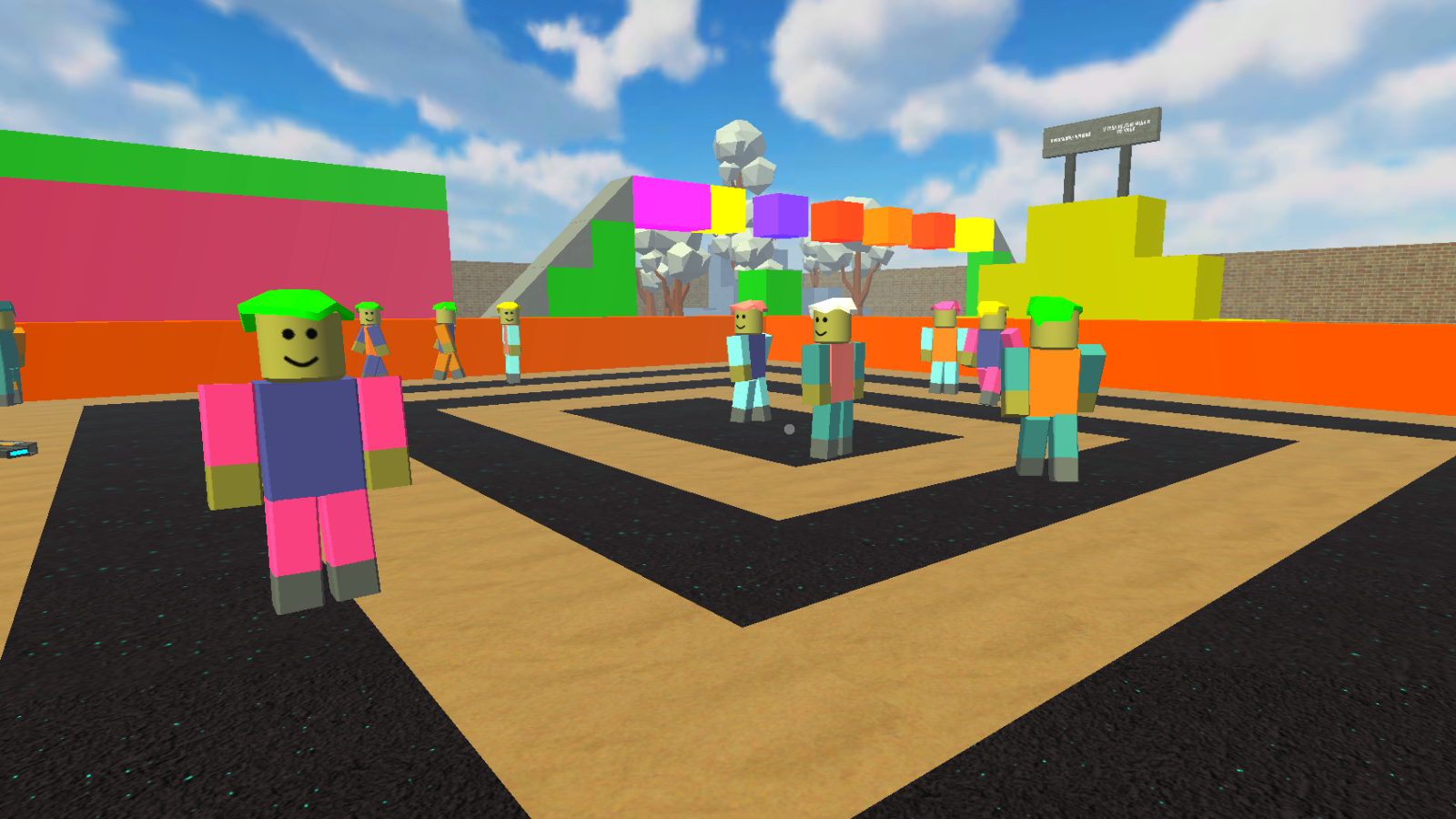
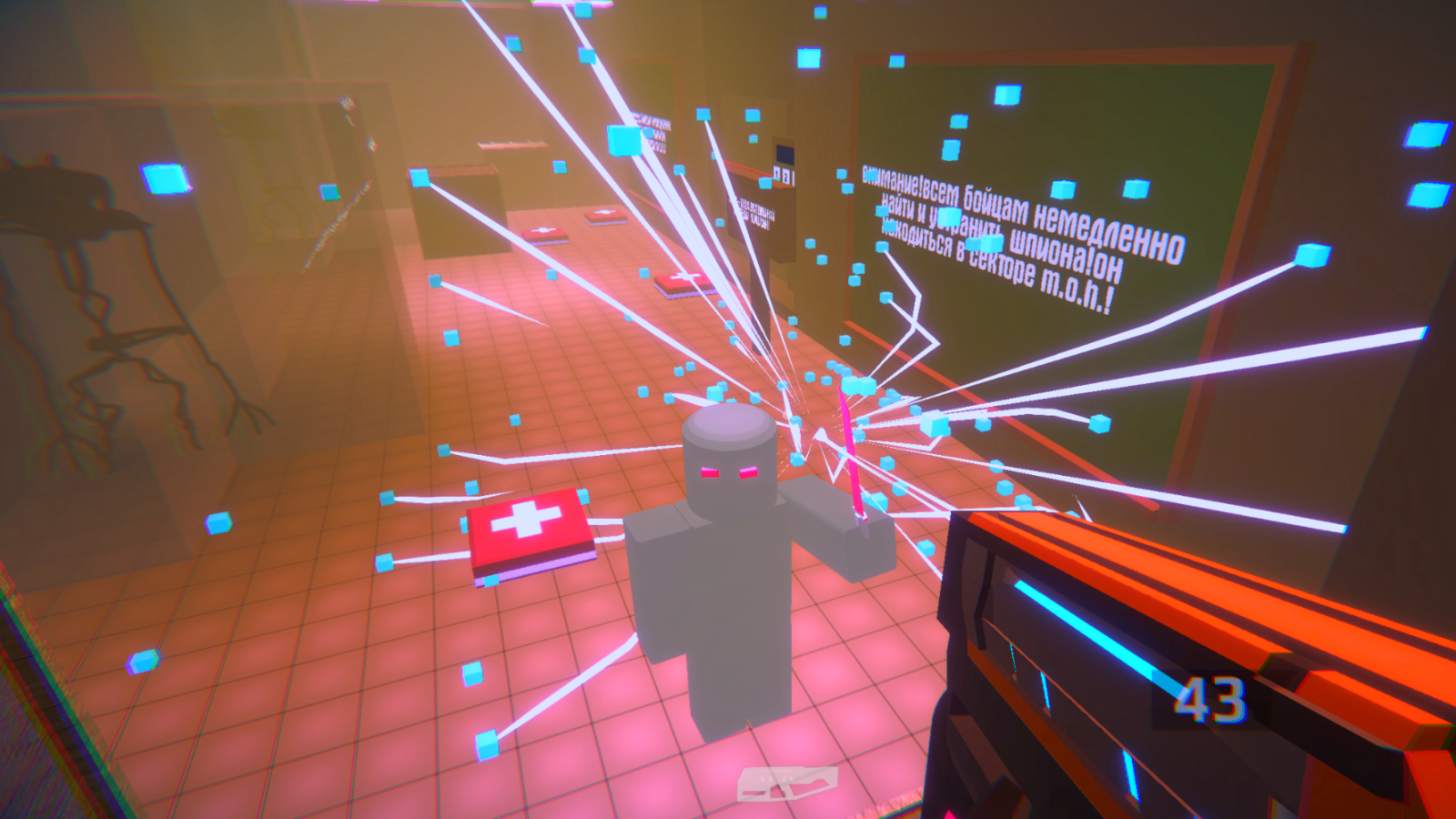
Videos and screenshots
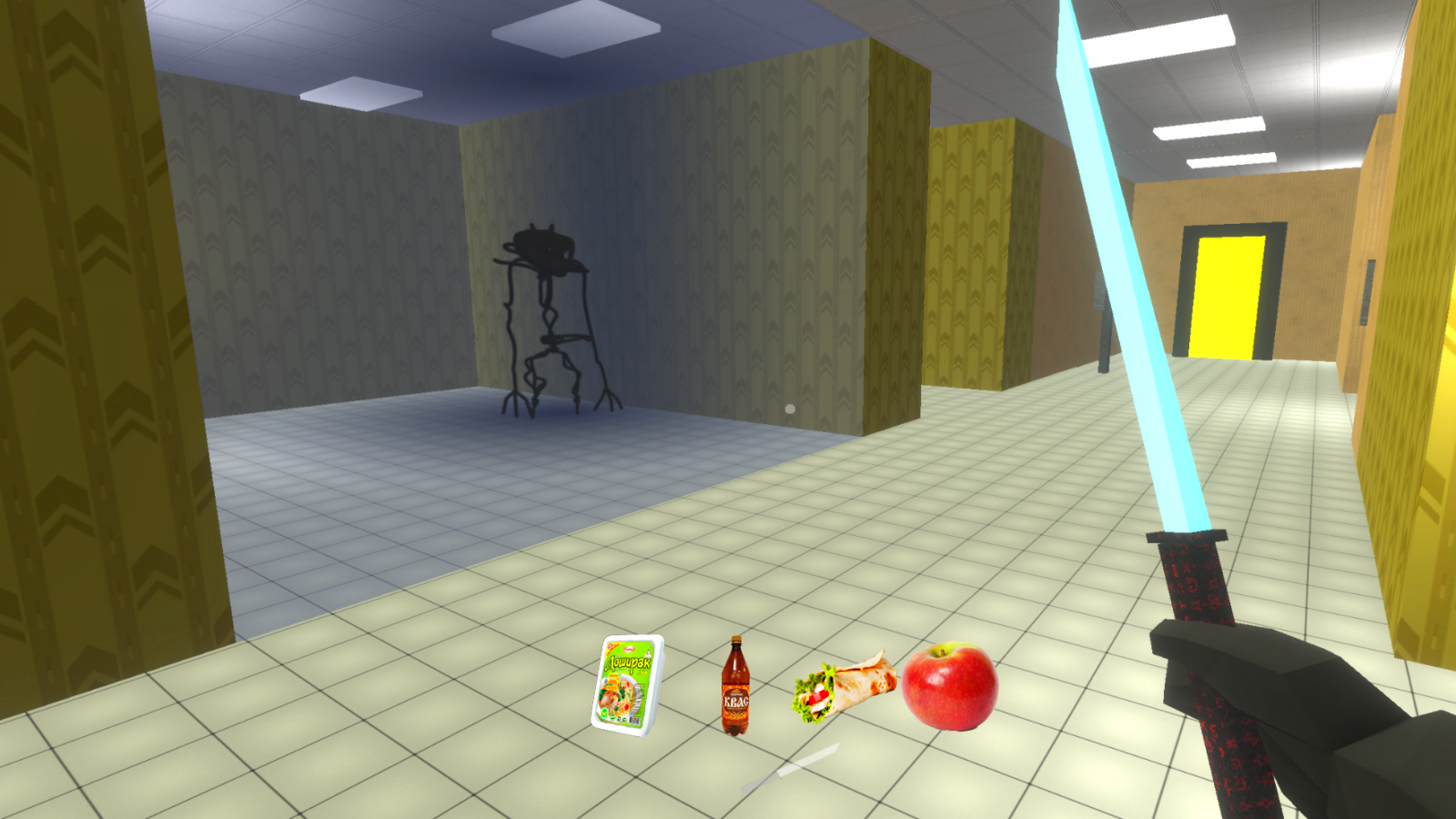
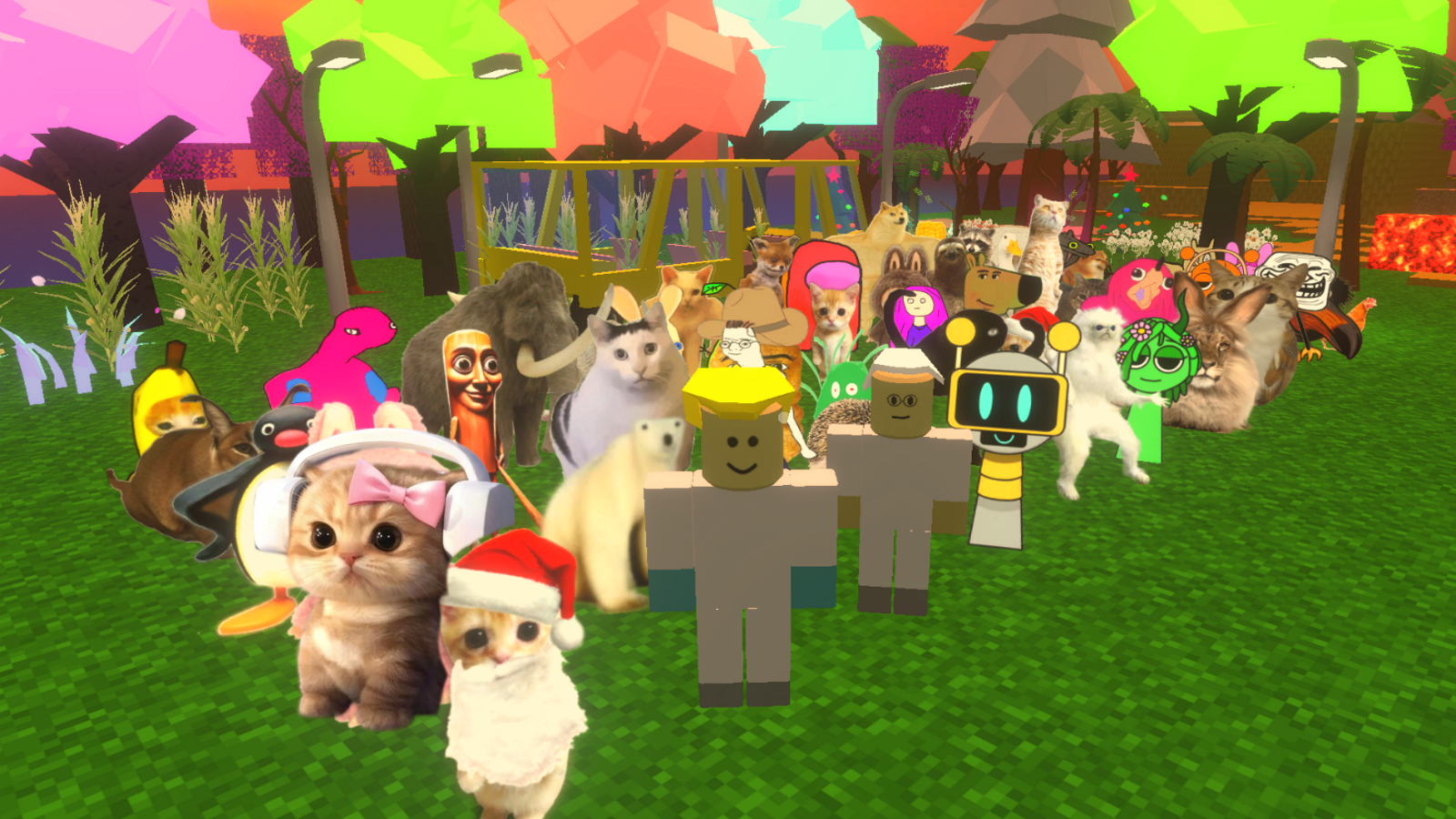
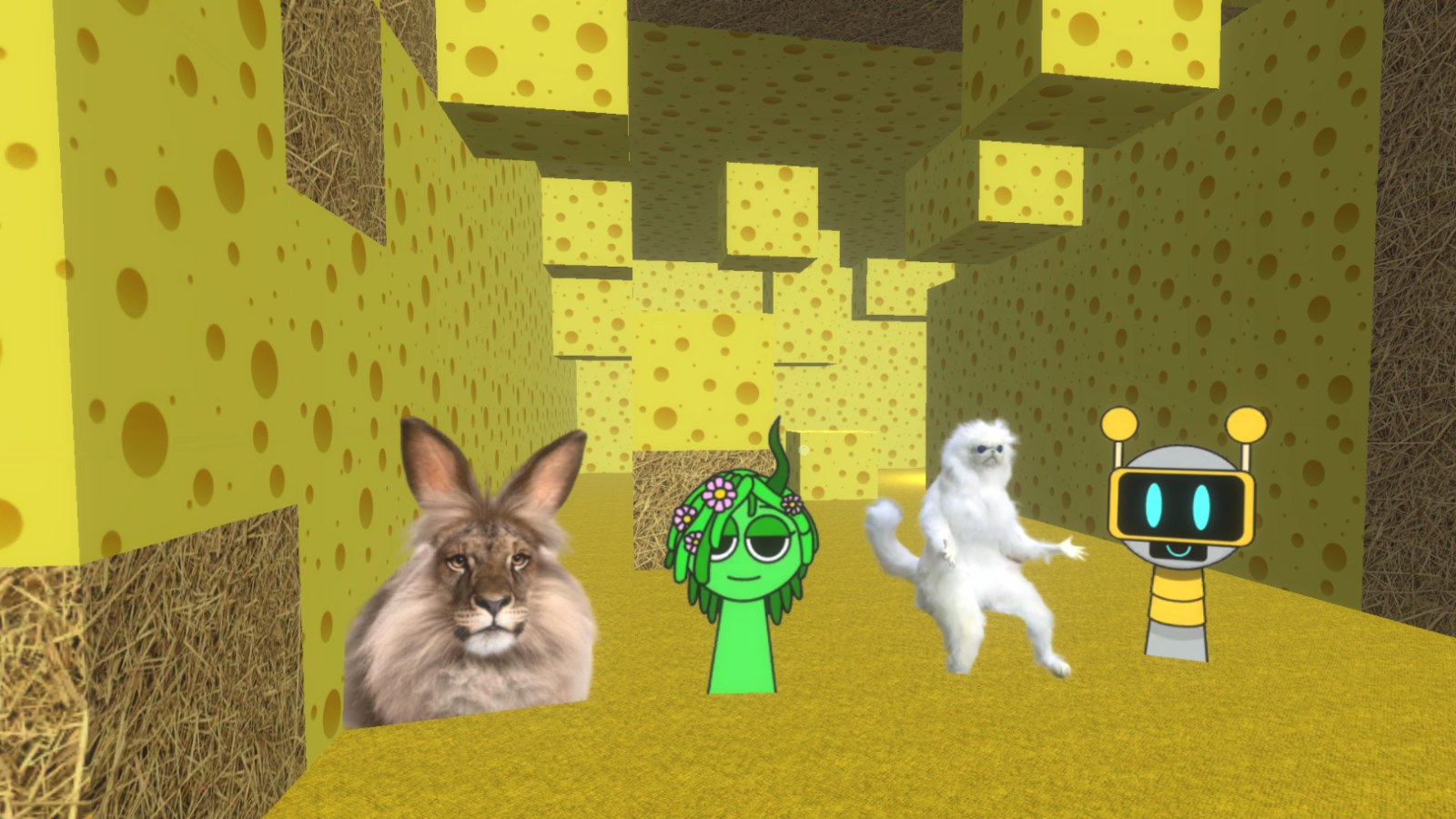
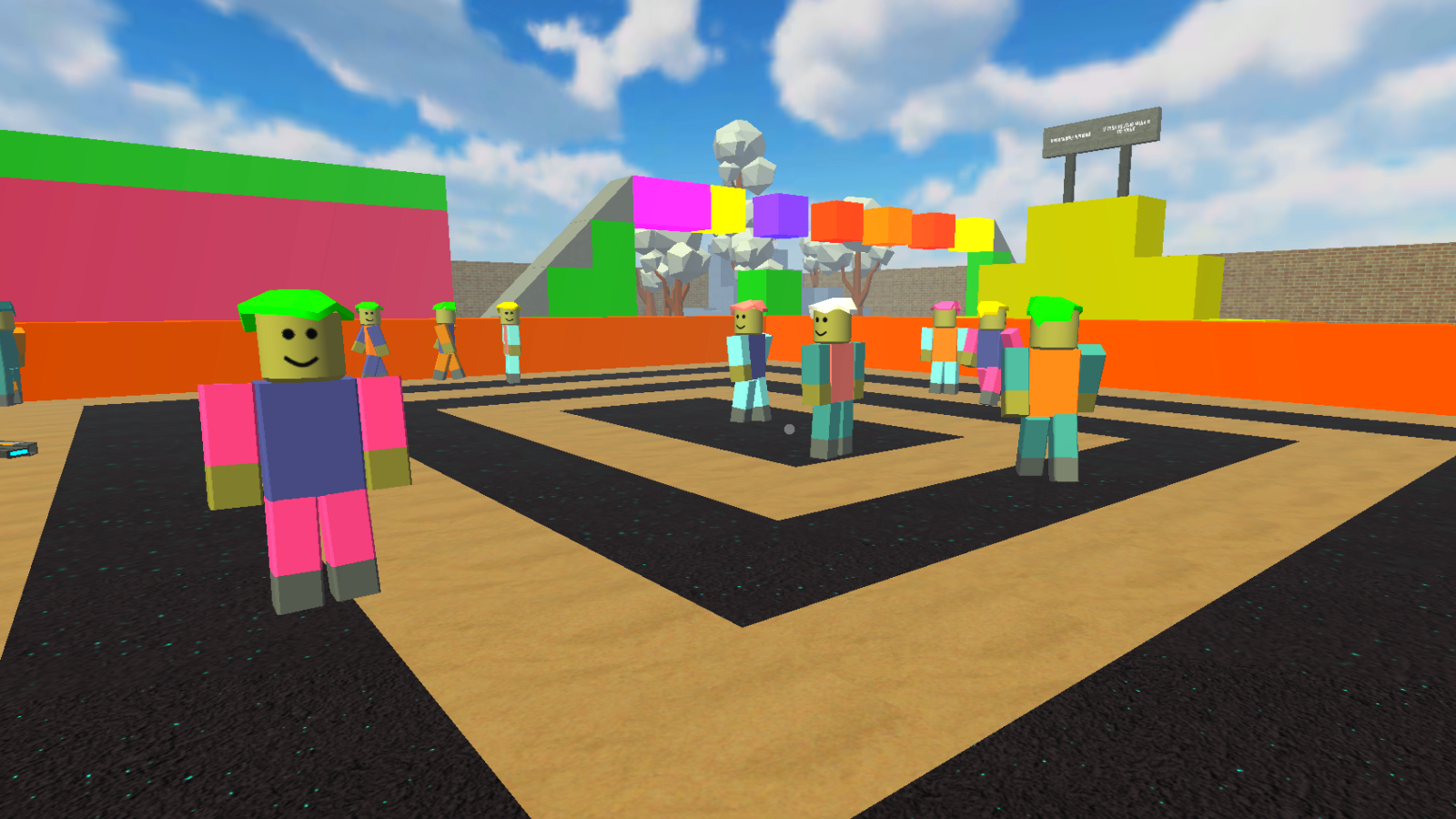
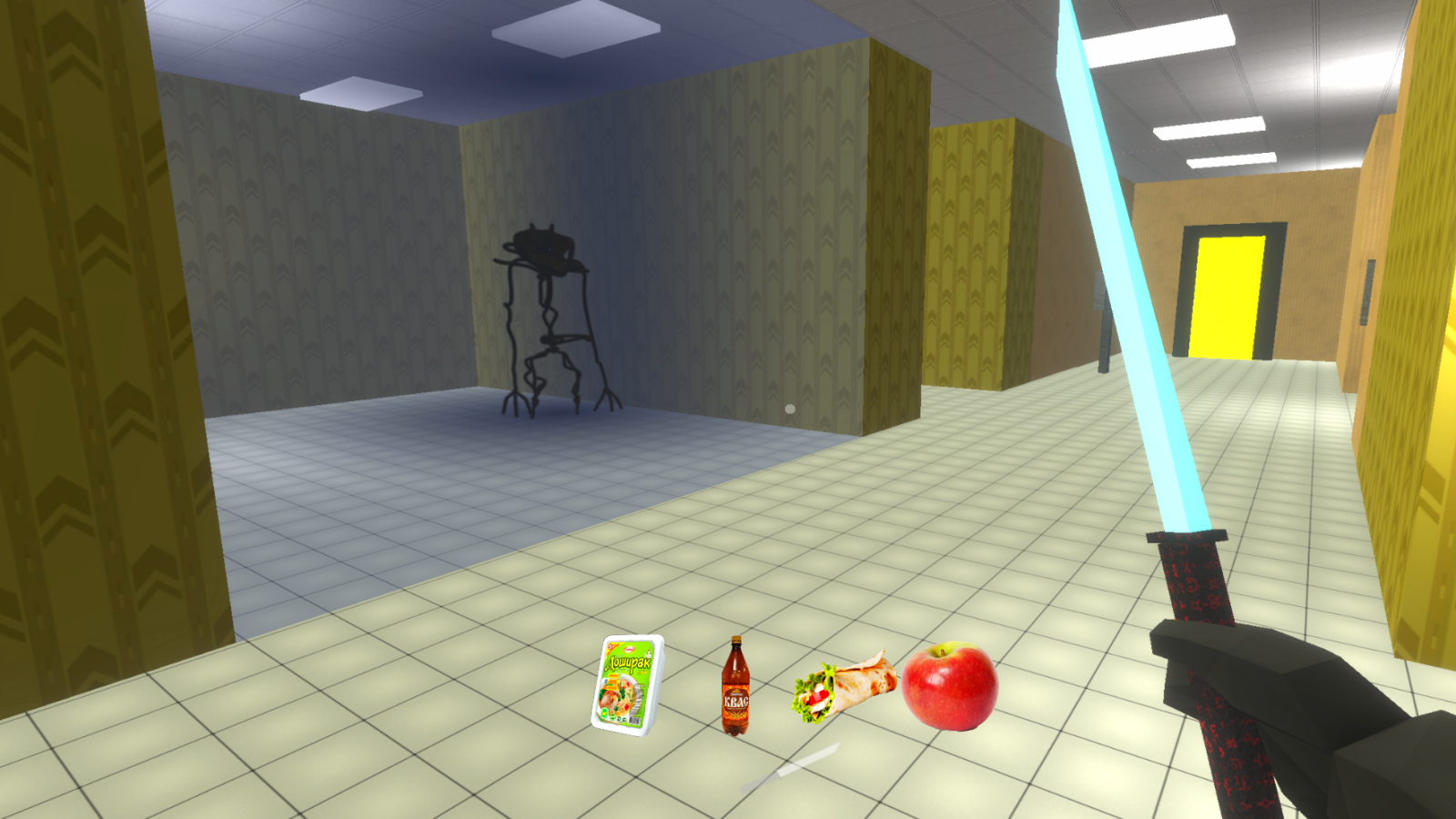
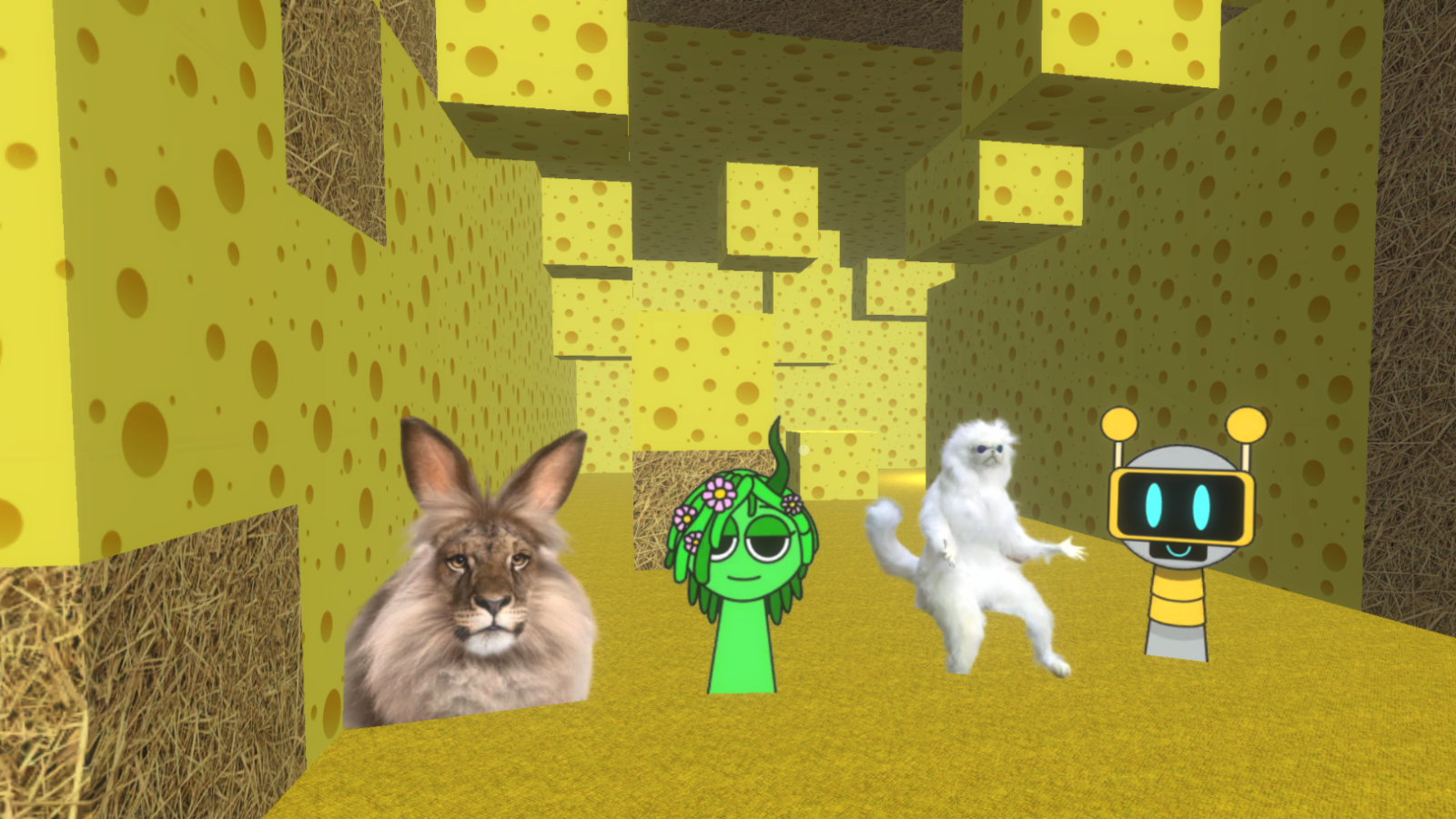
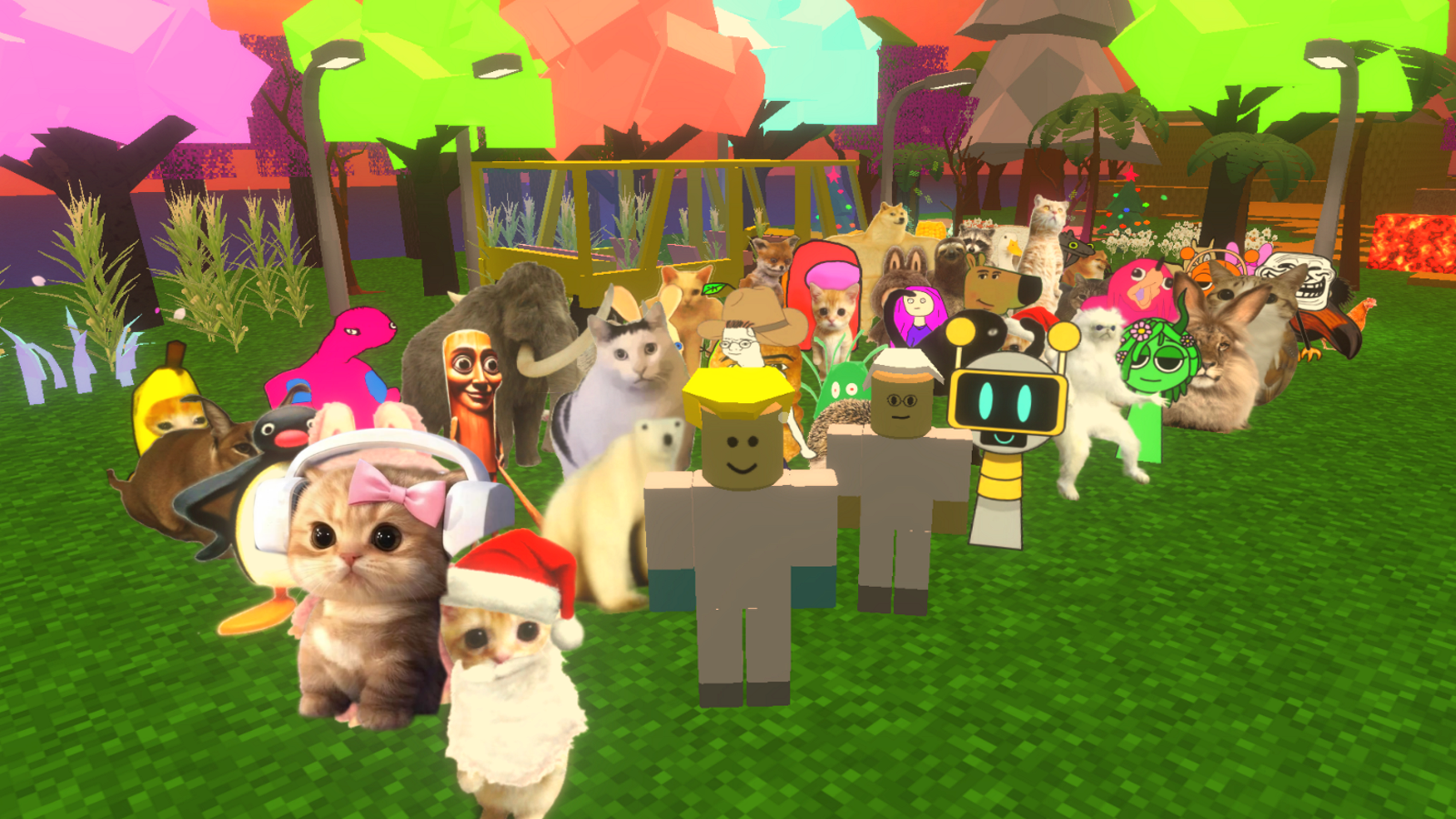
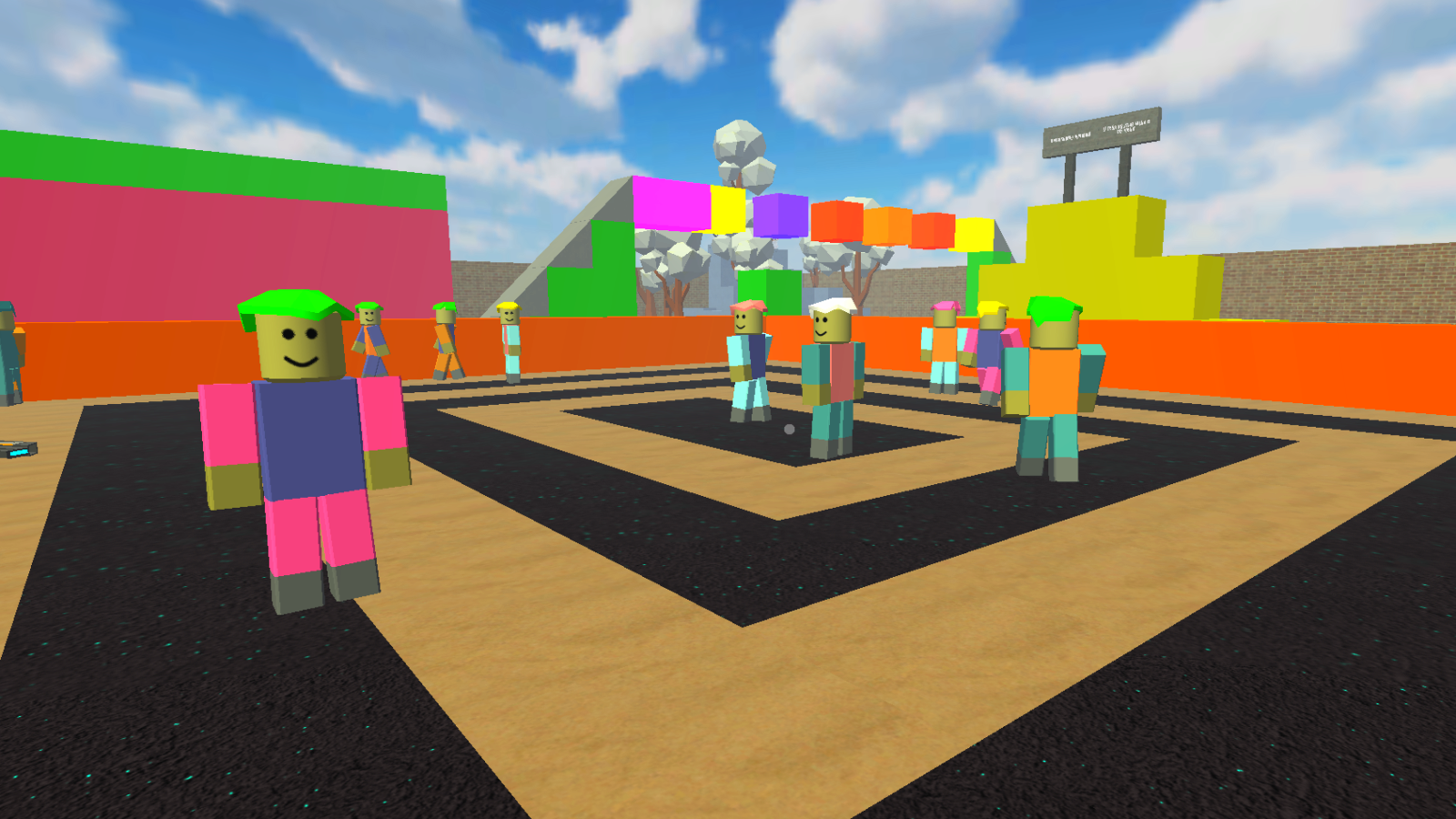
11,002 players online
How to play
-
Open the game
Press Play now and the game opens on its own screen.
-
Follow the in-game instructions
The controls and goals are shown inside the game as you play.
-
Use the game menu
The floating button over the game reloads it, saves it to your favourites, or takes you back out.