Overview
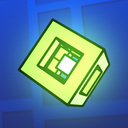
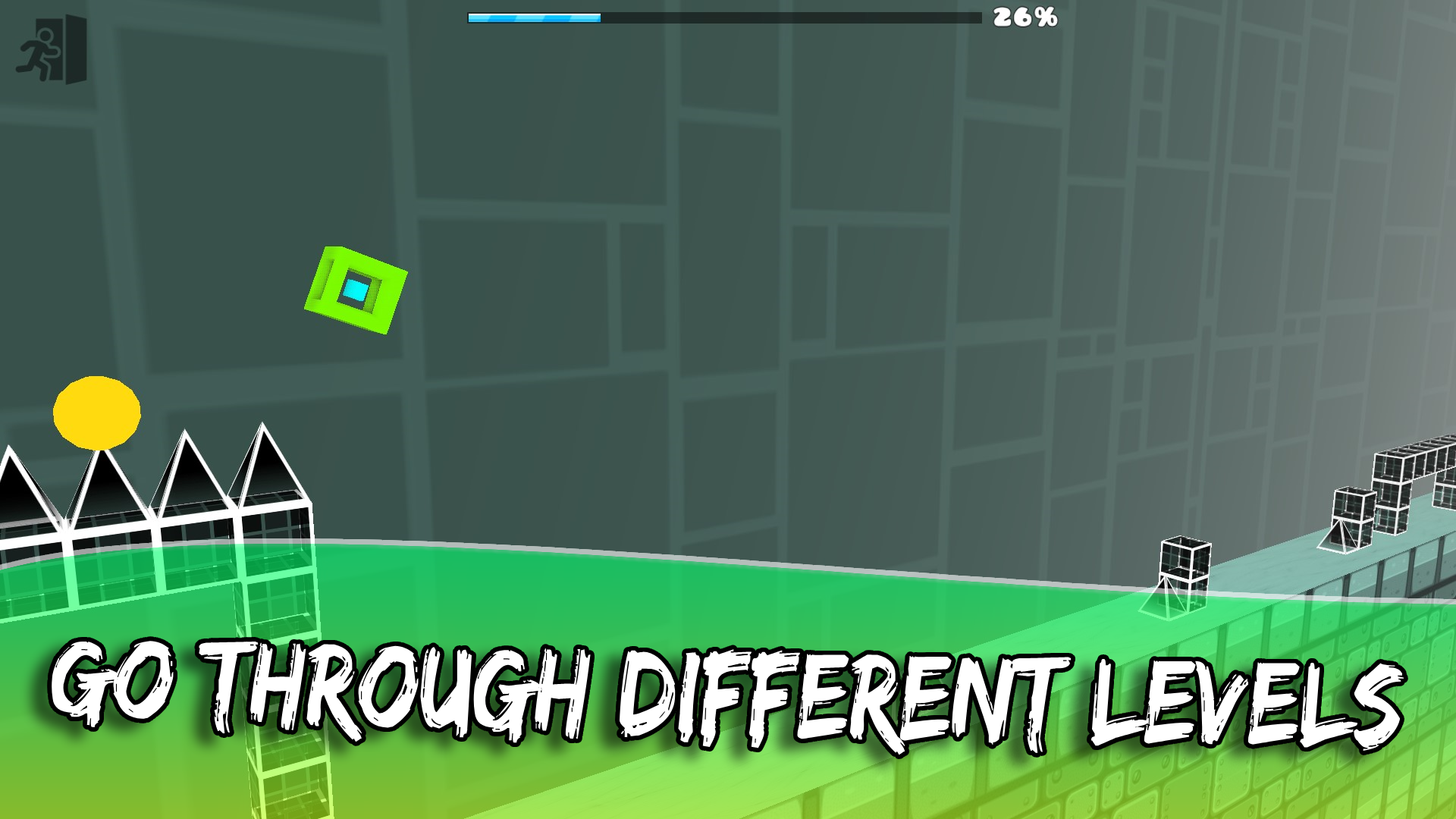
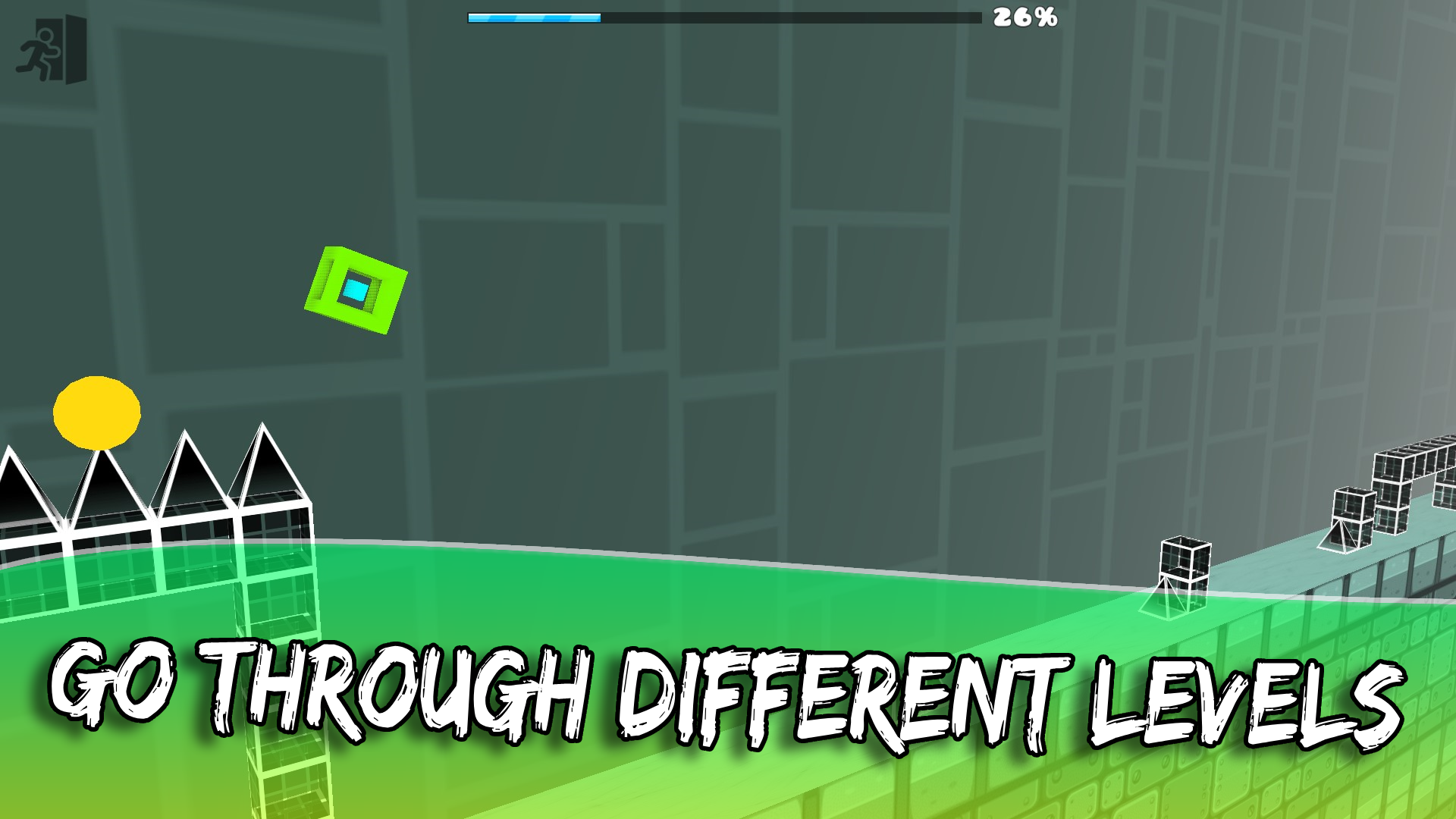
The game is a clone of the popular Geometry Dash but stands out with its 3D gameplay, adding a new dimension to familiar mechanics, making each playthrough unique and thrilling.
The game features:
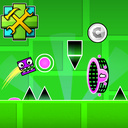
Gravity Portals: Change the direction of gravity to overcome difficult sections.
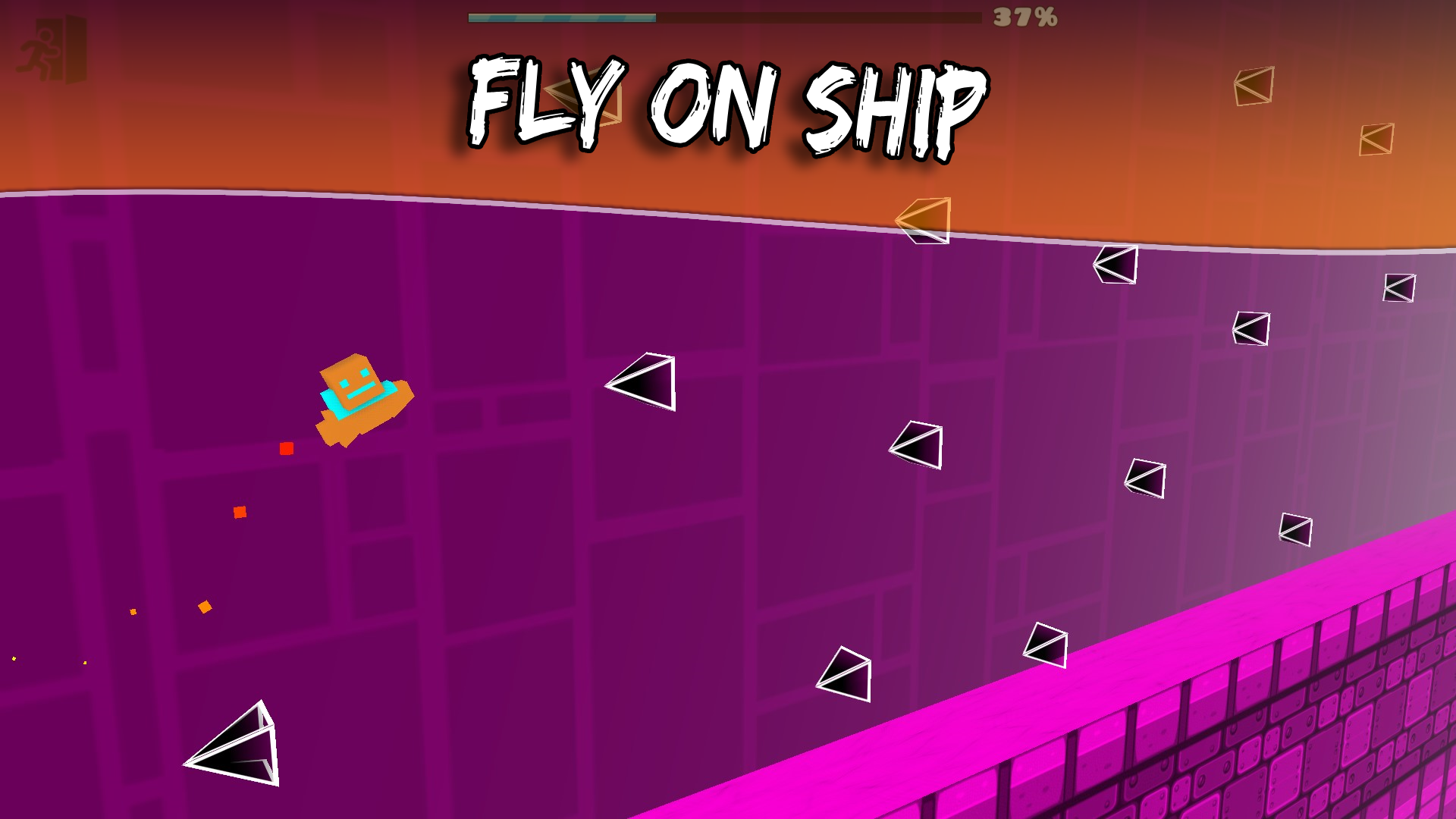
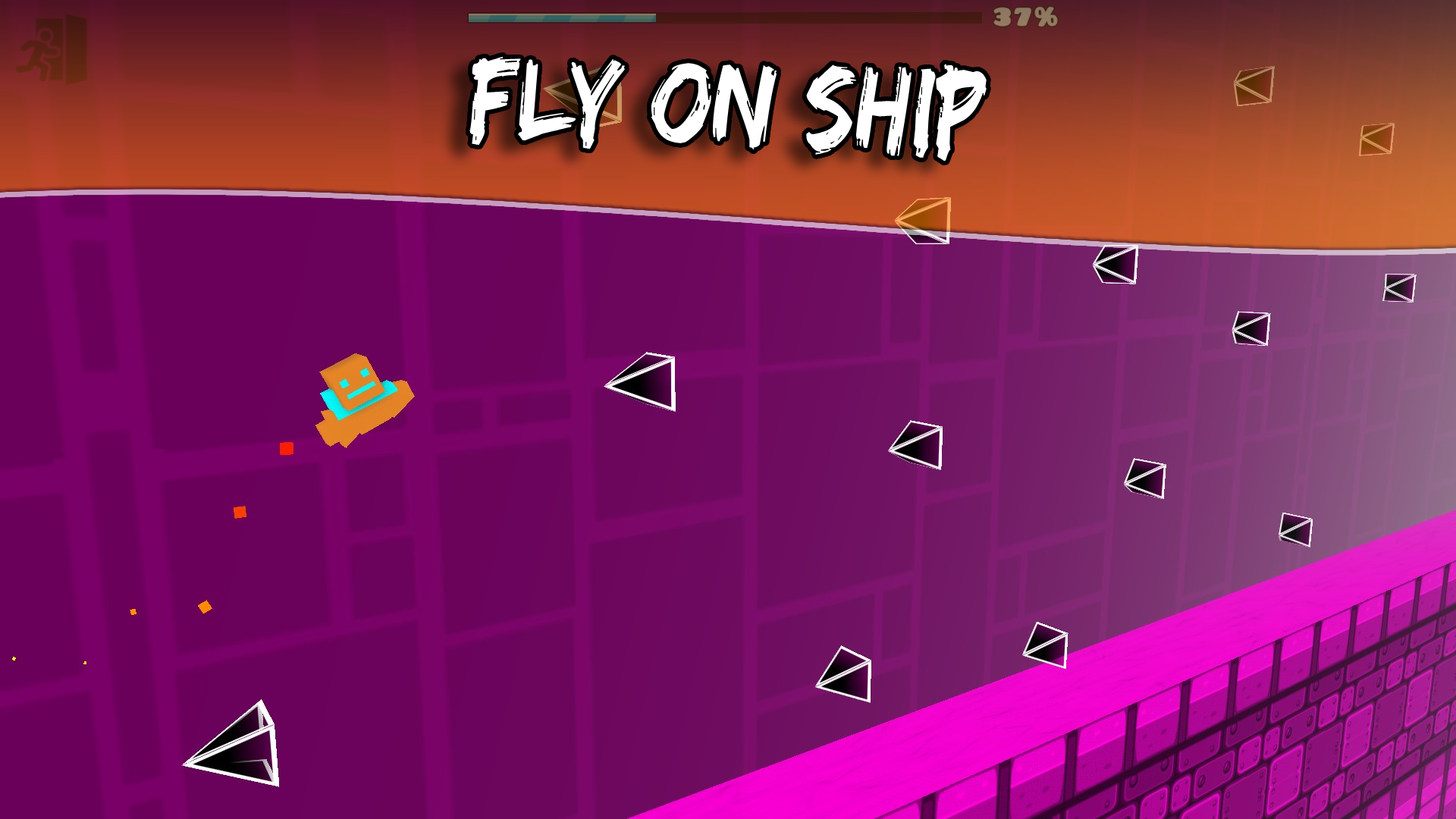
Ship: Control a flying ship while avoiding obstacles in the air.
Yellow Orbs: Jump using yellow orbs to reach difficult areas.
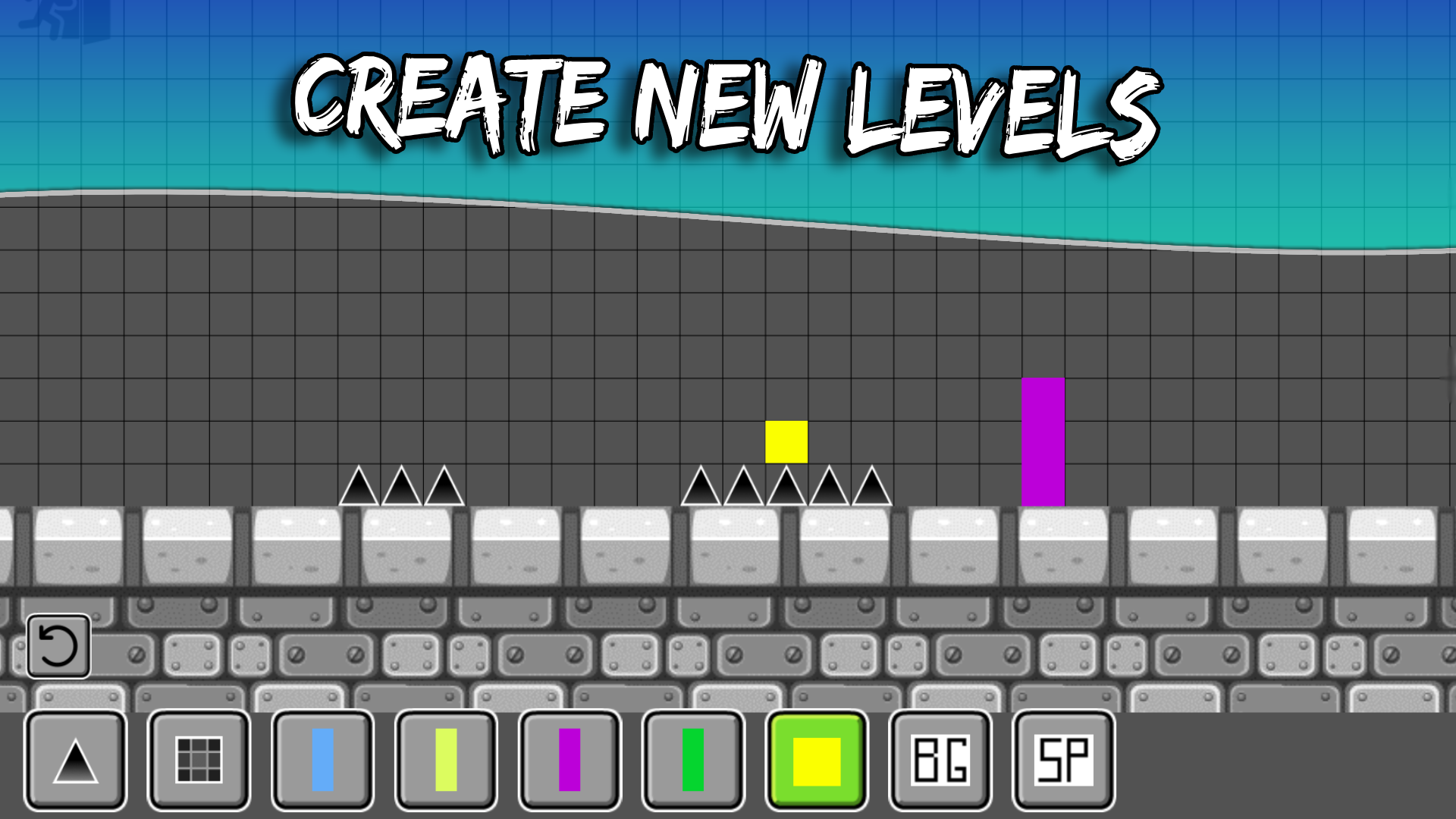
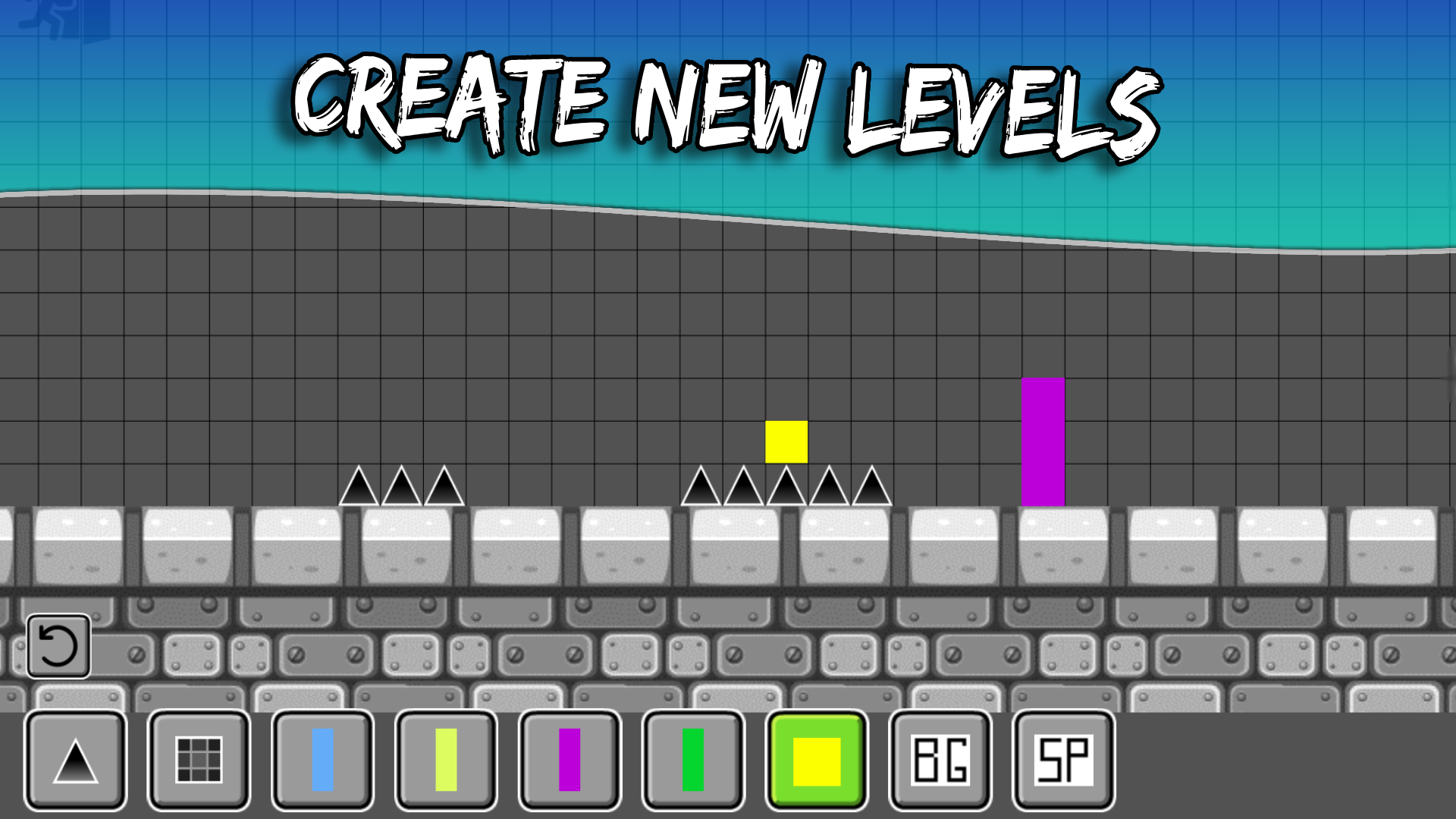
Triggers: Use triggers to easily create levels.
Level Editor: The game also offers the ability to create your own levels using the built-in editor. You can experiment with different mechanics and elements. Completed levels can be published for other players to enjoy.
Version 0.2
Added:
-New currency - gems, earned by completing levels
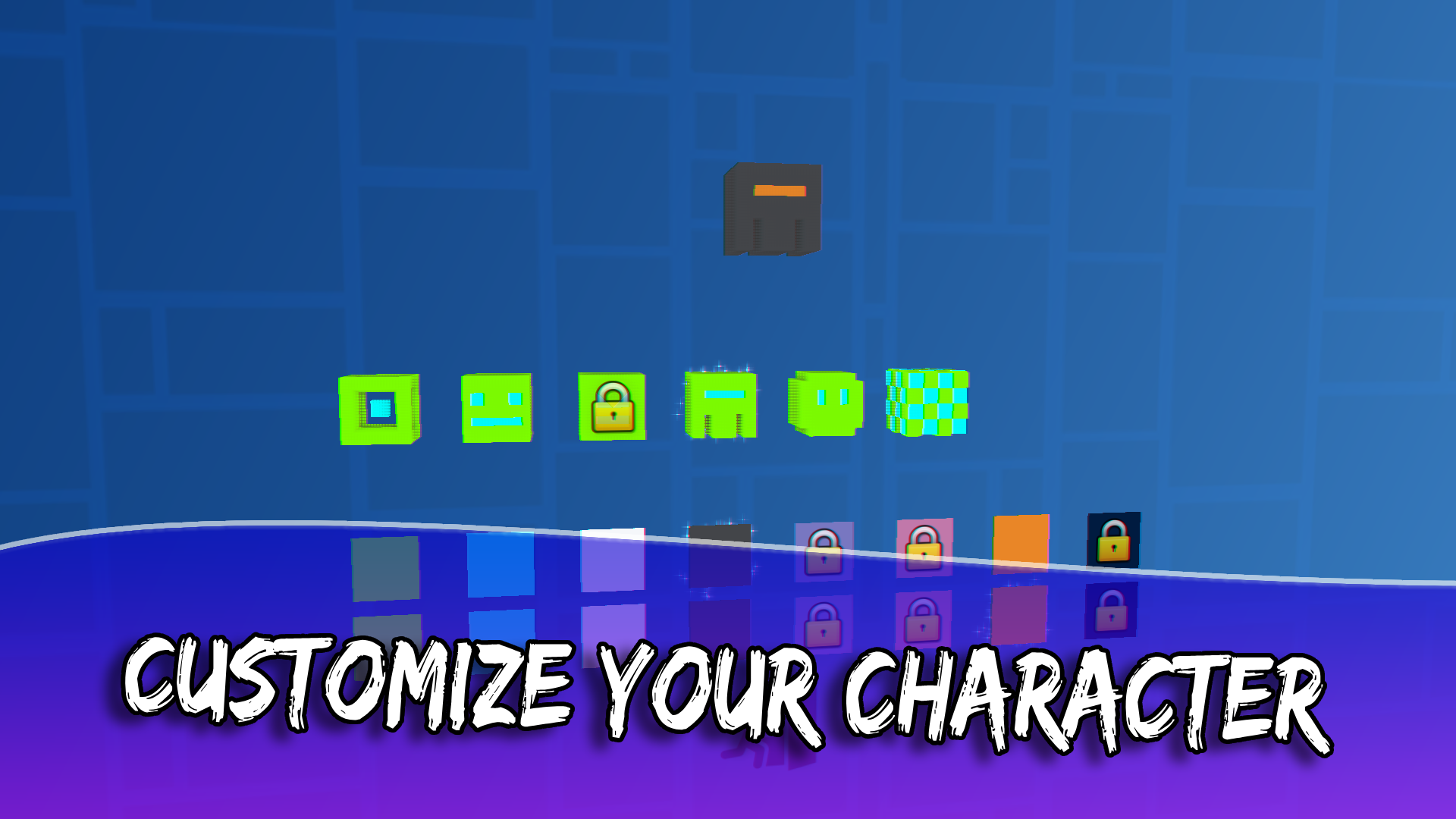
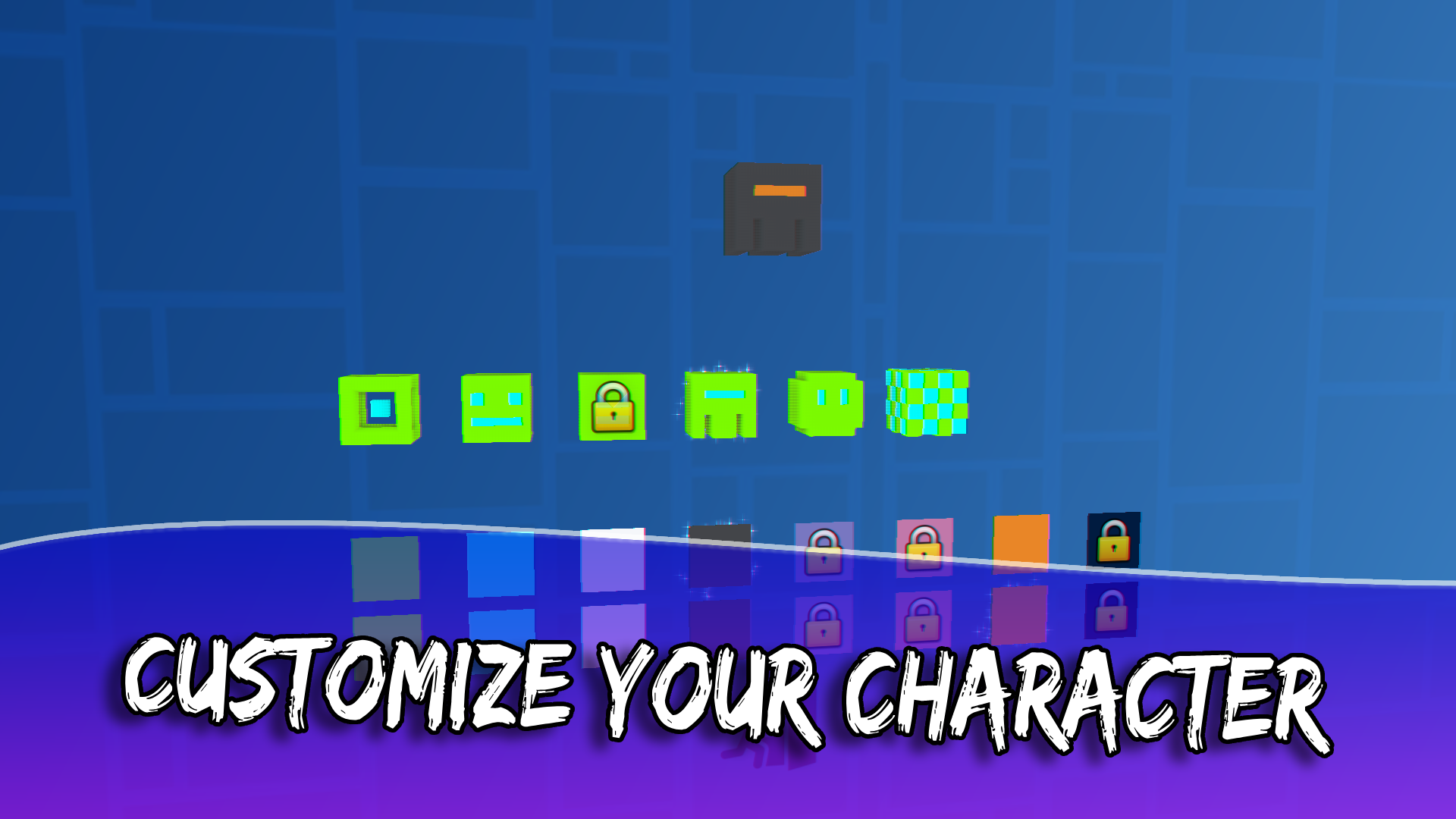
-Shop for skins
-Inventory for purchased skins
-Save and load game from the cloud
-Progress for online levels
-The ability to add difficulty to levels
-Verification of levels before publishing
Videos and screenshots
13,231 players online
How to play
-
Open the game
Press Play now and the game opens on its own screen.
-
Follow the in-game instructions
The controls and goals are shown inside the game as you play.
-
Use the game menu
The floating button over the game reloads it, saves it to your favourites, or takes you back out.