Skip to content
KG
Platformer-Editor

Platformer-Editor

141K plays 4.5 out of 5

Overview

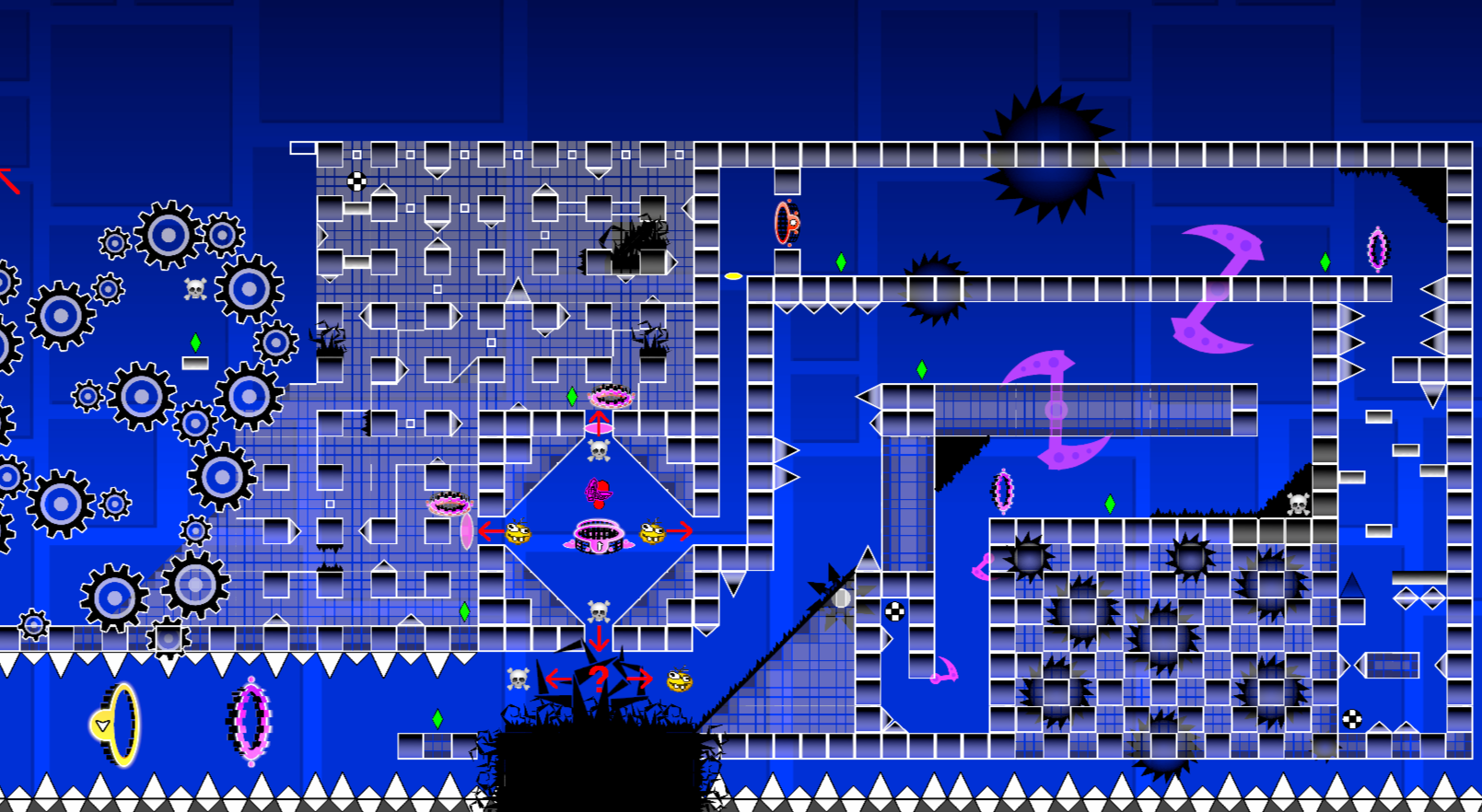
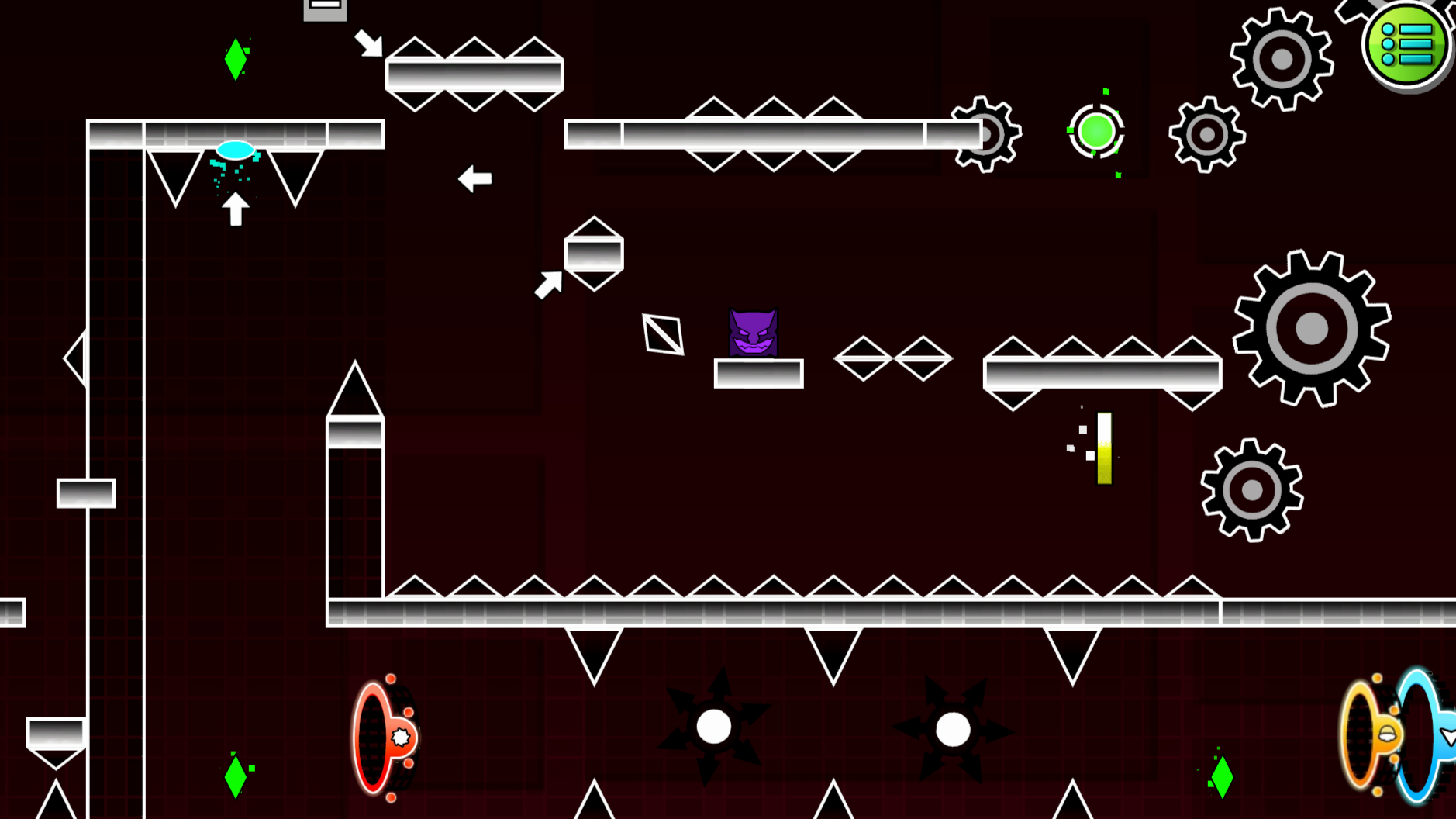
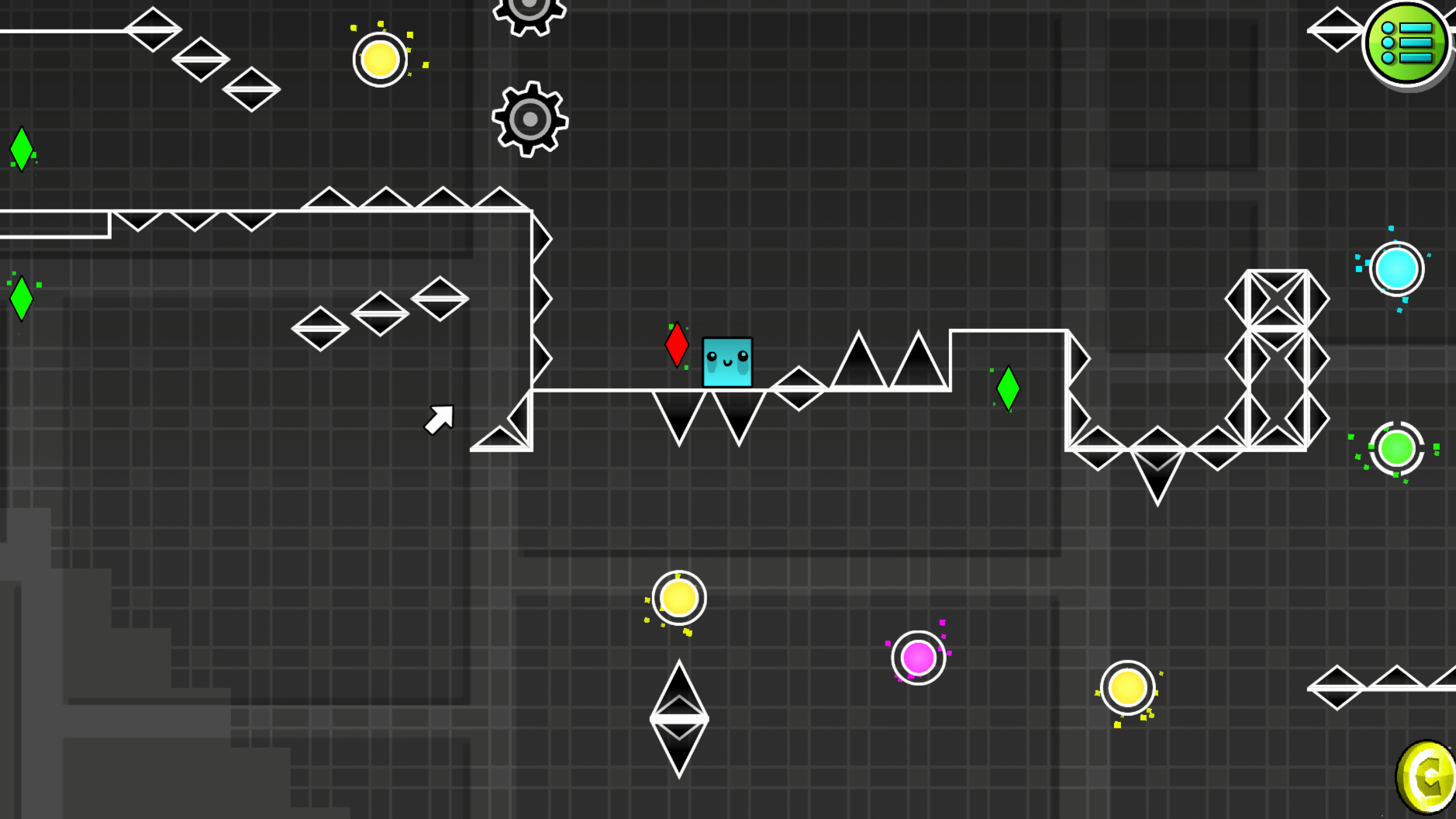
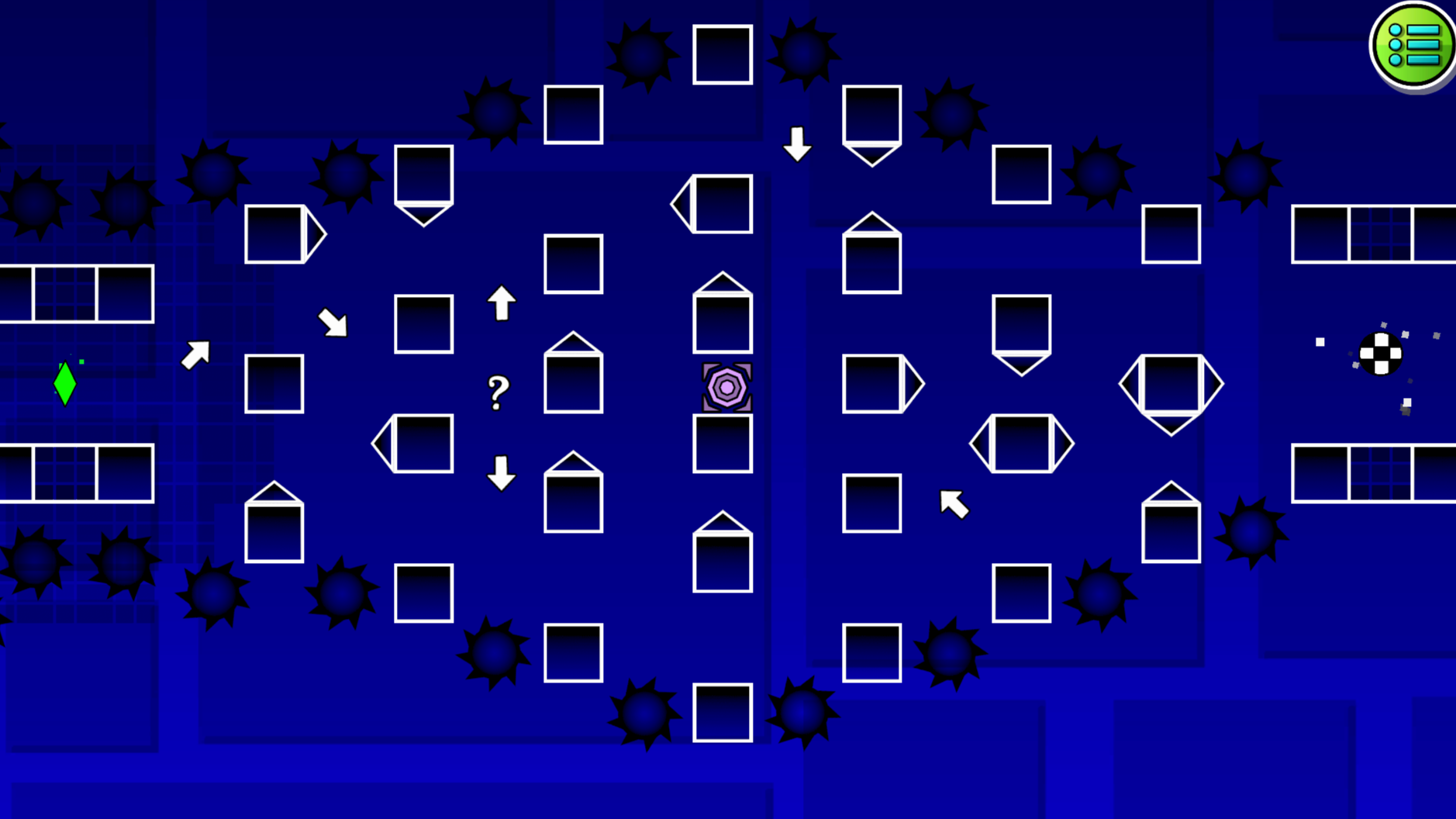
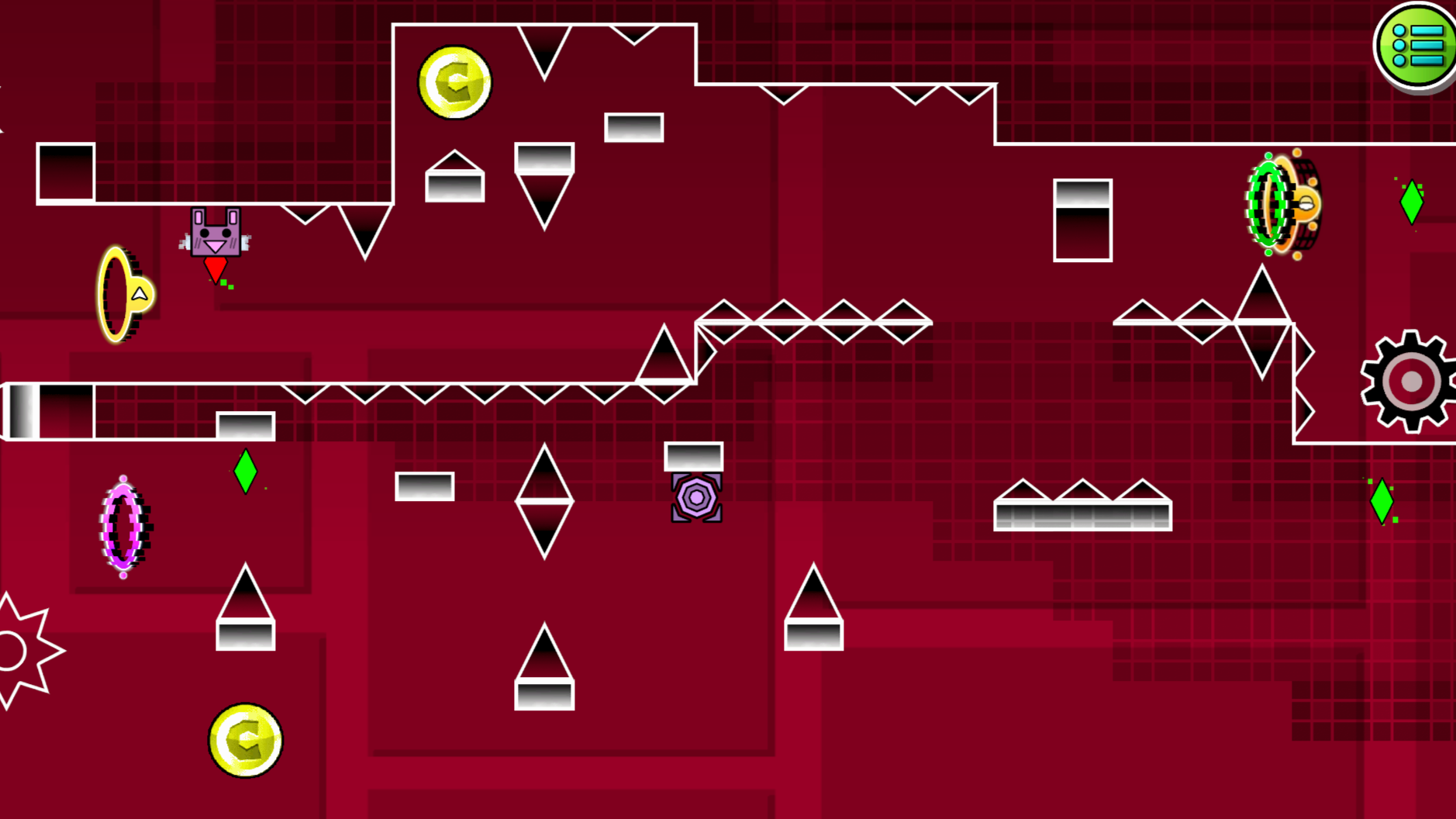
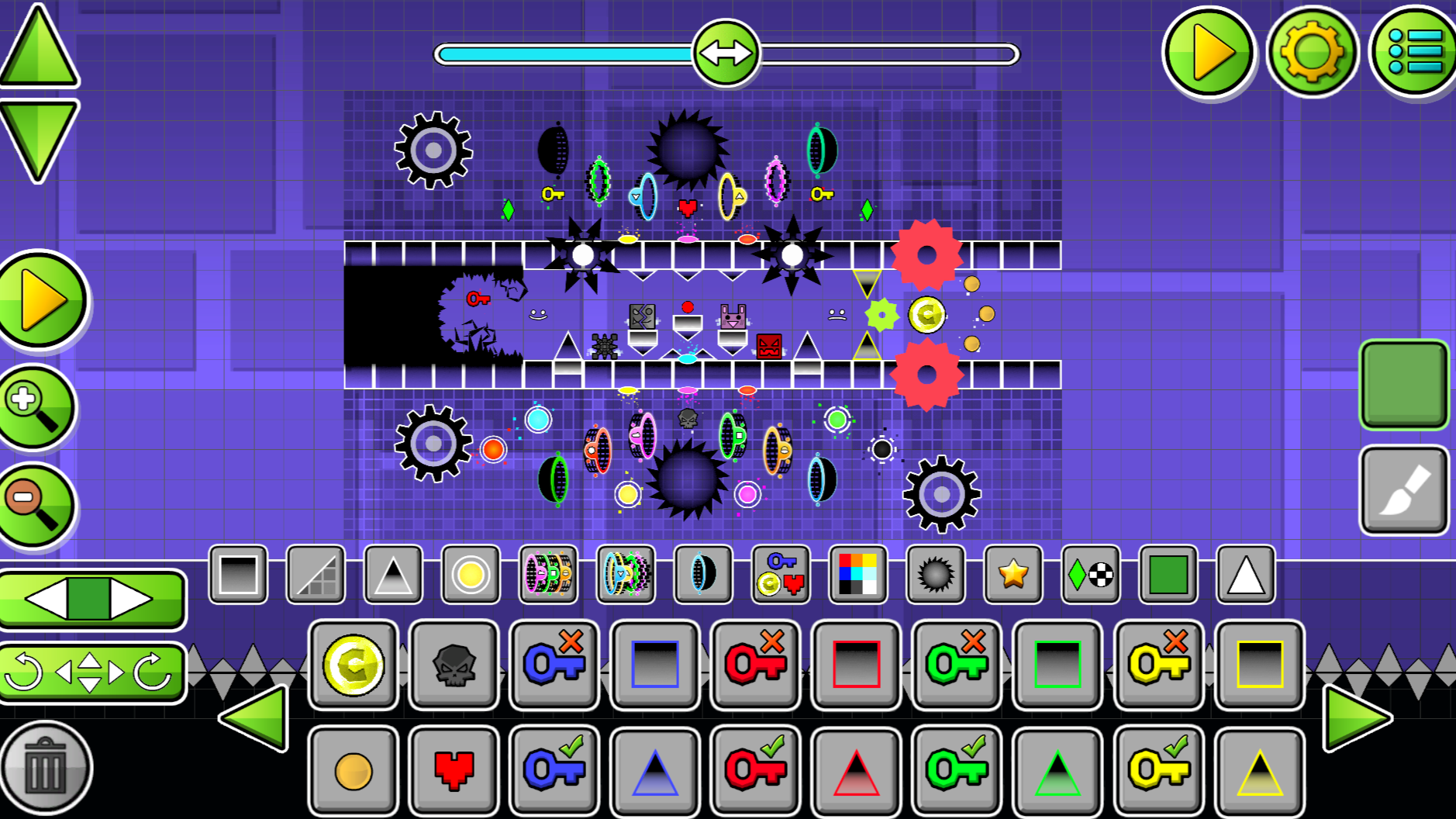
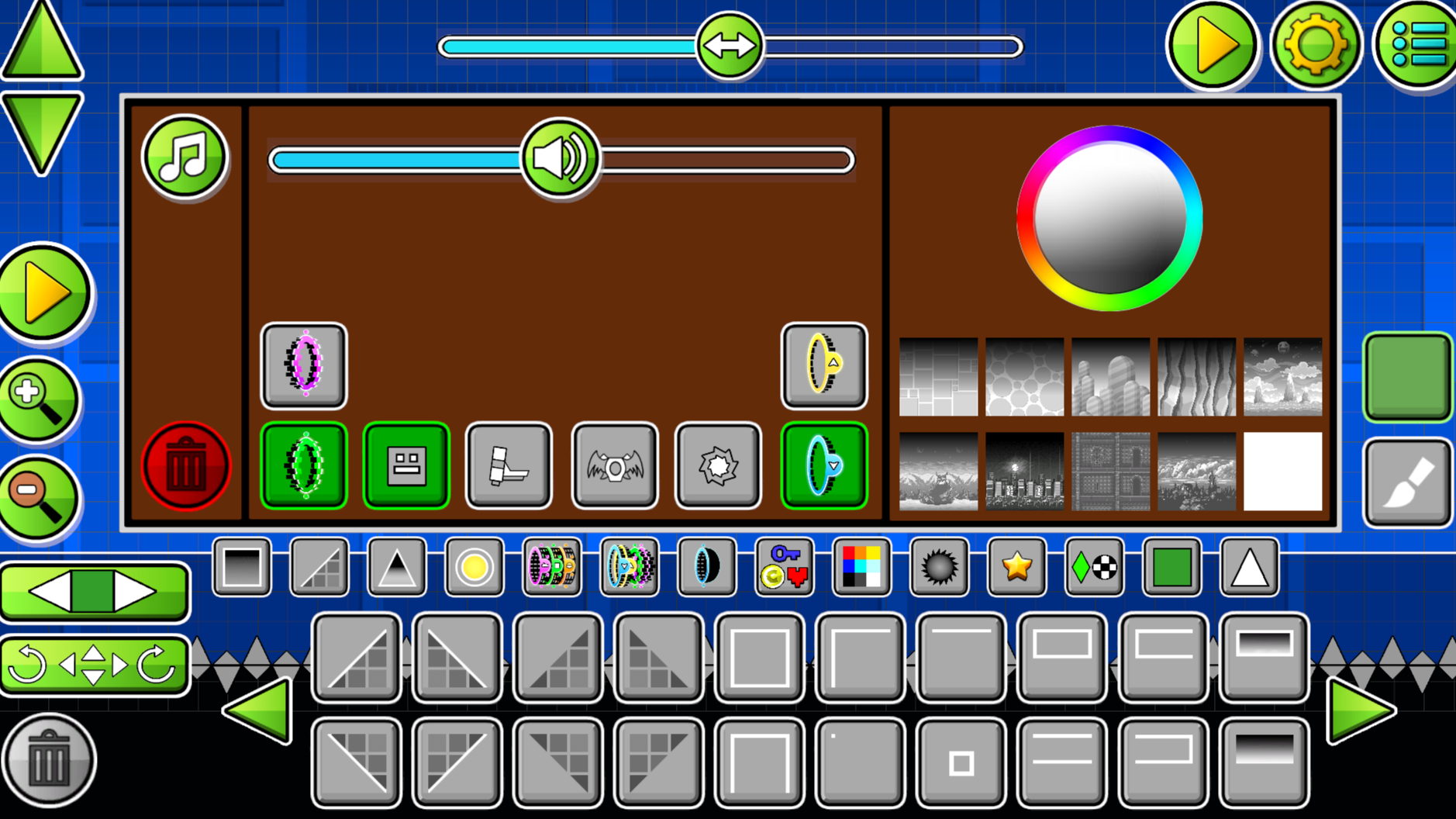
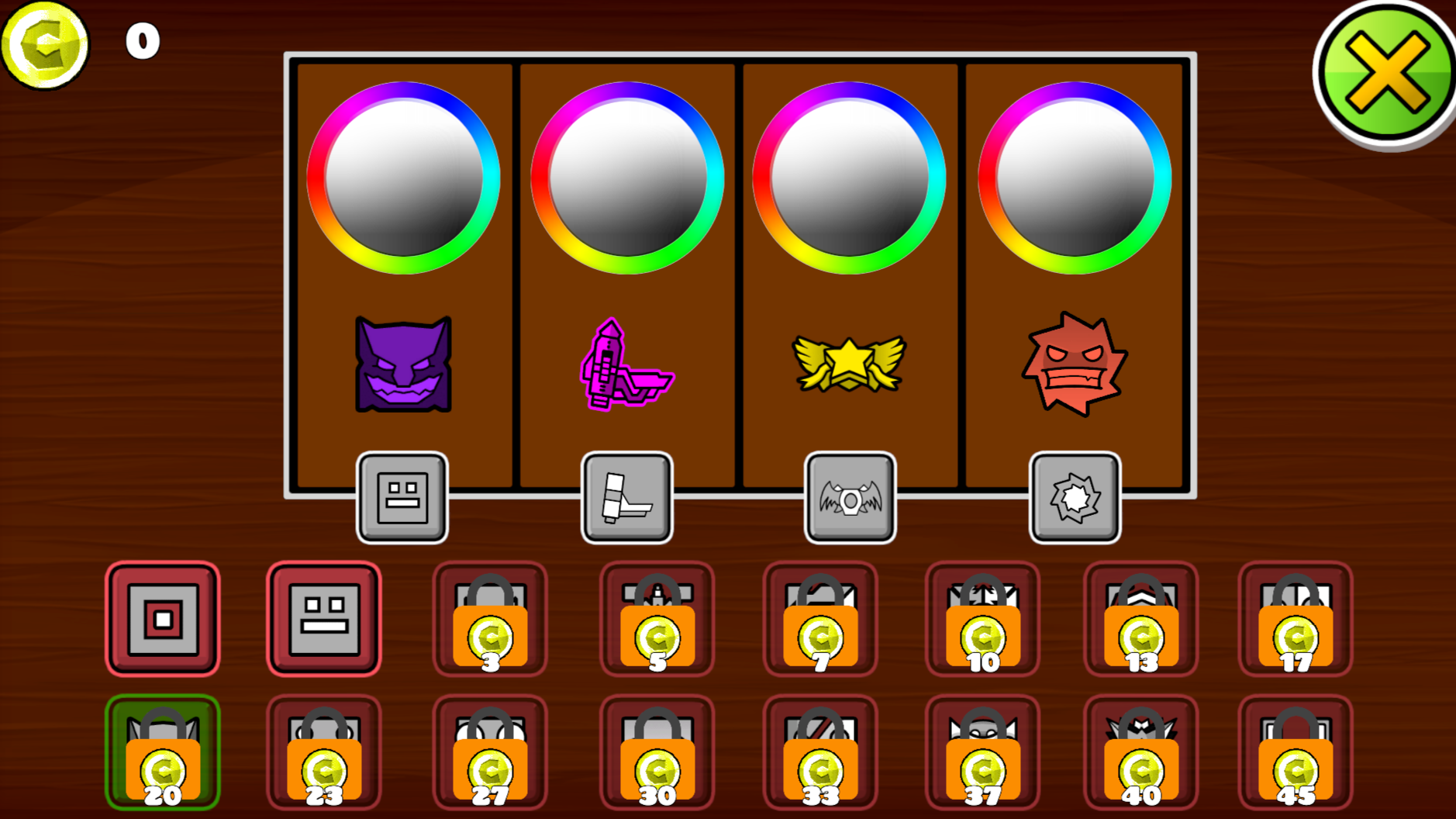
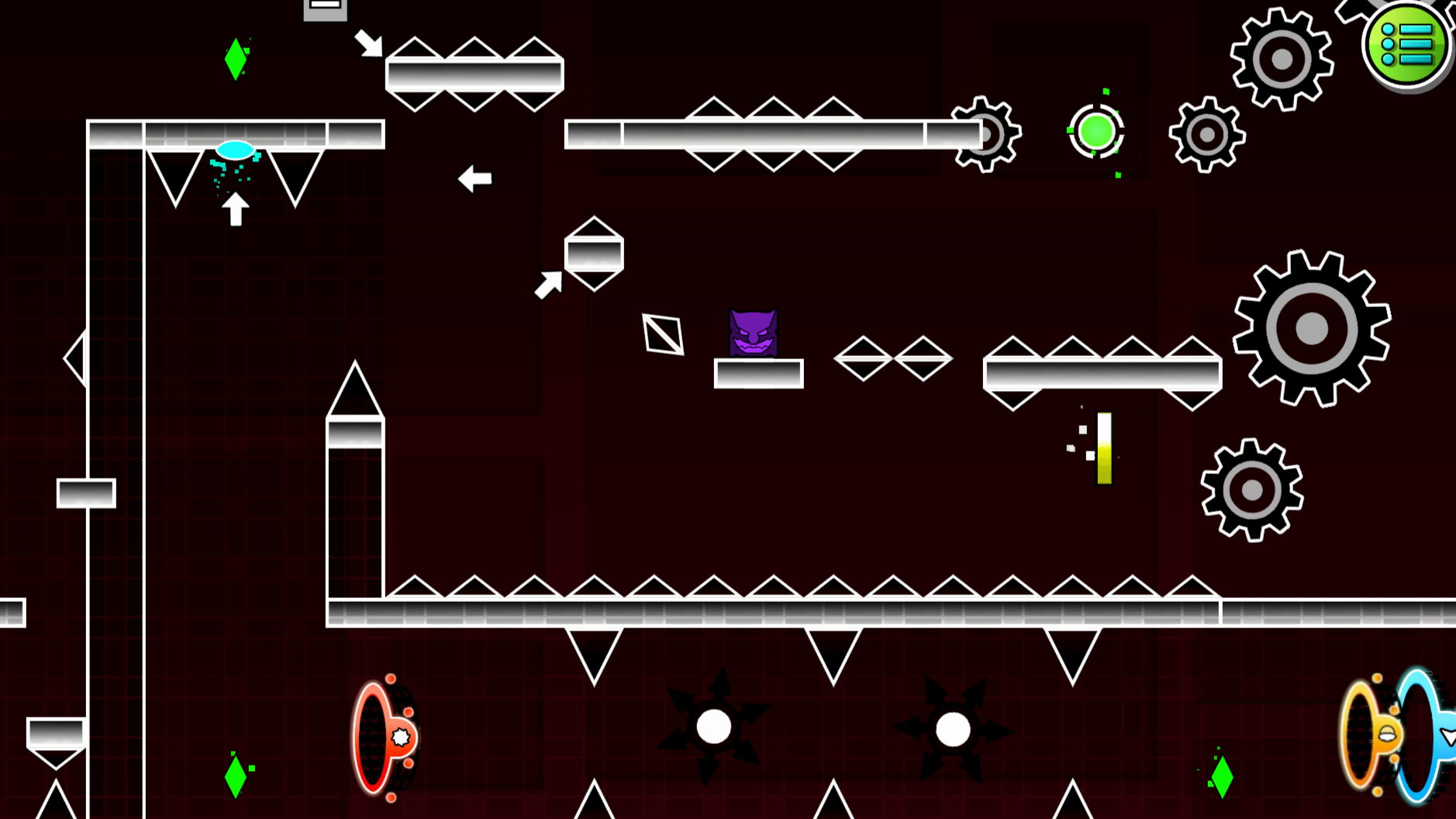
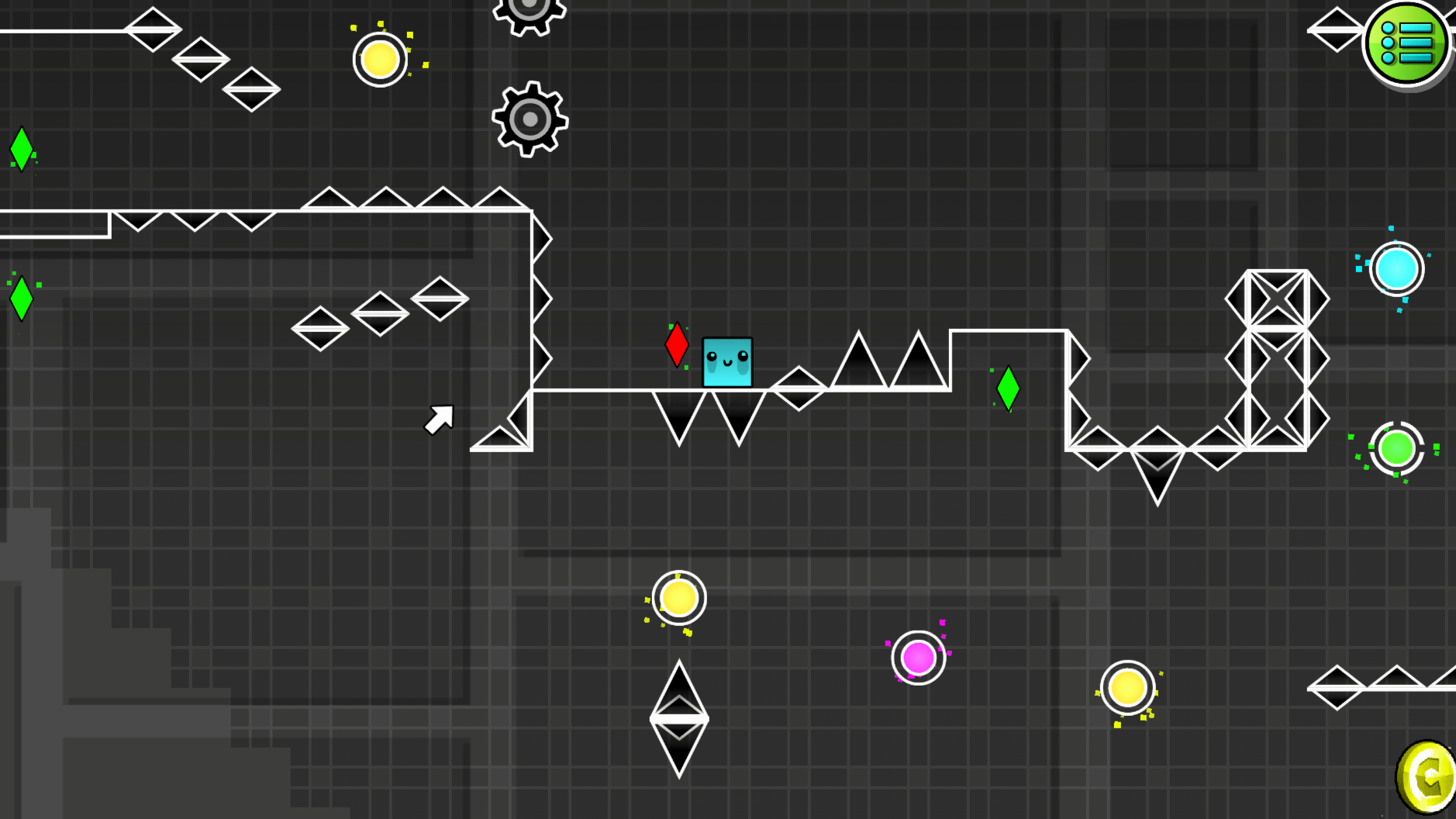
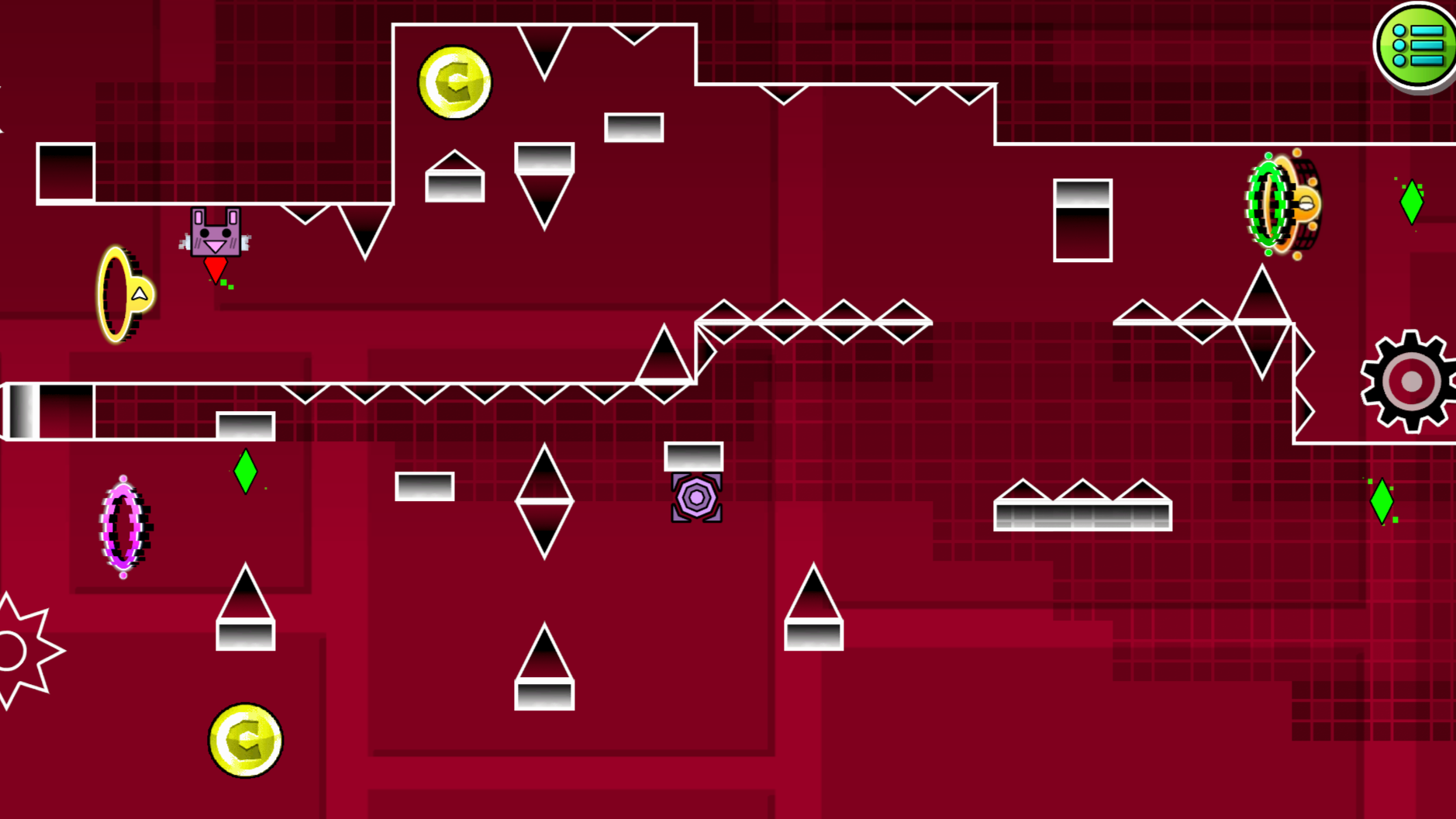
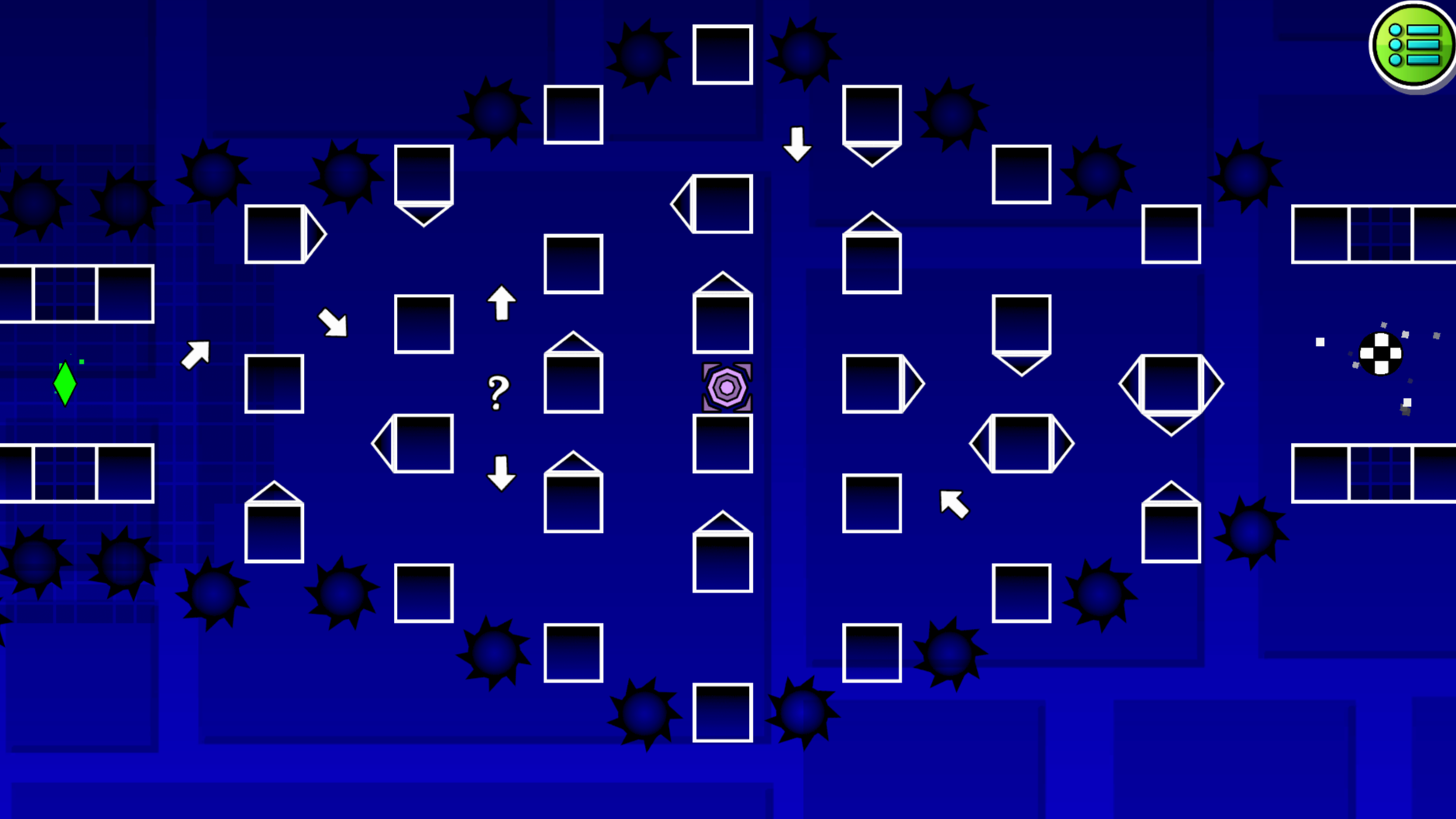
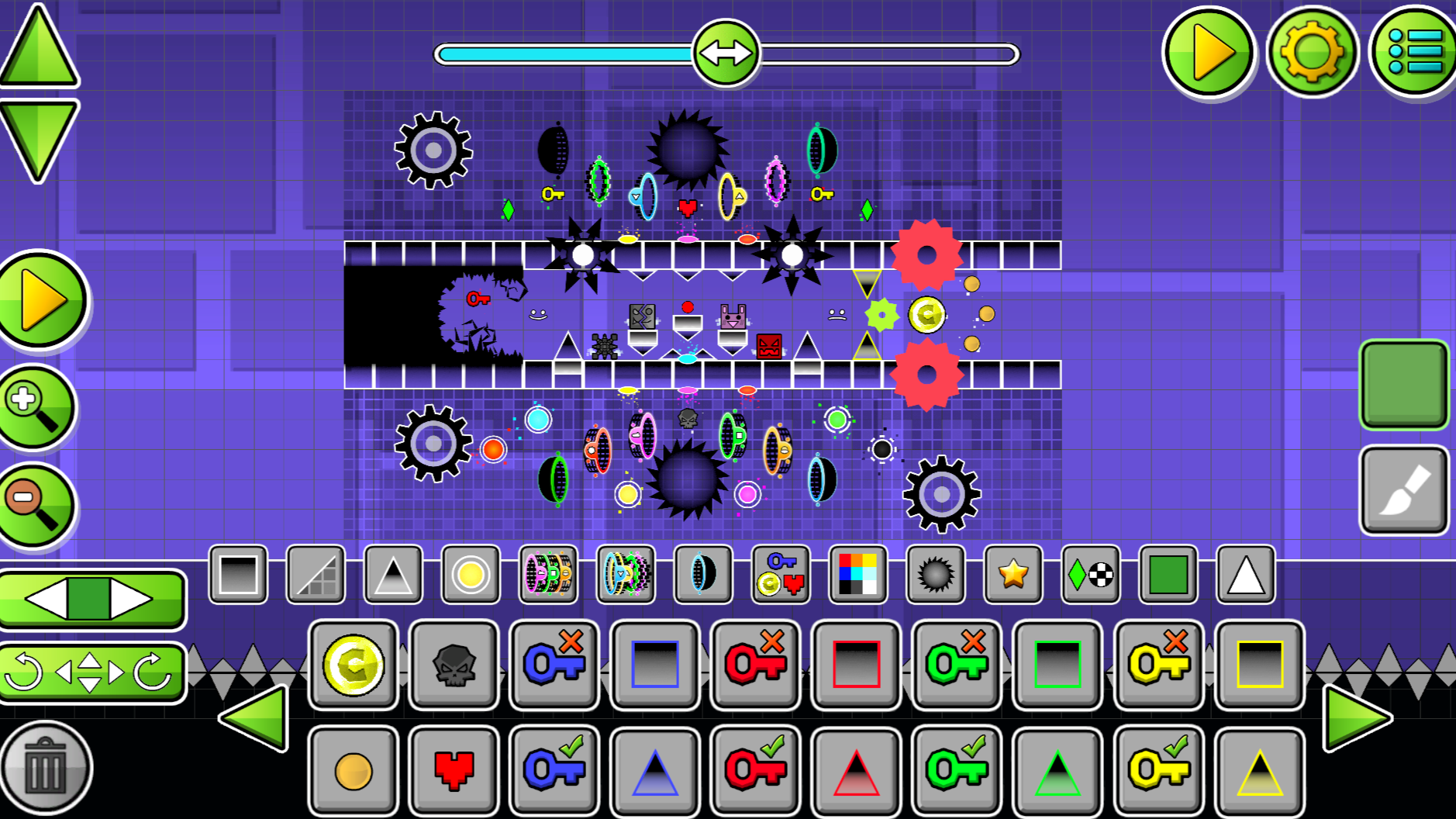
This game is similar to "Geometry Dash" game and this game also has an editor that contains: - cube mode - ship mode - UFO mode - portals that change the gravity of the character - portals that change the size of the character - various blocks - spikes - various drawings - checkpoints - changing the background - changing the color of characters and backgrounds - changing the music - changing the character's start position You can also play ready-made levels to practice, each completed level opens up a new level with increased difficulty. These levels can also serve as training if you don't know what certain portals are responsible for. There are 15 levels in total, the last 5 are the most difficult, they can be completed to improve your reaction skills.

Videos and screenshots
  • Platformer-Editor screenshot 1
  • Platformer-Editor screenshot 2
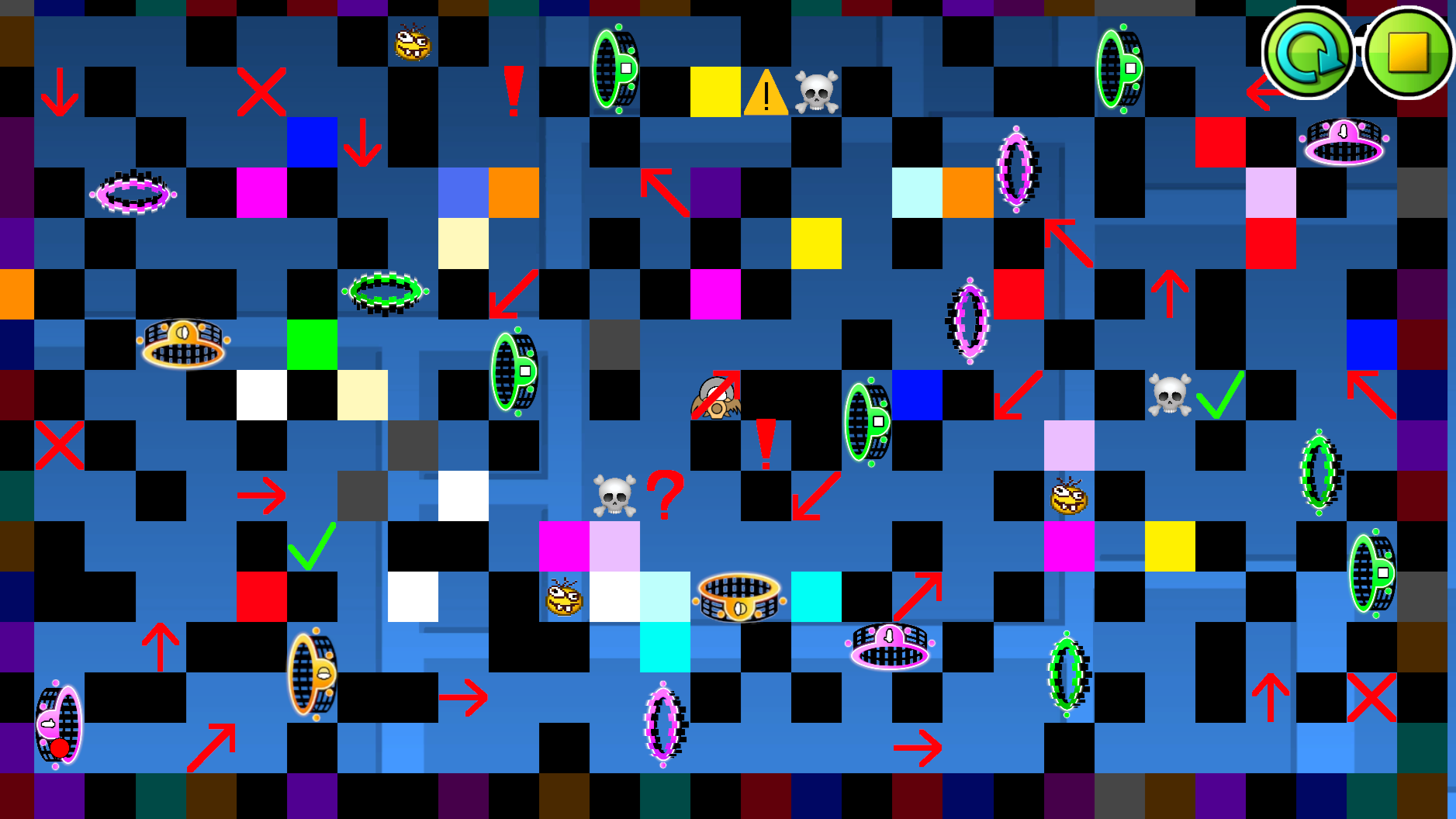
  • Platformer-Editor screenshot 3
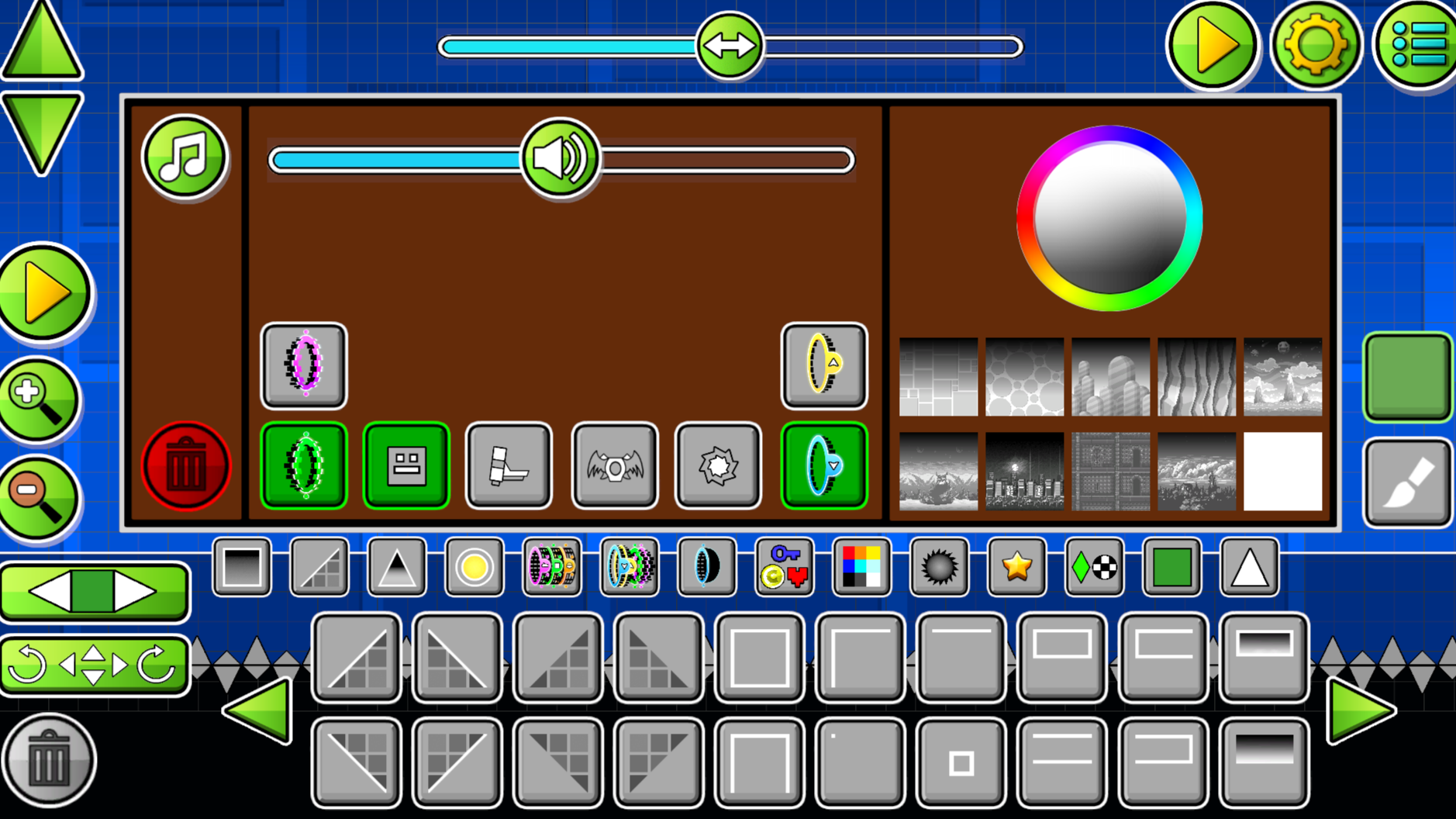
  • Platformer-Editor screenshot 4
  • Platformer-Editor screenshot 5
  • Platformer-Editor screenshot 6
  • Platformer-Editor screenshot 7
  • Platformer-Editor screenshot 8
  • Platformer-Editor screenshot 9
  • Platformer-Editor screenshot 10
  • Platformer-Editor screenshot 11
  • Platformer-Editor screenshot 12
  • Platformer-Editor screenshot 13
  • Platformer-Editor screenshot 14
  • Platformer-Editor screenshot 15
Play Now

10,976 players online

How to play

  1. Open the game

    Press Play now and the game opens on its own screen.

  2. Follow the in-game instructions

    The controls and goals are shown inside the game as you play.

  3. Use the game menu

    The floating button over the game reloads it, saves it to your favourites, or takes you back out.
Game instructions

In the game, you can play already created games or make your own level in the editor. Character control - press the "A" button or ← to move the character to the left, press the "D" button or → to move the character to the right. Circle control - press "W" or ↑ to jump. Control the ship- hold the "W" or ↑ to fly. UFO Control - press "W" or ↑ to jump even in the air. Editor: Initially, there is only one object in the editor and this is a red circle (Start Pos), a character appears in this place, this object can be moved by pressing the LMB or finger on the button on the bottom left of the screen and clicking on any cell in the editor and this object will appear where you clicked, there can only be such objects in the editor Alone. Other objects are created in the same way. A green diamond or crystal is a checkpoint, if a character enters it, then after he dies, he will appear in this checkpoint.

More games

More games